

Staying productive and stress-free starts with an organized routine. Yet, managing daily tasks, deadlines, and personal goals often feels overwhelming. That’s where the Daily Routine Checklist in Excel comes in — a simple, ready-to-use, and customizable template that keeps you on track every day. 🚀
This tool is designed to simplify your life by giving you a structured way to plan, assign, and track tasks. Whether you’re a student, professional, manager, or freelancer, this Excel template ensures you never miss a task again.
✨ Key Features of Daily Routine Checklist in Excel
✅ Ready-to-Use Template – No need to create from scratch. Open, update, and get started immediately.
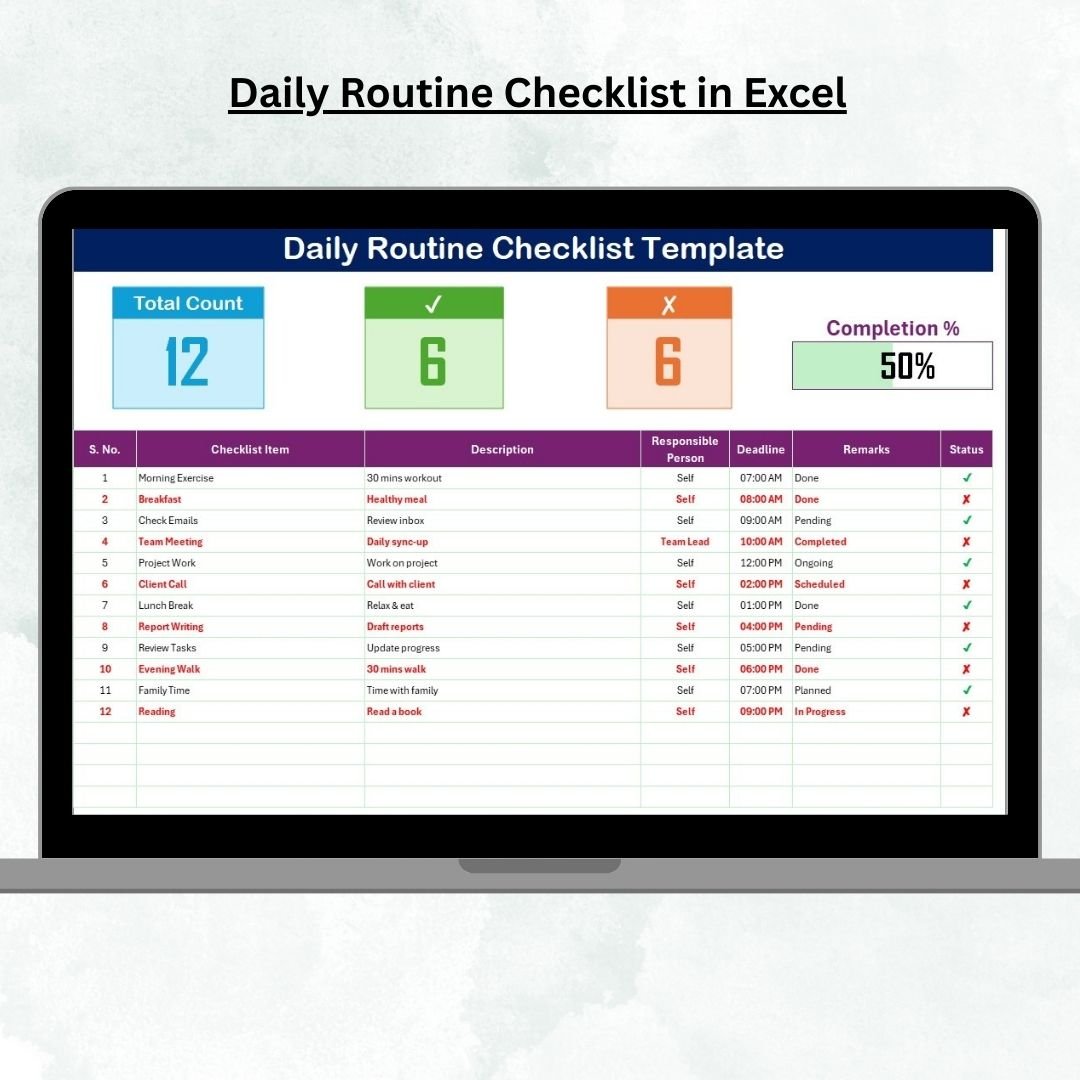
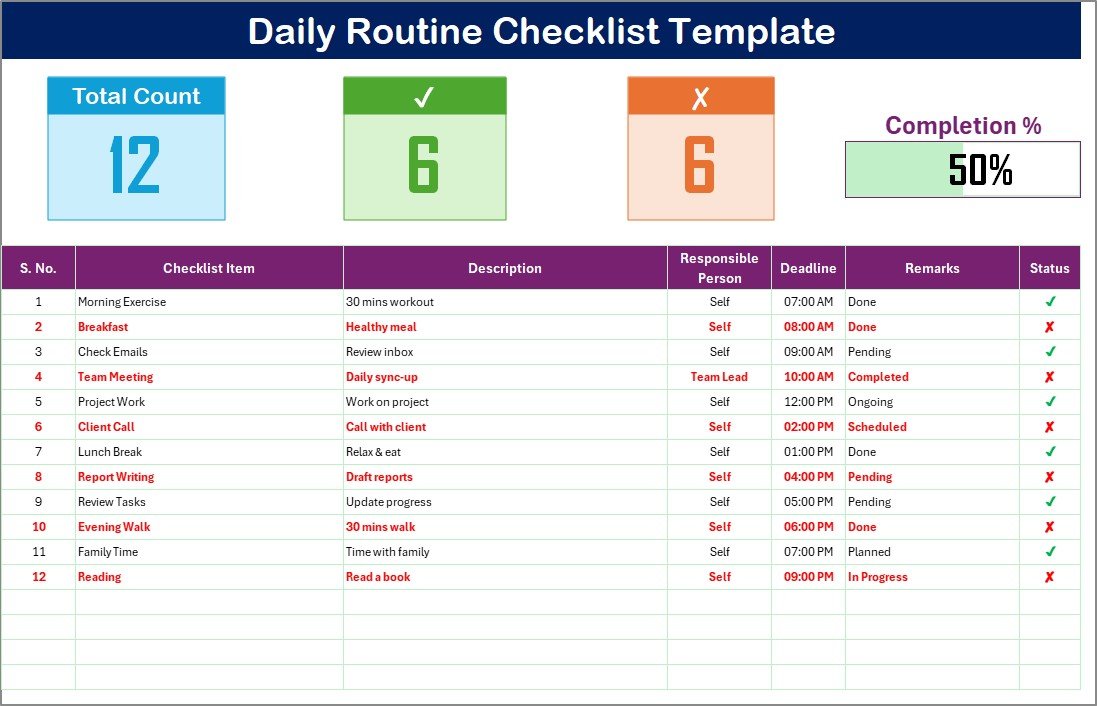
✅ Task Status Tracking – Mark tasks as ✔ (completed) or ✘ (pending) with real-time progress updates.
✅ Progress Bar – A visual indicator to show how much you’ve accomplished, motivating you to finish strong.
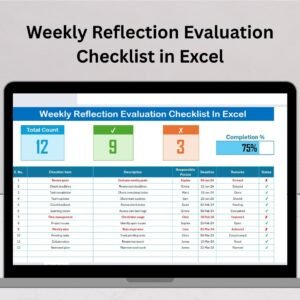
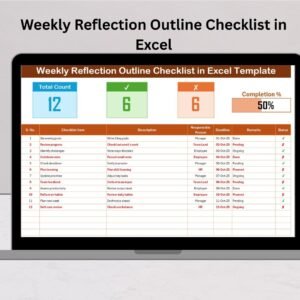
✅ Task Summary Cards – View total tasks, completed tasks, and pending tasks at a glance.
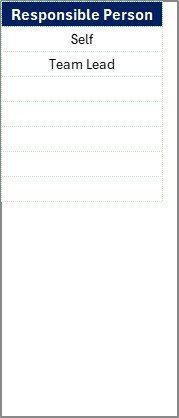
✅ Dropdown Menus – Save time with pre-built dropdowns for “Responsible Person” and “Status.”
✅ Customizable Design – Adjust columns, colors, and layout as per your workflow.
✅ Offline Access – Use it anytime, anywhere without needing the internet.
📂 What’s Inside the Daily Routine Checklist in Excel
When you download this template, you’ll get:
Daily Routine Checklist Sheet Tab
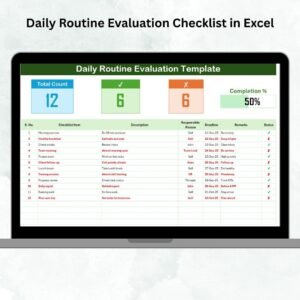
Cards for Total Count, Completed Count, and Pending Count.
Progress bar that updates automatically.
A checklist table with columns for Serial No., Checklist Item, Description, Responsible Person, Deadline, Remarks, and Status.
List Sheet Tab
A dedicated sheet for managing unique lists of responsible persons.
Dropdown integration to make task assignment quick and error-free.
This structure keeps everything simple, intuitive, and organized. 💡
🛠️ How to Use the Daily Routine Checklist in Excel
Using this template is as easy as filling out a form:
Add Tasks – Enter tasks in the checklist table.
Assign Responsibility – Select a person from the dropdown list.
Set Deadlines – Add realistic deadlines for each task.
Track Status – Mark ✔ when done or ✘ if pending.
Monitor Progress – Watch the progress bar and summary cards update automatically.
You don’t need advanced Excel skills — everything works with basic formulas and pre-built settings.
👥 Who Can Benefit from This Daily Routine Checklist in Excel
🎓 Students – Manage study schedules, assignments, and exams.
💼 Professionals – Organize meetings, emails, and project tasks.
👨👩👧 Families – Assign household chores and family activities.
👨💼 Managers – Delegate tasks to team members effectively.
🧑💻 Freelancers – Plan daily client deliverables and projects.
No matter your role, this checklist helps you stay accountable, productive, and stress-free.
✅ Click here to read the Detailed blog post
Watch the step-by-step video tutorial:
Visit our YouTube channel to learn step-by-step video tutorials.
























Reviews
There are no reviews yet.