

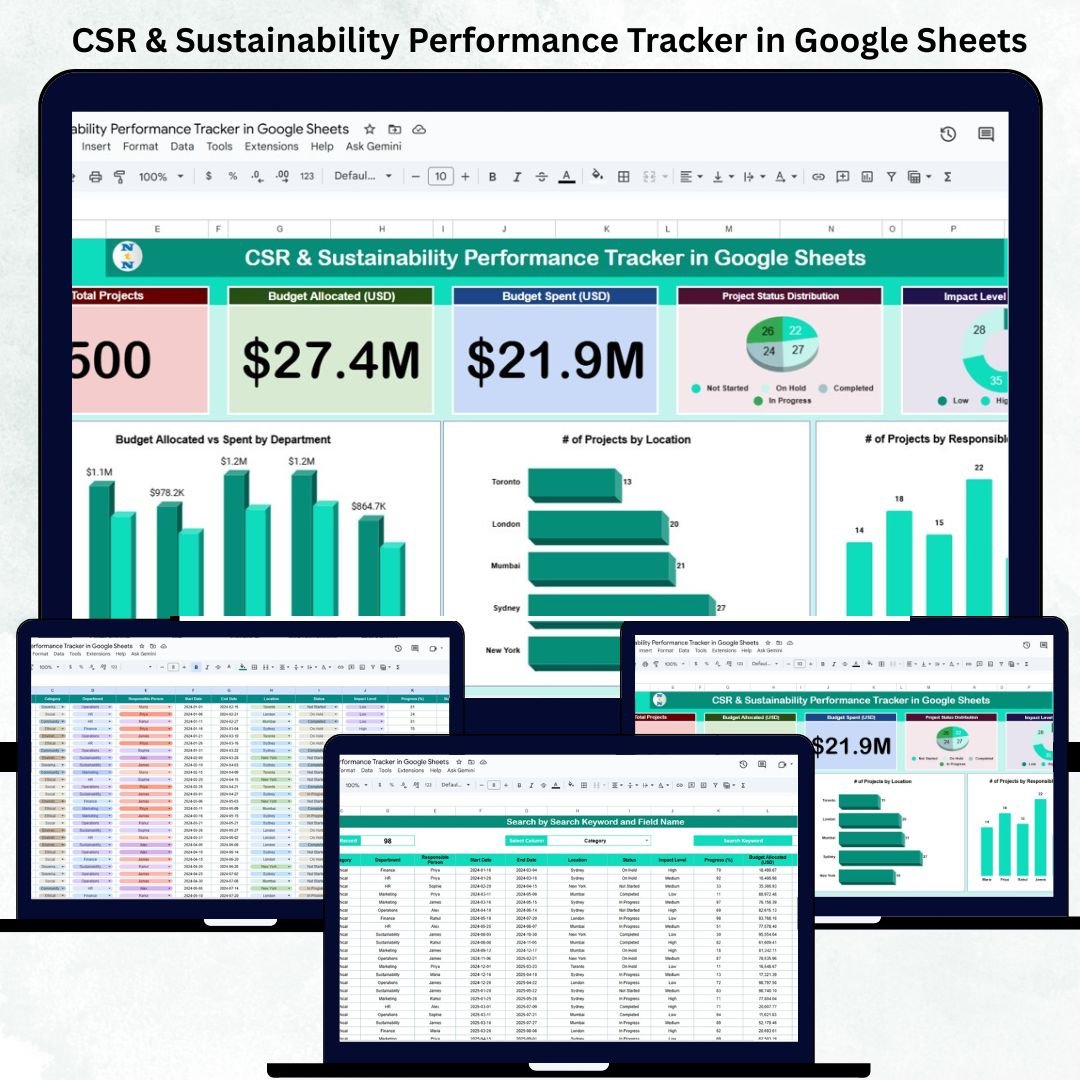

Corporate Social Responsibility (CSR) and sustainability initiatives are no longer optional — they are vital for every modern organization committed to ethical, social, and environmental progress. The CSR & Sustainability Performance Tracker in Google Sheets offers a smart, structured, and visual way to monitor CSR projects, budgets, and impact — all within one powerful Google Sheets file.
This ready-to-use tracker helps CSR managers, sustainability officers, and project coordinators maintain transparency, measure outcomes, and make data-driven decisions. It automates reporting, simplifies analysis, and enhances accountability — without needing any advanced software or coding skills.
🔑 Key Features of the CSR & Sustainability Performance Tracker in Google Sheets
📊 Tracker Sheet Tab (Main Dashboard)
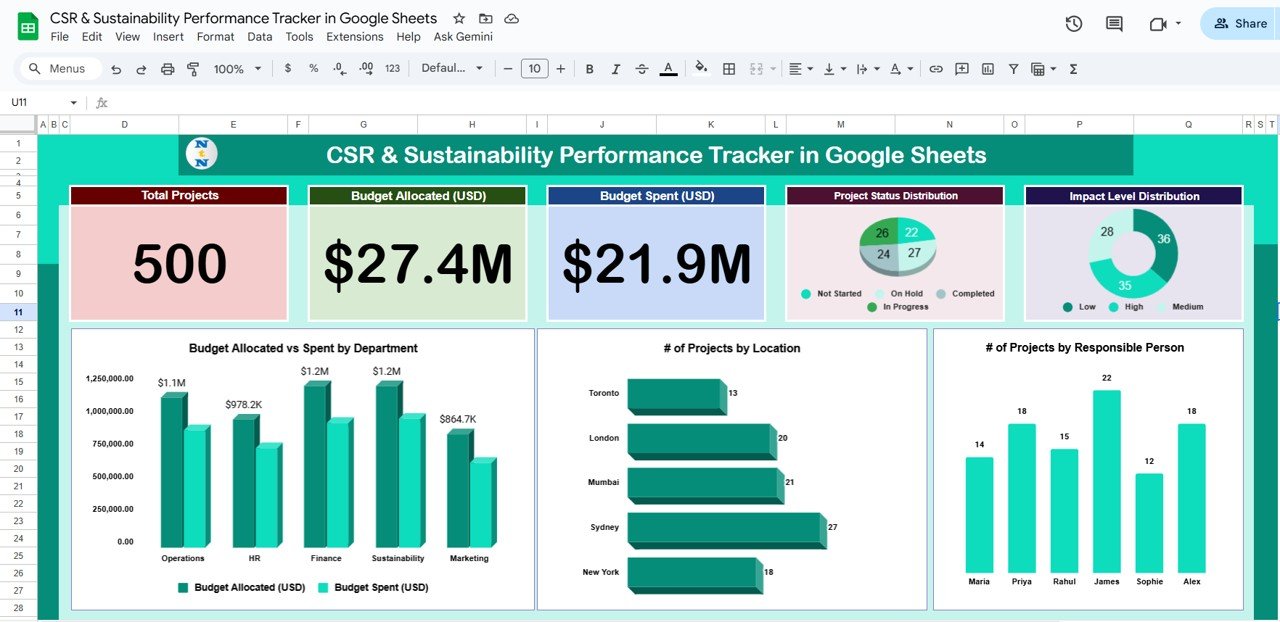
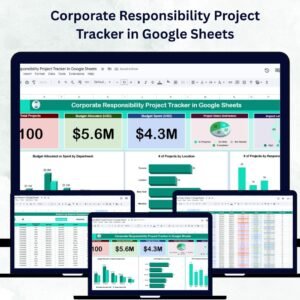
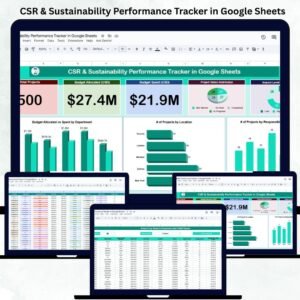
This is the heart of the tracker, combining visual insights and financial transparency into one view. It includes interactive cards and charts that update automatically as new data is added.
Cards Displayed:
🌱 Total Projects: The total number of CSR and sustainability initiatives being tracked.
💰 Budget Allocated (USD): The overall funds designated for CSR and sustainability programs.
🧾 Budget Spent (USD): The total expenditure made on these initiatives so far.
Charts Displayed:
📈 Project Status Distribution: Displays how many projects are In Progress, Completed, On Hold, or Not Started.
🌿 Impact Level Distribution: Classifies projects based on High, Medium, or Low environmental/social impact.
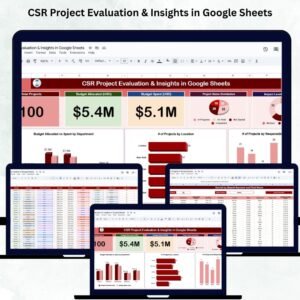
🏢 Budget Allocated vs Spent by Department: Shows financial performance across company departments.
🌍 # of Projects by Location: Highlights geographic project spread and local engagement.
👥 # of Projects by Responsible Person: Tracks accountability and workload distribution.
Each visual is dynamically powered by live data — ensuring real-time performance tracking and better decision-making.
🔍 Search Sheet Tab (Smart Lookup System)
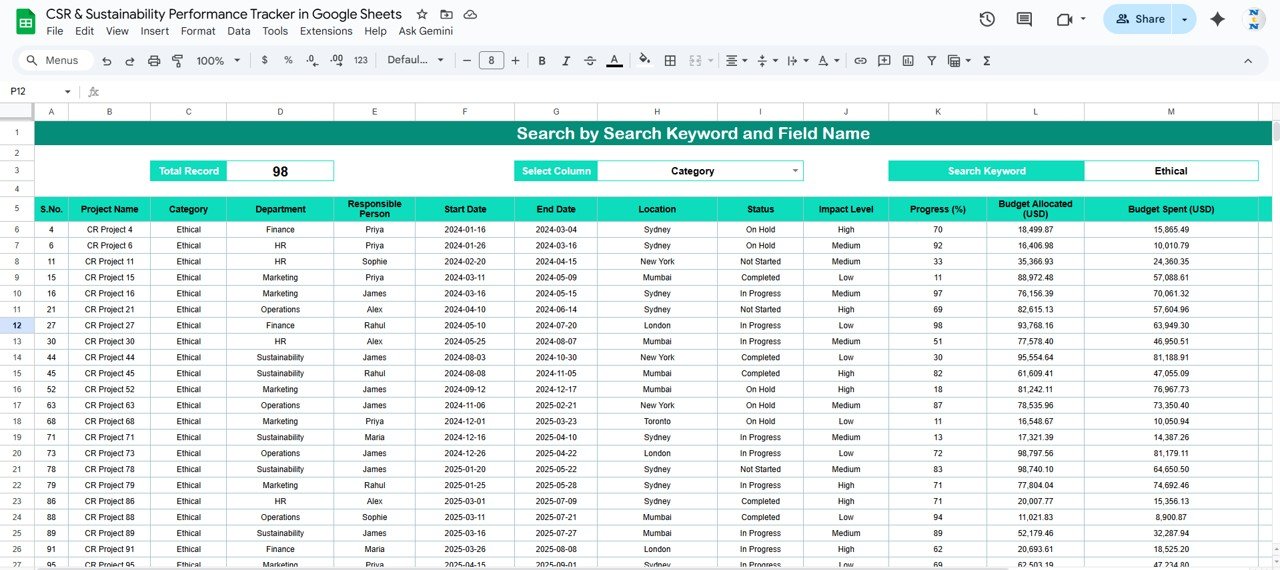
This feature allows users to search and filter projects instantly using any keyword or field name.
Examples:
“Status = Completed” → Lists all finished CSR initiatives.
“Responsible Person = Alex” → Displays all projects managed by Alex.
“Department = Sustainability” → Filters department-specific programs.
“Location = Toronto” → Highlights local CSR operations.
This search function eliminates the hassle of scrolling through large datasets and improves accessibility for quick insights.
📄 Data Sheet Tab (Core Data Source)
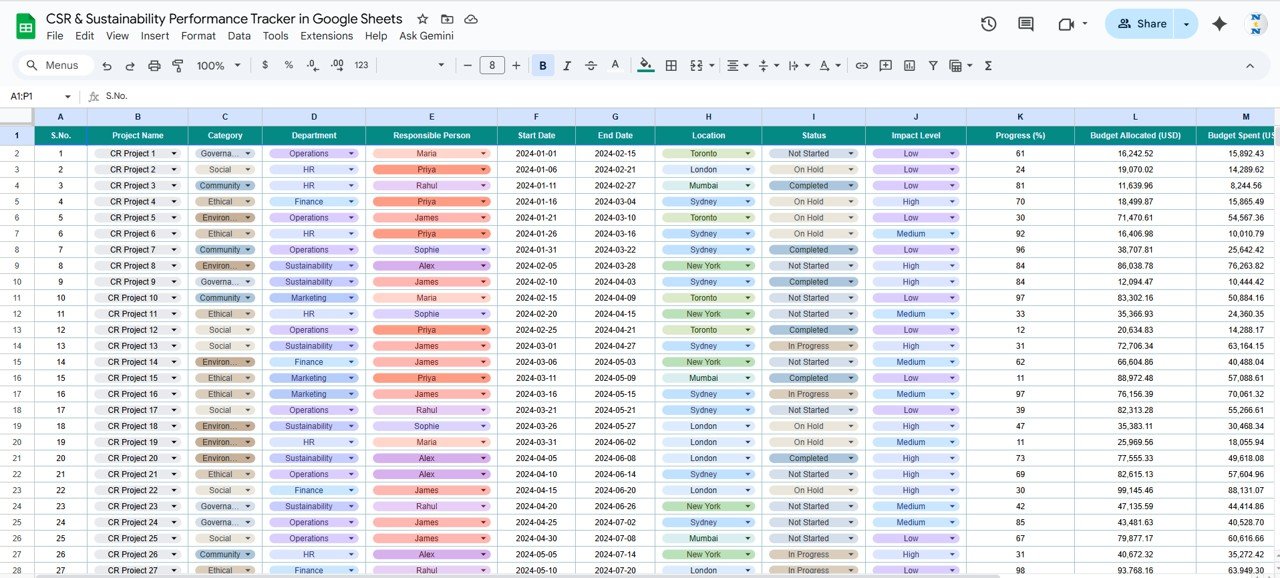
All CSR and sustainability project details are stored here.
Columns typically include:
Project Name | Category | Department | Responsible Person | Start Date | End Date | Location | Status | Impact Level | Progress (%) | Budget Allocated (USD) | Budget Spent (USD) | Remarks
This structured format ensures easy tracking, clean analytics, and effortless data updates.
⚙️ Support Sheet Tab (Back-End Setup)
The Support Sheet contains dropdown options, formulas, and data validation settings that ensure uniformity and accuracy across all tabs. It powers all automated charts and calculations in the dashboard.
📦 What’s Inside the Tracker
✅ Interactive KPI Dashboard for CSR & sustainability projects
✅ Dynamic charts with real-time budget analysis
✅ Department, region, and impact-level breakdowns
✅ Search-enabled database for fast lookups
✅ Fully automated calculations — no coding needed
✅ Cloud-based collaboration in Google Sheets
🧑💼 Who Can Use This Tracker
🌍 CSR Managers: Monitor social and environmental project performance.
🏢 Corporate Sustainability Teams: Track ESG goals and initiatives.
💡 Project Managers: Oversee multiple CSR activities efficiently.
📊 Finance & Compliance Teams: Ensure budget control and transparency.
🤝 NGOs and Partners: Report CSR outcomes and impact metrics clearly.
Perfect for organizations of all sizes — from small enterprises to multinational corporations — this tracker streamlines CSR data management while enhancing reporting accuracy.
⚙️ Opportunities for Improvement
You can further enhance this tracker by:
🌿 Adding Impact Metrics such as CO₂ saved, communities reached, or energy reduced.
📝 Integrating Google Forms for field teams to submit project updates.
🧭 Building Department-Level Dashboards for deeper analytics.
📊 Linking to Google Data Studio for executive visual reporting.
⏳ Adding Timeline & Milestone Tracking to monitor progress over time.
🧠 Best Practices
✅ Update project data consistently for accuracy.
✅ Use standard naming for departments and locations.
✅ Validate all budget entries before submission.
✅ Apply color codes to status fields for visual clarity.
✅ Conduct monthly reviews of budget and impact distribution.
🌟 Why Choose the CSR & Sustainability Performance Tracker
🌍 Holistic CSR visibility — track every project in one sheet.
💰 Clear financial transparency with automated budget tracking.
📈 Data-driven insights through dynamic visual dashboards.
☁️ 100% Google Sheets-based — no software required.
🧩 Fully customizable to fit any organization’s sustainability goals.
The CSR & Sustainability Performance Tracker in Google Sheets helps organizations turn CSR commitments into measurable outcomes — making sustainability smarter, trackable, and transparent. 🌱📊
🔗 Read the detailed blog post
Watch the step-by-step video Demo:
🔗 Visit our YouTube channel for tutorials and demos
Compatibility and Requirements
- Works in Google Sheets. You need a free Google account and a web browser.
- Status, department and other fields use dropdown lists set up on the Support Sheet tab. Google explains dropdowns in Create an in-cell dropdown list.
Frequently Asked Questions
Which sheet tabs does the tracker have?
Four tabs: Tracker Sheet (the dashboard), Search Sheet, Data Sheet and Support Sheet.
What fields does the Data Sheet store?
Each project row holds the project name, category, department, responsible person, start date, end date, location, status, impact level, progress (%), budget allocated (USD), budget spent (USD) and remarks.
What does the Tracker Sheet show?
It shows cards for total projects, budget allocated and budget spent. Charts cover project status, impact level, budget allocated vs spent by department, projects by location and projects by responsible person. They update as you add data.
How do I find projects for one person or department?
Use the Search Sheet tab. Enter a field and value, such as Status = Completed or Department = Sustainability, and it lists the matching projects.
Is there an Excel or Power BI version?
This page covers the Google Sheets version. For a related Excel option, see the Sustainability Reporting KPI Dashboard in Excel.
Related CSR and Sustainability Templates
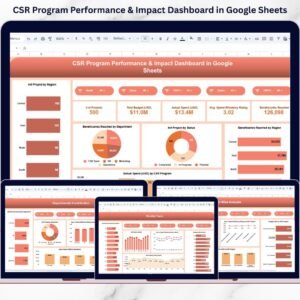
- CSR Program Performance & Impact Dashboard in Google Sheets: a dashboard view of CSR program results
- Sustainability Reporting KPI Dashboard in Excel: sustainability KPIs in Excel
- Sustainability Metrics KPI Dashboard in Excel: sustainability metrics in Excel
- Environmental and Sustainability Operations KPI Dashboard in Excel: operations KPIs for environmental programs
- Energy & ESG Sustainability Bundle: 8 Excel and Power BI templates in one download
Browse all Google Sheets trackers.





























Reviews
There are no reviews yet.