

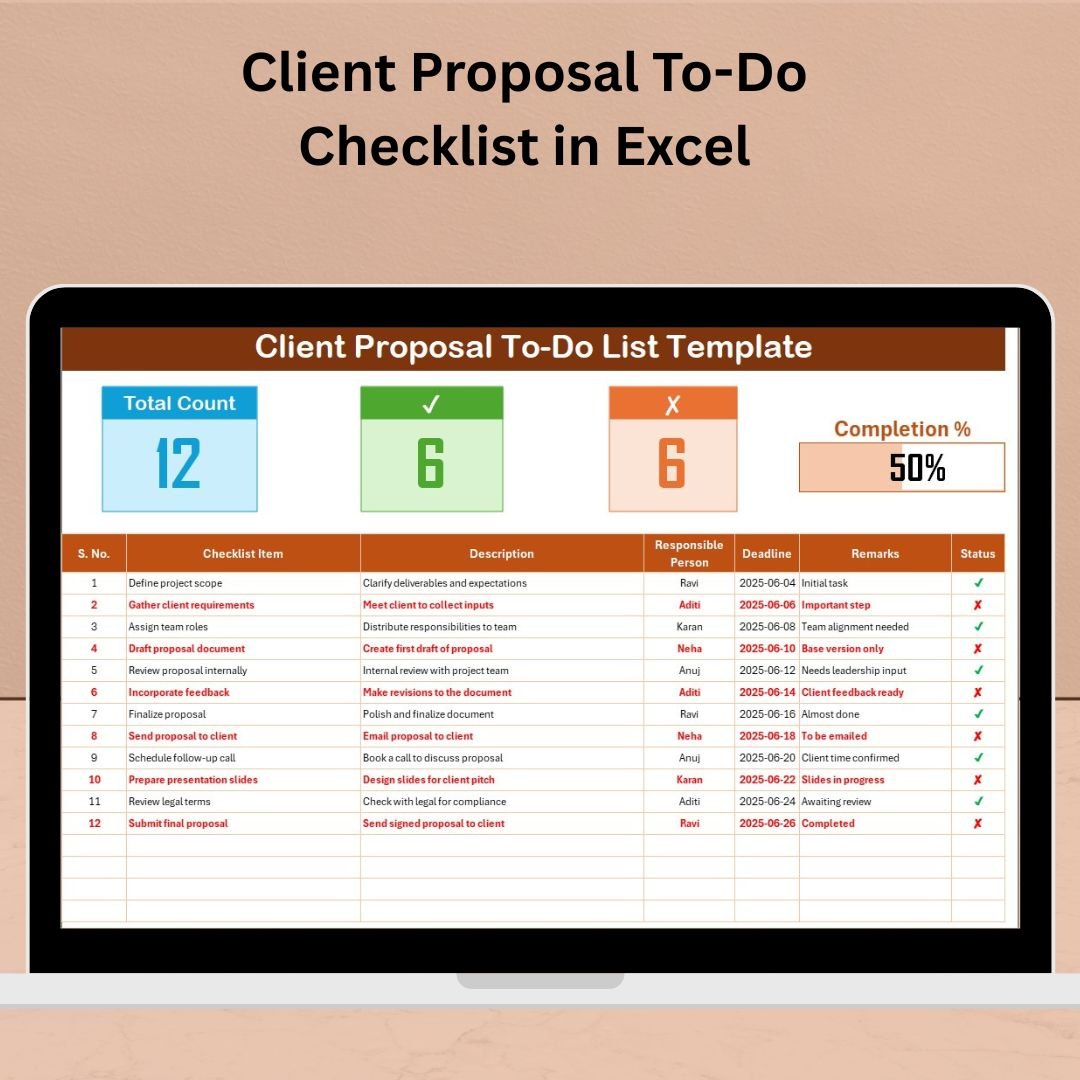

Send Professional Client Proposals with Zero Stress!
If you’re tired of juggling tasks and missing deadlines while crafting client proposals, the Client Proposal To-Do Checklist in Excel is your game-changing solution. This ready-to-use, smartly designed Excel template ensures every important step in your proposal process is covered—clearly, consistently, and efficiently.
Whether you’re a freelancer, startup, agency, or part of a large corporation, this template brings structure to your workflow. With built-in progress tracking, status updates, and responsible person assignment, it guarantees professional results without the overwhelm.
🔑 Key Features of the Excel Checklist Template
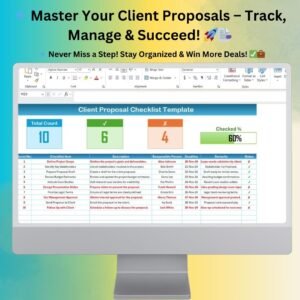
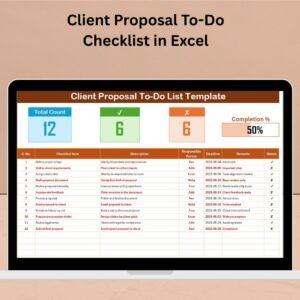
📋 Main Checklist Dashboard
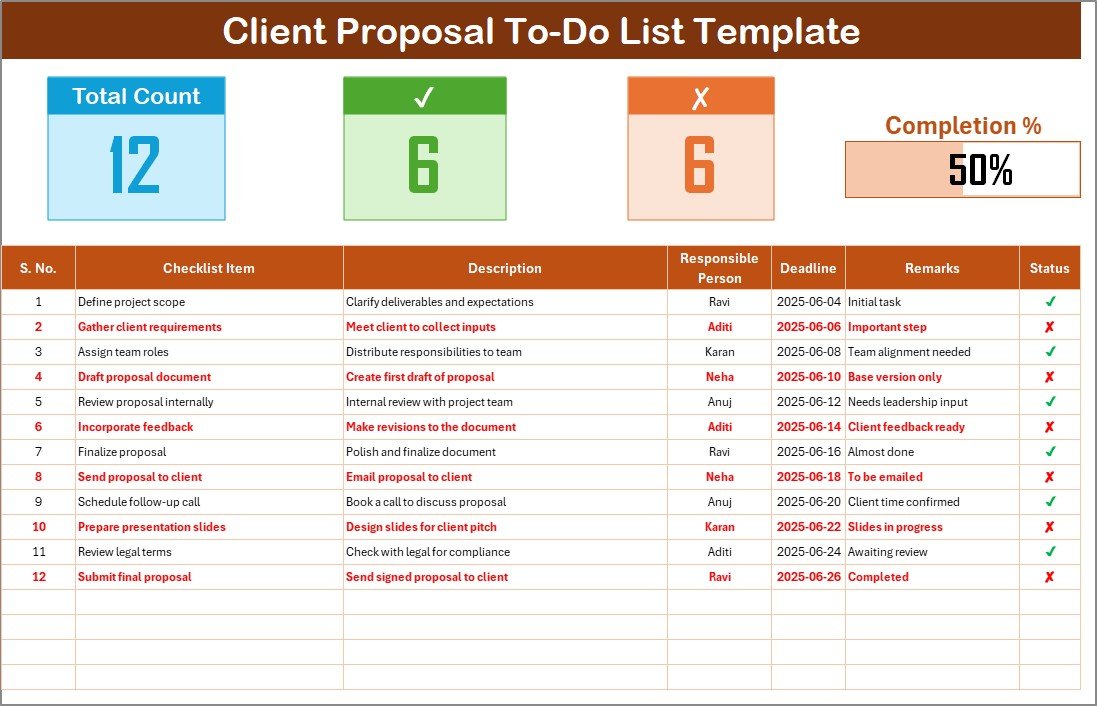
Your central workspace for managing proposal tasks—track everything in one view.
✅ Total, Checked, Crossed Counts
Automatically calculates how many tasks are completed or skipped.📊 Progress Bar
Visually shows how much of your proposal is done updates in real time.📌 Status Column (✔ or ✘)
Mark tasks as complete or skipped and watch the dashboard respond instantly.
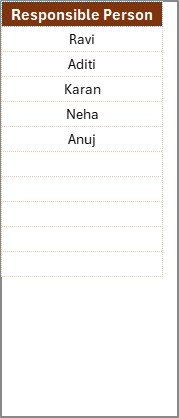
👥 Responsible Person Drop-down
Controlled from a separate List Sheet
Assign team members via dropdown to eliminate data entry errors.
📅 Deadline Column
Ensure every task has a due date to stay on track and avoid delays.
🗂 Flexible Columns
Include Serial No., Checklist Item, Description, Responsible Person, Deadline, Remarks, and Status.
🧩 What’s Included?
2 Interactive Excel Sheets:
Client Proposal To-Do Checklist
Responsible Person List Sheet
Automated formula cells and progress calculation
Drop-down menus for team assignments
Built-in visual feedback with conditional formatting
Fully customizable structure—no coding required
🏢 Who Should Use This?
📈 Sales Teams – Organize RFP responses and client deliverables
🧠 Marketing Teams – Plan campaign proposals
📄 Consultants – Submit clean, timely project outlines
📦 Product Teams – Structure go-to-market strategy decks
👨💼 Agencies & Freelancers – Streamline and replicate winning proposals
🔥 Top Advantages of This Template
✅ No Learning Curve – Simple Excel format anyone can use
⏱ Fast to Deploy – Use the checklist instantly without setup
📊 Track Progress Visually – Get clarity on task completion
🧑🤝🧑 Team Accountability – Assign tasks with built-in dropdowns
🔁 Reusable Across Projects – Just duplicate the sheet for every new proposal
📥 Offline Access – Use without needing an internet connection
🔐 Secure Editing – Protect formulas and lock structure as needed
📌 Best Practices for Success
1️⃣ Always assign a deadline for every task
2️⃣ Keep descriptions short, clear, and action-based
3️⃣ Duplicate the sheet for every new proposal
4️⃣ Use conditional formatting to highlight overdue or pending items
5️⃣ Protect formula cells to avoid accidental deletion
🚀 Bonus Power Users Tip (Optional)
If you’re familiar with VBA, you can automate:
Reminder emails before deadlines
Status-based color coding
Filtering by team member or task priority
Turn this template into a full-fledged tracker tailored to your workflow!
📖 Learn More in the Blog
🎥 Watch the Tutorial on YouTube
👉 youtube.com/@PKAnExcelExpert
Watch the step-by-step video tutorial:
Compatibility and Requirements
- Works in Microsoft Excel desktop (Excel 2016 or later, or Microsoft 365).
- The Responsible Person dropdown reads its names from the List sheet. Microsoft explains dropdowns in Create a drop-down list.
- The template does not need macros. Opening it offline in Excel works without an internet connection.
Frequently Asked Questions
Which sheets does the template include?
Two sheets: the Client Proposal To-Do Checklist and the Responsible Person List sheet.
Which columns are on the checklist?
Serial No., Checklist Item, Description, Responsible Person, Deadline, Remarks and Status.
How does the progress bar work?
Mark each task in the Status column with a tick or a cross. The dashboard counts the total, checked and crossed tasks and updates the progress bar.
How do I add team members to the dropdown?
Enter the names on the Responsible Person List sheet. The dropdown on the checklist uses that list.
Is there another proposal checklist I can compare?
Yes. See the Client Proposal Planner Checklist in Excel and the Client Proposal Tracking Checklist in Excel.
Related Proposal and Checklist Templates
- Client Proposal Planner Checklist in Excel: a planning-focused proposal checklist
- Client Proposal Tracking Checklist in Excel: follow each proposal task through to the end
- Client Proposal Review Checklist in Excel: check a proposal before you send it
- Client Proposal Documentation Checklist in Excel: keep the proposal paperwork in order
- Client Follow-Up Checklist in Google Sheets: follow-up tasks after the proposal goes out
Browse all Excel checklist templates.






























Reviews
There are no reviews yet.