

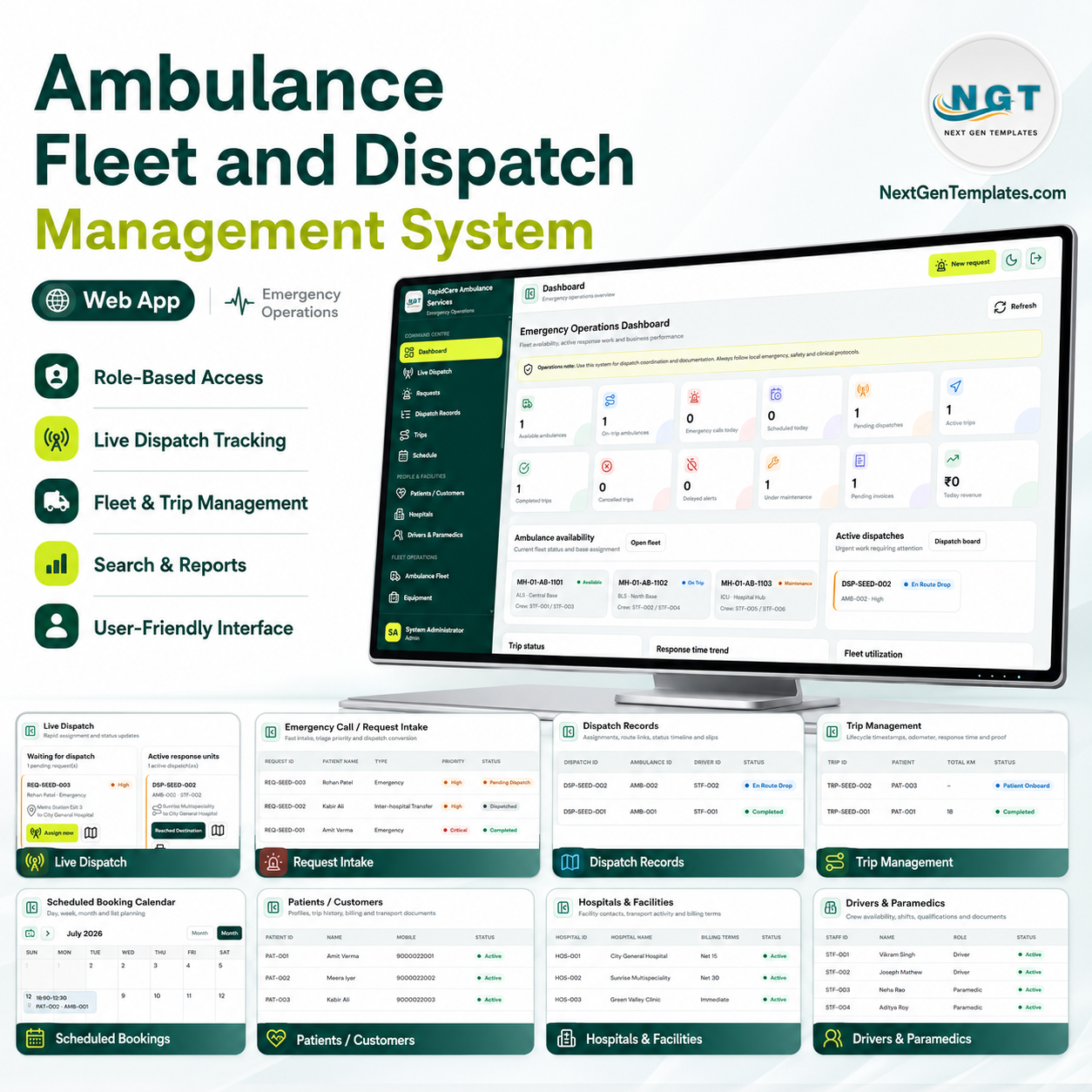

Ambulance Fleet and Dispatch Management Web App in Google Apps Script turns emergency request intake, live dispatch, ambulance availability, crew assignment, trip lifecycle, billing, documents, reports, and archive workflows into one browser-based system. The 2025 NEMSIS Public-Release Research Dataset includes 63,635,893 EMS activations submitted by 14,801 EMS agencies across 54 states and territories, so clean dispatch records are not optional. Built by PK, a Microsoft Certified Professional with 15+ years of Excel, Google Sheets, Power BI, and business automation experience, this one-time ZIP download gives teams editable source files, sample data, and a practical alternative to recurring ambulance SaaS fees.
Sources: NEMSIS 2025 public-release dataset and Google Apps Script web app documentation.
🚀 Try the Live Demo Before You Buy
We have deployed this web app in our own Google account so you can test every page, every role — with real sample data — before purchasing. No signup, no email required.
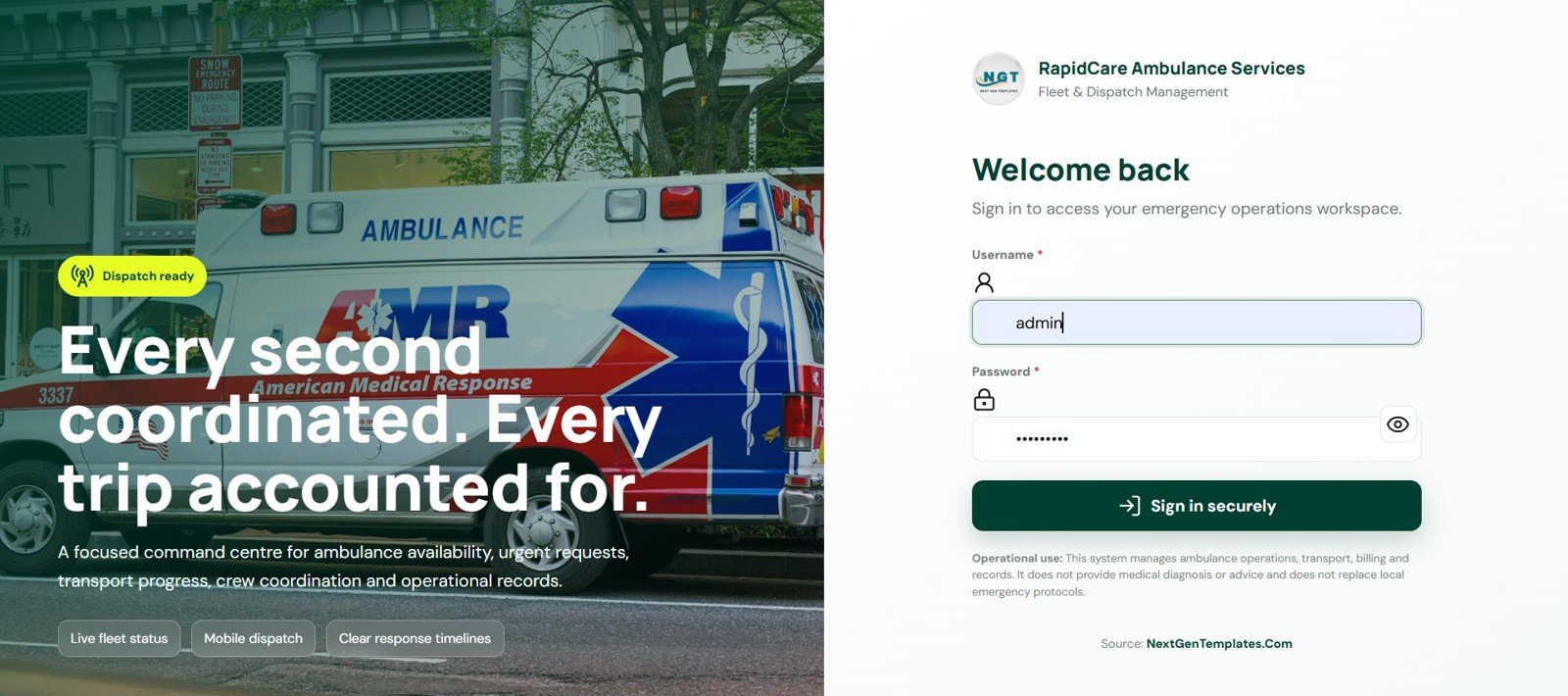
🔑 Test Login Credentials
This system ships with nine separate role logins, so you can see exactly how role-based access control works before you buy. Sign in as admin for full access to every module, or log in as a dispatcher, fleet manager, driver, paramedic, billing, maintenance, hospital coordinator or read-only viewer to see how each user’s menu, permissions and data visibility change. Try opening two roles in two browsers side by side to watch a dispatch flow through the system in real time.
💡 What you get after purchase: The full source code (Code.gs + Index.html) plus a step-by-step deployment guide so you can deploy your own private instance in your own Google account in under 15 minutes.
Key Features of Ambulance Fleet and Dispatch Management System Web App
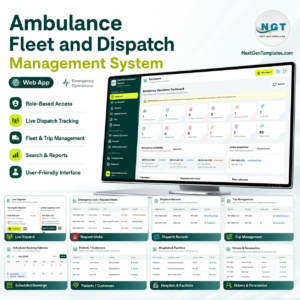
- Secure login: Username and password access with an ambulance-service branded entry screen.
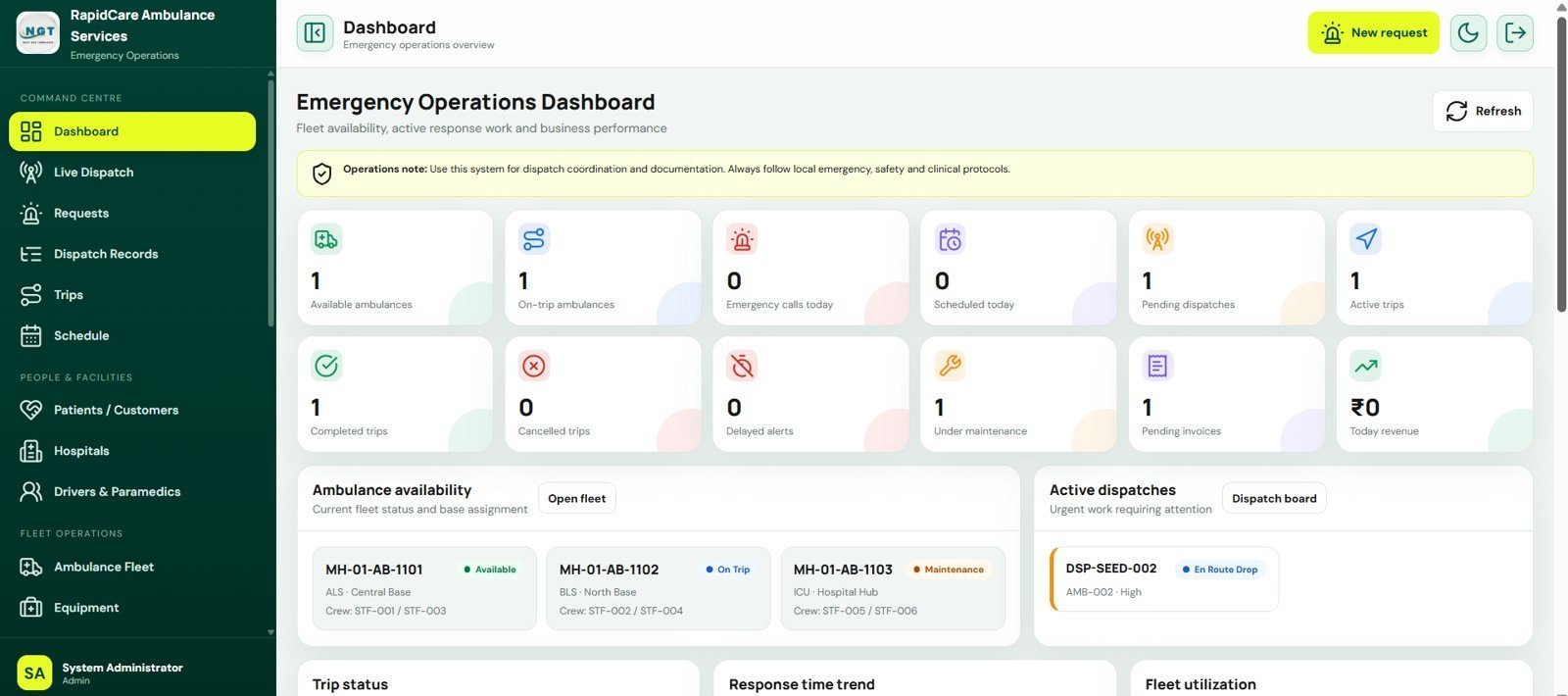
- Emergency operations dashboard: View available ambulances, trips, pending dispatches, delayed alerts, invoices, and revenue in one place.
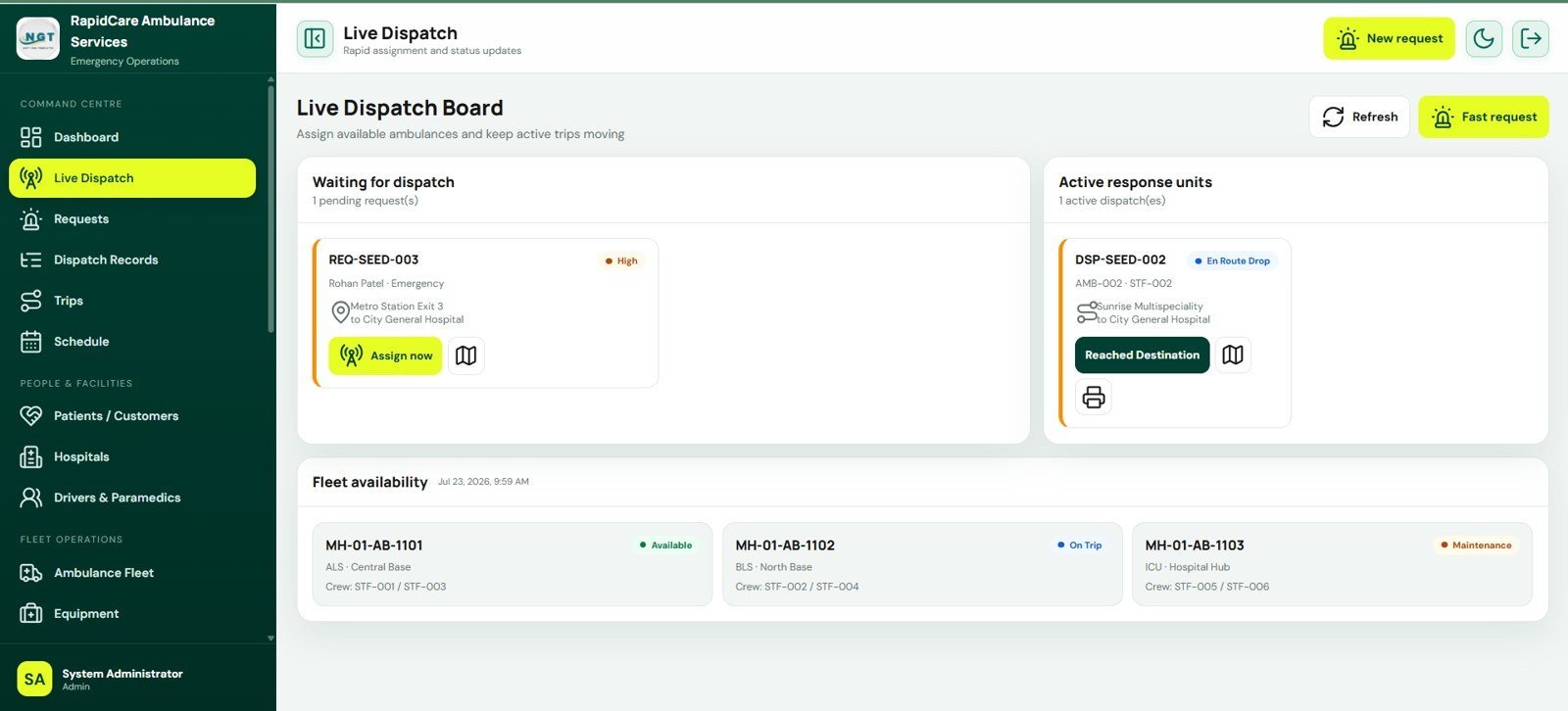
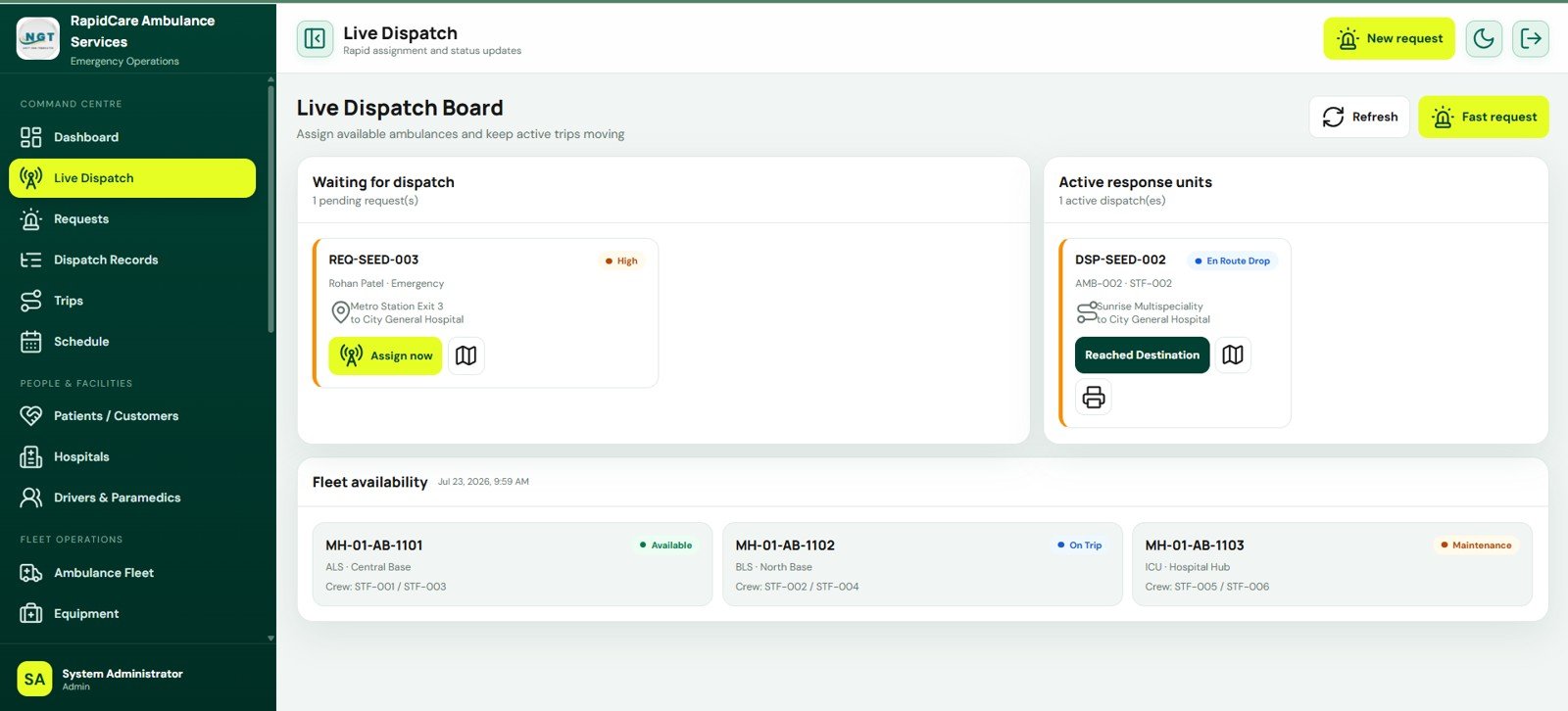
- Live dispatch board: Review pending requests, pickup and drop routes, priority, active response units, and assignment actions.
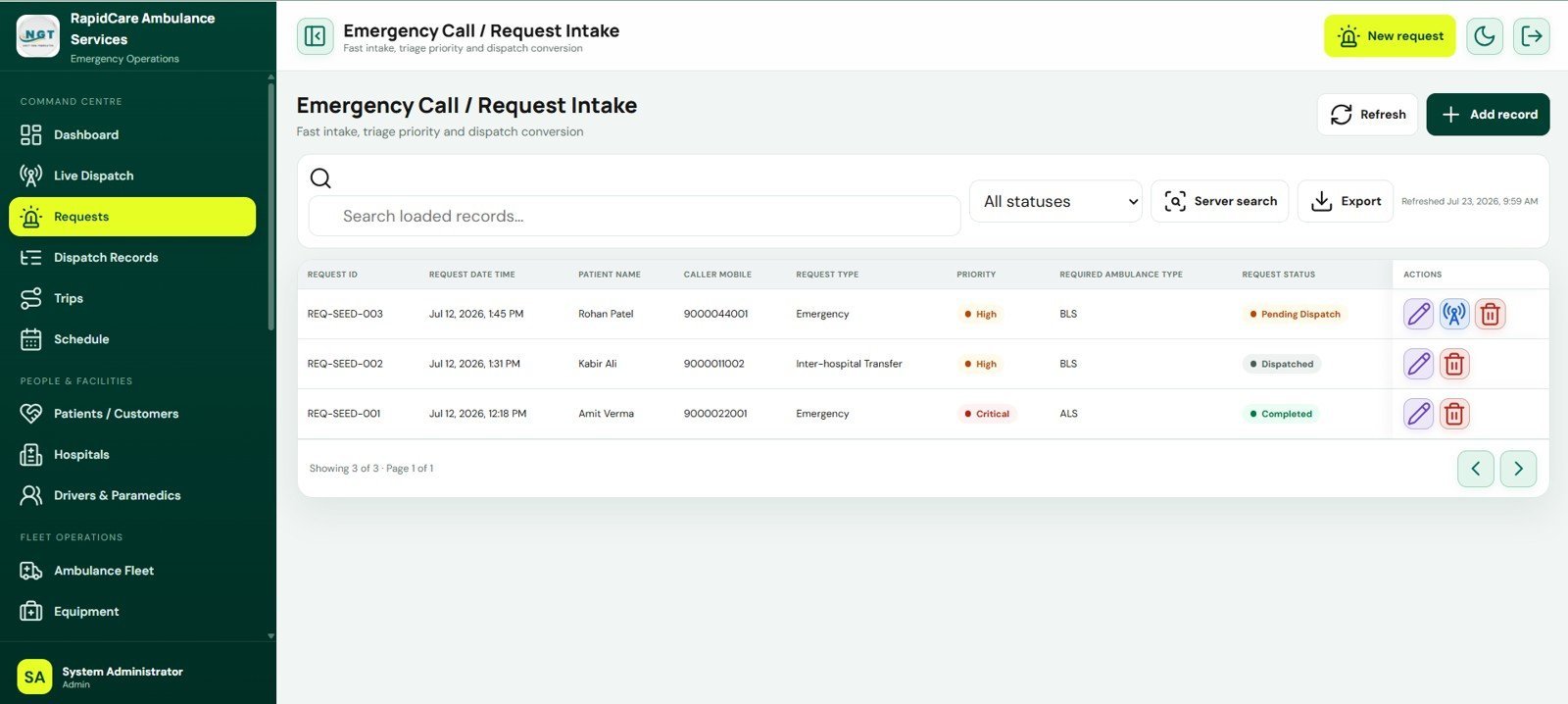
- Request intake: Capture emergency, scheduled, transfer, standby, and home pickup requests with patient and caller details.
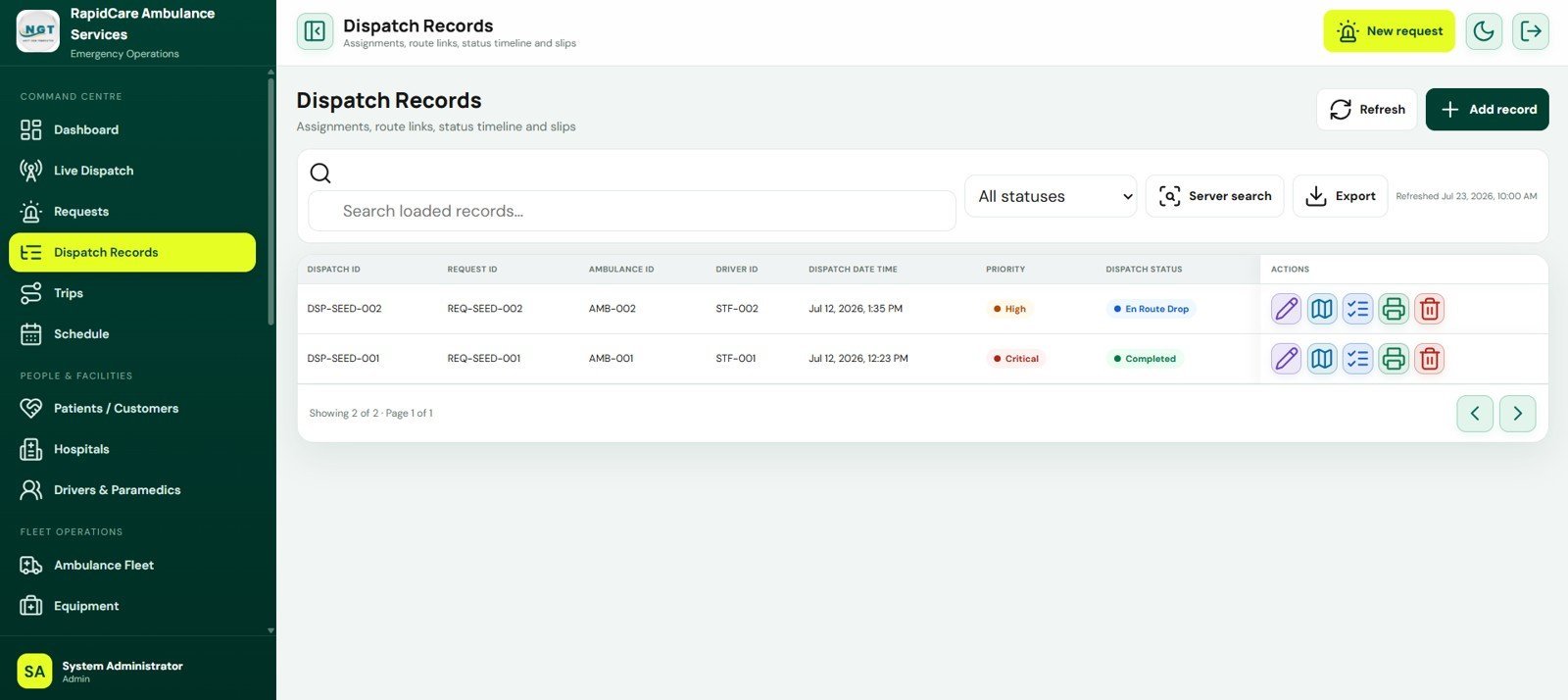
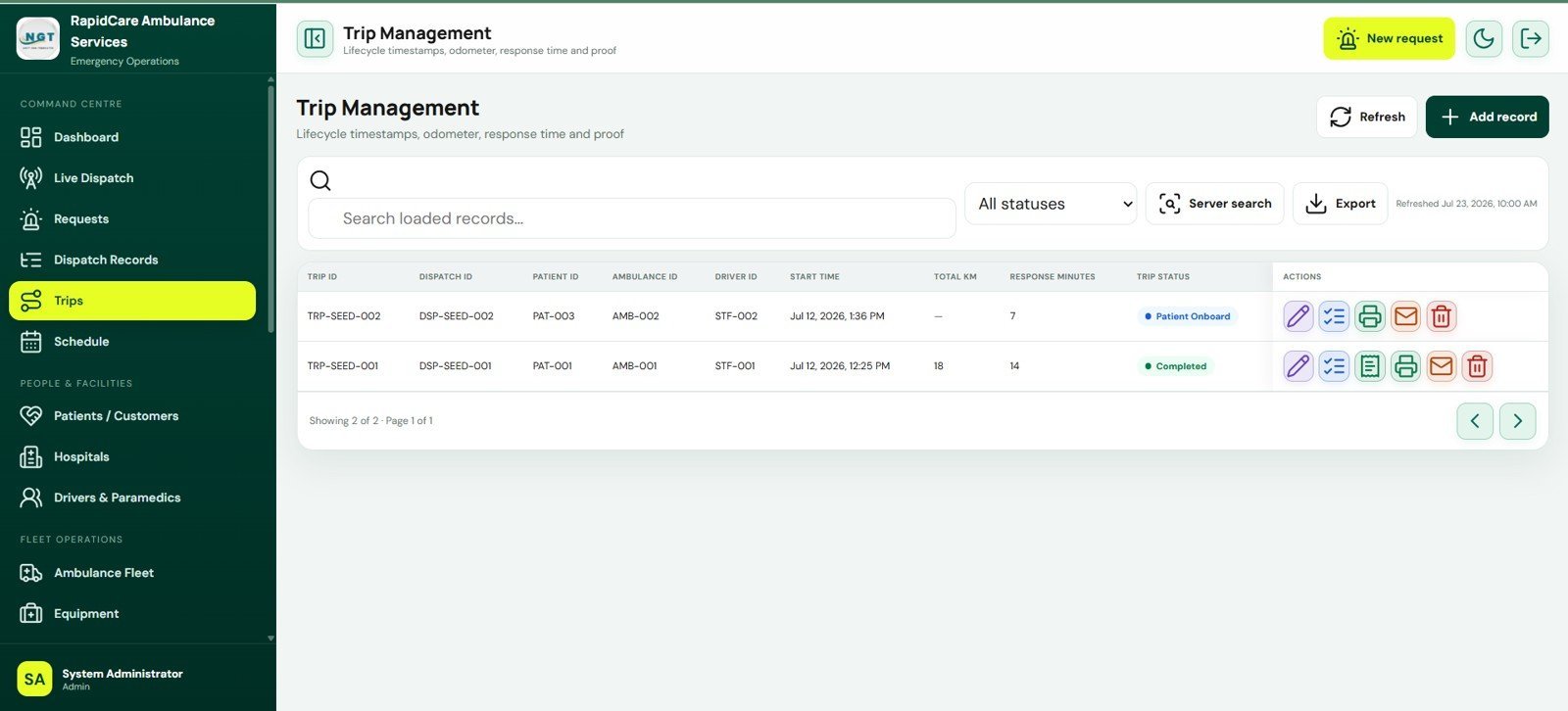
- Dispatch and trip workflow: Link requests, ambulances, drivers, dispatch records, trip status, kilometers, and response minutes.
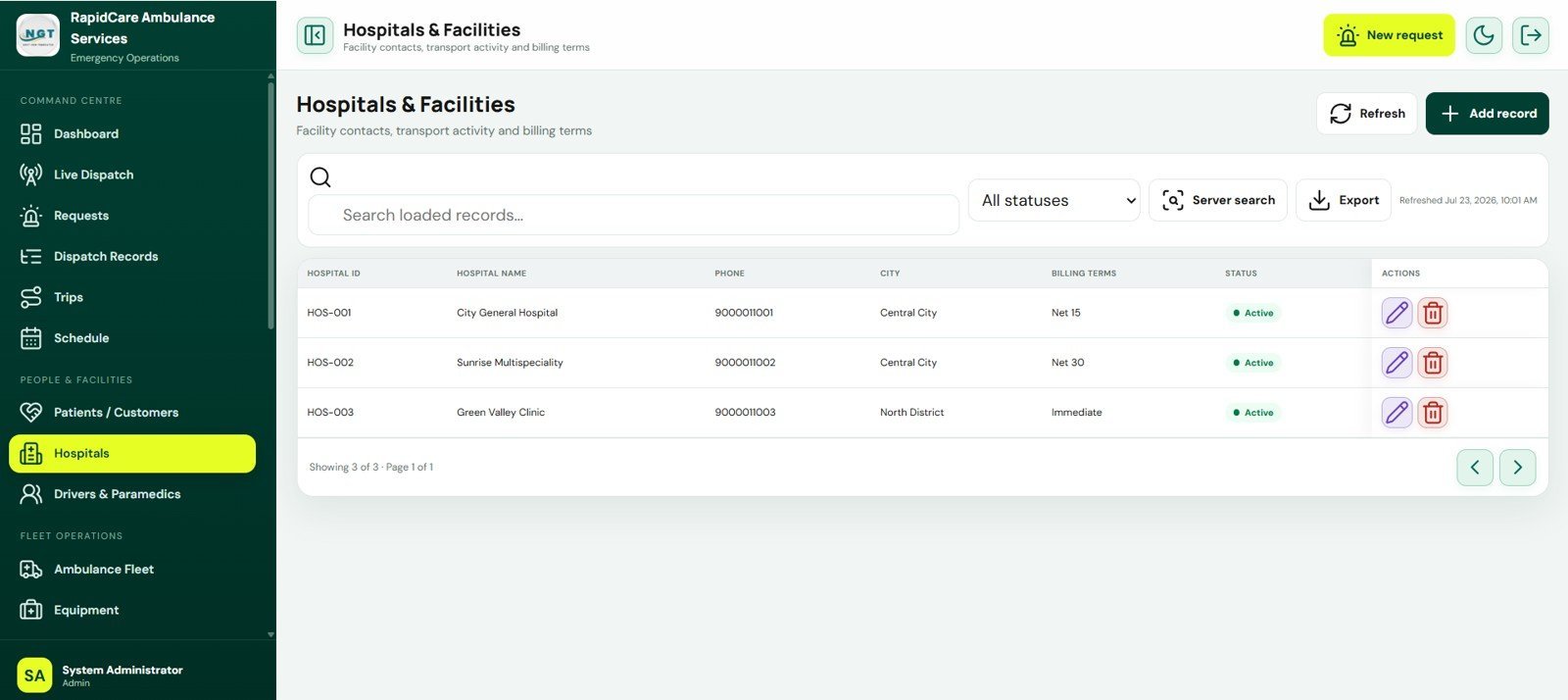
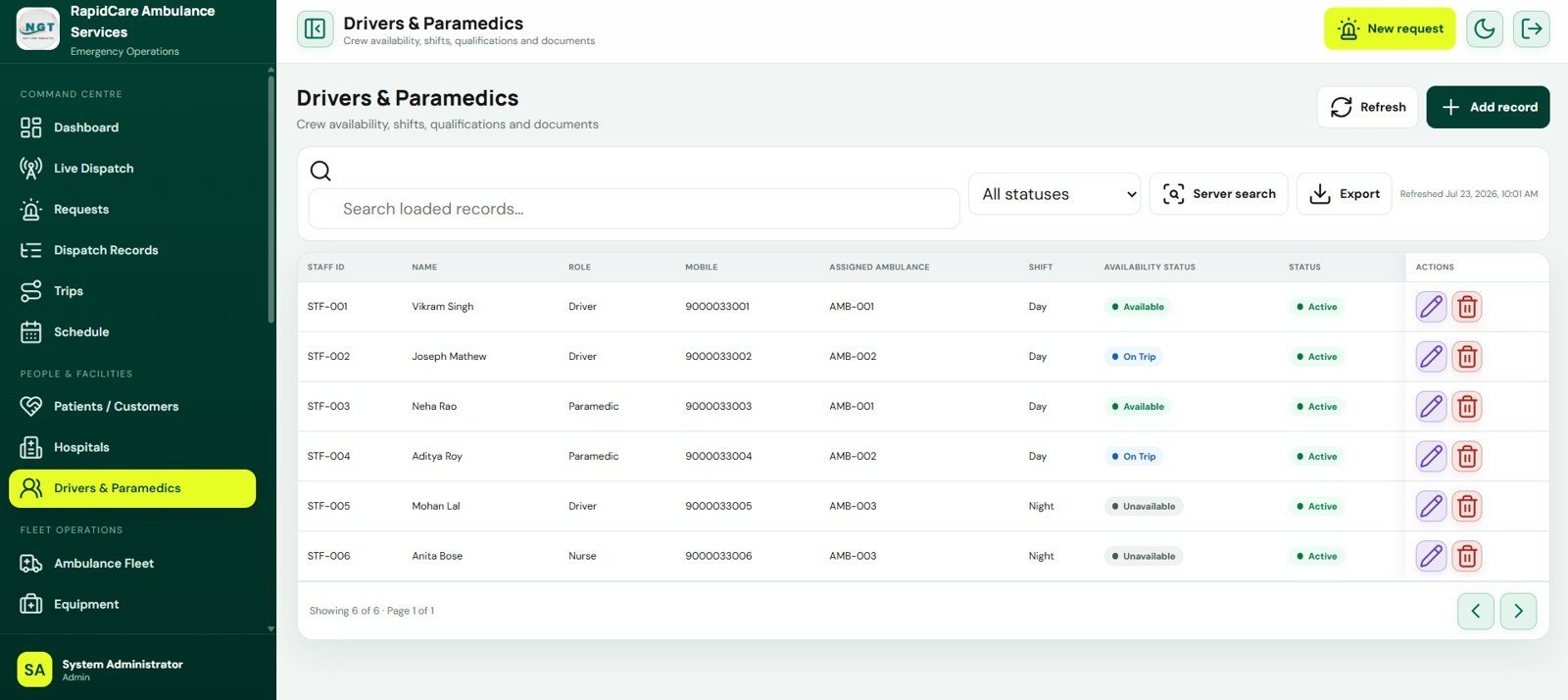
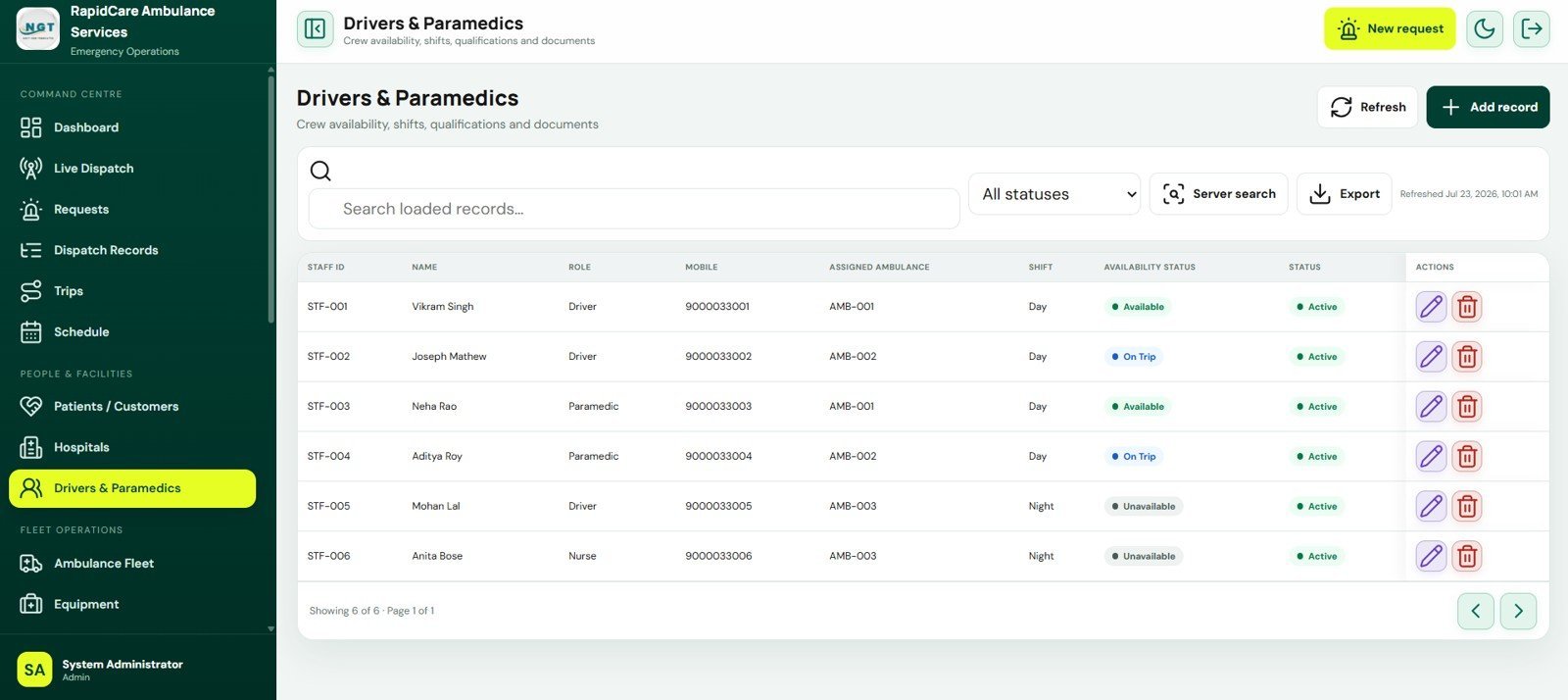
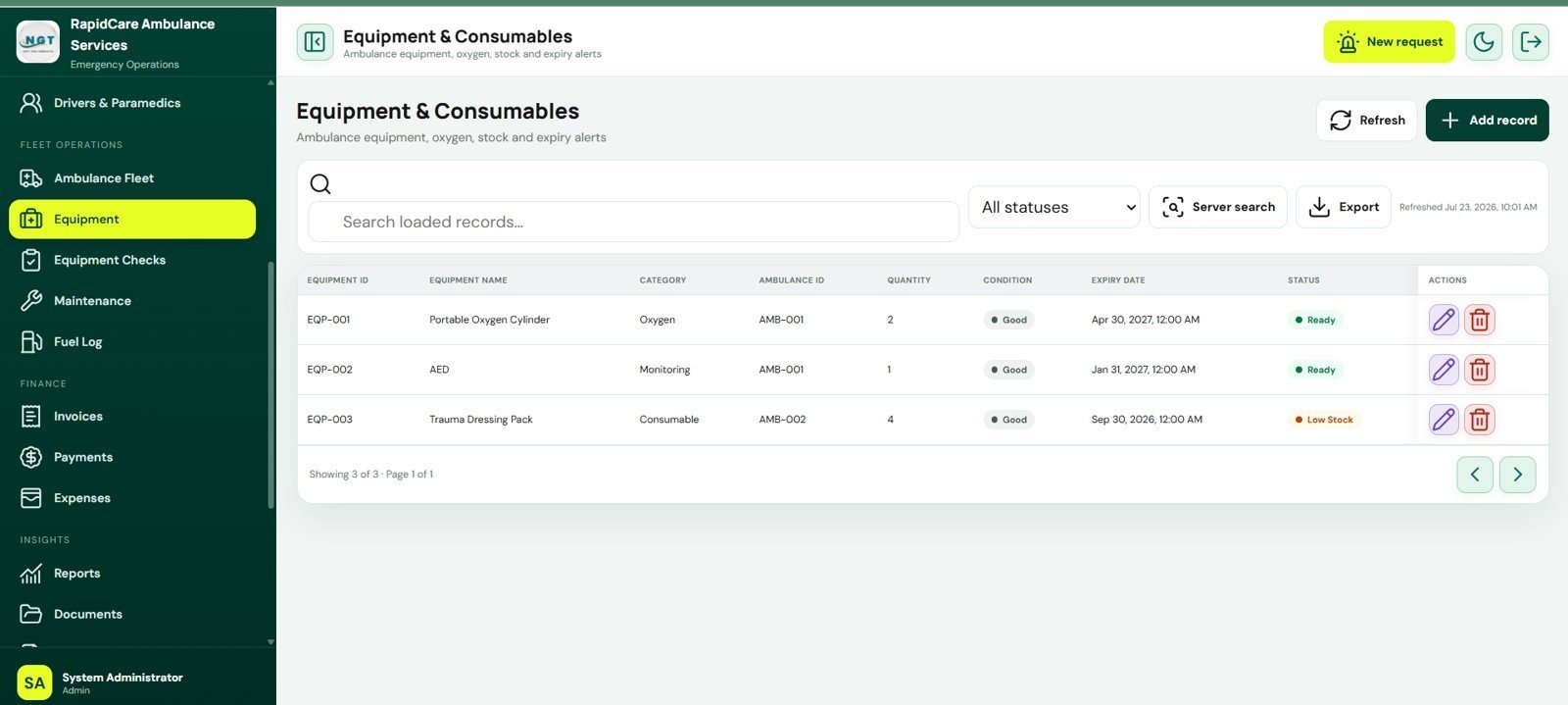
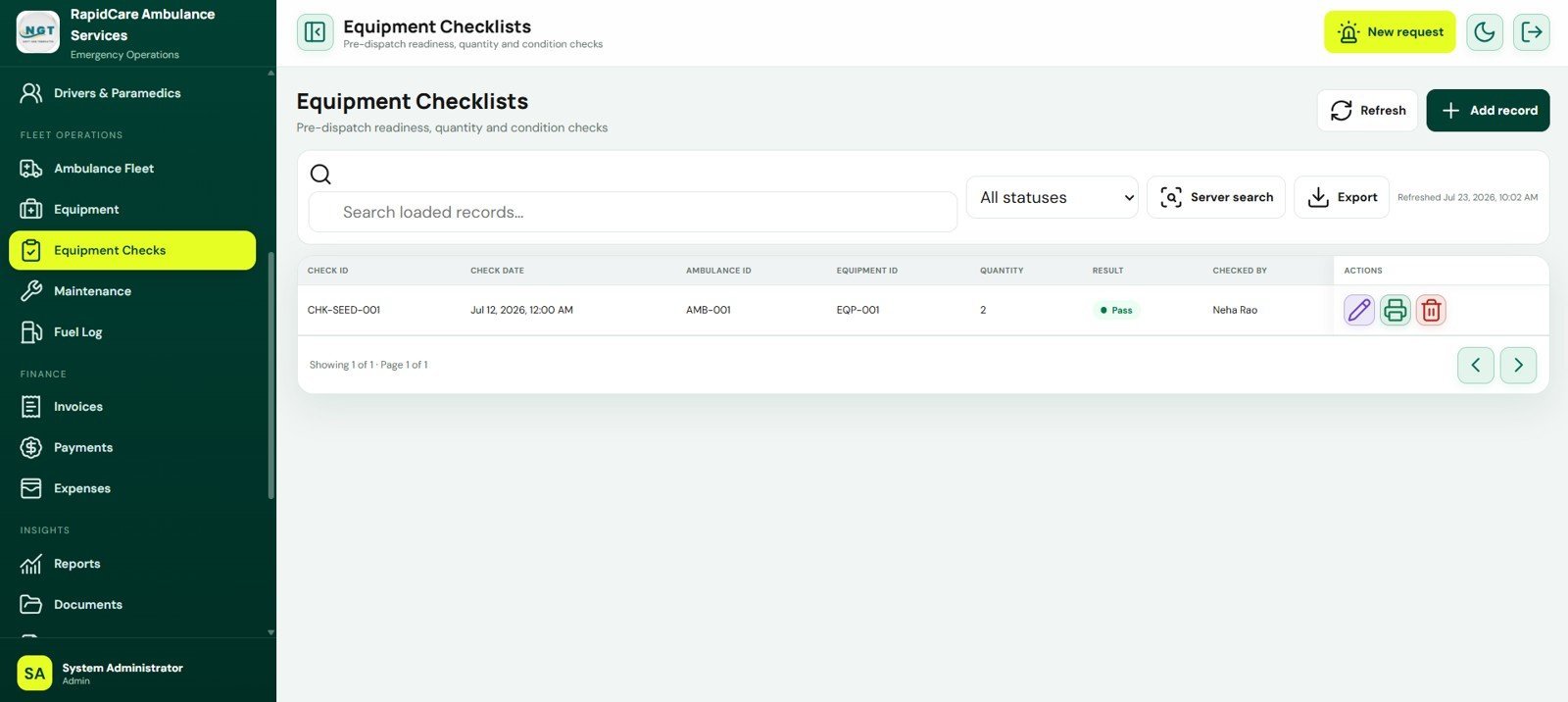
- Fleet and crew records: Maintain ambulance, driver, paramedic, hospital, patient, equipment, and checklist data.
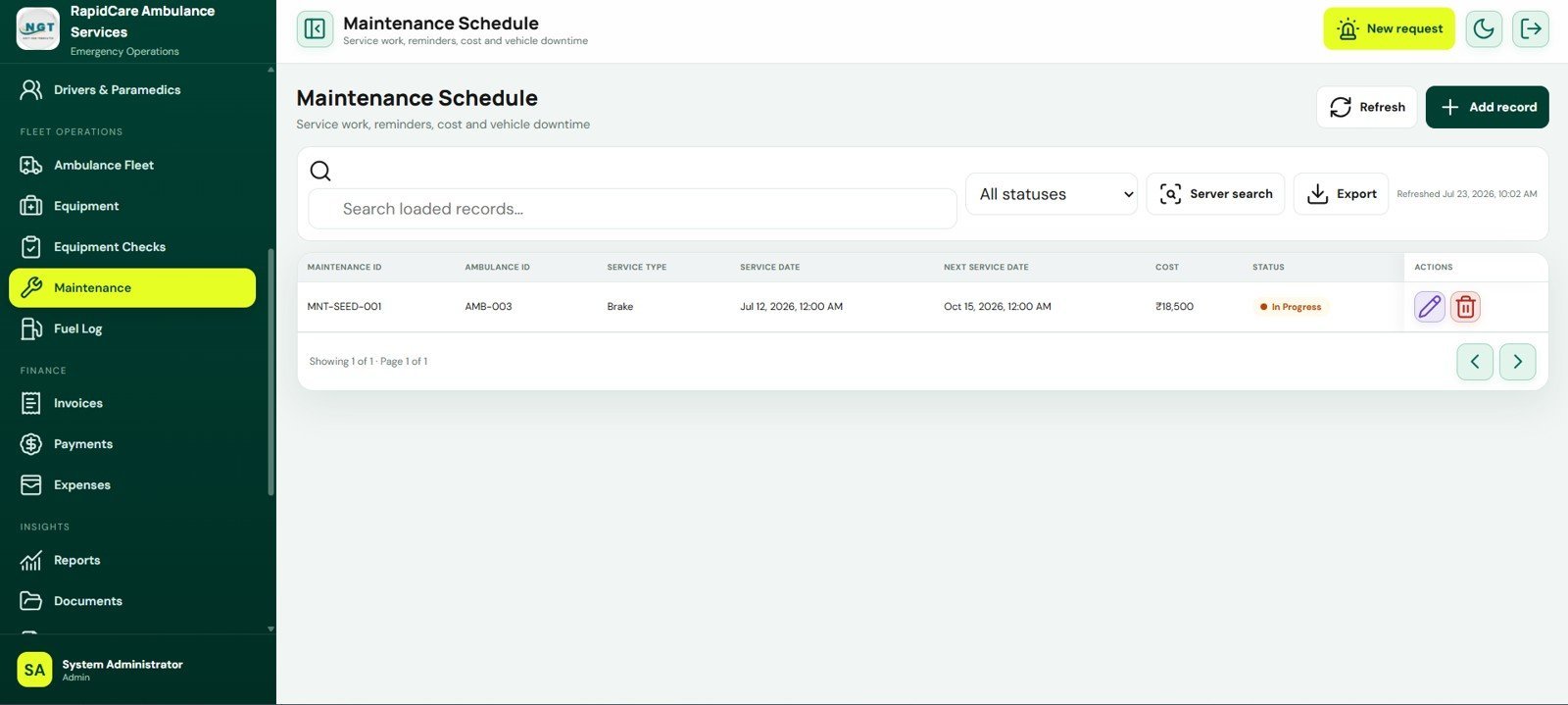
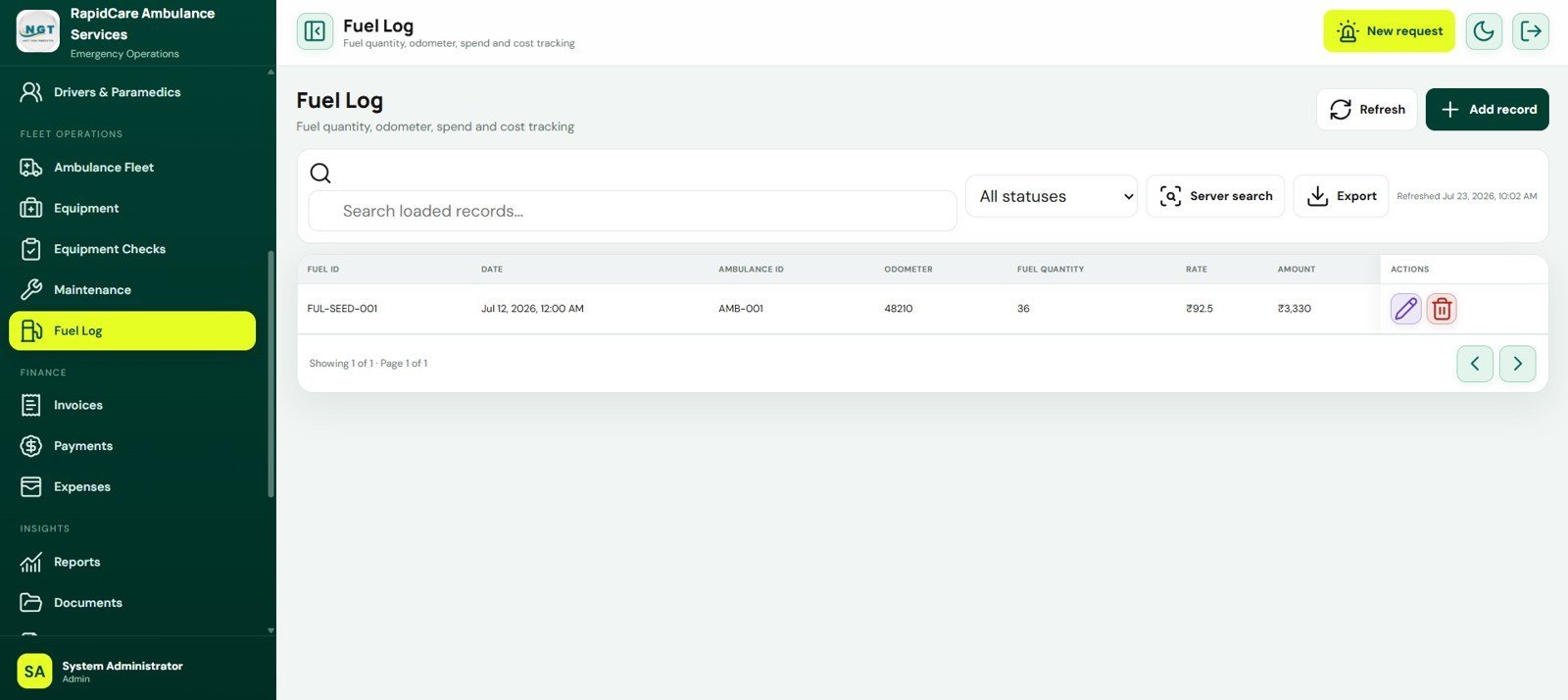
- Maintenance and fuel tracking: Track service schedules, next service dates, odometer readings, fuel quantity, rate, and spend.
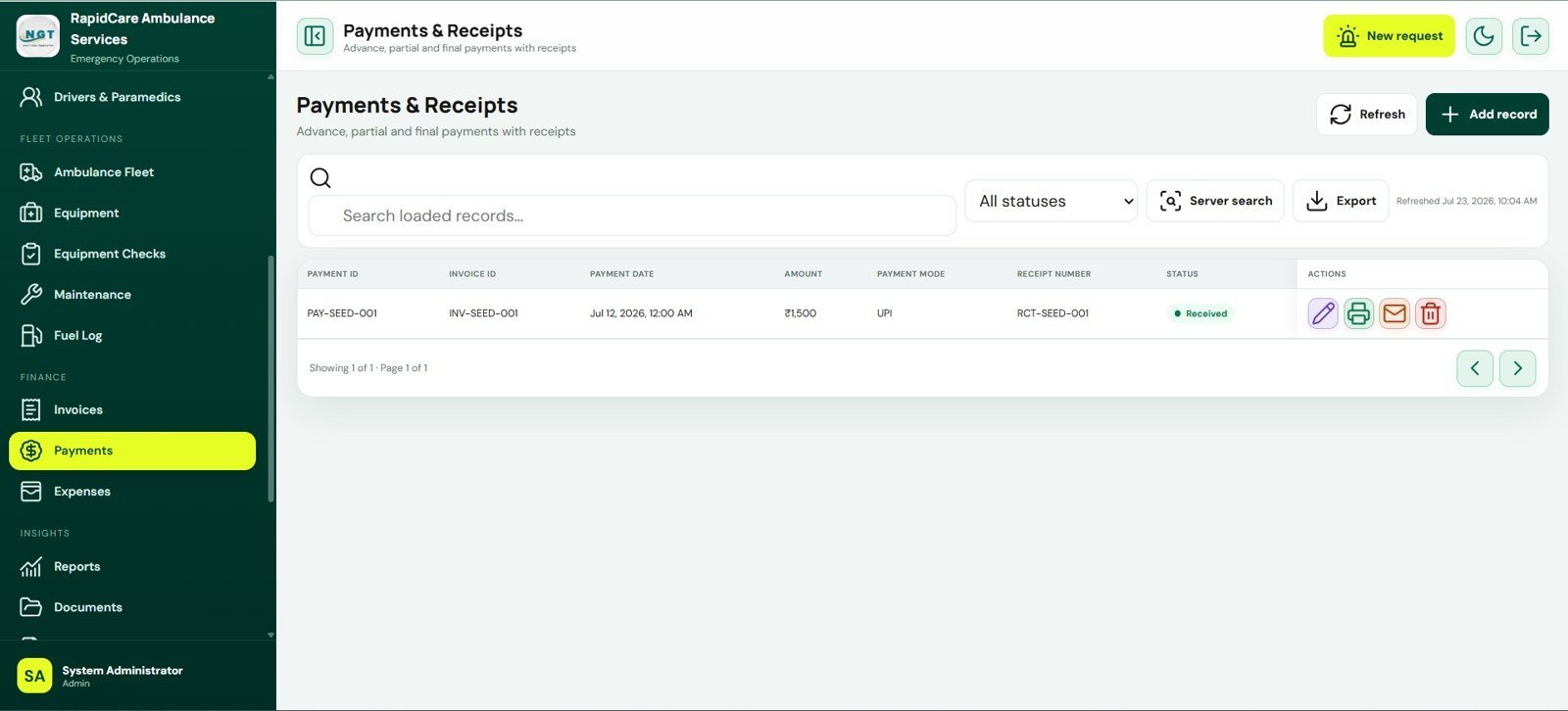
- Billing and payments: Create invoices from completed trips, record charges, taxes, paid amounts, balances, and receipts.
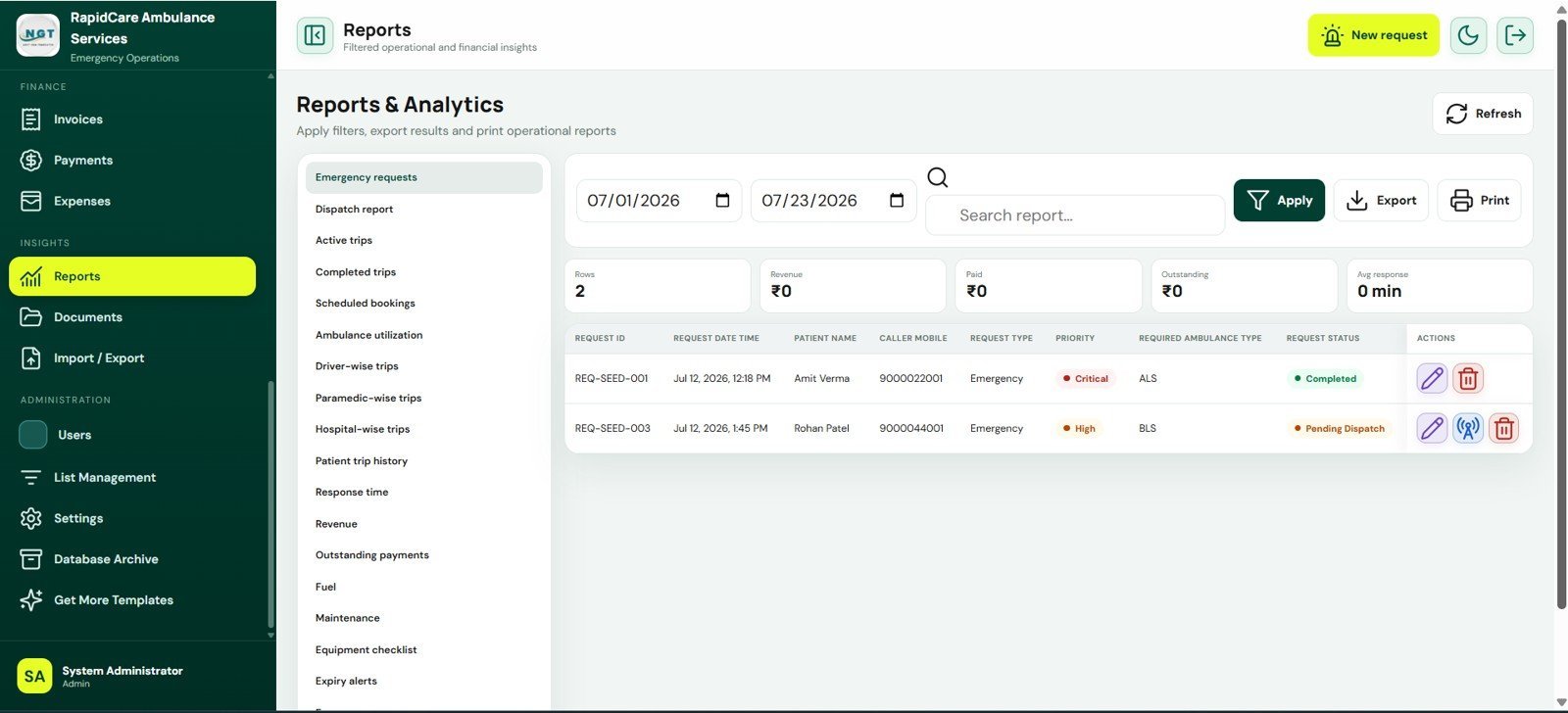
- Reports and exports: Use date filters, search, export, print, and summary cards for operational and financial review.
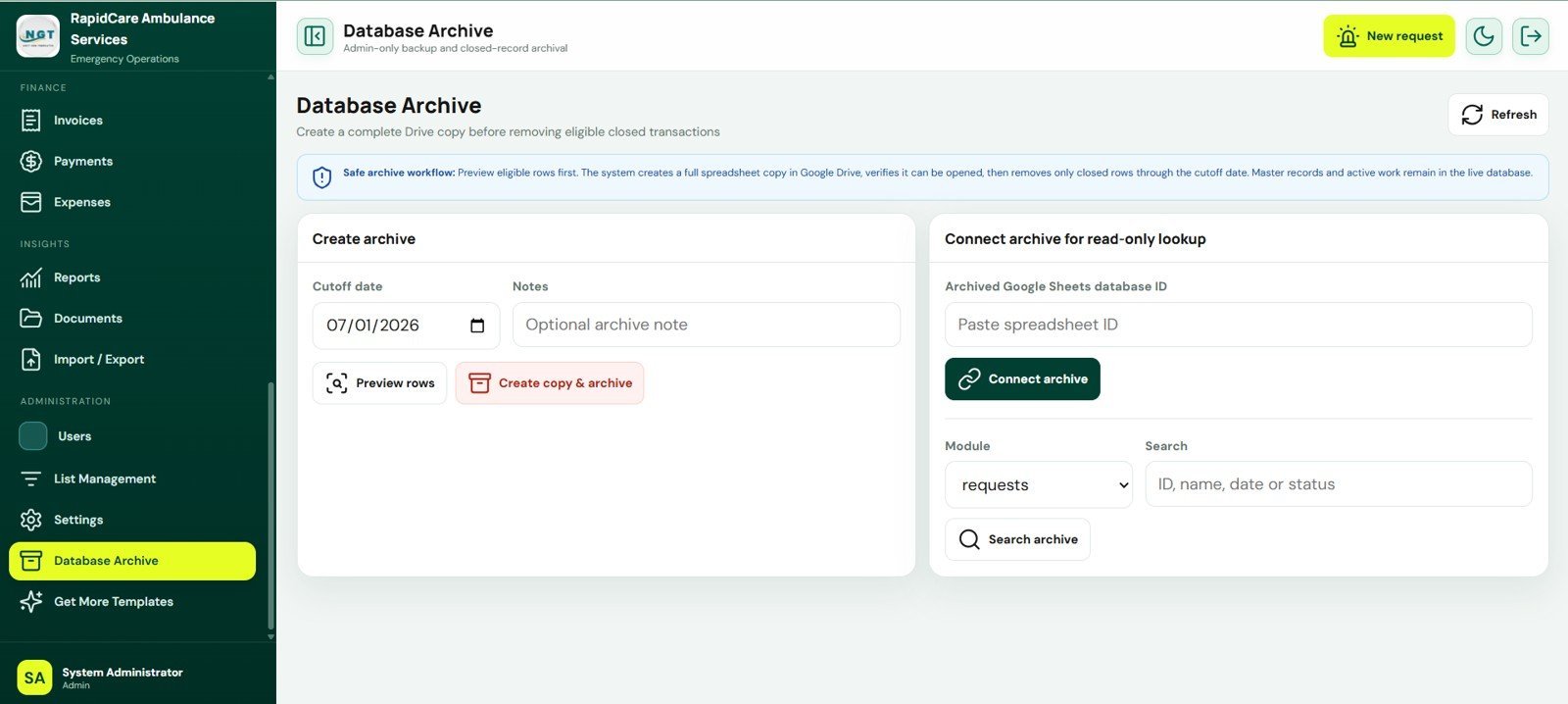
- Database archive: Create safe archive copies for closed records and search older data without loading live sheets.
What’s Inside the Ambulance Fleet and Dispatch Management System Web App
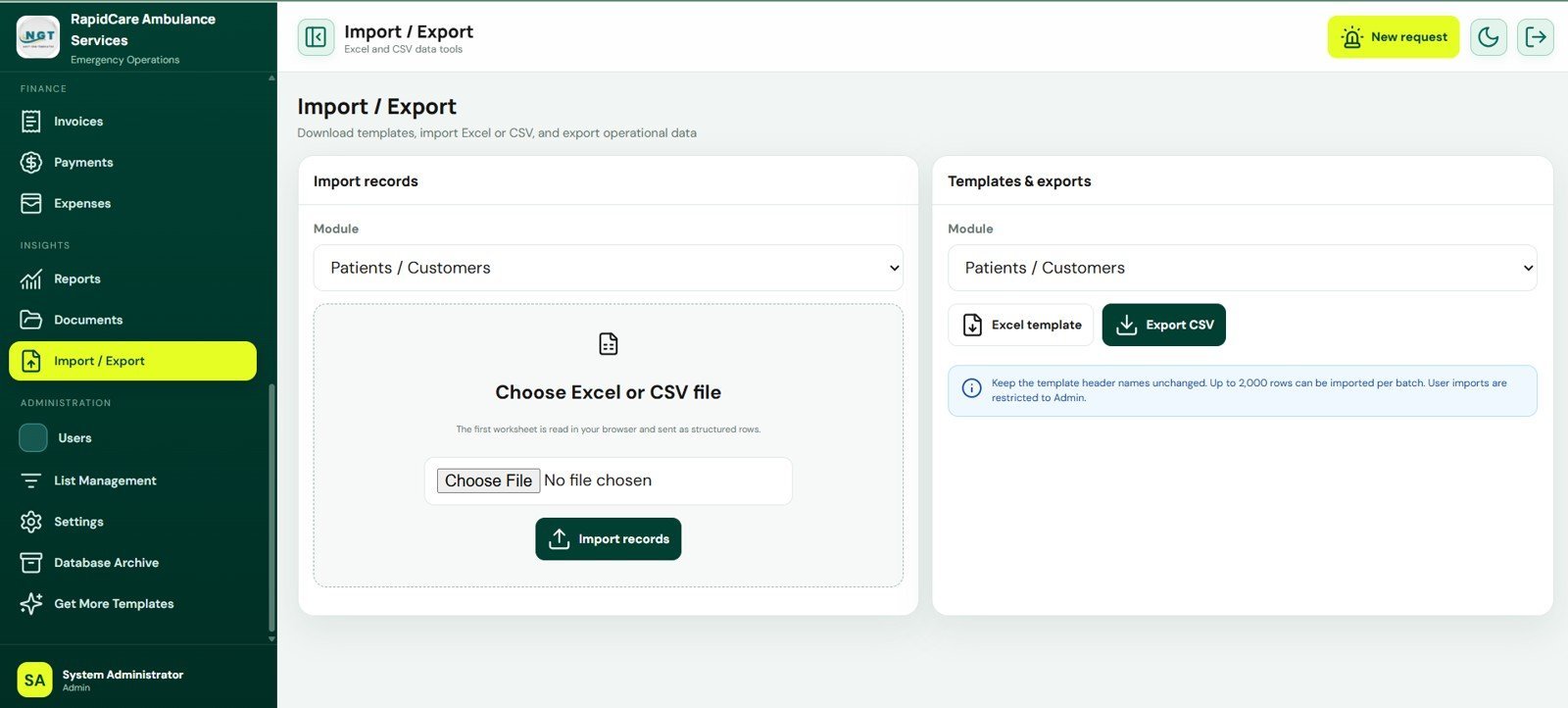
The system includes 25 connected screens covering emergency operations, booking, dispatch, patients, hospitals, crew, vehicles, equipment, maintenance, fuel, billing, payments, expenses, reports, Drive documents, import/export, users, master lists, settings, and database archive workflows.
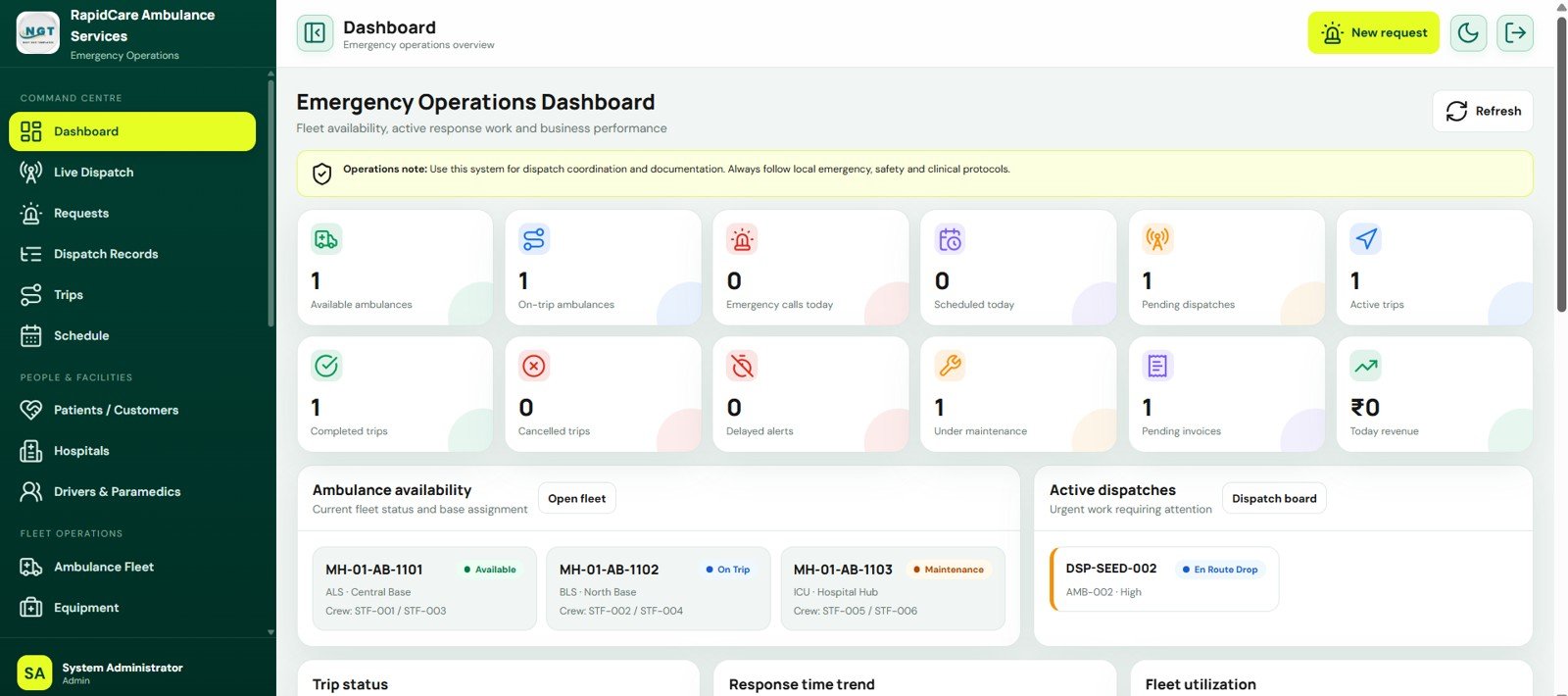
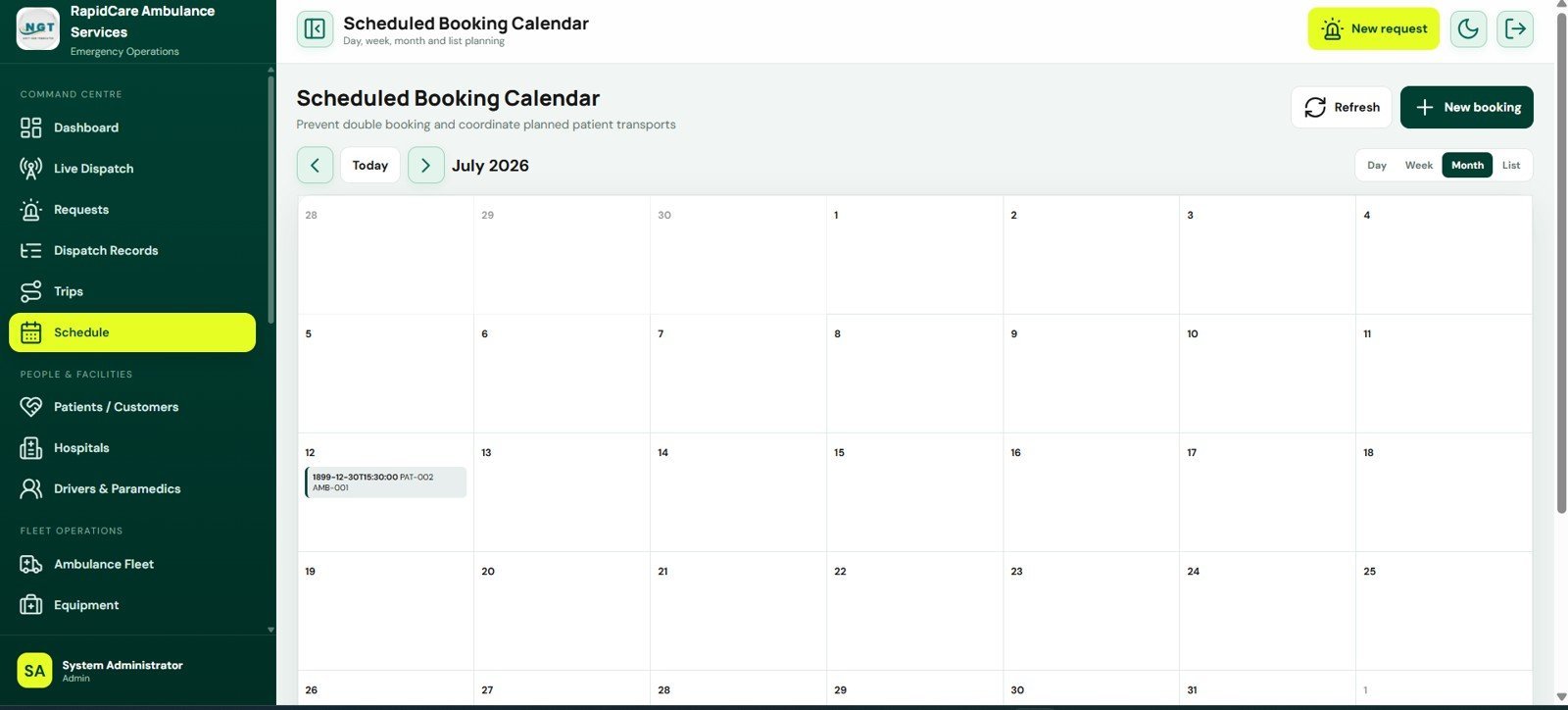
Operations control: The dashboard, live dispatch board, emergency request intake, dispatch records, trip management, and scheduled booking calendar help dispatchers move from call capture to vehicle assignment to completed trip records. The cards and analysis panels highlight availability, delayed alerts, active trips, response time, utilization, hospital activity, and recent actions.
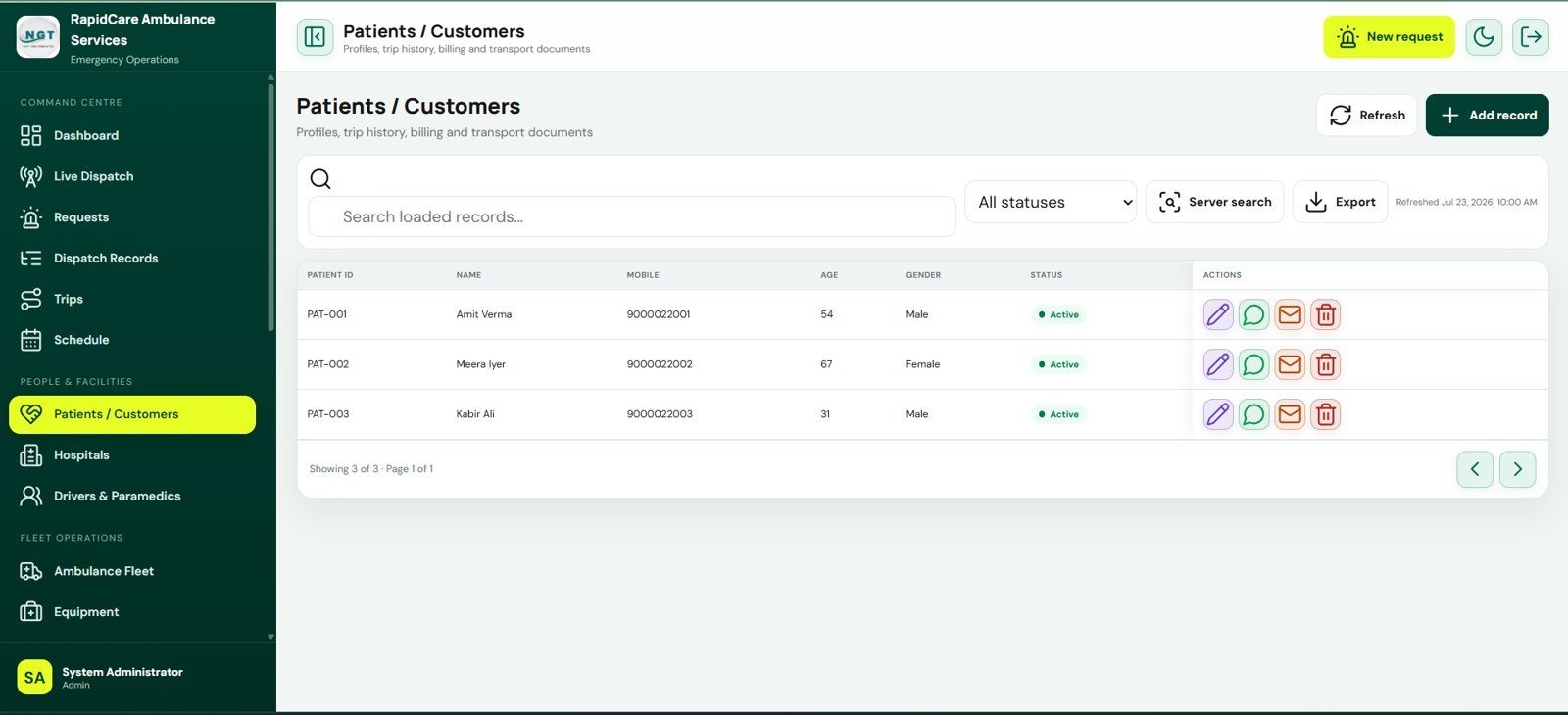
Master data and fleet control: Patient profiles, hospital records, drivers, paramedics, ambulances, equipment, checklists, maintenance schedules, and fuel logs keep the operational database structured. These screens are useful for service readiness, insurance expiry review, equipment checks, stock conditions, and staff assignment.
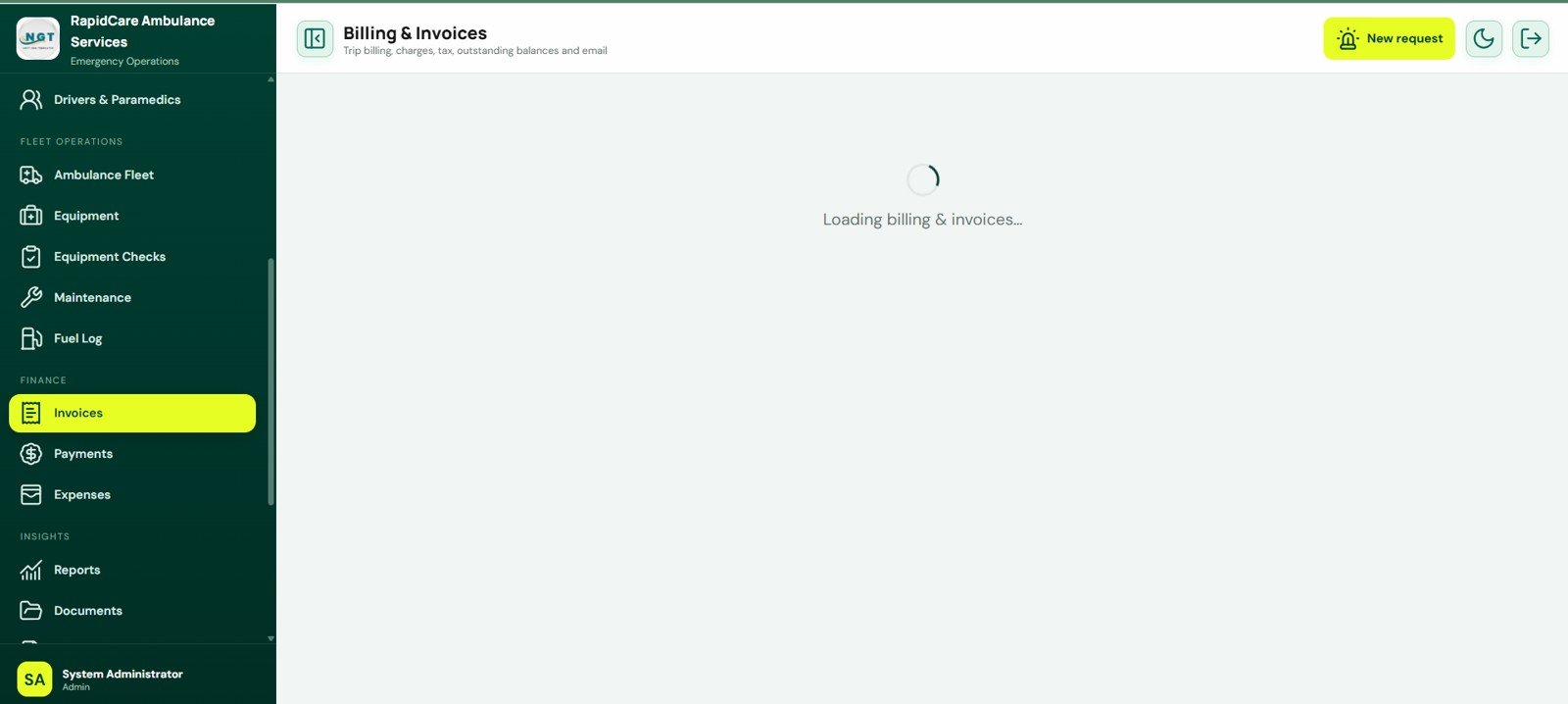
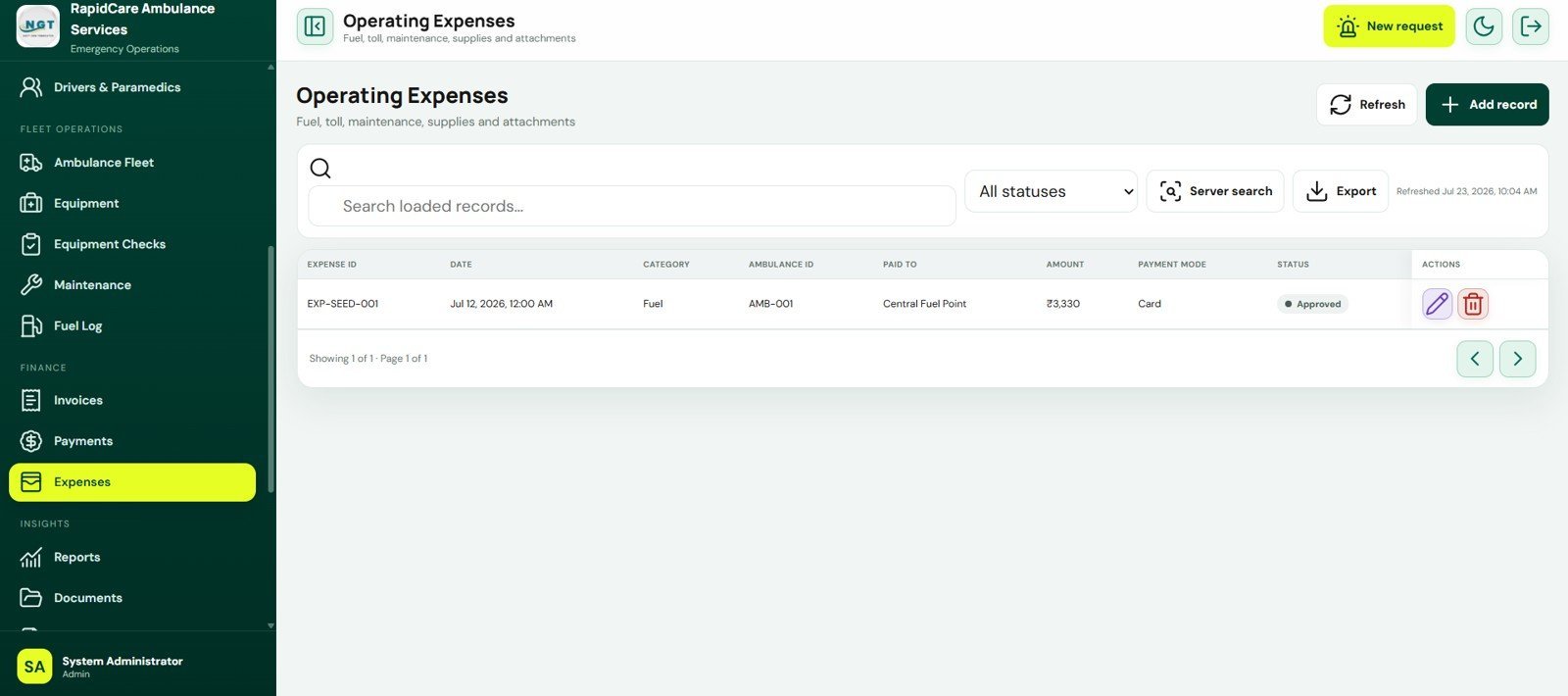
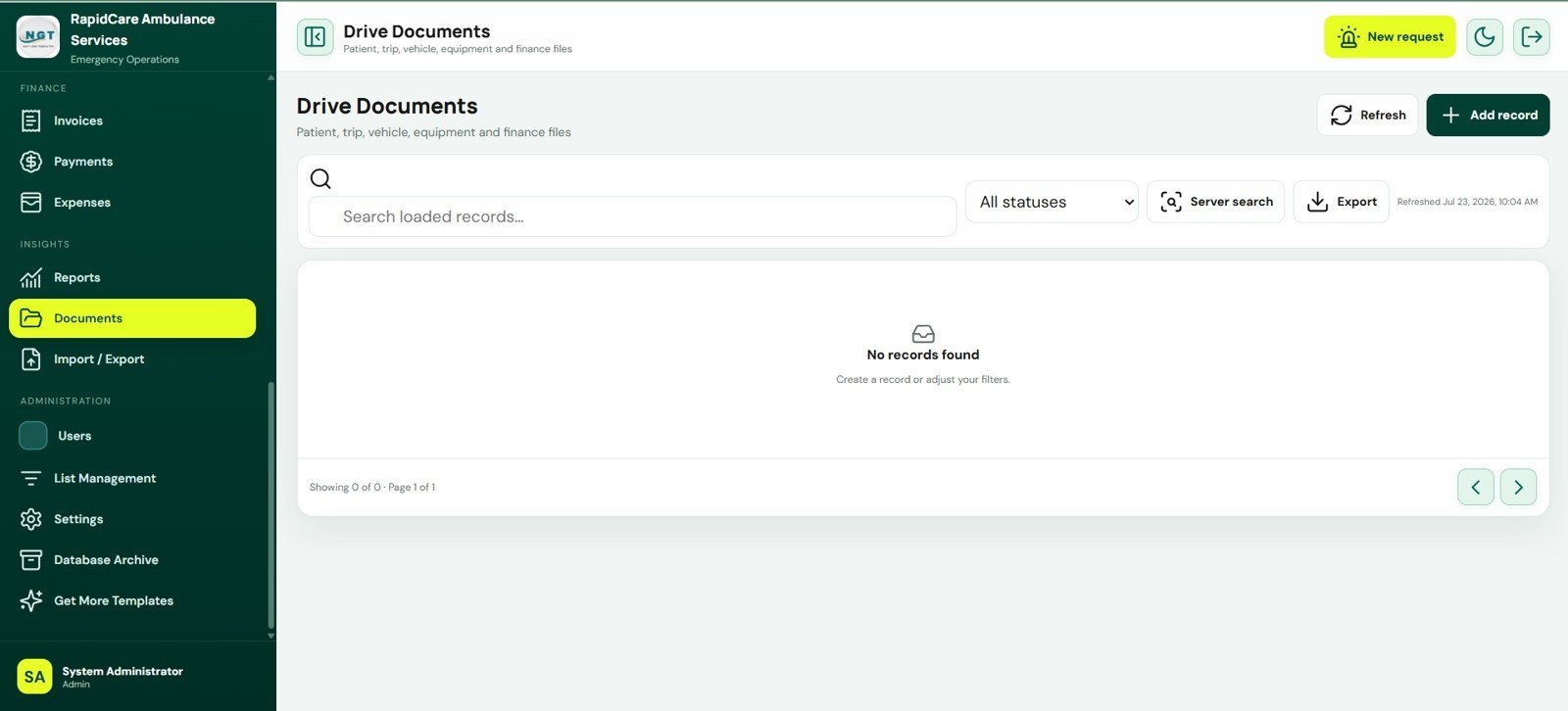
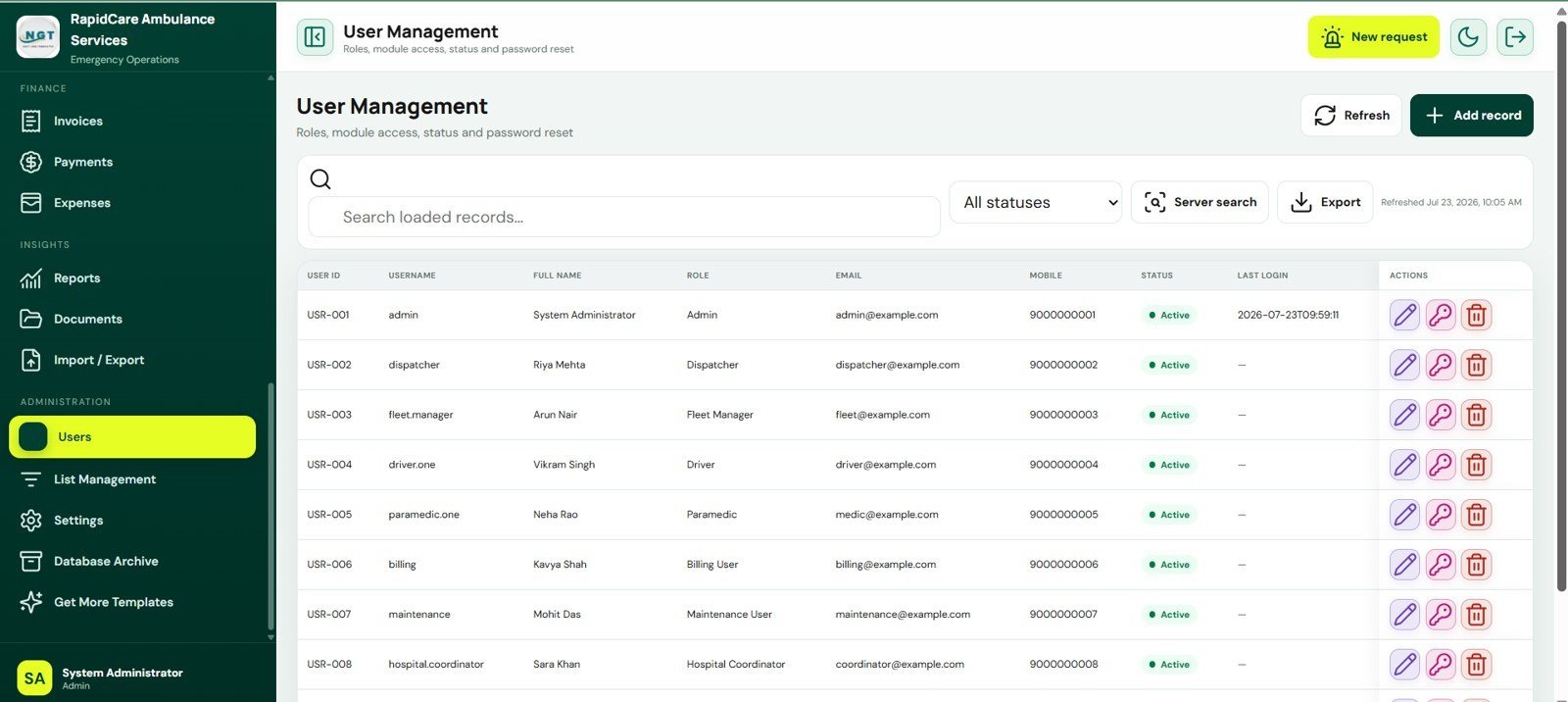
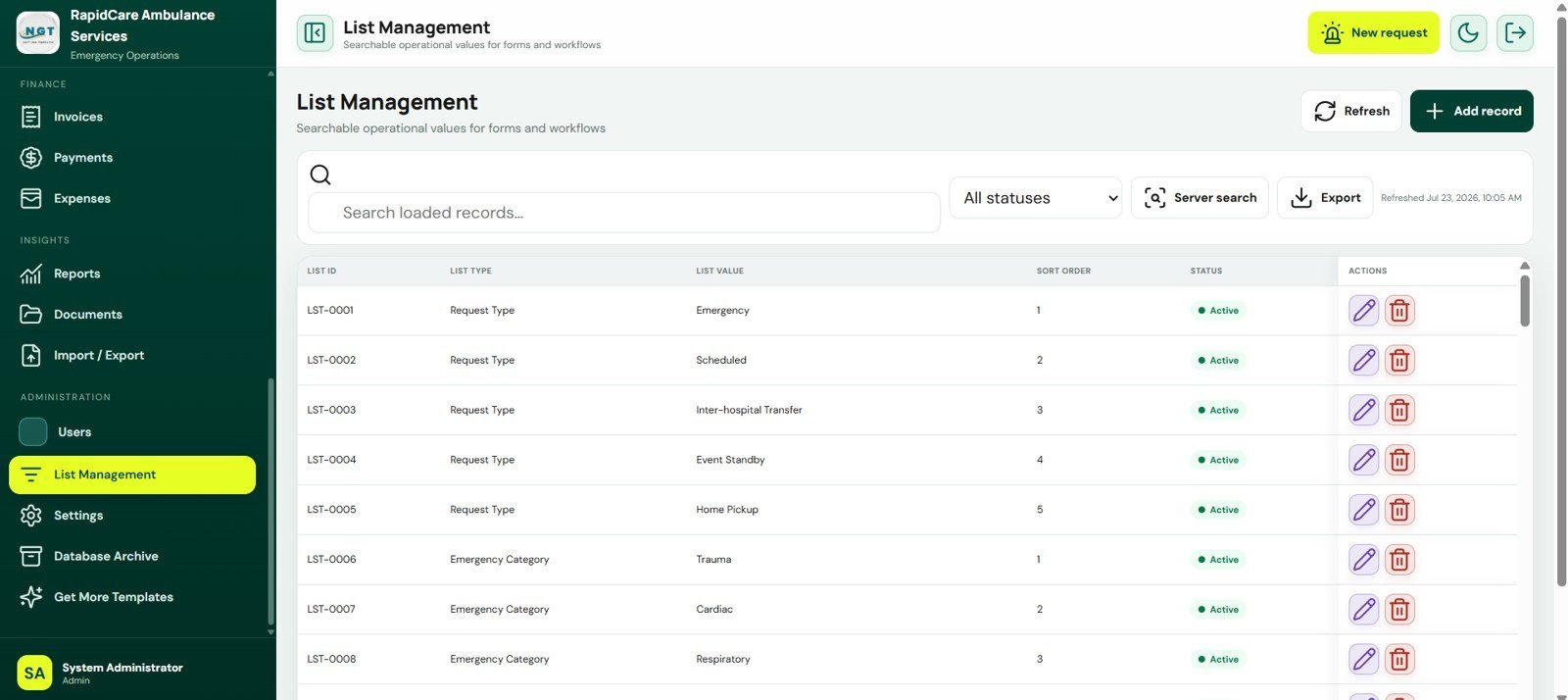
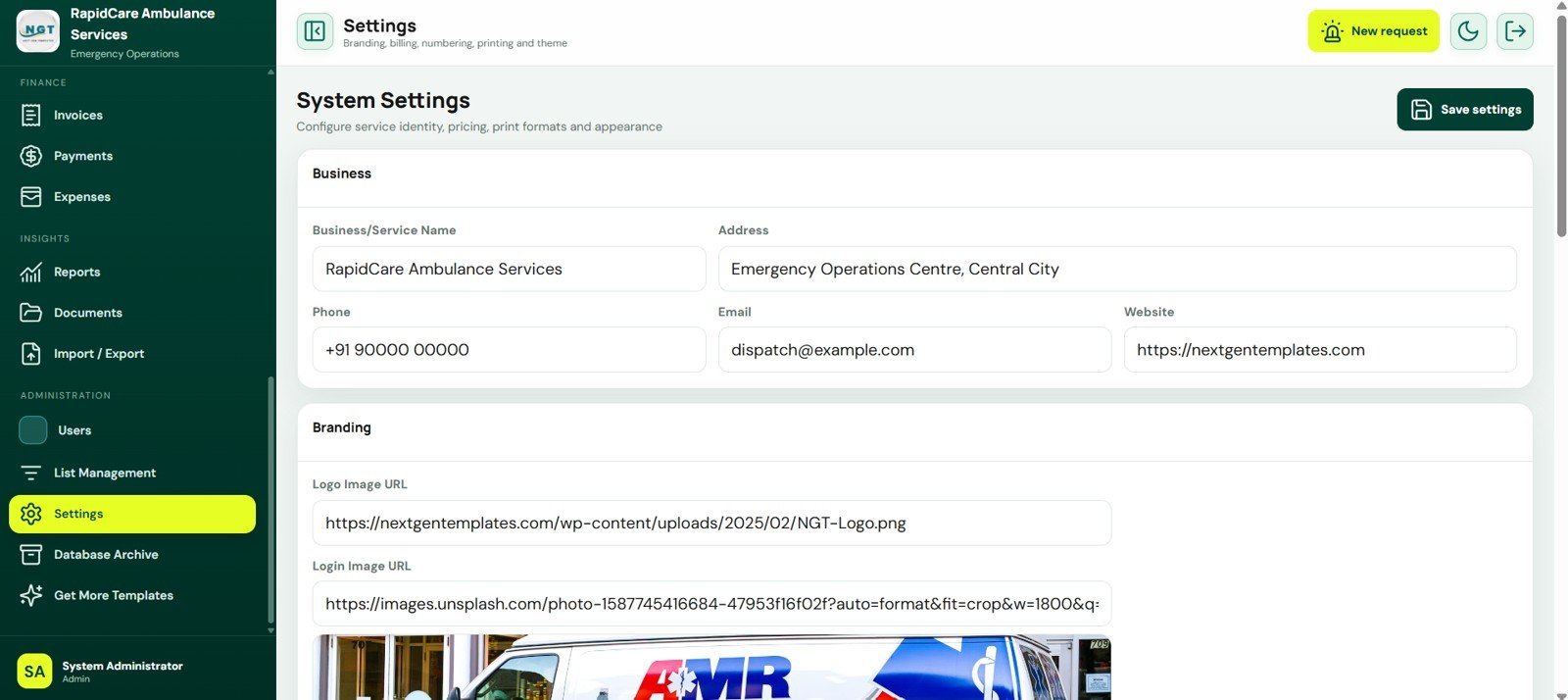
Finance, reporting, and administration: Billing, payments, receipts, operating expenses, reports, Drive documents, imports, exports, users, lists, system settings, and database archive screens give administrators the supporting controls needed after trips are completed.
Ambulance Fleet and Dispatch Management System Web App vs. Google Sheets Tracker vs. Paid Ambulance SaaS – Where This Fits
| Feature | This web app | Basic Google Sheets tracker | Paid ambulance SaaS |
|---|---|---|---|
| Cost | $39.99 sale price, one-time ZIP download | Low cost, but manual to build | Monthly or annual subscription |
| Platform | Google Apps Script web app with Google Sheets-style data storage | Spreadsheet tabs only | Vendor-hosted platform |
| Setup time | Deploy source files, configure settings, replace sample data | Build sheets, forms, formulas, and reports manually | Onboarding and vendor configuration |
| Real-time team collaboration | Browser-based access after deployment and permission setup | Shared sheet editing | Usually role-based |
| Mobile access | Browser access, depending on deployment permissions | Google Sheets mobile app or browser | Usually app or responsive portal |
| Customizable fields | Editable source files, lists, settings, and data structure | Fully editable but manual | Often limited by vendor configuration |
| Dispatch workflow | Request intake, dispatch assignment, trip lifecycle, and active response view | Manual status columns | Usually included by plan |
| Billing workflow | Trip invoices, charges, taxes, paid amount, balance, print, and email flow | Manual invoice tabs | Usually included by plan |
| Year-1 cost at 5 users | Template price plus any Google Workspace costs you already use | Your build time plus maintenance | Often much higher due to per-user or per-vehicle pricing |
Who This Template Is For – and Who It’s Not For
This template is for ambulance service owners, dispatch coordinators, healthcare operations teams, fleet managers, billing users, maintenance users, hospital coordinators, and consultants who need a structured internal system for emergency transport records.
It is not a certified emergency communications platform, medical device, EHR, HIPAA-audited hosting service, GPS telematics system, or replacement for legally required dispatch infrastructure. Validate local compliance, privacy, security, emergency response, and clinical documentation requirements before using it with live patient data.
How to Use the Ambulance Fleet and Dispatch Management System Web App
- Download and unzip the product file.
- Create or open the Google Apps Script project described in the included setup guide.
- Add the supplied source files, authorize required services, and deploy the app as a web app.
- Replace sample patients, hospitals, ambulances, crew, equipment, billing, and settings with your own records.
- Set roles and default passwords before inviting operational users.
- Run test requests, dispatches, trips, invoices, reports, and archive flows before going live.
Real-World Use Cases
Rina, dispatch supervisor: reviews pending requests, assigns ambulances, checks priority, and updates active response units during a busy shift.
Marcus, fleet manager: monitors ambulance availability, maintenance schedule, insurance expiry, equipment status, fuel cost, and checklist results.
Aisha, billing administrator: converts completed trips into invoices, records payments, tracks balances, and exports revenue reports for review.
Frequently Asked Questions
Is this an ambulance dispatch software subscription?
No. It is a one-time downloadable web app template. You deploy and manage your own copy.
Does it include live dispatch screens?
Yes. The live dispatch board shows waiting requests, route details, priority, assignment actions, and active response units.
Can it track ambulance availability and maintenance?
Yes. The fleet and maintenance screens track ambulance status, driver assignment, insurance expiry, service dates, next service dates, cost, and maintenance status.
Does it handle billing and receipts?
Yes. The billing, invoices, payments, and receipts screens support trip charges, tax, paid amount, balance, payment mode, print, and email workflows.
Can I customize the lists and settings?
Yes. List Management and System Settings let administrators control request types, emergency categories, business details, service identity, pricing, print formats, and appearance fields.
Is this suitable for regulated emergency operations?
Use it as an editable operational template and validate all local privacy, emergency response, medical documentation, and compliance requirements before live use.
About the Author
Built by PK – Microsoft Certified Professional with 15+ years of Excel, Google Sheets, and Power BI experience. Founder of NextGenTemplates, reaching 300K+ subscribers across YouTube channels. Every template is hand-built and tested before release.
Explore Related Templates
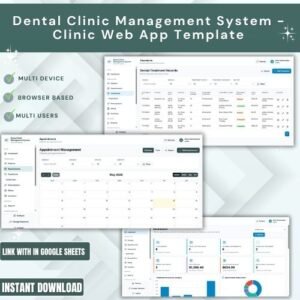
For related operations and healthcare workflows, see Dental Clinic Management System, Patient Care Homes Dashboard in Power BI, Fleet Management Dashboard in Excel, E-commerce Order Fulfillment Tracking System Web App, and the Logistics Manager Toolkit. Browse more Mini Web Apps and Google Sheets templates.
Click here to read the detailed blog post<
Watch the step-by-step video Demo:
Instant access. One-time payment. No monthly subscription.
Last updated: July 23, 2026.




























Reviews
There are no reviews yet.