

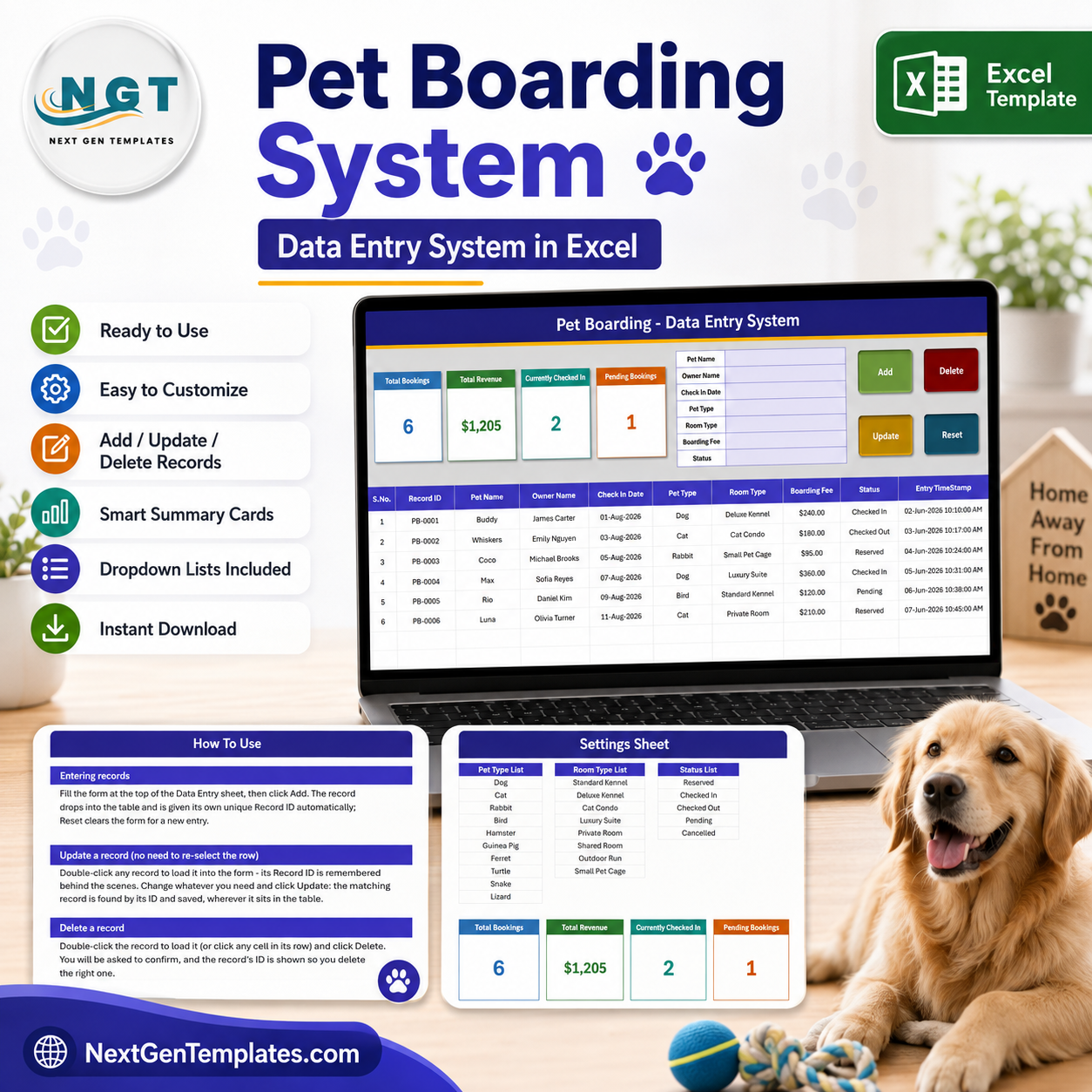
Pet Boarding Data Entry System in Excel gives boarding operators one editable workbook for 9 booking fields, 4 live summary cards, 3 working sheets, and macro buttons for adding, updating, deleting, and resetting records. The included sample shows 6 bookings, $1,205 revenue, 2 pets checked in, and 1 pending booking, so you can understand the workflow before replacing the demo rows. Built and tested by PK, a Microsoft Certified Professional with 15+ years of spreadsheet experience. Pay once, edit the lists to match your facility, and keep the file locally without a per-user subscription.
Key Features of Pet Boarding Data Entry System in Excel
- Guided booking form: capture pet name, owner, check-in date, pet type, room type, boarding fee, and status.
- Four macro controls: Add creates a record ID, Update saves the loaded record, Delete asks for confirmation, and Reset clears the form.
- Four live summary cards: see Total Bookings, Total Revenue, Currently Checked In, and Pending Bookings.
- Editable dropdown lists: maintain pet types, room types, and booking statuses on the Settings sheet.
- Structured record table: retain serial number, unique record ID, booking details, and entry timestamp in one searchable list.
- In-workbook instructions: the How To Use sheet explains entry, editing, deletion, cards, dropdowns, and macro security.
What’s Inside the Pet Boarding Data Entry System in Excel
1. Data Entry Sheet
The main sheet combines the form, action buttons, four summary cards, and the booking table. The table holds nine practical columns: Record ID, Pet Name, Owner Name, Check In Date, Pet Type, Room Type, Boarding Fee, Status, and Entry TimeStamp. Sample statuses include Reserved, Checked In, Checked Out, Pending, and Cancelled.
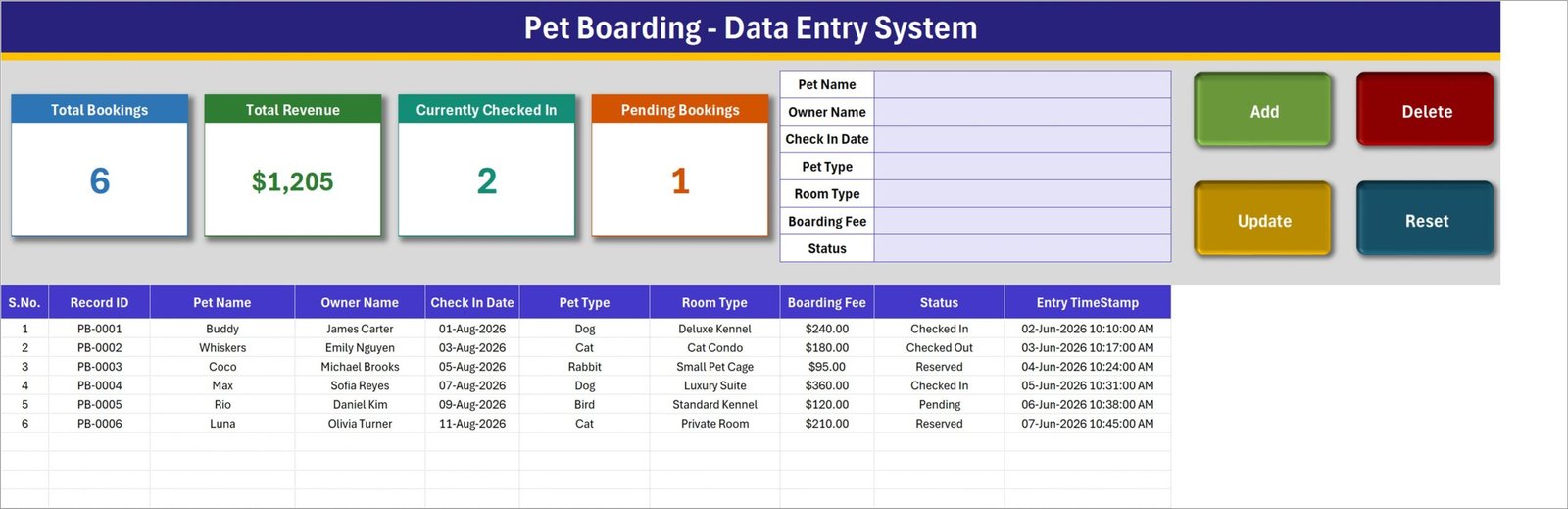
Data Entry sheet with booking form, KPI cards, and record table
2. Settings Sheet
Edit the pet-type list, room-type list, and status list to match your operation. The included examples cover dogs, cats, rabbits, birds, small animals, kennel styles, private rooms, and common booking stages. The linked summary cards on this sheet supply the live cards displayed on the main form.
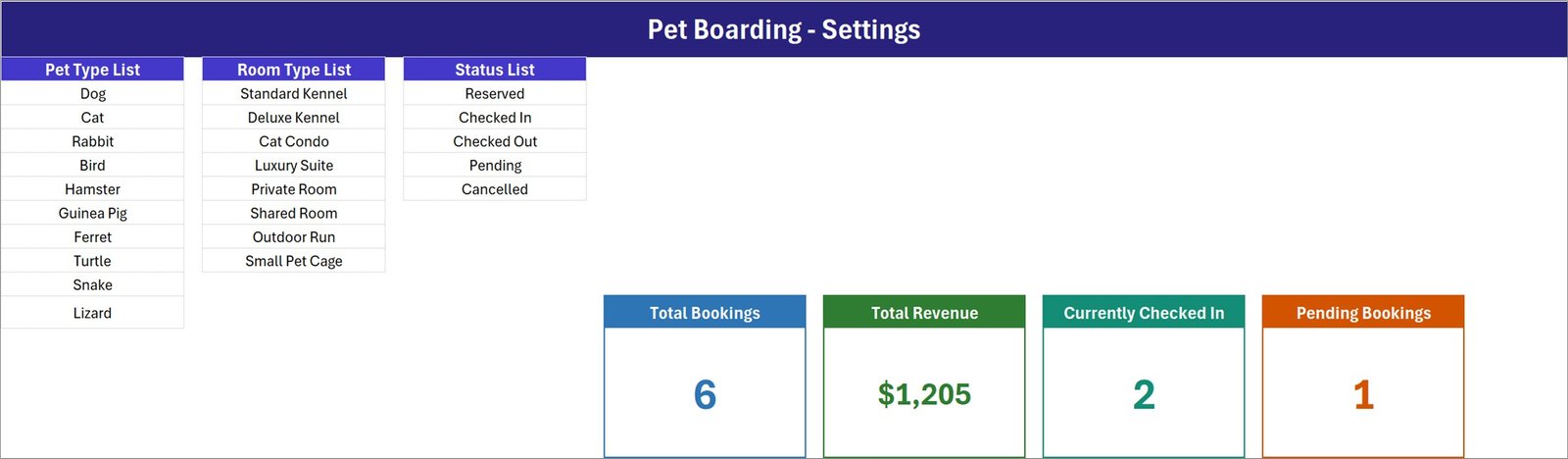
Settings sheet for editable pet, room, and status lists
3. How To Use Sheet
This guide explains how to enter a record, double-click a row before updating it, confirm deletions, edit dropdown lists, and enable VBA macros. It remains inside the workbook for quick reference by the person maintaining the log.
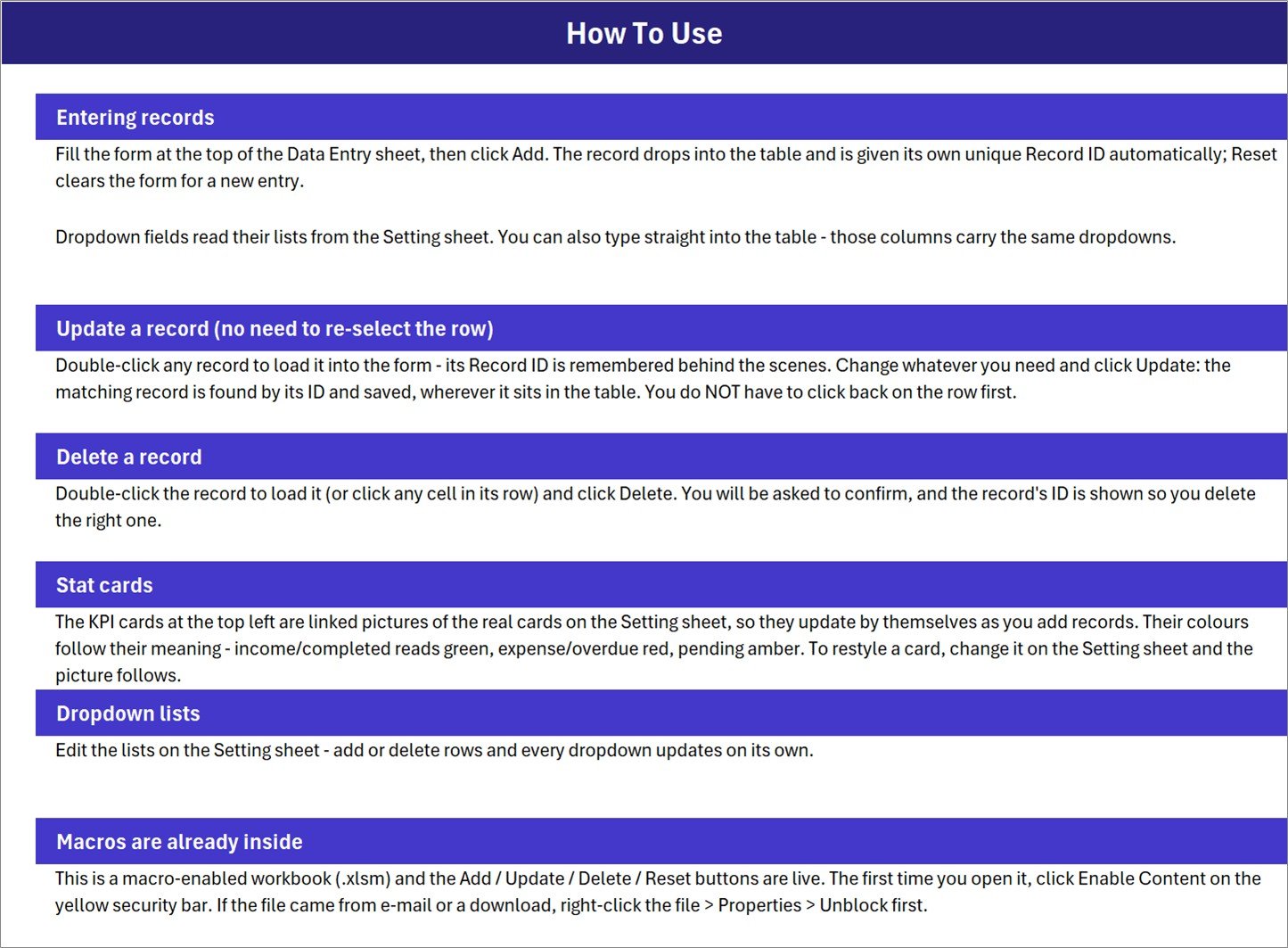
In-workbook setup and operating instructions
Pet Boarding Data Entry System in Excel vs. Google Sheets vs. Paid Kennel SaaS – Where This Fits
| Feature | This Excel template | Google Sheets alternative | Paid kennel SaaS |
|---|---|---|---|
| Cost | $6.99 one-time sale price | Template plus setup | Recurring plan |
| Platform | Desktop Microsoft Excel | Browser spreadsheet | Vendor cloud |
| Setup | Unzip, enable macros, edit lists | Copy and configure | Account and onboarding |
| Offline use | Yes | Limited | Usually internet-based |
| Custom fields | Workbook is editable | Sheet is editable | Plan-dependent |
| Simultaneous users | Best for one active editor | Native collaboration | Usually supported |
| Booking workflow | Manual form and status log | Manual sheet workflow | May include portals and automation |
| Year-1 cost at 5 users | $6.99 total, excluding Excel licenses | Depends on workspace licensing | Recurring vendor fees |
Who This Template Is For – and Who It’s Not For
Good fit: independent pet boarding businesses, kennels, pet sitters, dog day-care operators, foster coordinators, and small teams that want a local, editable booking register.
Not a fit: facilities needing online reservations, customer logins, automated reminders, vaccination verification, medication administration records, capacity allocation, payment processing, accounting, or multiple people editing at the same time. This workbook is an administrative log, not veterinary software or a full kennel management platform.
How to Use the Pet Boarding Data Entry System in Excel
- Download and unzip the package, then open Pet_Boarding_System.xlsm in desktop Excel.
- Unblock the file in Windows Properties if required, then select Enable Content so the VBA buttons can run.
- Open Settings and replace the sample pet, room, and status values with your own.
- Complete the form and click Add; Excel creates a unique record ID and timestamp.
- Double-click an existing row to load it, edit the form, and click Update.
- Review the four summary cards, and back up the workbook regularly.
Real-World Use Cases
Maya, independent kennel owner: logs upcoming reservations and checks the pending count before planning the next week.
Daniel, day-care coordinator: changes statuses from Reserved to Checked In and Checked Out while keeping owner and room details together.
Priya, pet sitter: edits the room list into service packages and uses the fee column to maintain a simple record of booked amounts.
Frequently Asked Questions
Do I need to enable macros?
Yes. Add, Update, Delete, and Reset use VBA, so open the .xlsm file in desktop Excel and enable content.
Can I change the pet types and room types?
Yes. Edit the lists on the Settings sheet and the dropdown choices update.
Does it generate unique booking IDs?
Yes. The Add workflow creates a record ID automatically and stores an entry timestamp.
Can multiple staff edit it simultaneously?
It is best for one active editor. Choose a cloud or database system if concurrent editing is essential.
Does it manage veterinary or medication records?
No. It records basic boarding details only and is not clinical, medical, or veterinary software.
Is sample data included?
Yes. Six example rows demonstrate the system. Delete or replace them before operational use.
About the Author
Built by PK – Microsoft Certified Professional with 15+ years of Excel, Google Sheets, and Power BI experience. Founder of NextGenTemplates, reaching 300K+ subscribers across YouTube channels. Every template is hand-built and tested before release.
Explore Related Templates
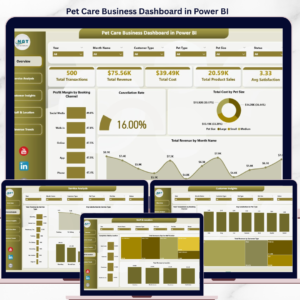
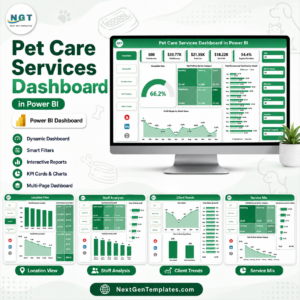
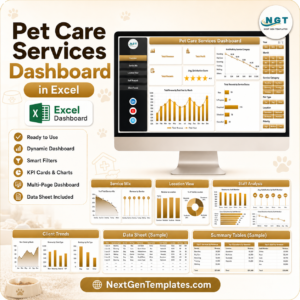
Continue your pet-care reporting with the Pet Care Services Dashboard in Excel, Pet Care Services Dashboard in Power BI, and Pet Care Business Dashboard in Google Sheets. For another structured record workflow, see the Vaccination Record Data Entry System in Excel. Browse more Excel VBA tools and Excel trackers.
Download the Pet Boarding Data Entry System in Excel for a clear, editable boarding log with one-time pricing and no subscription. Read the companion setup article at PK-AnExcelExpert. Last updated: August 18, 2026.































Reviews
There are no reviews yet.