

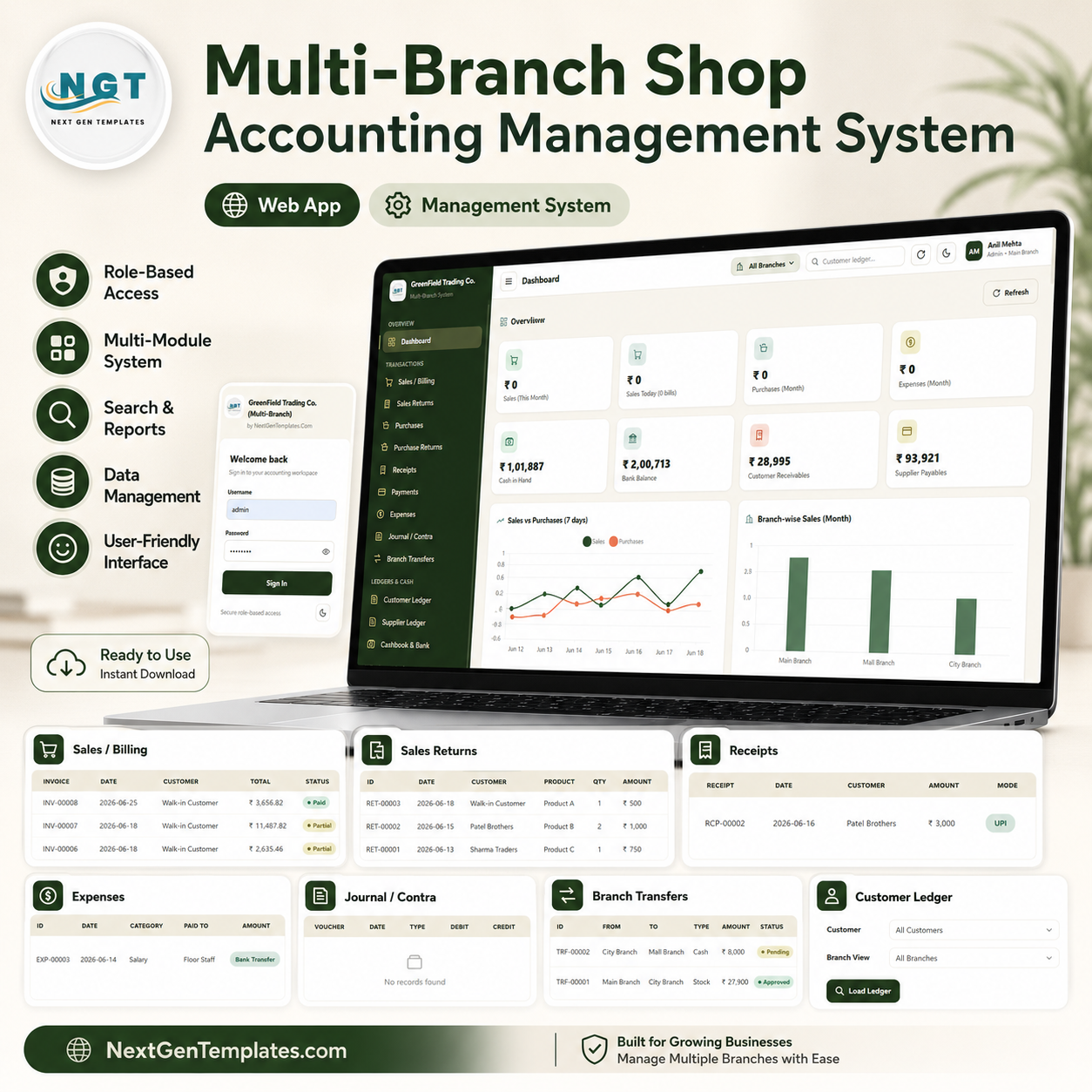
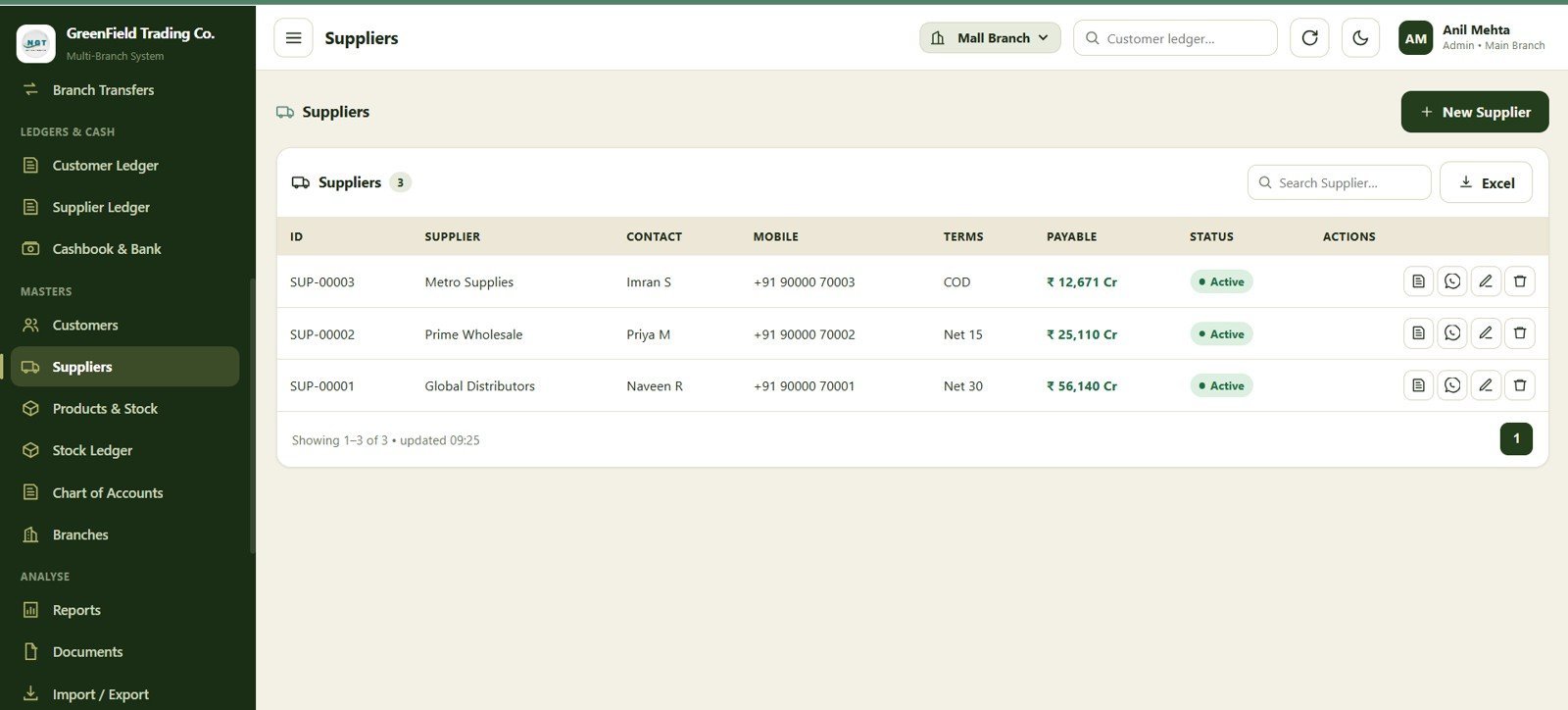
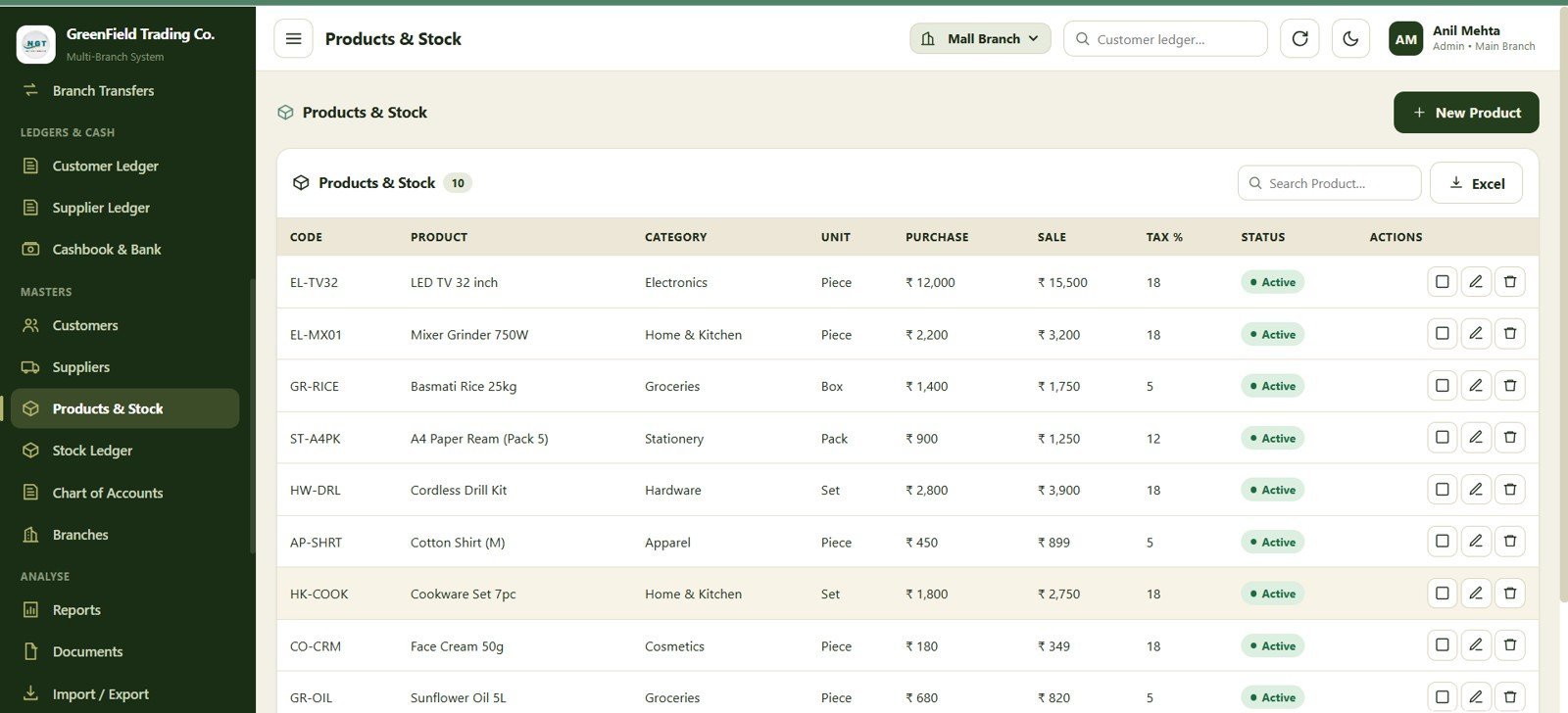
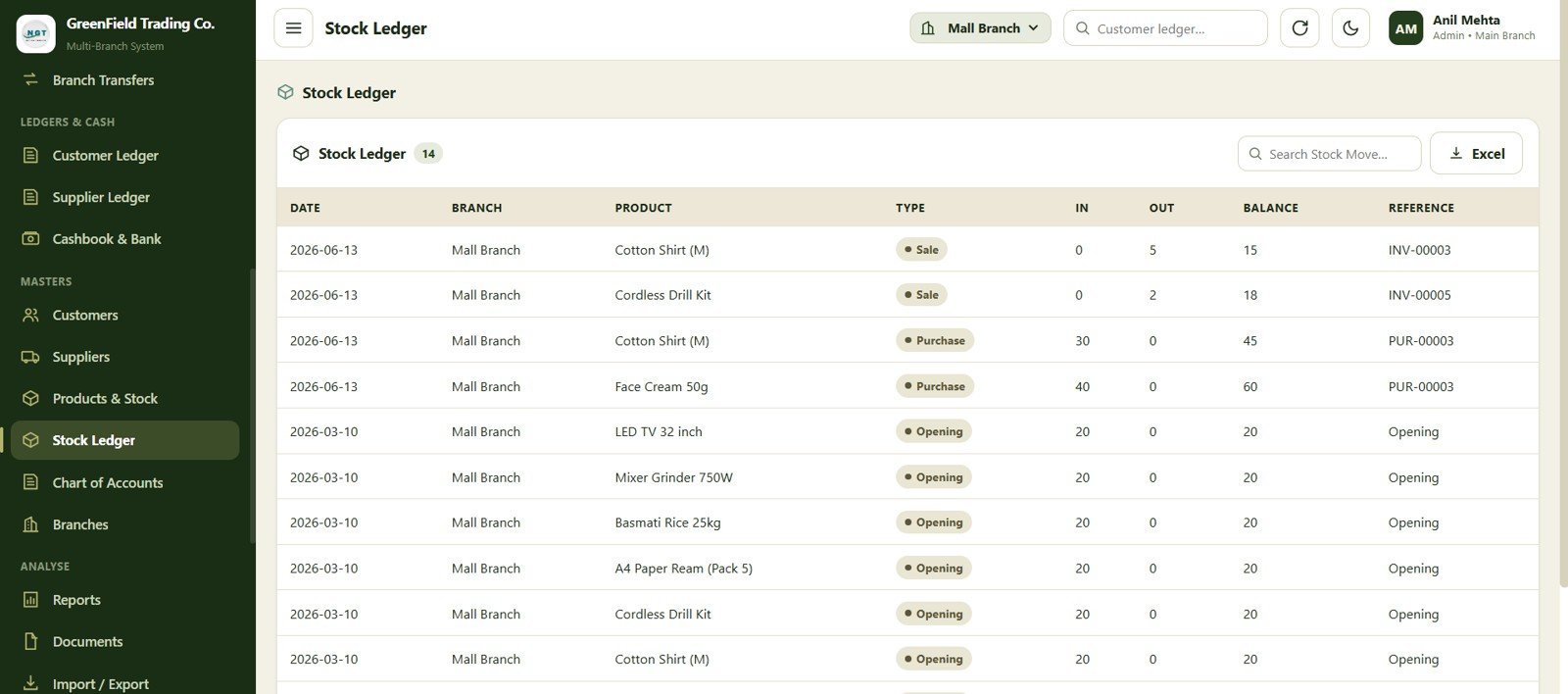
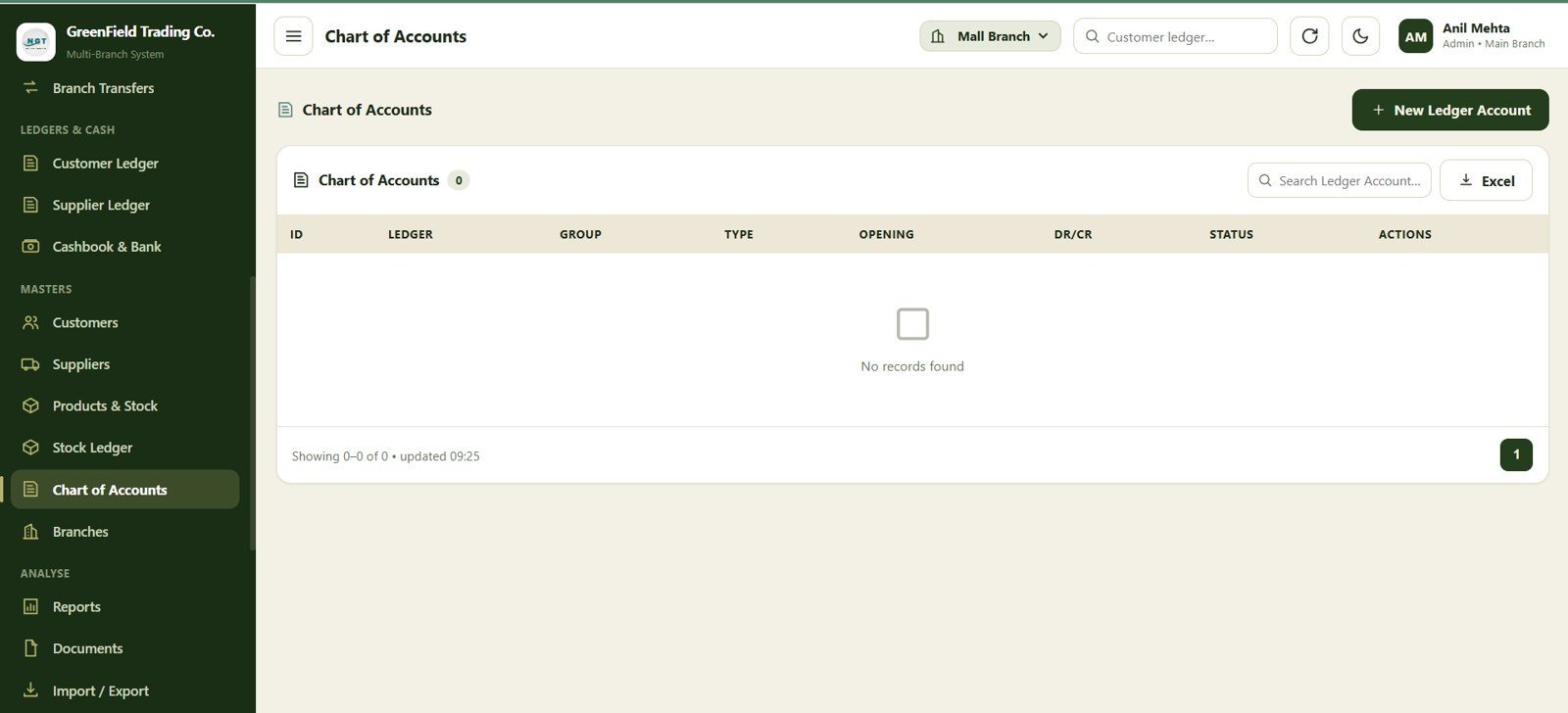

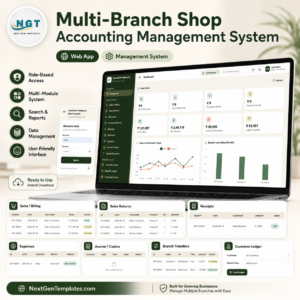
Multi-Branch Shop Accounting Management System Web App gives shop owners, accountants, and branch managers one browser-based workspace for sales, purchases, expenses, ledgers, cash, bank, stock, users, reports, archives, and audit logs. TheMulti-Branch Shop Accounting Management System Web App template includes 25 connected screens, 8 dashboard KPI cards, 3 management charts, and searchable, sortable tables across daily operating modules. Built by PK, founder of NextGenTemplates with 300K+ subscribers across tutorial channels, it is sold as a one-time download so teams can avoid recurring per-user SaaS fees while still starting from a tested business system.Multi-Branch Shop Accounting Management System Web App
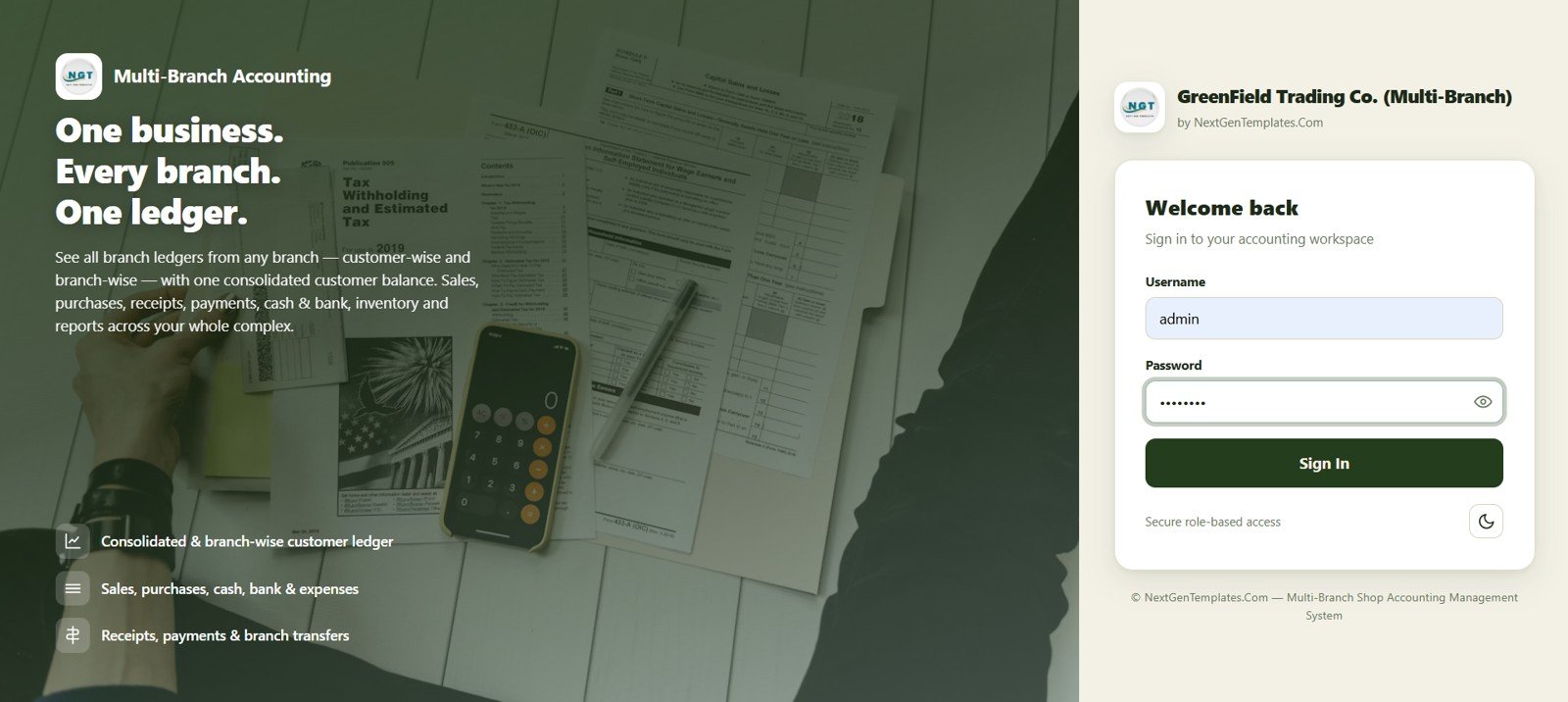
Login Page
🚀 Try the Live Demo Before You Buy
We have deployed this web app in our own Google account so you can test every page, every role, and every branch — with real sample data — before purchasing. No signup, no email required.
🔑 Test Login Credentials
This system supports 7 role types across multiple branches. Sign in as admin for full system control, owner for an all-branch financial view, or try any of the branch-level roles below to see how access changes per user type.
💡 What you get after purchase: The full source code (Code.gs + Index.html) plus a step-by-step deployment guide so you can deploy your own private instance in your own Google account in under 15 minutes.
Key Features of Multi-Branch Shop Accounting Management System – Web App
- 25-screen web app structure covering login, dashboard, billing, receipts, expenses, ledgers, stock, reports, documents, settings, archive, and audit controls.Multi-Branch Shop Accounting Management System Web App
- Branch-wise dashboard filter so owners can review sales, purchases, cash, bank, receivables, payables, and expenses by location.
- Accounting workflow modules for sales invoices, returns, receipts, expenses, journal entries, contra entries, customer ledgers, and supplier ledgers.Multi-Branch Shop Accounting Management System Web App
- Inventory and product control with product master, stock ledger, branch transfers, and searchable stock movement records.Multi-Branch Shop Accounting Management System Web App
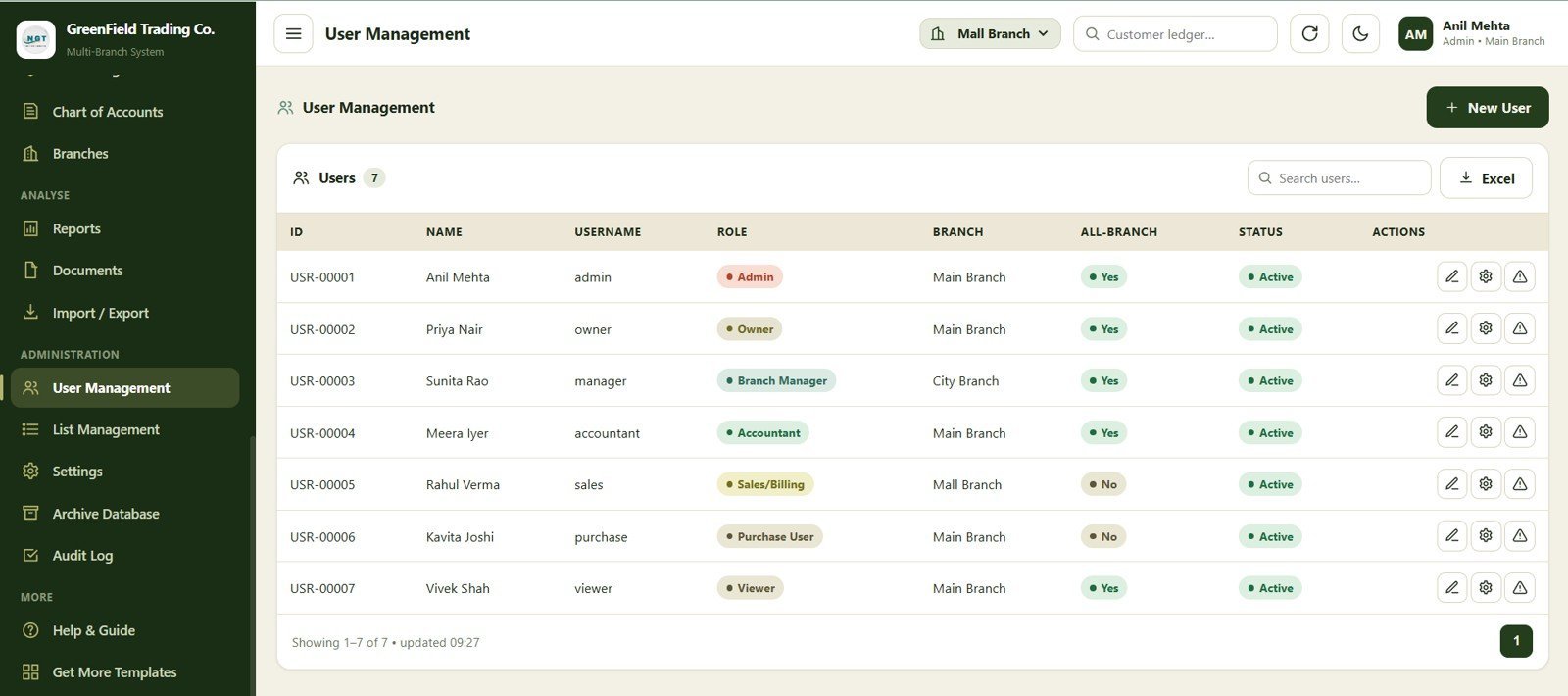
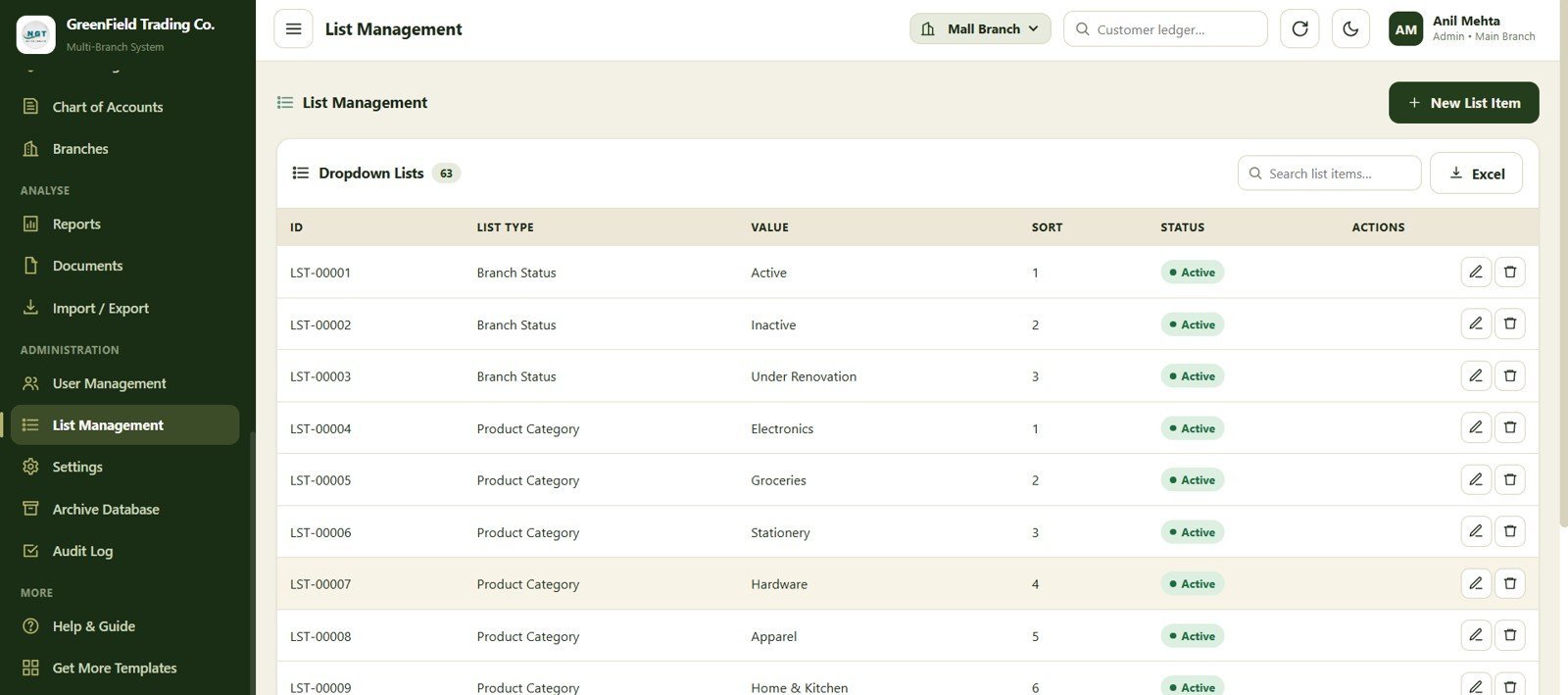
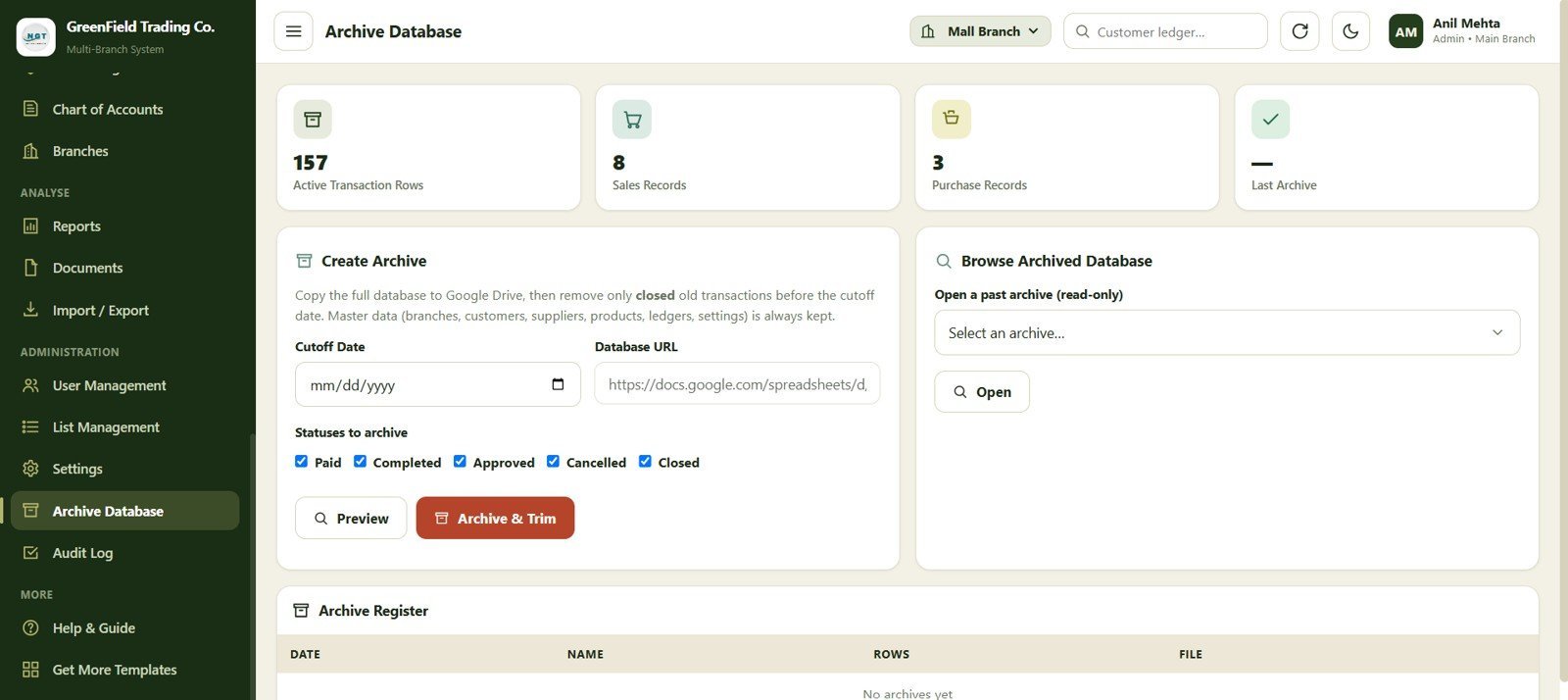
- Admin controls for users, roles, branch access, list values, company settings, document uploads, archive database, and audit history.Multi-Branch Shop Accounting Management System Web App
- Searchable and sortable tables in each operating module, making day-to-day lookup faster than scrolling through raw spreadsheet rows.Multi-Branch Shop Accounting Management System Web App
- Downloadable source package for teams that want a ready business management starting point they can customize after purchase.Multi-Branch Shop Accounting Management System Web App
What Is Inside the Multi-Branch Shop Accounting Management System – Web App
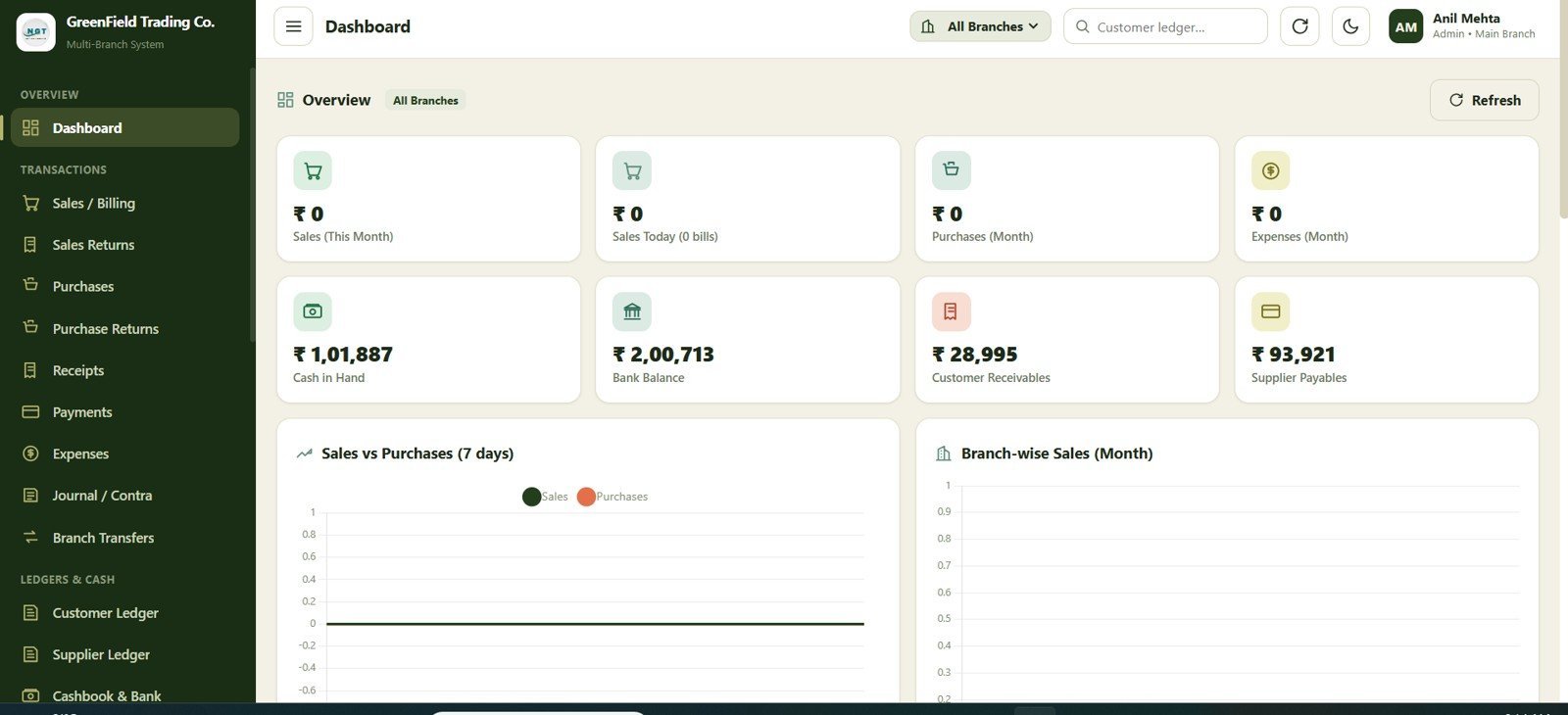
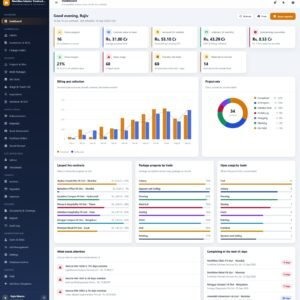
The system starts with a branded login screen and opens into a dashboard with cards for Sales This Month, Sales Today, Purchases Month, Expenses Month, Cash in Hand, Bank Balance, Customer Receivables, and Supplier Payables. Charts show Sales by Day, Purchases by Day, and Sales by Branch, giving management a clear daily read on shop performance.Multi-Branch Shop Accounting Management System Web App
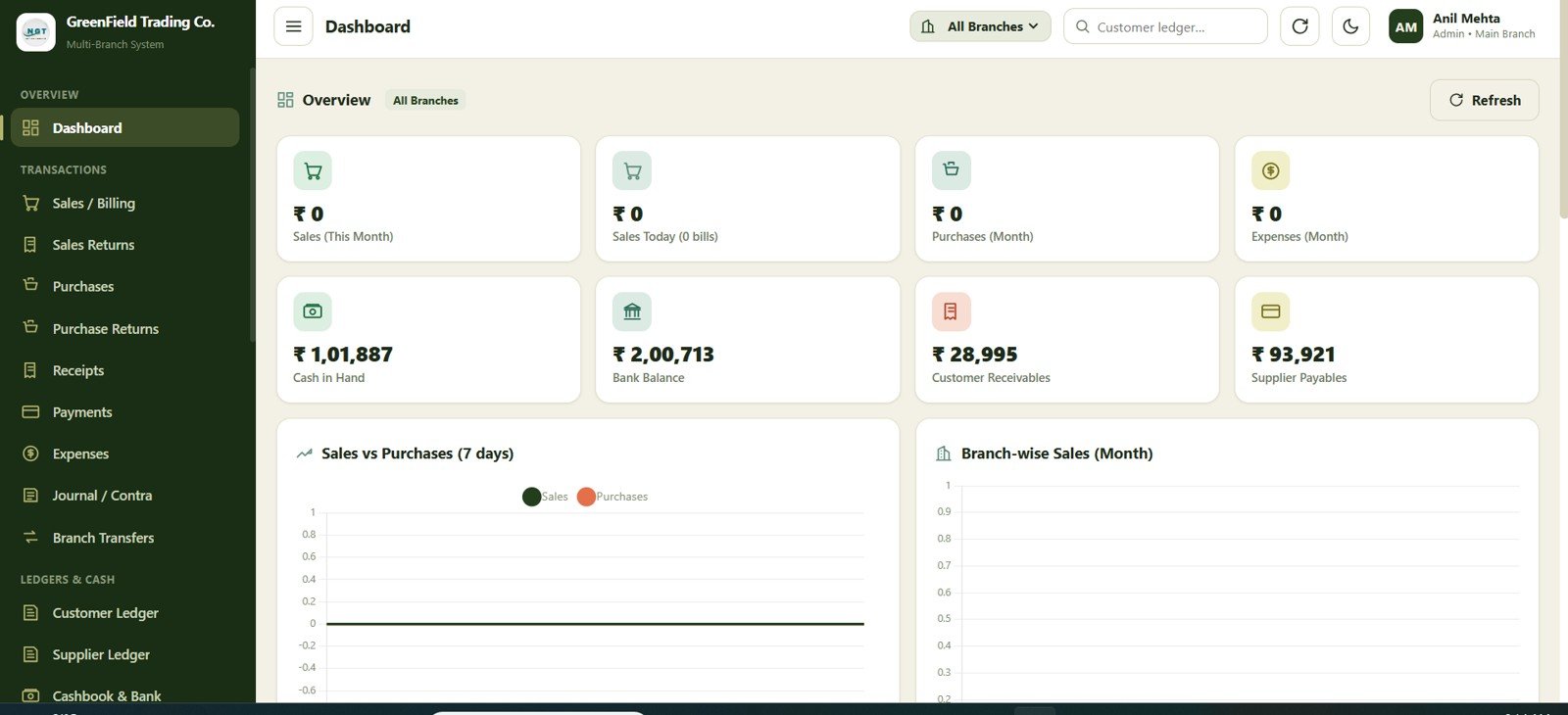
Dashboard
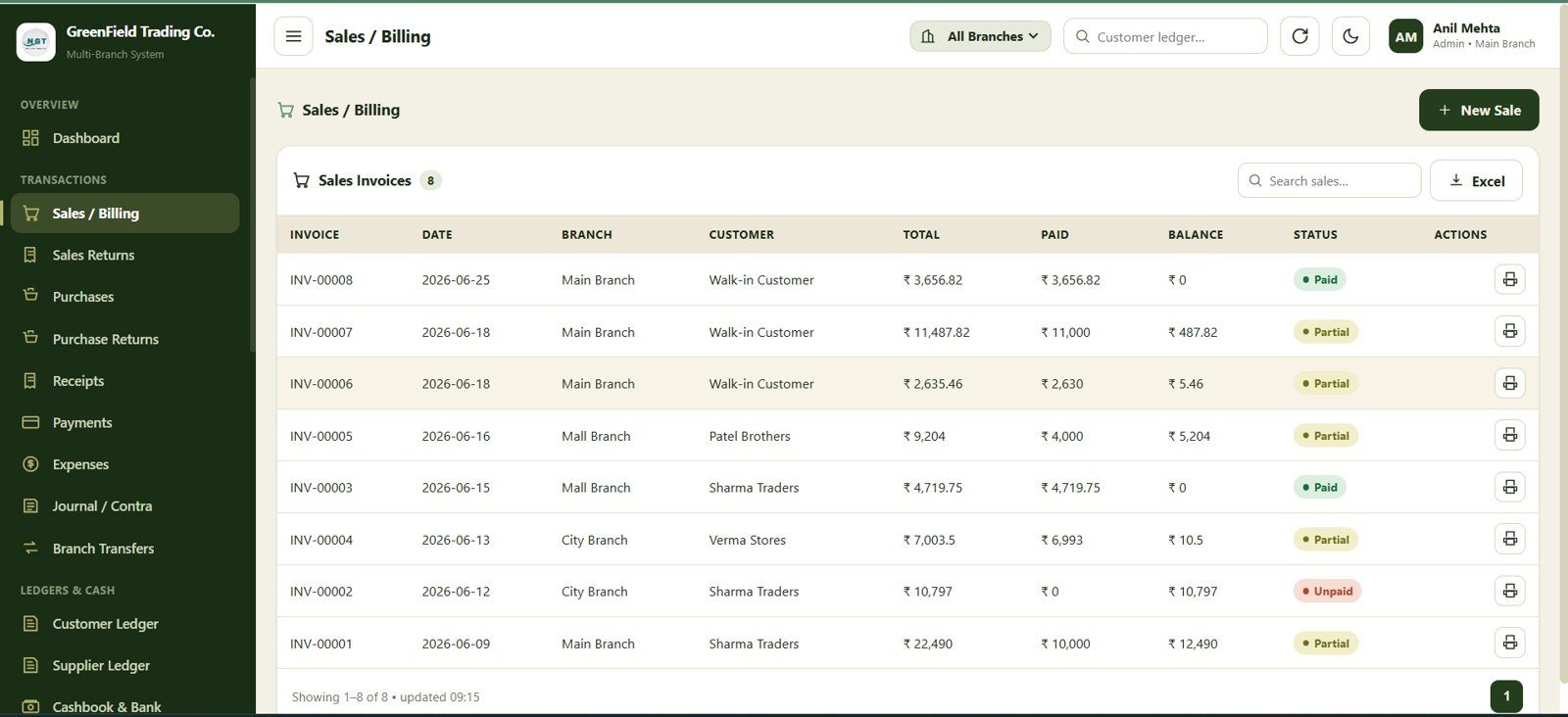
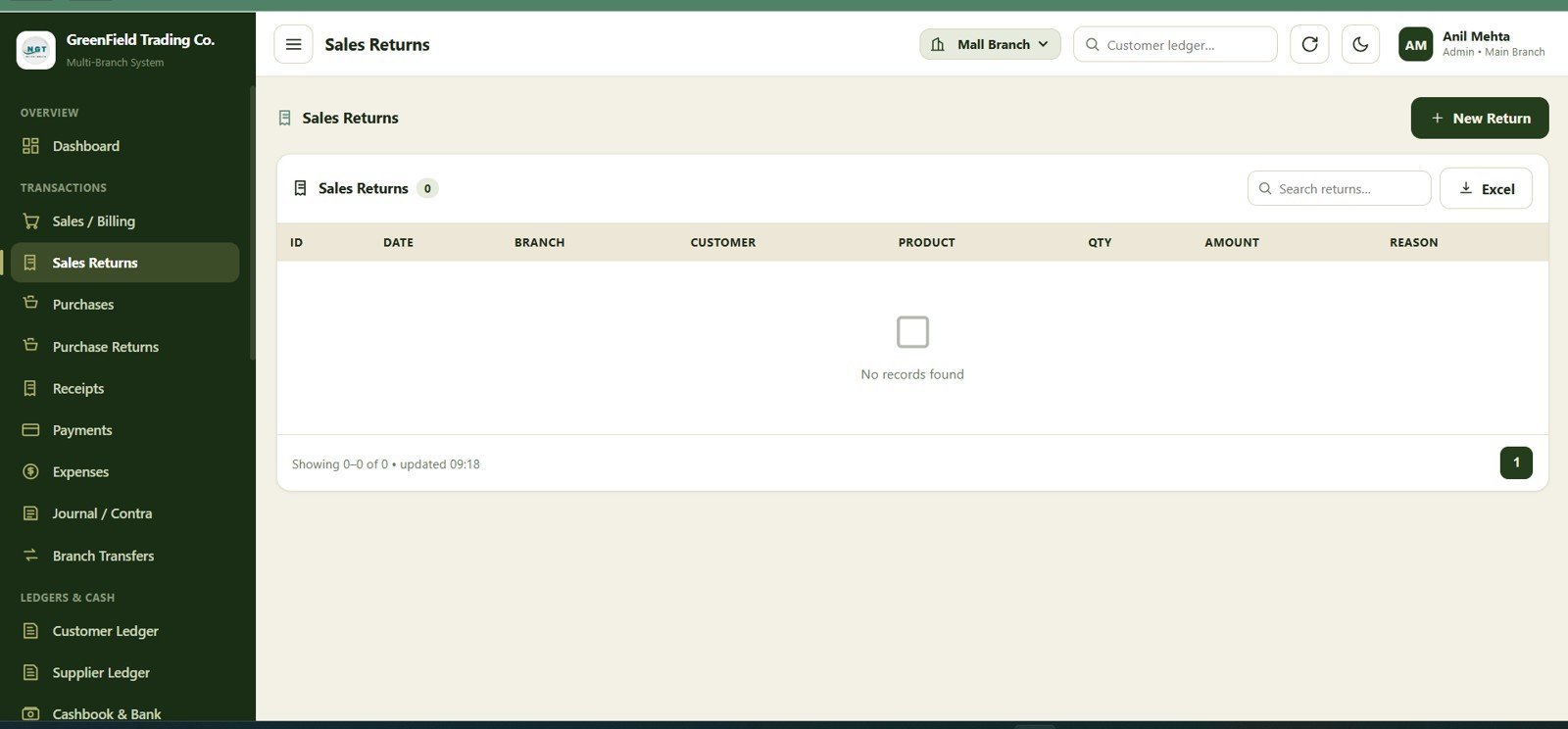
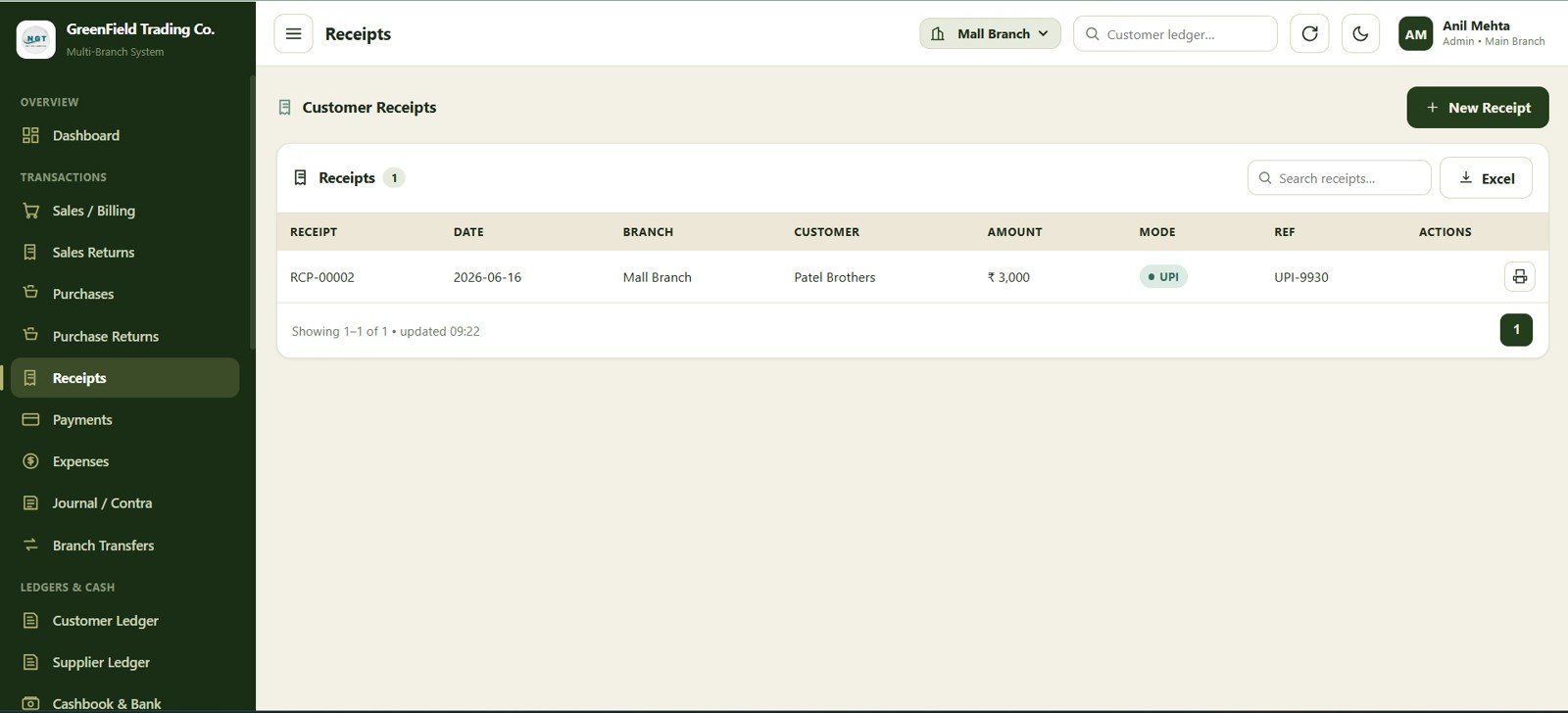
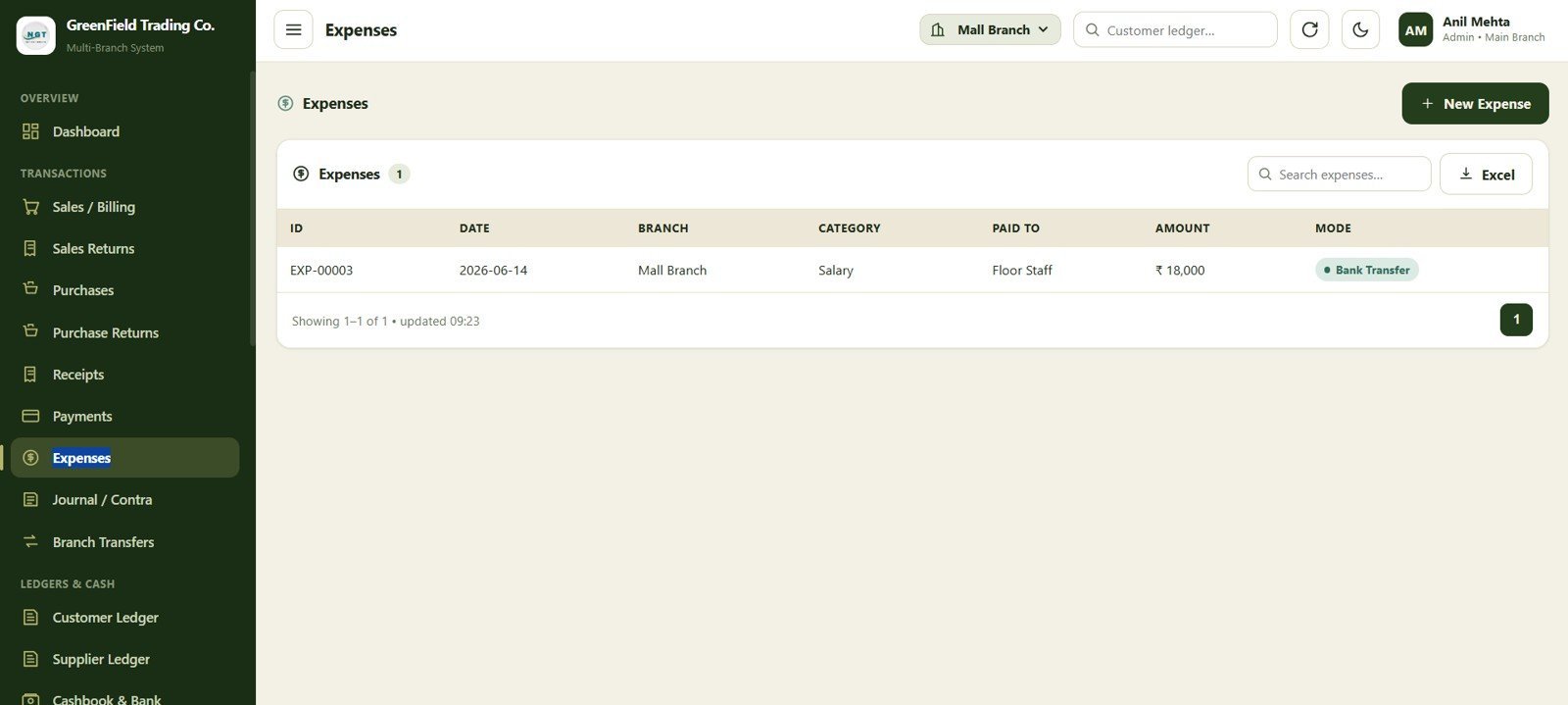
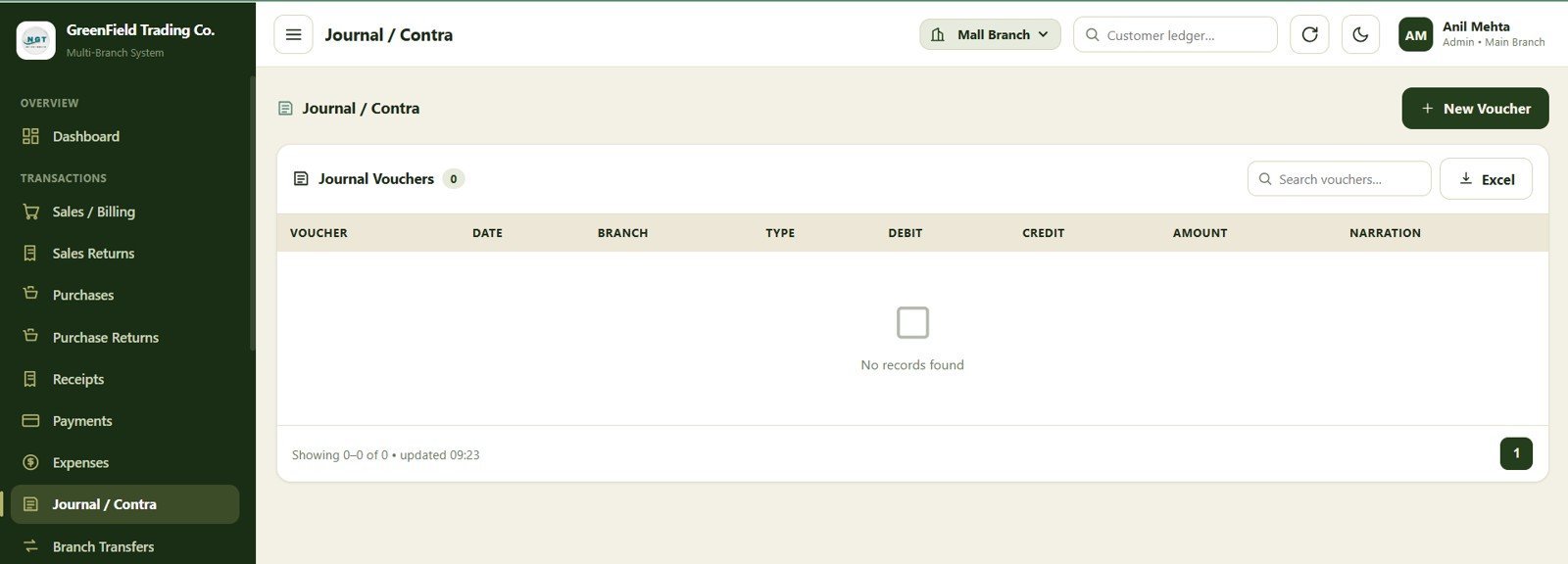
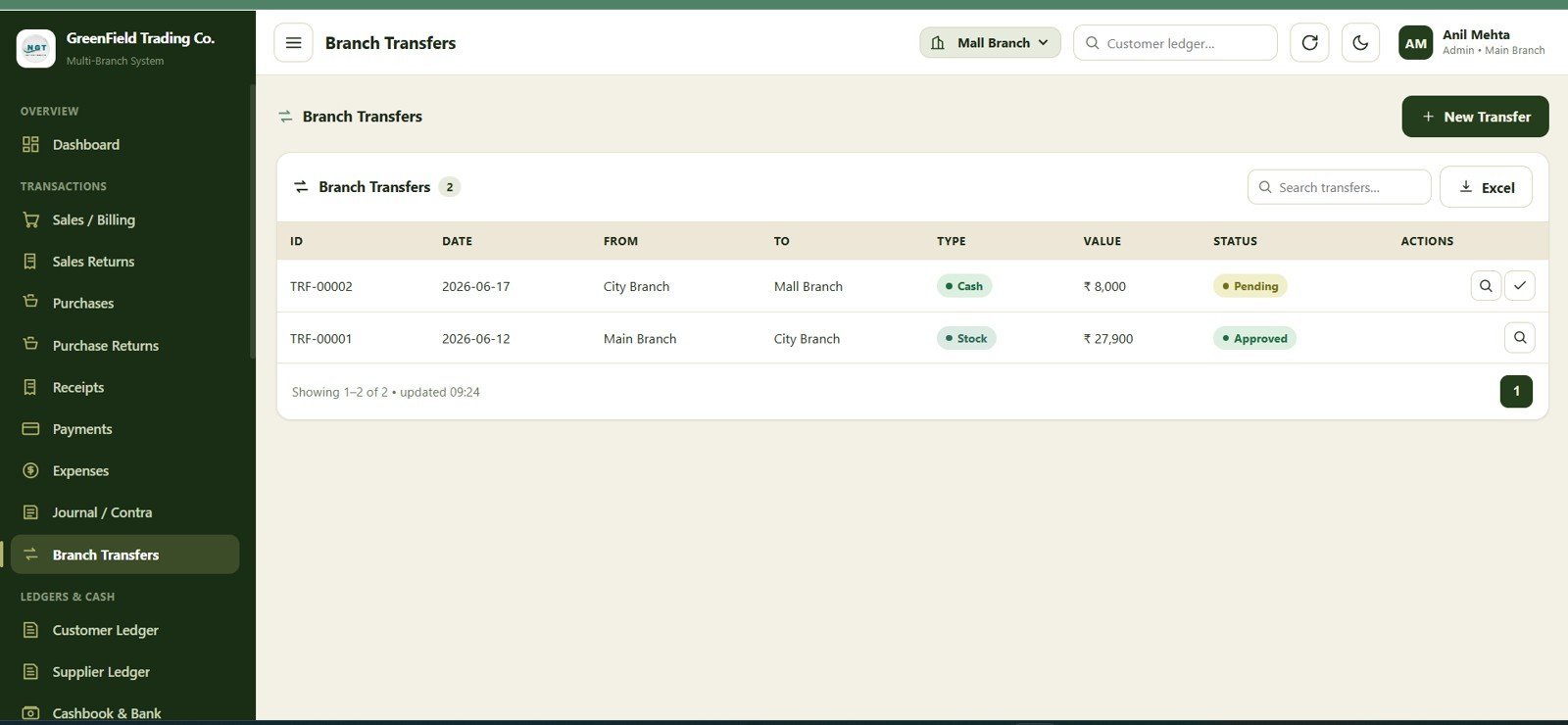
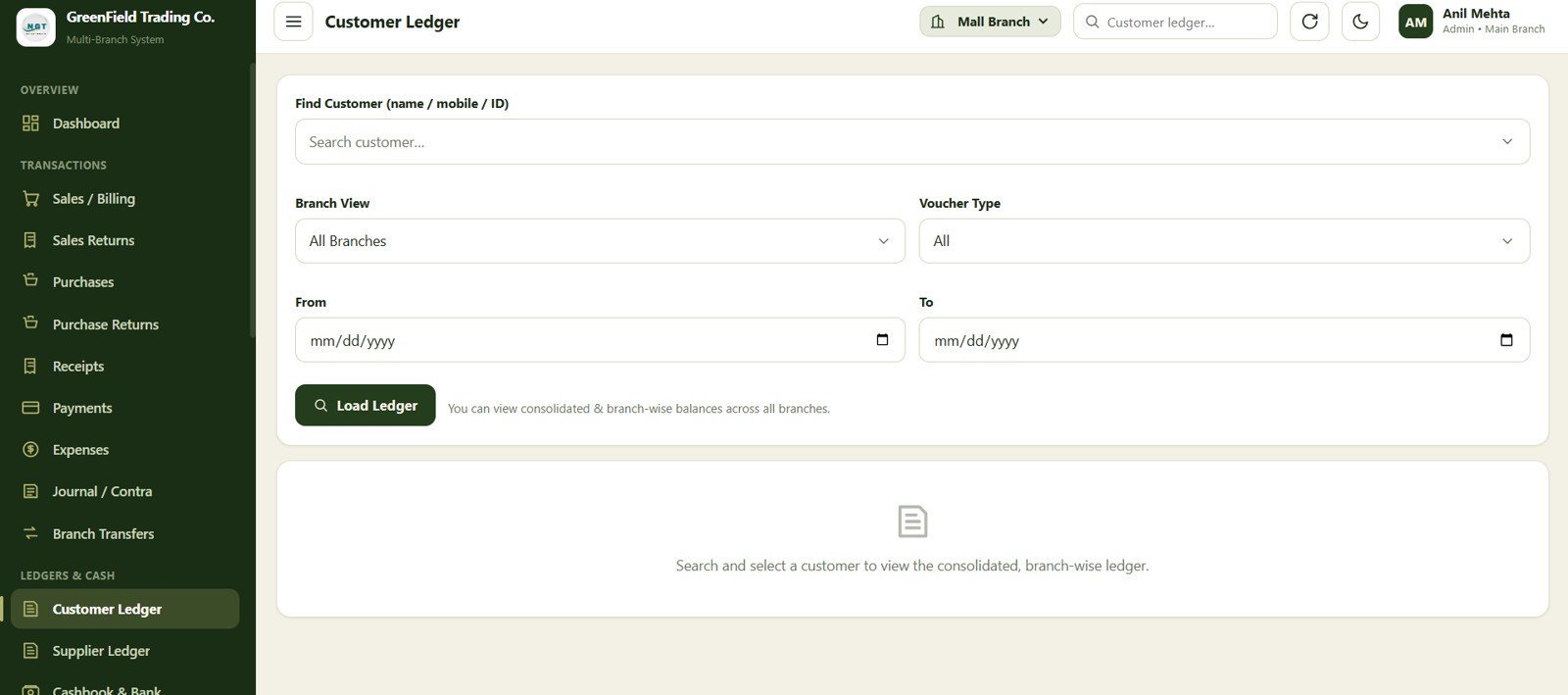
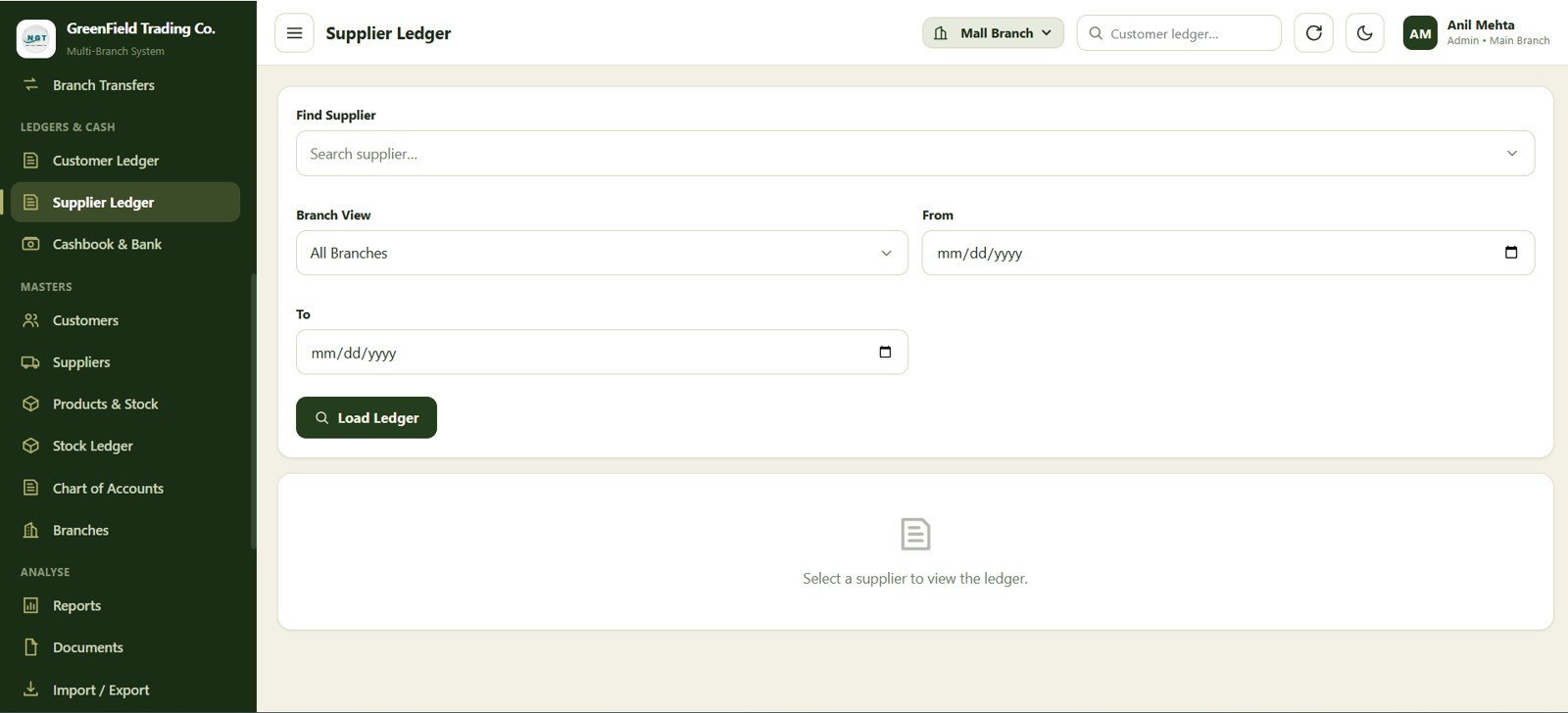
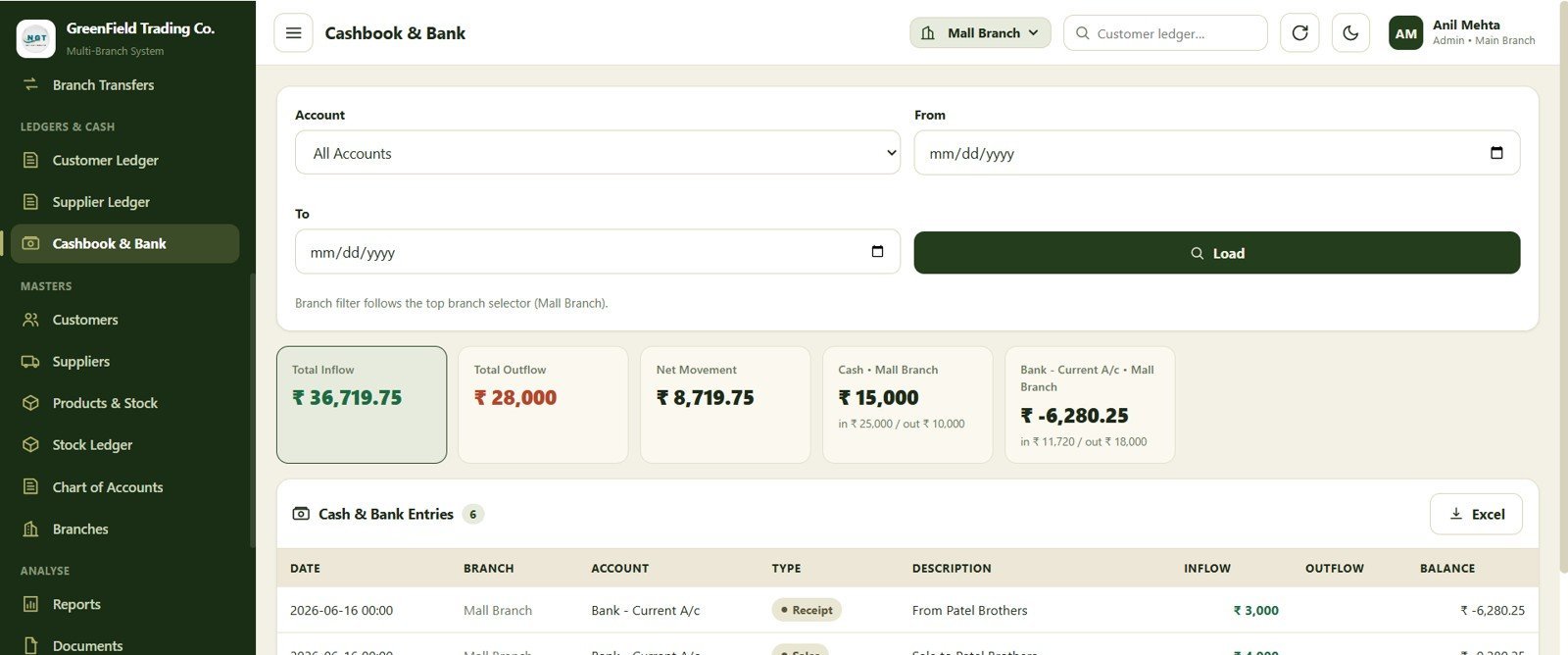
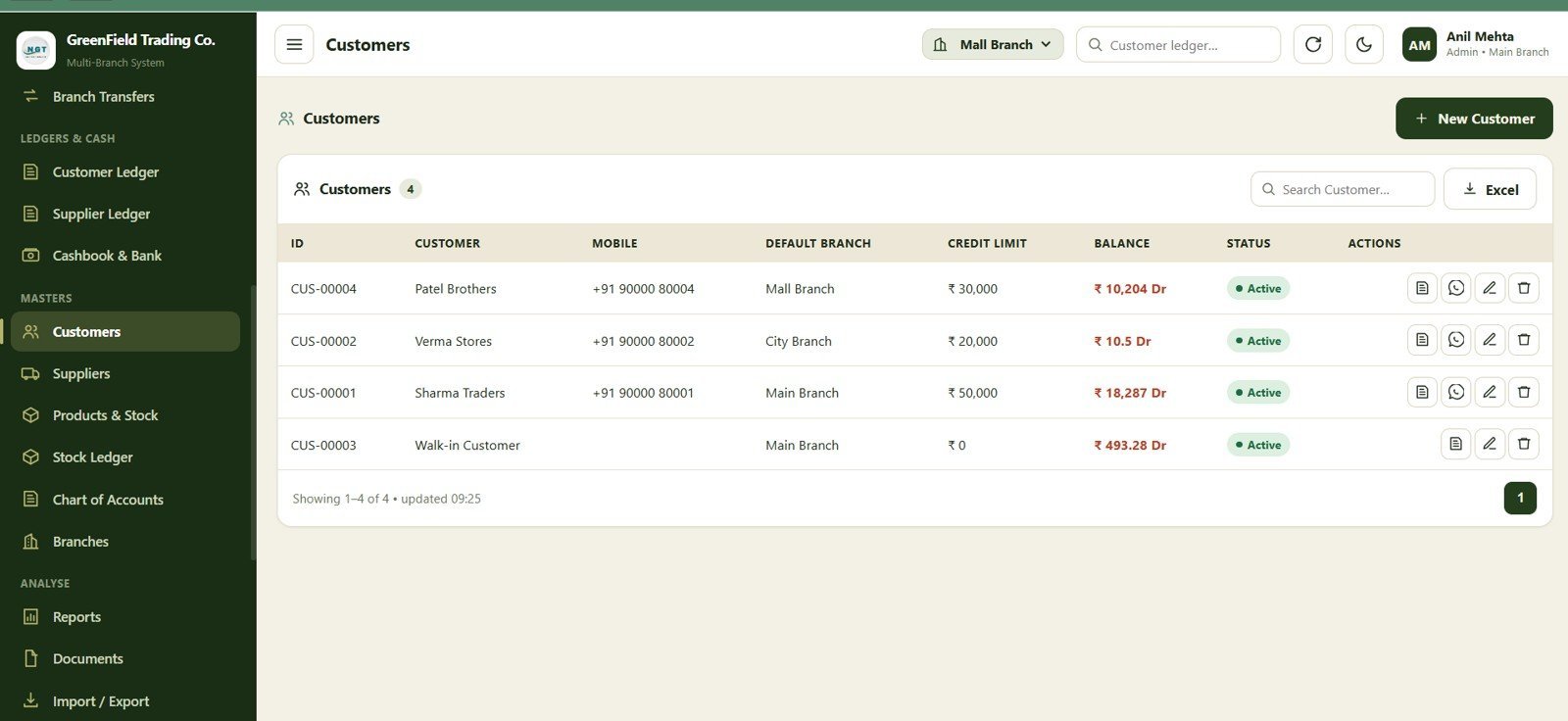
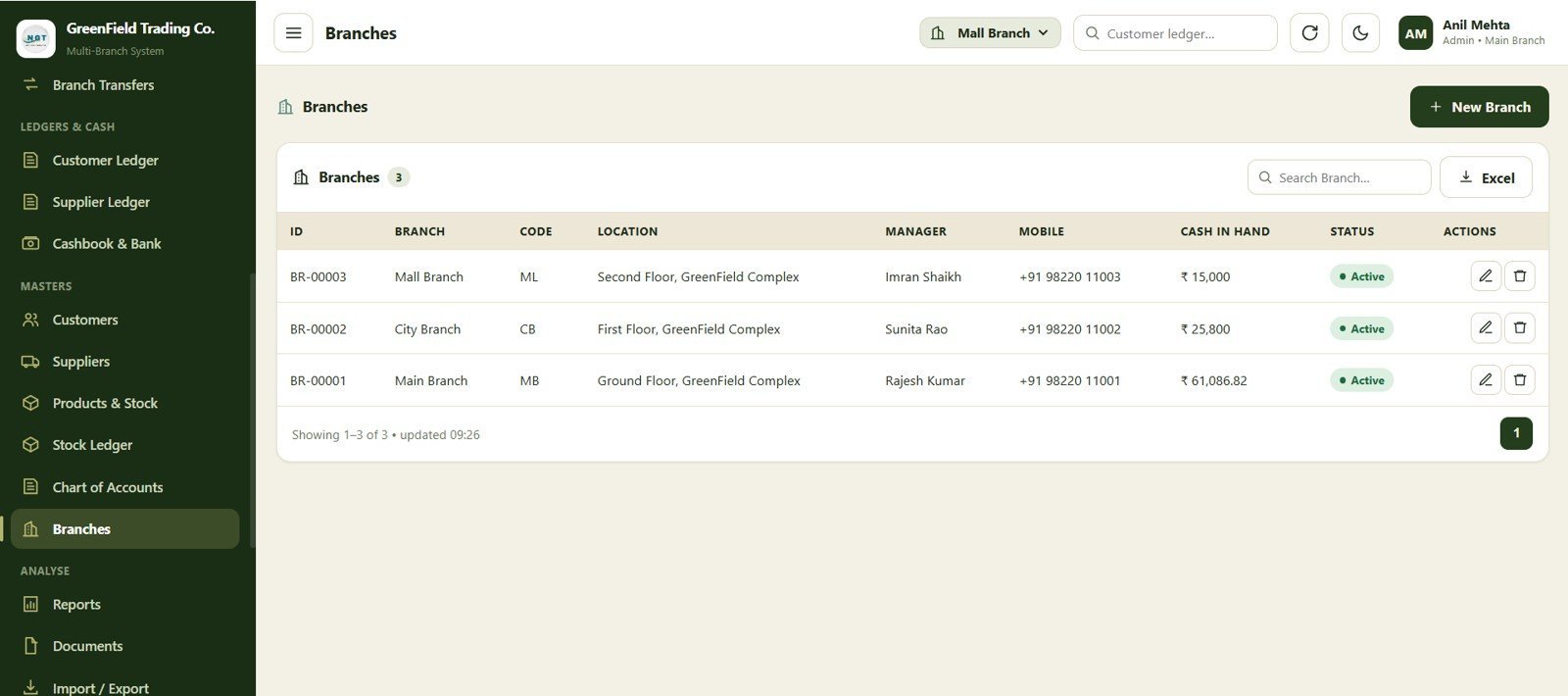
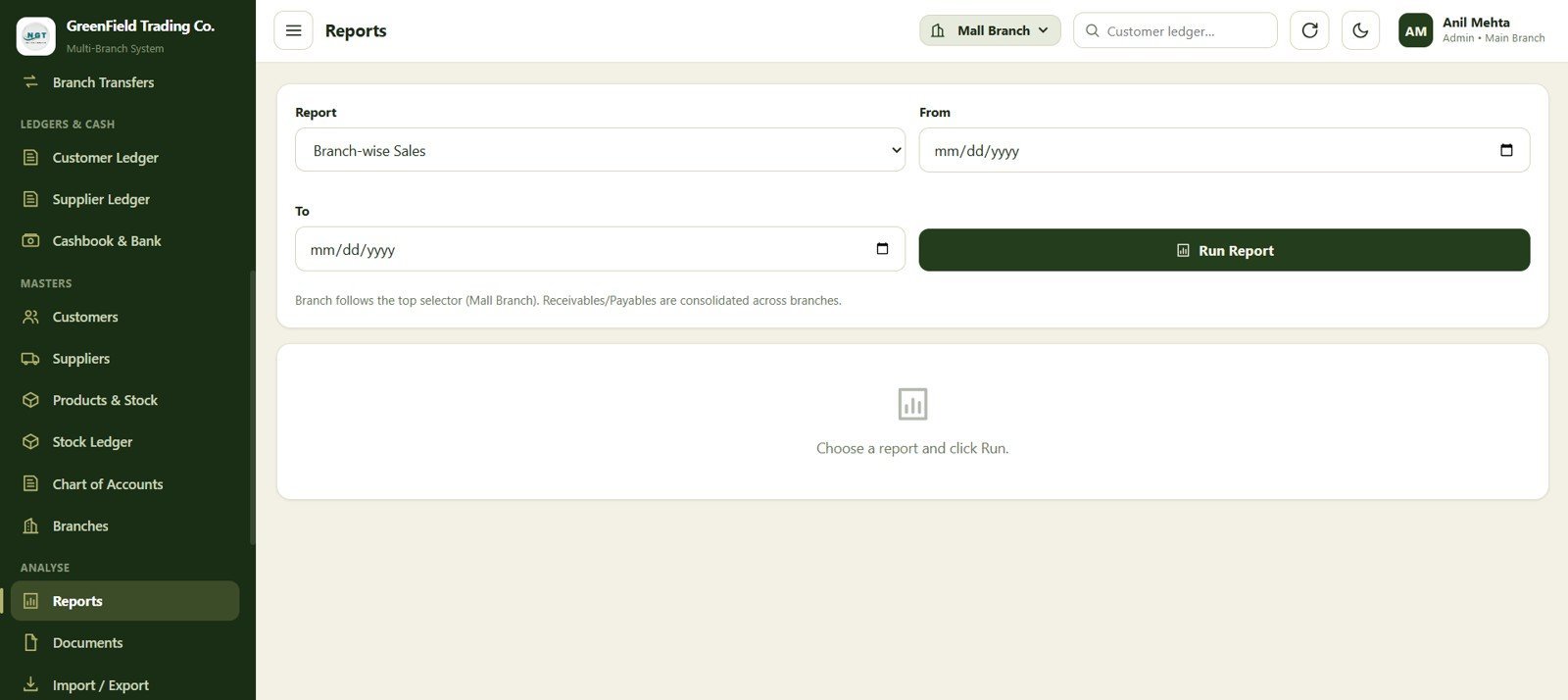
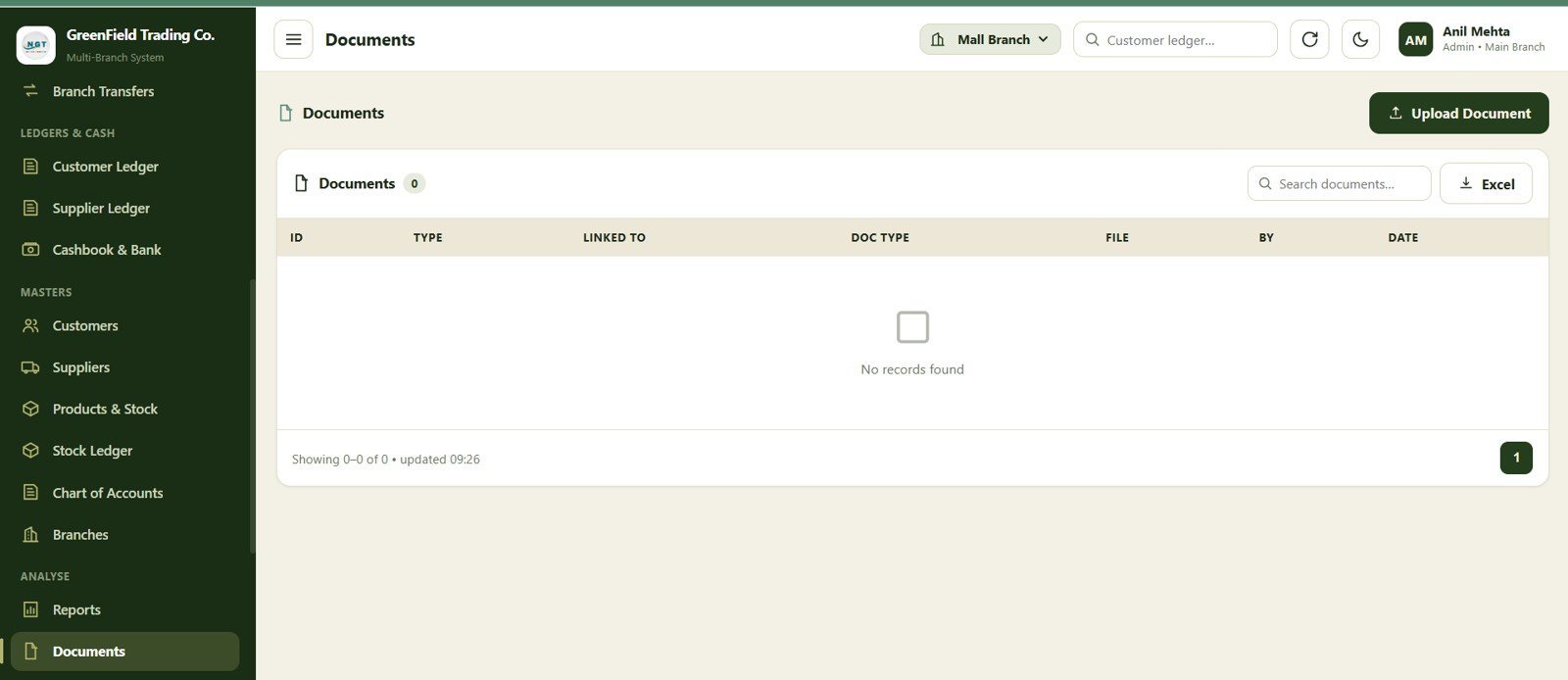
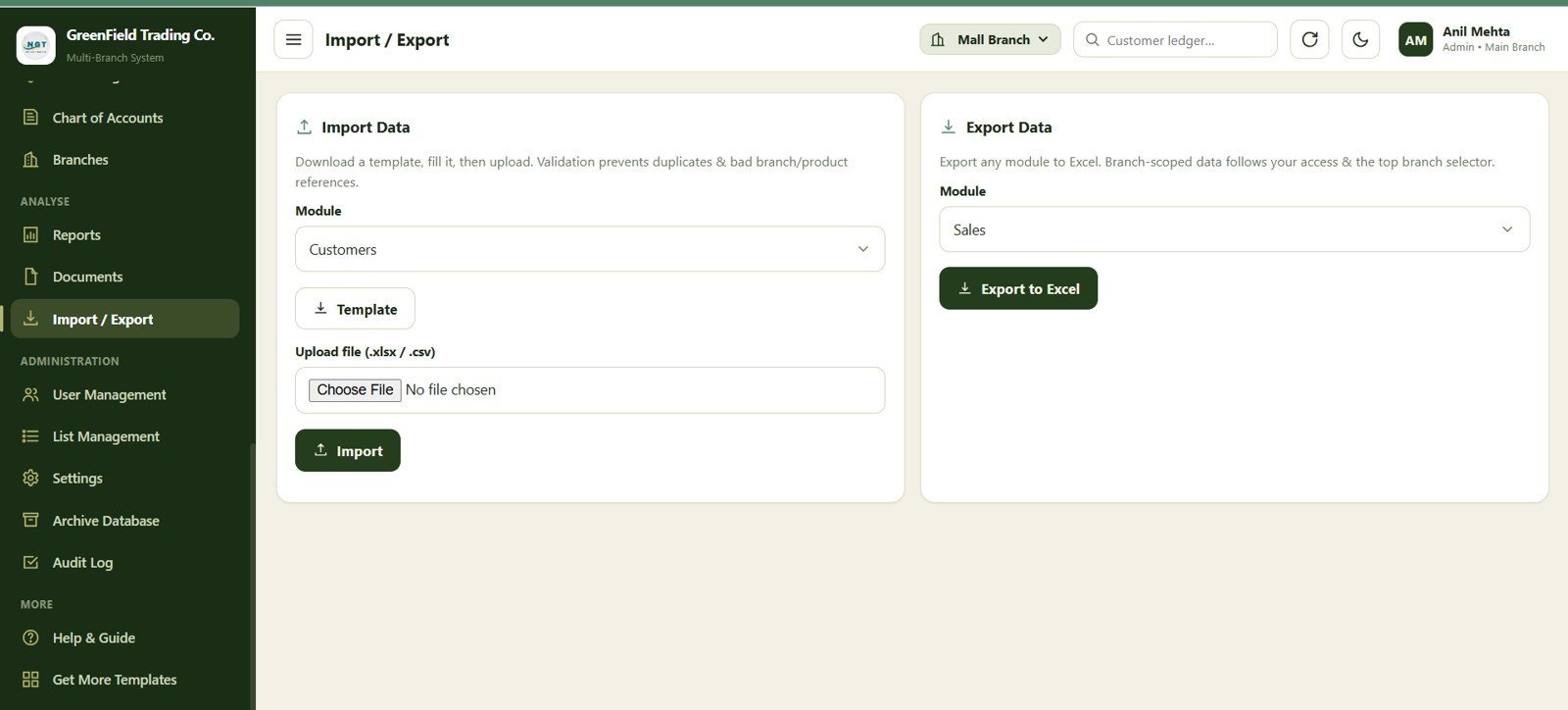
Operational screens cover Sales / Billing, Sales Returns, Receipts, Expenses, Journal / Contra, Branch Transfers, Customer Ledger, Supplier Ledger, Cashbook and Bank, Customers, Suppliers, Products and Stock, Stock Ledger, Chart of Accounts, Branches, Reports, Documents, Import / Export, User Management, List Management, Settings, Archive Database, and Audit Log. Each screen is designed around fields that a shop team actually uses, such as Invoice No, Branch, Customer, Paid, Balance, Mode, Reference, Voucher No, Product, Qty, Account, Inflow, Outflow, Manager, and Status.Multi-Branch Shop Accounting Management System Web App
Multi-Branch Shop Accounting Management System – Web App vs. Google Sheets Spreadsheet vs. Paid Accounting SaaS – Where This Fits
| Feature | This Web App Template | Google Sheets Spreadsheet | Paid Accounting SaaS |
|---|---|---|---|
| Cost | $39.99 one-time sale price | Low template cost, more manual work | Monthly or annual subscription |
| Platform | Browser-based web app structure | Spreadsheet tabs and formulas | Vendor-hosted cloud app |
| Setup time | Start from 25 prepared modules | Build forms, tables, and reports manually | Configuration and onboarding required |
| Branch-wise control | Branch filter, branch master, branch transfers | Manual filtering or pivot setup | Usually included on higher plans |
| Accounting coverage | Sales, returns, receipts, expenses, journals, ledgers | Depends on custom sheet design | Included, but locked to vendor workflow |
| Stock tracking | Product master, stock ledger, transfers | Usually separate sheets | Often an add-on or higher plan |
| Year-1 cost at 5 users | $39.99 template cost | Template cost plus setup time | Often hundreds or thousands per year |
Who This Template Is For – and Who It Is Not For
This web app template is built for small and mid-size retailers, shop owners, accountants, franchise operators, branch managers, and consultants who need one structured starting point for multi-branch shop accounting and stock control.
It is not the best fit if you need direct bank feeds, certified tax filing, barcode hardware integration, payroll, full ERP manufacturing, or enterprise compliance controls. For those requirements, a dedicated accounting platform or custom implementation may be better.
How to Use the Multi-Branch Shop Accounting Management System – Web App
- Download and unzip the source package after purchase.
- Follow the included deployment or setup guidance for your own business workspace.
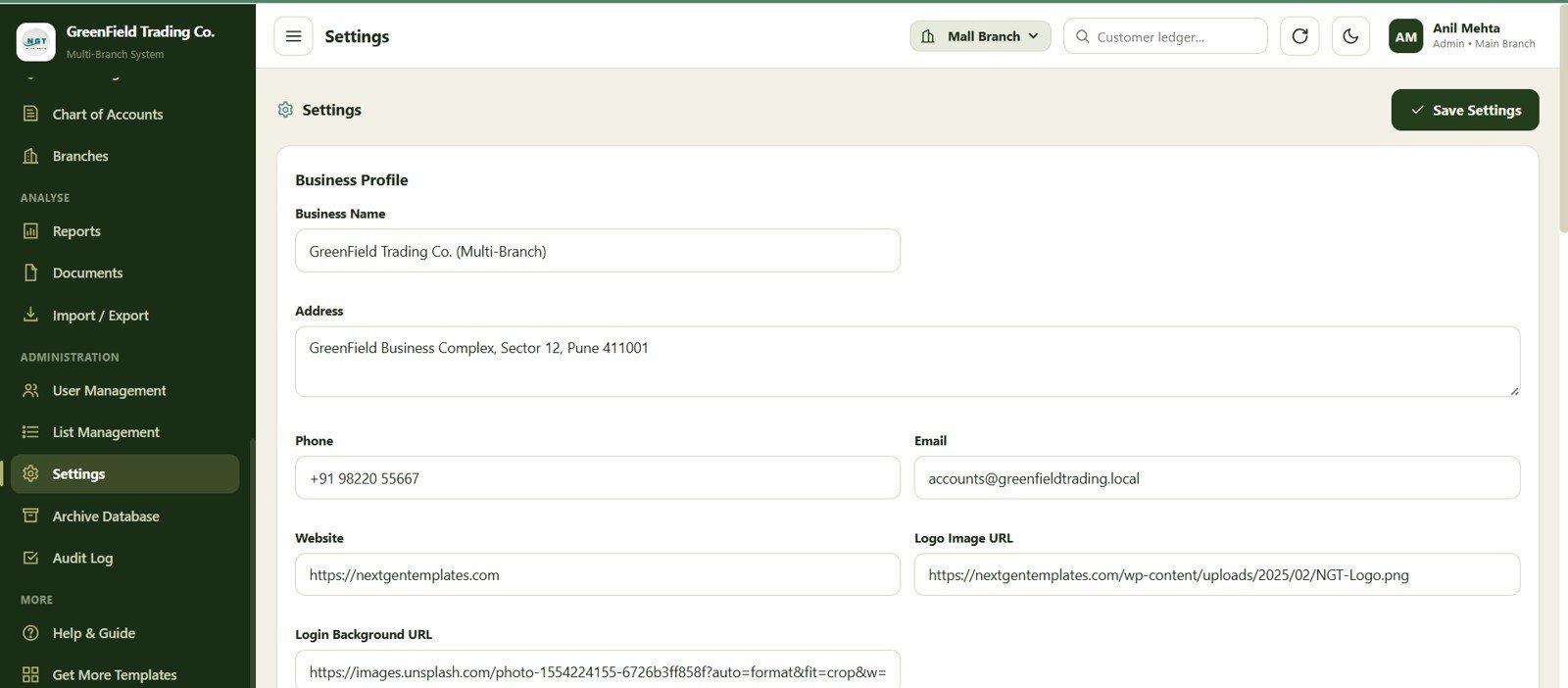
- Update Settings with business name, address, phone, email, website, logo, and login background.
- Add branches, users, list values, chart of accounts, customers, suppliers, and products.
- Start entering sales, receipts, expenses, stock transfers, journal entries, and documents.
- Review the dashboard, ledgers, cashbook, reports, archive register, and audit log during daily or weekly reviews.
Real-World Use Cases
Ravi, a three-branch electronics retailer, uses the dashboard to check branch sales, customer receivables, supplier payables, and cash position before approving purchases.
Meena, an accountant for a clothing shop chain, uses the ledgers, cashbook, expenses, and journal screens to keep branch-wise records organized instead of reconciling many separate files.
Arjun, a retail consultant, adapts the web app structure for clients that need sales, inventory, branch access, reports, and audit history without starting from a blank app.
Frequently Asked Questions
What modules are included?
The template includes login, dashboard, billing, returns, receipts, expenses, journals, branch transfers, customer and supplier ledgers, cashbook, masters, stock, reports, documents, import/export, users, lists, settings, archive, and audit log.
Can it handle multiple branches?
Yes. The app includes branch fields across operational tables, a branch master, branch transfers, branch-wise ledgers, and a dashboard filter for quick branch-level review.
Does it include stock tracking?
Yes. Products and Stock, Stock Ledger, Branch Transfers, and related sales and return screens support item-level movement tracking.
Is this a hosted SaaS product?
No. This is a downloadable web app template package that you can configure and adapt. It is sold as a one-time purchase, not as a hosted monthly subscription.
Can I customize the business branding?
Yes. The Settings screen includes business name, address, phone, email, website, logo image URL, and login background URL fields.
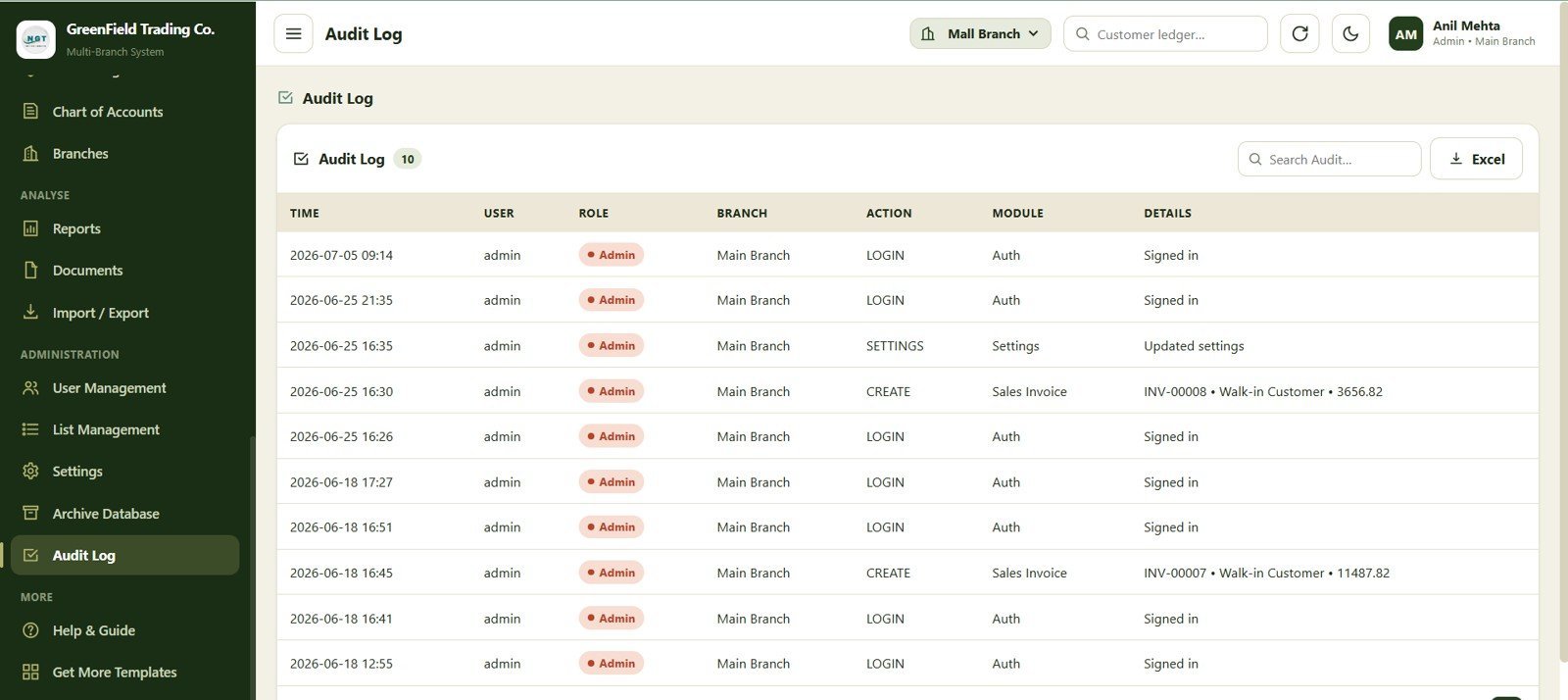
Does it include an audit log?
Yes. The Audit Log screen records time, user, role, branch, action, module, and details so key changes and login events can be reviewed.Multi-Branch Shop Accounting Management System Web App
About the Author
Built by PK – Microsoft Certified Professional with 15+ years of Excel, Google Sheets, and Power BI experience. Founder of NextGenTemplates, reaching 300K+ subscribers across YouTube channels. Every template is hand-built and tested before release.Multi-Branch Shop Accounting Management System Web App
Explore Related Templates
- GST Billing System Web App
- Web-based Advanced Inventory Management System
- Advanced Task Management System Web App Template
- Browse all Web Apps on NextGenTemplates
Download the Multi-Branch Shop Accounting Management System Web App to manage branch-wise sales, receipts, expenses, ledgers, stock, users, reports, archive records, and audit history in one structured workspace.
Watch the step-by-step video Demo:
Last updated: July 2026






Reviews
There are no reviews yet.