

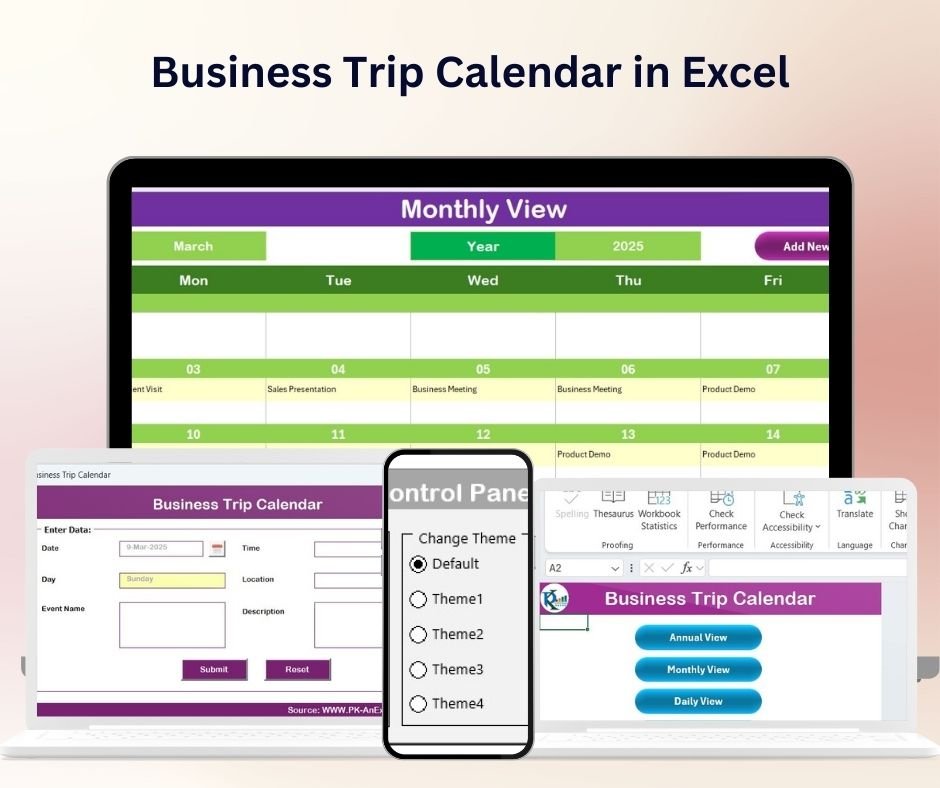


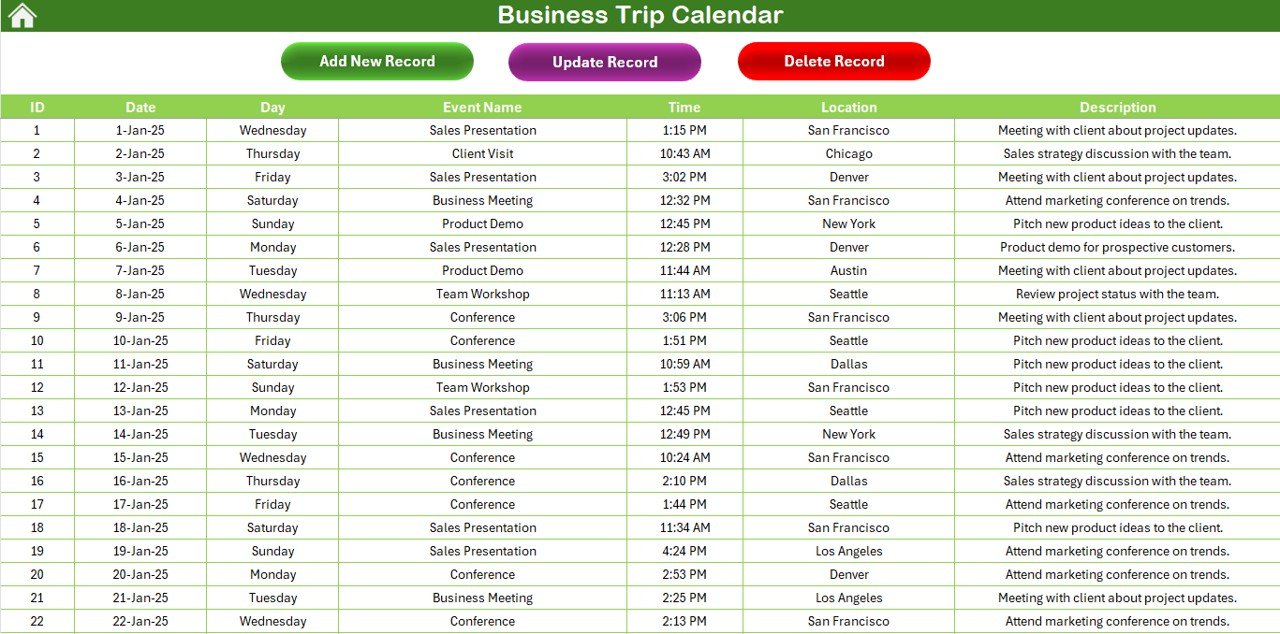
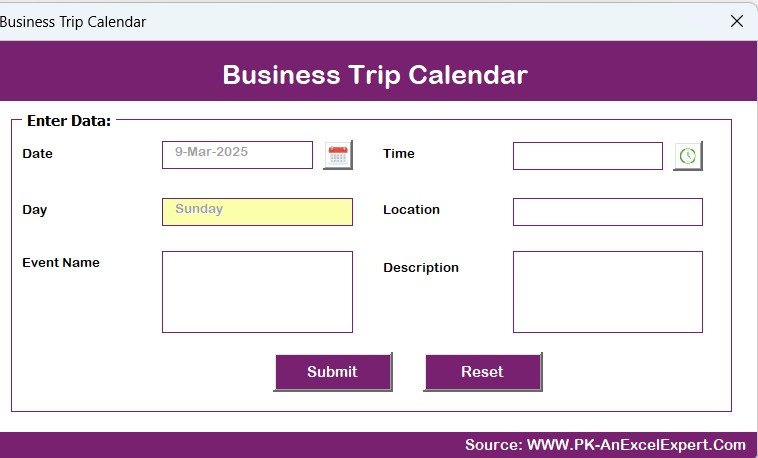
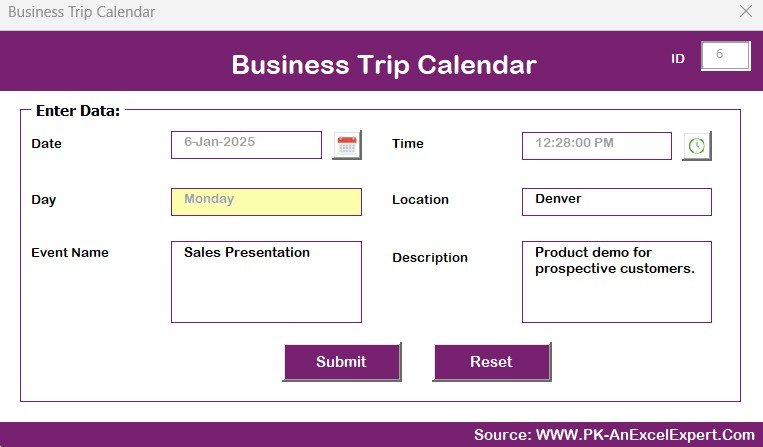

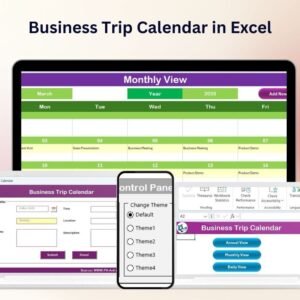
The Business Trip Calendar in Excel is a highly effective tool designed to help business professionals, managers, and teams plan and track their business trips with ease. This customizable Excel calendar provides a comprehensive overview of your business travel schedule, allowing you to organize trips, monitor travel dates, and stay on top of your itinerary. With this tool, you’ll never miss an important trip, meeting, or event again.
Whether you’re managing your own travel or overseeing a team’s trips, this calendar simplifies the process by allowing you to input travel dates, destinations, and meeting details in an organized, easy-to-read format. This calendar is fully customizable to suit your specific needs and is designed for professionals across various industries, making business trip planning straightforward and efficient.
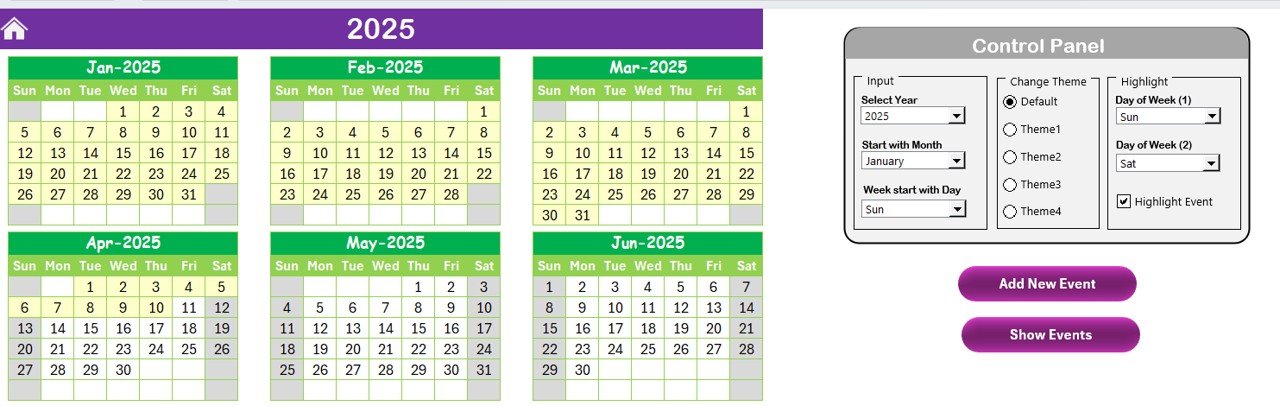
Key Features of the Business Trip Calendar in Excel:
📅 Comprehensive Travel Planning
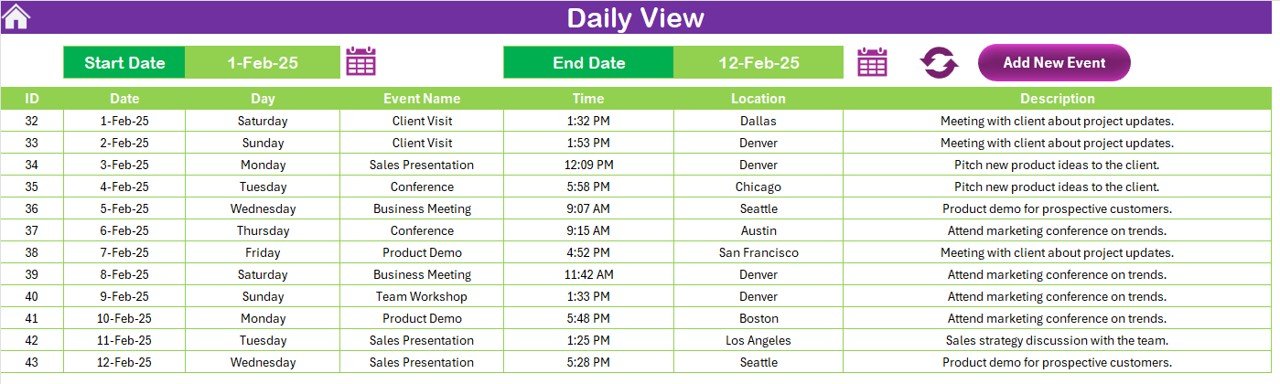
Easily manage all your business trips in one place. The calendar lets you add destinations, departure and return dates, and key events or meetings associated with each trip.
📊 Visual Travel Overview
Track all of your upcoming trips with a color-coded system, allowing you to see at a glance when each trip is scheduled. This makes it easier to avoid scheduling conflicts and stay organized.
🛠️ Customizable Entries
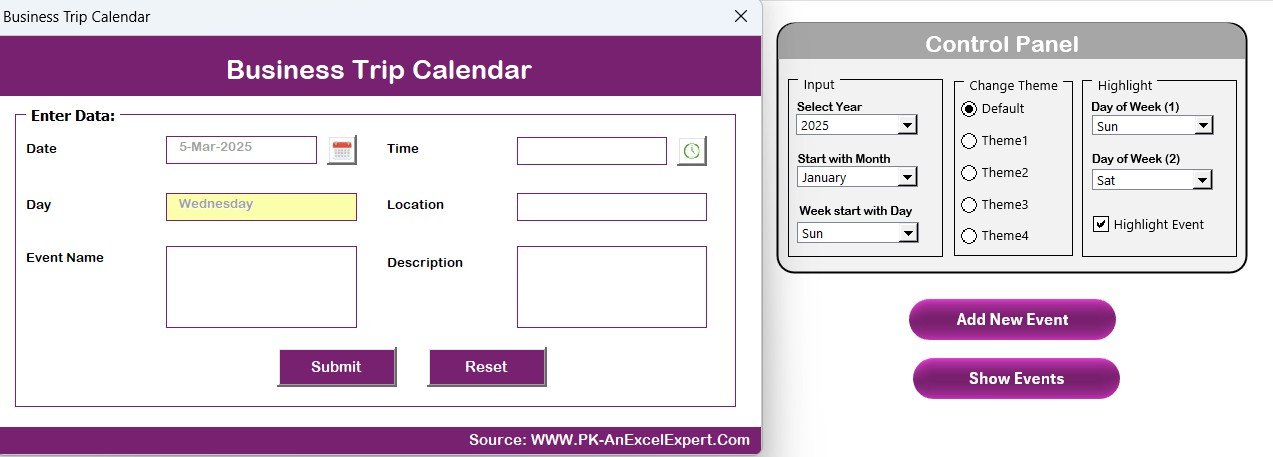
Add specific details to each trip, such as meetings, conference details, and locations. Customize the calendar to meet your unique travel needs, whether for yourself or your entire team.
🔄 Real-Time Updates
The calendar automatically adjusts as you input new data, ensuring that your travel schedule is always up-to-date and accurate. You’ll receive visual indicators for any overlapping trips, meetings, or conflicting schedules.
⚙️ Easy to Use and Access
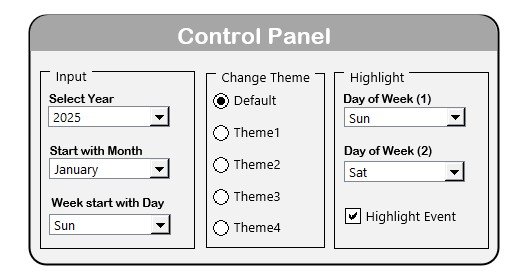
The user-friendly interface makes it simple to input data and view your schedule. The intuitive layout ensures that the tool is accessible for professionals at all levels of Excel expertise.
Why You’ll Love the Business Trip Calendar:
✅ Streamlines Travel Management – Consolidate all your business trips and meetings in one organized, easy-to-view calendar. ✅ Prevents Scheduling Conflicts – With a color-coded system, you can easily spot overlapping trips and meetings, avoiding scheduling conflicts. ✅ Fully Customizable – Tailor the calendar to fit your specific travel needs and customize the fields to track additional details like meeting agendas and event times. ✅ Improves Productivity – Stay on top of your trips, meetings, and events without the hassle of managing multiple calendars or planners. ✅ Simple Setup and Use – Designed for ease of use, this Excel calendar requires no advanced skills to start organizing your business travel efficiently.
What’s Inside the Business Trip Calendar in Excel:
- Color-Coded Travel Schedule – Easily track your travel dates, destinations, and events with visual markers.
- Customizable Data Fields – Add meeting details, client names, travel arrangements, and more.
- Real-Time Adjustments – The calendar updates automatically when new information is entered.
- Conflict Detection – The calendar identifies overlapping trips and meetings, helping you avoid schedule clashes.
- Simple Layout – The intuitive design makes it easy to navigate, ensuring that anyone can use it to organize business trips.
How to Use the Business Trip Calendar in Excel:
1️⃣ Download the Template – Get instant access to the Excel file after purchase. 2️⃣ Input Your Travel Details – Add your travel dates, locations, meetings, and events. 3️⃣ Track Your Schedule – Use the color-coded calendar to easily track your trips and meetings. 4️⃣ Customize as Needed – Adjust the calendar layout to fit your needs, whether for solo travel or team trips.
Who Can Benefit from the Business Trip Calendar in Excel:
- Business Owners
- Project Managers
- Sales Teams
- Executives
- Administrative Assistants
- Human Resources Managers
- Marketing Teams
- Anyone who manages or oversees business travel
Keep your business trips organized and on track with this comprehensive, customizable business trip calendar. Whether you’re managing your own travel or coordinating trips for a team, this tool helps streamline the process and ensure everything runs smoothly.
Click here to read the Detailed blog post
https://www.pk-anexcelexpert.com/business-trip-calendar-in-excel/
Visit our YouTube channel to learn step-by-step video tutorials
Compatibility and Requirements
- Works in Microsoft Excel desktop (Excel 2016 or later, or Microsoft 365).
- Microsoft’s guide Use conditional formatting to highlight information explains the Excel feature this file is built on.
Frequently Asked Questions
What can I record for each trip?
Destination, departure and return dates, and the meetings, conferences or events tied to the trip. You can add fields such as client names or travel arrangements.
How does it show overlapping trips?
Trips are color-coded, and the calendar flags overlapping trips and meetings so you can spot clashes.
Can I plan travel for a whole team?
Yes. It works for your own trips or for coordinating trips across a team.
Do I need advanced Excel skills?
No. You type in your travel details and the calendar updates as you go.
Related Business Travel Templates
- Business Trip Calendar in Google Sheets: the same calendar in Google Sheets
- Business Travel Plan Tracker and Dashboard: plan and review trips in a tracker and dashboard
- Travel Authorization Tracker in Excel: track travel authorizations in Excel
- Travel Expense Report Tracker in Excel: log travel expenses in Excel
- Calendar & Planner Pack: calendar and planner templates in one pack
Browse all Excel calendars or the Google Sheets calendars.

































Reviews
There are no reviews yet.