

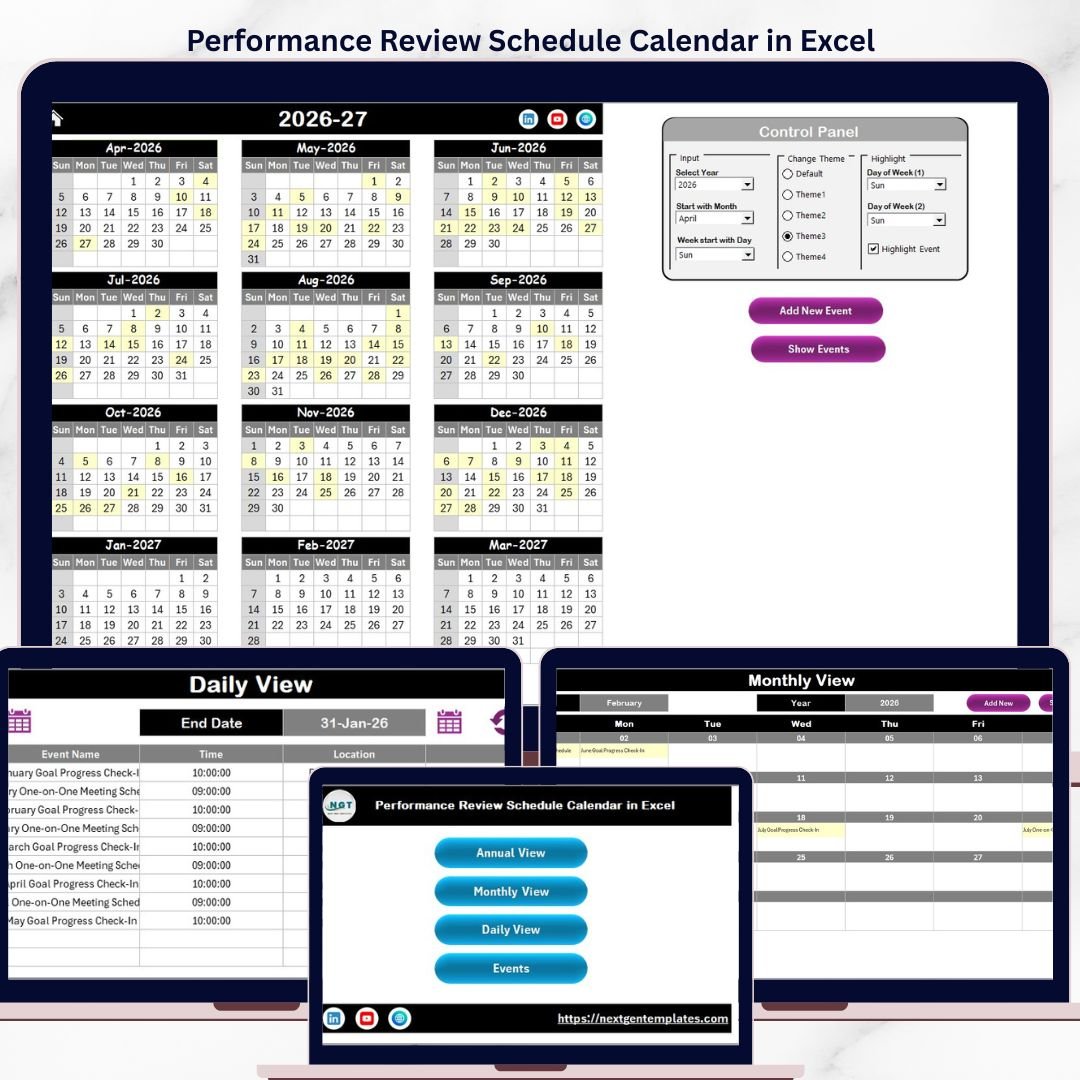

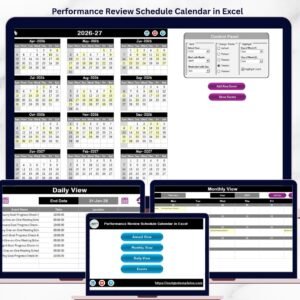
The Performance Review Schedule Calendar in Excel organizes employee appraisals across 5 interactive worksheets, with annual, monthly, and daily calendar views plus a built-in event database. Setup takes under 10 minutes — just replace the sample data with your review schedule and every view updates automatically.Performance Review Schedule Calendar in Excel
🌍 Join 8,400+ teams in 40+ countries using NextGenTemplates to replace paid SaaS tools with one-time-purchase Excel, Google Sheets, Power BI, and HTML templates.Performance Review Schedule Calendar in Excel
✅ Instant download · One-time payment · No subscription · No per-user fees · Lifetime access
🔑 Key Features of Performance Review Schedule Calendar in Excel
This Excel calendar template tracks performance review events across 5 dedicated worksheets: Home, Annual View, Monthly View, Daily View, and Events. It includes 5 built-in color themes, configurable starting month and week day, and a control panel that lets you highlight weekends and events directly on the calendar grid. The Add New Event form captures 6 fields per entry — date, day, event name, time, location, and description — making it a complete scheduling solution for HR teams managing quarterly or annual review cycles.Performance Review Schedule Calendar in Excel
📌 5 color themes — switch the visual style across all worksheets with a single dropdown selection in the control panel.
📌 VBA-powered event forms — add, update, and delete review events through built-in UserForms without editing cells directly.
📌 Flexible year and month controls — change the calendar year, starting month, and starting day of the week from the Annual View control panel.Performance Review Schedule Calendar in Excel
📌 Highlight weekends and events — mark any two days as weekend highlights (grey) and toggle event highlighting (yellow) on the annual view.
📌 Daily view with date range filter — filter events by start and end date using the calendar icon picker, then click Refresh to see matching entries.
📌 Auto-generated event IDs — every new event gets a unique sequential ID for easy tracking and record management.
📦 What’s Inside the Performance Review Schedule Calendar
This template includes 5 worksheets designed to give you a full picture of your performance review schedule:
📋 Home Sheet — An index page with 4 navigation buttons: Annual View, Monthly View, Daily View, and Events. Jump to any section with one click.
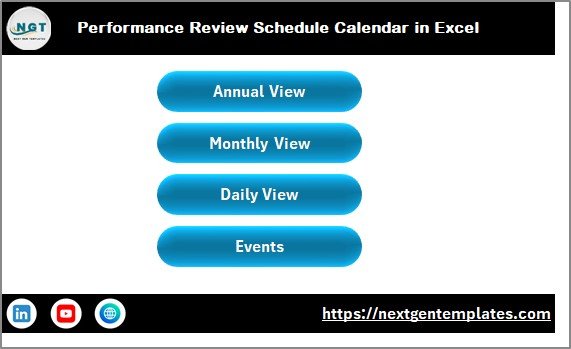
Performance Review Schedule Calendar in Excel
📋 Annual View Sheet — Displays all 12 months in a single view. The control panel at the top includes three groups: Input (select year, starting month, starting day), Change Theme (5 color themes), and Highlight (choose two weekend days and toggle event highlighting). Two action buttons — Add New Event and Show Event — let you manage review entries directly from this sheet.
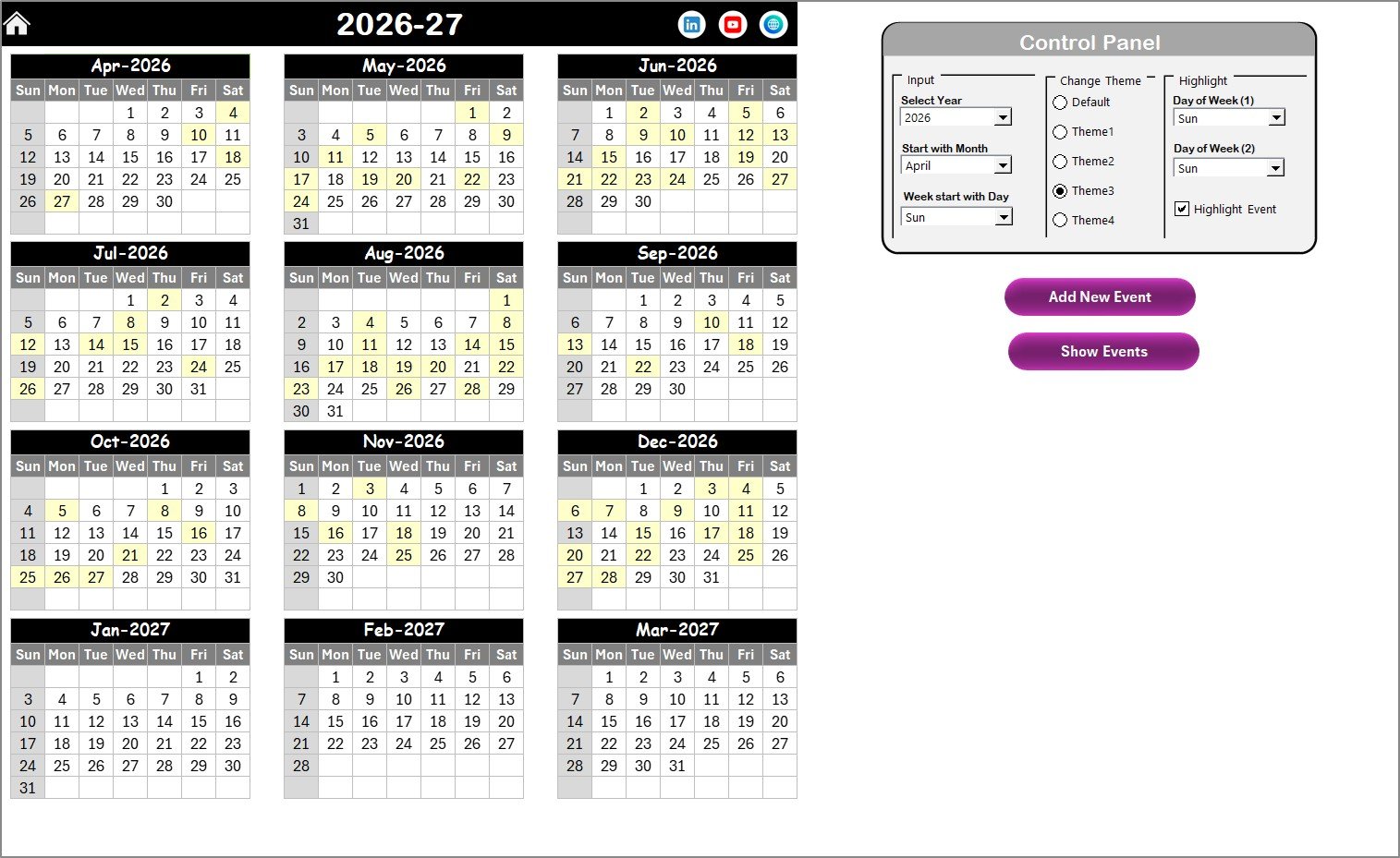
Annual View Sheet
📋 Monthly View Sheet — Shows a single month calendar with month and year selectors at the top. Each date cell displays one event name, and if more events exist on a date, it shows “more than 1…” as an indicator. Includes Add New Event and Show Event buttons for quick event management.
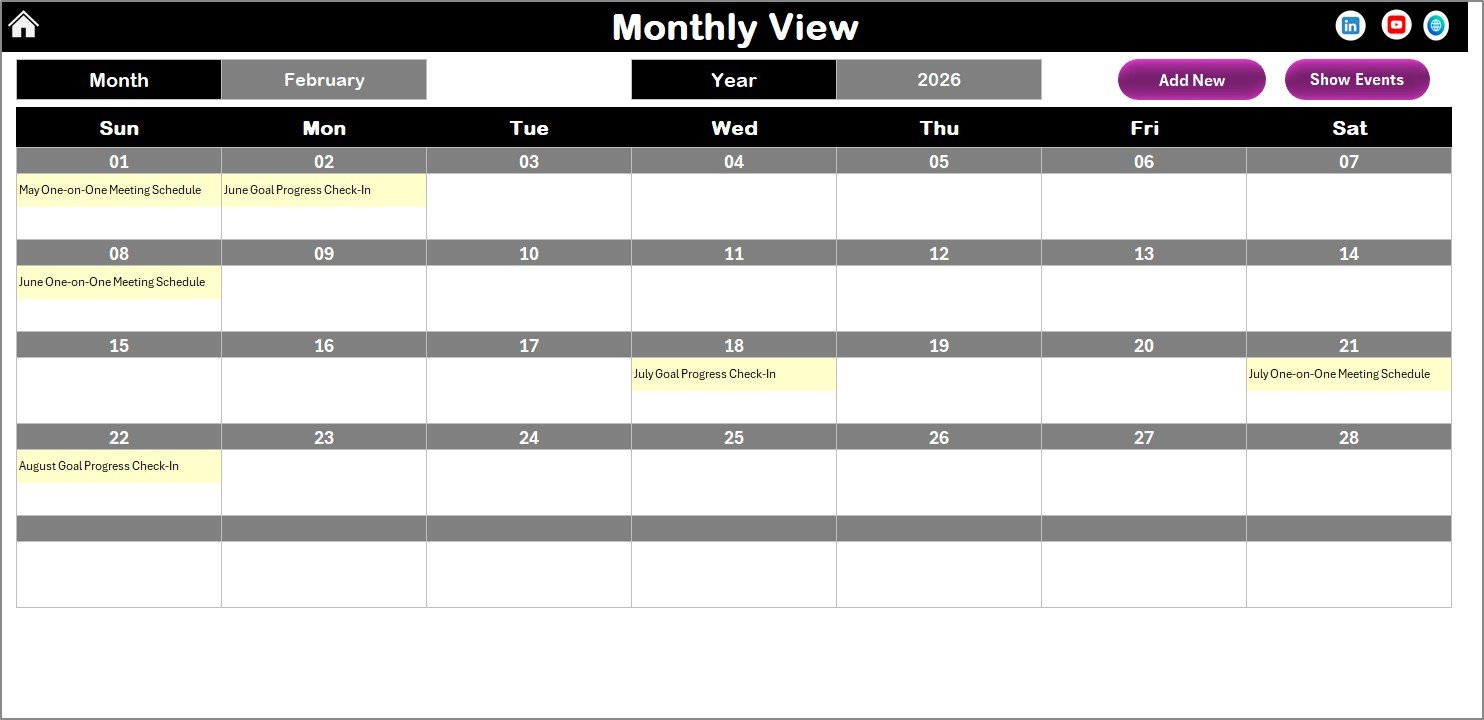
Monthly View Sheet
📋 Daily View Sheet — Lists all events within a selected date range. Set your Start Date and End Date using the calendar icon, then click Refresh to display matching events with full details. The Add New Event button opens the event form for quick entry.
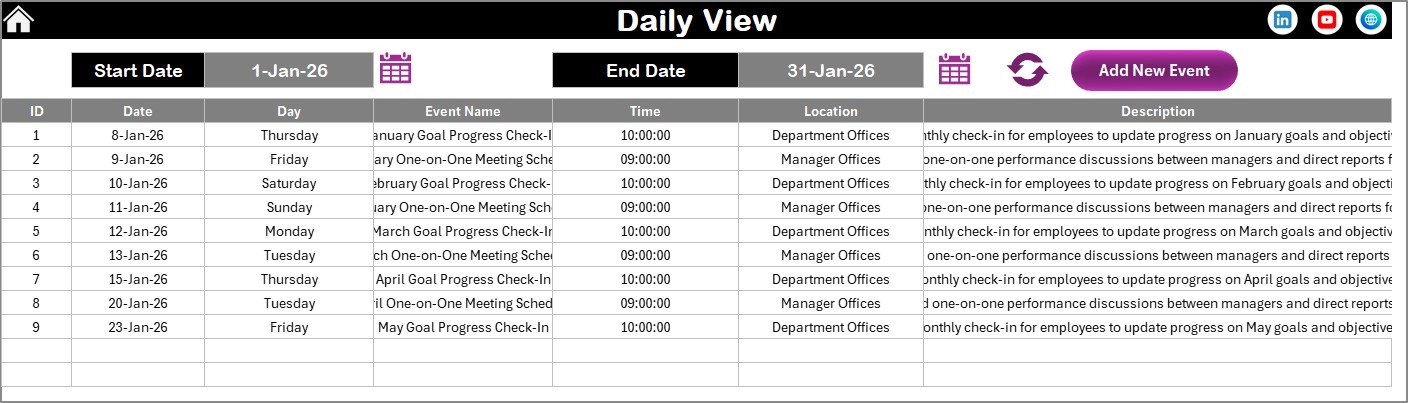
Daily View Sheet
📋 Events Sheet — The database sheet storing all event records with 7 columns: ID (auto-generated), Date, Day, Event Name, Time, Location, and Description. Three action buttons at the top let you Add New Record, Update Existing Record (select an ID first), or Delete Record.
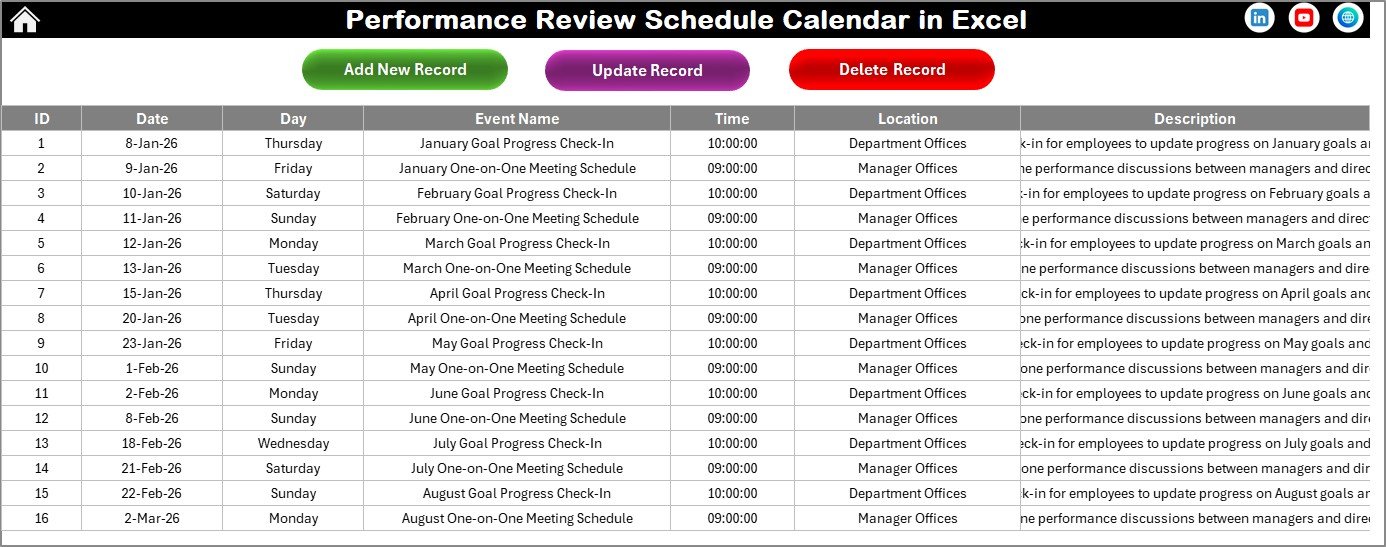
Events Sheet
📊 Performance Review Schedule Calendar vs. Google Sheets Calendar vs. BambooHR — Where This Fits
| Feature | Performance Review Schedule Calendar in Excel | Google Sheets Calendar | BambooHR |
|---|---|---|---|
| Cost | $4.99 one-time | Free (manual build) | $6–$9 / user / month |
| Platform | Microsoft Excel (desktop) | Google Sheets (browser) | Cloud SaaS |
| Setup time | Under 10 minutes | 2–4 hours to build | 1–2 weeks onboarding |
| Annual + Monthly + Daily views | ✅ All 3 included | ❌ Build separately | ✅ Built-in |
| VBA event forms | ✅ Add / Update / Delete | ❌ No macro support | ✅ Web forms |
| 5 color themes | ✅ One-click switch | ❌ Manual formatting | ❌ Fixed branding |
| Offline access | ✅ Full offline | ❌ Requires internet | ❌ Requires internet |
| Year-1 cost at 5 users | $4.99 total | $0 (DIY time cost) | $360–$540 / year |
| Customizable fields | ✅ Fully editable | ✅ Editable | ⚠️ Limited to plan tier |
For HR teams that want structured review scheduling without paying per-user SaaS fees, the Performance Review Schedule Calendar in Excel sits in the sweet spot.
👥 Who This Template Is For — and Who It’s Not For
✅ This template is built for:
- HR managers at companies with 10–500 employees who run quarterly or annual performance reviews
- Small business owners who schedule employee appraisals manually and need a structured calendar
- Team leads and department heads tracking review dates, locations, and descriptions for their direct reports
- Office administrators coordinating multi-department review schedules across the fiscal year
❌ This template is NOT for:
- Enterprise HR teams requiring 360-degree feedback workflows with SOC 2 compliance and SSO integration
- Organizations needing real-time multi-user collaboration — this is a single-file Excel workbook, not a cloud app
- Teams that need automated email reminders or calendar sync with Outlook — this template manages scheduling data only
⚙️ How to Use the Performance Review Schedule Calendar
1️⃣ Download and open — Unzip the file and open it in Microsoft Excel. Enable macros when prompted to activate VBA features.
2️⃣ Set your calendar year — Go to the Annual View sheet and select the year, starting month, and starting day of the week from the control panel.
3️⃣ Choose a color theme — Pick one of 5 built-in themes from the Change Theme group in the control panel.
4️⃣ Add review events — Click the Add New Event button, fill in date, event name, time, location, and description, then click Submit.
5️⃣ Browse by view — Use the Annual View for a full-year overview, Monthly View for a single-month focus, or Daily View to filter events by date range.
6️⃣ Manage records — Go to the Events sheet to update or delete existing review entries using the action buttons.
💼 Real-World Use Cases
Priya manages HR for a 120-person logistics company. She uses the Performance Review Schedule Calendar to plot quarterly appraisals for 8 departments across the fiscal year. The annual view gives her leadership a single-page snapshot of every review date, while the daily view helps her prep discussion materials a week before each session — without paying $7/user/month for BambooHR.
Carlos runs a 40-person digital marketing agency. He schedules mid-year and end-of-year reviews for every team member using the Monthly View sheet. The VBA event form lets him log review details — including location (conference room or Zoom) and description (promotion discussion, PIP follow-up) — in under 30 seconds per entry.
Angela is an office administrator at a healthcare clinic with 60 staff. She coordinates review schedules across nursing, admin, and billing departments. The Events sheet database lets her track every scheduled review with auto-generated IDs, and the date range filter in Daily View helps her pull next week’s review list for the clinic director every Friday.
❓ Frequently Asked Questions
How many performance review events can I add to this calendar?
The Performance Review Schedule Calendar in Excel has no hard limit on events. The Events sheet stores all records in a database format with auto-generated IDs, so you can add hundreds of review entries across the entire year without any restrictions.
Can I change the calendar year and starting month?
Yes. The Annual View control panel lets you select any year and any starting month. You can also change the starting day of the week, so the calendar adapts to fiscal years, academic years, or any custom period your organization follows.
Does this template require macros to be enabled?
Yes, you need to enable macros in Excel. The VBA-powered features — including the Add New Event form, Update Record, Delete Record, and Show Event buttons — all rely on macros. Without macros enabled, you can still view the calendar but cannot use the interactive forms.
How does this compare to BambooHR for scheduling reviews?
BambooHR charges $6–$9 per user per month and requires internet access. The Performance Review Schedule Calendar costs $4.99 one-time, works offline in Excel, and includes annual, monthly, and daily views with VBA event forms. For teams under 500 employees, this template covers scheduling needs at a fraction of the cost.
Can I customize the color theme of the calendar?
Yes. The template includes 5 built-in color themes. Select your preferred theme from the Change Theme group in the Annual View control panel, and it applies across all worksheets automatically — no manual formatting needed.
Is this template compatible with Mac Excel?
The calendar views and data entry work on Mac Excel. However, some VBA UserForm features may have limited functionality on Mac due to differences in how macOS handles Excel macros. For full feature access, Windows Excel 2016 or later is recommended.
Can multiple people use this calendar at the same time?
This is a single-file Excel workbook, so it does not support real-time multi-user editing. For team use, one person typically manages the calendar and shares updated copies. If you need simultaneous access, consider pairing this with a shared drive like OneDrive or SharePoint.
👤 About the Author
Built by PK — Microsoft Certified Professional with 15+ years of Excel, Google Sheets, and Power BI experience. Founder of NextGenTemplates, reaching 300K+ subscribers across YouTube channels (@PK-AnExcelExpert, @NextGenTemplates, @NeoTechNavigators). Every template is hand-built and tested before release.
🔗 Explore Related Templates
If you find the Performance Review Schedule Calendar useful, check out these related HR & Payroll Templates and Excel Calendar Templates:
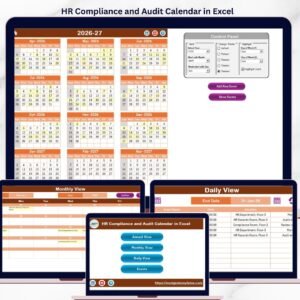
📌 HR Compliance and Audit Calendar in Excel — Track compliance deadlines and audit schedules alongside your review calendar.
📌 Training and Onboarding Calendar in Excel — Schedule new hire onboarding and training sessions in the same calendar format.
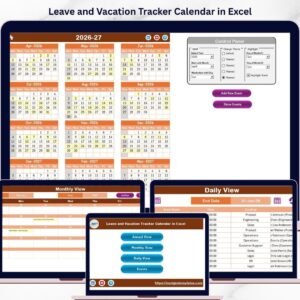
📌 Leave and Vacation Tracker Calendar in Excel — Manage employee leave requests alongside performance review dates.
📌 Employee Retention Event Calendar in Excel — Plan retention activities and engagement events for your team.
📖 Click here to read the Detailed Blog Post
🎥 Visit our YouTube channel for step-by-step video tutorials
👉 YouTube.com/@NextGenTemplates
Compatibility and Requirements
- Works in Microsoft Excel desktop on Windows, with macros enabled. The Add New Event, Update Record, Delete Record and Show Event forms are built with VBA.
- The template does not run in Excel for the web, Google Sheets or mobile apps.
- Microsoft explains how to turn macros on in Enable or disable macros in Microsoft 365 files.



















Reviews
There are no reviews yet.