
Employee retention is one of the biggest challenges faced by modern organizations. Companies spend huge amounts of time and money hiring, training, and developing employees. However, if organizations fail to manage retention strategies and compliance activities properly, they risk losing valuable talent. High employee turnover leads to reduced productivity, increased recruitment costs, and loss of organizational knowledge.
To avoid these challenges, organizations must plan and track employee engagement programs, HR compliance tasks, performance reviews, training schedules, and retention initiatives in a structured way. Unfortunately, many companies still rely on scattered spreadsheets, emails, and manual reminders. Because of this, important HR activities and compliance deadlines are often missed.
The Employee Retention Compliance Calendar in Excel solves this problem by providing a centralized, ready-to-use scheduling system that helps HR teams manage all employee retention activities efficiently.
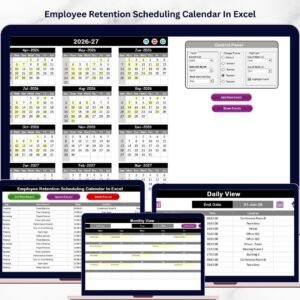
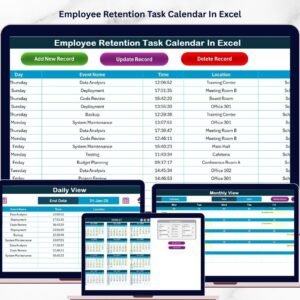
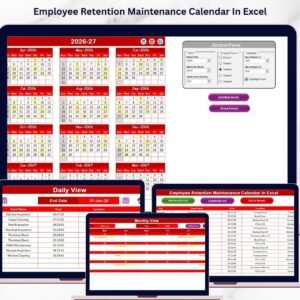
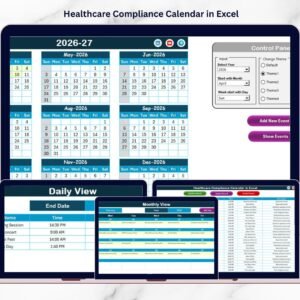
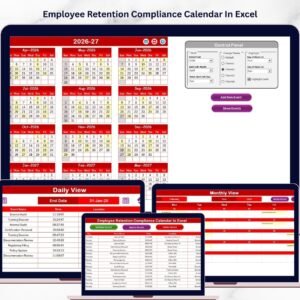
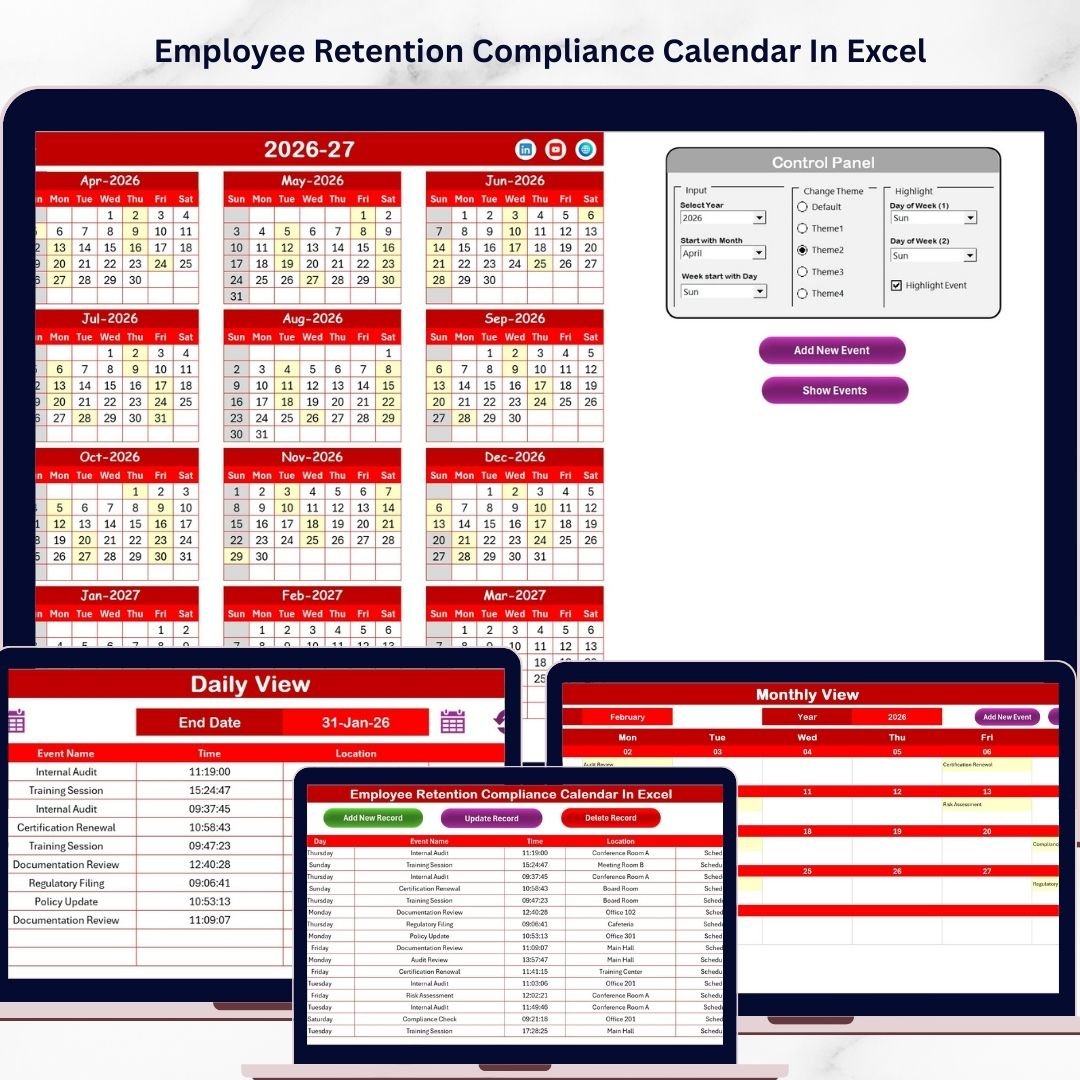
This powerful Excel template allows organizations to organize retention programs, HR events, compliance deadlines, training sessions, and employee engagement activities in one place. With Annual, Monthly, and Daily views, HR teams can easily monitor upcoming events and ensure that every important task is completed on time.
If your organization wants to improve HR planning, employee engagement, and compliance management, this template provides a simple yet powerful solution.
✨ Key Feature of Employee Retention Compliance Calendar in Excel
📅 Centralized Retention Scheduling System
All employee retention activities, HR events, and compliance tasks can be organized in one structured Excel calendar.
📊 Multiple Calendar Views
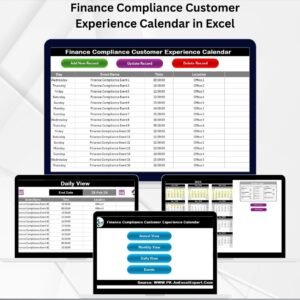
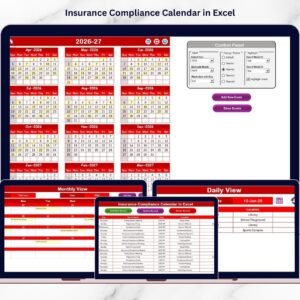
The template includes Annual, Monthly, and Daily views, allowing HR teams to track activities from different perspectives.
🎨 Customizable Color Themes
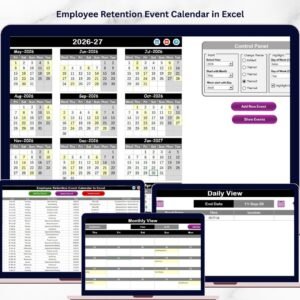
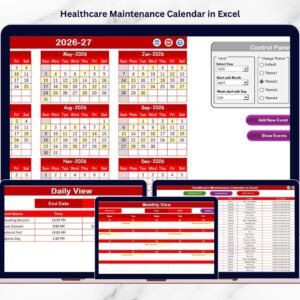
Choose from five color themes to customize the appearance of the calendar based on your preference or company branding.
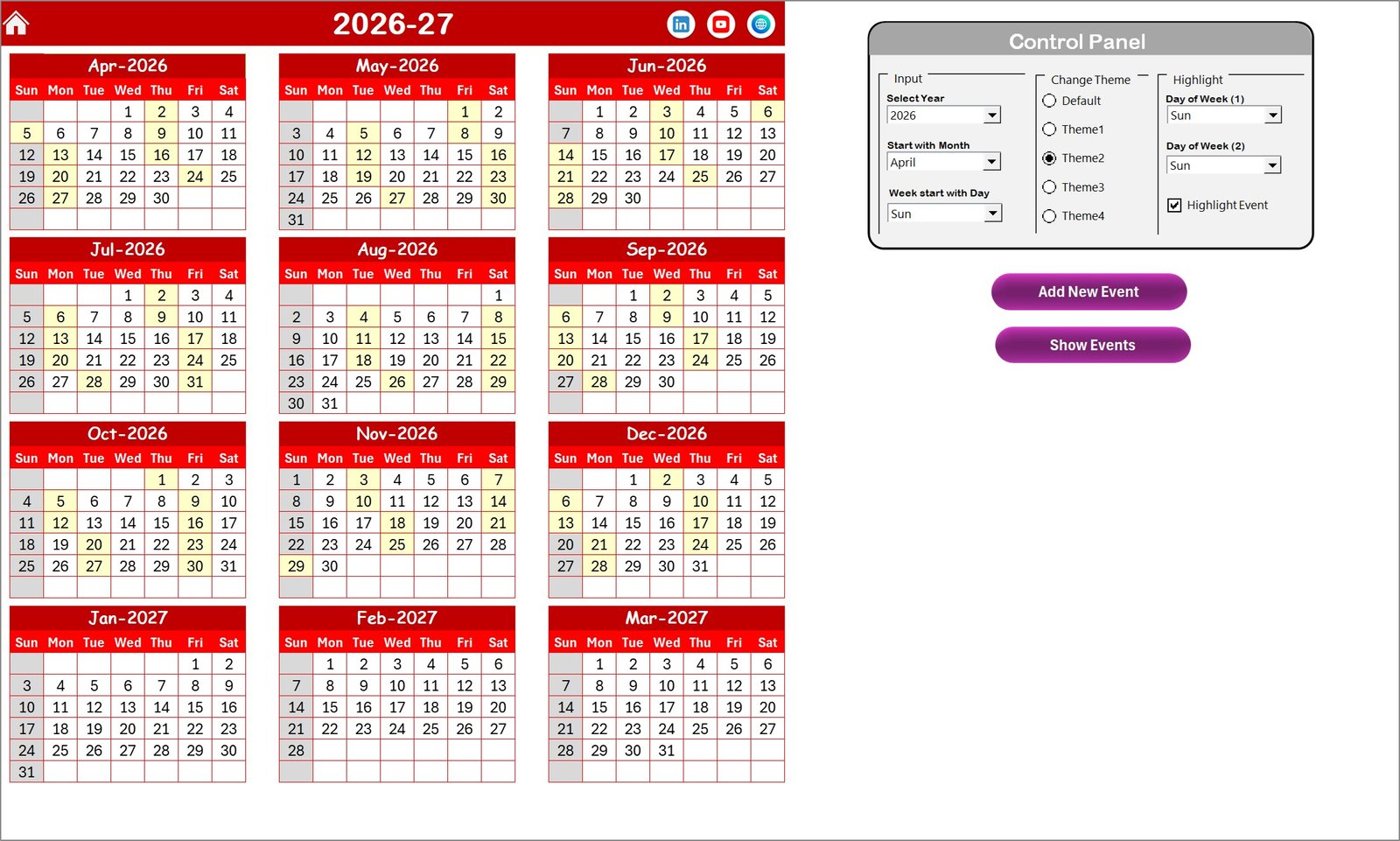
⚙️ Powerful Control Panel
Users can easily change the calendar year, starting month, and starting weekday directly from the control panel.
🔎 Event Highlighting Feature
Highlight important days such as weekends, holidays, or compliance deadlines for better visibility.
➕ Easy Event Management System
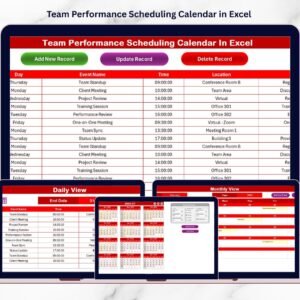
Add, update, or delete events quickly using simple buttons and an easy event form.
📌 Multiple Events per Date
Schedule multiple HR activities or compliance tasks on the same date without any limitations.
⚡ User-Friendly Navigation Buttons
Quick navigation buttons allow users to move between calendar views instantly.
📦 What’s Inside the Employee Retention Compliance Calendar in Excel
This template includes five interactive worksheets designed to make retention planning simple and efficient.
🏠 Home Sheet – Navigation Dashboard
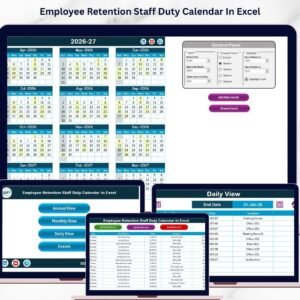
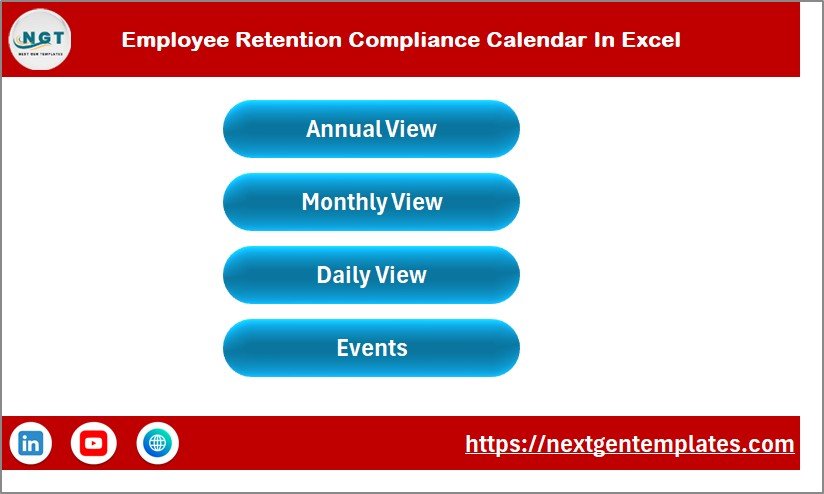
The Home Sheet acts as the main index page. It contains navigation buttons that allow users to jump directly to:
Annual View
Monthly View
Daily View
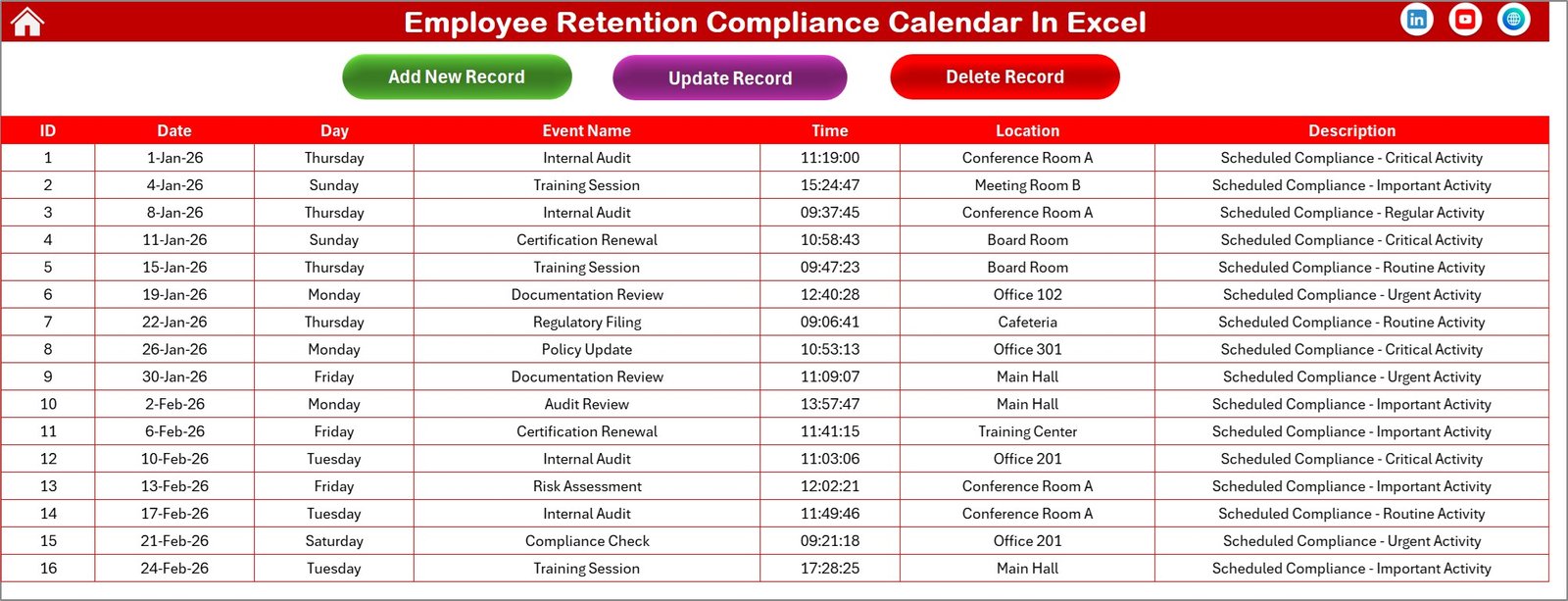
Events Database
📆 Annual View Sheet
This sheet displays 12 months of the year in one screen, allowing HR teams to plan long-term retention strategies and compliance schedules.
🗓️ Monthly View Sheet
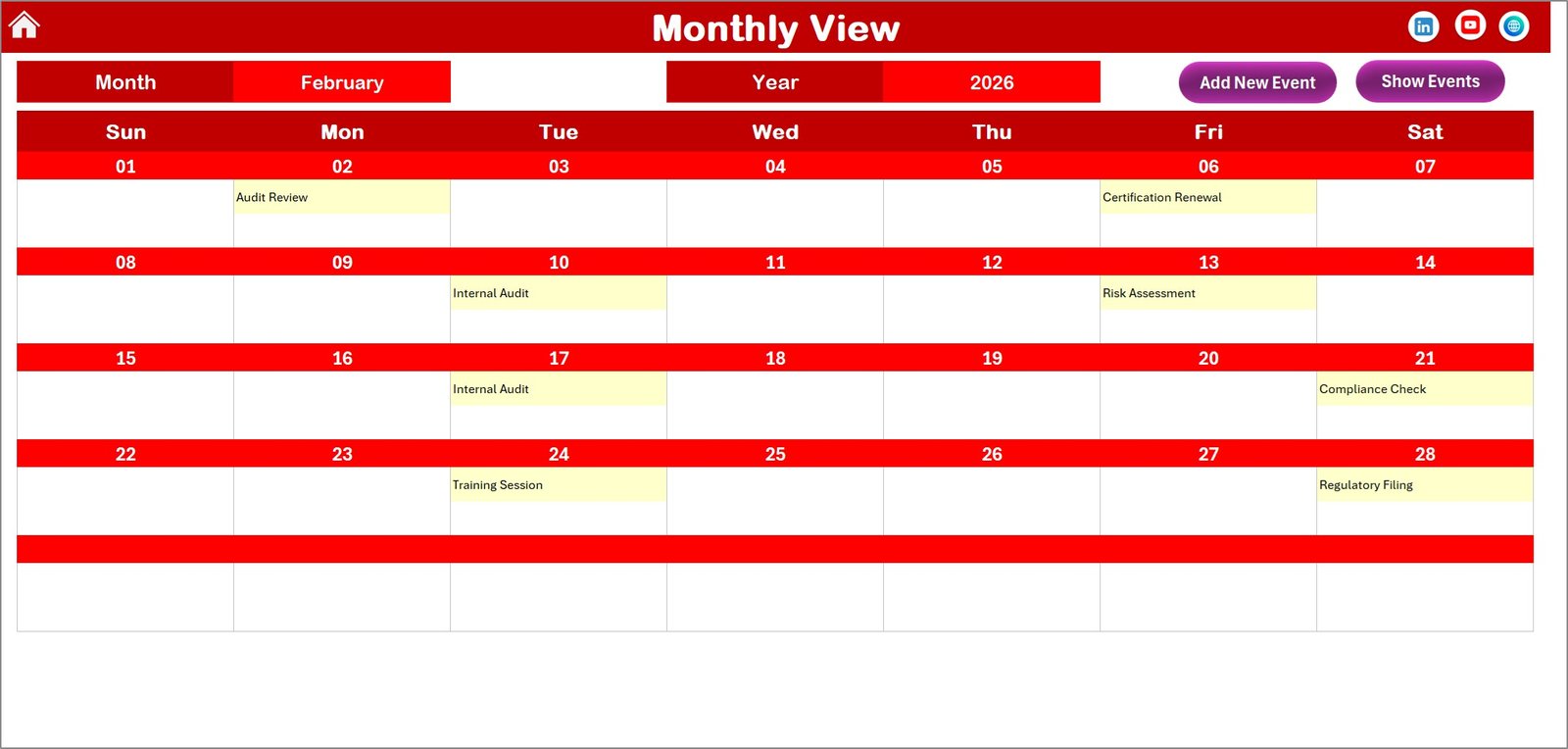
The Monthly View provides a focused calendar for a specific month, helping HR teams manage short-term retention activities.
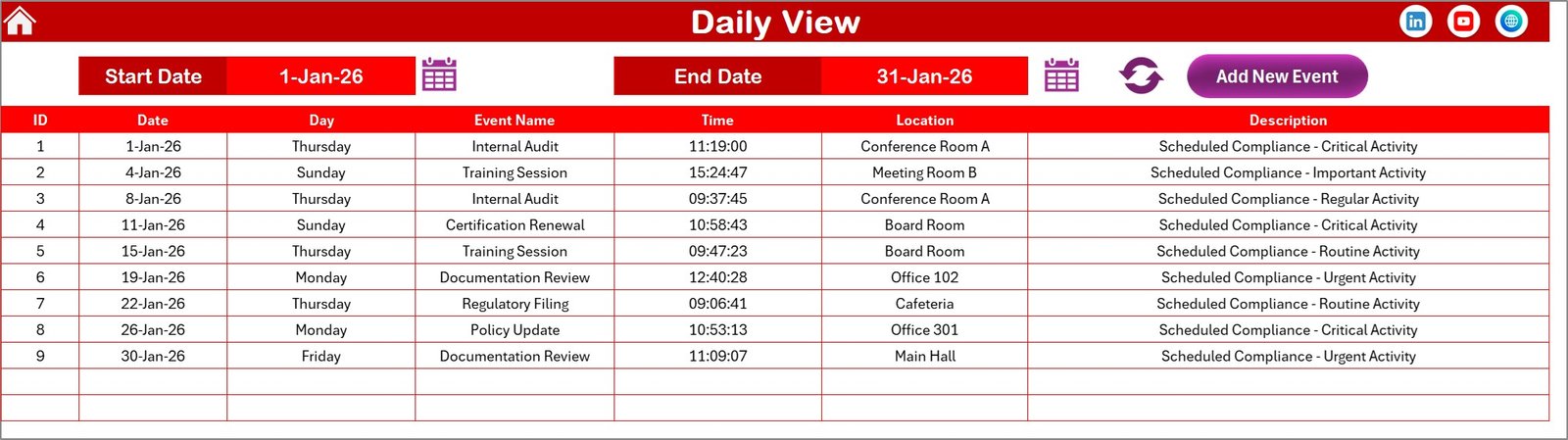
📋 Daily View Sheet
This sheet shows events in a table format, allowing users to filter activities using a date range.
📂 Events Sheet – Central Event Database
All events are stored in one centralized database including:
Event ID
Date
Day
Event Name
Time
Location
Description
This makes it easy to manage, update, and track HR activities.
🚀 How to Use the Employee Retention Compliance Calendar in Excel
Using this template is extremely simple and requires only basic Excel knowledge.
1️⃣ Open the Excel workbook.
2️⃣ Navigate using the Home Sheet buttons.
3️⃣ Select the desired year, starting month, and weekday from the control panel.
4️⃣ Click Add New Event to schedule HR activities.
5️⃣ Enter event details such as name, date, time, location, and description.
6️⃣ View events in Annual, Monthly, or Daily views.
7️⃣ Update or delete events whenever needed.
Within minutes, HR teams can build a complete retention planning system.
👥 Who Can Benefit from This Employee Retention Compliance Calendar
This Excel template is extremely useful for many professionals and organizations.
👨💼 HR Managers – Manage employee engagement and compliance schedules.
👩💻 HR Teams – Organize retention programs and HR initiatives.
🏢 Business Owners – Monitor HR activities and retention strategies.
📊 Team Leaders – Schedule employee feedback meetings and development sessions.
🏫 Corporate Training Departments – Plan training and development programs.
📈 Organizations of All Sizes – Improve HR planning and employee satisfaction.
By implementing a structured retention planning system, companies can significantly improve employee engagement and reduce turnover.
Click here to read the Detailed blog post
Watch the step-by-step video tutorial:
Visit our YouTube channel to learn step-by-step video tutorials
https://youtube.com/@PKAnExcelExpert
Compatibility and Requirements
- Works in Microsoft Excel desktop (Excel 2016 or later, or Microsoft 365).
- The calendar highlights weekends, holidays and compliance deadlines with color coding. Microsoft explains the feature in Use conditional formatting to highlight information in Excel.
Frequently Asked Questions
Which sheets are included?
Five sheets: Home, Annual View, Monthly View, Daily View and Events. The Home sheet has buttons that jump to the other four.
Can I schedule more than one event on the same date?
Yes. You can add multiple HR activities or compliance tasks to the same date, with no limit.
What details can I store for each event?
The Events sheet keeps the Event ID, date, day, event name, time, location and description for every entry.
How do I change the year or the starting month?
Use the control panel to set the calendar year, the starting month and the starting weekday. You can also pick one of five color themes there.
Is there a Google Sheets or dashboard version for retention?
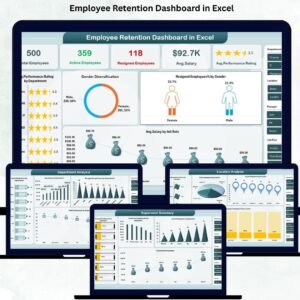
There is an Employee Retention Dashboard in Google Sheets and an Employee Retention Dashboard in Excel for tracking retention numbers.
Related HR and Compliance Templates
- Employee Retention Holiday Calendar in Excel: a retention calendar built around holidays
- Legal Compliance Calendar in Excel: a calendar for legal deadlines
- Compliance Training Calendar in Excel: schedule compliance training sessions
- Employee Recognition Calendar in Excel: plan recognition events for your team
- Employee Retention Dashboard in Excel: track retention figures in a dashboard
Browse all Excel calendar templates and HR and payroll templates.