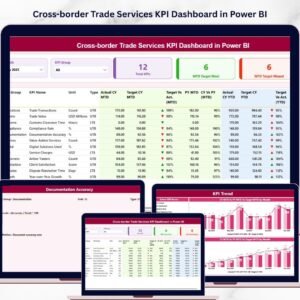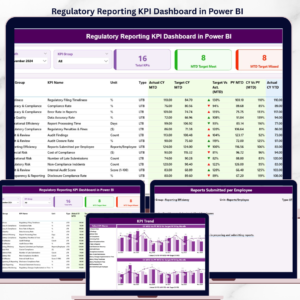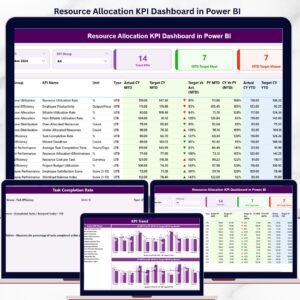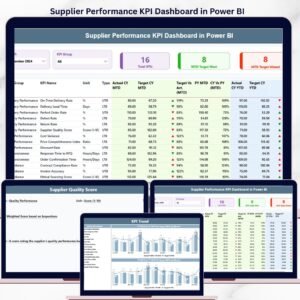
Virtual Office Services KPI Dashboard have become a popular solution for modern businesses that want flexibility, cost efficiency, and global reach. Companies now rely on virtual office providers for services such as business address registration, mail handling, call answering, meeting room bookings, and administrative support. As the demand for these services continues to grow, service providers must track operational performance, monitor customer satisfaction, and analyze revenue growth effectively.
However, managing large volumes of operational data manually can become overwhelming. Virtual office businesses often deal with multiple service requests, client interactions, and operational metrics daily. Without a structured analytics system, it becomes difficult for managers to identify performance trends or operational issues.
This is where the Virtual Office Services KPI Dashboard in Power BI becomes an essential business intelligence solution.
The Virtual Office Services KPI Dashboard in Power BI is a ready-to-use interactive dashboard designed to monitor and analyze key performance indicators related to virtual office operations. Built using Power BI’s powerful data visualization capabilities, this dashboard transforms raw operational data into clear insights using KPI cards, charts, and interactive filters.
Instead of analyzing scattered spreadsheets, managers can monitor service performance through a centralized dashboard that provides real-time insights into operational efficiency, service usage, and business growth.
Whether you operate a virtual office service company, business center, coworking space, or outsourced administrative service provider, this dashboard helps you monitor business performance and make data-driven strategic decisions.
By converting operational data into visual insights, the dashboard helps organizations improve efficiency, enhance service quality, and support long-term business growth.
🚀 Key Feature of Virtual Office Services KPI Dashboard in Power BI
📊 Interactive KPI Monitoring Dashboard
Track virtual office service performance using dynamic Power BI charts and KPI indicators.
📅 Dynamic Month Selection Filter
Select any month using the slicer to instantly update the dashboard with the relevant KPI performance.
📂 KPI Group Filtering
Analyze KPIs by category or operational group using interactive filters.
🎯 Target vs Actual KPI Comparison
Instantly compare actual performance with target values to evaluate operational efficiency.
📈 Current Year vs Previous Year Analysis
Monitor year-over-year performance and track business growth trends.
🔺 Visual KPI Performance Indicators
Green and red arrows clearly indicate whether KPIs are meeting or missing targets.
📊 Advanced KPI Trend Analysis
Interactive combo charts help visualize KPI performance trends across months.
📘 Detailed KPI Definition Page
Drill-through functionality allows users to view KPI formulas, definitions, and units.
⚡ Automated KPI Calculations
Power BI automatically calculates performance comparisons and percentages.
🔗 Excel Data Integration
The dashboard connects to an Excel file that stores actual values, target values, and KPI definitions.
📊 What’s Inside the Virtual Office Services KPI Dashboard in Power BI
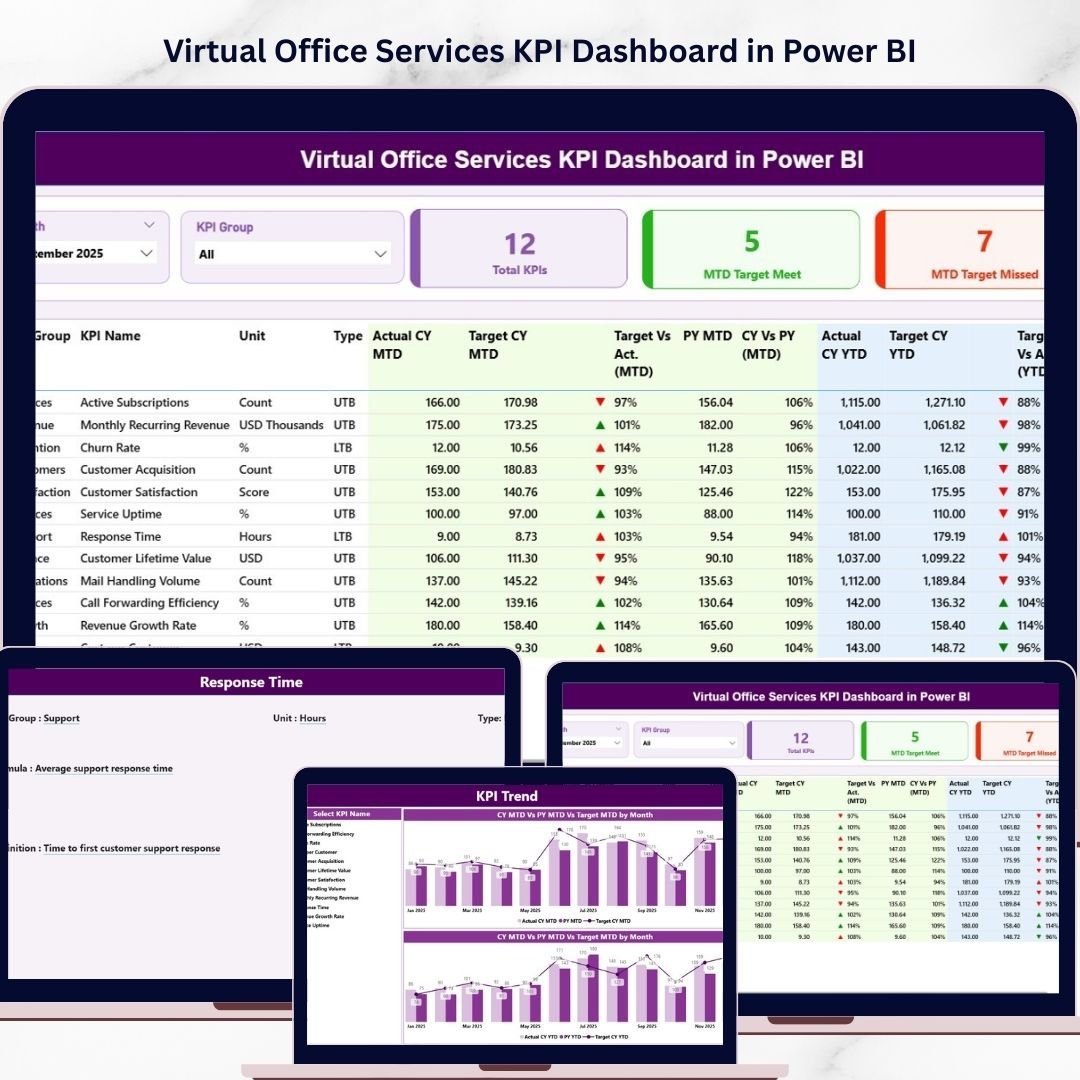
This dashboard contains three analytical pages that allow managers to analyze KPI performance from different perspectives.
🏠 Summary Page – Main KPI Performance Dashboard
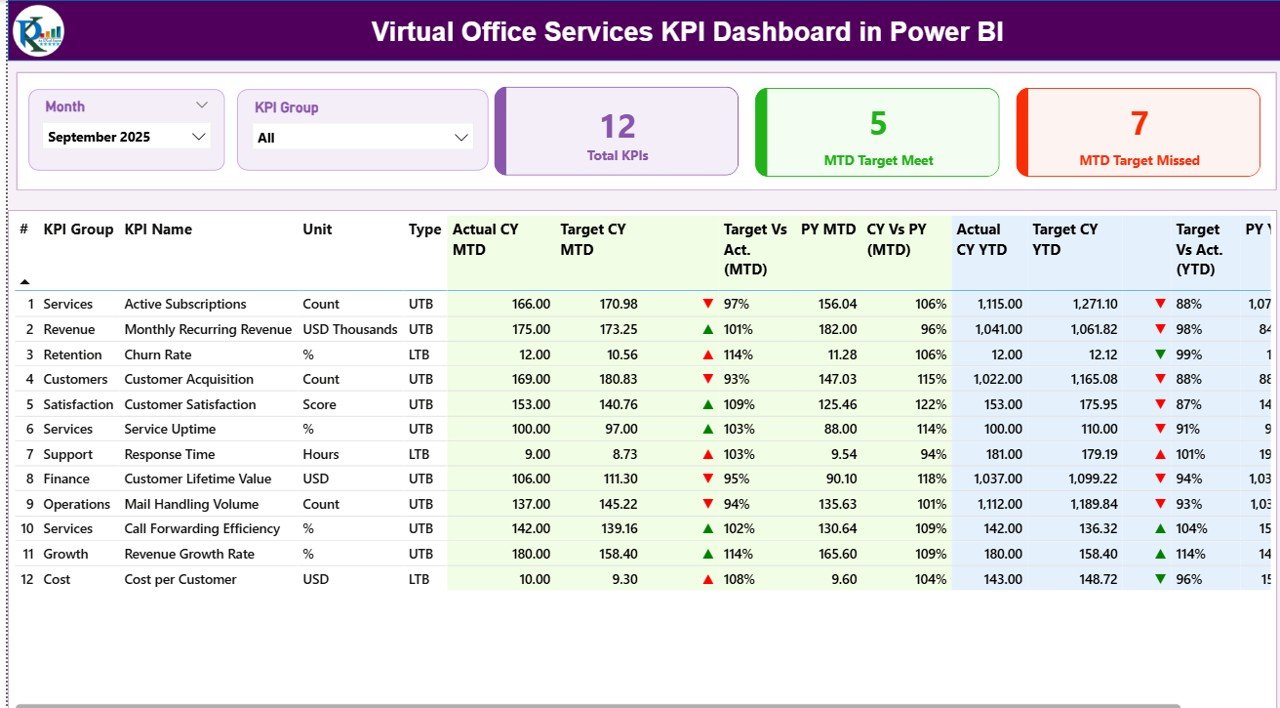
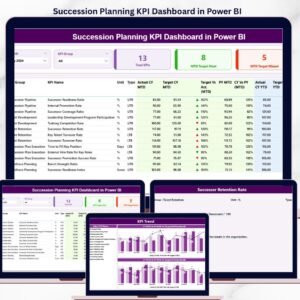
The Summary Page serves as the central dashboard where managers can monitor overall KPI performance.
At the top of the page, two slicers allow users to filter data dynamically:
• Month Slicer
• KPI Group Slicer
These filters help managers analyze performance across different time periods and KPI categories.
Below the slicers, the dashboard displays three important KPI cards:
• Total KPIs Count
• MTD Target Meet Count
• MTD Target Missed Count
These KPI cards provide a quick snapshot of overall performance.
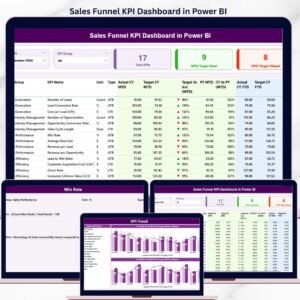
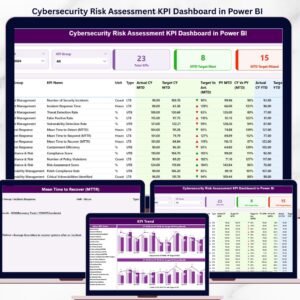
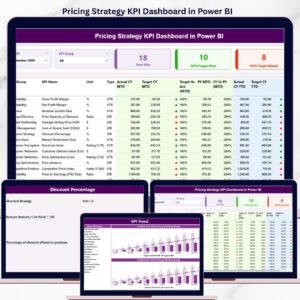
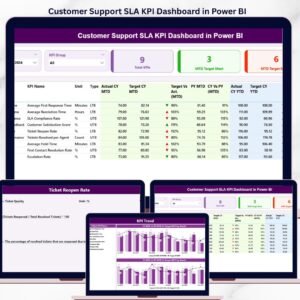
A detailed KPI performance table shows key information such as KPI number, KPI group, KPI name, unit of measurement, KPI type, actual values, target values, and comparison indicators.
📈 KPI Trend Page – Historical Performance Analysis
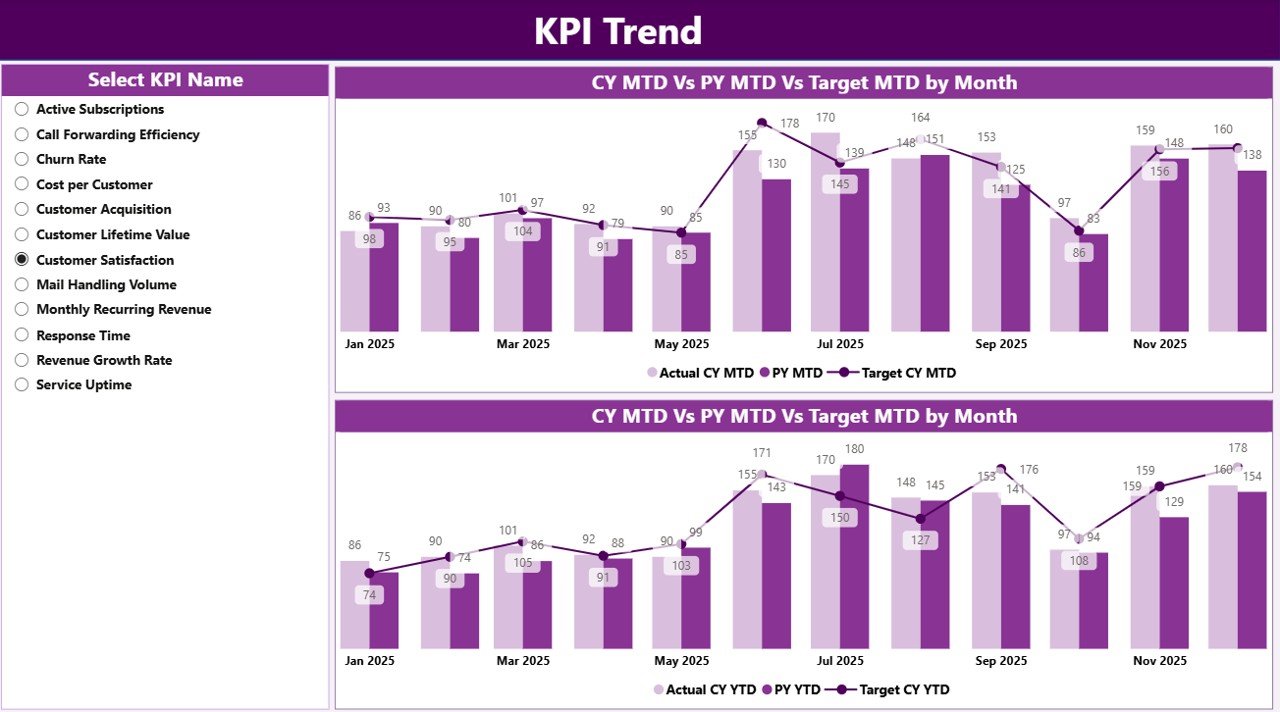
The KPI Trend Page allows users to analyze KPI performance over time.
Users can select any KPI using the KPI Name slicer located on the left side of the page.
The dashboard then displays two combo charts:
• MTD Trend Chart
• YTD Trend Chart
These charts compare:
• Current Year Actual Values
• Target Values
• Previous Year Values
This trend analysis helps businesses identify growth patterns, seasonal changes, and performance gaps.
📘 KPI Definition Page – KPI Explanation and Details
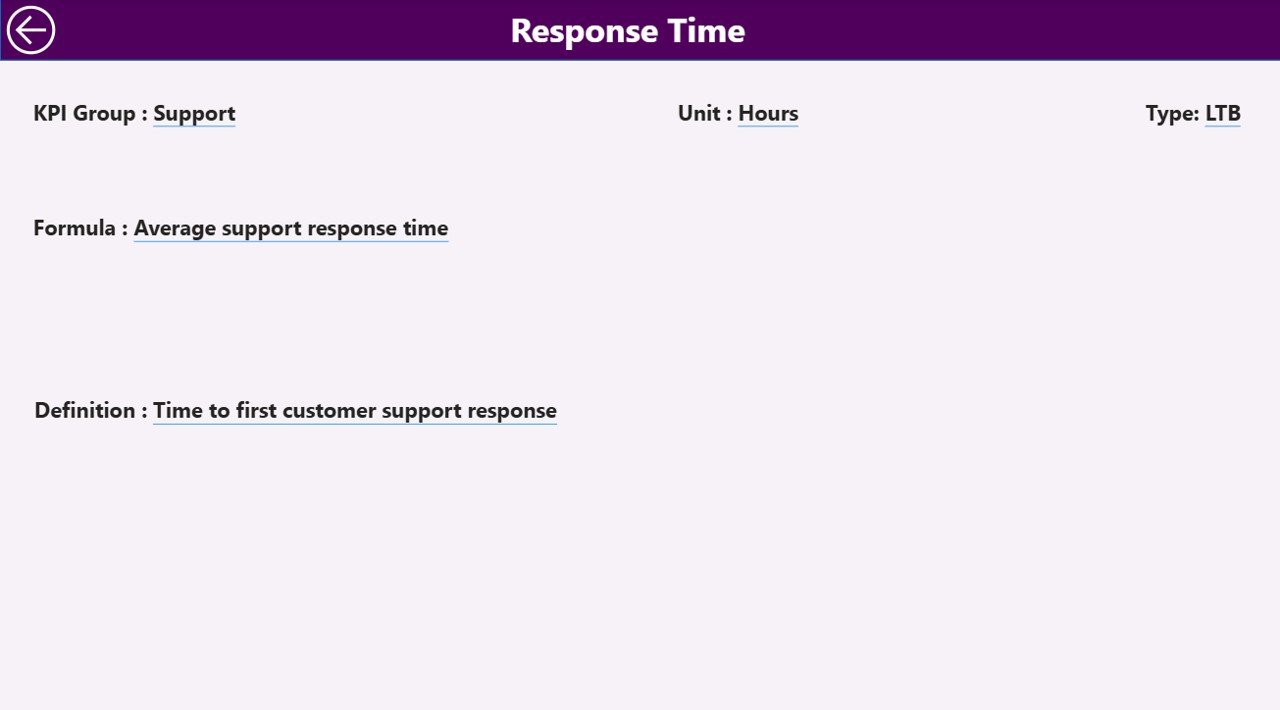
The KPI Definition Page provides detailed information about each KPI.
This page includes important KPI metadata such as:
• KPI Formula
• KPI Definition
• KPI Group
• KPI Type
• Unit of Measurement
Users can access this page using the drill-through feature from the Summary Page.
A back button allows users to return to the main dashboard easily.
⚙️ How to Use the Virtual Office Services KPI Dashboard in Power BI
Using the dashboard is simple and efficient.
1️⃣ Enter KPI data in the Excel data source.
2️⃣ Update the Actual KPI values in the Input_Actual sheet.
3️⃣ Enter KPI targets in the Input_Target sheet.
4️⃣ Maintain KPI metadata in the KPI Definition sheet.
5️⃣ Refresh the Power BI dashboard to update all visuals automatically.
6️⃣ Use slicers to analyze KPI performance across months and KPI groups.
With just a few steps, organizations can transform operational data into powerful business insights.
👨💼 Who Can Benefit from This Virtual Office Services KPI Dashboard in Power BI
This dashboard is ideal for organizations that manage virtual office services and remote business solutions.
🏢 Virtual Office Service Providers – Monitor operational efficiency and service performance.
📊 Business Center Operators – Track service usage and client engagement metrics.
💼 Coworking Space Managers – Analyze facility utilization and operational performance.
📈 Operations Managers – Monitor KPI performance and improve service delivery.
👨💻 Business Consultants – Provide performance analytics and strategic insights.
🎓 Business Analysts & Students – Learn KPI tracking and business intelligence concepts.
Organizations using this dashboard gain better performance visibility, faster decision-making, and improved operational efficiency.
Click hare to read the Detailed blog post
Visit our YouTube channel to learn step-by-step video tutorials
https://youtube.com/@PKAnExcelExpert