
Customer feedback is the backbone of business improvement. Every successful organization listens to its customers, analyzes their opinions, and takes action to enhance products and services. However, managing feedback activities without proper planning often leads to missed surveys, delayed analysis, and poor coordination — especially during holidays or busy seasons.
That’s where the Customer Feedback Analysis Holiday Calendar in Excel becomes a game-changing solution.
This ready-to-use Excel template helps businesses plan, organize, and track customer feedback activities using an intelligent calendar system. Instead of juggling emails, spreadsheets, and reminders, teams can manage everything from one centralized platform.
Designed for simplicity and efficiency, this calendar transforms feedback planning into a structured workflow that improves customer engagement and operational clarity.
Whether you are scheduling surveys, organizing feedback review meetings, or planning customer engagement campaigns, this Excel calendar ensures nothing gets missed.
🚀 Key Feature of Customer Feedback Analysis Holiday Calendar in Excel
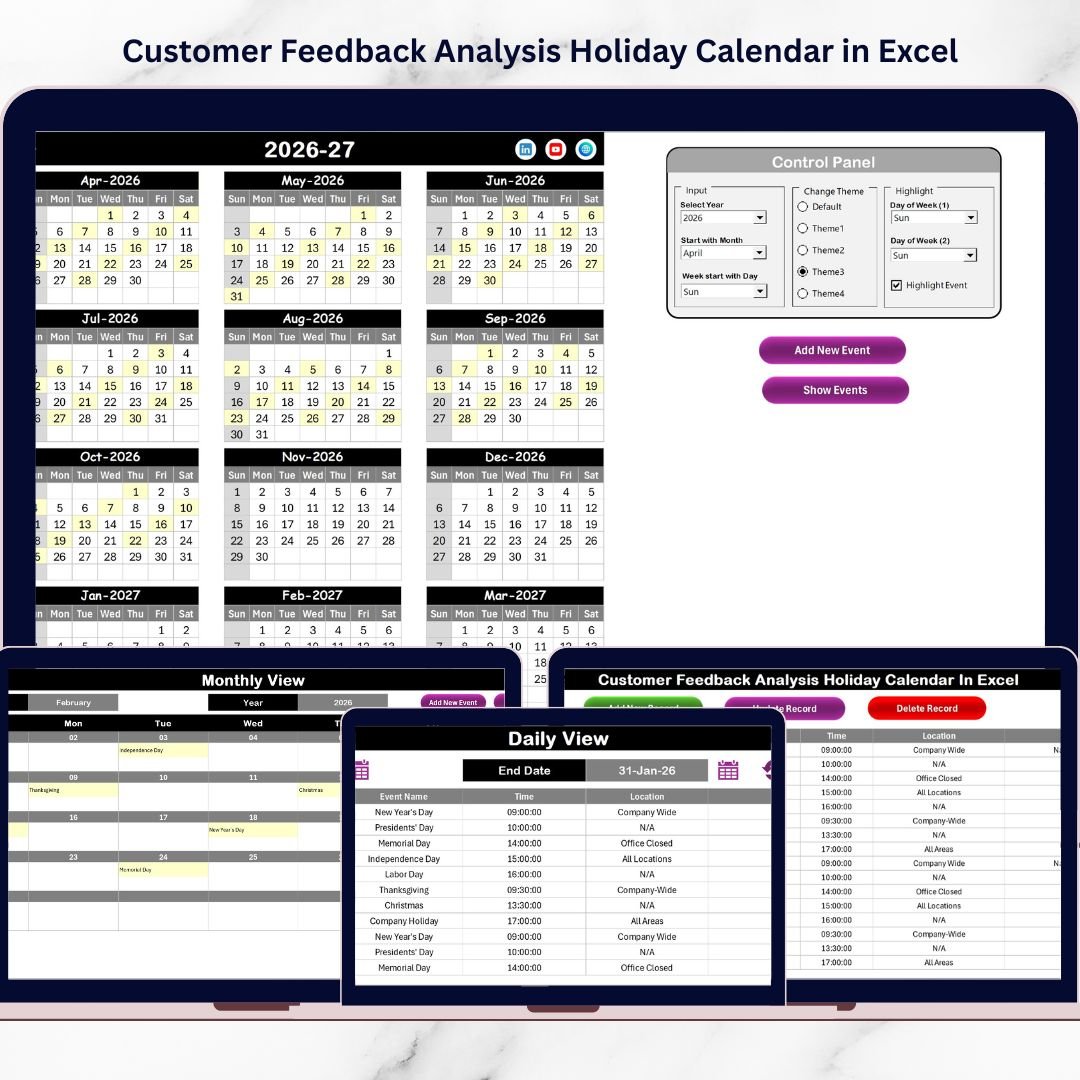
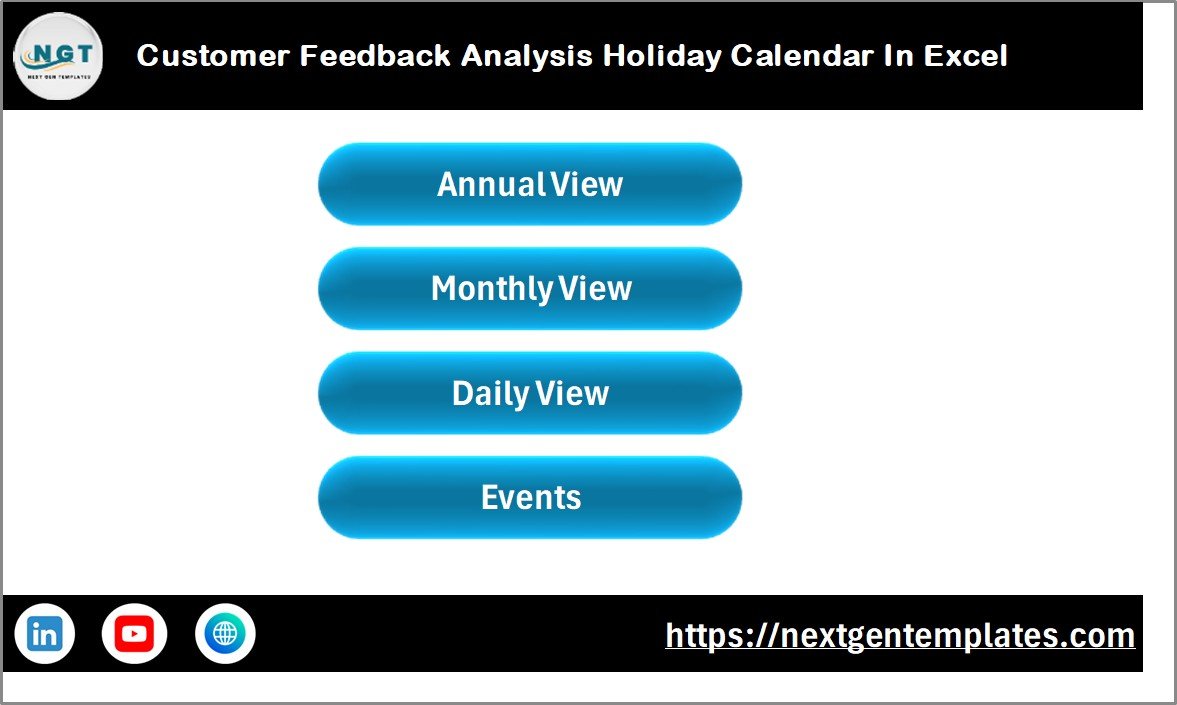
✨ Interactive Home Dashboard — Navigate instantly between Annual, Monthly, Daily, and Events views using simple buttons.
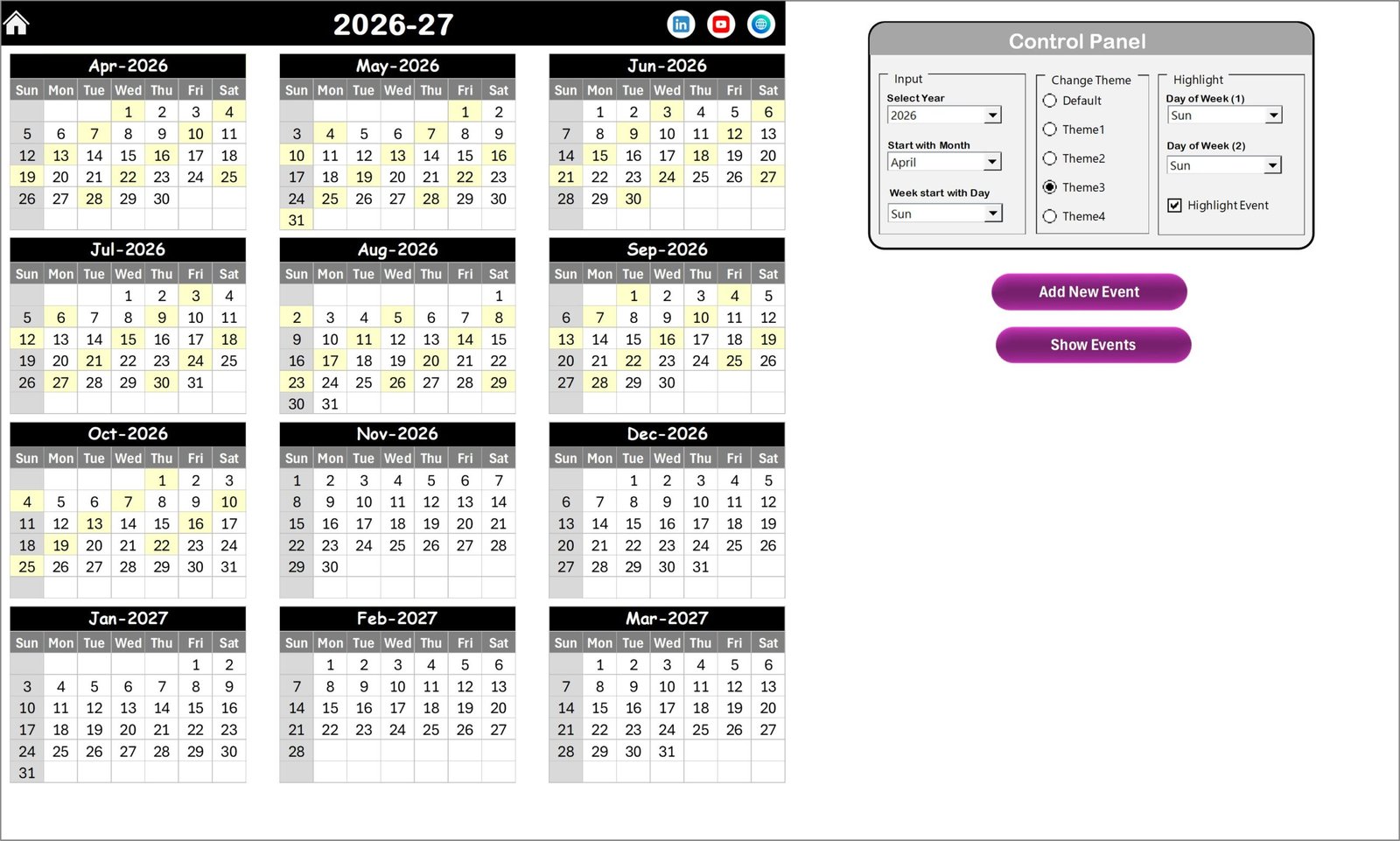
📅 Annual Planning View — View all 12 months in one screen to plan feedback campaigns across the entire year.
🎨 Multiple Color Themes — Apply professional themes with one click to match your organization’s style.
🗓️ Holiday & Weekend Highlighting — Automatically visualize non-working days to avoid scheduling conflicts.
➕ Smart Event Entry Forms — Add feedback events quickly using automated buttons and forms.
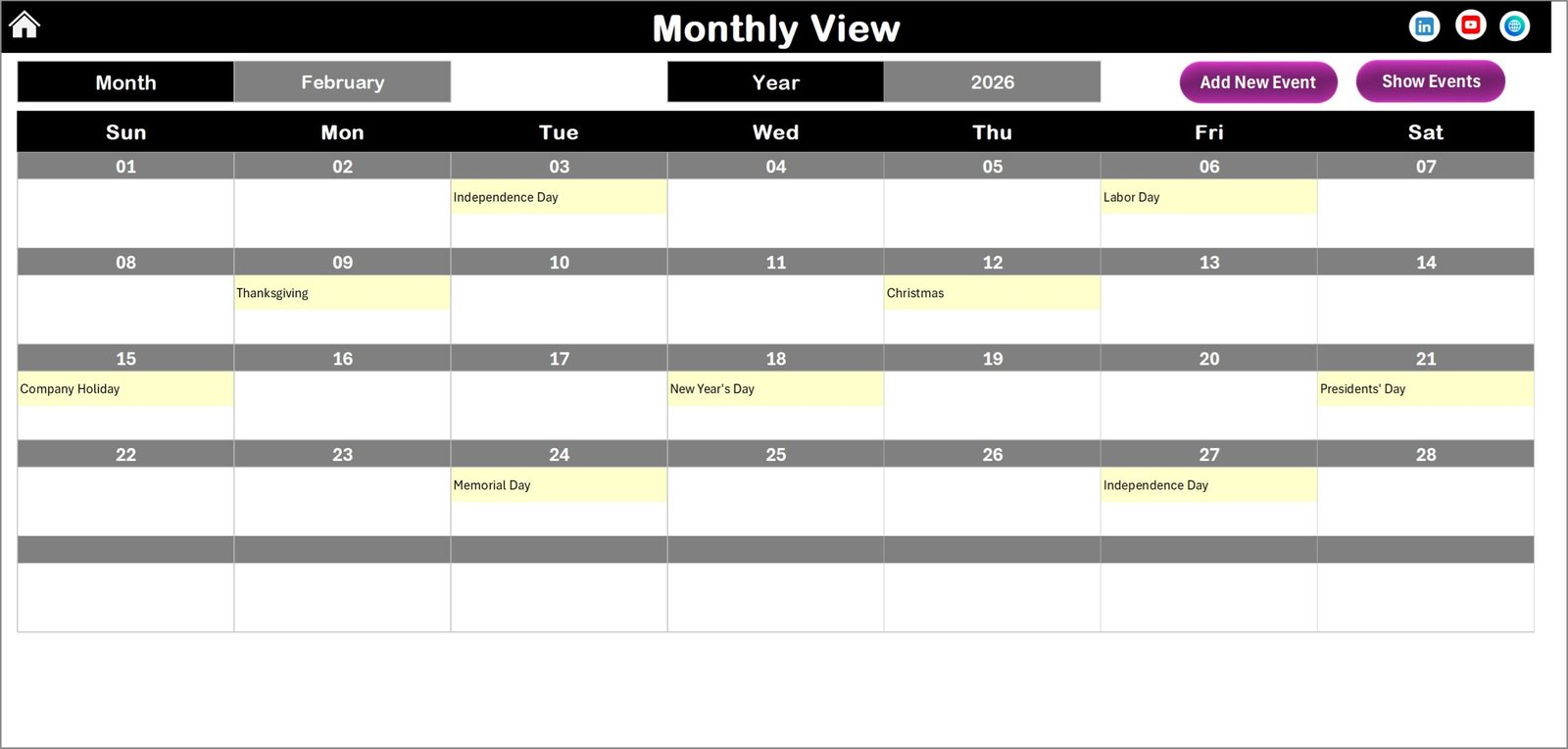
📊 Monthly Scheduling View — Identify busy periods and manage workloads efficiently.
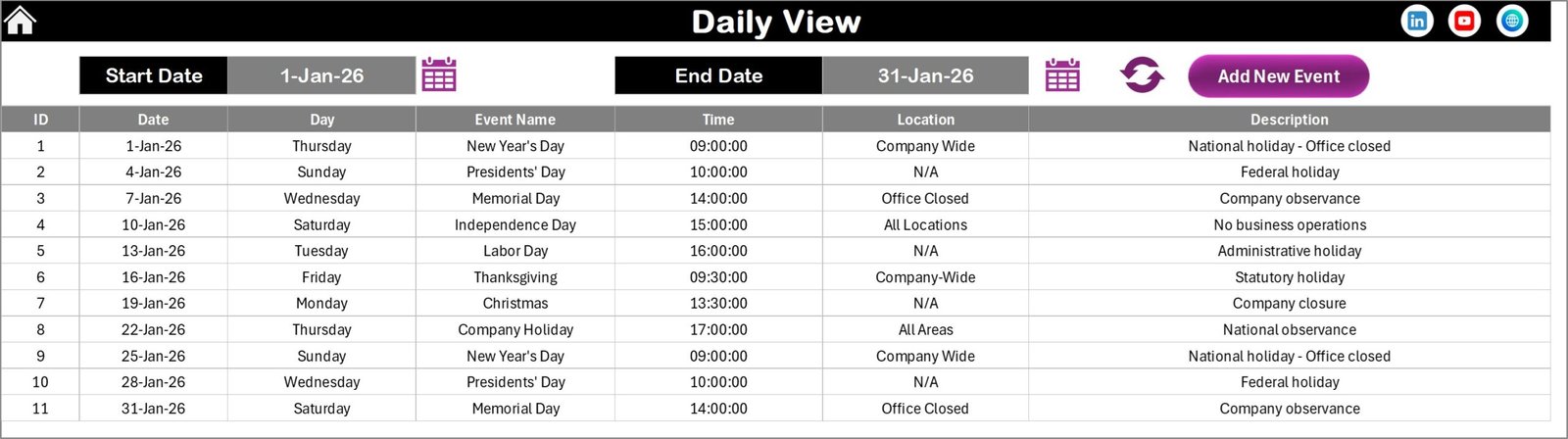
🔎 Daily Activity Tracking — Analyze feedback activities within selected date ranges.
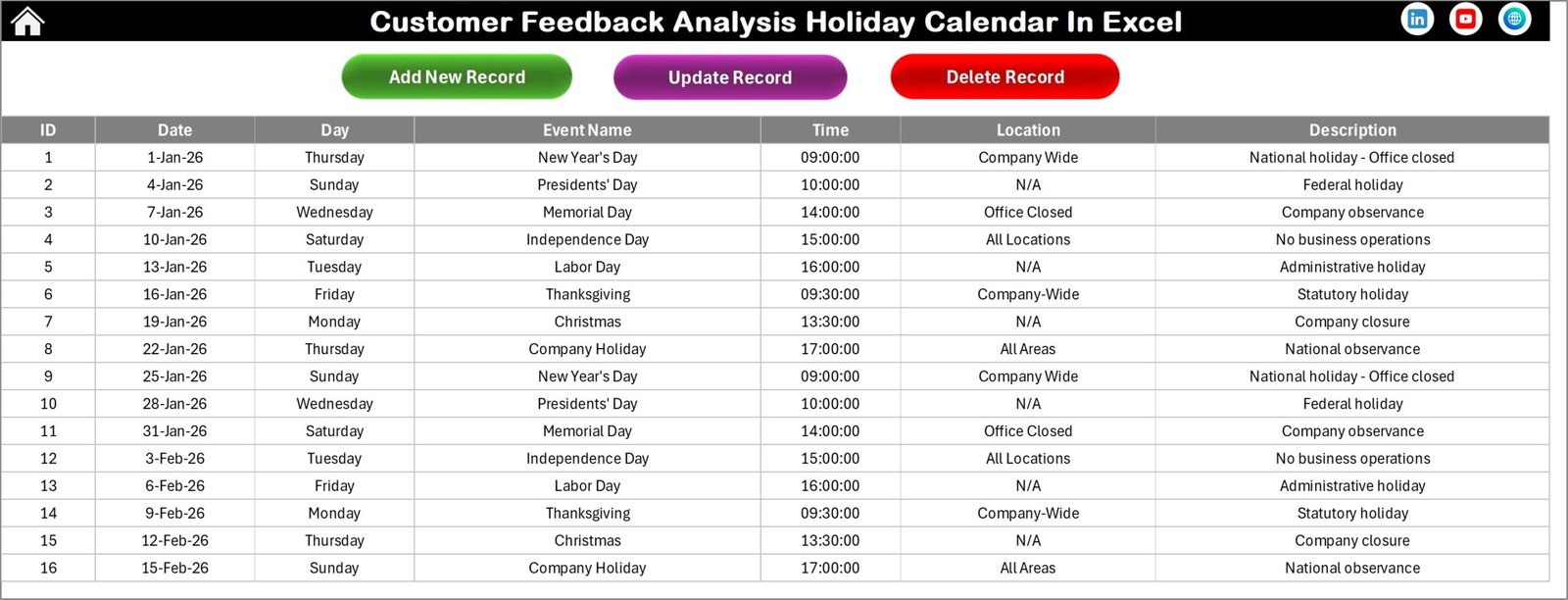
🗂️ Centralized Event Database — All feedback records stored securely in one structured location.
⚡ Automation Without Complexity — Advanced functionality without requiring advanced Excel skills.
📦 What’s Inside the Customer Feedback Analysis Holiday Calendar in Excel
The template includes five professionally designed worksheets:
✅ Home Sheet — Central navigation hub for easy access to all modules.
✅ Annual View Sheet — Yearly planning with control panel and highlight features.
✅ Monthly View Sheet — Detailed monthly feedback scheduling.
✅ Daily View Sheet — Event tracking and operational analysis.
✅ Events Database Sheet — Backend system storing all feedback activities.
Each sheet works together to create a seamless feedback planning ecosystem.
🛠️ How to Use the Customer Feedback Analysis Holiday Calendar in Excel
Using this template is simple and beginner-friendly:
1️⃣ Select the year and customize calendar settings.
2️⃣ Add feedback events using the Add Event button.
3️⃣ Review campaign schedules in Monthly View.
4️⃣ Analyze activities using Daily View filters.
5️⃣ Maintain and update records in the Events database.
Within minutes, your organization can move from unorganized planning to a structured feedback management system.
👥 Who Can Benefit from This Customer Feedback Analysis Holiday Calendar in Excel
This template is ideal for:
✅ Customer Experience Teams
✅ Marketing Departments
✅ Product Managers
✅ Customer Support Teams
✅ Service Organizations
✅ Consultants & Analysts
✅ Small Businesses & Startups
Any organization collecting customer feedback can use this tool to improve planning efficiency and decision-making.
Businesses choose Excel because it is familiar, flexible, and powerful. This calendar leverages Excel’s capabilities to deliver professional planning without expensive software subscriptions.
By using this template, organizations can:
✔ Avoid holiday scheduling conflicts
✔ Improve feedback consistency
✔ Track engagement activities easily
✔ Enhance customer satisfaction strategies
✔ Maintain centralized records
Ultimately, the Customer Feedback Analysis Holiday Calendar in Excel converts feedback management into a proactive business strategy instead of a reactive task.
Click here to read the Detailed blog post
Watch the step-by-step video tutorial: