


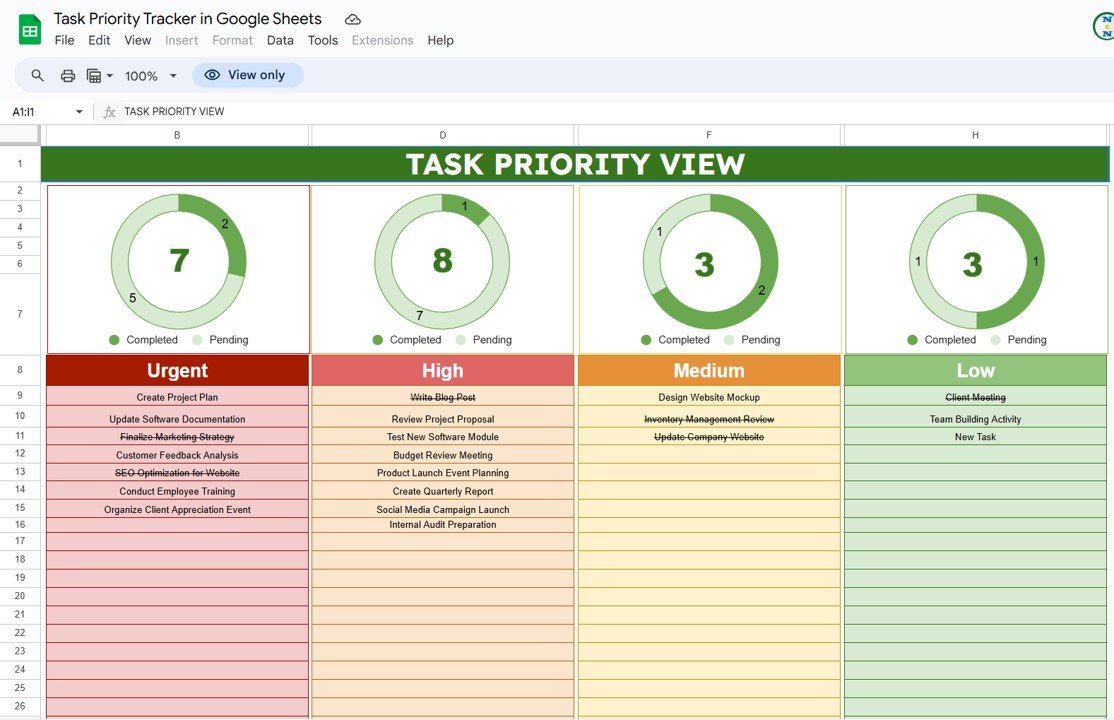
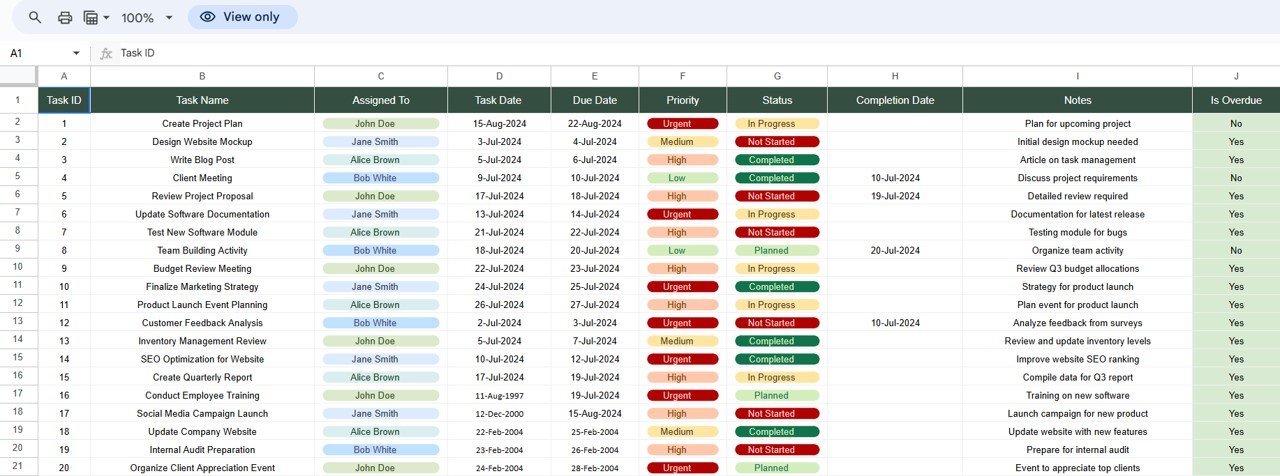

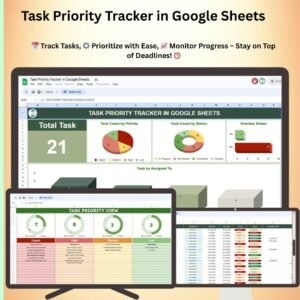
The Task Priority Tracker in Google Sheets is a ready-made task management template that helps individuals and teams sort work by urgency and importance, set deadlines and track progress in one place. It suits personal to-dos, team projects and business tasks alike. The main outcome is simple: your most critical tasks stay at the top of the list, so deadlines are met and less important items don’t take over your time.
Each task gets a priority level, a deadline and a status, so you always know what to work on next. The design is simple, and it works for anyone from project managers to students.
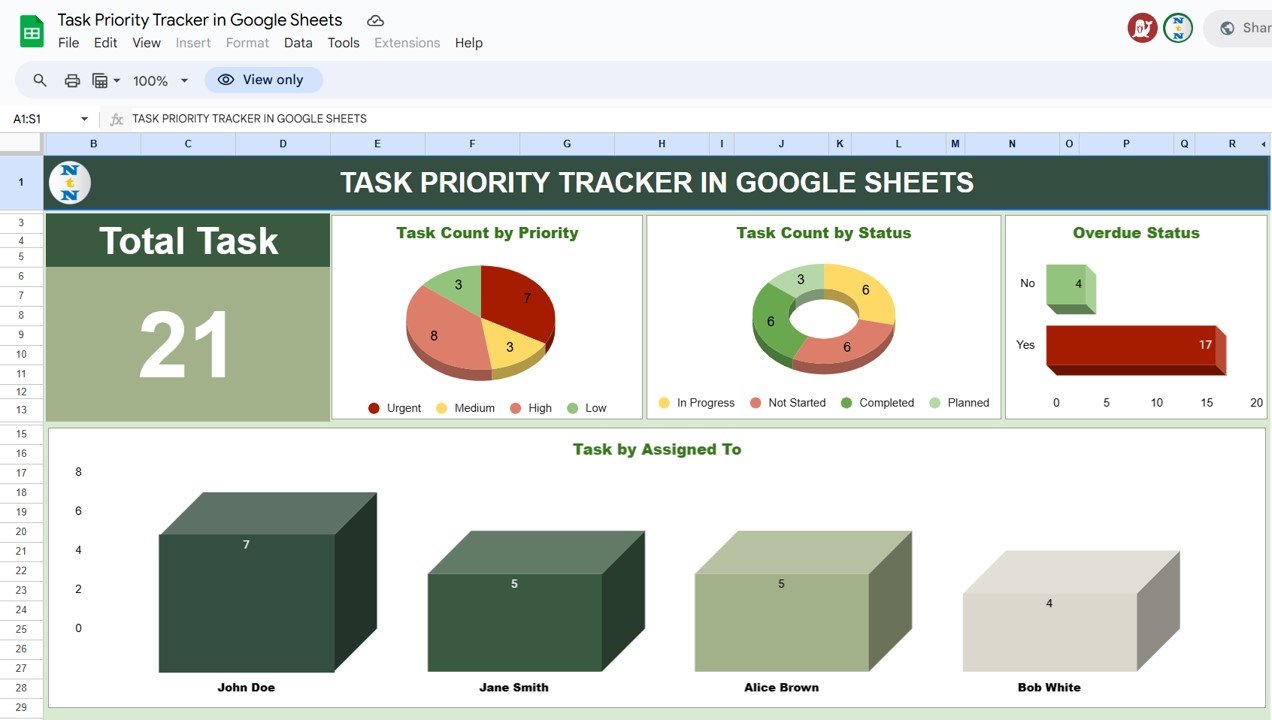
Key Features of the Task Priority Tracker in Google Sheets
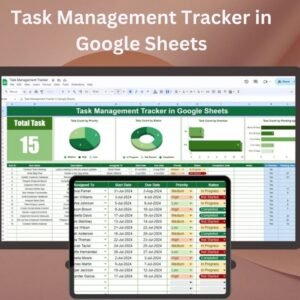
- Task management in one sheet: Record tasks, deadlines and priority levels in a single, organized sheet.
- Priority levels: Put each task into a High, Medium or Low category so you can focus on what matters most.
- Progress tracking: Set the status of each task to Not Started, In Progress or Completed so you stay on top of deadlines.
- Visual representation: Color-coding and conditional formatting show urgent tasks and task statuses at a glance.
- Fully customizable: Change priority categories, add new fields and adjust the tracker to suit your needs.
- Real-time collaboration: Share the sheet with your team and track progress together in real time.
Why You’ll Love This Task Management Template
- Stay organized: All tasks, deadlines and priorities sit in one tracker.
- Better time management: Clear priorities help you meet critical deadlines and avoid delays.
- Boost productivity: Work on high-priority tasks first instead of losing time on less important items.
- Simple to use: You don’t need complicated software or advanced skills. Enter your tasks and start tracking.
- Works for any need: It fits both personal and business use, with priority levels and categories you can change.
What’s Inside the Template
| Component | What It Does |
|---|---|
| Task List | An organized list of tasks with deadlines and priority levels. |
| Priority Levels | Sorts tasks into High, Medium and Low priority so you can focus on the most urgent work. |
| Task Progress | Shows the status of each task at every stage: Not Started, In Progress and Completed. |
| Visual Task Representation | Color-coded sections and conditional formatting highlight priorities. |
| Customizable Fields | Add or remove fields to fit your personal or business task tracking. |
Who Is the Task Priority Tracker For?
This tracker is useful for anyone who handles several tasks at once and needs a clear way to decide what comes first:
- Project Managers who keep project tasks and deadlines on schedule
- Team Leaders who share task lists and follow team progress
- Students who plan assignments and study tasks
- Small Business Owners who juggle daily business tasks
- Freelancers who manage client work and due dates
- Entrepreneurs who focus on high-impact priorities
- Anyone with multiple tasks to manage
How to Use the Task Priority Tracker in Google Sheets
- Download the template: Get access to the pre-configured task priority tracker.
- Enter tasks and deadlines: Add your tasks, their deadlines and their priority levels.
- Track progress: Update each task’s status as work moves forward.
- Check priorities visually: Color-coding shows high-priority tasks and their statuses at a glance.
- Collaborate: Share the sheet with team members to track shared tasks and deadlines in real time.
Click here to read the detailed blog post
Watch the step-by-step video tutorial:
Visit our YouTube channel for step-by-step video tutorials.
Frequently Asked Questions
What does the Task Priority Tracker in Google Sheets do?
It lets you list tasks with deadlines, give each one a High, Medium or Low priority, and track its status from Not Started to In Progress to Completed. Color-coding helps you spot urgent work quickly.
Can I change the priority levels and fields?
Yes. You can modify priority categories, add new fields or remove fields so the tracker fits your personal or business needs.
Can my team use the tracker together?
Yes. Because it runs in Google Sheets, you can share the sheet with your team. Real-time collaboration means everyone can track shared tasks and deadlines together.
How does the color-coding work?
The template uses color-coding and conditional formatting to highlight priorities and task statuses, so high-priority and urgent tasks stand out right away.
Do I need advanced spreadsheet skills?
No. This task management template is simple to use. You don’t need complicated software or advanced knowledge. Just enter your tasks and start tracking.
Is it suitable for personal use as well as business?
Yes. It works for personal to-dos, team projects and business tasks, for users ranging from students and freelancers to project managers and small business owners.
Take control of your workload with the Task Priority Tracker in Google Sheets. It keeps you organized and productive and helps you meet every deadline.
Also check our Procurement Tracker and Dashboard in Google Sheets
Last updated: October 2026
Compatibility and Requirements
- Works in Google Sheets with a free Google account and a web browser.
- Make a copy to your own Google Drive, then share it with your team if you want to work on it together.
- New to Sheets? Google’s guide How to use Google Sheets covers the basics.
Related Task Templates
- Task Management Tracker in Google Sheets: a fuller task tracker for teams
- Project Task List in Google Sheets: tasks grouped by project
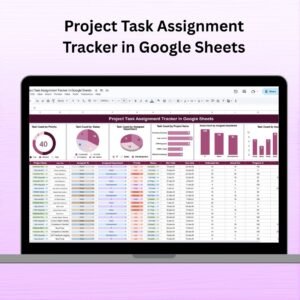
- Project Task Assignment Tracker in Google Sheets: see who owns each task
- Project Management Pro Bundle: 9 project templates in Excel and Google Sheets
Browse all Google Sheets project management templates or the Google Sheets trackers.














Reviews
There are no reviews yet.