



Supplier Delivery Schedule Calendar in Google Sheets
Managing multiple supplier deliveries can be stressful — missed shipments, last-minute changes, and scattered data often lead to costly supply chain delays. The Supplier Delivery Schedule Calendar in Google Sheets is your all-in-one solution to take control of delivery management like a pro 🚚✨
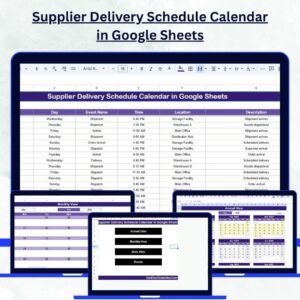
This interactive Google Sheets template brings all your supplier delivery events, timelines, and shipment schedules together in one automated calendar. No more juggling between emails or complex ERP systems — just a smart, visual, and easy-to-use tool that keeps your operations running smoothly.
🧩 Key Features of Supplier Delivery Schedule Calendar in Google Sheets
✅ All-in-One Dashboard: Centralized calendar for all supplier deliveries, events, and schedules.
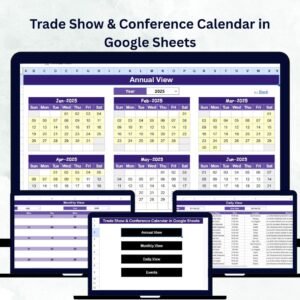
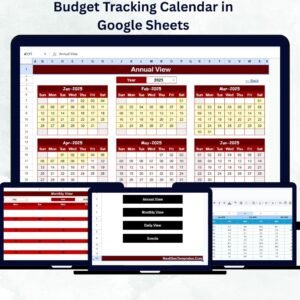
📅 Dynamic Views: Instantly switch between Annual, Monthly, and Daily views to analyze deliveries across different timelines.
🎨 Color-Coded Events: Identify key deliveries, delayed shipments, or special supplier milestones at a glance.
⚙️ Real-Time Collaboration: Multiple users can update, view, and comment simultaneously.
🔍 Smart Filters: Quickly filter events by date range, supplier, or status to focus on what matters.
💡 Customizable Design: Modify start month, week start day, or layout to fit your business calendar.
💰 Cost-Effective Alternative: A zero-cost solution compared to heavy ERP or scheduling software.
🧠 Beginner-Friendly: Simple navigation with pre-built buttons and no coding required.

📂 What’s Inside the Supplier Delivery Schedule Calendar in Google Sheets
This professional calendar template includes five interactive worksheet tabs, each serving a unique purpose:
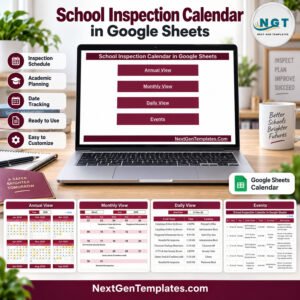
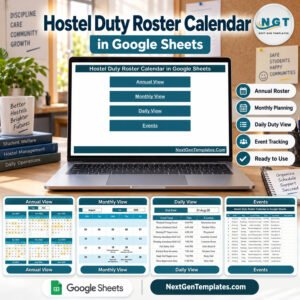
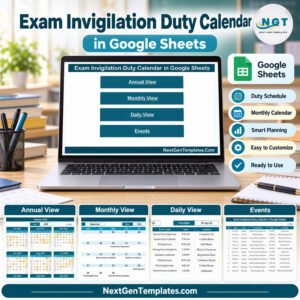
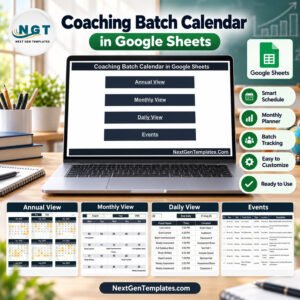
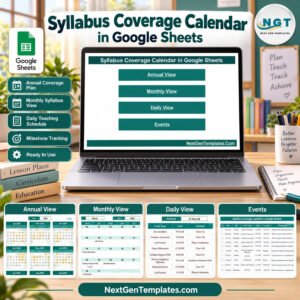
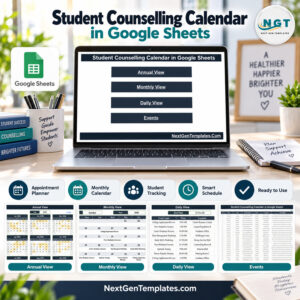
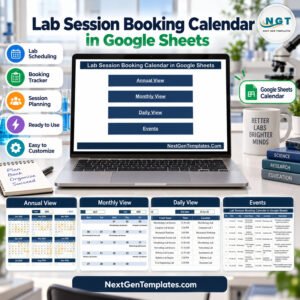
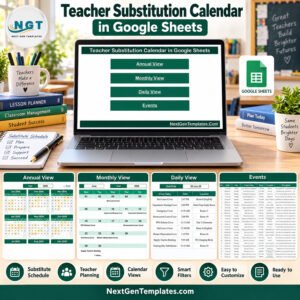
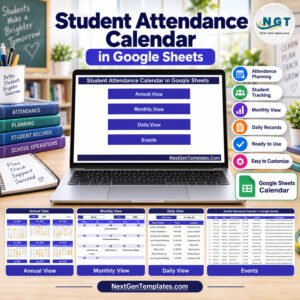
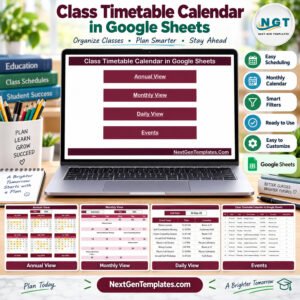
1️⃣ Home Sheet: Your navigation hub with buttons for Annual View, Monthly View, Daily View, and Events.
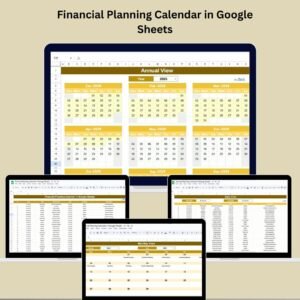
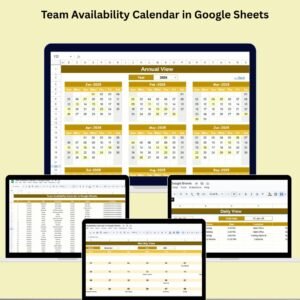
2️⃣ Annual View Sheet: See a 12-month snapshot of all supplier deliveries. Select any year, start month, or week format — everything updates automatically.
3️⃣ Monthly View Sheet: Focus on one month at a time, ideal for operational teams managing upcoming deliveries.
4️⃣ Daily View Sheet: Drill down into specific date ranges and get detailed information on delivery time, location, and description.
5️⃣ Events Sheet: The master database where all supplier events are stored in a structured, editable format.
Each tab is interconnected — update once, and the entire system refreshes dynamically! 🔄
🧭 How to Use the Supplier Delivery Schedule Calendar in Google Sheets
1️⃣ Open the Template in Google Sheets.
2️⃣ Add Your Supplier Data — input delivery dates, times, and details in the Events sheet.
3️⃣ Select a Year or Month from the drop-down menus to view planned deliveries.
4️⃣ Use Filters on the Daily View to focus on a particular time frame.
5️⃣ Collaborate in Real-Time with your procurement or logistics team — no version chaos!
💡 Pro Tip: Use Google Apps Script for automatic reminders or color-code deliveries by status (Completed, Pending, Delayed).
👥 Who Can Benefit from This Supplier Delivery Schedule Calendar
🏢 Procurement Teams — Manage multiple suppliers and stay updated on every delivery.
🚛 Logistics Managers — Plan truck schedules and optimize manpower based on delivery timelines.
🏭 Warehouse Supervisors — Track incoming shipments and avoid storage bottlenecks.
💼 Small Business Owners — Simplify supplier tracking without complex tools.
📊 Finance Teams — Monitor supplier payments and link them to delivery milestones.
🌍 Remote Teams — Collaborate effortlessly from anywhere using Google Workspace.
With this easy-to-use template, you’ll eliminate manual tracking, improve visibility, and ensure every supplier stays on schedule.
Click here to read the Detailed Blog Post
Watch the step-by-step video tutorial:














Reviews
There are no reviews yet.