

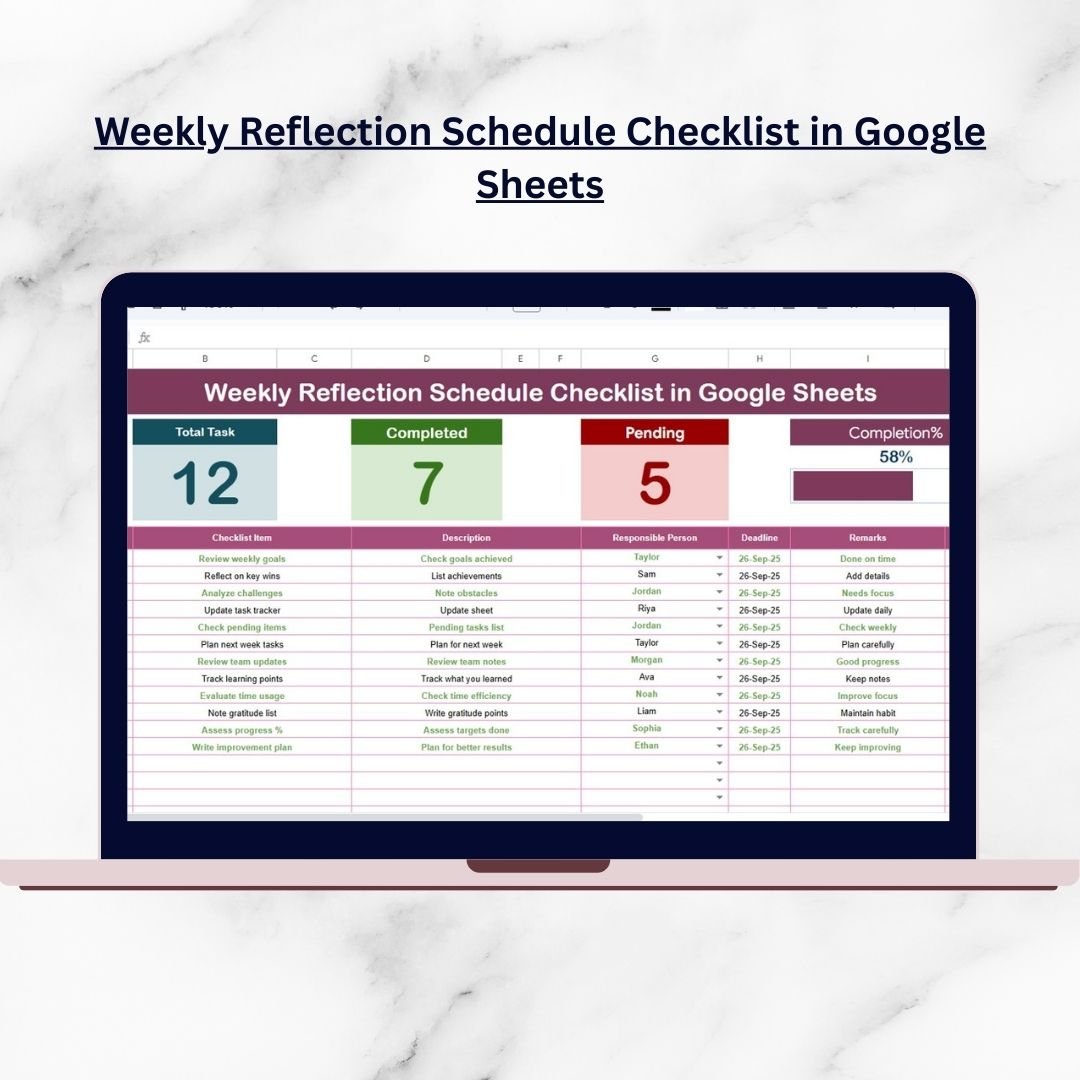

Staying consistent with self-reflection is often easier said than done. Many people start journaling or note-taking but soon lose momentum due to lack of structure. That’s where the Weekly Reflection Schedule Checklist in Google Sheets comes in—your all-in-one digital tool to make reflection not only simple but also engaging and effective.
This ready-to-use template is designed to help you capture your weekly activities, track progress, celebrate wins, and identify opportunities for growth—all in one place. Whether you’re an individual aiming for personal growth, a student managing study habits, or a professional team tracking weekly performance, this checklist keeps you organized and accountable.Weekly Reflection Schedule Checklist in Google Sheets
✨ Key Features of Weekly Reflection Schedule Checklist in Google Sheets
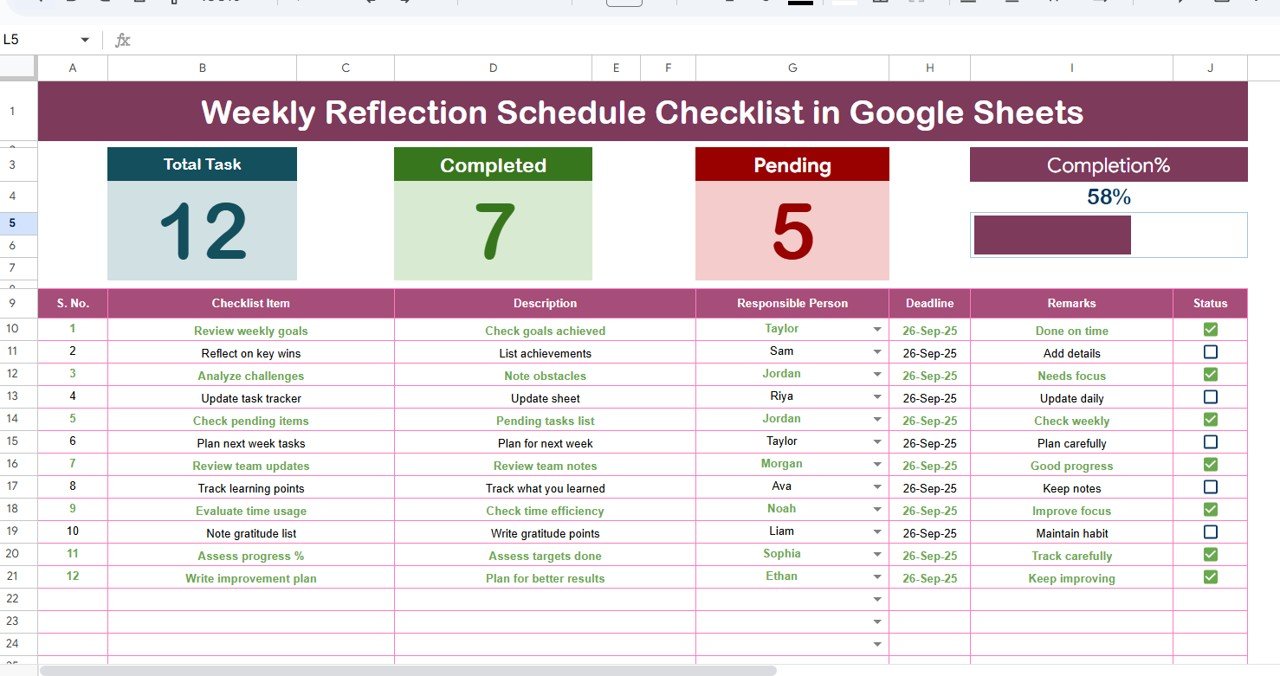
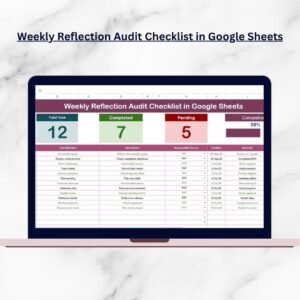
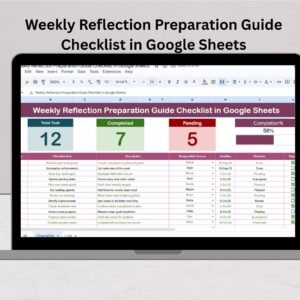
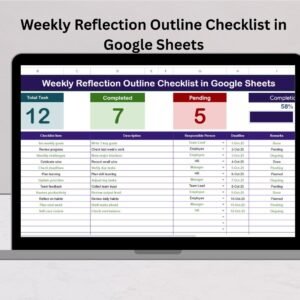
✅ Built-in Progress Overview – Instantly see your Total, Completed, and Pending tasks with a dynamic progress bar.
✅ Structured Checklist Table – Includes Serial No., Checklist Item, Description, Responsible Person, Deadline, Remarks, and Status columns.
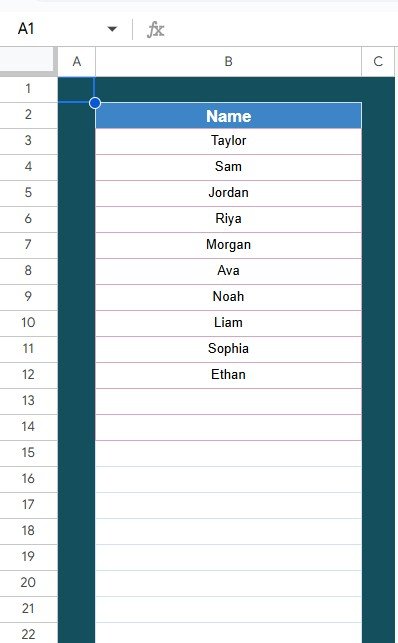
✅ Smart Drop-Downs – Assign tasks seamlessly using the List Sheet that holds all responsible persons.
✅ Customizable Layout – Easily add new reflection prompts, habits, or tasks as needed.
✅ Cloud-Friendly – Accessible on any device, anytime, anywhere.
✅ Team Collaboration – Share with teammates for group reflections and accountability.
📂 What’s Inside the Weekly Reflection Schedule Checklist
When you download this product, you get:
Main Checklist Sheet – Capture weekly tasks and reflections in a neat, structured table with auto-updating progress indicators.
List Sheet Tab – Manage responsible persons via a drop-down list to maintain accuracy and consistency.
Progress Dashboard – Visual indicators that keep you motivated by showing completion percentages.
Fully Editable Template – Make it yours by adding prompts, conditional formatting, or even charts for deeper analysis.
🛠️ How to Use the Weekly Reflection Schedule Checklist
Set Up Your Template – Open the Google Sheets file, review the two worksheets, and get familiar with the structure.
Input Reflection Items – Add your weekly activities or guiding questions under “Checklist Item.”
Assign Responsibility – Pick from the drop-down list or update it with new names.
Add Deadlines – Keep tasks time-bound for accountability.
Track Progress – Mark ✔ for completed tasks or ✘ for pending, and watch the progress bar update automatically.
Review Weekly Results – At week’s end, analyze what was achieved and note remarks for improvement.
👥 Who Can Benefit from This Weekly Reflection Schedule Checklist
🌱 Individuals – Build stronger habits, reflect on goals, and track personal growth.
📚 Students – Monitor study routines, assignments, and progress.
🏢 Professionals & Teams – Keep weekly tasks on track, encourage accountability, and improve collaboration.
💡 Managers & Leaders – Use for team meetings to evaluate weekly performance and highlight achievements.
🧘 Wellness Enthusiasts – Track exercise, mindfulness, aWeekly Reflection Schedule Checklist in Google Sheets
This checklist isn’t just for tracking—it’s a habit-forming tool that makes reflection part of your lifestyle.
Click here to read the Detailed blog post
Watch the step-by-step video tutorial:
Visit our YouTube channel to learn step-by-step video tutorials:
Compatibility and Requirements
- Works in Google Sheets with a free Google account and a web browser. Nothing to install.
- Responsible persons are picked from an in-cell dropdown. Google explains these in Create an in-cell dropdown list.
Frequently Asked Questions
Which columns does the checklist have?
Serial No., Checklist Item, Description, Responsible Person, Deadline, Remarks and Status.
How is progress shown?
Cards show Total, Completed and Pending tasks, and a progress bar updates as you mark items.
How do I change the names in the dropdown?
Edit the List Sheet. The Responsible Person dropdown reads from it.
Can I add my own reflection prompts?
Yes. You can add new prompts, habits or tasks to the checklist.
Can my team use it together?
Yes. You can share the sheet with teammates for group reflections.
Related Weekly Reflection Templates
- Weekly Reflection Action Plan Checklist in Google Sheets: turns reflections into actions
- Weekly Reflection Outline Checklist in Google Sheets: an outline for weekly reviews
- Weekly Reflection Review Checklist in Excel: a review checklist for Excel users
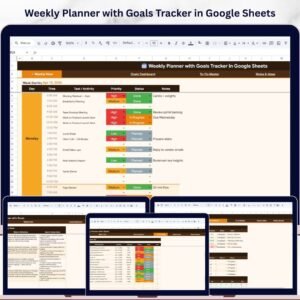
- Weekly Planner with Goals Tracker in Google Sheets: plans the week and tracks goals
- Checklist & SOP Pack: 12 Excel and Google Sheets checklist templates in one bundle
Browse all Google Sheets checklists or the Google Sheets trackers.






















Reviews
There are no reviews yet.