

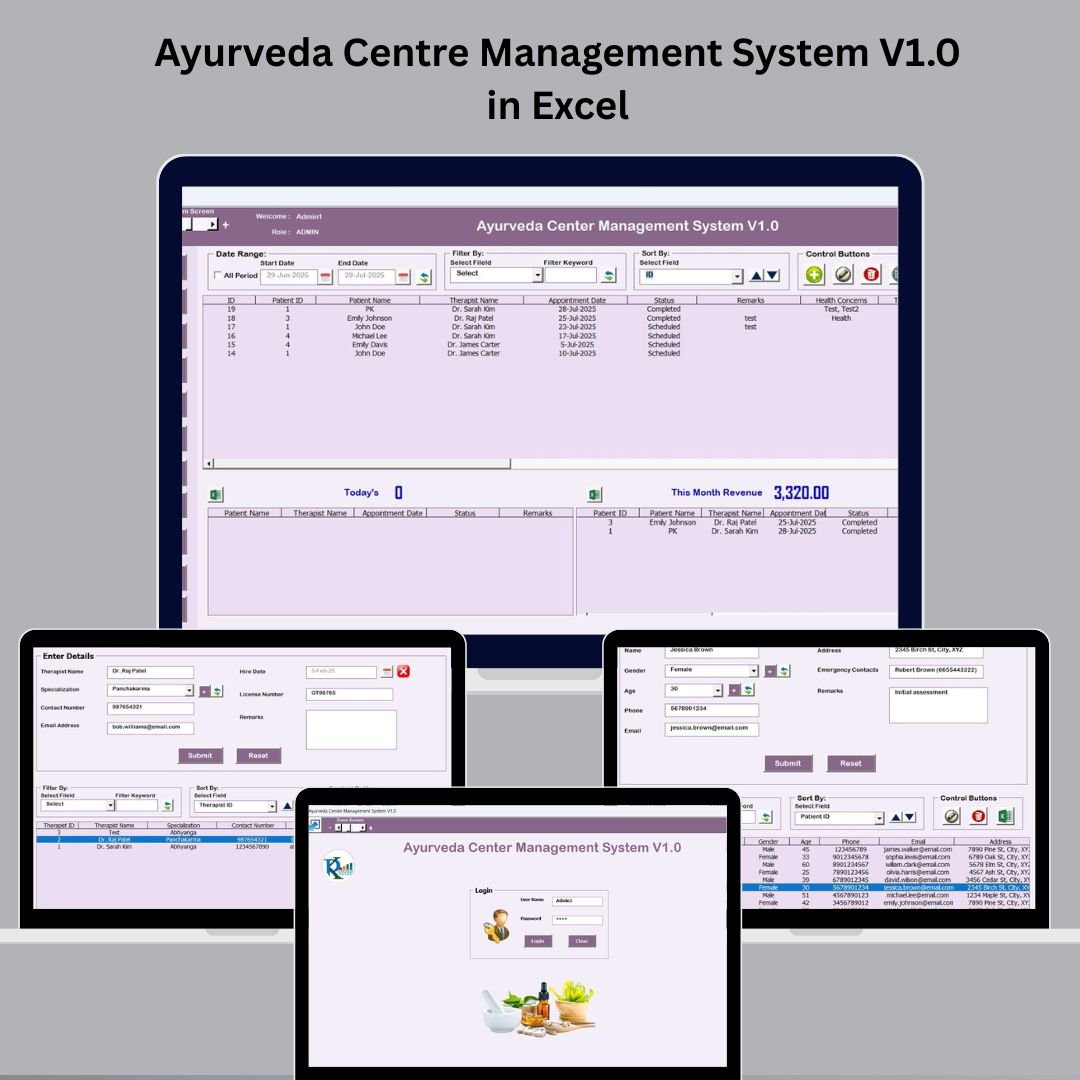

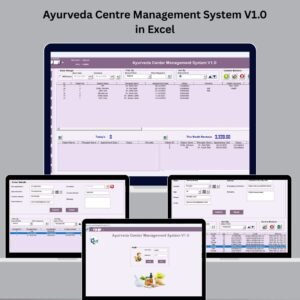
Managing an Ayurveda clinic doesn’t have to feel chaotic. The Ayurveda Centre Management System V1.0 in Excel is your all-in-one digital assistant for streamlining daily operations—from appointments and treatments to therapists, patient data, and financial tracking. 🌿📋
This easy-to-use Excel + VBA-based solution is designed for Ayurveda practitioners, clinic owners, and wellness centers who need a secure, offline, and affordable management tool. Say goodbye to paperwork, errors, and time-consuming processes—this dashboard-based system helps you take total control of your clinic’s workflows.
🔑 Key Features of Ayurveda Centre Management System V1.0
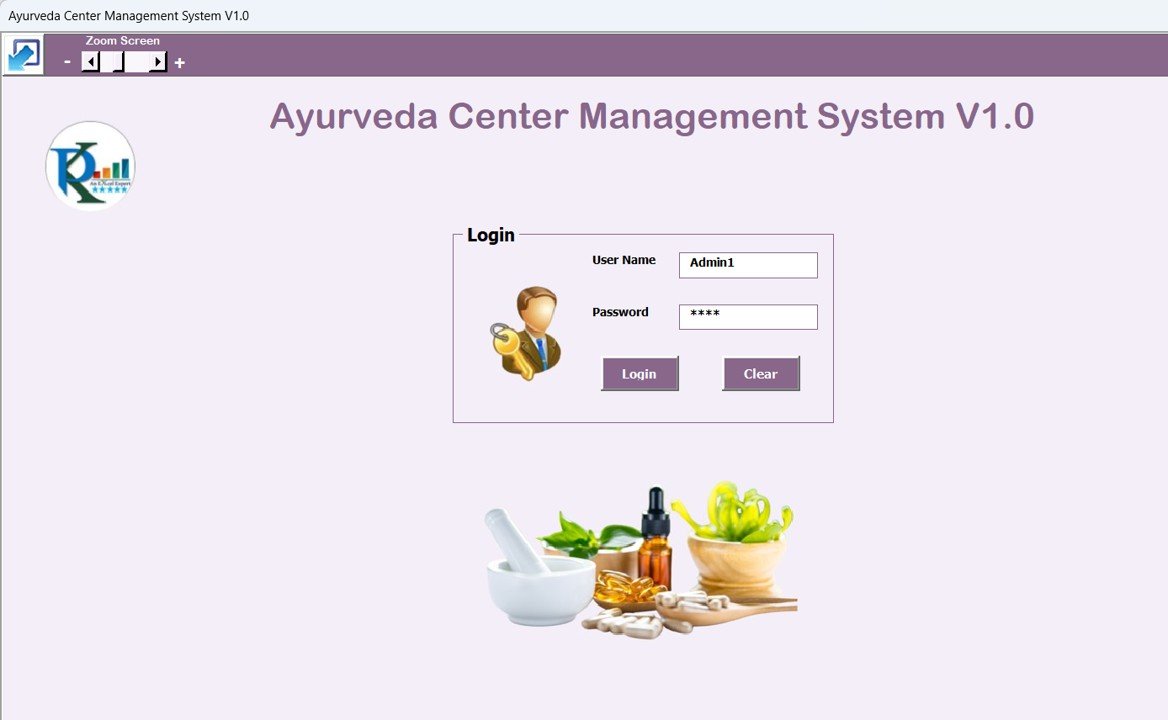
🔐 Login Form with Role-Based Access
Secure login with default credentials:
Admin1/abcdEnsures only authorized users can access patient or financial records
Custom user roles: Admin, Therapist, Receptionist
🧭 Main Dashboard Form – Central Command Hub
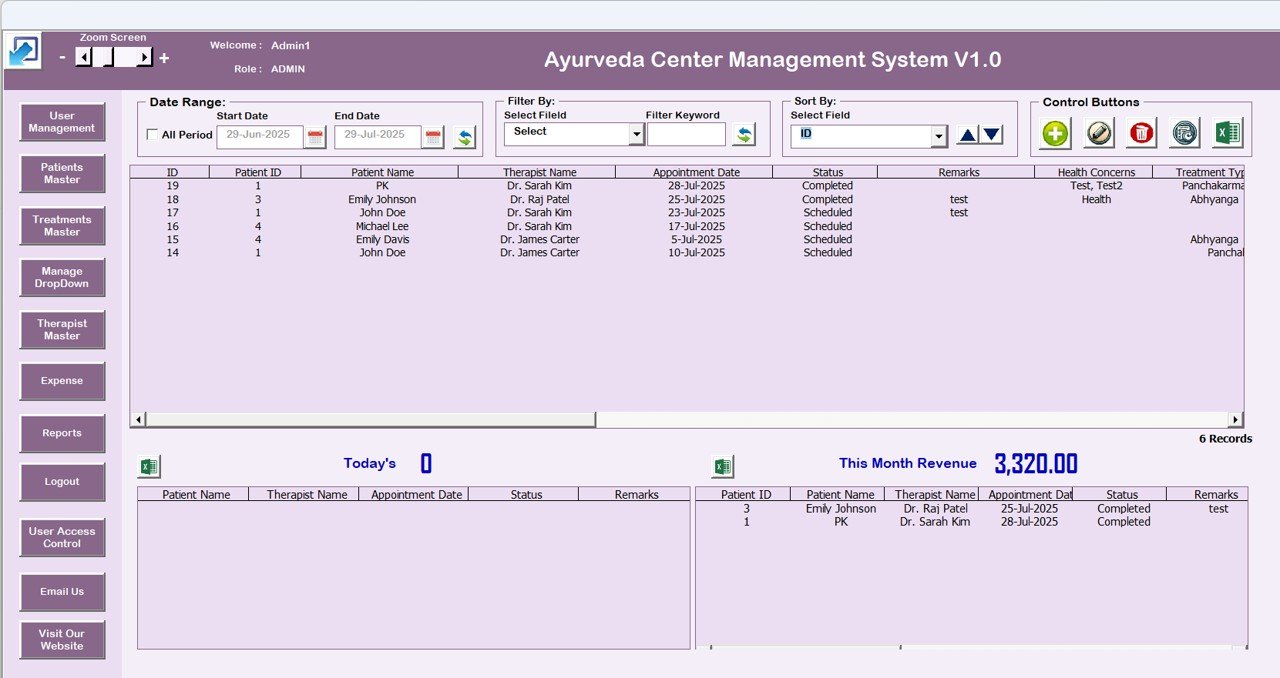
Access all core functionalities via a clean dashboard:
List View of records with filters and sort options
Buttons for: Add, Update, Delete, Export, View History
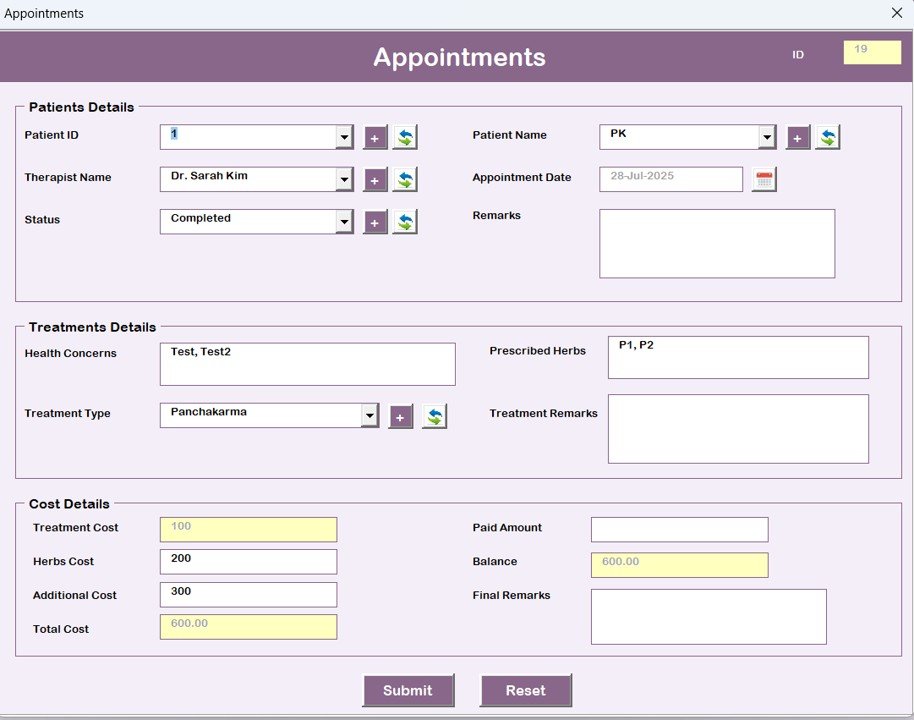
📅 Appointment Management
Schedule sessions easily
Assign therapist and treatment
Track visit history and reschedules
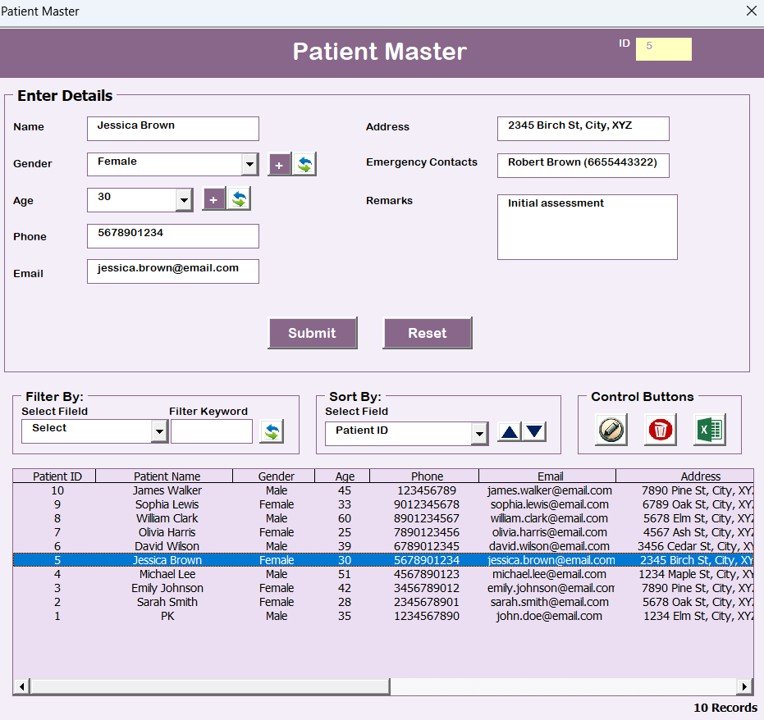
👩⚕️ Patient Master
Store name, contact, medical history, gender, age
Track active vs discharged patients
Accessible from main form and appointment logs
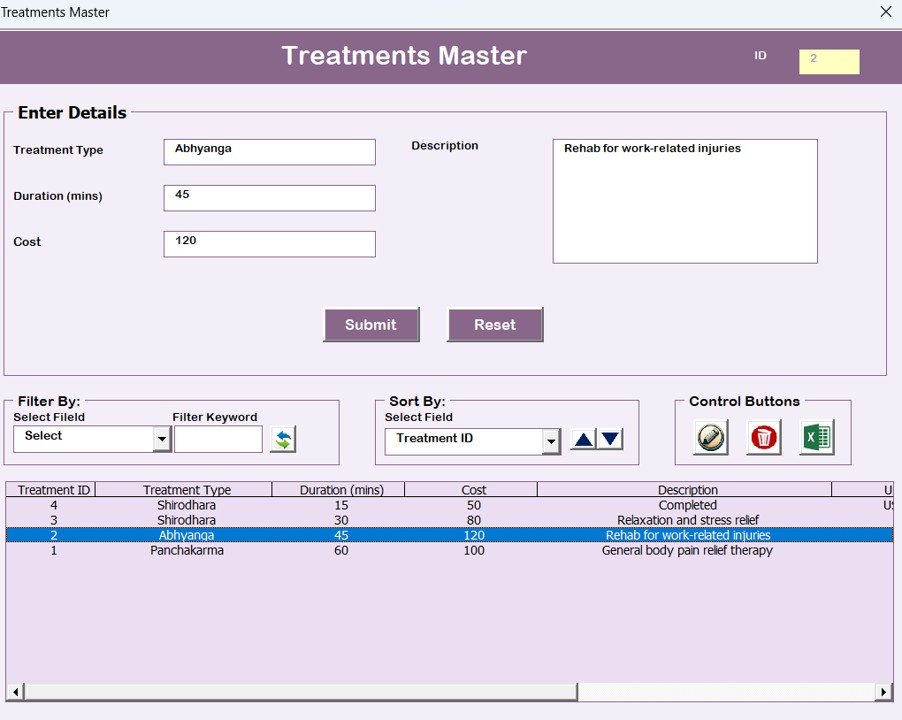
🌿 Treatment Master
Maintain a detailed list of Ayurvedic therapies
Set cost, duration, and code
Helps in billing, treatment tracking, and reporting
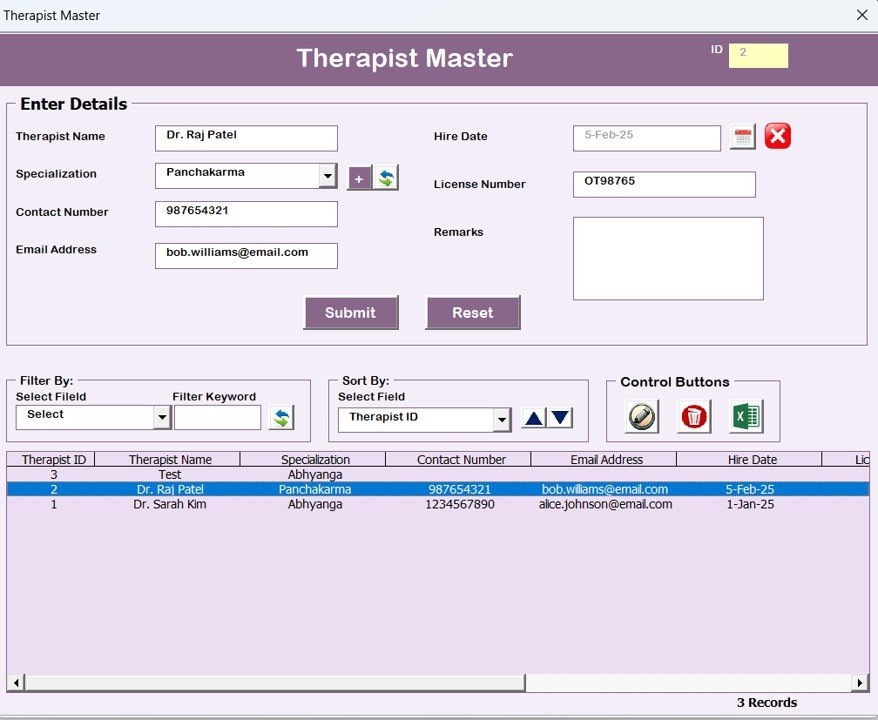
🧘♂️ Therapist Master
Add therapist details, specializations, and availability
Track workload and patient assignment
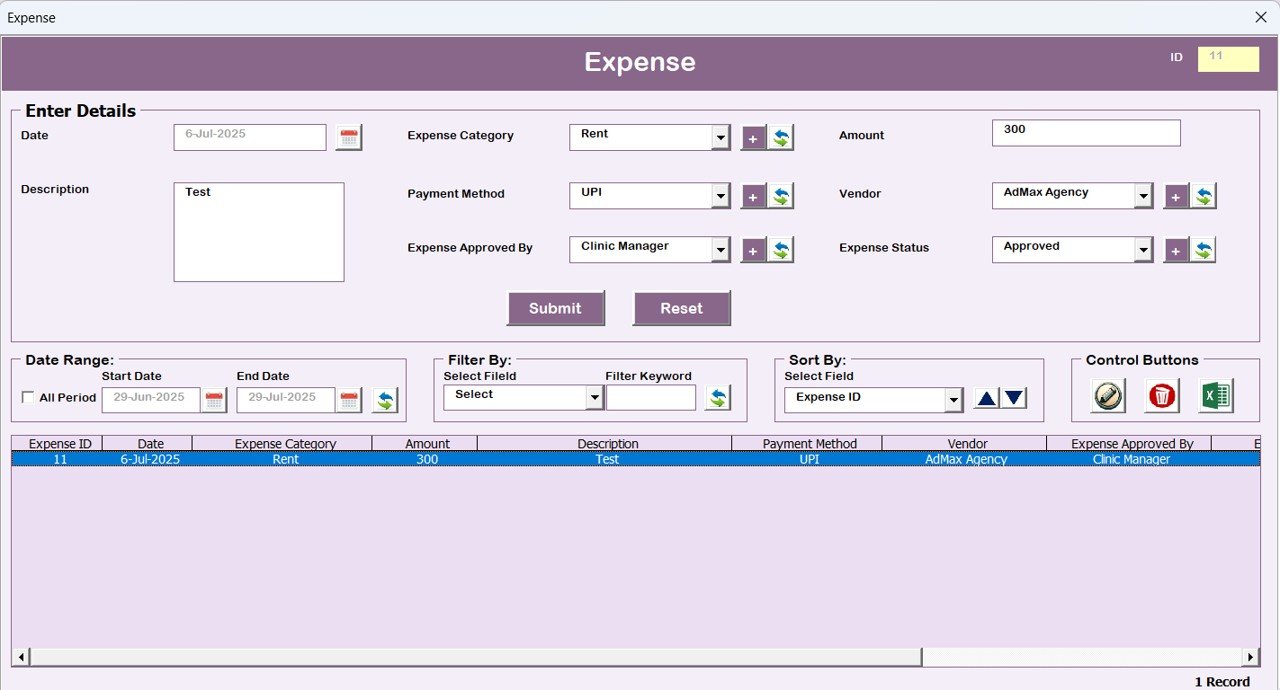
💰 Expense Tracking
Log clinic expenses: Rent, Medicines, Salaries, Utilities
Filter by expense type or month
Monitor monthly and yearly totals
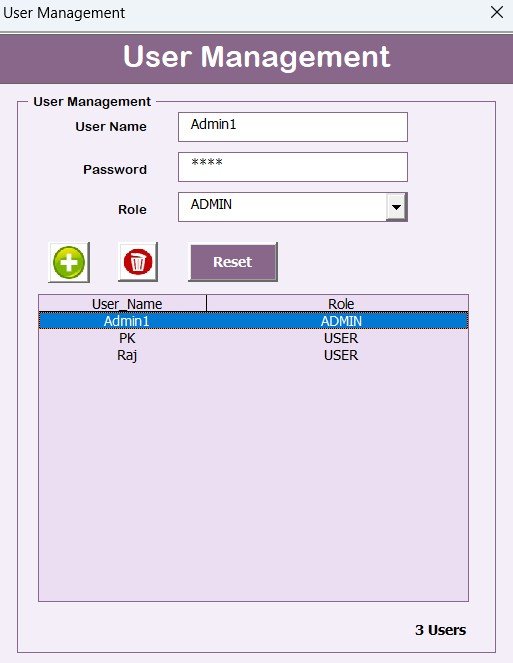
👥 User Management & Access Control
Add/edit/delete users
Reset passwords
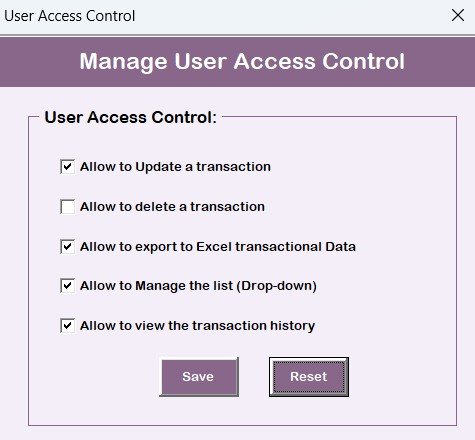
Restrict feature access based on role
Prevent unauthorized changes
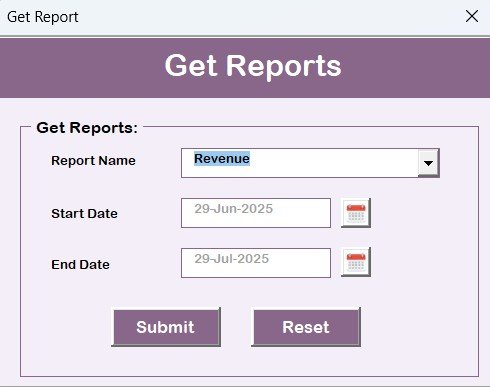
📈 Reports & Logs
Generate reports: Patient history, revenue, appointments, expenses
View system logs: Who updated what, when
Great for audits and internal tracking
📧 Built-In Contact Option
Click “Email Us” within the dashboard to connect with support—no hunting for links.
📦 What’s Inside the Ayurveda Centre Management System
📁 Excel file with full VBA backend
📋 Secure Login Form
🖥️ Main Dashboard Form with Filterable List
🧍 Patient, Treatment & Therapist Masters
📆 Appointment Scheduler
💸 Expense Tracker
📊 Reports and Audit Logs
⚙️ User Management & Role Permissions
📥 Export-to-Excel Functionality
Runs completely offline with no external dependencies.
🛠️ How to Use the Ayurveda Management Tool
1️⃣ Download and open the file
2️⃣ Enable macros when prompted
3️⃣ Login with default credentials (Admin1/abcd)
4️⃣ Use the Main Form to add/update records
5️⃣ View dashboards, generate reports, and track clinic performance
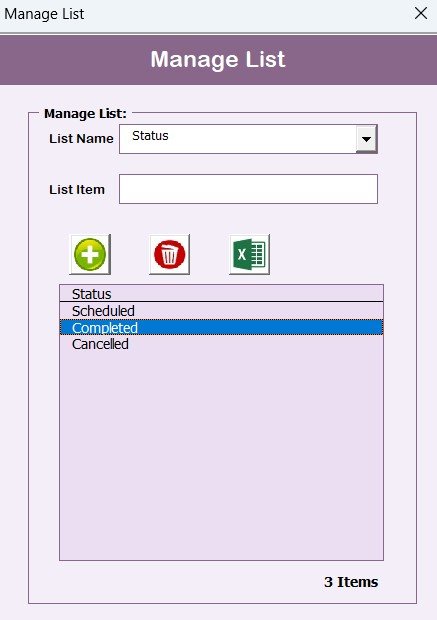
6️⃣ Update dropdowns and customize using masters
7️⃣ Add other users and control their permissions from the User Management panel
💡 No tech knowledge required—just click, type, and manage.
🎯 Who Can Use This System?
🧑⚕️ Independent Ayurveda Practitioners
🏥 Multi-Therapist Clinics
🧘 Ayurveda Retreat Centers & Spas
💼 CSR Wellness Initiatives
🏫 Educational Clinics and Internships
Whether you serve 10 or 1000 patients, this system simplifies your operations!
🔗 Click here to read the Detailed blog post
🎥 Visit our YouTube channel to learn step-by-step video tutorials
(YouTube.com/@PKAnExcelExpert)
Watch the step-by-step video tutorial:
Compatibility and Requirements
- Works in Microsoft Excel desktop on Windows with macros enabled.
- The login, forms and buttons run on VBA, so the file does not work in Excel for the web, Google Sheets or Excel mobile apps.
- Microsoft explains how to turn macros on in Enable or disable macros in Microsoft 365 files.
Frequently Asked Questions
Which user roles does the system support?
It has Admin, Therapist and Receptionist roles. The Admin adds users, resets passwords and limits which features each role can use.
What records can I keep?
You can keep patient, treatment and therapist masters, appointments with the assigned therapist and treatment, and clinic expenses such as rent, medicines, salaries and utilities.
Which reports are included?
You can generate patient history, revenue, appointment and expense reports, and view system logs that show who updated what and when.
Does it need an internet connection?
No. The system runs offline in Excel with no external dependencies.
Related Clinic Management Templates
- Homeopathy Clinic Management System V1.0 in Excel VBA: a homeopathy clinic system in Excel VBA
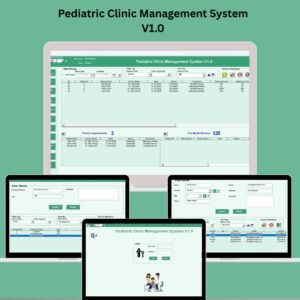
- Pediatric Clinic Management System V1.0: a pediatric clinic system in Excel
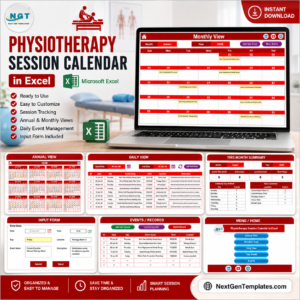
- Physiotherapy Clinic Management System V1.0 in Excel VBA: a physiotherapy clinic system in Excel VBA
- Ayurvedic Or Homeopathy Clinic Management System Web App: an Ayurvedic or homeopathy clinic system as a web app
- VBA Management Systems Mega Pack: 5 VBA management systems in one bundle
Browse all Excel VBA tools or the Excel Health and Safety templates.



























Reviews
There are no reviews yet.