

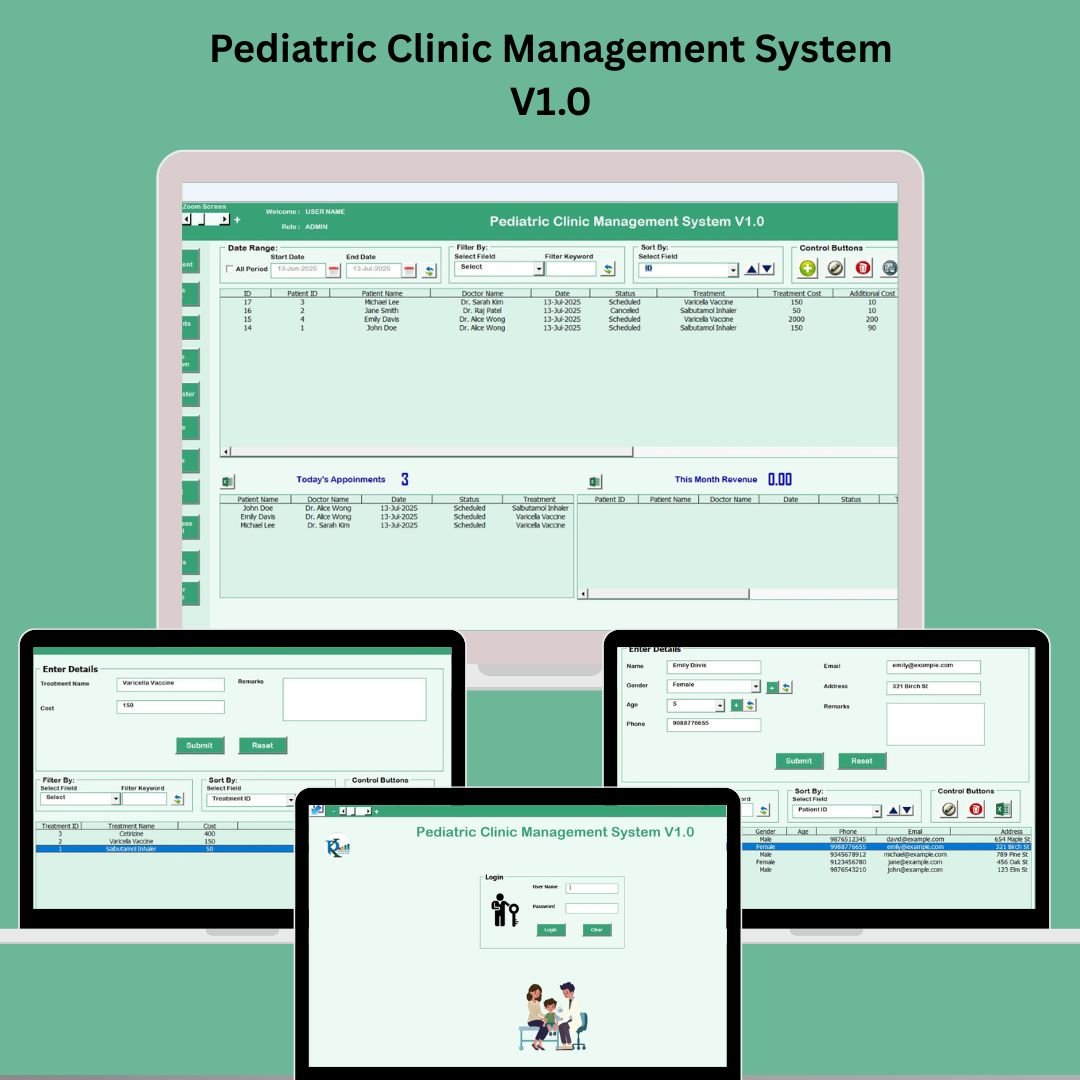

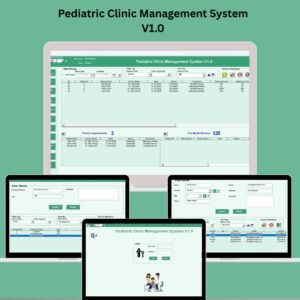
Managing a pediatric clinic doesn’t have to be overwhelming. Introducing the Pediatric Clinic Management System V1.0 — a powerful Excel + VBA-based toolkit that helps pediatricians, therapists, and administrators streamline their daily operations like never before.
From secure login and appointment scheduling to expense tracking and reporting, this all-in-one solution brings automation, structure, and simplicity to your clinic — all inside the familiar interface of Microsoft Excel. 🚀
🛠️ Key Features of Pediatric Clinic Management System V1.0
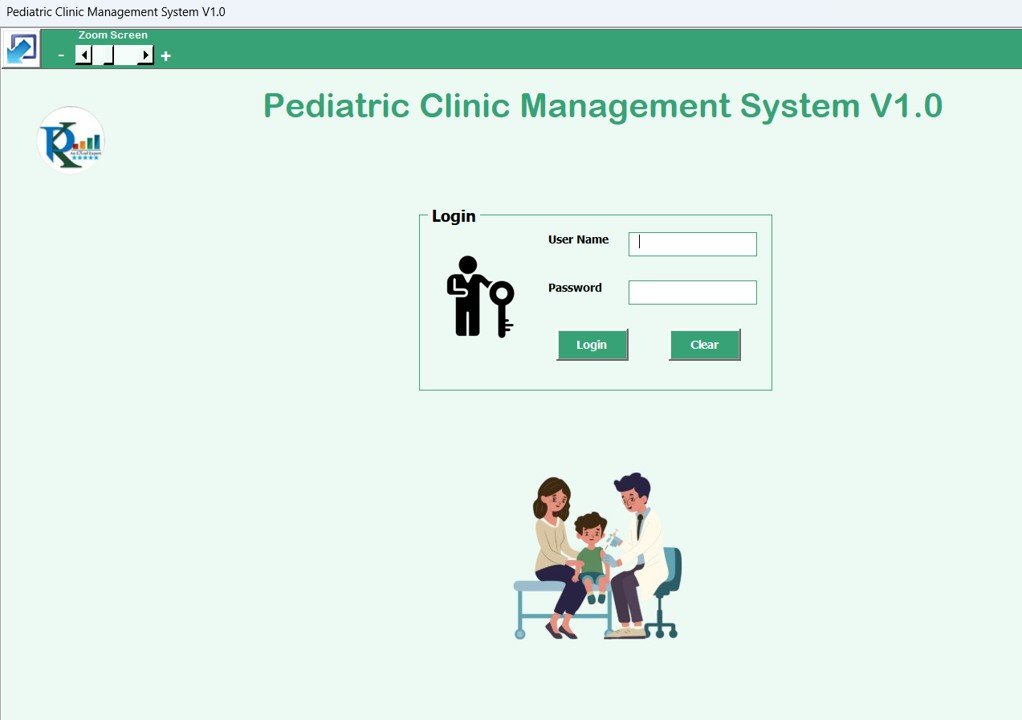
🔐 Secure Login Form
Protect sensitive patient data with password-based access
Default login:
User ID – Admin1,Password – abcdRole-based access control ensures only authorized users can view/edit information
🏠 Main Dashboard (Main Form)
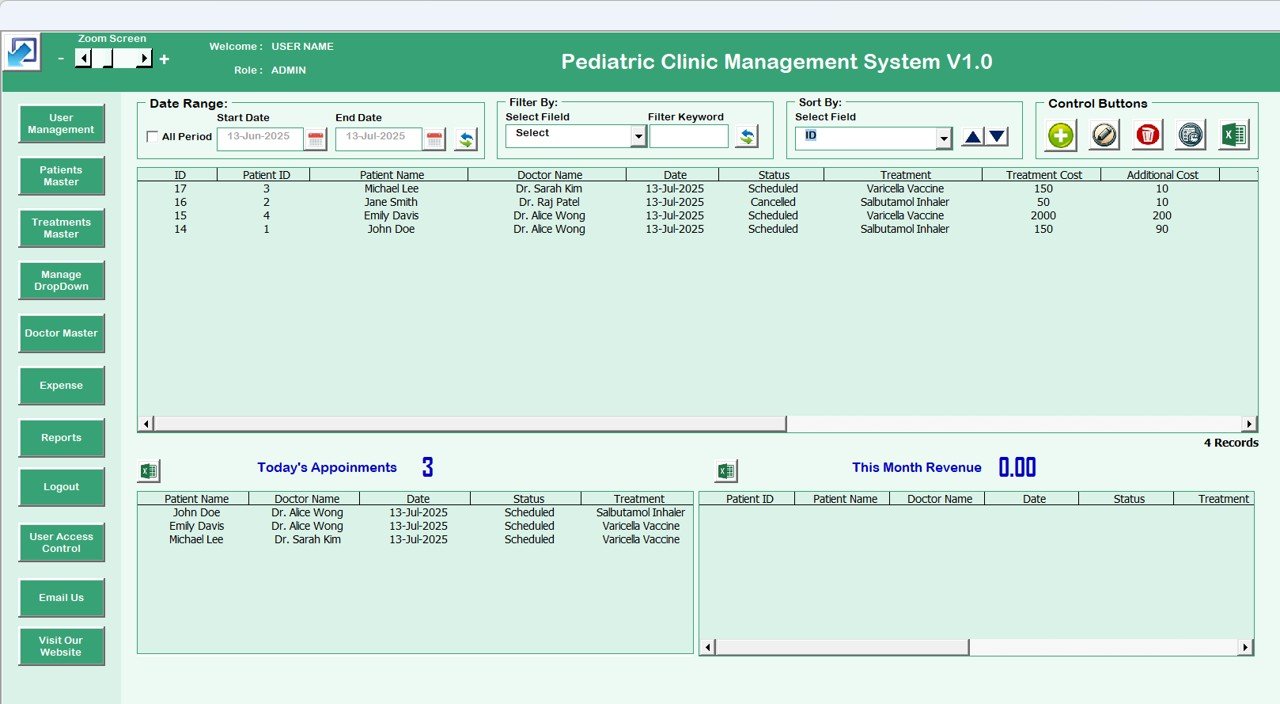
Central command center for managing all clinic data
📋 List Box: View patient records with real-time updates
🔍 Filter & Sort: Organize records by date, name, or custom filters
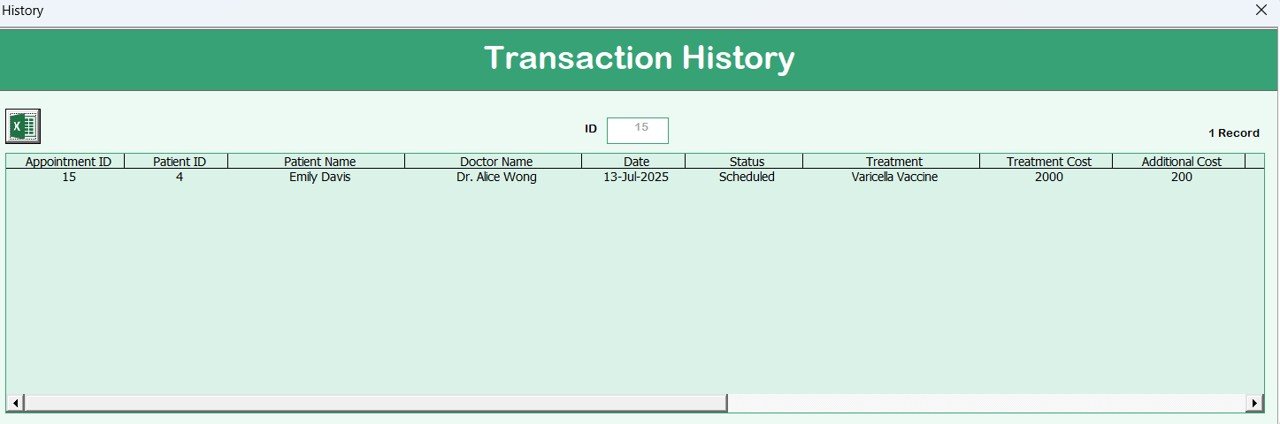
🧭 Action Buttons: Add, update, delete, view history, and export records
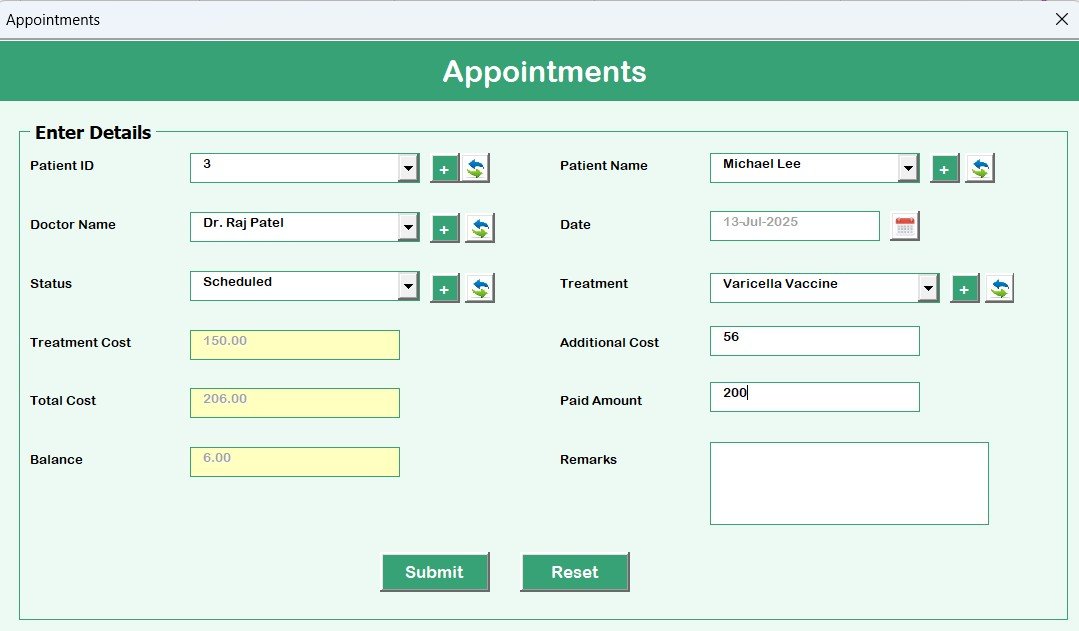
📅 Appointments Form
Effortlessly manage patient schedules
Add new appointments, check status, filter by date/patient/therapist
Avoid double bookings with a clear visual overview
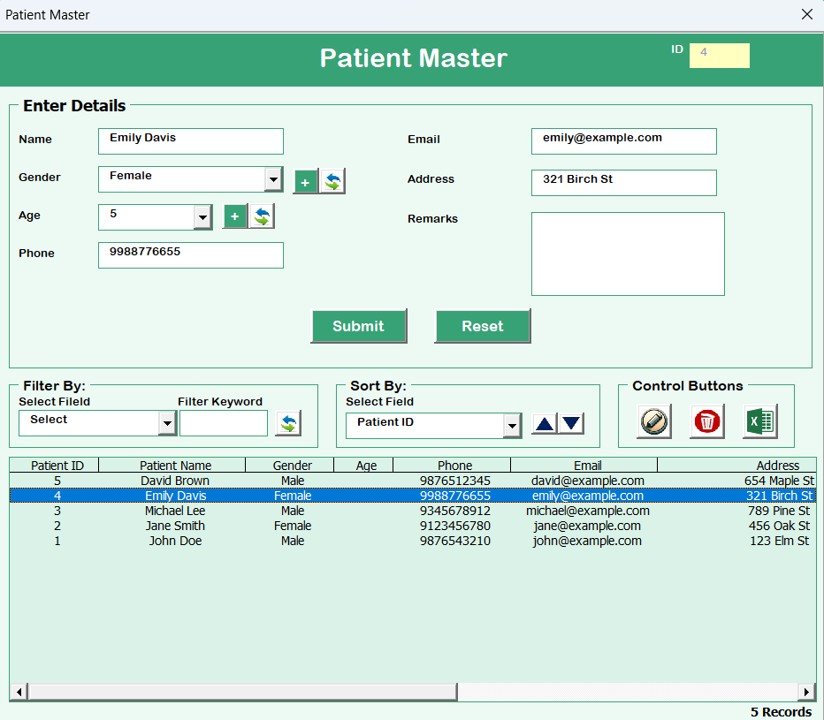
👶 Patient Master Form
Store key information like DOB, guardian contact, medical history, immunizations
Access patient history instantly during consultations
Track developmental milestones and care plans
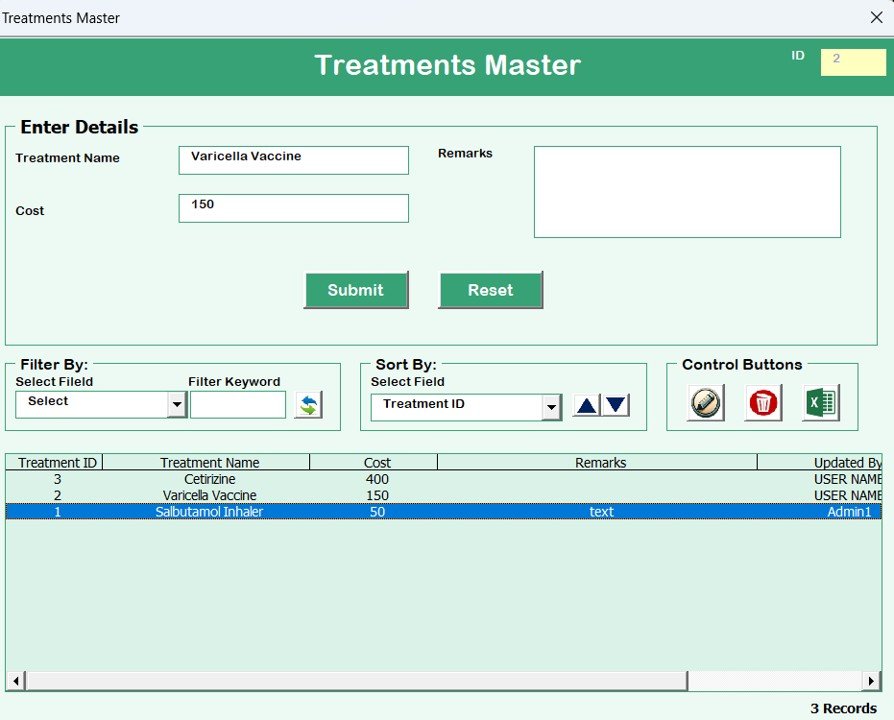
💊 Treatment Master Form
Maintain a full catalog of treatments (e.g., vaccines, therapies)
Add/edit costs, durations, and usage patterns
Streamline the treatment planning process
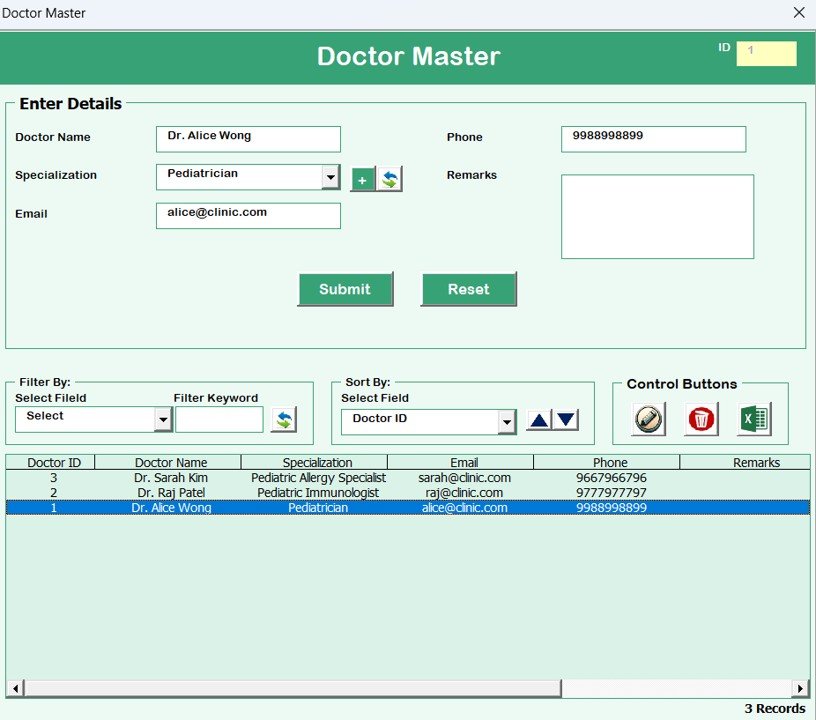
🧑⚕️ Doctor Master Form
Maintain therapist/pediatrician profiles
Store availability schedules and contact info
Allocate right professionals to specific cases with ease
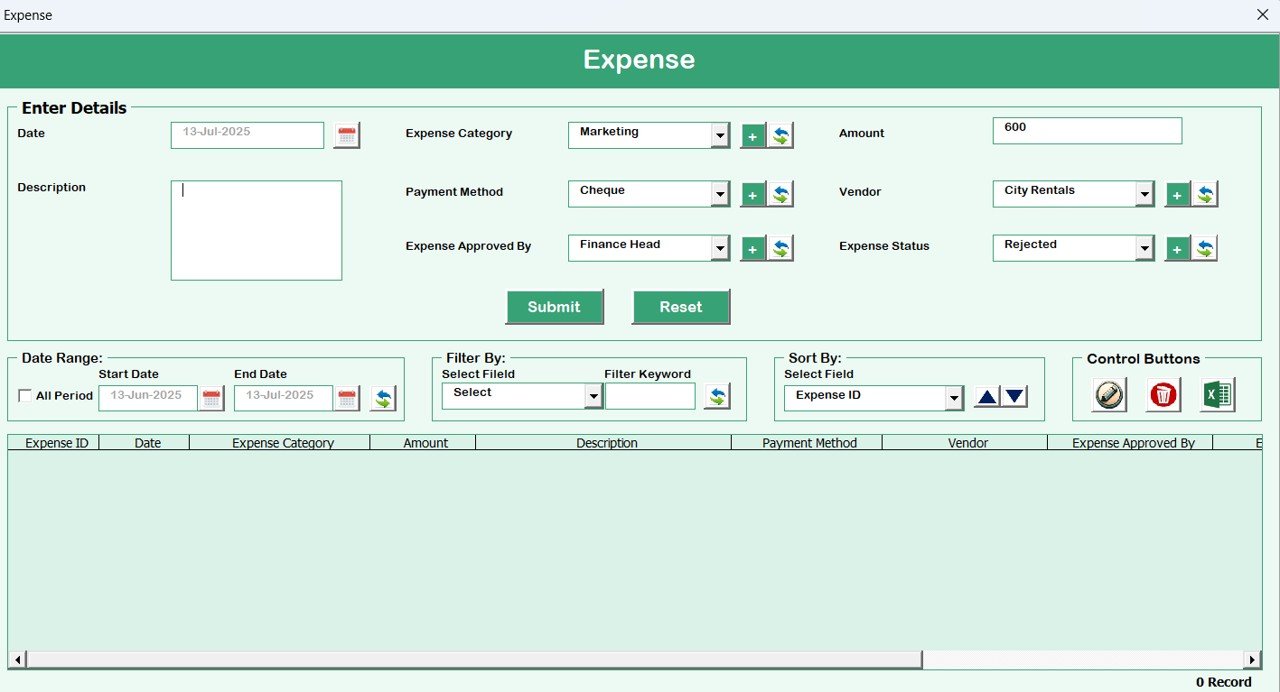
💸 Expenses Form
Track daily, weekly, or monthly expenses
Categorize: Salaries, Equipment, Utilities, etc.
View real-time budget totals and control clinic spending
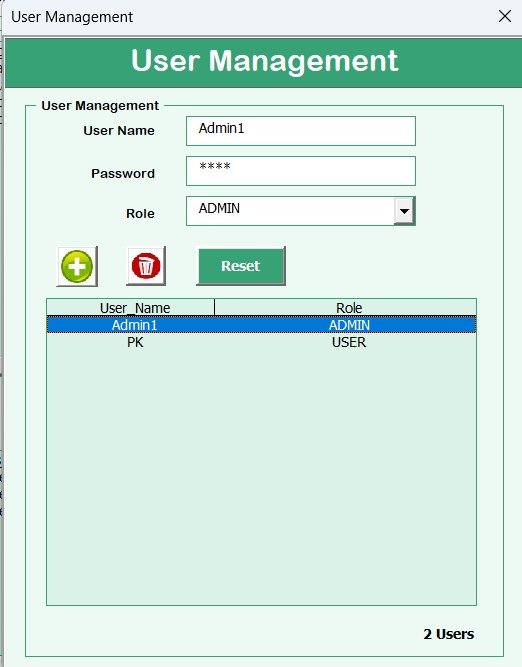
👥 User Management
Add/remove users (receptionists, nurses, doctors)
Assign roles and manage permissions
Reset passwords and restrict access to sensitive data
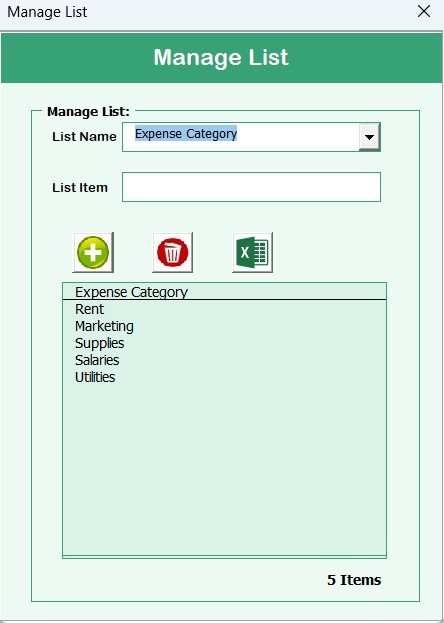
🧾 List Management
Maintain consistent dropdown options like departments, treatments, and user roles
Modify dropdowns without breaking backend logic
🔍 Access Control & Log History
Log user activities: who made what changes and when
Enable/disable access to different modules
Ensure full audit readiness and compliance
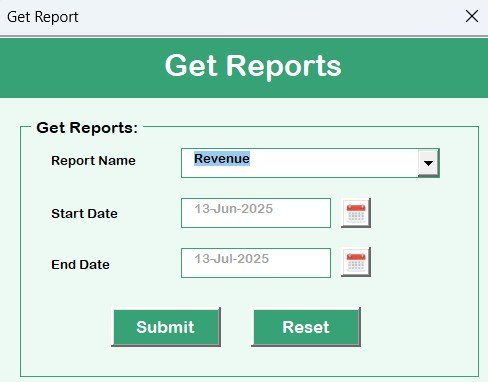
📊 Reports
Generate reports on appointments, expenses, patient demographics, and more
Export reports to Excel for audits, meetings, or planning
Make data-driven decisions with ease
📂 What’s Inside the Pediatric Clinic Management System
✅ Excel file with fully integrated VBA automation
✅ 10+ interactive forms/modules
✅ Built-in login & role-based security
✅ Visual list box with filters and record sorting
✅ Ready-to-use templates for patients, appointments, doctors, and more
✅ One-click export and reporting functionality
✅ Zero subscription cost — One-time setup, unlimited usage
🧑💻 How to Use the Pediatric Clinic Management System
🔐 Log in using secure credentials
🏠 Access the Main Dashboard for full control
➕ Add records via intuitive forms (Patients, Appointments, Treatments)
🔍 Use filters to view specific data
📤 Export data or reports when needed
🧾 Manage expenses and generate real-time summaries
👥 Add users and control their access levels
📊 Review logs for audit tracking
This tool runs directly in Excel. No installation or advanced tech knowledge required.
🎯 Who Can Benefit from This System?
👨⚕️ Pediatricians – Solo or small-team clinics
👩💼 Clinic Managers – Streamline operations & reporting
🧑⚕️ Therapists & Counselors – Track treatments, sessions, and patient details
🧑💻 Administrative Staff – Schedule appointments, manage users
💼 Finance Teams – Monitor expenses and generate reports
Whether you run a local neighborhood clinic or a growing pediatric center — this system adapts to you.
🔗 Click here to read the Detailed blog post
🔗 Visit our YouTube channel to learn step-by-step video tutorials
Watch the step-by-step video tutorial:
Compatibility and Requirements
- Runs in Excel desktop on Windows with macros enabled. It does not run in Excel for the web, Google Sheets or on mobile.
- The template uses VBA forms and a login screen. Microsoft explains how to turn macros on in Enable or disable macros in Microsoft 365 files.
Frequently Asked Questions
Does the template need macros?
Yes. The login, forms and buttons are built with VBA, so macros must be enabled in Excel desktop on Windows.
What is the default login?
The default User ID is Admin1 and the password is abcd. You can add users and assign roles in the User Management form.
Can I control who sees what?
Yes. The Access Control form lets you enable or disable access to different modules, and the log history shows who made which changes and when.
Which reports can I generate?
The Reports form covers appointments, expenses and patient demographics, and you can export the reports to Excel.
Is there a similar system for other clinic types?
Yes. See the Dental Clinic Management System V1.0 and the Skin Care Clinic Management System V1.0.
Related Clinic Templates
- Dental Clinic Management System V1.0: the same Excel VBA approach for dental clinics
- Physiotherapy Clinic Management System V1.0 in Excel VBA: patient and session management for physiotherapy
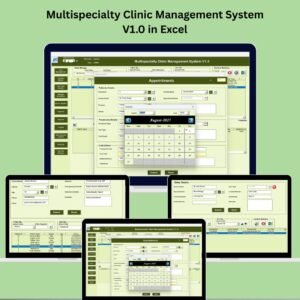
- Multispecialty Clinic Management System V1.0 in Excel: for clinics with several specialties
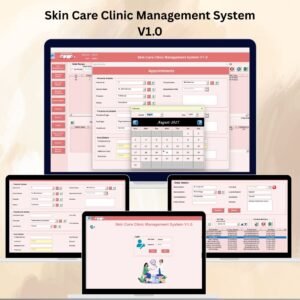
- Skin Care Clinic Management System V1.0: a clinic system for skin care practices
- Clinic Dashboard in Excel: a dashboard view of clinic performance
Browse all Excel VBA tools and Health and Safety templates.

























Reviews
There are no reviews yet.