

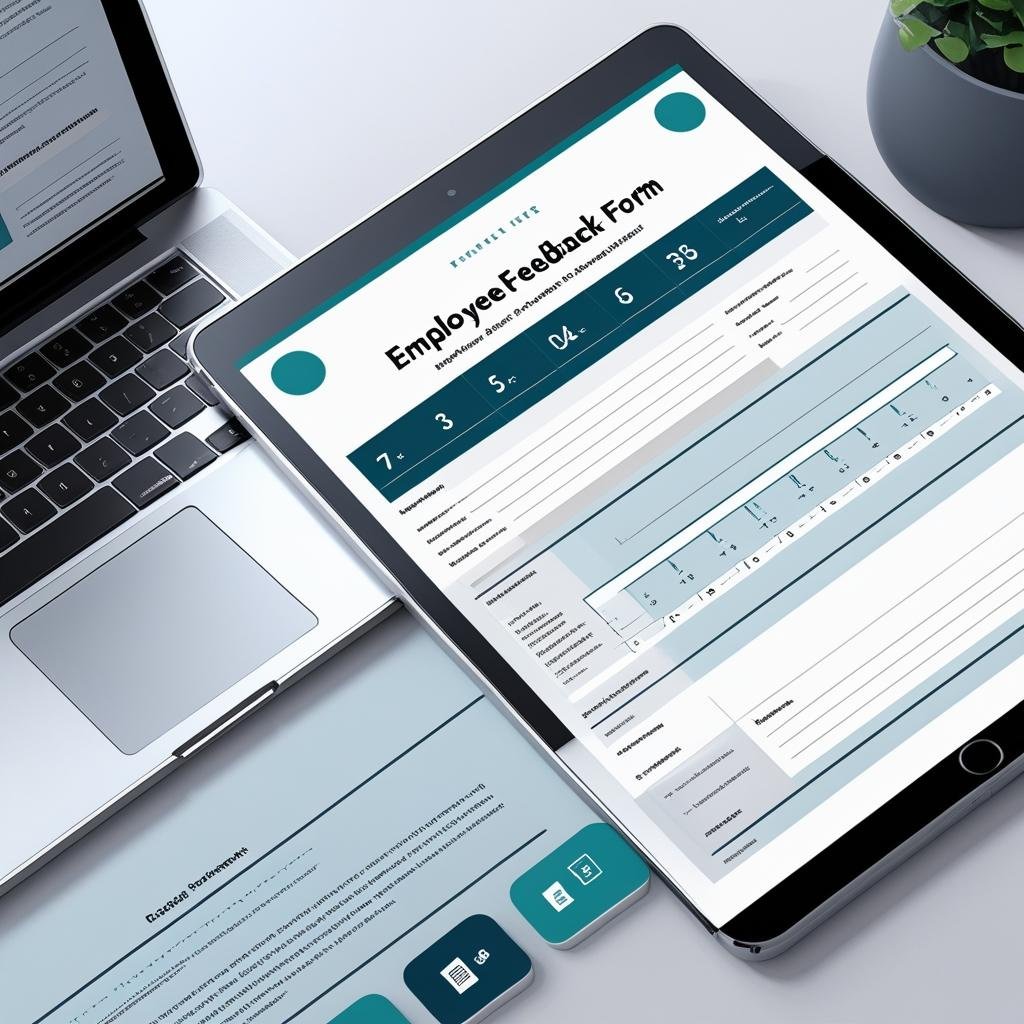

Want to improve your workplace culture and retain top talent? Start by listening to your employees with our professionally designed Employee Feedback Form Template — available in MS Word and Google Docs. 🗣️💼
This ready-to-use form helps businesses collect honest and structured feedback from employees on various aspects of their work experience — from management and communication to workplace safety and growth opportunities. With built-in rating scales, comment fields, and signature sections, this tool ensures that every voice is heard and every opinion is documented clearly. ✅📝
Whether you’re a small business, HR department, or team leader, this template will empower your organization to make data-backed improvements and boost employee engagement. 📈✨
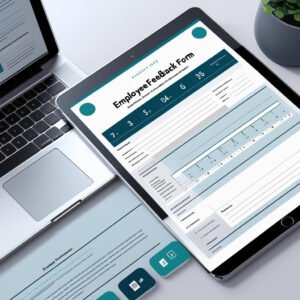
🛠️ Key Features of Employee Feedback Form Template
🧑💼 Complete Employee Info Section
Includes fields for employee name, ID, department, designation, and date — perfect for tracking responses and identifying patterns.
📋 5 Detailed Feedback Sections
Evaluate work environment, management support, communication, job satisfaction, and gather improvement suggestions — all in one form!
📊 1–5 Rating Scale
Each question is paired with a clear numeric rating (1 = Poor, 5 = Excellent) for easy assessment and reporting.
💬 Comment Fields for Each Question
Let employees explain their ratings or share thoughts openly — supports qualitative feedback.
📝 Open Suggestions Area
Give employees space to suggest improvements, ideas, or raise concerns not covered in rating sections.
✍️ Formal Declaration and Signature Line
Includes confirmation of honesty and employee signature to ensure authenticity and accountability.
🔧 Fully Editable Format
Customize easily in Microsoft Word or Google Docs. Update questions, add branding, or translate into any language.
📦 What’s Inside the Employee Feedback Form Template
With your download, you’ll receive:
✅ 1 MS Word file (.docx)
✅ 1 Google Docs editable link
✅ 5 Feedback Categories with 12+ questions
✅ Rating and comment fields beside every question
✅ Open-ended suggestions field
✅ Declaration & signature section
You can use this form digitally or print it for in-person reviews. It’s designed for ease of use and maximum impact. 📄🚀
📝 How to Use the Employee Feedback Form Template
Download the template in MS Word or open via Google Docs
Insert your company details — name, logo, contact info
Distribute the form via email, HR system, or printed copy
Have employees rate and comment on each feedback question
Collect suggestions for improvement
Get signature confirmation for documentation
Analyze feedback for patterns and act on areas of concern
This form gives you a complete pulse on team morale, communication gaps, and workplace dynamics — all in one document. ❤️🧠
👥 Who Can Benefit from This Employee Feedback Form Template
🏢 HR Professionals – Run monthly, quarterly, or exit feedback sessions
📊 Team Managers – Improve internal leadership based on feedback
🚀 Startups & SMEs – Create a feedback loop early in the culture
🎓 Educational Institutions – Track staff and faculty sentiment
🧠 Consultants & Coaches – Use it during audits or HR workshops
Whether you’re a growing company or a large enterprise, this form helps you listen, learn, and lead with confidence. 🌟📈
Don’t wait for resignations to realize what needs fixing. Start building a culture of trust and continuous improvement with our Employee Feedback Form Template in MS Word and Google Docs — a powerful tool to empower your people and elevate your workplace. 🎯🗂️
Compatibility and Requirements
- Open the .docx file in Microsoft Word.
- Or open the Google Docs link in a browser with a free Google account, then make your own copy to edit.
- Google explains how Word files open in Drive and Docs in Work with Office files.
Frequently Asked Questions
What does the employee feedback form ask about?
It has five sections: work environment, management support, communication, job satisfaction and suggestions for improvement, with 12+ questions in total.
How are answers rated?
Each question has a 1 to 5 rating (1 = Poor, 5 = Excellent) and a comment field so employees can explain their score.
Can I change the questions?
Yes. The form is fully editable in Word or Google Docs, so you can reword questions, add your logo or translate it.
Can employees fill it in on paper?
Yes. Print it for in-person reviews or share it digitally. The declaration and signature line works either way.
Related HR Templates
- Employee Evaluation Form in MS Word and Google Docs: the manager’s side of the review
- Exit Interview Form Template in MS Word and Google Docs: collect feedback from leaving staff
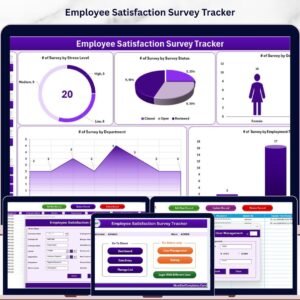
- Employee Satisfaction Survey Tracker in Excel: record survey scores and compare them over time
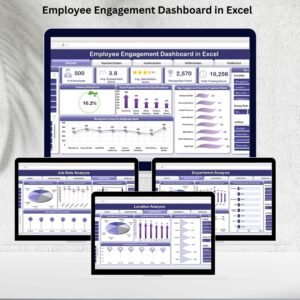
- Employee Engagement Dashboard in Excel: chart engagement results for management
Browse all Form templates or the MS Word templates.










Reviews
There are no reviews yet.