

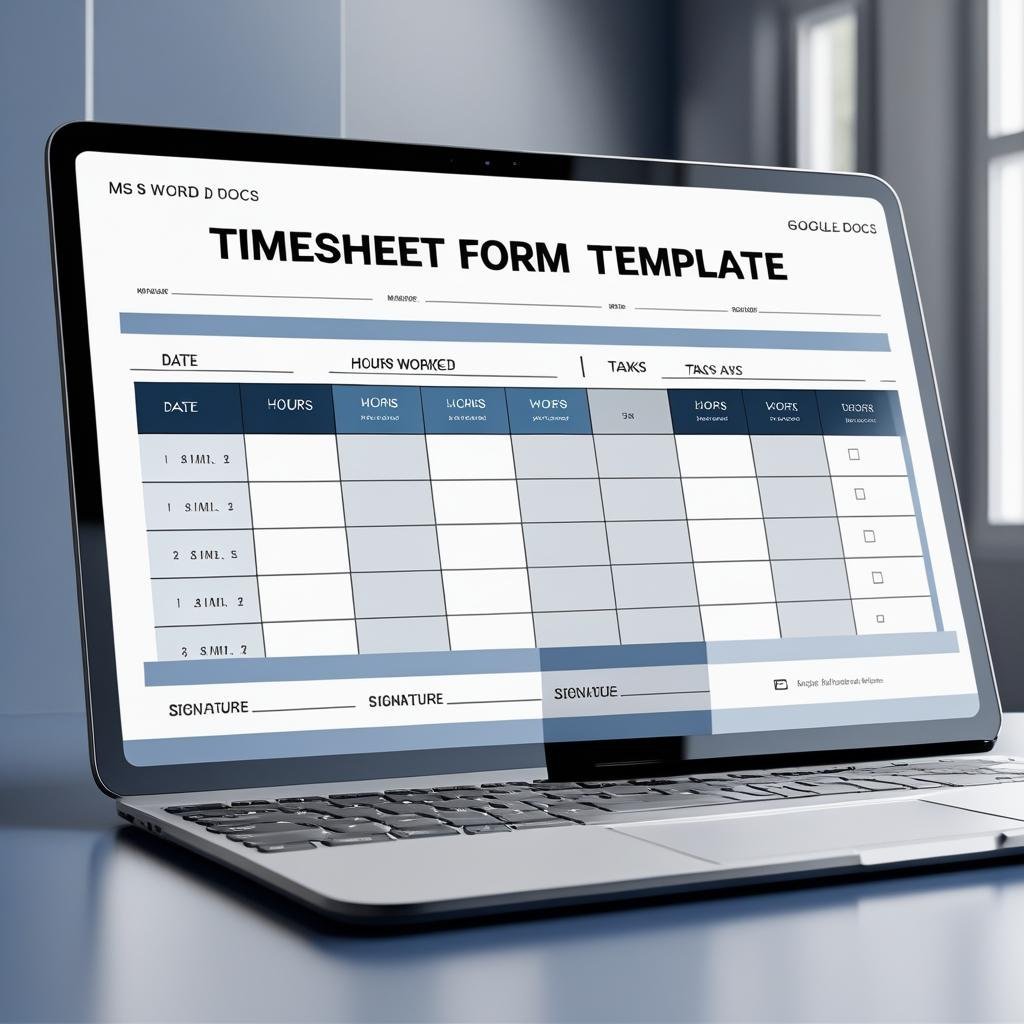

Looking for a simple yet professional way to track employee working hours? Say hello to our Employee Timesheet Form Template – available in both MS Word and Google Docs! 📋⏰ Whether you’re managing a small team or a full department, this timesheet template offers an easy-to-use format that ensures accurate time tracking, promotes accountability, and simplifies your payroll process. 💼💰
Designed to help employees log their weekly hours efficiently and for supervisors to review with ease, this template is fully customizable, printable, and shareable. No more confusing spreadsheets or messy paperwork — just clean, organized timesheet tracking that works! ✅📄

🛠️ Key Features of Timesheet Form Template
⏳ Weekly Time Tracking Made Easy
Capture time in, time out, break hours, and total hours worked — all in a clean tabular layout.
📆 Structured by Date and Day
Employees can fill out daily entries for an entire week, with labeled columns for quick updates.
🧑💼 Employee Info Section
Includes fields for Employee Name, ID, Department, and Week Start Date for seamless HR reference.
🧮 Automatic Summary Section
Sum up total hours, overtime hours, and leave space for additional remarks.
🖊️ Signature Fields for Approval
Formal sign-off section for both employee and supervisor to ensure record validation.
📝 Fully Editable Format
Easily update in Microsoft Word or Google Docs. Add your logo, customize fields, and adjust the layout.
📦 What’s Inside the Timesheet Form Template
When you download this ready-to-use product, you’ll receive:
✅ 1 MS Word File (.docx)
✅ 1 Google Docs version (editable via link)
✅ Organized layout with weekly breakdown
✅ Input fields for Time In, Time Out, Break, and Total Hours
✅ Summary totals and remarks section
✅ Approval area with dual signature fields
This Timesheet Form ensures nothing slips through the cracks, keeping both employees and HR in sync. 📊🧾
📝 How to Use the Timesheet Form Template
Download the file in your preferred format: MS Word or Google Docs
Add your company details – name, address, contact info, logo, etc.
Distribute the form to employees either digitally or as printed copies
Have employees fill out daily work logs including break times
Summarize hours worked at the end of each week
Collect signatures from both employee and supervisor for approval
File or upload the form for payroll processing or audit documentation
This tool helps maintain accurate work records and supports compliance with labor laws. 🛡️🕒
👥 Who Can Benefit from This Timesheet Form Template
🏢 Small & Medium Businesses – For manual or semi-digital time tracking
🧑💼 HR Professionals & Managers – To simplify approval workflows
🛠️ Freelancers & Contractors – For accurate client billing
🏫 Educational & Nonprofit Organizations – For tracking staff or volunteer hours
🧾 Payroll Teams – To calculate wages, overtime, and leaves effectively
No matter your industry, this form will save time, ensure consistency, and promote accountability. 📈💼
Don’t let time management become a hassle. With our Employee Timesheet Form Template, you’ll have everything you need to track hours, validate records, and streamline your workflow — all in one downloadable, editable file! ⏱️🖋️✅
Compatibility and Requirements
- Works in Microsoft Word (.docx) or Google Docs. The download has one .docx file and a Google Docs version you open by link.
- Google Docs needs only a free Google account and a browser.
- To edit the Word file inside Google Drive, see Google’s guide to working with Office files.
Frequently Asked Questions
What does the timesheet record?
Each day of the week has fields for time in, time out, break hours and total hours worked. A summary area holds total hours, overtime hours and remarks.
Which employee details go on the form?
Employee name, employee ID, department and week start date sit at the top of the form.
Can a supervisor sign off the timesheet?
Yes. The form ends with signature fields for both the employee and the supervisor.
Is the timesheet template free?
Yes. The Word file and the Google Docs version are a free download.
Can I print it or use it on screen?
Both work. You can fill it in Word or Google Docs, or print copies for staff to complete by hand.
Related Timesheet and HR Templates
- Automated Employee Timesheet Template in Excel: weekly hours in a spreadsheet
- Employee Timesheet for Billable Hours in Google Sheets: for teams that bill clients by the hour
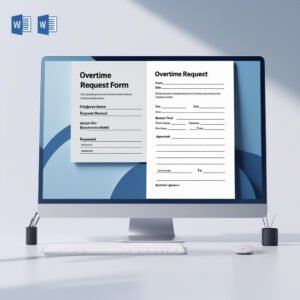
- Overtime Request Form Template in MS Word and Google Docs: to approve extra hours before they appear on the timesheet
- Leave Application Form Template in MS Word and Google Docs: for days off that the timesheet will show as leave
- Attendance and Overtime Dashboard in Excel: to chart attendance and overtime across the team
Browse all Word and Google Docs forms or the HR and payroll templates.












Reviews
There are no reviews yet.