

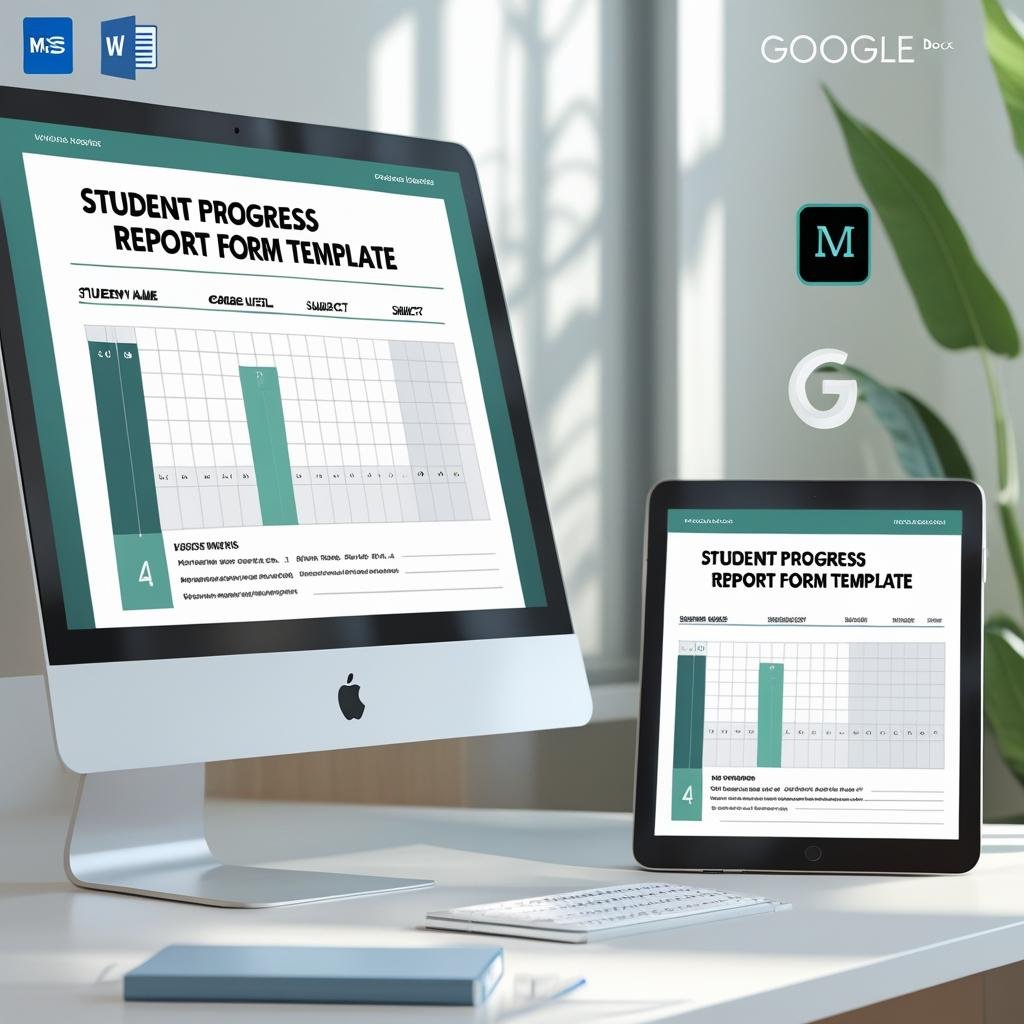

The Student Progress Report Form is an editable school reporting template for recording subject-wise grades, attendance and teacher feedback for a term or academic year. It includes student details, an academic performance table, attendance totals, general remarks and signature spaces for the teacher, parent and principal.
Perfect for parent-teacher meetings, mid-term or end-of-term evaluations, and school records, this ready-to-use form covers all essential areas: subject-wise grades, teacher feedback, attendance summary, and general remarks.
The template is print-ready and can also be filled digitally for paperless use.

📋 What’s Inside:
✅ Student Information – Name, grade, section, academic year, report period
✅ Academic Performance Table – Subject, marks/grades, teacher comments
✅ Attendance Record – Total days, days present, days absent
✅ General Remarks – Space for overall feedback or notes
✅ Signatures Section – For teacher, parent, and principal validation
🎯 Key Benefits:
✳️ Ideal for periodic student assessments
✳️ Promotes clear school-home communication
✳️ Ensures consistent academic documentation
✳️ Supports teacher commentary alongside grades
✳️ Editable and printable – easy to reuse every term
Whether you’re a school administrator or class teacher, this Student Progress Report Form is a vital tool to provide holistic feedback and academic transparency.
Questions about this template
Which student details does the progress report record?
The form includes name, grade, section, academic year and report period. Its academic table records subjects, marks or grades and teacher comments; the attendance section records total days, days present and days absent.
Can I edit the subjects and grading scale?
Yes. The academic performance table is a normal table, so you can rename subjects, add or delete rows and use marks, letter grades or both.
Does it work in Google Docs?
Yes. Edit it in Microsoft Word, or upload it to Google Drive and open it with Google Docs. Google explains the steps in Work with Microsoft Office files.
Can I fill it in on screen instead of printing?
Both work. The form is print-ready, and you can also type into it on a computer and save it as a PDF for paperless records.
Is the Student Progress Report Form free?
Yes, it is a free download.
How to Use the Student Progress Report Form
- Download the file and open it in Microsoft Word or Google Docs.
- Fill in the student information: name, grade, section, academic year and report period.
- Enter each subject with its marks or grade and a short teacher comment.
- Add total days, days present and days absent in the attendance record.
- Write the general remarks, then print the form for the teacher, parent and principal signatures.
- Save a copy for each student and reuse the blank form next term.
Compatibility
- Microsoft Word (desktop or Microsoft 365).
- Google Docs, free with a Google account.
Related School Templates
- Student Information Sheet Form in MS Word and Google Docs
- School Admission Form in MS Word and Google Docs
- Classroom Behavior Report Form in MS Word and Google Docs
- Student Progress Tracker Checklist in Google Sheets: track progress during the term, between report cards.
- Education & School Management Bundle: 8 Excel and Google Sheets templates for schools.
Browse all form templates or the education templates.











Reviews
There are no reviews yet.