

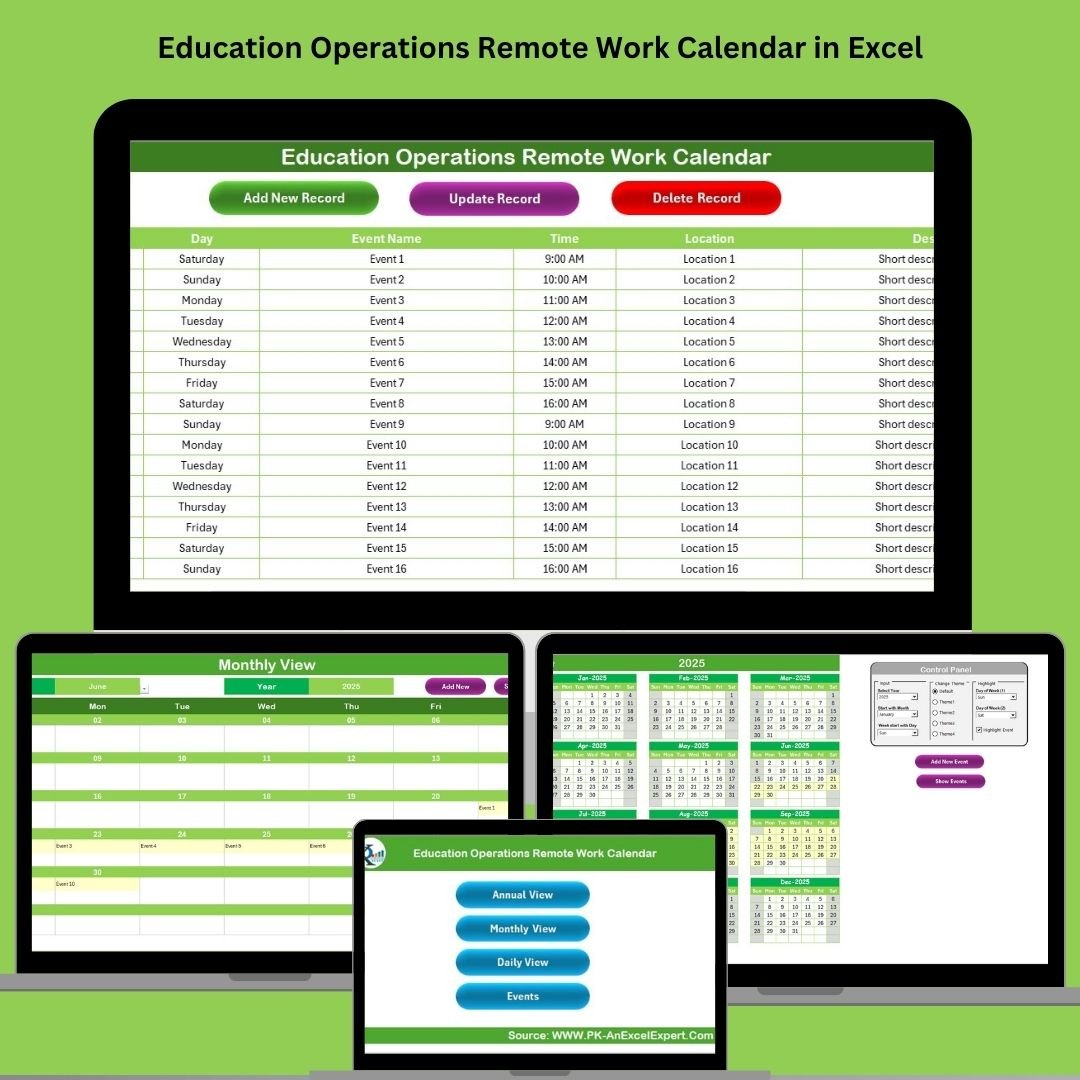



Managing remote work across educational institutions has never been easier! 🎓 Whether it’s faculty working from home, administrative tasks done remotely, or coordinating events for dispersed teams, the Education Operations Remote Work Calendar in Excel is your all-in-one tool for keeping everything on track. 🧑🏫💼
This ready-to-use Excel calendar template gives schools, colleges, and universities the structure they need to organize schedules, track activities, and communicate clearly—all without any coding or complicated systems.
🔧 Key Features of the Remote Work Calendar
🏠 Home Sheet – Command Center
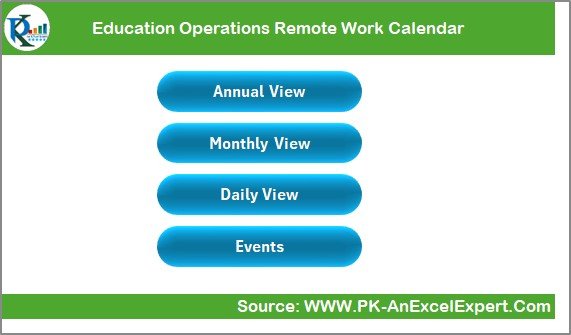
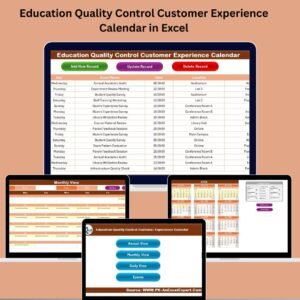
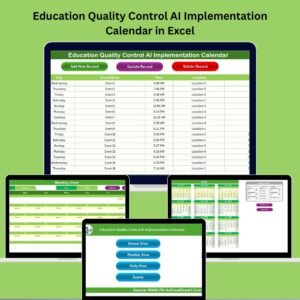
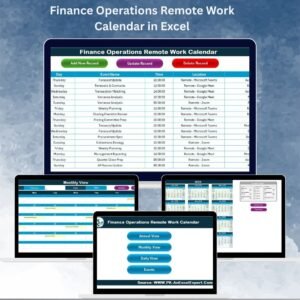
Start with a clean, clickable Home tab. With 4 quick-access buttons, you can jump to:
Annual View
Monthly View
Daily View
Events Database
No scrolling, no clutter—just instant navigation for anyone using the calendar.
📆 Annual View – Year at a Glance
Plan your year with ease:
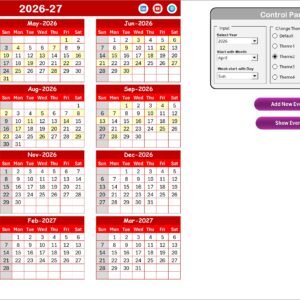
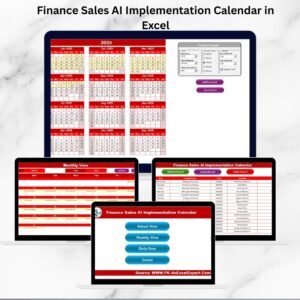
See all 12 months in one place
Customize the start month, first weekday, and calendar theme
Highlight weekends, holidays, or any important day with a color of your choice
Add events with a single click and view what’s happening across the year
📅 Monthly View – Focus on One Month
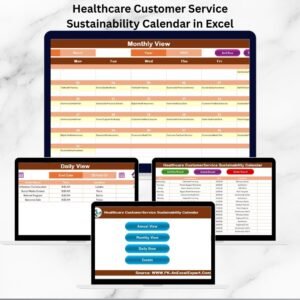
Need a detailed breakdown for the current month? This view shows:
All scheduled events per day
“More than 1…” indicator when multiple events are scheduled
Buttons to add or show event details with a pop-up entry form
📋 Daily View – For Specific Date Ranges
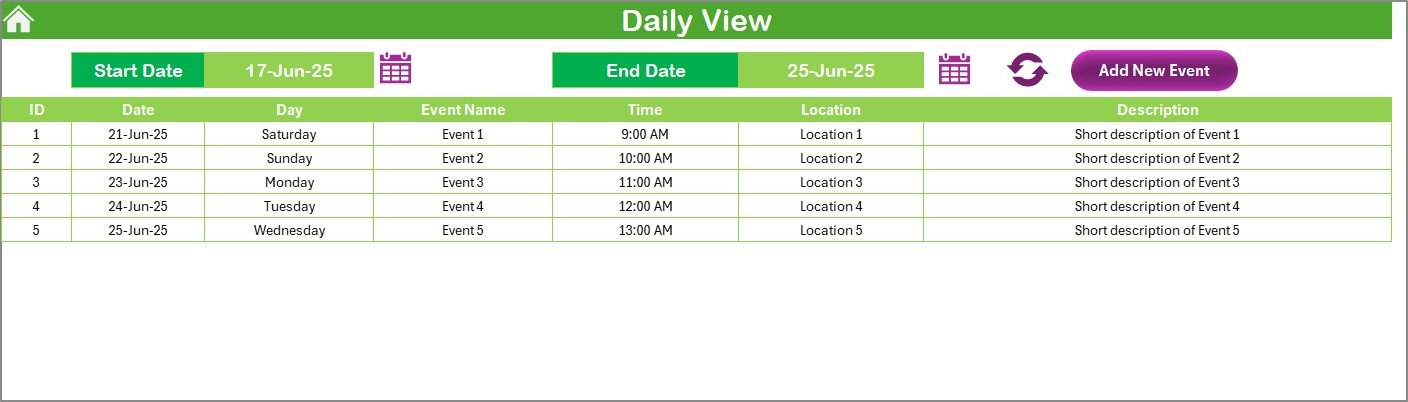
Track activities over any custom period. Filter by start and end dates to:
Display all events in that time frame
Add new events or edit them directly
Use this for weekly planning or short-term campaign tracking
📂 Events Sheet – Your Scheduling Database
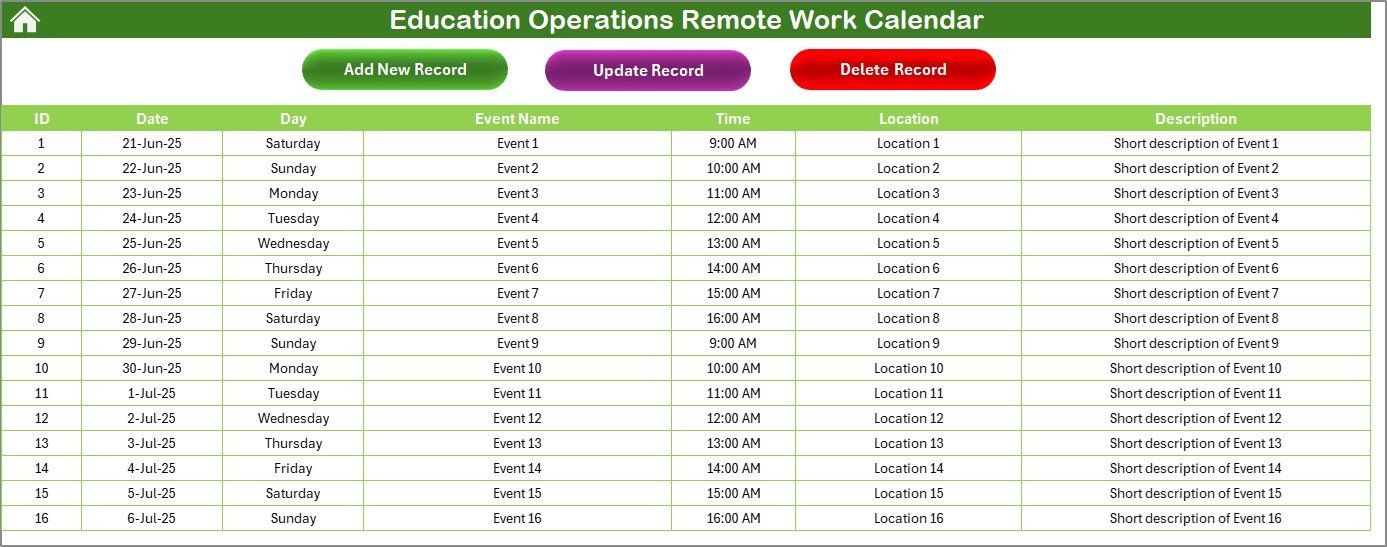
This is where all event details live:
Auto-generated event IDs
Date, day, event name, time, and location
Description and quick-edit buttons to update or delete any record
📂 What’s Inside the Education Remote Work Calendar
Here’s what you’ll get in the download:
✅ Fully formatted Excel workbook
✅ 5 connected worksheets (Home, Annual, Monthly, Daily, Events)
✅ Color-coded highlighting system
✅ Event database with easy data entry
✅ Buttons to add, update, or delete events
✅ Year and theme selector for customization
✅ No VBA coding needed—just Excel functionality!
🛠️ How to Use the Education Remote Work Calendar
📌 Step 1: Open the Template
Launch the Excel file and head to the Home sheet to begin.
📅 Step 2: Set Calendar Options
In the Annual View, choose your academic year, preferred start month, and highlight preferences.
🖊️ Step 3: Add Events
Use any sheet to input events via the Add Event button. Each entry is stored automatically in the Events database.
📆 Step 4: View Events by Period
Navigate to Monthly or Daily View for focused event management.
🧽 Step 5: Update or Delete as Needed
Click Update or Delete on the Events sheet to revise your schedule anytime.
🎨 Step 6: Customize Look & Feel
Apply your institution’s preferred color theme for consistency and readability.
👥 Who Can Benefit from This Calendar?
This template is built for:
🏫 School and College Administrators – Coordinate between departments and faculty
📚 Faculty & Staff – Track meetings, office hours, and remote work schedules
🧑💼 Operations Teams – Manage logistical planning and deadlines
🖥️ Remote Work Coordinators – Keep track of virtual tasks and teams
👩🏫 Education Leaders – Align schedules with strategic plans and academic calendars
If your institution is running remote, hybrid, or multi-location work, this tool will keep everything aligned!
✅ Click here to read the Detailed blog post
🔗 Visit our YouTube channel to learn step-by-step video tutorials
Watch the step-by-step video tutorial:
Compatibility and Requirements
- Works in Microsoft Excel desktop (Excel 2016 or later, or Microsoft 365).
- The workbook has five sheets: Home, Annual, Monthly, Daily and Events. The Events sheet stores every entry. Microsoft explains the basics in Excel for Windows training.
Frequently Asked Questions
Which sheets are included?
Five connected sheets: Home, Annual View, Monthly View, Daily View and Events.
Where are my events stored?
Every event goes into the Events sheet. Each record gets an automatic event ID and holds the date, day, event name, time, location and description. The Annual, Monthly and Daily views read from this sheet.
Can I change the year, start month and colors?
Yes. On the Annual View you choose the year, the start month, the first weekday and the calendar theme. You can also highlight weekends, holidays or any other day with a color you pick.
What happens when a day has more than one event?
The Monthly View shows a “More than 1” indicator on that day. Use the show details button to open the full list of events for the day.
Can I look at a custom date range?
Yes. On the Daily View you enter a start date and an end date, and the sheet lists all events in that period. You can add or edit events from there.
Is there a version for another team in education?
Yes. See the Education HR Remote Work Calendar in Excel and the Education IT Remote Work Calendar in Excel.
Related Remote Work Calendars
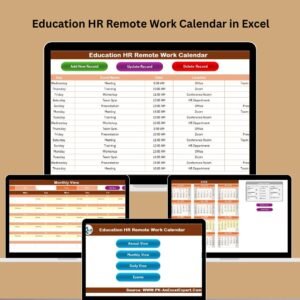
- Education HR Remote Work Calendar in Excel: the same calendar set up for education HR teams
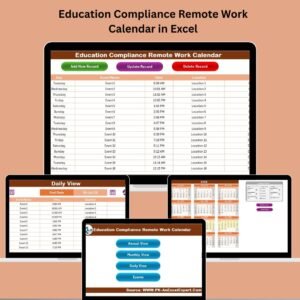
- Education Compliance Remote Work Calendar in Excel: for compliance staff in schools and colleges
- Education IT Remote Work Calendar in Excel: for IT teams in education
- Operations Remote Work Calendar in Excel: the general operations edition
- Calendar & Planner Pack: 12 calendar and planner templates in one download
Browse all Excel calendar templates.




















Reviews
There are no reviews yet.