

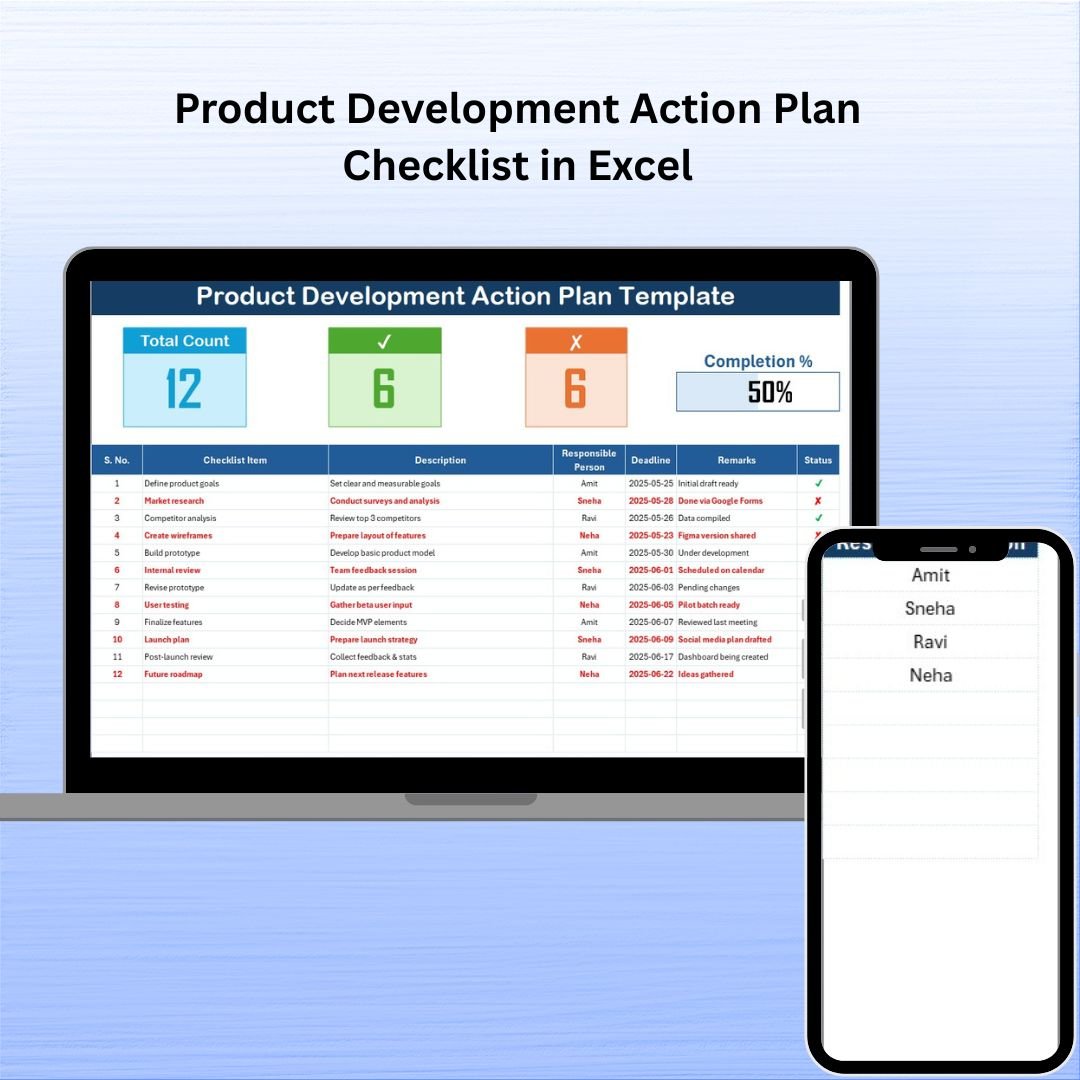
In the high-stakes world of product development, missing even one task can delay your launch, cost your team valuable time, and weaken your competitive edge. That’s why we created the Product Development Action Plan Checklist in Excel—a simple, structured, and powerful tool that keeps your team aligned, accountable, and productive.
Whether you’re launching a new product or iterating on an existing one, this ready-to-use Excel template helps you map out every step, assign ownership, set deadlines, and track progress—all in one place.
🗂️ What’s Included in the Template?
The checklist template includes two interactive worksheet tabs and built-in smart features that simplify your entire development workflow:
✅ Checklist Sheet Tab
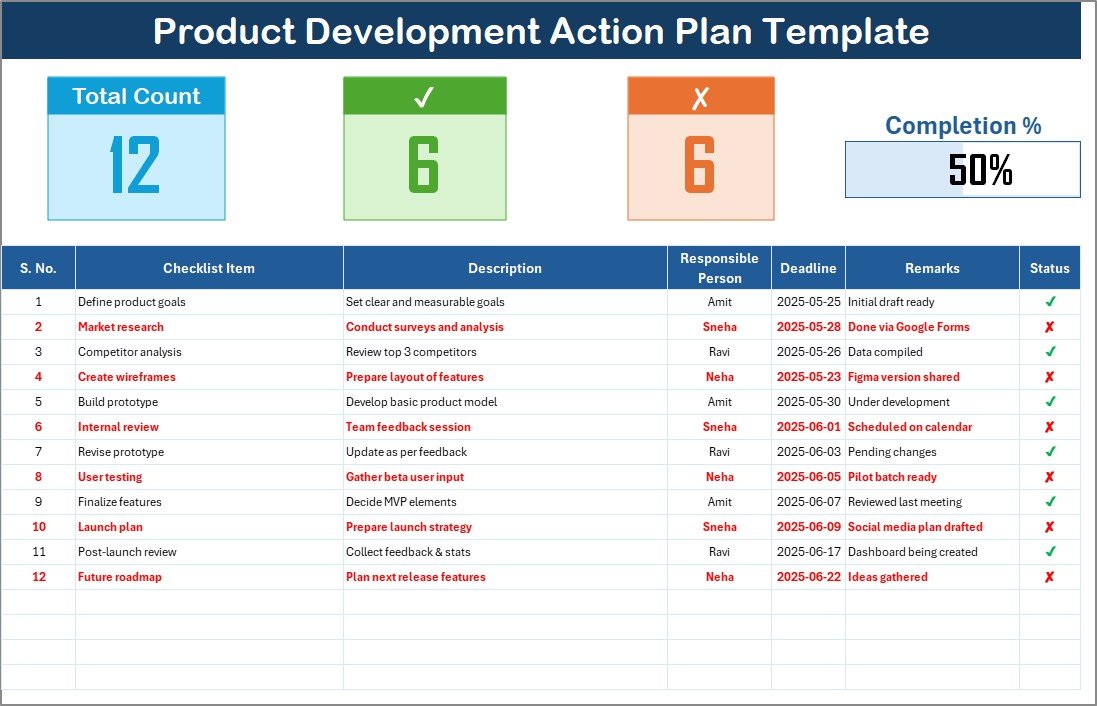
This is your central workspace. It features:
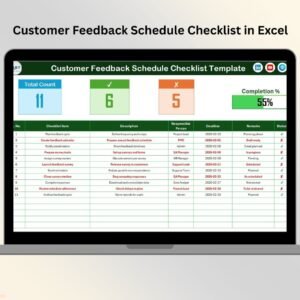
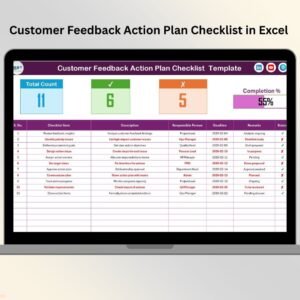
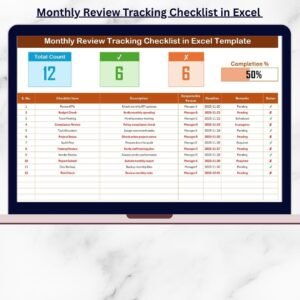
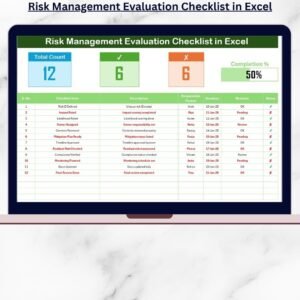
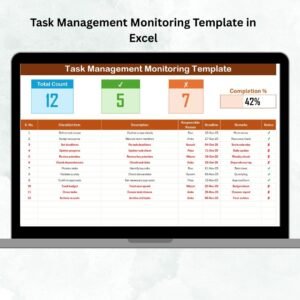
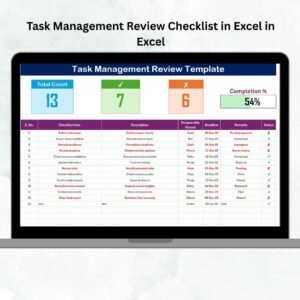
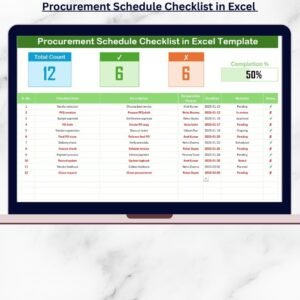
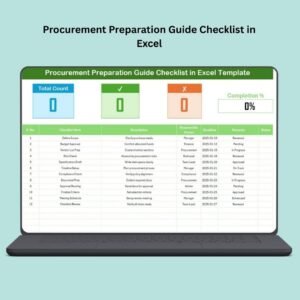
Top Dashboard Cards
Total Task Count
Checked Count (✔ tasks completed)
Crossed Count (✘ tasks not applicable)
Visual Progress Bar that updates automatically
Task Table
Serial No. (auto-numbered)
Checklist Item
Description
Responsible Person (with dropdown)
Deadline
Remarks
Status (✔ / ✘)
Everything is organized, color-coded, and built for clarity.
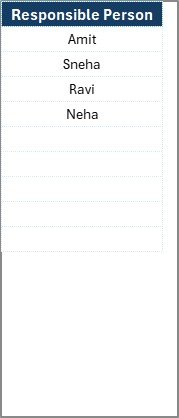
📋 List Sheet Tab
Manage the team roster effortlessly.
This tab captures the names of responsible persons used in the main checklist dropdown, helping you:
Avoid spelling errors
Ensure consistency
Add or remove team members easily
🚀 Advantages of Using This Excel Checklist
📌 Actionable Clarity
No more ambiguity. Every step is clearly defined and assigned.
📈 Progress Visibility
Track how close you are to completion with the live progress bar and summary cards.
👥 Team Accountability
Every task has a responsible person and deadline—making follow-ups seamless.
📅 Time-Saving Automation
Pre-set formulas, dropdowns, and visual feedback keep things fast and efficient.
🛠️ Fully Customizable
Add columns like Budget, Priority, or Task Category. This template grows with your needs.
💼 Ideal Use Cases
🧪 Product Prototyping – Track design iterations, material orders, and testing sessions
📦 Product Launches – Organize marketing, packaging, compliance, and distribution
🔄 Product Iteration – Implement feedback and plan version updates
🛠️ Manufacturing Setup – Transition from concept to production
🧩 Cross-Department Projects – Keep engineering, marketing, and logistics aligned
💡 Best Practices for Using the Checklist
✔ Use ✔ and ✘ consistently
✔ Hold weekly review sessions
✔ Apply conditional formatting to overdue tasks
✔ Keep remarks short but informative
✔ Backup regularly and protect data cells like Serial No. and formulas
🛠 System Requirements
Works with Microsoft Excel 2013 or later
Best on Excel Desktop (Windows/Mac)
Compatible with Excel Online and Google Sheets (minor formatting tweaks may be needed)
🎓 Who Can Use This?
✅ Startup founders
✅ Product managers
✅ Freelancers and consultants
✅ Manufacturing teams
✅ Innovation departments
📘 Bonus: Customization Ideas
Add Gantt View using Excel bar charts
Integrate with Power Query for automated updates
Include budget tracking columns
Build conditional formatting rules for color-coded task priorities
📺 Learn with Us
🎥 Watch how to use this checklist step by step on our YouTube Channel:
YouTube.com/@PKAnExcelExpert






















Reviews
There are no reviews yet.