

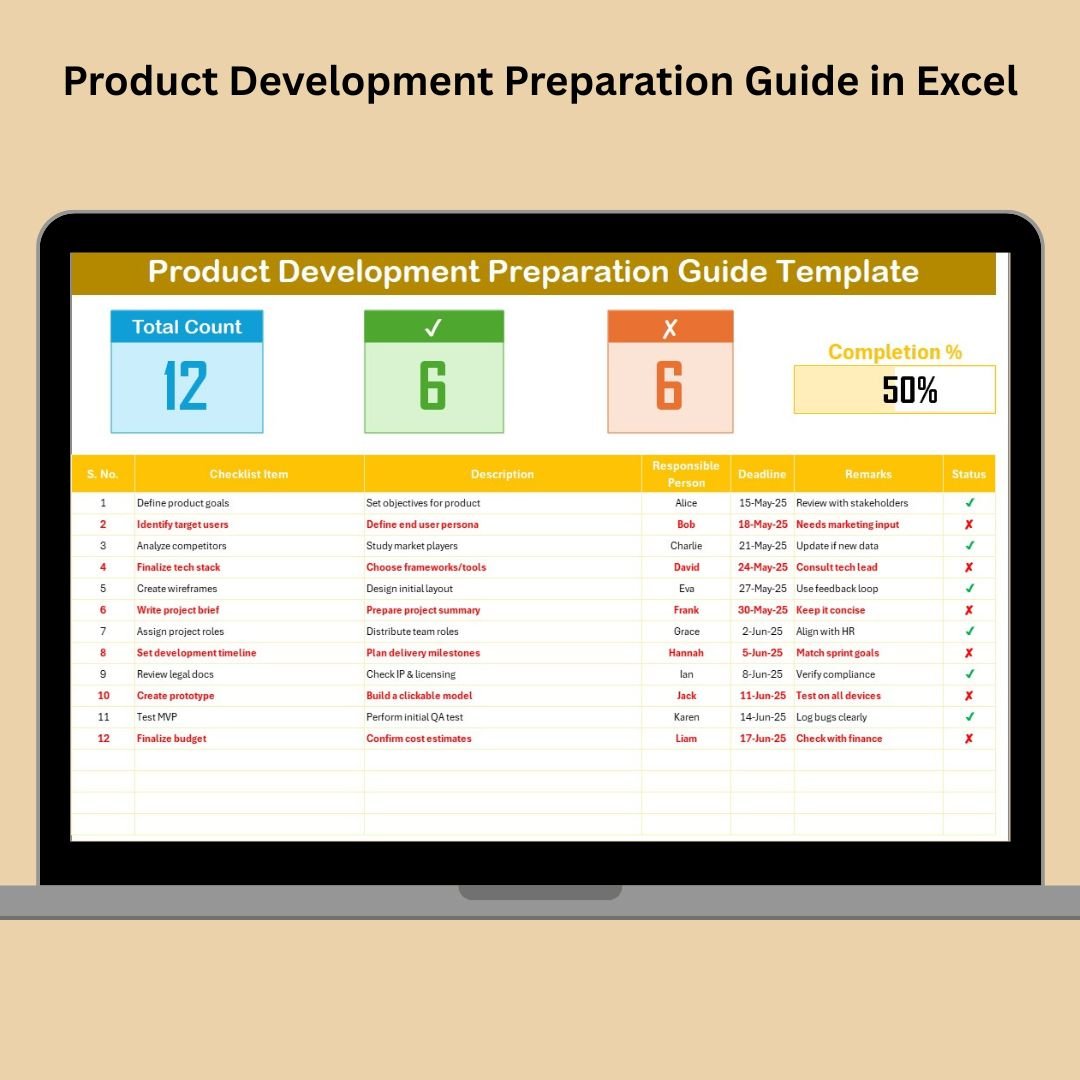
Launching a product isn’t just about the big idea—it’s about how you execute it. And if you want to move from concept to market without chaos, you need a solid game plan. That’s where the Product Development Preparation Guide in Excel comes in!
This ready-to-use checklist template helps teams and entrepreneurs plan, track, and manage every stage of product development with crystal-clear clarity. Whether you’re managing a physical product, a mobile app, or even a research project, this tool keeps everything—and everyone—on track.
✨ Key Features of Product Development Preparation Guide
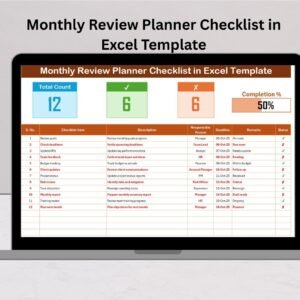
📋 Centralized Checklist Dashboard
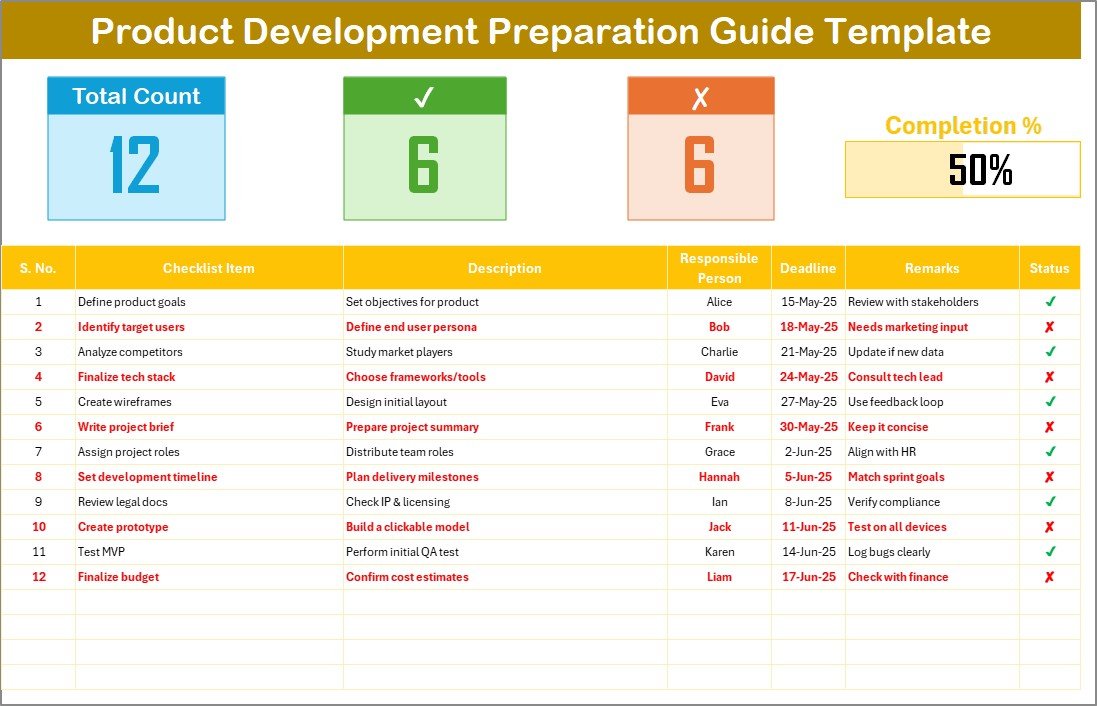
Track every step of your product journey with a dynamic checklist table that includes:
Checklist Item & Short Description
Assigned Person via Dropdown
Deadline with Date Picker
Status column with ✔ and ✘ symbols
Auto-calculated progress bar showing % complete
📊 Live Status Cards
Stay updated at a glance with:
✅ Total Task Count
🟢 Completed Count
❌ Incomplete Count
📈 Visual Progress Bar for quick health checks
🧑💼 Role Assignment
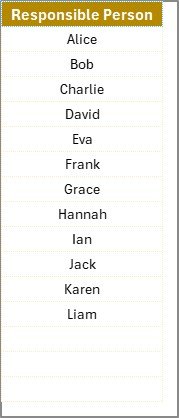
Assign ownership using dropdowns from a clean reference list—no manual typing, no spelling mistakes.
🔄 Fully Editable
Want to add extra columns like Budget, Priority, or Notes? Go ahead! This Excel template is 100% customizable to fit your industry and style.
📦 What’s Inside the Product Development Preparation Guide?
Checklist Sheet: Your main planning hub with all tasks, deadlines, statuses, and progress tracker
List Sheet: Stores dropdown list of responsible persons for consistency
Conditional Formatting: Optional feature to auto-highlight overdue or completed tasks
Dynamic Formulas: Pre-built calculations for progress, counts, and status indicators
🛠 How to Use the Product Development Guide in Excel
Open the Checklist Sheet
Begin with a clear view of all planning items and task categories.Assign People & Set Deadlines
Use dropdowns and date pickers to make sure responsibilities are clear and timelines are realistic.Track Status with One Click
Update the status column with ✔ or ✘ as tasks are completed or delayed.Monitor Progress Visually
Watch the progress bar and counts update automatically perfect for team meetings and status reports.Customize for Your Workflow
Add columns like “Budget”, “Priority”, or “Stage” based on your project type.
👥 Who Can Benefit from This Excel Template?
✅ Startups & Entrepreneurs – Plan every stage from MVP to launch
✅ Product Managers – Keep cross-functional teams on the same page
✅ Marketing Teams – Align creative launches with development
✅ Engineering & R&D – Track prototyping, testing, and approvals
✅ Students & Researchers – Manage thesis or project deliverables
✅ Agencies – Handle client-side deliverables with full transparency
Whether you’re flying solo or managing a team, this template delivers structure and simplicity.
📘 Click here to read the Detailed blog post
🎥 Visit our YouTube channel to learn step-by-step video tutorials





























Reviews
There are no reviews yet.