

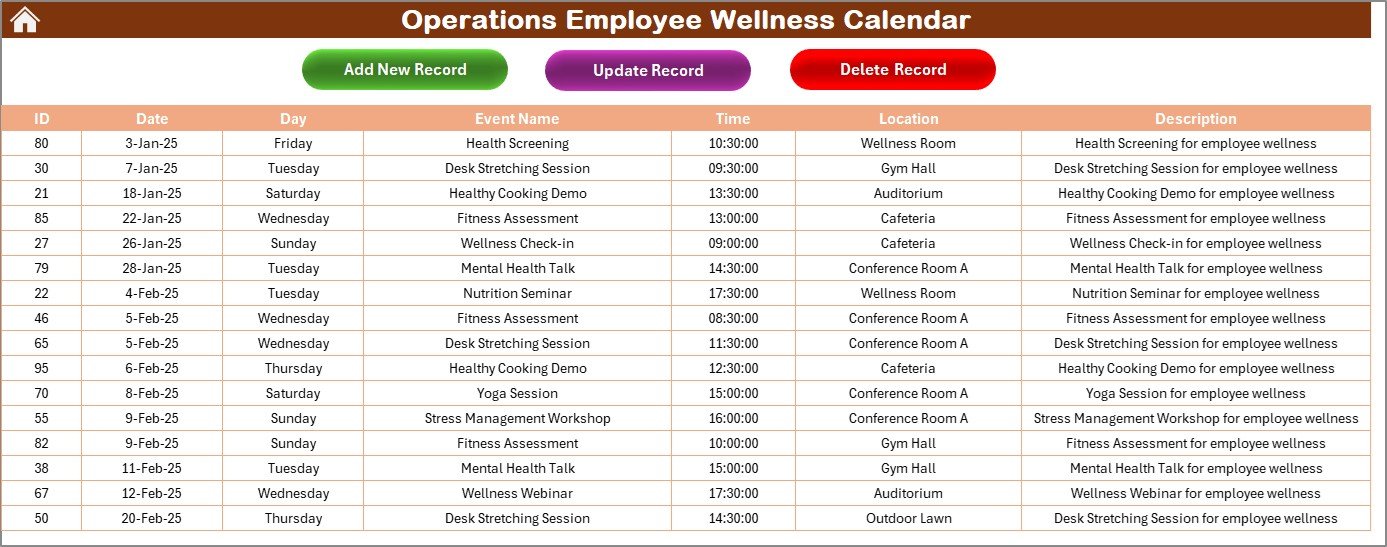

Promoting employee wellness is essential for maintaining a productive and engaged workforce. The Operations Employee Wellness Calendar in Excel is a comprehensive tool designed to help organizations plan, track, and manage wellness initiatives throughout the year. This customizable calendar allows HR professionals and wellness coordinators to schedule activities, monitor participation, and assess the impact of wellness programs.
Key Features:
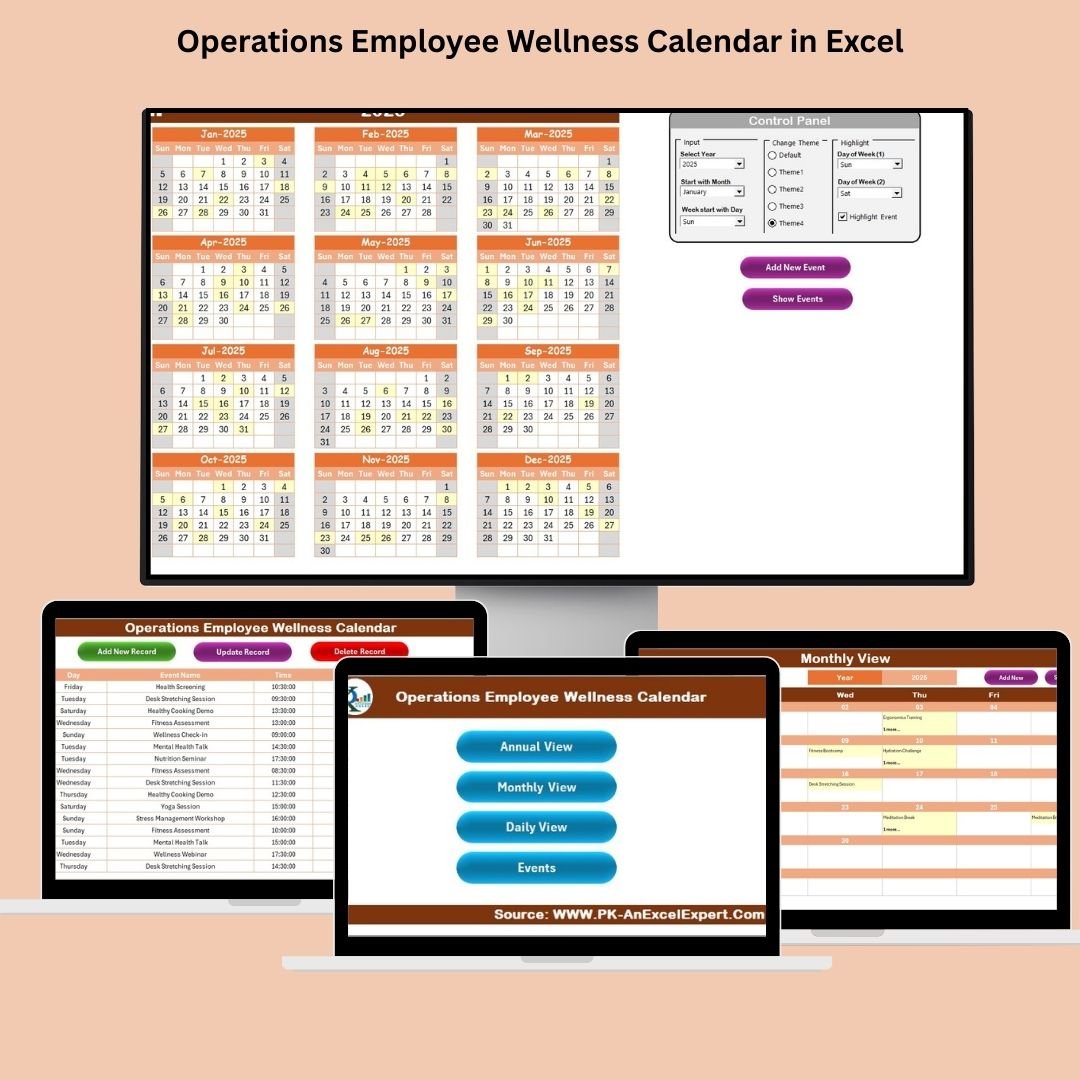
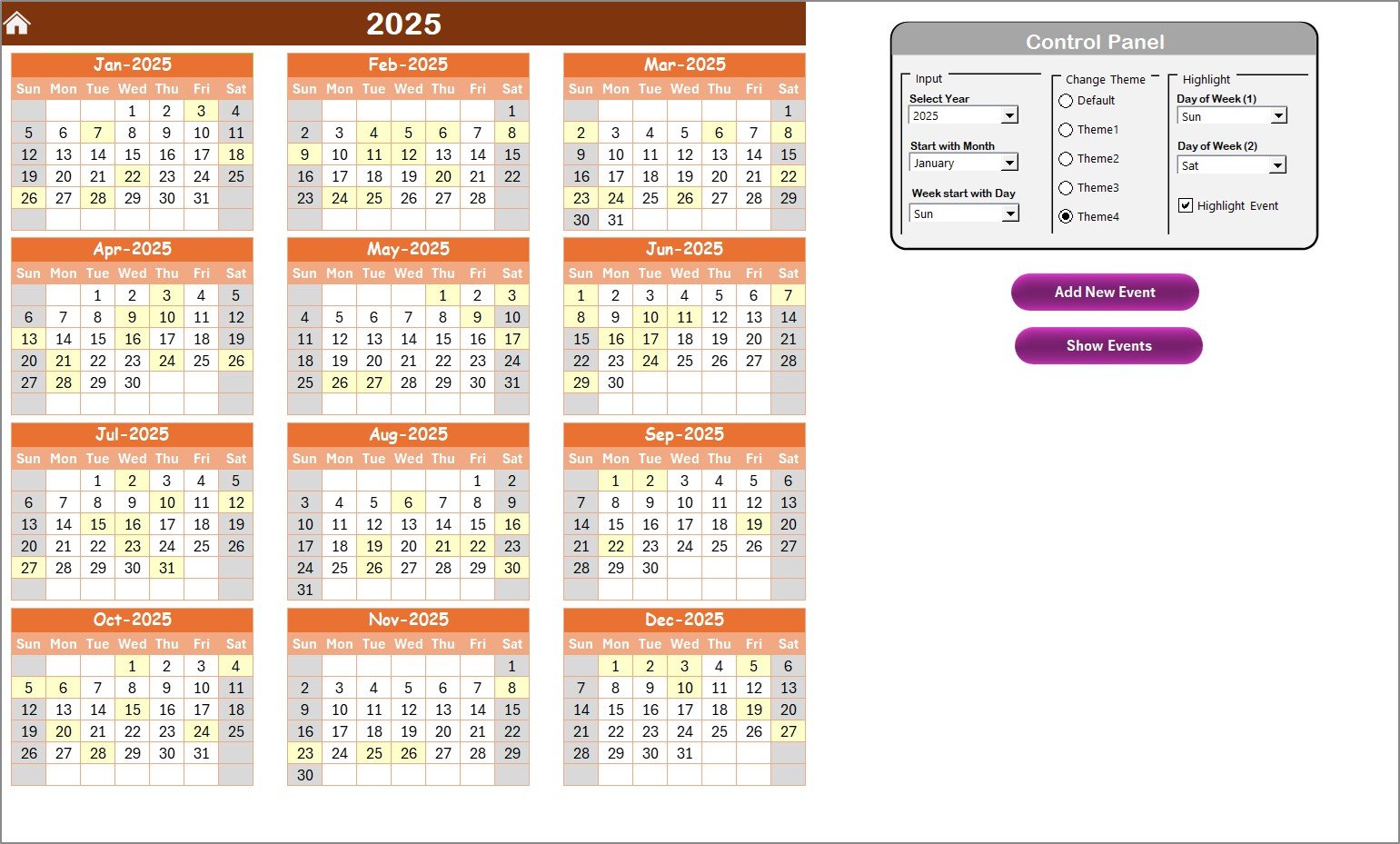
Annual Overview: Provides a year-at-a-glance view, allowing users to plan and visualize wellness activities across all months.
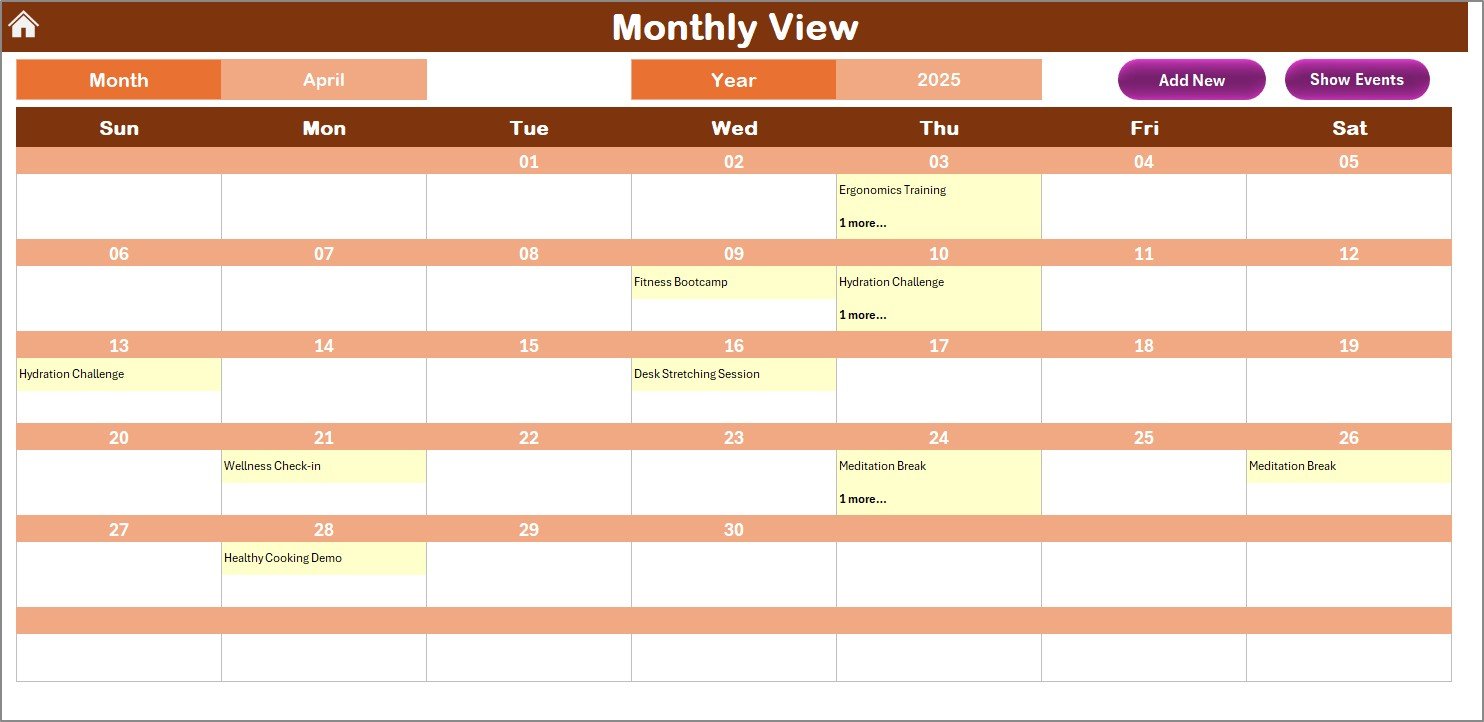
Monthly Breakdown: Offers detailed monthly calendars where specific wellness events, challenges, or initiatives can be scheduled and tracked.
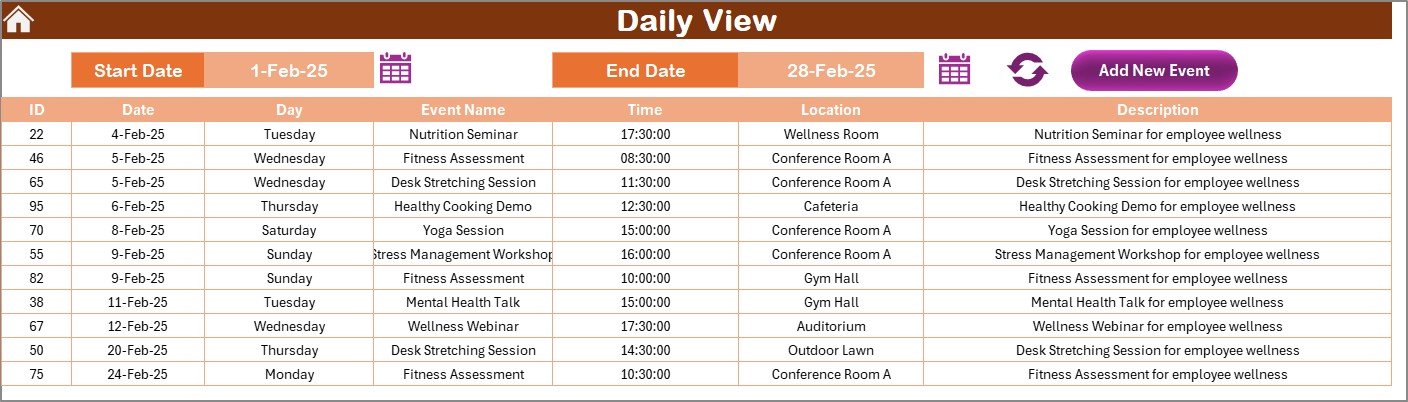
Event Details: Each event entry includes columns for the event name, description, date, time, location, target audience, and responsible person.
Participation Tracking: Allows for tracking employee participation and engagement levels for each event.
Feedback Section: Includes a section to collect feedback from participants, helping to assess the effectiveness of each wellness initiative.
Progress Indicators: Utilizes color-coding and conditional formatting to highlight upcoming events, completed activities, and areas requiring attention.
Benefits:
Centralized Planning: Consolidates all wellness activities into a single document, streamlining planning and coordination efforts.
Improved Engagement: By tracking participation and collecting feedback, organizations can identify successful programs and areas for improvement.
Data-Driven Decisions: The calendar’s tracking features provide valuable insights into employee engagement and the overall impact of wellness initiatives.
Customization: Easily adaptable to fit the specific needs and goals of any organization, regardless of size or industry.
How to Use:
Access the Template: Download the Excel template from the provided link.
Customize the Calendar: Modify the event categories, dates, and details to align with your organization’s wellness objectives.
Schedule Events: Plan wellness activities such as fitness challenges, mental health workshops, nutrition seminars, and team-building exercises.
Track Participation: Record employee attendance and engagement levels for each event to monitor the success of your wellness programs.
Collect Feedback: Use the feedback section to gather insights from participants, helping to refine future wellness initiatives.
Analyze Data: Review the collected data to identify trends, assess the effectiveness of programs, and make informed decisions for future planning.
Conclusion:
The Operations Employee Wellness Calendar in Excel is an invaluable tool for organizations committed to fostering a healthy and engaged workforce. By providing a structured approach to planning and tracking wellness activities, this calendar empowers HR professionals and wellness coordinators to create impactful programs that enhance employee well-being and contribute to organizational success.
🔗 Click here to read the Detailed blog post
Visit our YouTube channel to learn step-by-step video tutorials
Youtube.com/@PKAnExcelExpert
Compatibility and Requirements
- Works in Microsoft Excel desktop (Excel 2016 or later, or Microsoft 365).
- Upcoming events, completed activities and items that need attention are highlighted with color-coding and conditional formatting, so no extra setup is needed.
Frequently Asked Questions
What views does the Operations Employee Wellness Calendar include?
An annual overview that shows wellness activities across all twelve months, and monthly calendars where you schedule and track each event, challenge or initiative.
What details can I record for each wellness event?
Each entry has columns for the event name, description, date, time, location, target audience and responsible person.
Can I track who took part?
Yes. The calendar tracks employee participation and engagement for each event, and a feedback section collects comments from participants.
Can I change the event categories?
Yes. Edit the event categories, dates and details to match your own wellness program.
Related Employee Wellness Templates
- Employee Wellness KPI Dashboard in Excel: measure the results of your wellness program.
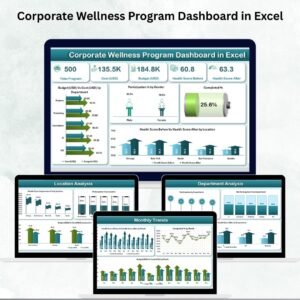
- Corporate Wellness Program Dashboard in Excel: charts for program activity and participation.
- Employee Wellness Program Enrolment Tracker in Excel: keep a list of who signed up.
- Wellness Program Schedule Calendar in Excel: another calendar layout for wellness sessions.
- Calendar & Planner Pack: 12 Excel and Google Sheets calendar templates.
Browse all Excel calendar templates or the Excel HR and Payroll templates.

































Reviews
There are no reviews yet.