

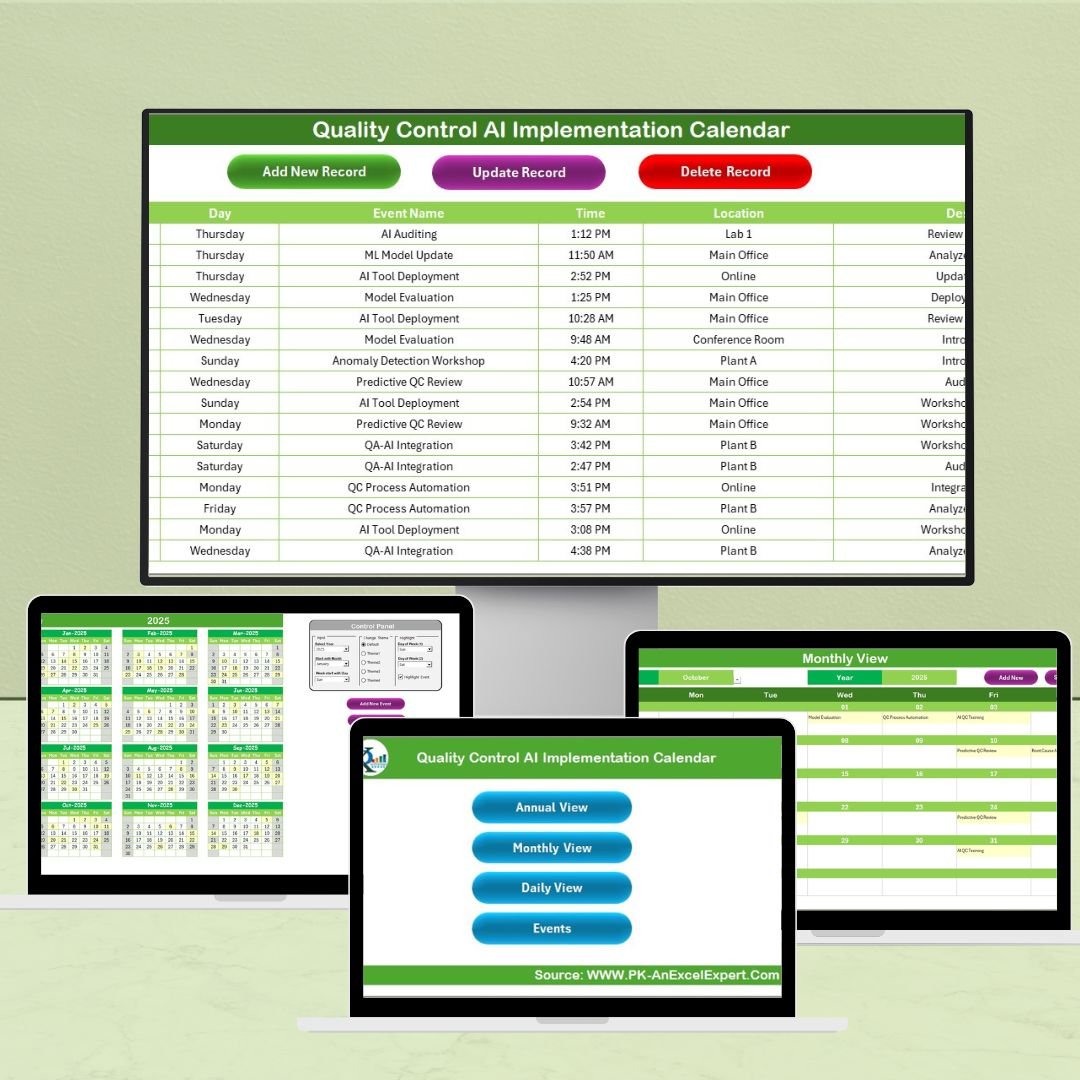
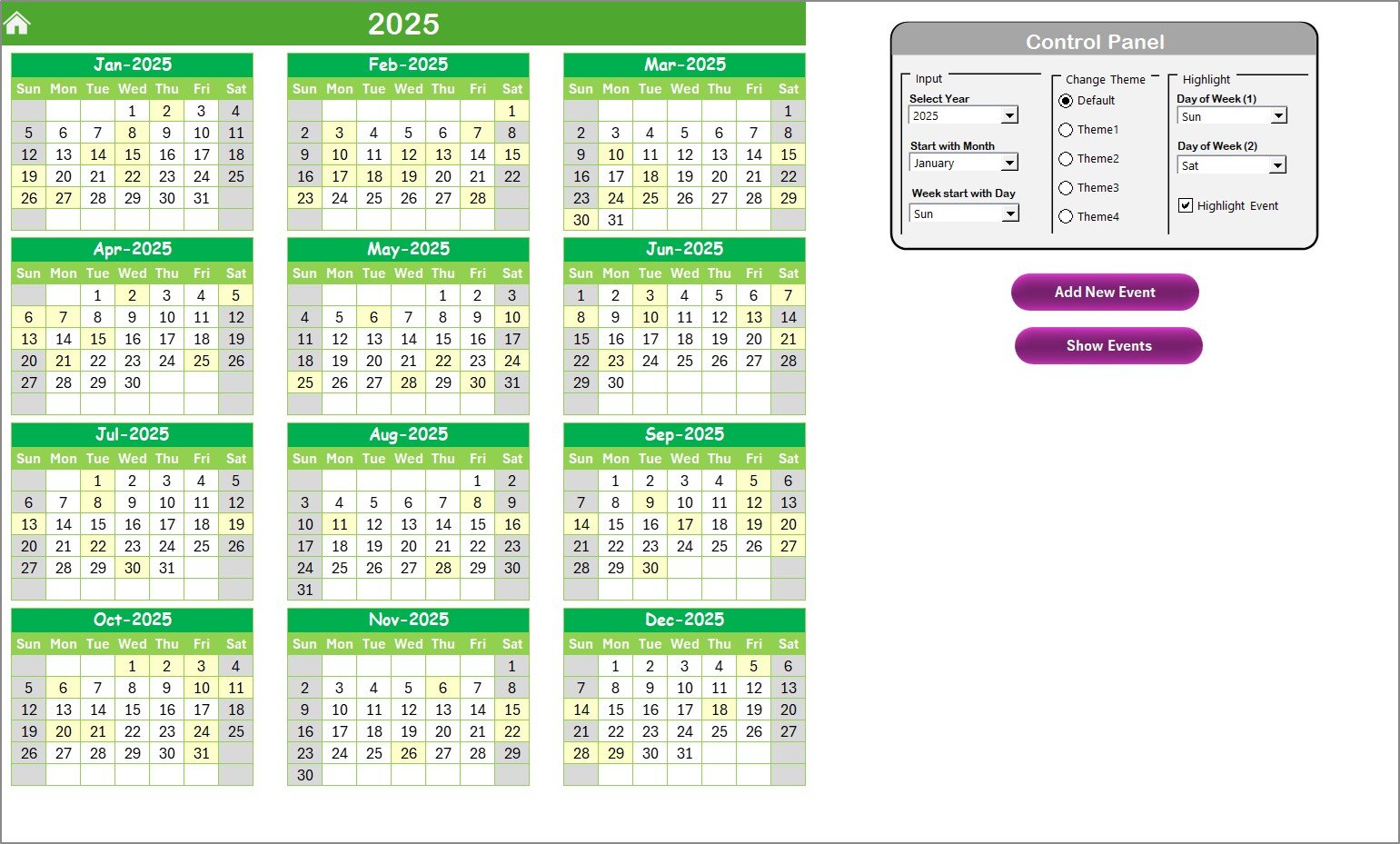
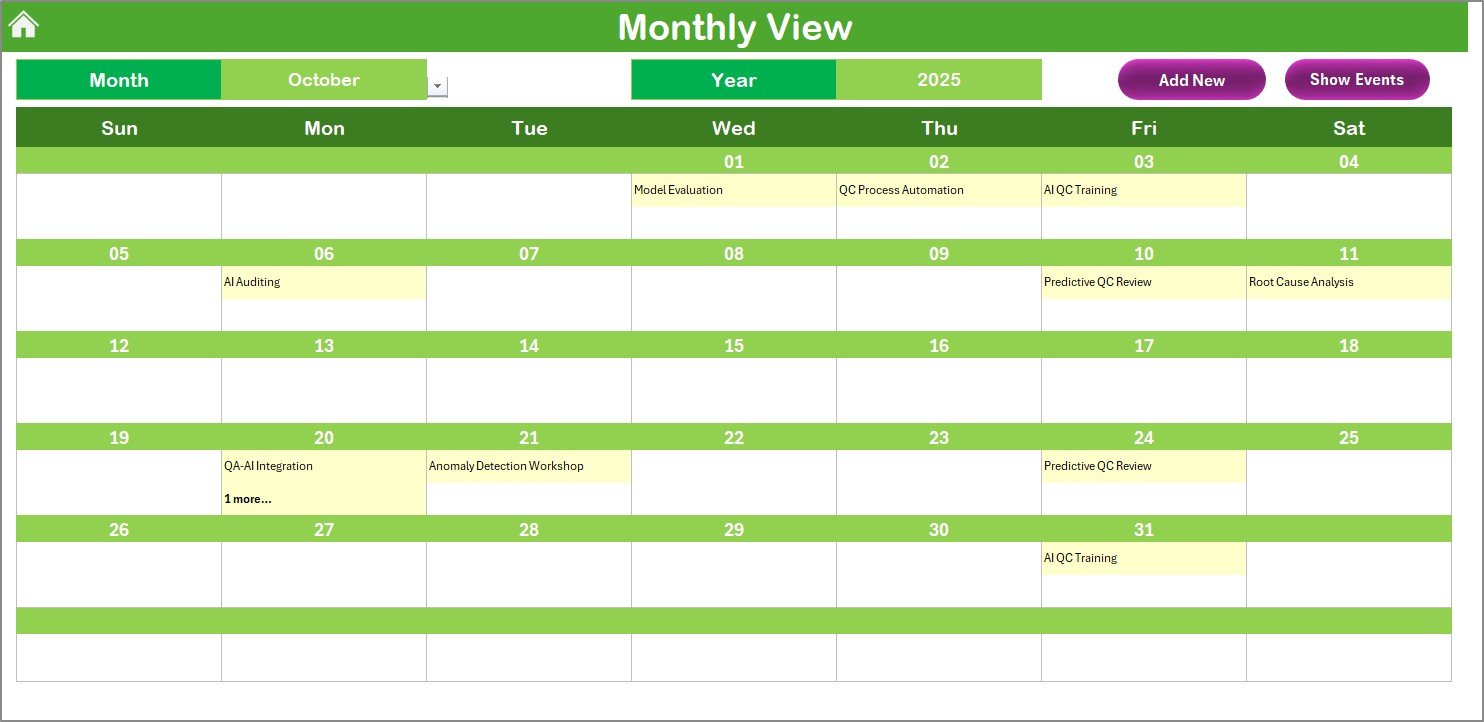
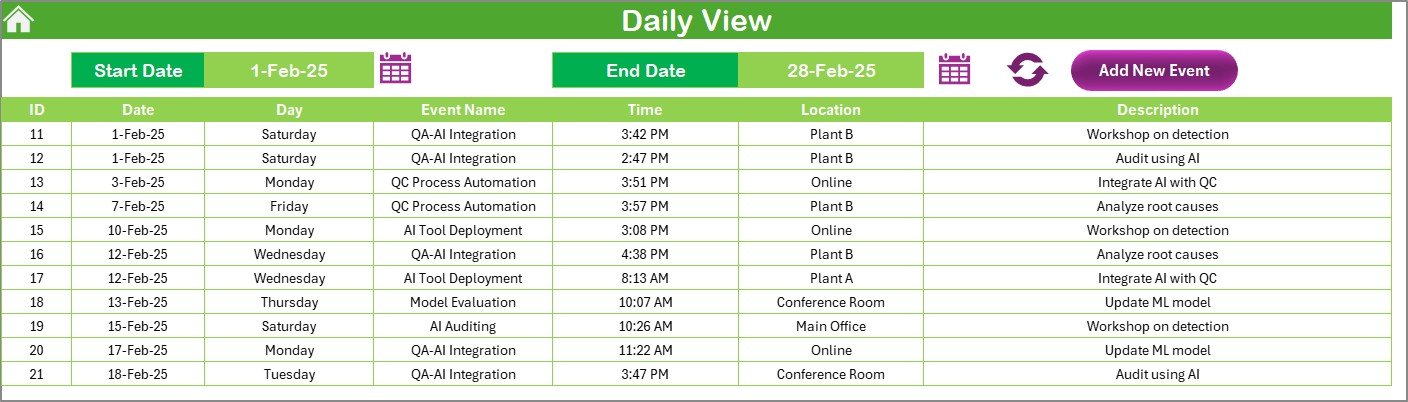
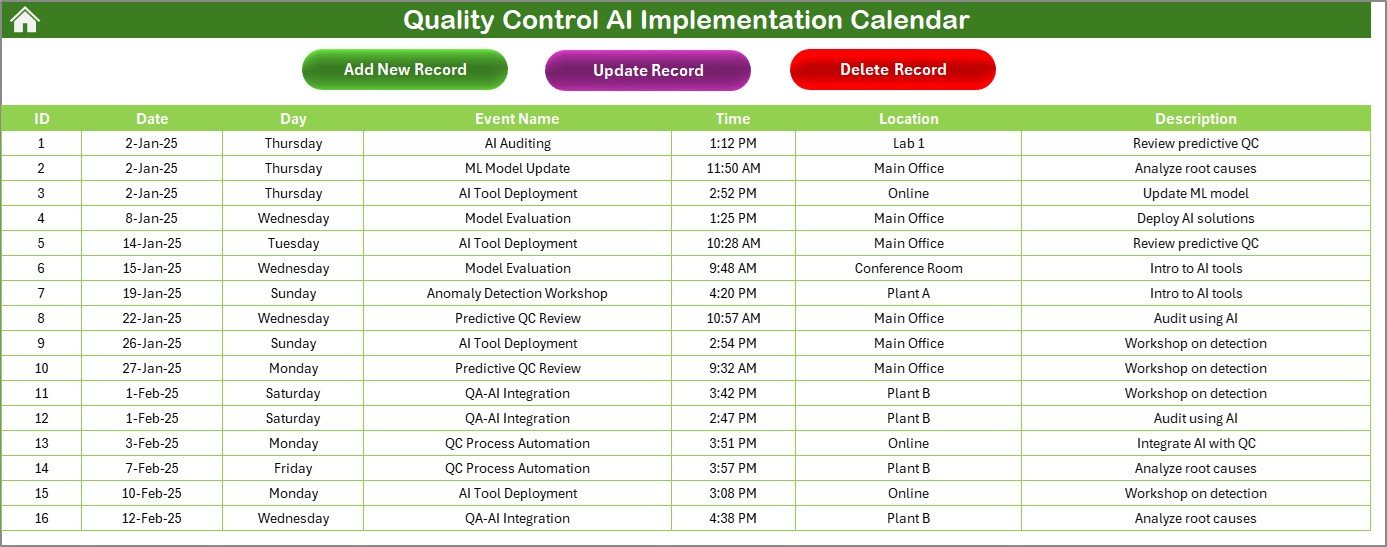

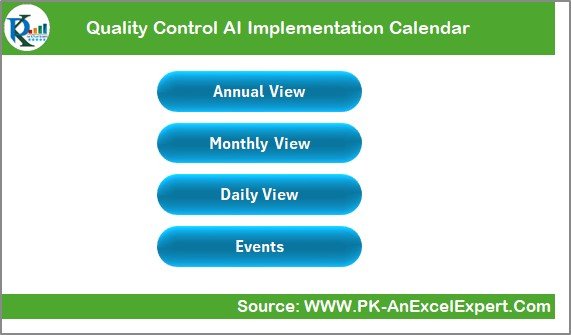
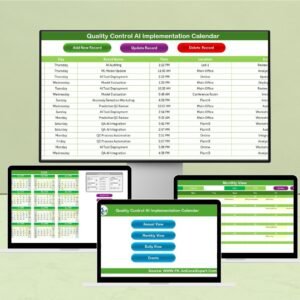
The Quality Control AI Implementation Calendar in Excel is a comprehensive tool designed to help businesses streamline the process of implementing AI solutions for quality control. Whether you’re in manufacturing, retail, or any other industry, this Excel-based calendar provides a structured way to plan, track, and manage your AI implementation projects related to quality control processes.
AI technology has revolutionized quality control by automating inspections, improving accuracy, and reducing human error. With this calendar, you can schedule AI-related quality checks, monitor progress, and ensure that all tasks are executed according to the project timeline. The calendar helps track key activities such as system setup, model training, testing, and deployment, ensuring that the AI implementation is running smoothly and meeting quality standards.
Key Features of the Quality Control AI Implementation Calendar in Excel
📅 AI Implementation Timeline Tracking
Track each stage of the AI implementation process, from planning and setup to training, testing, and deployment. Monitor key milestones and ensure the project stays on schedule.
⚙️ Task Assignment & Responsibility Tracking
Assign tasks and responsibilities to different team members. Ensure that all stakeholders are on the same page and aware of their duties and deadlines for AI-related activities.
📈 Progress Monitoring & Reporting
Monitor the progress of the AI implementation by tracking the completion of each task. Generate reports to assess the status of the project and identify any delays or bottlenecks.
🔑 AI Quality Control & Testing Phases
Track the different phases of AI quality control testing, including data input validation, model training, testing, and evaluation. Ensure that AI solutions meet the required standards and deliver expected outcomes.
📊 Data-Driven Insights for Decision Making
Use the calendar’s built-in performance tracking features to gather data-driven insights about the AI implementation. Make informed decisions about adjustments or improvements during the process.
⚙️ Customizable & Scalable for Your Needs
Adapt the calendar to suit your specific business needs. Add custom stages, adjust timelines, and tailor the calendar to fit the scale of your AI project.
Why You’ll Love the Quality Control AI Implementation Calendar in Excel
✅ Efficient AI Implementation Management
Track every stage of the AI implementation process to ensure nothing is overlooked. With clear deadlines and assigned responsibilities, the calendar makes it easy to stay organized.
✅ Streamline Team Collaboration
Easily assign tasks to team members and track progress in real time. This helps ensure that the entire team is aligned and working toward the same objectives.
✅ Optimize AI Testing & Quality Control
Ensure that AI solutions are thoroughly tested and optimized for quality control. The calendar helps track testing phases, ensuring that the AI models meet industry standards.
✅ Improve Decision Making with Data Insights
Gain valuable insights into the implementation process and use the data to optimize future AI deployments. Identify issues early, make data-driven adjustments, and improve overall quality control.
✅ Customizable for Your Business Needs
Tailor the calendar to meet your unique project requirements. Whether you’re working with a small AI implementation or managing a large-scale AI deployment, this tool is fully scalable.
What’s Inside the Quality Control AI Implementation Calendar in Excel?
AI Implementation Timeline Tracking: Monitor the timeline for AI implementation activities.
Task Assignment & Responsibility Tracking: Assign tasks and track responsibilities for each project phase.
Progress Monitoring & Reporting: Track progress and generate performance reports.
AI Testing Phases: Track the testing and validation phases for AI models.
Data-Driven Insights: Use insights to optimize decision making and improve the project.
Customizable Stages & Timeline: Tailor the calendar to fit the scale and complexity of your project.
How to Use the Quality Control AI Implementation Calendar in Excel
1️⃣ Download the Template: Get instant access to the Quality Control AI Implementation Calendar in Excel.
2️⃣ Set Up Your AI Implementation Plan: Input project stages, timelines, and responsibilities for each phase of the AI implementation.
3️⃣ Track AI Testing & Quality Control: Monitor the progress of AI testing, validation, and deployment phases.
4️⃣ Generate Reports: Use the built-in reporting features to track performance and identify areas for improvement.
5️⃣ Optimize AI Solutions: Use the insights gained to refine and optimize your AI models and processes.
Who Can Benefit from the Quality Control AI Implementation Calendar in Excel?
🔹 AI Project Managers & Implementation Teams
🔹 Manufacturing & Production Companies
🔹 Quality Control & Operations Managers
🔹 Data Scientists & AI Engineers
🔹 IT & Technology Companies
🔹 Small & Medium Enterprises (SMBs)
🔹 Large Enterprises Implementing AI Solutions
Optimize your AI implementation process for quality control with the Quality Control AI Implementation Calendar in Excel. Track timelines, monitor progress, and ensure that your AI solutions meet the highest standards.
Click here to read the Detailed blog post
Visit our YouTube channel to learn step-by-step video tutorials
Youtube.com/@PKAnExcelExpert
Compatibility and Requirements
- Works in Microsoft Excel desktop (Excel 2016 or later, or Microsoft 365).
- New to Excel? Microsoft has a free Excel for Windows training series.
Frequently Asked Questions
What does this calendar track?
It tracks the stages of an AI rollout for quality control: planning and setup, model training, testing and deployment. You also assign tasks to team members and watch progress against the timeline.
Can I add my own stages and change the timeline?
Yes. You can add custom stages and adjust the timeline to fit the size of your AI project.
Does it cover AI testing and validation?
Yes. It has a section for the testing phases, including data input validation, model training, testing and evaluation of the AI models.
Can I report on project progress?
Yes. Mark tasks as they are completed and use the reporting and performance tracking features to spot delays or bottlenecks.
Is there a version for a specific industry?
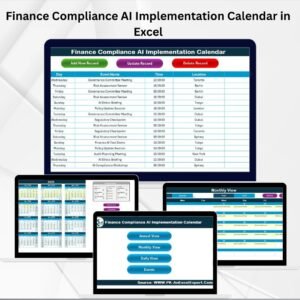
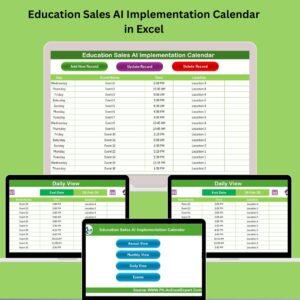
Yes. See the Technology Quality Control AI Implementation Calendar in Excel, the Education edition and the Finance edition.
Related Quality Control Templates
- Quality Control Supply Chain Resilience Calendar in Excel: a calendar for supply chain resilience work
- Quality Assurance Testing Calendar in Excel: schedule QA testing activities
- Operations AI Implementation Calendar in Excel: the same AI rollout planning for operations teams
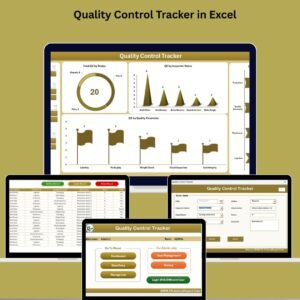
- Quality Control Tracker in Excel: track quality control items day to day
- Quality Control Tracker in Google Sheets: a tracker for Google Sheets users
Browse all Quality Control templates and Excel calendars.












Reviews
There are no reviews yet.