

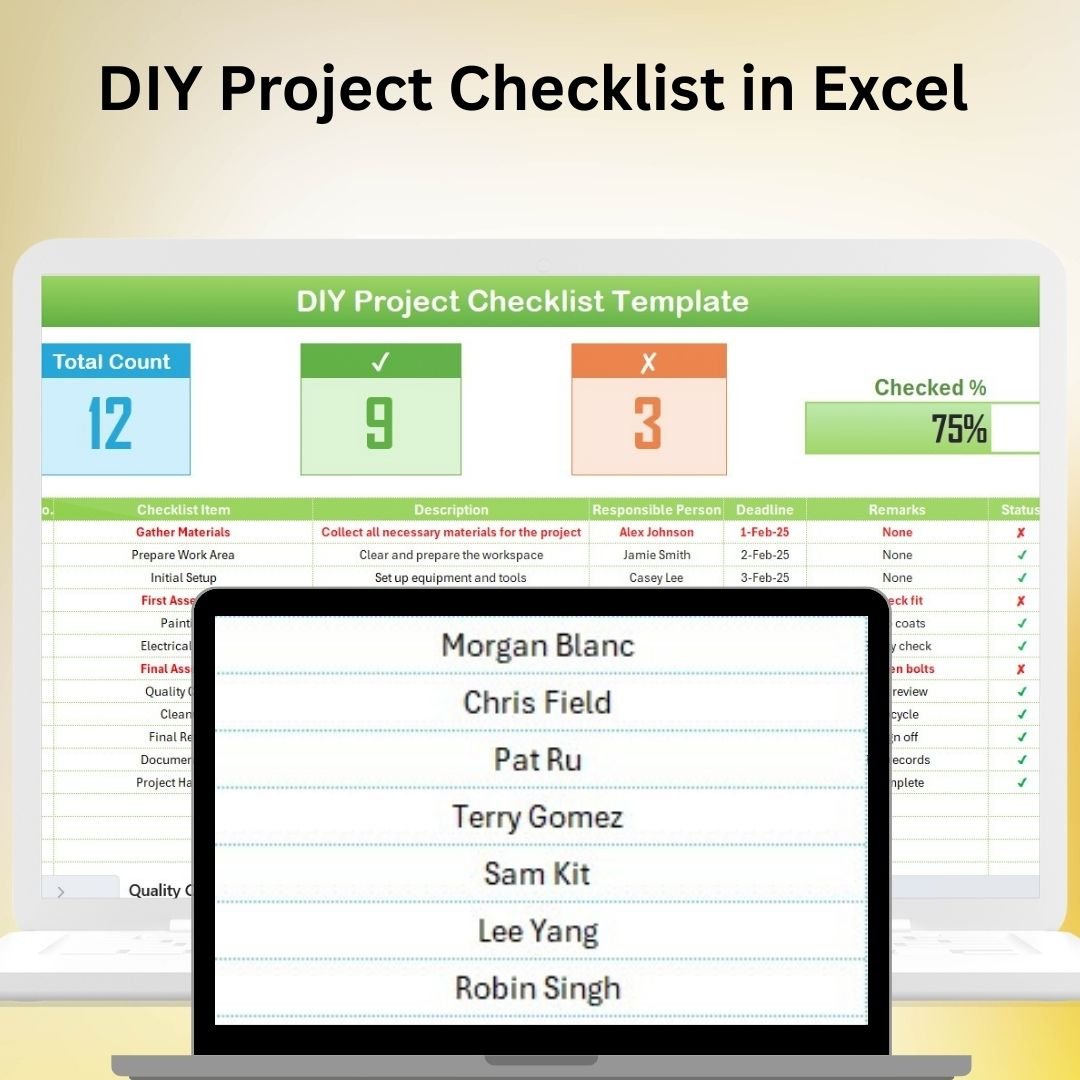
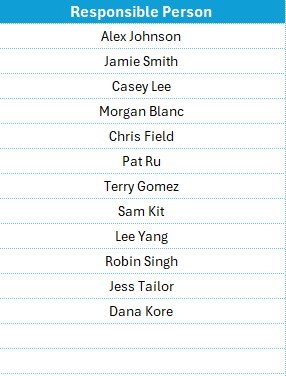
The DIY Project Checklist in Excel is the ultimate tool for organizing and managing your DIY projects. Whether you’re working on home improvement, crafting, or any other hands-on project, this Excel-based checklist allows you to track every aspect of your project from start to finish. It helps you plan tasks, track progress, manage materials and tools, and keep your project on schedule.
With customizable fields and easy-to-read tracking, this tool ensures you stay organized, on budget, and focused on the important details of your DIY projects. Whether you’re a beginner or an experienced DIY enthusiast, this checklist makes managing your projects a breeze.
Key Features of the DIY Project Checklist in Excel:
📝 Task Management
Break down your DIY project into smaller, manageable tasks. Track each task’s progress, from planning to completion, ensuring that no step is overlooked.
📦 Materials and Tools Tracker
Keep an inventory of materials and tools required for each project. Track quantities, costs, and purchase statuses to stay on budget and avoid delays.
📅 Project Timeline
Plan your project timeline with clear start and end dates for each task. The checklist helps you visualize milestones and deadlines to ensure your project stays on track.
💰 Budget Tracking
Monitor project costs by tracking material expenses, labor costs, and any other expenditures. Stay within budget and make adjustments as needed to prevent overspending.
📊 Progress Monitoring
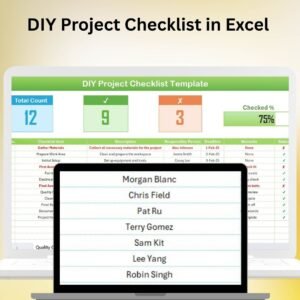
Use progress bars and checkboxes to visually track your project’s completion status. This feature helps you stay motivated and organized throughout the entire project.
🚀 Why You’ll Love the DIY Project Checklist in Excel:
✅ Stay Organized – Keep track of all tasks, materials, tools, and timelines for your DIY project in one easy-to-use spreadsheet.
✅ Manage Your Budget – Track material and labor costs, and ensure your project stays within budget with detailed financial tracking.
✅ Track Project Progress – Monitor progress with visual indicators and checklists to ensure tasks are completed on time.
✅ Stay On Schedule – Plan your DIY project timeline effectively, ensuring tasks are completed on time and within your desired timeframe.
✅ Customizable and Flexible – Adapt the checklist to suit any DIY project, whether you’re renovating your home, building furniture, or working on a craft project.
✅ User-Friendly – Excel’s simple interface makes it easy to customize, update, and use, even if you’re not an Excel expert.
What’s Inside the DIY Project Checklist in Excel:
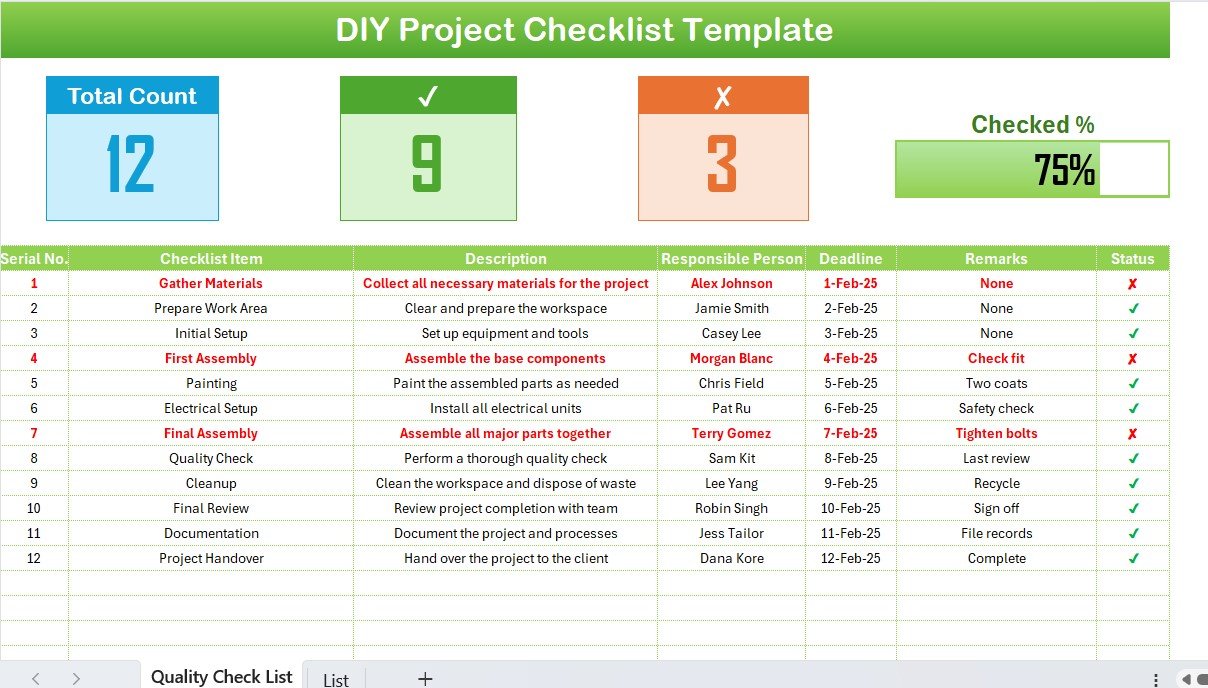
- Task List: Track all tasks involved in your project, with deadlines, status updates, and progress indicators.
- Materials and Tools Inventory: Record all materials and tools required, including quantity, cost, and purchase status.
- Project Timeline: Set start and end dates for each task and visualize the project’s timeline.
- Budget Tracker: Monitor material costs, labor expenses, and other project-related expenses to stay within budget.
- Progress Tracker: Use visual progress bars and checkboxes to track project completion and task status.
- Customizable Inputs: Easily adjust the checklist to fit your specific DIY project, whether small or large-scale.
How to Use the DIY Project Checklist in Excel:
1️⃣ Download the Template – Instantly access your Excel file upon purchase.
2️⃣ Enter Project Data – Input task details, materials, tools, and budget information to get started.
3️⃣ Track Project Tasks – Update task statuses and track project progress with real-time updates.
4️⃣ Monitor Expenses – Use the budget tracker to keep an eye on material and labor costs.
5️⃣ Adjust Timeline – Use the timeline tracker to adjust your schedule and ensure that you stay on track to complete the project on time.
Who Can Benefit from the DIY Project Checklist in Excel:
- Homeowners and Renters
- DIY Enthusiasts
- Small Business Owners (for store or office DIY projects)
- Crafters and Makers
- Event Planners
- Project Managers
- Anyone working on a home improvement, crafting, or other DIY projects
The DIY Project Checklist in Excel helps you stay organized, focused, and on budget while completing your projects. Whether you’re a novice DIYer or a seasoned expert, this tool ensures that your projects are completed successfully and on time.
Click here to read the Detailed blog post
https://www.pk-anexcelexpert.com/diy-project-checklist-in-excel/
Visit our YouTube channel to learn step-by-step video tutorials
Youtube.com/@PKAnExcelExpert
Compatibility and Requirements
- Works in Microsoft Excel desktop (Excel 2016 or later, or Microsoft 365).
- Progress uses checkboxes. Microsoft explains them in Using check boxes in Excel.
Frequently Asked Questions
What does the DIY Project Checklist track?
Tasks with deadlines and status, materials and tools with quantity, cost and purchase status, a project timeline and a budget tracker.
How do I see my progress?
Progress bars and checkboxes show how much of the project is complete.
Can I track labor costs too?
Yes. The budget tracker covers material costs, labor costs and other project expenses.
What kinds of projects does it suit?
Home improvement, renovation, furniture building, crafts and other hands-on projects, small or large.
Related DIY and Home Project Templates
- Home Renovation Checklist in Excel: plan a renovation step by step
- Home Renovation Budget Tracker in Google Sheets: track renovation costs in a browser
- Home Renovation Budget and Project Tracker in Google Sheets: budget and tasks in one tracker
- Seasonal Home Maintenance Checklist in Excel: keep up with home upkeep
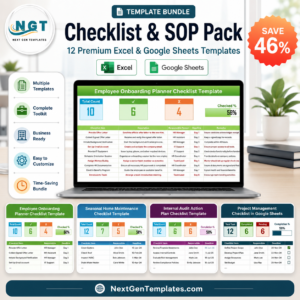
- Checklist & SOP Pack: 12 checklist templates in one download
Browse all Excel checklists or the Excel trackers.








Reviews
There are no reviews yet.