

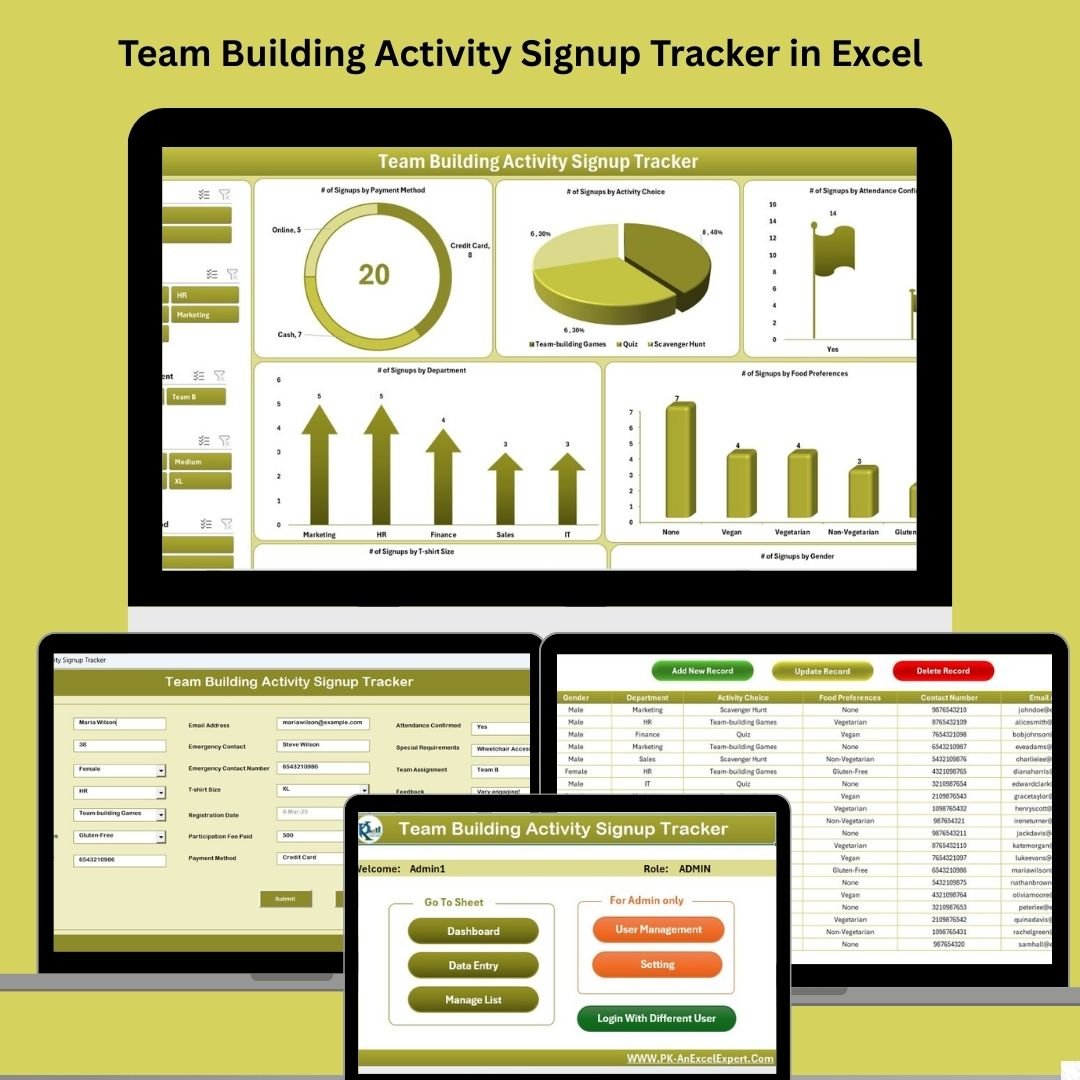

Managing team-building events can be chaotic—juggling signups, preferences, attendance, and reporting across multiple spreadsheets is time-consuming and error-prone. The solution? Meet the Team Building Activity Signup Tracker in Excel—a powerful, fully automated tool designed using Excel + VBA that simplifies event organization from start to finish. 🎯📋
Perfect for HR teams, department heads, or event coordinators, this tracker gives you secure login access, centralized data entry, dynamic dashboards, and real-time insights—all without the need for any external software. Whether you’re planning an offsite retreat, a sports day, or a wellness event, this all-in-one solution handles registrations, reporting, and management effortlessly.
✨ Key Features of Team Building Activity Signup Tracker
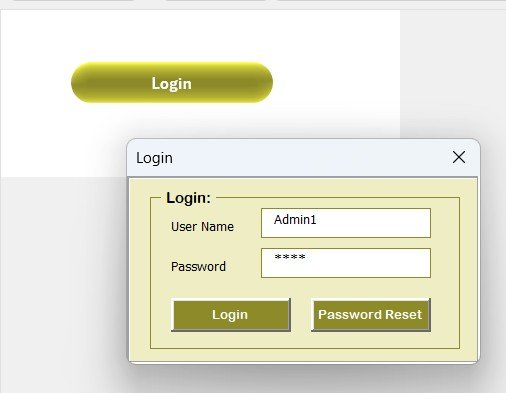
🔐 Login Form for Secure Access
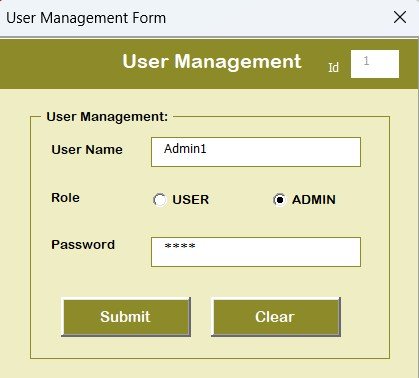
Every user must log in to access the tracker. Use default credentials (Admin1 / abcd) or manage user accounts via the built-in User Management Form.
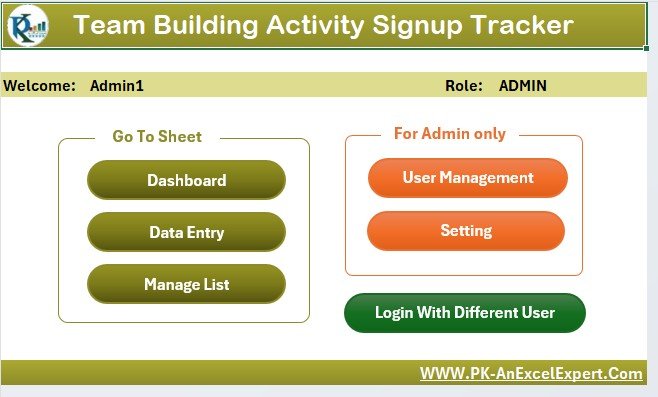
📋 Main Form – The Control Center
Post-login, users land on the main menu, where they can:
Add new signups
Update or delete records
Access dashboards and user settings
Manage dropdown lists (like food, activity, or department)
📊 Dynamic Dashboard Sheet
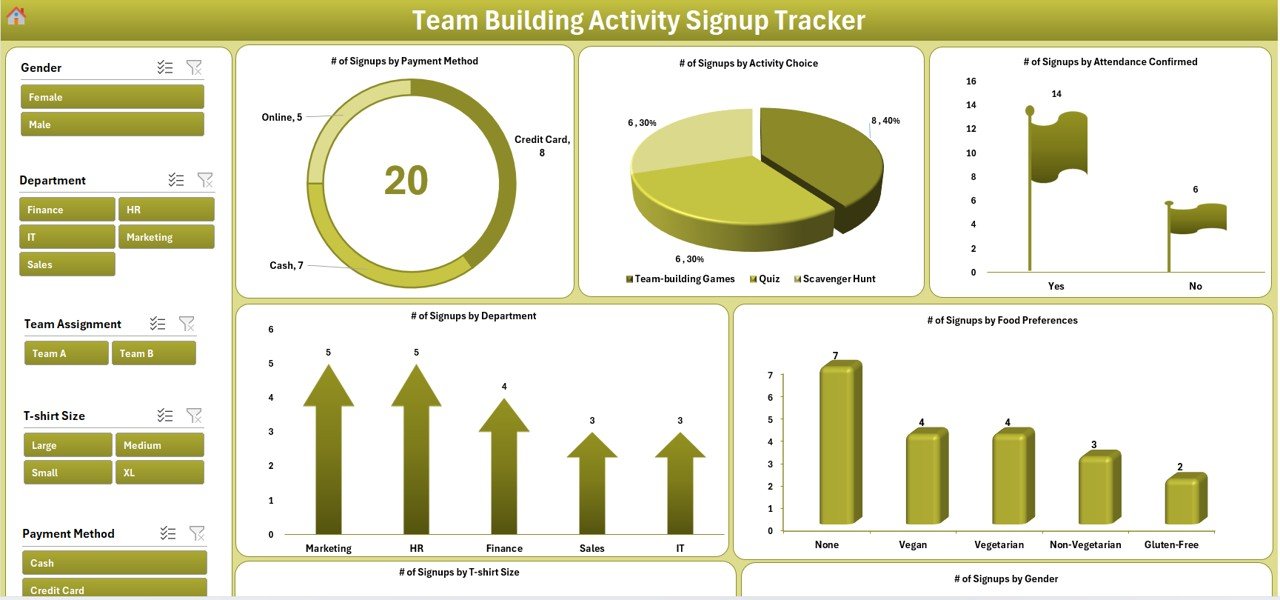
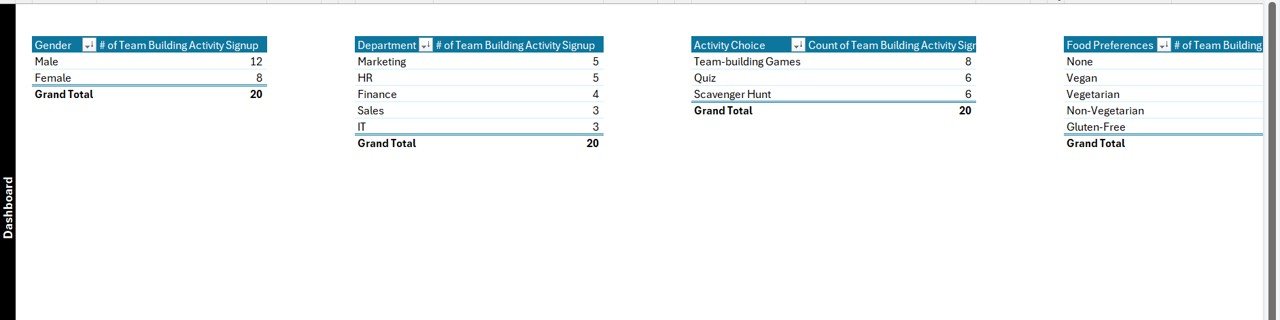
The Dashboard visualizes real-time stats using slicers and pivot charts:
Doughnut Chart: Payment Method
Pie Chart: Activity Choice
Bar Chart: Attendance Status
Column Charts: T-shirt Size & Gender
Interactive and visually rich!
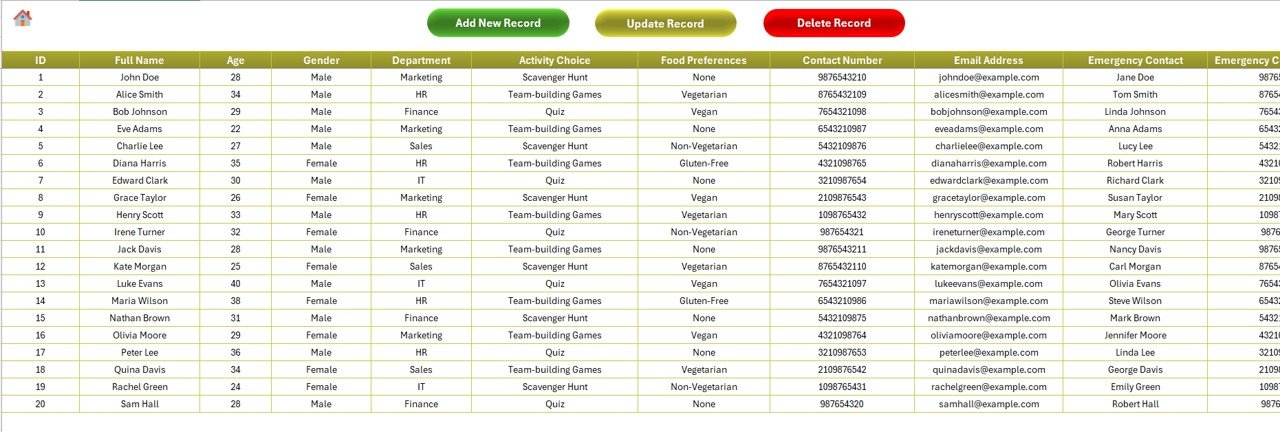
📝 Data Entry Sheet – All Records in One Place
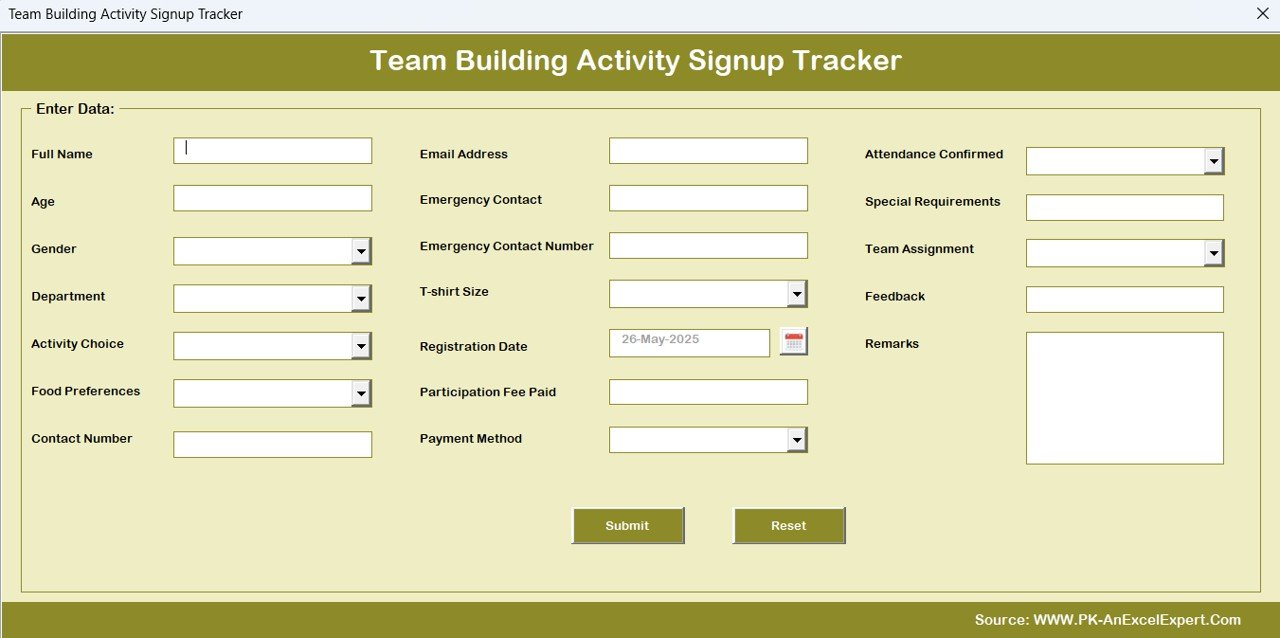
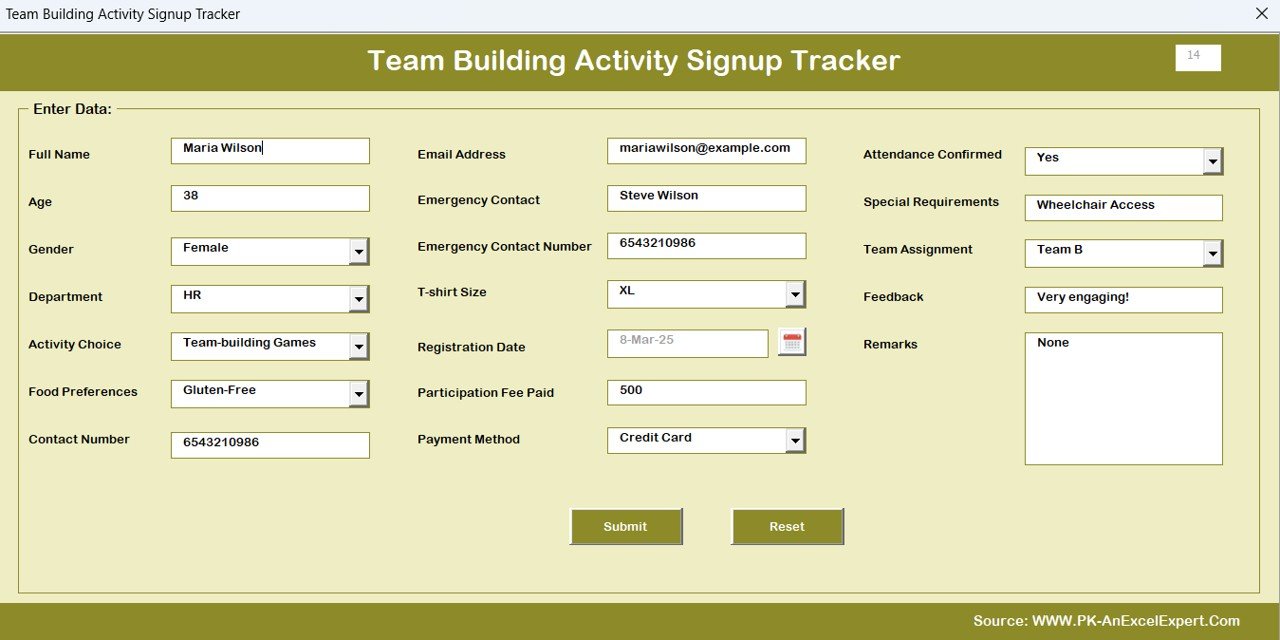
Track every detail of a participant including:
Full Name, Age, Gender, Department, Activity Choice, Food Preferences, Emergency Contact, T-shirt Size, Payment Method, Team Assignment, and more.
Top 3 Buttons:
➕ Add New Record (VBA User Form)
✏️ Update Record (Auto-filled form)
🗑️ Delete Record (With confirmation prompt)
🧾 Manage List Sheet
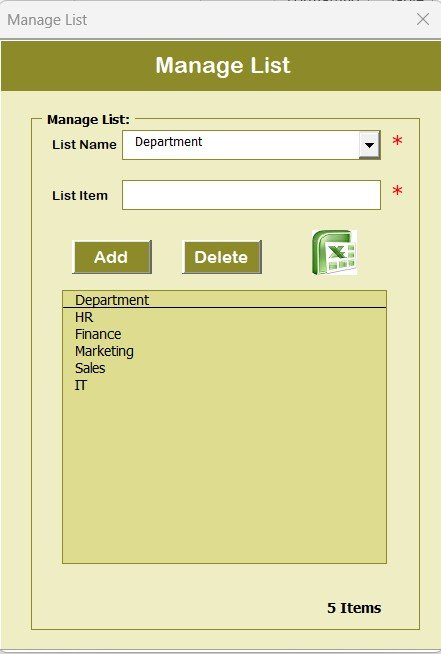
Easily customize dropdown options such as:
Departments, Activities, Gender, Food Preferences, T-shirt Sizes, Payment Methods, Attendance Flags, Team Assignments
📈 Support Sheet (Hidden)
All pivot tables that power your dashboards are stored here. No manual updates needed.
👤 User Management System
Add, edit, delete users and update passwords using the secure user form.
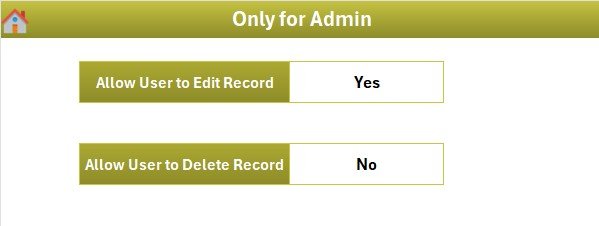
⚙️ Optional Settings Sheet
Control global preferences like activity deadlines, fees, and form behaviors—perfect for administrators!
📂 What’s Inside the Signup Tracker?
This Excel file includes the following worksheets:
1️⃣ Home/Login Form – Secure user access
2️⃣ Main Form – Navigation and admin control
3️⃣ Dashboard – Interactive visual reports
4️⃣ Data Entry Sheet – Complete participant list
5️⃣ Manage List – Control dropdowns easily
6️⃣ Support Sheet – Powering charts behind the scenes
7️⃣ User Management – Add/update/delete login users
8️⃣ Settings (Optional) – Control features like fees, triggers
👨💼 Who Can Benefit from This Product?
Perfect for:
✅ HR Professionals – Manage employee participation across events
✅ Event Organizers – Track signups, food preferences, and attendance
✅ Team Leads – Organize departmental activities or competitions
✅ Corporate Trainers – Plan training sessions or workshops
✅ Wellness & Culture Committees – Execute employee engagement programs
This tracker is made for anyone who needs structured, secure, and insightful event signup management.
🔗 Click here to read the Detailed blog post
🎥 Visit our YouTube channel to learn step-by-step video tutorials
Watch the step-by-step video tutorial:
Compatibility and Requirements
- Runs in Excel desktop on Windows with macros enabled. It does not run in Excel for the web, Google Sheets or mobile apps. Microsoft explains the setting in Enable or disable macros in Microsoft 365 files.
- The login form and the Add, Update and Delete record forms are VBA user forms, so macros must be on before you open the file.
Frequently Asked Questions
How do I log in for the first time?
Use the default credentials Admin1 / abcd. After that, add your own users or change passwords in the User Management form.
What details can I record for each participant?
The Data Entry sheet holds full name, age, gender, department, activity choice, food preference, emergency contact, T-shirt size, payment method, team assignment and more.
Can I change the dropdown options?
Yes. The Manage List sheet controls the options for departments, activities, gender, food preferences, T-shirt sizes, payment methods, attendance flags and team assignments.
What charts does the dashboard show?
A doughnut chart for payment method, a pie chart for activity choice, a bar chart for attendance status and column charts for T-shirt size and gender. Slicers filter them.
Do I need to update the pivot tables myself?
No. The pivot tables that feed the charts sit on a hidden Support sheet.
Is there a calendar for planning the activities?
Yes. See the Team Bonding Activity Calendar in Excel.
Related Team and HR Templates
- Team Bonding Activity Calendar in Excel: schedule team activities on a calendar
- Team Availability Calendar in Excel: check who is free before you pick a date
- Team Management KPI Dashboard in Excel: track team metrics in one dashboard
- Daily Activity Tracker in Excel: log day-to-day activities
- HR Director Toolkit: 10 templates for HR work in one download
Browse all Excel trackers and VBA tools.
















Reviews
There are no reviews yet.