


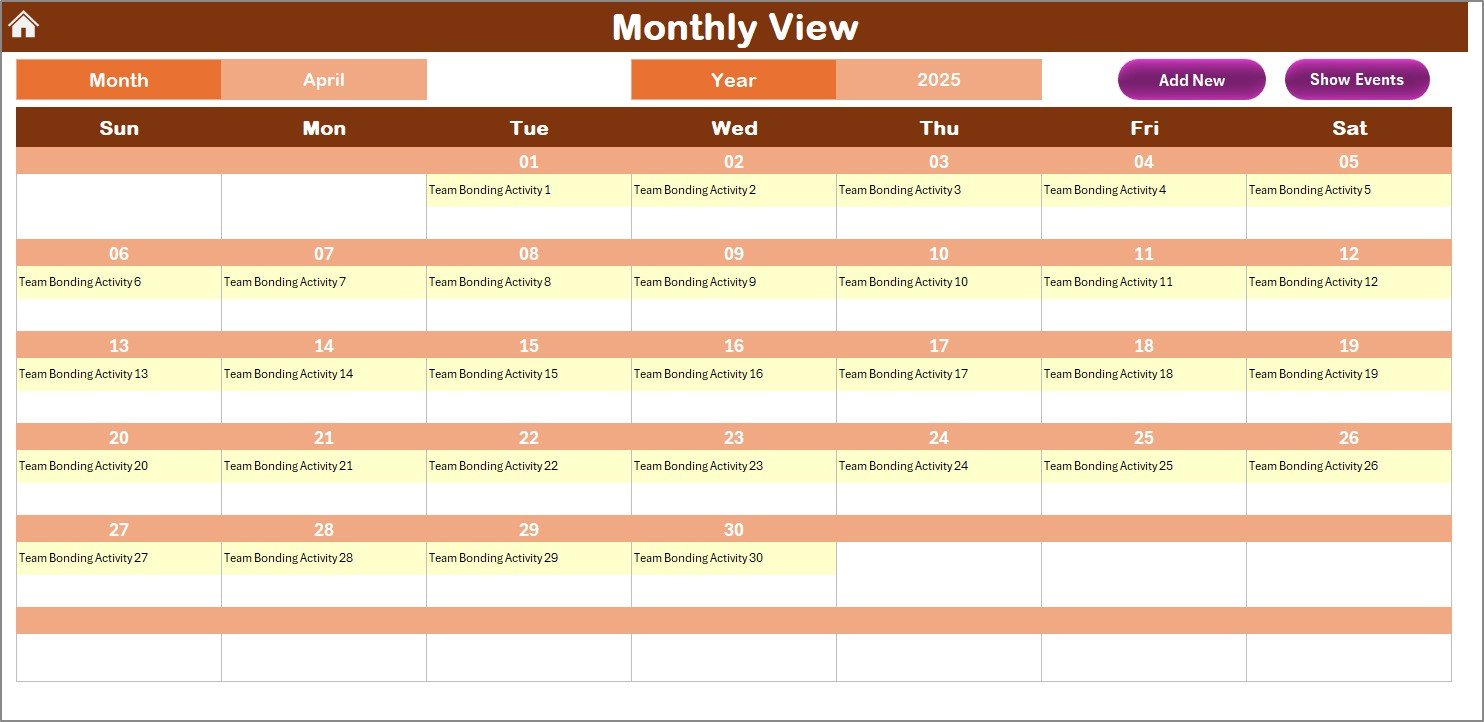
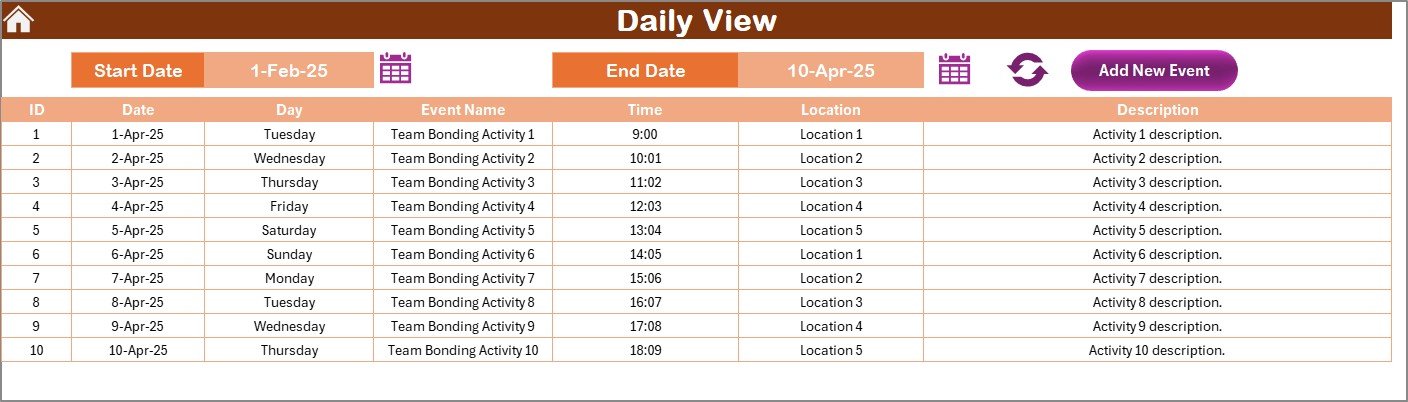
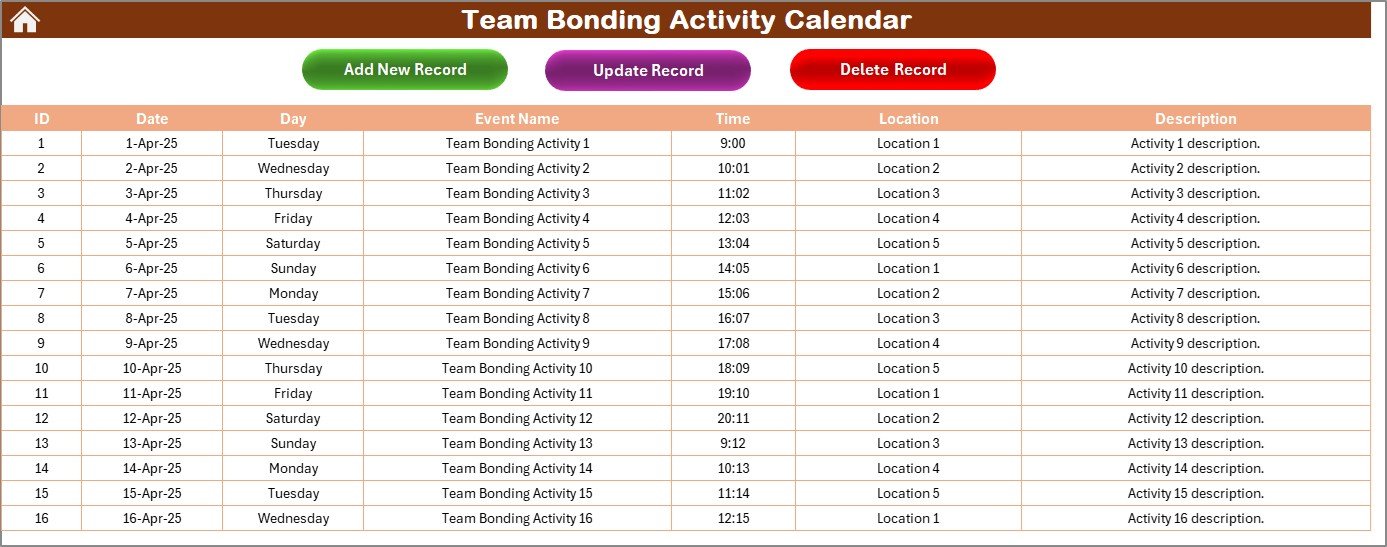

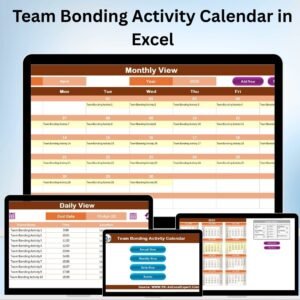
The Team Bonding Activity Calendar in Excel is an essential tool designed to help organizations plan, schedule, and track team-building activities efficiently. This Excel-based calendar provides a structured framework for organizing events that foster collaboration, communication, and team morale.
With this tool, teams can ensure that their bonding activities are well-planned, inclusive, and align with the organization’s goals, leading to a more cohesive and motivated workforce.
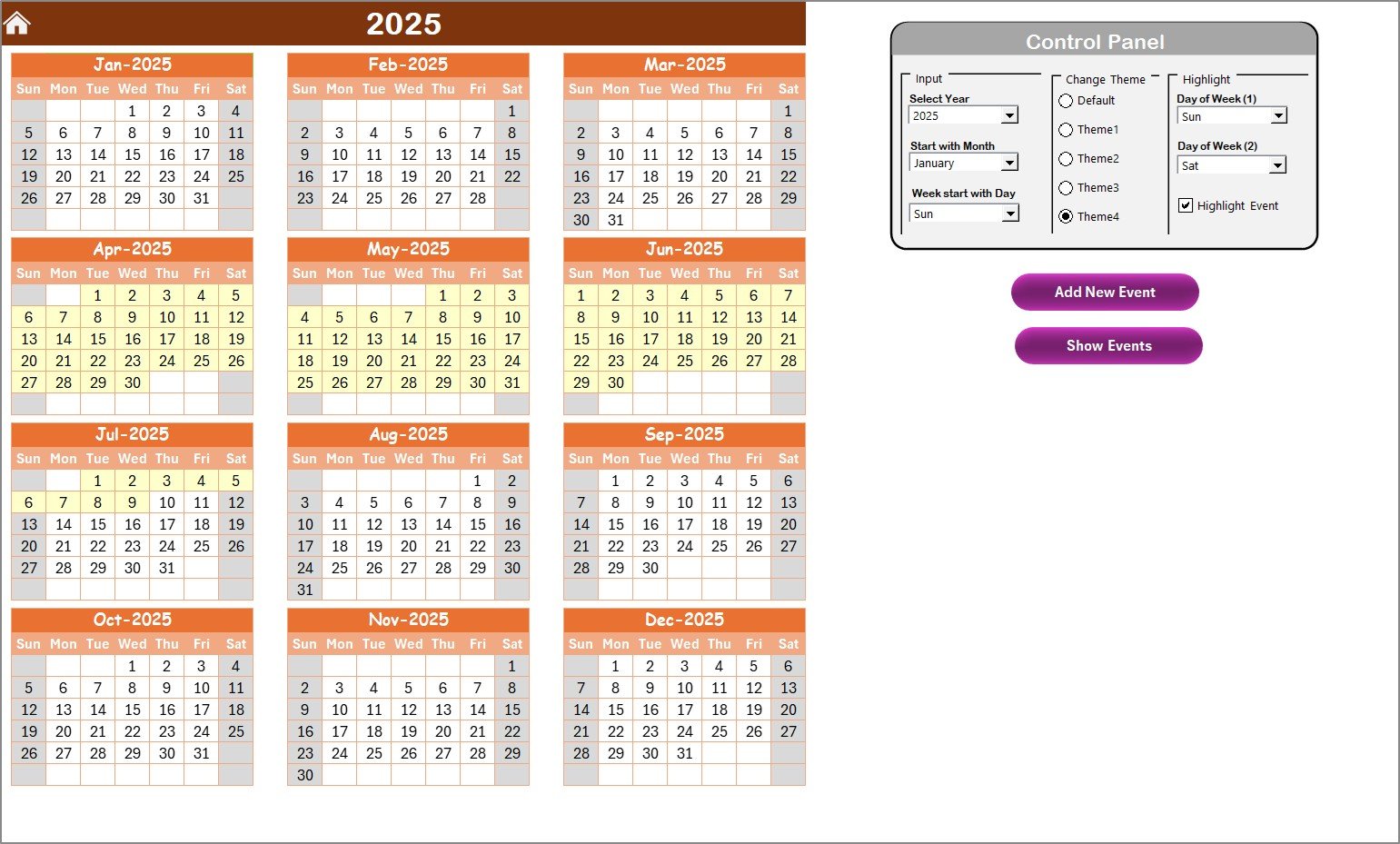
Key Features of the Team Bonding Activity Calendar in Excel
📅 Structured Activity Planning
Centralized Calendar View: A unified calendar to schedule and view all planned team bonding activities in one place.
Activity Details: Each activity entry includes essential details like the name, date, time, location, and a brief description for clarity.
Categorization: Activities can be categorized (e.g., workshops, team outings, virtual games), ensuring that planning and tracking are organized and easy.
📈 Progress Tracking and Reporting
Completion Status: Track the status of each activity (e.g., planned, in progress, completed) to monitor progress and ensure timely execution.
Feedback Integration: Incorporate feedback from participants after each event to assess its effectiveness and make improvements for future activities.
Analytics Dashboard: Visualize key metrics like participation rates, feedback scores, and the number of completed activities with an integrated dashboard.
🤝 Collaboration and Customization
Team Collaboration: Share the calendar with team members to collaborate on planning and ensure everyone stays informed.
Customizable Templates: Easily modify the template to fit your organization’s specific needs, adding new categories or adjusting layouts as required.
Recurring Events: Set up recurring activities (e.g., monthly team lunches or quarterly workshops) to automate scheduling for regular events.
Benefits of Using the Team Bonding Activity Calendar in Excel
✅ Enhanced Team Cohesion
Regularly scheduled team bonding activities help build trust, improve communication, and foster stronger relationships among team members, leading to a more cohesive team.
✅ Improved Communication
Activities encourage open communication, collaboration, and knowledge sharing, which directly contributes to better teamwork and productivity.
✅ Increased Engagement
Engaging activities boost employee morale and satisfaction, enhancing overall engagement within the team and organization.
✅ Efficient Planning
With a clear and structured template, planning team bonding activities becomes more efficient, saving time and reducing administrative burden.
Getting Started with Your Team Bonding Activity Calendar in Excel
Download the Template: Access the Team Bonding Activity Calendar template and get started with your planning.
Add Your Activities: Input team bonding activities, including dates, times, and locations, ensuring that you have a well-organized calendar of events.
Assign Responsibilities: Assign team members or departments to specific activities to ensure clear accountability for each event.
Monitor Progress: Use the status tracking and feedback tools to monitor the success of each activity and make improvements where necessary.
Customize and Update: Regularly update the calendar to reflect new activities and adjust it as your team’s needs evolve.
By using the Team Bonding Activity Calendar in Excel, your organization can improve collaboration, enhance team spirit, and ensure that everyone is engaged and motivated.
Click here to read the Detailed blog post
Team Bonding Activity Calendar in Excel
Visit our YouTube channel to learn step-by-step video tutorials
YouTube.com/@PKAnExcelExpert
Compatibility and Requirements
- Works in Microsoft Excel desktop (Excel 2016 or later, or Microsoft 365).
- New to Excel? Microsoft’s Excel for Windows training covers the basics.
Who Uses This Calendar
HR teams, team leads and managers who plan workshops, team outings and virtual games and want to see how each activity went.
Frequently Asked Questions
What details can I record for each activity?
The name, date, time, location and a short description.
Can I group activities by type?
Yes. Categorize activities such as workshops, team outings or virtual games.
How do I track progress?
Set each activity’s status to planned, in progress or completed, and record participant feedback afterwards.
Is there a summary view?
Yes. A built-in dashboard shows participation rates, feedback scores and the number of completed activities.
Can I set up recurring events?
Yes. Add recurring activities such as monthly team lunches or quarterly workshops.
Related Team and Engagement Templates
- Team Building Activity Signup Tracker in Excel: collect sign-ups for team activities
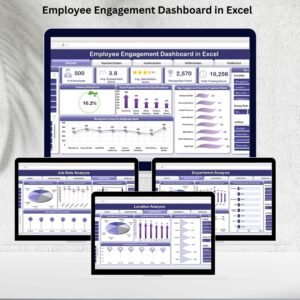
- Employee Engagement Dashboard in Excel: measure employee engagement in Excel
- Employee Engagement Survey KPI Dashboard in Excel: track engagement survey KPIs
- Team Performance Event Calendar In Excel: plan team performance events
- Calendar & Planner Pack: 12 calendar and planner templates in one download
Browse all Excel calendars.






























Reviews
There are no reviews yet.