



📈 Key Features of Salary Increment Notification Template
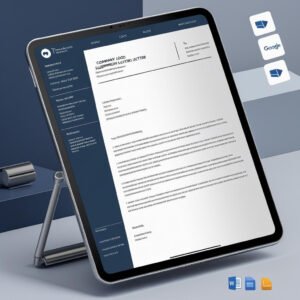
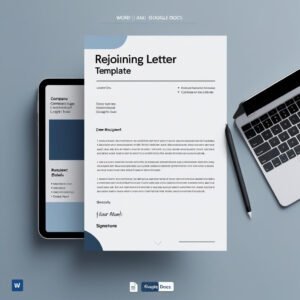
Celebrate and reward employee success with a formal touch! Our Salary Increment Notification Template in MS Word and Google Docs helps HR professionals and managers announce salary hikes clearly, respectfully, and professionally. Whether it’s a performance-based raise or an annual revision, this ready-to-use letter ensures your recognition is communicated with the importance it deserves.

📢 Motivate your team. Retain top talent. Make it official!
✅ Professionally Worded Format – Positive and structured message
✅ Fully Editable – Update name, amount, percentage, effective date
✅ Two File Formats – MS Word and Google Docs included
✅ Encouraging Tone – Congratulatory and motivational language
✅ Details New Salary Clearly – Annual amount and increment change
✅ HR-Compliant Layout – Covers all essential salary revision elements
✅ Print or Share Digitally – A4-sized, ready for distribution
✅ Signature Block Included – Adds formal authority and closure
📂 What’s Inside the Salary Increment Notification Template
Your download package includes:
📄 1 MS Word (.docx) file
🔗 1 Google Docs version for cloud-based editing
✍️ Editable placeholders for:
Employee’s Full Name
Current Job Title and Department
New Gross Salary
Increment Percentage or Amount
Effective Date of Revision
Manager’s Name and Designation
🖋️ Signature block for formal sign-off
🧾 Clean, A4-size layout with professional formatting
🏢 Header area for Company Logo, Address, and Contact Info
Simply plug in the values and send—no formatting or drafting needed!
🛠️ How to Use the Salary Increment Notification Template
Follow these simple steps:
📥 Download the template from your purchase
📂 Open it in MS Word or Google Docs
✍️ Fill in your employee’s details and revised salary
🎨 Optionally add your logo or tweak fonts/colors
📤 Print it or send it as a PDF/email attachment
Perfect for single announcements or batch revisions across teams!
👥 Who Can Benefit from This Salary Increment Notification Template
This template is ideal for:
🧑💼 HR Professionals handling appraisals and annual revisions
🏢 Managers rewarding high-performing team members
📋 Startups and SMEs looking to formalize pay communications
👩💻 HR Consultants managing client-side salary documentation
💼 Corporate Admin Teams streamlining internal HR letters
From entry-level to senior management, this letter covers all pay scale changes professionally.
✨ Inspire confidence, show appreciation, and boost morale with our Salary Increment Notification Template — professionally structured and instantly usable!
Frequently Asked Questions
What details do I fill in?
The letter has editable placeholders for the employee’s full name, current job title and department, new gross salary, increment percentage or amount, effective date, and the manager’s name and designation.
Can I add my company letterhead?
Yes. The header area has space for your company logo, address and contact info.
Can I send it as a PDF?
Yes. Fill it in, then print it or save it as a PDF to send by email.
Is the Salary Increment Notification Template free?
Yes. It is a free download with one MS Word (.docx) file and one Google Docs version.
Compatibility and Requirements
- Works in Microsoft Word (desktop or Microsoft 365) and in Google Docs with a free Google account.
- You can also upload the Word file to Google Drive and open it with Google Docs. Google explains the steps in Work with Office files.
- The layout is A4 size.
Related HR Letters and Payroll Templates
- Promotion Letter Template in MS Word and Google Docs: when the raise comes with a new role
- Appointment Letter Template in MS Word and Google Docs
- Payroll Information Form Template in MS Word and Google Docs: update payroll records after the revision
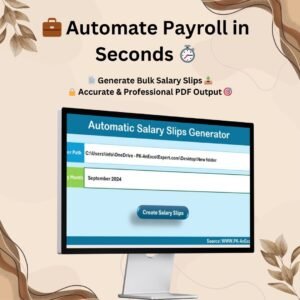
- Automatic Bulk Salary Slips Generator in Excel: issue salary slips with the new amount
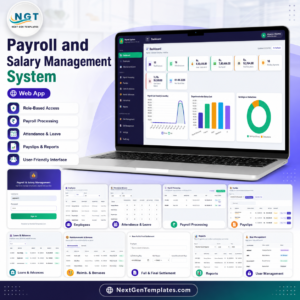
- Payroll and Salary Management System Web App
Browse all letter templates or the HR and payroll templates.



















Reviews
There are no reviews yet.