

⚖️ Key Features of Show Cause Notice Template
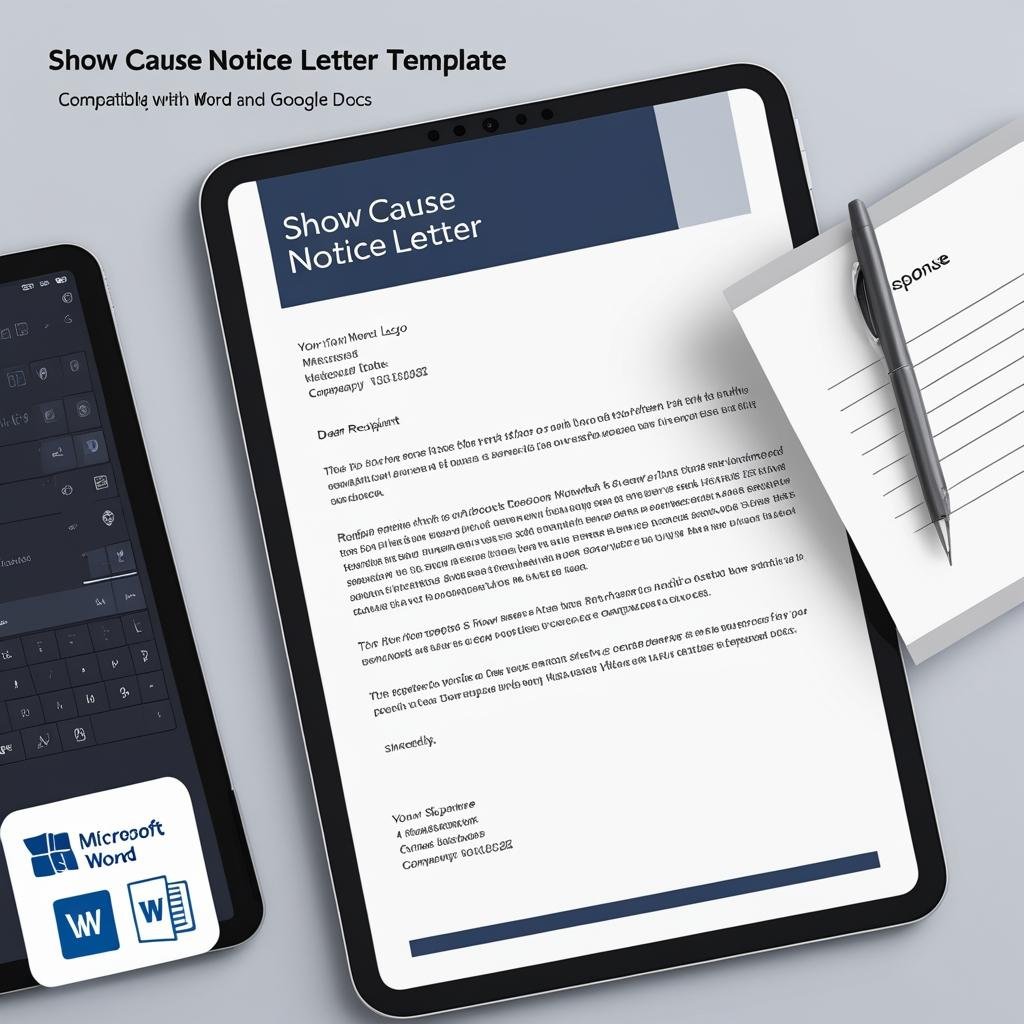
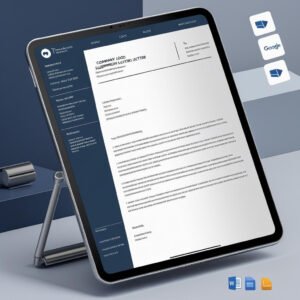
Handle workplace violations with clarity and authority using our Show Cause Notice Letter Template in MS Word and Google Docs. This professional and editable document allows HR teams and management to formally notify employees of misconduct and demand a written explanation within a specified timeframe. Show Cause Notice Letter Template
📣 Protect your organization. Follow due process. Keep it official.
✅ Legally Compliant Format – Clear language citing violation and response deadline
✅ Fully Editable Fields – Customize name, job title, incident details, and deadline
✅ Dual Format Access – MS Word (.docx) and Google Docs included
✅ Firm Yet Professional Tone – Maintains respect while communicating severity
✅ Incident Details Section – Space to describe what happened and when
✅ Response Timeline Included – States the number of days for explanation
✅ Print or Email Ready – Use digitally or in physical HR files
✅ A4 Layout with Signature Block – Looks polished and official
📂 What’s Inside the Show Cause Notice Template
You will receive:
📄 1 MS Word (.docx) file
🔗 1 Google Docs link for quick editing
✍️ Customizable placeholders for:
Employee’s Full Name
Job Title and Department
Incident Date and Misconduct Details
Number of Days for Response
Issuer’s Name and Designation
🧾 A4 size format
🖋️ Signature section for manager or HR head
🏢 Editable company header: name, address, phone, email
Everything is professionally laid out to help you address violations without ambiguity.
🛠️ How to Use the Show Cause Notice Template
Steps to use:
📥 Download the file
🛠️ Open in MS Word or Google Docs
✏️ Enter specific employee and incident details
🎨 Optional: Add company logo or tweak formatting
📤 Print or send via email to the concerned employee
Issue your warning in a matter of minutes — professionally and legally.
👥 Who Can Benefit from This Show Cause Notice Template
Perfect for any employer or HR professional needing to initiate formal disciplinary action:
🧑💼 HR Managers conducting internal investigations
🏢 Department Heads or Supervisors flagging violations
📋 Small Business Owners formalizing misconduct notices
👩💻 HR Consultants managing client-side compliance
💼 Corporate Admin Teams handling behavioral concerns
From policy breaches to repeated performance issues, this template ensures you follow proper documentation and protocol. Show Cause Notice Letter Template
Compatibility and Requirements
- Open the .docx file in Microsoft Word.
- Or open the Google Docs link in a browser with a free Google account, then make your own copy to edit.
- Google explains how Word files open in Drive and Docs in Work with Office files.
Frequently Asked Questions
What goes into the show cause notice?
The placeholders cover the employee’s full name, job title and department, the incident date and misconduct details, the number of days allowed for a response, and the issuer’s name and designation.
Can I add my company letterhead?
Yes. The header with company name, address, phone and email is editable, and you can add your logo.
How long does the employee get to reply?
You set it. The notice has a field for the number of days the employee has to give a written explanation.
Can I print it for the HR file?
Yes. It uses an A4 layout with a signature section for the manager or HR head, so you can print it or email it.
Related HR Letter Templates
- Warning Letter Template in MS Word and Google Docs: a formal warning after the explanation is reviewed
- Disciplinary Action Form Template in MS Word and Google Docs: record the action taken
- Suspension Letter Template in MS Word and Google Docs: for cases that need a suspension
- Employee Disciplinary Action Tracker in Excel: keep a log of every notice and outcome
Browse all Letter templates or the MS Word templates.












Reviews
There are no reviews yet.