

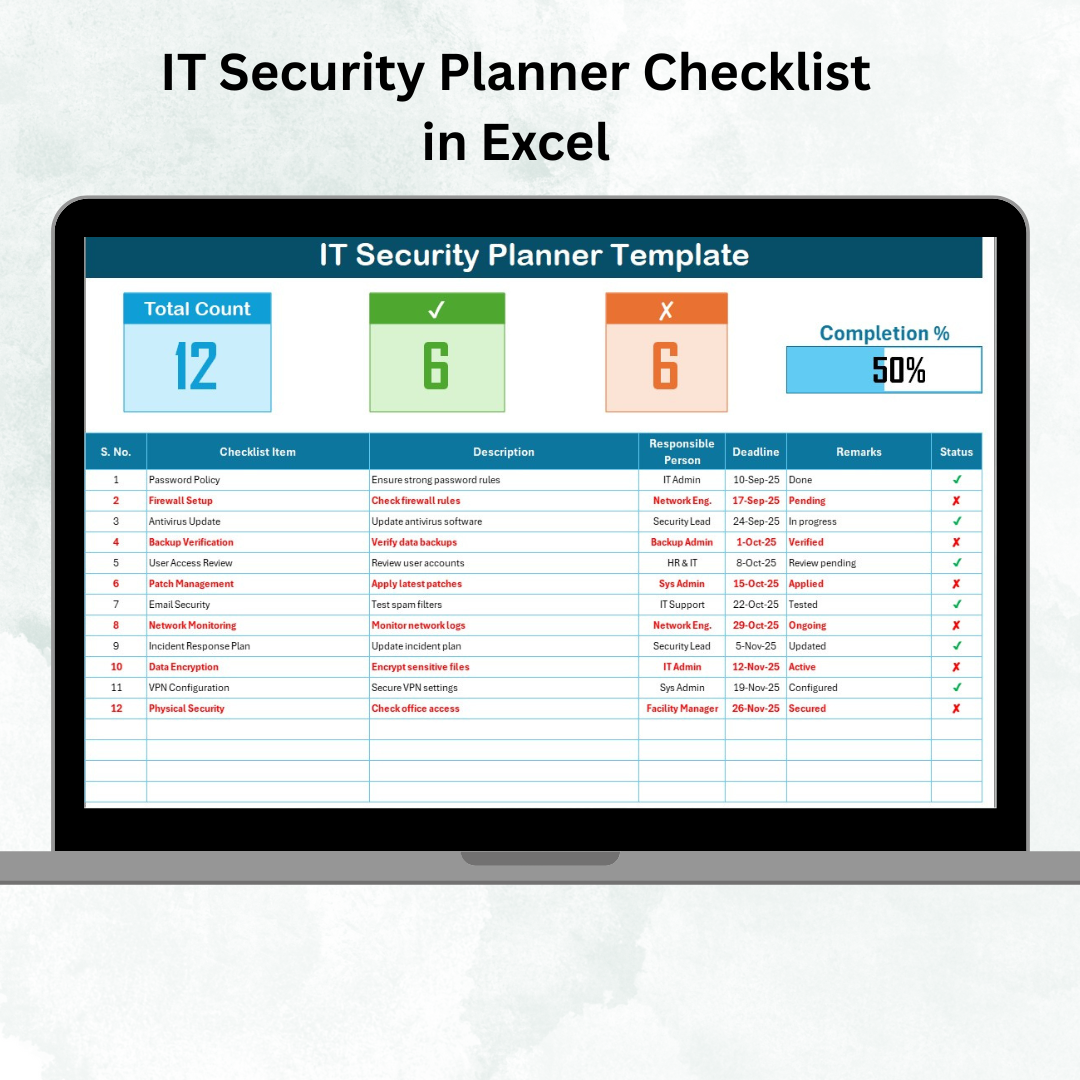

In today’s digital-first business world, IT security isn’t just an option—it’s a necessity. From ransomware to phishing, cyber threats are evolving faster than ever. Organizations must stay prepared, organized, and proactive to protect their data, systems, and employees. That’s why we built the IT Security Planner Checklist in Excel — a ready-to-use tool that helps you plan, assign, and monitor IT security activities in one structured system 🔒💻.
Unlike scattered notes or static paper checklists, this Excel-based planner comes with dynamic features such as progress bars, dropdown lists, and automated task counts, ensuring complete visibility and accountability. It’s more than just a checklist — it’s a cybersecurity action plan for businesses of all sizes.
✨ Key Features of IT Security Planner Checklist in Excel
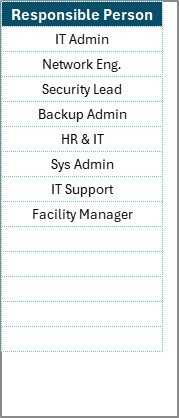
✅ Two Pre-Built Sheets – Main Checklist + List Sheet for responsible persons.
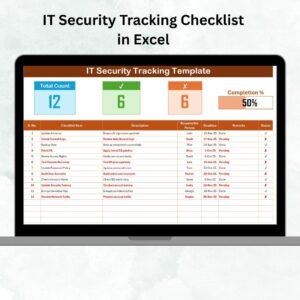
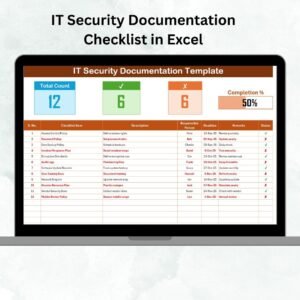
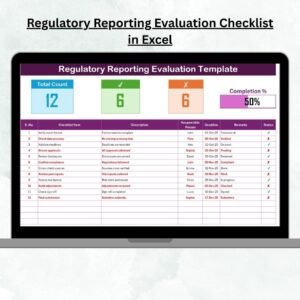
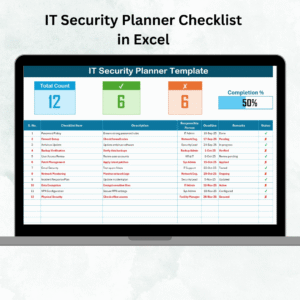
✅ Progress Tracking – Visual progress bar with auto-calculated percentages.
✅ Task Counters – See total tasks, completed ✔, and pending ✘ items instantly.
✅ Structured Checklist Table – Includes Serial No., Task, Description, Person, Deadline, Remarks & Status.
✅ Dropdown Assignments – Assign responsibilities from a predefined list for consistency.
✅ Customizable Fields – Add/edit tasks, deadlines, or descriptions easily.
✅ Error-Free Tracking – Automated calculations reduce mistakes.
✅ Audit-Ready Format – Acts as proof of compliance during IT audits.
📊 What’s Inside the IT Security Planner Checklist in Excel
When you download this template, you’ll receive:
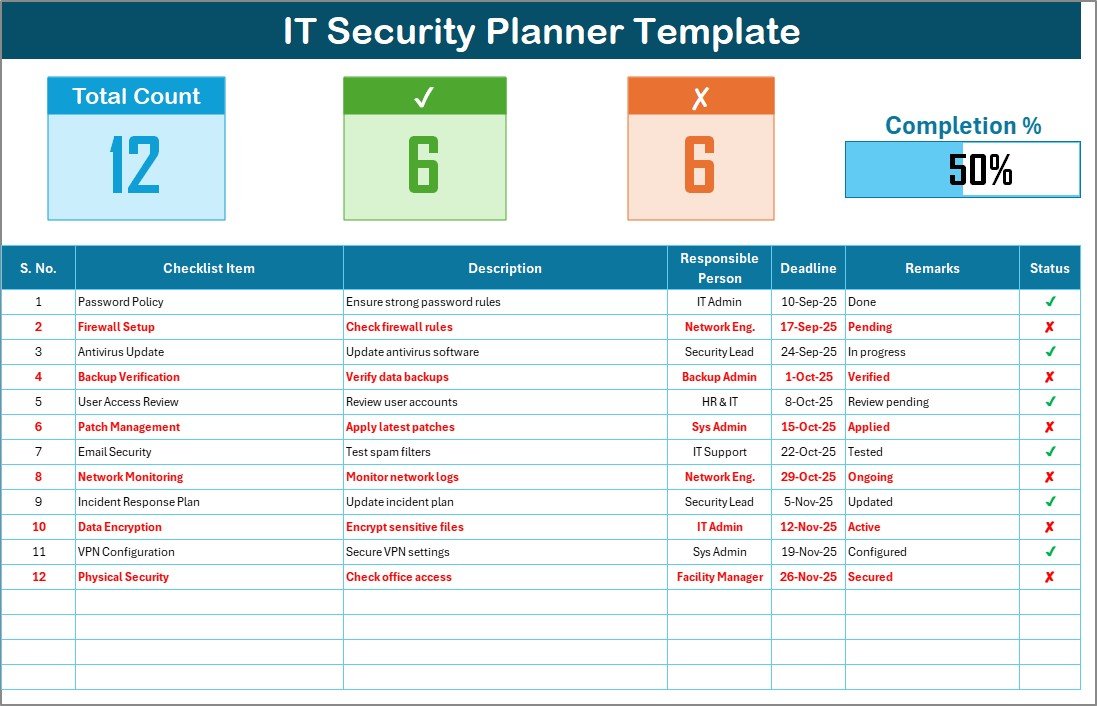
Planner Checklist Sheet:
Central hub for all IT security activities.
Task table with ✔ / ✘ status updates.
Auto-progress indicators for overall completion.
List Sheet:
Master list of responsible persons.
Integrated into dropdowns for quick and consistent assignments.
Helps maintain accountability across teams.
🛠️ How to Use the IT Security Planner Checklist
1️⃣ Download & Open – Launch the file in Excel.
2️⃣ Customize Checklist Items – Add IT security tasks relevant to your organization.
3️⃣ Assign Responsibilities – Use the dropdown menu to allocate tasks.
4️⃣ Set Deadlines – Define realistic due dates for completion.
5️⃣ Update Task Status – Mark ✔ for completed, ✘ for pending.
6️⃣ Track Progress – Review the progress bar and counters for instant insights.
7️⃣ Review Regularly – Update and refine tasks as new security needs arise.
No coding required — if you know Excel, you can use this planner with ease ⚡.
👥 Who Can Benefit from This IT Security Planner Checklist
🏢 Small Businesses – Build a solid foundation for IT security.
💼 Enterprises – Track department-level cybersecurity initiatives.
👨💻 IT Managers – Assign, monitor, and review team responsibilities.
🔍 Auditors – Use as evidence of compliance and risk management.
📊 Consultants – Provide structured IT security plans for clients.
This tool is scalable and works across industries — any organization aiming to strengthen cybersecurity can benefit.
Click here to read the Detailed blog post
Visit our YouTube channel to learn step-by-step video tutorials
👉 PKAnExcelExpert
Watch the step-by-step video tutorial:
Compatibility and Requirements
- Works in Microsoft Excel desktop (Excel 2016 or later, or Microsoft 365).
- Tasks are assigned from a dropdown list. Microsoft explains dropdowns in Create a drop-down list.
Frequently Asked Questions
Which sheets are included?
Two sheets: the Planner Checklist sheet and a List sheet that holds the responsible persons.
Which columns does the checklist have?
Serial No., Task, Description, Person, Deadline, Remarks and Status.
How do I see progress?
Mark tasks with a tick when done or a cross when pending. The task counters and progress bar update on their own.
Can I add my own security tasks?
Yes. You can add or edit tasks, descriptions and deadlines to match your IT security plan.
Related IT Security Templates
- IT Security To-Do List Checklist in Excel: a quick IT security task list
- IT Security Tracking Checklist in Excel: track security tasks over time
- IT Security Policy Checklist Template in Excel: check your security policies
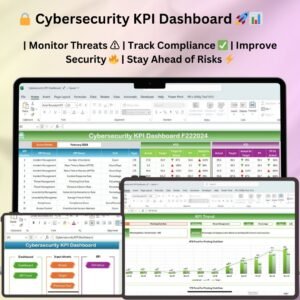
- Cybersecurity KPI Dashboard in Excel: measure security KPIs
- IT Manager and CISO Toolkit: a bundle of IT templates
Browse all Excel checklist templates or the Excel IT templates.


























Reviews
There are no reviews yet.