

Key Features of Regulatory Reporting Audit Checklist in Excel ✨
Regulatory compliance is non-negotiable for businesses in every industry. A missed deadline or overlooked submission can lead to penalties, reputational damage, or legal consequences. The Regulatory Reporting Audit Checklist in Excel is a ready-to-use template that ensures compliance tasks are tracked, deadlines are met, and responsibilities are clearly assigned.
This Excel-based tool centralizes all compliance activities into one structured format. Instead of juggling multiple files, emails, and manual notes, managers can rely on this checklist to keep their organization audit-ready at all times.
Key highlights include:
✅ Pre-Built Structure – Designed to capture all compliance tasks efficiently.
📊 Progress Bar – Automatically calculates completion percentages.
👤 Responsibility Assignment – Dropdowns to assign owners quickly.
⏰ Deadline Monitoring – Track due dates and avoid penalties.
📝 Remarks Section – Add notes or clarifications with ease.
🚀 Cost-Effective & Customizable – Built in Excel, ready to adapt to your needs.
This checklist gives organizations the structure and confidence they need to meet regulatory obligations without stress.
What’s Inside the Regulatory Reporting Audit Checklist 📂
The template is built with two powerful worksheets:
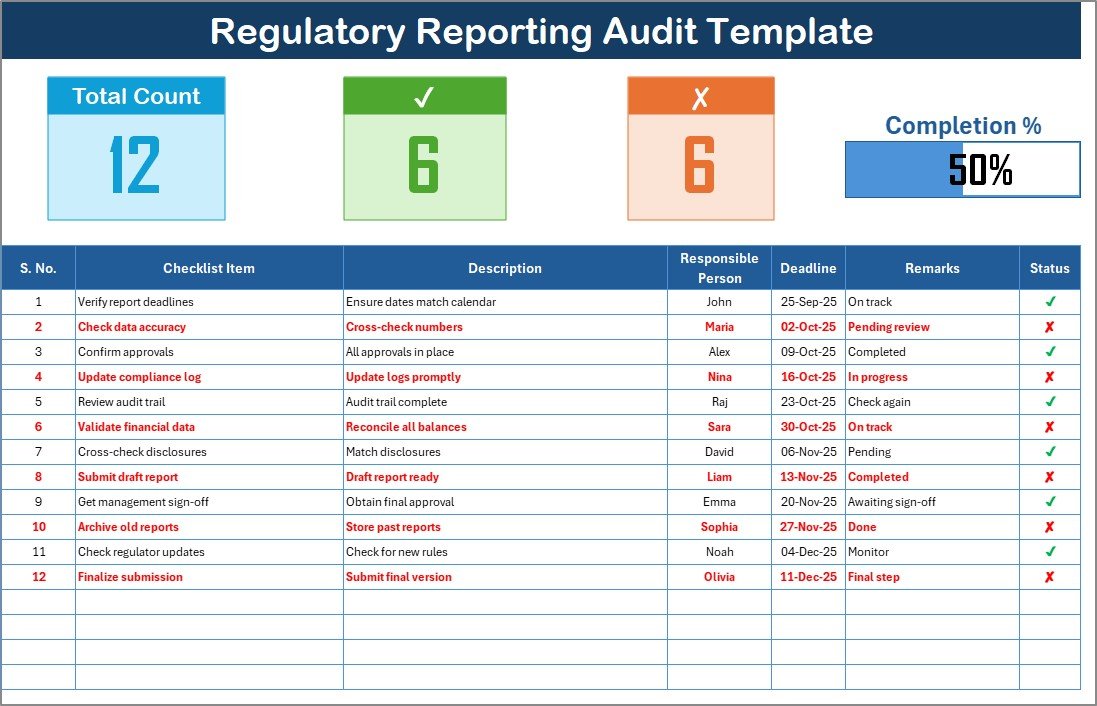
Regulatory Reporting Audit Checklist Sheet
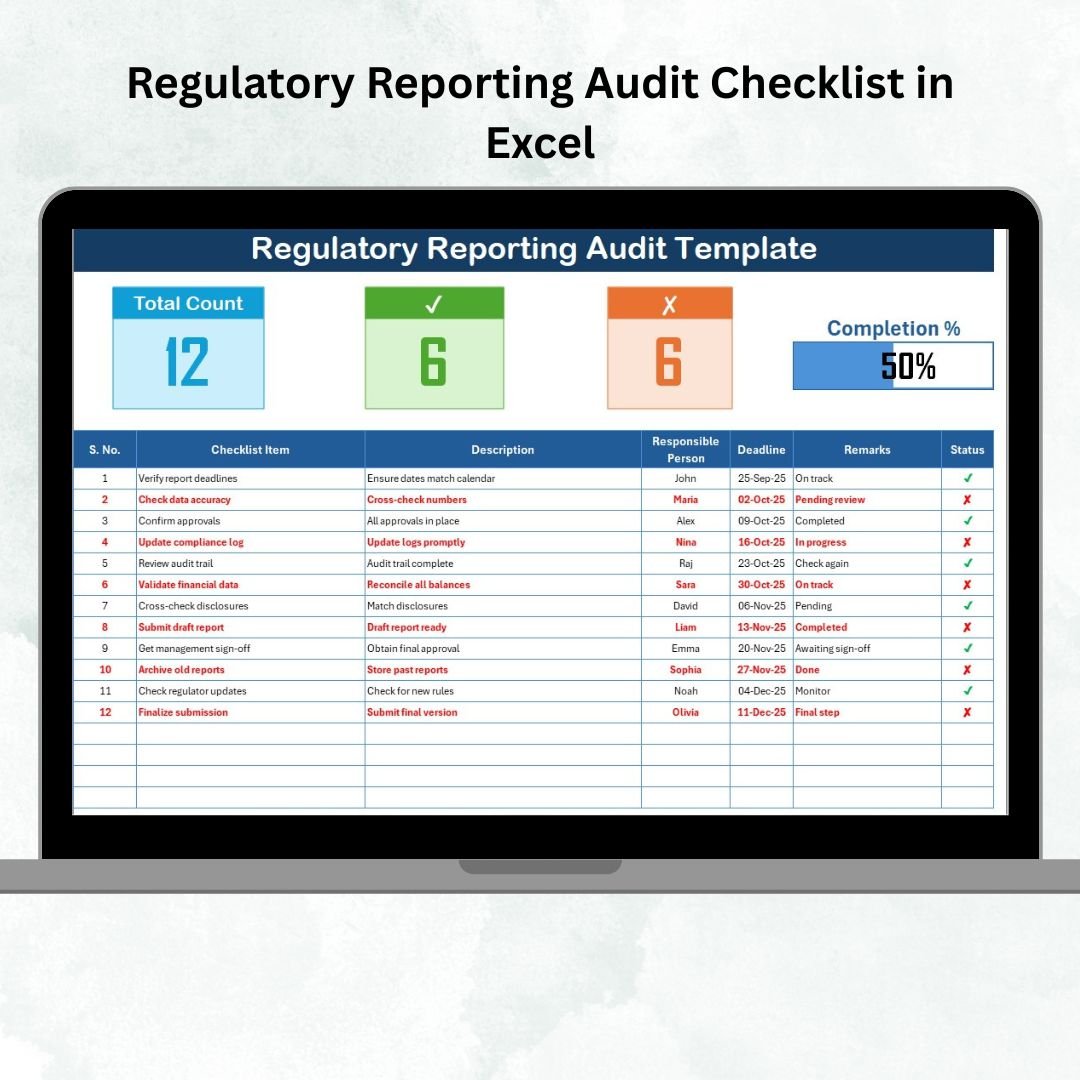
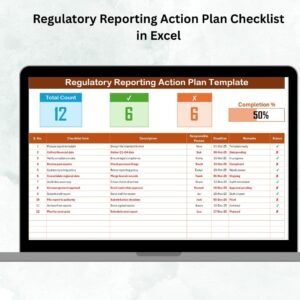
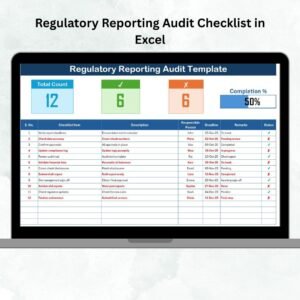
Top Section: Shows Total Count, Checked Count, Crossed Count, and a Progress Bar for instant progress tracking.
Checklist Table: Contains Serial No., Checklist Item, Description, Responsible Person, Deadline, Remarks, and Status (✔ or ✘).
Provides managers with clear visibility into compliance progress.
List Sheet Tab
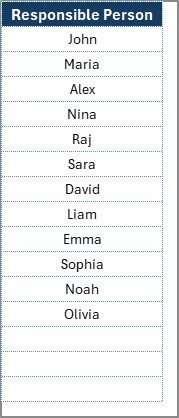
Stores the unique list of Responsible Persons.
Linked to the main table for dropdown task assignment.
Prevents errors and ensures accountability.
With this structure, compliance tracking becomes organized, transparent, and audit-ready.
How to Use the Regulatory Reporting Audit Checklist 🛠️
Getting started is simple:
Download & Open – Launch the Excel file.
Enter Reporting Tasks – Add compliance activities such as filings, audits, or safety checks.
Assign Responsibilities – Select team members from the dropdown.
Set Deadlines – Input regulatory due dates.
Update Status – Mark ✔ for completed or ✘ for pending tasks.
Track Progress – Monitor completion through the summary bar.
Review Regularly – Keep it updated to stay audit-ready.
No advanced Excel skills are required—this template is plug-and-play.
Who Can Benefit from This Checklist 👥
This template is versatile and works across industries:
💼 Finance Teams – Manage tax filings, audit reports, and compliance deadlines.
🏥 Healthcare Providers – Track HIPAA compliance and safety audits.
🏫 Educational Institutions – Monitor accreditation and grant reporting.
🏭 Manufacturing Firms – Ensure safety, ISO, and environmental compliance.
🌐 IT & Cybersecurity Teams – Maintain GDPR compliance and audit readiness.
⚖️ Legal & Compliance Officers – Gain visibility into all reporting activities.
If compliance is critical to your organization, this checklist is a must-have tool.
Opportunities for Improvement & Best Practices 💡
Enhancements you can add:
🔔 Automated Alerts – Use VBA or Outlook for deadline reminders.
📊 Dashboard Integration – Link with Power BI for visual compliance reporting.
🎨 Conditional Formatting – Highlight overdue tasks in red.
📎 Document Links – Attach policies and reports directly.
Best practices:
Keep tasks updated daily.
Assign one accountable person per task.
Review weekly to stay on track.
Archive completed tasks separately.
Train your team on updating status consistently.
Use cloud storage for real-time collaboration.
























Reviews
There are no reviews yet.