Still reviewing vendors through emails, scattered notes, or long meetings? That’s risky, time-consuming, and inconsistent. If vendor performance directly impacts your business results, Vendor Evaluation Review Checklist in Excel then your review process must be structured, visible, and accountable.
Introducing the Vendor Evaluation Review Checklist in Excel — a ready-to-use, powerful, and practical Excel template designed to help you conduct professional vendor reviews without expensive software.
Vendor Evaluation Review Checklist in Excel This smart Excel solution allows you to define review criteria, assign responsible persons, set deadlines, track completion status, and monitor overall progress — all inside one organized worksheet. Even better, it includes a live progress dashboard, so managers instantly know where vendor reviews stand. 🚀
If you want clarity, control, and consistency in your vendor review process, this template is exactly what you need.
🔥 Key Feature of Vendor Evaluation Review Checklist in Excel
This template is designed to make vendor reviews simple yet powerful.
📊 Live Review Summary Dashboard
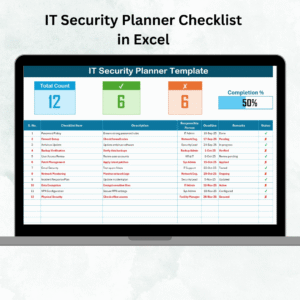
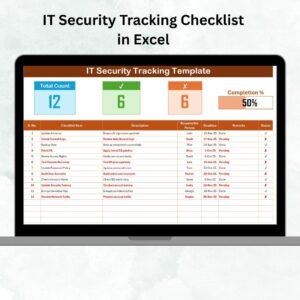
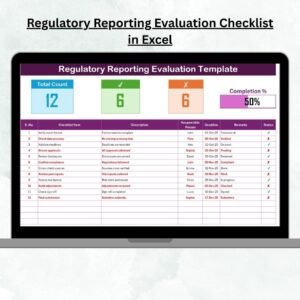
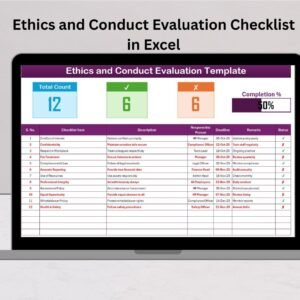
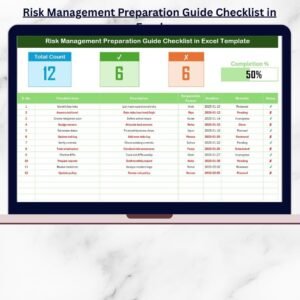
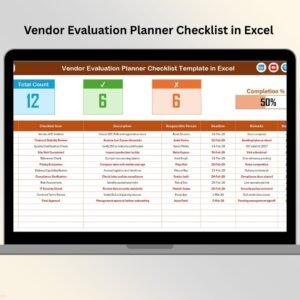
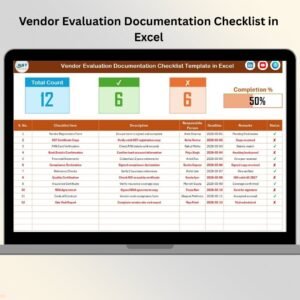
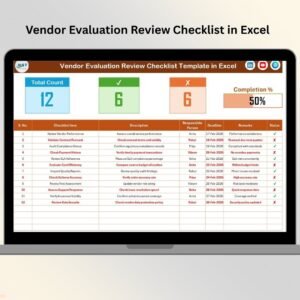
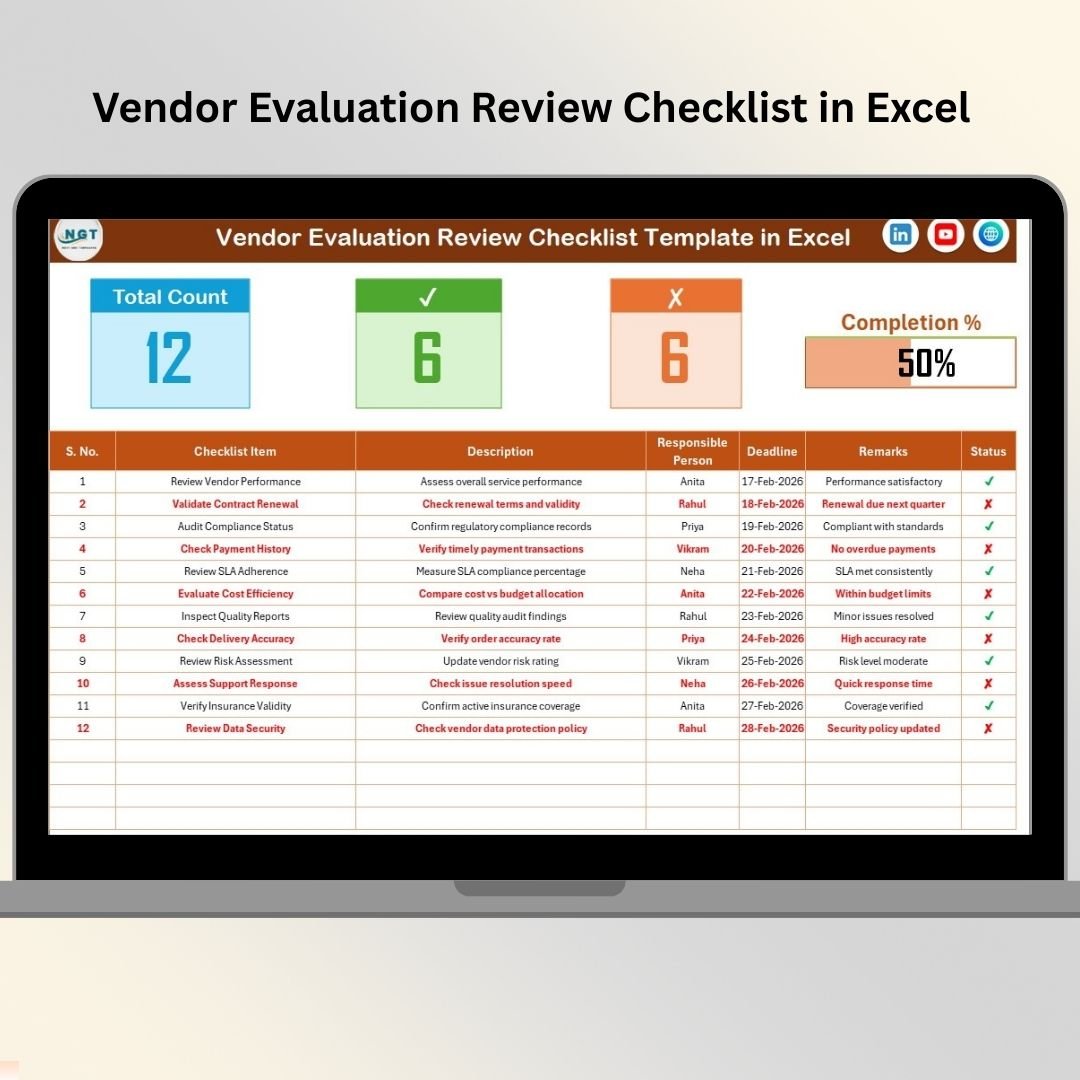
See Total Review Items, Completed Tasks (✔), Pending Tasks (✘), and a dynamic Progress Bar at the top of the sheet.
📈 Automatic Progress Calculation
Completion percentage updates automatically using built-in Excel formulas.
📋 Structured Checklist Table
Track Serial Number, Checklist Item, Description, Responsible Person, Deadline, Remarks, and Status in one clean layout.
👤 Drop-Down Responsible Person Selection
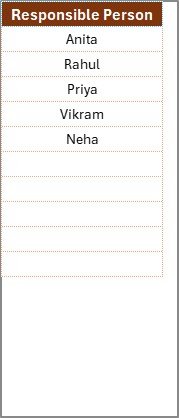
A dedicated List Sheet ensures consistent reviewer names and prevents typing errors.
⚙️ Fully Customizable Structure
Add Vendor Name, Review Period, Score, Risk Rating, Priority Level, or SLA tracking columns.
🔐 Audit-Ready Documentation
Maintain proper vendor review history for compliance and governance.
📊 Pivot Table Friendly Design
Generate performance reports and dashboards easily using Excel Pivot tables.
This is not just a checklist — it’s your vendor review control center in Excel.
📦 What’s Inside the Vendor Evaluation Review Checklist in Excel
This product includes two well-structured worksheets:
1️⃣ Main Vendor Evaluation Review Checklist Sheet
This is the core review worksheet where all evaluation activities are managed.
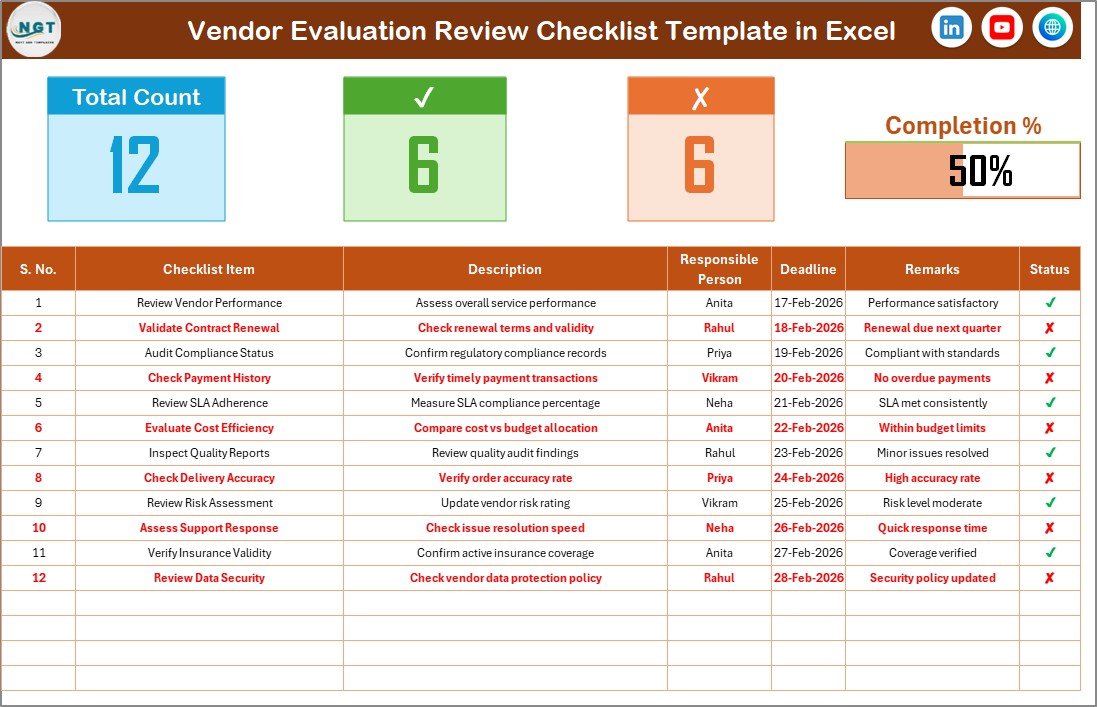
You can capture:
Serial Number
Checklist Item
Detailed Description
Responsible Person
Deadline
Remarks
Status (✔ / ✘)
At the top, a visual dashboard displays:
Total Count
Checked Count
Crossed Count
Progress Percentage
The moment you update the status; the summary section updates automatically. No manual calculation required.
2️⃣ List Sheet Tab
This sheet stores the list of responsible reviewers.
Why is this important?
Because it creates a drop-down in the main worksheet, ensuring:
Standardized reviewer names
Data accuracy
Better reporting consistency
Simple design. Maximum clarity.
🛠️ How to Use the Vendor Evaluation Review Checklist in Excel
Using this template takes just a few steps.
Step 1: Update Reviewer List
Go to the List Sheet and add the names of reviewers.
Step 2: Enter Review Criteria
Define checklist items such as quality compliance, delivery timelines, contract adherence, cost performance, documentation checks, and SLA performance.
Step 3: Assign Responsibility & Deadline
Select the reviewer from the drop-down list and set realistic deadlines.
Step 4: Update Status
Mark ✔ when review items are completed and ✘ when pending.
Step 5: Monitor Progress Instantly
The progress bar calculates completion automatically using:
(Checked Count ÷ Total Count) × 100
For example, if 12 out of 15 review items are completed, the dashboard shows 80% progress visually.
No complicated setup. No technical expertise required.
👥 Who Can Benefit from This Vendor Evaluation Review Checklist in Excel
This template is ideal for:
Procurement Managers
Vendor Relationship Managers
Supply Chain Teams
Operations Managers
Compliance Officers
Quality Assurance Teams
Whether you manage 5 vendors or 50, this checklist ensures structured, consistent reviews.
Small businesses can use it without additional cost, and large enterprises can customize it for complex vendor ecosystems.
Vendor reviews should never be informal or inconsistent. When structured properly, they improve quality, reduce risk, and strengthen supplier relationships.
With this Excel template, you get:
✔ Clear accountability
✔ Real-time review visibility
✔ Organized documentation
✔ Audit readiness
✔ Better vendor decisions
Stop relying on scattered review methods. Start managing vendors with confidence and control. 💼✨
Click hare to read the Detailed blog post
Visit our YouTube channel to learn step-by-step video tutorials
👉 https://youtube.com/@PKAnExcelExpert