



Preparing for an internal audit doesn’t have to be stressful. With the Internal Audit Preparation Guide Checklist in Excel, you can streamline your entire process—from task assignment to tracking progress. ✅
This ready-to-use Excel template gives your audit team a crystal-clear roadmap for completing pre-audit tasks, documenting responsibilities, and ensuring no item is overlooked. Whether you’re running a small business or a large enterprise, this checklist will help your internal audits go smoother, faster, and more efficiently. 🧾📊
🔧 Key Features of the Internal Audit Preparation Guide Checklist
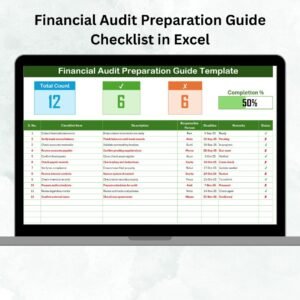
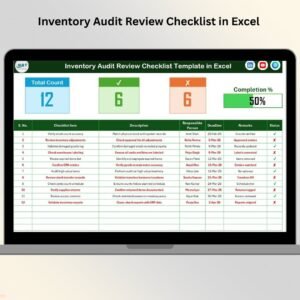
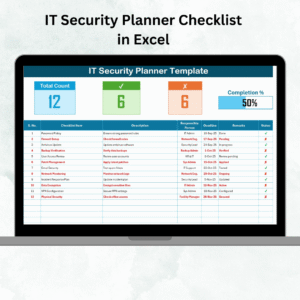
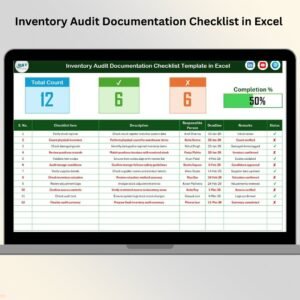
🗂️ Checklist Dashboard

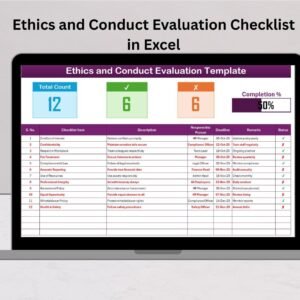
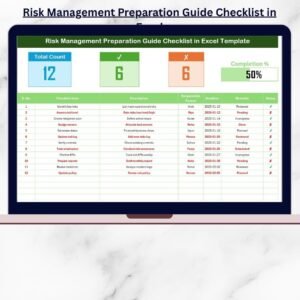
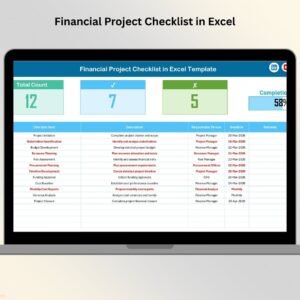
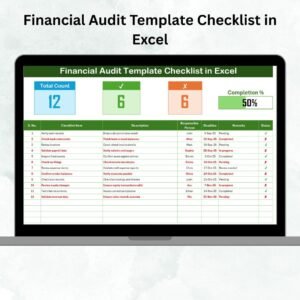
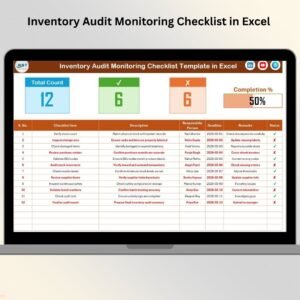
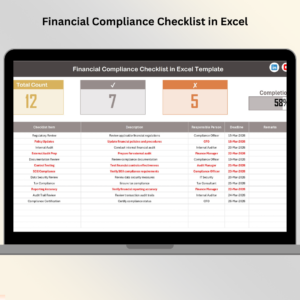
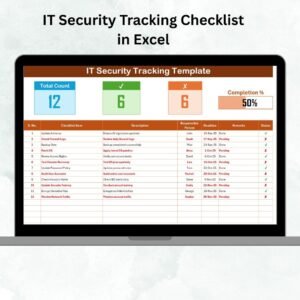
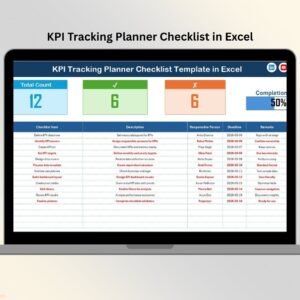
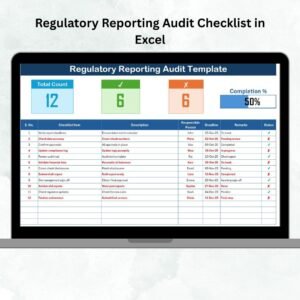
Displays Total Count, Checked Count, and Crossed Count of items
A dynamic Progress Bar gives you a visual snapshot of how much prep work is done
📋 Comprehensive Checklist Table
Serial No. – Easy-to-follow numbering system
Checklist Item – Key task to be completed
Description – What the task involves
Responsible Person – Who is accountable
Deadline – Due date for completion
Remarks – Notes, updates, or instructions
Status – Mark as ✔ (completed) or ✘ (pending)
📑 List Sheet for Team Management
Auto-populated dropdown list of Responsible Persons
Avoids manual typing errors
Makes task assignment quick and consistent
⚙️ Fully Functional Excel Features
Automatic progress updates
Drop-down selections for easy input
Built-in validation to minimize data entry errors
Instant visual feedback with conditional formatting
📂 What’s Inside the Internal Audit Checklist Template
With this Excel file, you get:
✅ A main checklist sheet with a built-in progress tracker
✅ A team list tab that powers dropdowns
✅ Status tracking via checkmarks (✔) and crosses (✘)
✅ A progress bar that updates in real time
✅ Space for descriptions, remarks, and deadlines
✅ The ability to customize everything—without coding!
🛠️ How to Use the Internal Audit Preparation Checklist
📁 Step 1: Open the File
Launch the Excel workbook and review the top progress bar for a quick summary.
✅ Step 2: Add Checklist Items
Fill in tasks that need to be completed before your audit. Include descriptions and deadlines.
👤 Step 3: Assign Responsibilities
Use the dropdown menu to assign each task to a team member listed in the “List Sheet.”
🕒 Step 4: Update Status
As tasks are completed, update the status with ✔ or ✘. The progress bar will reflect changes automatically.
📈 Step 5: Monitor Progress
Regularly check the bar chart and count metrics to identify delays or bottlenecks.
✏️ Step 6: Customize as Needed
Add more checklist items or extra columns to reflect your internal process. It’s all yours!
👥 Who Can Benefit from This Template?
This tool is perfect for:
✅ Internal Audit Teams – Manage pre-audit checklists in one place
✅ Compliance Officers – Ensure regulations are followed
✅ Finance Departments – Prepare accurate financial documentation
✅ Operations Managers – Keep process controls tight
✅ Quality Assurance Teams – Align internal practices with ISO, SOC, or industry standards
Whether you’re part of a small startup or a global organization, this checklist boosts audit readiness and team coordination.
✅ Click here to read the Detailed blog post
🔗 Visit our YouTube channel to learn step-by-step video tutorials
Watch the step-by-step video tutorial:
Compatibility and Requirements
- Works in Microsoft Excel desktop (Excel 2016 or later, or Microsoft 365).
- Responsible Person is a dropdown fed by the List sheet. Microsoft explains how in Create a drop-down list.
Frequently Asked Questions
What does the checklist table contain?
Each row has a Serial No., Checklist Item, Description, Responsible Person, Deadline, Remarks and Status.
How is progress tracked?
Mark each task with a check mark or a cross in the Status column. The dashboard shows Total Count, Checked Count and Crossed Count, and the progress bar updates with them.
How do I assign tasks to people?
Add your team members to the List sheet. They then appear in the Responsible Person dropdown, so you pick a name instead of typing it.
Can I add my own checklist items or columns?
Yes. You can add checklist items and extra columns to match your internal audit process.
Is there a Google Sheets version?
There is an Internal Audit Checklist in Google Sheets for teams that work in Sheets.
Related Internal Audit Templates
- Internal Audit Checklist in Excel: a general checklist for audit work
- Internal Audit Action Plan Checklist in Excel: follow-up actions after the audit
- Internal Audit Schedule Checklist in Excel: plan when each audit happens
- Internal Audit Compliance Checklist in Excel: compliance items for audits
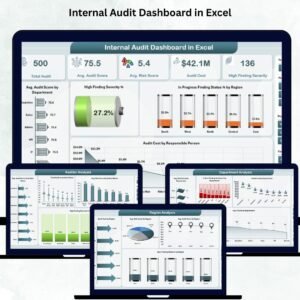
- Internal Audit Dashboard in Excel: a dashboard view of audit results
Browse all Excel checklists.







Reviews
There are no reviews yet.