



In today’s environmentally regulated business landscape, tracking compliance activities is no longer optional—it’s essential. Whether you run a manufacturing plant, oversee facility operations, or are responsible for sustainability initiatives, the Environmental Compliance Monitoring Checklist in Excel offers a simple yet powerful solution to help your organization stay aligned with laws, audits, and internal goals.
This Excel-based template is thoughtfully designed to streamline compliance tracking, improve accountability, and reduce the chaos of manual paperwork. With its intuitive interface, progress indicators, and dropdown-based task assignment, this tool ensures that no compliance activity goes unnoticed 🌍✅.
💡 Key Features of Environmental Compliance Monitoring Checklist in Excel

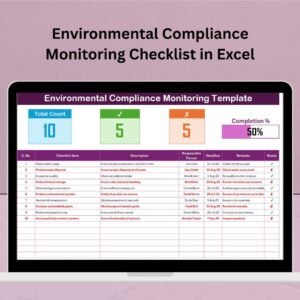
📋 Checklist Dashboard with Real-Time Tracking
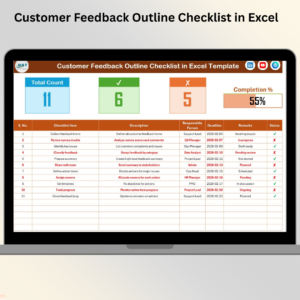
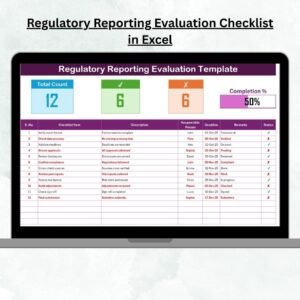
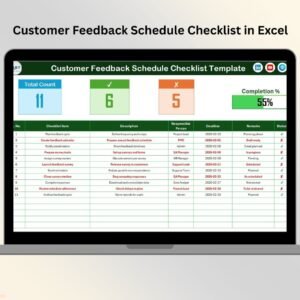
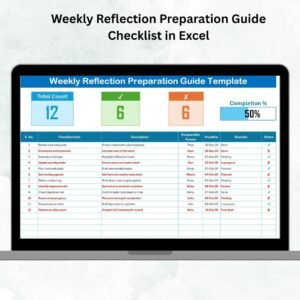
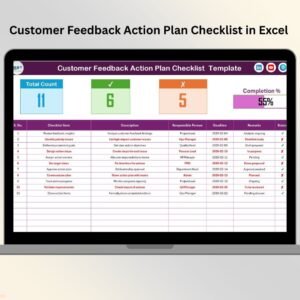
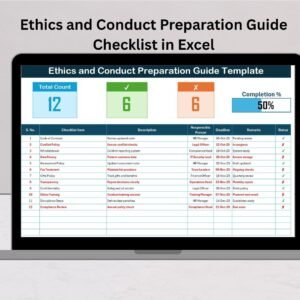
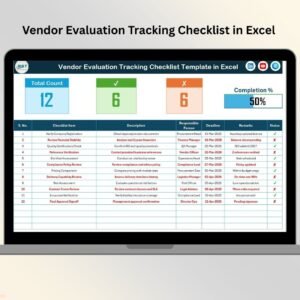
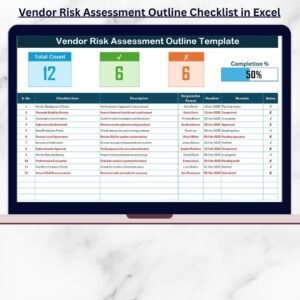
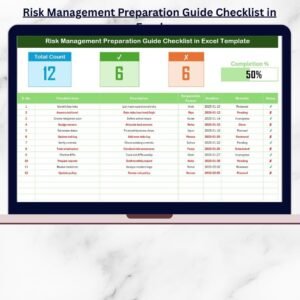
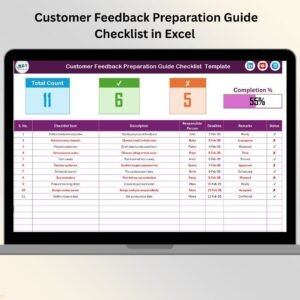
Track total compliance items, checked items (✔), and non-compliant ones (✘). A progress bar automatically updates to show completion status.
📌 Detailed Task Table
Each task includes fields like Serial No., Checklist Item, Description, Responsible Person, Deadline, Status, and Remarks—offering full clarity and control over your compliance efforts.
🔄 Status Checkboxes
Quickly update the task status using interactive checkboxes to reflect progress and ensure timely updates.
👤 Dropdown-Driven Responsibility Assignment
Assign tasks using a dynamic dropdown list of responsible persons pulled from a separate sheet—no manual typing needed.
🧾 List Sheet for Personnel Management
Maintain a clean list of individuals or departments responsible for tasks. Easily add or update team members involved in compliance.
📦 What’s Inside the Environmental Compliance Monitoring Checklist?
✅ Main Checklist Sheet
This is your compliance command center. Monitor overall progress with counts and visual indicators, and update each task directly with checkboxes.
✅ List Sheet Tab
A centralized list of team members used to assign tasks quickly via dropdown in the main checklist. Save time and reduce errors!
🛠️ How to Use the Environmental Compliance Monitoring Checklist
Customize Your Tasks – Input your compliance activities under Checklist Item and Description. Tailor columns to your industry.
Assign Responsibilities – Use the dropdown in the Responsible Person column to assign tasks accurately.
Set Deadlines – Ensure timely completion by filling in the Deadline field.
Track Completion – Use ✔ or ✘ checkboxes to mark task status. Watch your progress bar update automatically.
Update Personnel List – Add or remove names in the List sheet to reflect changes in your compliance team.
No advanced Excel skills needed—this template is plug-and-play for professionals of all backgrounds.
👥 Who Can Benefit from This Checklist?
✅ Environmental Managers – Track legal obligations and routine checks
✅ Operations Teams – Ensure adherence to company-wide standards
✅ Compliance Officers – Maintain accountability and audit readiness
✅ Sustainability Teams – Monitor internal ESG efforts
✅ Facility Managers – Oversee waste management, emissions, and more
✅ Small Business Owners – Stay compliant without expensive software
If you’re involved in environmental responsibility or legal compliance, this tool is made for you.
🔗 Click here to read the Detailed blog post
📺 Visit our YouTube channel to learn step-by-step video tutorials
Watch the step-by-step video tutorial:
Compatibility and Requirements
- Works in Microsoft Excel desktop (Excel 2016 or later, or Microsoft 365).
- Status is set with checkboxes and the Responsible Person column uses a dropdown list. Microsoft explains checkboxes in Using check boxes in Excel.
Frequently Asked Questions
Which sheets are included?
Two sheets: the main Checklist sheet and the List sheet. The Checklist sheet holds the dashboard counts, the progress bar and the task table. The List sheet holds the names of the responsible people.
What columns are in the task table?
Serial No., Checklist Item, Description, Responsible Person, Deadline, Status and Remarks.
How do I assign a task to someone?
Add the person’s name to the List sheet. Then pick that name from the dropdown in the Responsible Person column on the Checklist sheet.
How do I see how much is done?
Tick the checkbox for each completed task. The dashboard shows the total items, the checked items and the non-compliant items, and the progress bar updates with them.
Is there a similar checklist or a dashboard version?
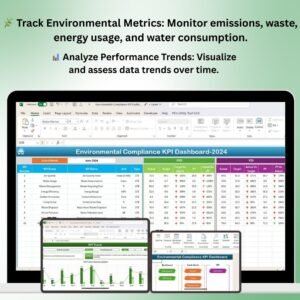
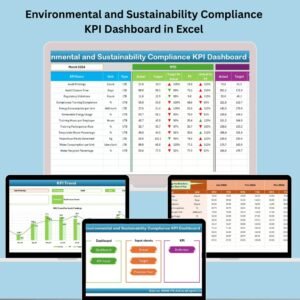
Yes. See the Environmental Compliance Checklist in Google Sheets and the Environmental Compliance KPI Dashboard in Excel.
Related Environmental Compliance Templates
- Environmental Compliance Checklist in Excel: another checklist for routine compliance items
- Environmental Compliance Tracking Checklist in Excel: a checklist focused on tracking tasks
- Environmental Compliance Checklist in Google Sheets: the same topic for Google Sheets
- Environmental Compliance KPI Dashboard in Excel: a dashboard view of compliance KPIs
- Checklist & SOP Pack: 12 checklist templates in one download
Browse all Excel checklist templates.
















Reviews
There are no reviews yet.