

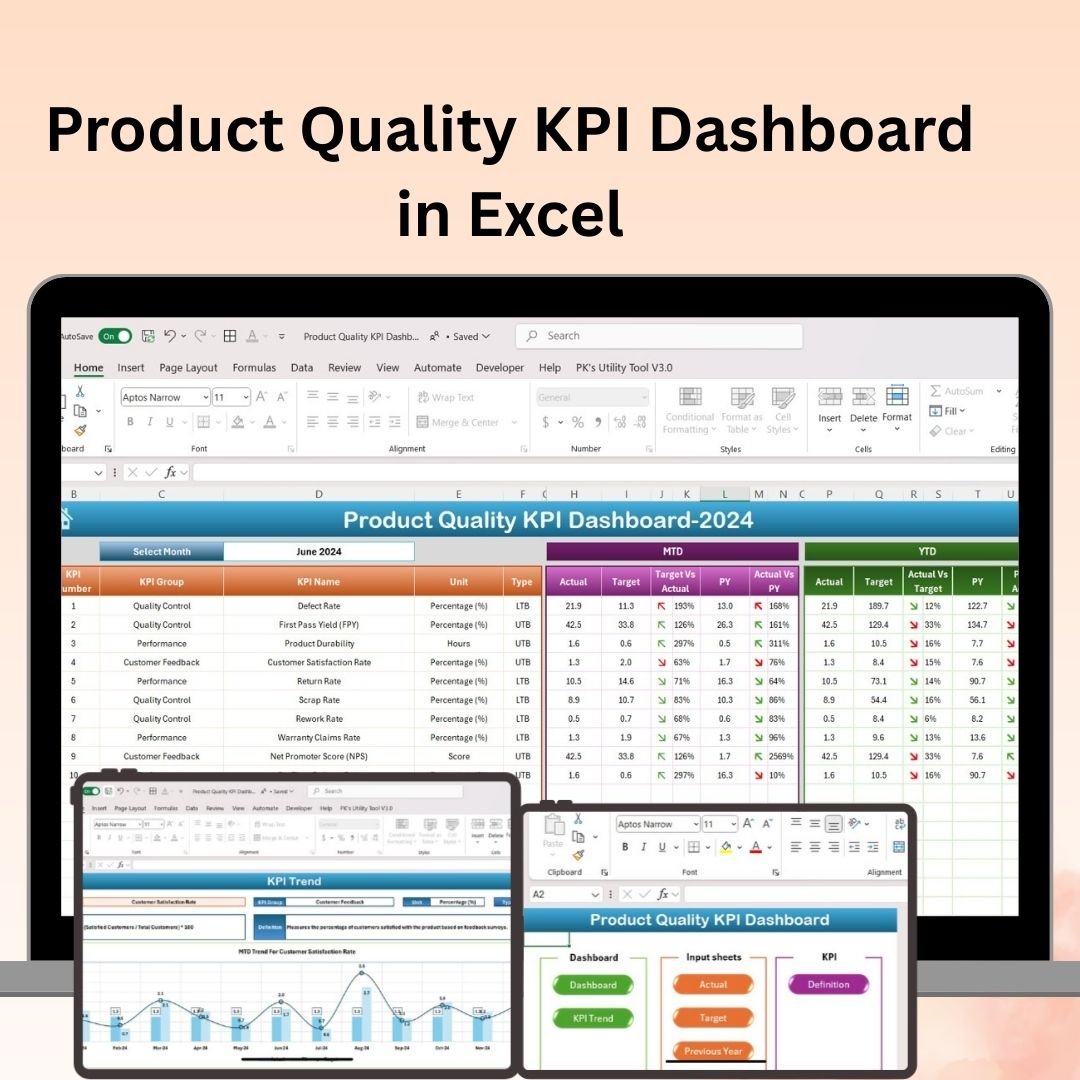
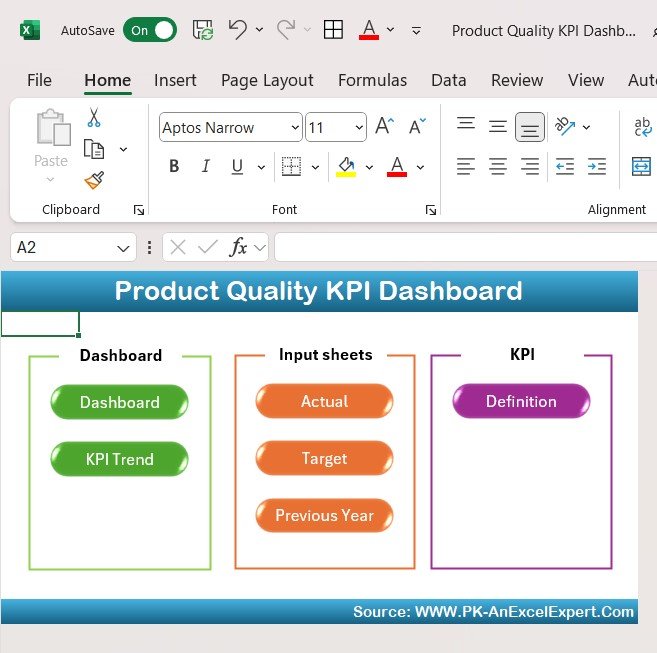

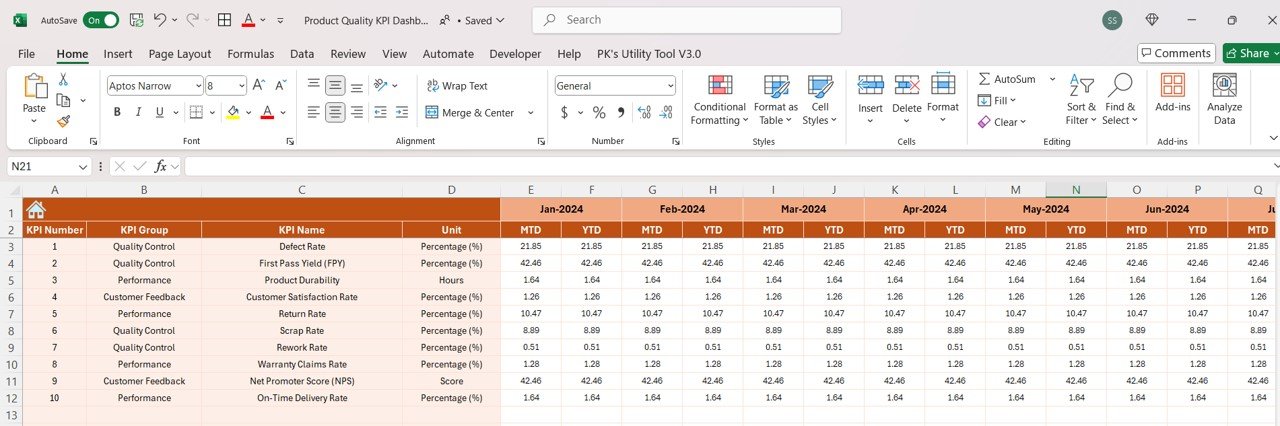
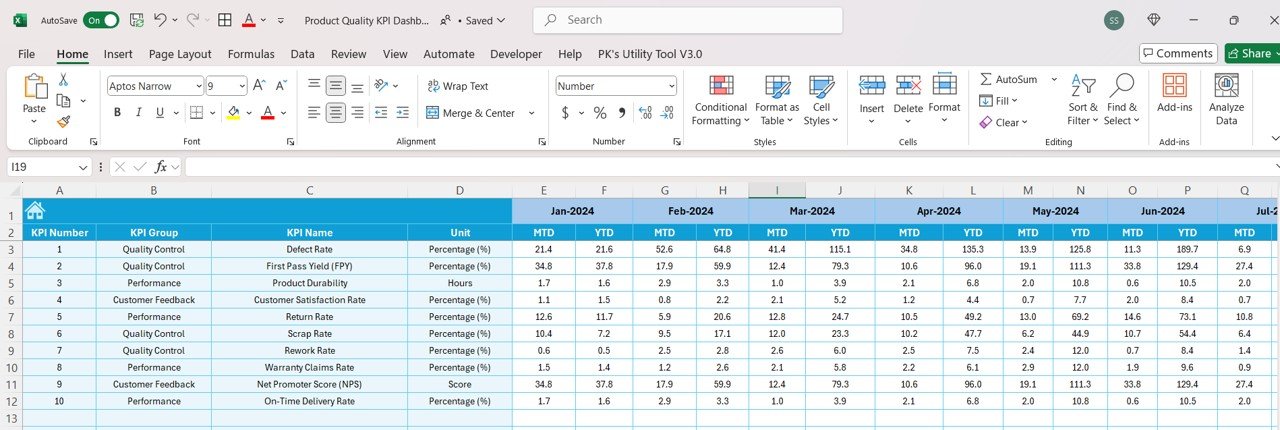



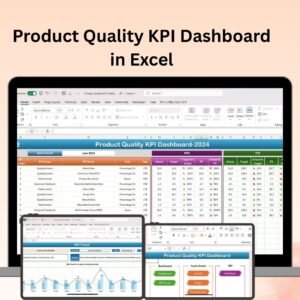
The Product Quality KPI Dashboard in Excel is a powerful tool designed to help businesses and quality managers track, analyze, and optimize product quality performance. Whether you’re overseeing manufacturing, retail, or service industries, this dashboard allows you to monitor key performance indicators (KPIs) such as defect rates, customer feedback, production efficiency, and overall product quality, ensuring that you consistently deliver high-quality products to your customers.
With real-time data updates and an intuitive, user-friendly interface, this dashboard helps you make data-driven decisions to improve product quality, reduce defects, and enhance customer satisfaction. From monitoring production lines to tracking customer returns, this Excel dashboard provides all the key insights you need to elevate product quality.
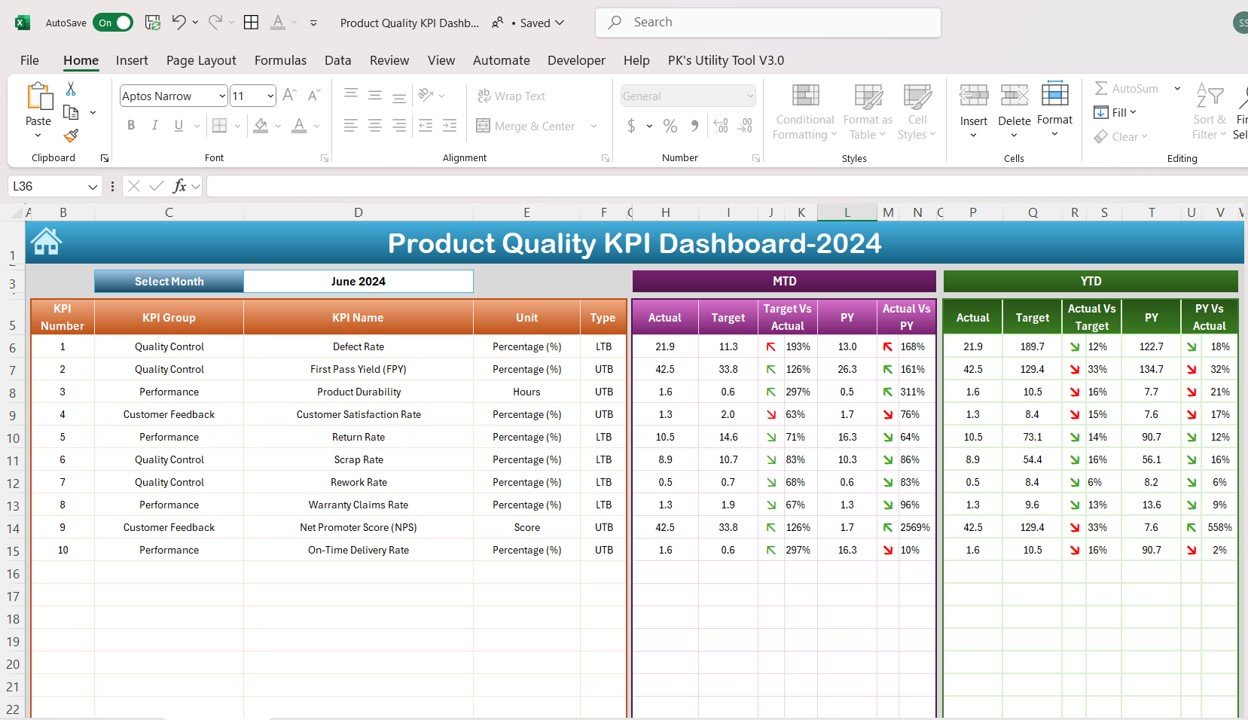
Key Features of the Product Quality KPI Dashboard in Excel:
📊 Comprehensive Product Quality Tracking
Track important quality metrics, such as defect rates, returns, production defects, and quality control inspections, to assess product quality performance.
📈 Real-Time Performance Monitoring
Monitor real-time quality data, including production efficiency, product inspections, and quality feedback from customers, so you can identify quality issues as they arise.
🔄 Defect Rate Analysis
Identify trends in defects, analyze the root causes, and track the progress of corrective actions to reduce product defects and improve overall product quality.
💡 Customer Feedback Analysis
Monitor customer feedback, returns, and product ratings to understand how well your products are meeting customer expectations and where improvements are needed.
📊 Interactive Data Visualization
Visual charts and graphs allow you to quickly analyze trends and identify areas for improvement in your product quality processes.
🚀 Why You’ll Love the Product Quality KPI Dashboard in Excel:
✅ Monitor Product Quality – Track key quality metrics, including defect rates, customer feedback, and product returns, to ensure high-quality products.
✅ Optimize Production Efficiency – Use the data to monitor production processes and identify areas where efficiency and product quality can be improved.
✅ Improve Customer Satisfaction – Analyze customer feedback and returns data to ensure that you meet customer expectations and reduce complaints.
✅ Reduce Defects – Track and analyze product defects and use the insights to implement corrective actions and improve quality.
✅ Real-Time Reporting – Get instant access to quality performance data, allowing you to make timely adjustments and improvements.
✅ Customizable Dashboard – Tailor the dashboard to fit your specific product quality metrics, making it perfect for a variety of industries and products.
What’s Inside the Product Quality KPI Dashboard in Excel:
- Quality Metrics Tracker: Track key metrics such as defect rates, returns, and inspection pass/fail rates for each product or production line.
- Defect Rate Analysis: Analyze defect rates and identify trends to improve production processes and product design.
- Customer Feedback Tracker: Monitor customer returns, complaints, and product reviews to evaluate customer satisfaction with product quality.
- Production Efficiency: Track production efficiency and time-to-market for each product batch to identify areas for improvement.
- Visual Data Insights: Easily visualize product quality performance with dynamic charts and graphs, including trend lines and bar charts.
- Interactive Reports: Generate detailed reports that summarize product quality performance, ideal for internal teams, quality control managers, and stakeholders.
How to Use the Product Quality KPI Dashboard in Excel:
1️⃣ Download the Template – Instantly access your Excel file upon purchase.
2️⃣ Input Product Data – Add your product quality data, including defect rates, production efficiency, and customer feedback, into the dashboard.
3️⃣ Track Key Metrics – Use the dashboard to monitor KPIs such as defect rates, returns, and customer satisfaction in real-time.
4️⃣ Analyze Trends – Analyze the trends in product quality performance and identify areas for improvement.
5️⃣ Generate Reports – Create reports summarizing key product quality data to present to stakeholders, quality teams, or upper management.
Who Can Benefit from the Product Quality KPI Dashboard in Excel:
- Quality Managers
- Production Managers
- Manufacturing Companies
- Retailers
- Product Development Teams
- Customer Service Managers
- Operations Managers
- Anyone responsible for product quality and customer satisfaction
The Product Quality KPI Dashboard in Excel helps businesses stay on top of product quality, reduce defects, and enhance customer satisfaction by providing real-time insights into product performance. Use it to ensure that your products meet the highest quality standards and to drive continuous improvement in your manufacturing processes.
Click here to read the Detailed blog post
https://www.pk-anexcelexpert.com/product-quality-kpi-dashboard-in-excel/
Visit our YouTube channel to learn step-by-step video tutorials
Youtube.com/@PKAnExcelExpert
Compatibility and Requirements
- Works in Microsoft Excel desktop (Excel 2016 or later, or Microsoft 365).
- New to Excel charts? Microsoft explains the basics in Create a chart from start to finish.
Frequently Asked Questions
Which quality KPIs does it track?
Defect rates, returns, inspection pass and fail rates, production efficiency and customer feedback.
Can I track each product line separately?
Yes. The quality metrics tracker records figures for each product or production line.
Does it cover customer feedback?
Yes. The customer feedback tracker monitors returns, complaints and product reviews.
Is there a Google Sheets version?
Yes. See the Product Quality KPI Dashboard in Google Sheets.
Related Quality Templates
- Product Quality KPI Dashboard in Google Sheets: the same KPIs online
- Quality Control Tracker in Excel: log inspections day to day
- Quality Control Tracker in Google Sheets: the tracker for shared teams
- Quality Control To-Do List Checklist in Excel: a simple QC task list
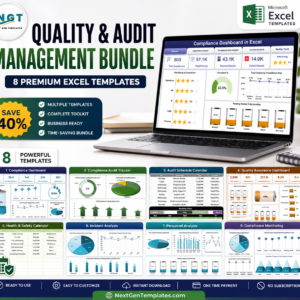
- Quality & Audit Management Bundle: eight quality templates in one download
Browse all Excel KPI dashboards or the Excel quality control templates.






























Reviews
There are no reviews yet.