

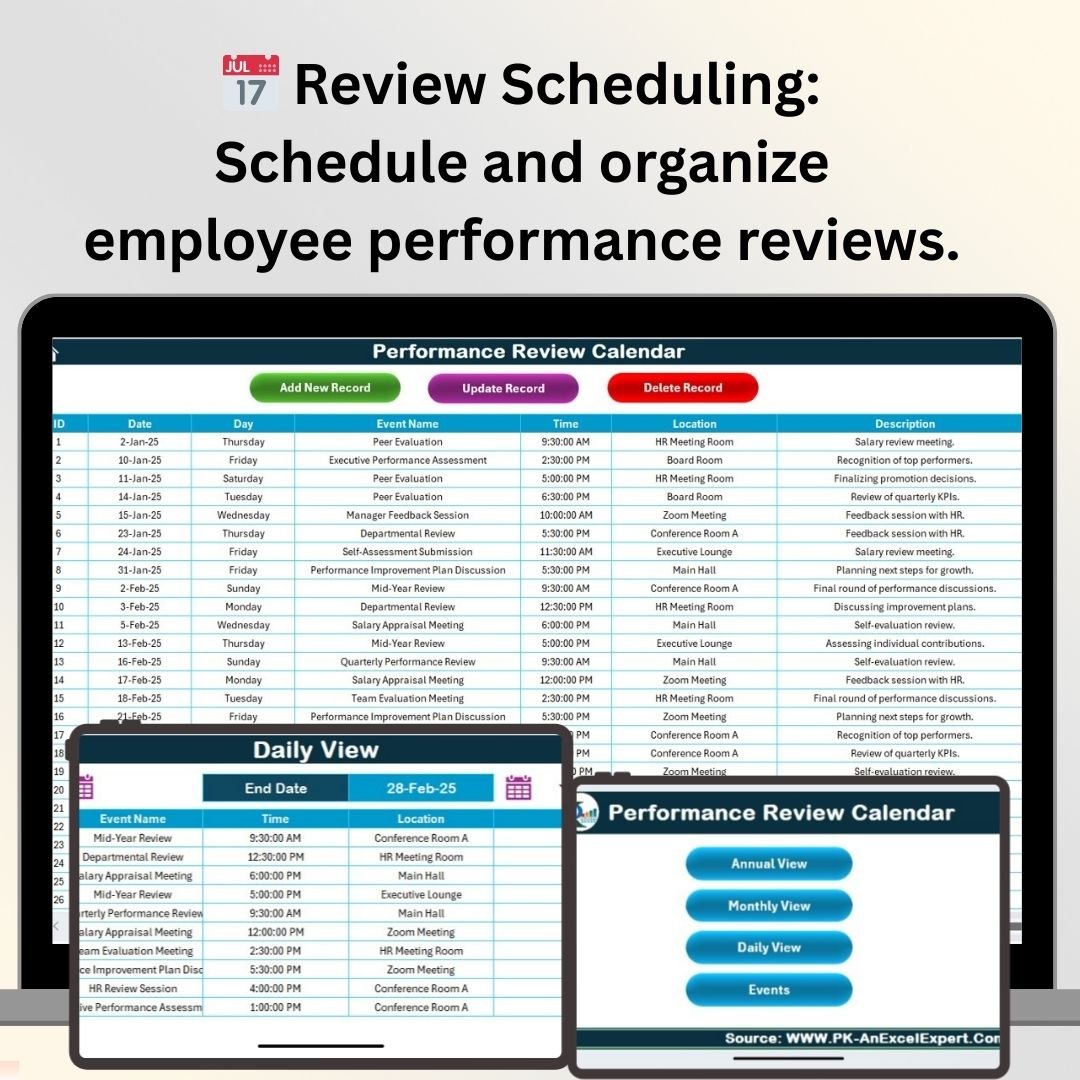



The Performance Review Calendar in Excel is an essential tool for HR departments, managers, and team leaders looking to streamline and organize their employee performance evaluation process. This Excel-based calendar helps you schedule, track, and manage employee performance reviews throughout the year. By centralizing all the necessary information in one place, it ensures timely evaluations, improved feedback communication, and enhanced employee development.
This tracker is designed to manage review cycles for multiple employees, allowing HR teams to stay organized and ensure consistency in performance assessments. The tool supports setting deadlines, assigning responsibilities, and tracking progress, helping organizations to meet evaluation goals efficiently and effectively.
Key Features of the Performance Review Calendar in Excel
📅 Employee Performance Review Scheduling
Efficiently schedule performance reviews for all your employees. The calendar ensures that no reviews are missed, helping you stay on track with your evaluation cycles.
🔑 Automated Reminders & Alerts
Set reminders for upcoming performance reviews and deadlines. Automated notifications ensure that managers are aware of approaching evaluations and have enough time to prepare.
📈 Comprehensive Performance Tracking
Track the progress of performance reviews for each employee. Include specific goals, review dates, feedback, and outcomes to ensure that every evaluation is thorough and actionable.
📝 Review Outcome Documentation
Record the results of each performance review, including strengths, areas for improvement, and future goals. This documentation helps to track employee development over time.
⚙️ Customizable Calendar & Tracker
Tailor the calendar to suit your organization’s review schedule and employee management needs. You can customize review periods, feedback forms, and evaluation criteria based on your preferences.
📊 Team-Wide Visibility & Collaboration
Enable collaboration within teams by sharing the performance review calendar with relevant managers. Everyone can access the calendar, update information, and ensure that reviews are aligned with company goals.
Why You’ll Love the Performance Review Calendar in Excel

✅ Streamline Employee Evaluations
Keep track of all performance reviews in one place, ensuring no evaluation is missed. Stay on top of deadlines and ensure timely feedback for all employees.
✅ Improve Employee Development
Use the performance review results to identify growth opportunities for employees. Regular reviews help enhance skills, improve performance, and support career development.
✅ Ensure Consistent & Transparent Reviews
Ensure that all employees are evaluated fairly and consistently with a clear tracking system that documents feedback and outcomes.
✅ Enhance Manager Accountability
Assign review responsibilities to managers and track progress. This ensures that everyone is on the same page and that reviews are conducted in a timely manner.
✅ Customizable to Fit Your Needs
Adjust the calendar to meet your organization’s unique review cycle and performance criteria, making it flexible and adaptable for businesses of all sizes.
What’s Inside the Performance Review Calendar in Excel?
Employee Performance Review Scheduling: Schedule review dates for each employee.
Automated Reminders & Alerts: Get notified about upcoming reviews and deadlines.
Performance Tracking: Track review progress, goals, and outcomes for each employee.
Review Outcome Documentation: Record feedback, strengths, and areas of improvement.
Customizable Calendar: Adjust review periods and tracking fields according to your needs.
Team Collaboration: Share the calendar and collaborate with relevant team members.
How to Use the Performance Review Calendar in Excel
1️⃣ Download the Template: Get the Performance Review Calendar in Excel instantly.
2️⃣ Input Employee Data: Add employee names, roles, and review dates into the calendar.
3️⃣ Schedule Reviews: Set deadlines for each performance review and assign tasks to relevant managers.
4️⃣ Track Review Progress: Use the calendar to monitor which reviews are completed and which are upcoming.
5️⃣ Record Feedback & Outcomes: Document review results, goals, and performance insights for each employee.
Who Can Benefit from the Performance Review Calendar in Excel?
🔹 HR Managers & Teams
🔹 Team Leaders & Department Heads
🔹 Business Owners & Executives
🔹 Employee Development & Training Teams
🔹 Small & Medium Enterprises (SMBs)
🔹 Large Corporations with Structured Review Processes
Simplify and optimize your employee performance evaluation process with the Performance Review Calendar in Excel. Ensure timely reviews, improve feedback management, and foster employee development across your organization.
Click here to read the Detailed blog post
Visit our YouTube channel to learn step-by-step video tutorials
Youtube.com/@PKAnExcelExpert
Compatibility and Requirements
- Works in Microsoft Excel desktop (Excel 2016 or later, or Microsoft 365).
- New to Excel? Start with Microsoft’s Excel for Windows training.
Frequently Asked Questions
What can I record for each review?
Employee names, roles, review dates, goals, feedback, strengths, areas for improvement and the review outcome.
Can I see which reviews are done and which are coming up?
Yes. The calendar shows review progress, so you can see completed and upcoming reviews.
Can I change the review cycle?
Yes. You can adjust review periods, tracking fields and evaluation criteria to match your process.
Is there a Google Sheets version?
Yes. See the Performance Review Calendar in Google Sheets.
Related Performance Review Templates
- Performance Review Calendar in Google Sheets: the Google Sheets edition
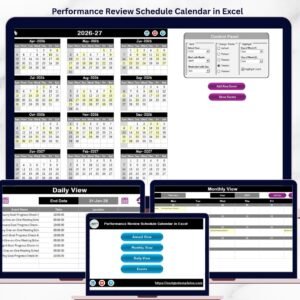
- Performance Review Schedule Calendar in Excel: another review scheduling layout
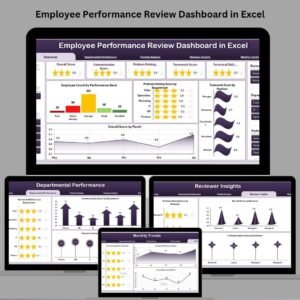
- Employee Performance Review Dashboard in Excel: analyze review results
- Employee Performance Review Report in Excel: a printable review report
- Calendar & Planner Pack: 12 calendar and planner templates
Browse all Excel calendars or the Excel HR templates.
































Reviews
There are no reviews yet.