

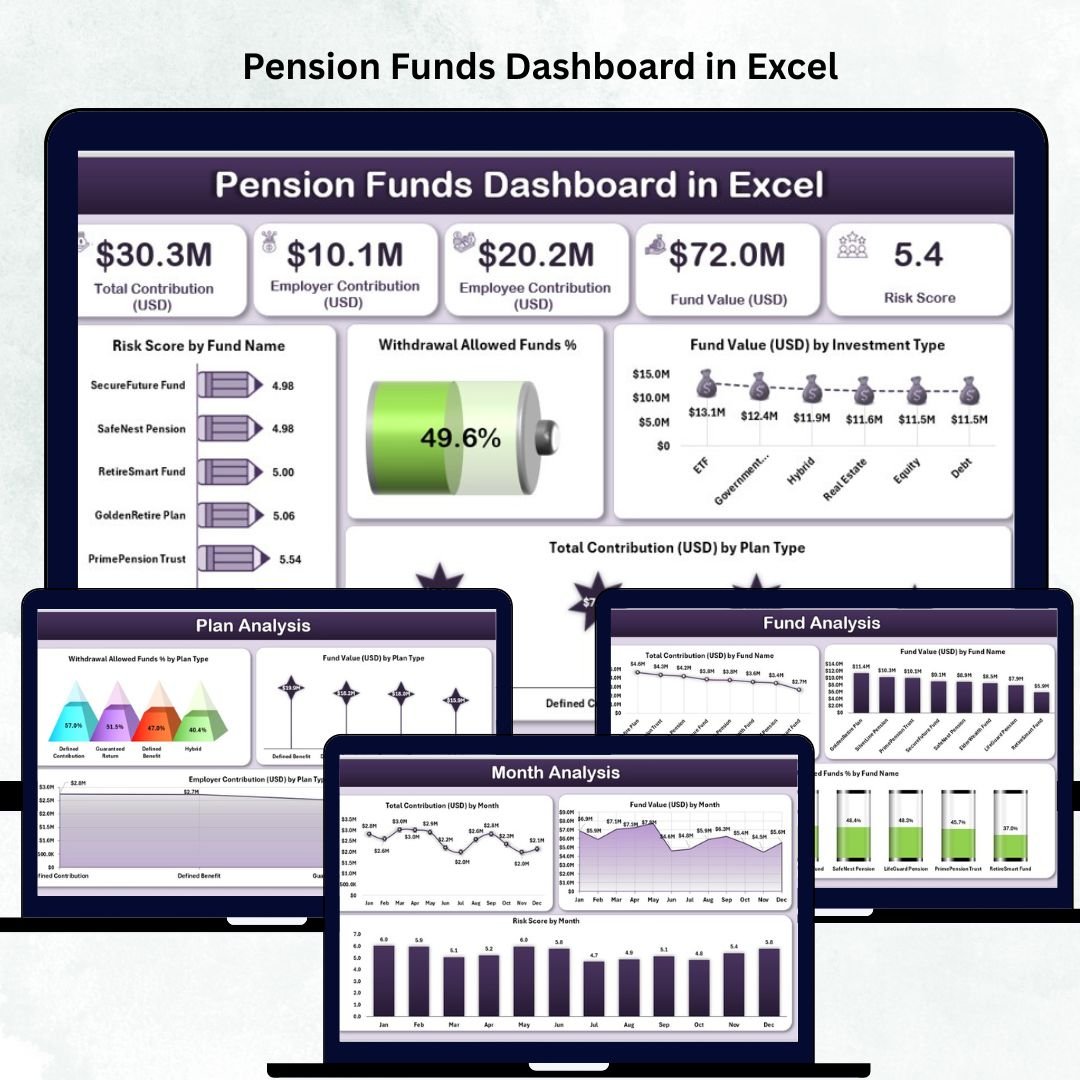




Managing pension funds requires accuracy, consistency, and real-time visibility. Yet many organizations still track pension performance manually through multiple sheets and scattered reports. This slows down reporting, creates confusion, and increases the chances of errors. To solve these challenges, we created the Pension Funds Dashboard in Excel — a clean, interactive, and ready-to-use dashboard designed to simplify pension monitoring for finance teams, HR departments, and employees.
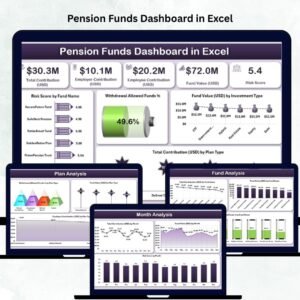
This dashboard combines all pension-related KPIs such as fund value, contributions, risk score, withdrawal eligibility, investment type performance, and monthly trends into a single visual platform. With automated charts, slicers, and summary cards, Excel becomes a powerful insights engine that helps you plan, compare, and analyze pension funds instantly.
Whether you manage a small company fund or a large multi-plan structure, this dashboard brings full clarity and transparency to retirement planning.
✨ Key Features of the Pension Funds Dashboard in Excel
📌 Smart Page Navigator
A left-side page navigator helps you switch between different analysis pages instantly. No scrolling, no confusion — everything is one click away.
📌 Fully Interactive Slicers
Filter data by month, plan type, investment type, or fund name and watch all visuals update automatically.
📌 Automated KPI Cards & Charts
The dashboard uses built-in Excel formulas and visual components to deliver fast, accurate, and dynamic insights.
📦 What’s Inside the Pension Funds Dashboard
This dashboard includes five powerful analytical pages, each offering a complete view of pension performance.
🏠 1. Overview Page – Complete Snapshot of Pension Health
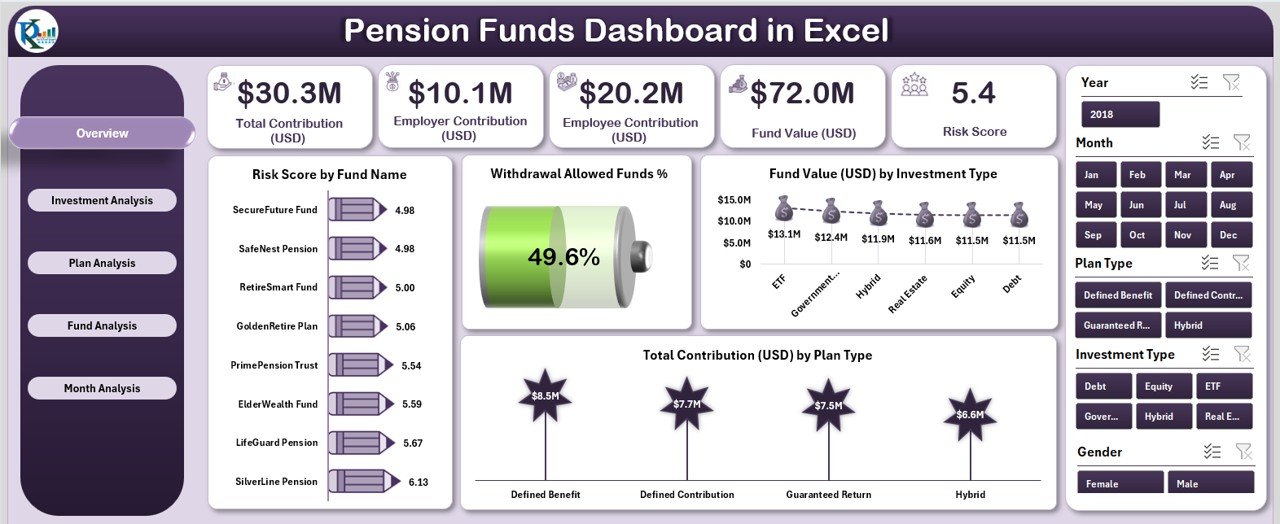
The Overview Page acts as the main control center of the dashboard.
What You See:
✔️ Month slicer on the right
✔️ Five KPI cards showing major numbers
✔️ Four detailed charts for quick insights
Charts Included:
Risk Score by Fund Name
Withdrawal Allowed Funds %
Fund Value (USD) by Investment Type
Total Contribution (USD) by Plan Type
This page helps employees and finance teams understand the pension landscape instantly.
💹 2. Investment Analysis Page – Study Investment Type Performance
Each investment type behaves differently in terms of value, contribution, and risk.
Charts on This Page:
Risk Score by Investment Type
Total Contribution (USD) by Investment Type
Employee Contribution (USD) by Investment Type
This page helps you evaluate which investment categories offer long-term stability and which ones carry higher risk.
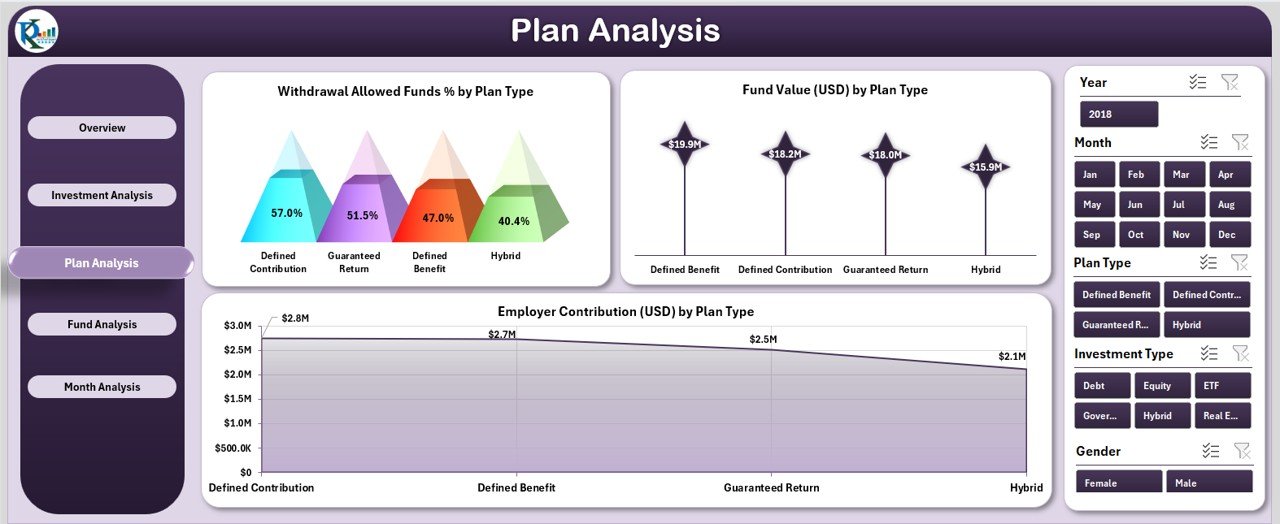
📄 3. Plan Analysis Page – Compare Plan Categories Easily
Plans differ in withdrawal rules, overall value, and employee contributions.
Charts Included:
Withdrawal Allowed Funds % by Plan Type
Fund Value (USD) by Plan Type
Employee Contribution (USD) by Plan Type
This page is essential for restructuring benefits, improving plan options, and communicating clearly with employees.
💼 4. Fund Analysis Page – Fund-Level Performance Review
Organizations often manage multiple pension funds. This page helps you compare each one.
Charts Included:
Total Contribution (USD) by Fund Name
Fund Value (USD) by Fund Name
Withdrawal Allowed Funds % by Fund Name
You identify top-performing funds, understand where contributions are flowing, and check withdrawal flexibility instantly.
📅 5. Month Analysis Page – Track Monthly Trends
Trends are important for long-term planning and forecasting.
Charts Included:
Total Contribution (USD) by Month
Fund Value (USD) by Month
Risk Score by Month
It helps you understand how contributions and fund values evolve month by month.
🧩 How to Use the Pension Funds Dashboard
📁 Update the Data Sheet
Just enter values for:
Fund names
Investment types
Plan categories
Monthly contributions
Fund values
Employee contributions
Risk scores
Withdrawal eligibility
The dashboard auto-updates everything — no manual calculations needed.
📁 Use the Support Sheet
This sheet contains formulas and helper tables that keep the dashboard running smoothly.
👥 Who Can Benefit from This Pension Dashboard
✔️ Finance Teams
Track funds, contributions, risk scores, and withdrawal rules easily.
✔️ HR Departments
Provide transparent pension insights to employees.
✔️ Pension Administrators
Ensure smooth reporting, planning, and fund management.
✔️ Employees
Understand contribution growth, fund value, risk levels, and plan features at a glance.
### Click hare to read the Detailed blog post
Visit our YouTube channel to learn step-by-step video tutorials
👉 Youtube.com/@PKAnExcelExpert
Watch the step-by-step video tutorial:
Compatibility and Requirements
- Works in Microsoft Excel desktop (Excel 2016 or later, or Microsoft 365).
- The pages use slicers and a left side page navigator, so use a desktop version of Excel.
- Need help with slicers? See the Microsoft guide Use slicers to filter data.
Frequently Asked Questions
What pages does the Pension Funds Dashboard include?
Five: Overview, Investment Analysis, Plan Analysis, Fund Analysis and Month Analysis.
What can I filter by?
Slicers filter by month, plan type, investment type and fund name, and every visual updates.
What data do I enter?
Fund names, investment types, plan categories, monthly contributions, fund values, employee contributions, risk scores and withdrawal eligibility, all in the Data Sheet.
Is there a Power BI version?
Yes. See the Pension Funds Dashboard in Power BI.
Related Pension and Finance Templates
- Pension Funds Dashboard in Power BI: the same analysis in Power BI
- Pension Funds Dashboard in Google Sheets: for teams that work online
- Pension Funds KPI Dashboard in Excel: track pension KPIs against targets
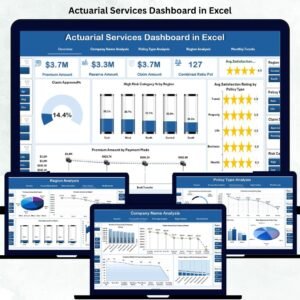
- Actuarial Services Dashboard in Excel: related analysis for actuarial teams
- Finance & Accounting Command Center: 8 finance templates in one bundle
Browse all Excel dashboards or the Excel financial tools.































Reviews
There are no reviews yet.