




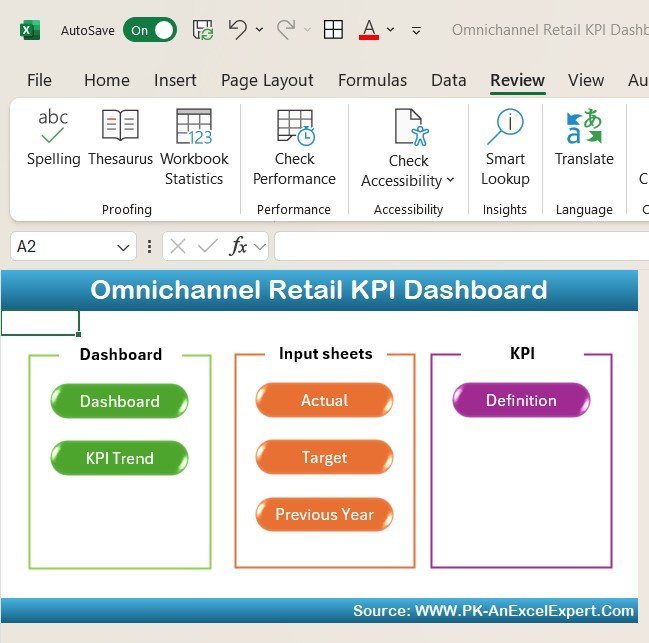

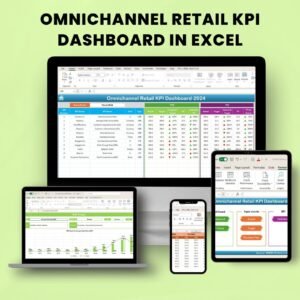
The Omnichannel Retail KPI Dashboard in Excel is a robust tool designed to help retail businesses track and optimize performance across various sales channels. Whether you are managing brick-and-mortar stores, e-commerce platforms, or a hybrid of both, this Excel-based dashboard provides valuable insights into your business’s key performance indicators (KPIs) to monitor sales, inventory, customer behavior, and much more.
In today’s retail world, understanding how each sales channel contributes to your business success is crucial. This dashboard offers a comprehensive view of all your omnichannel performance metrics in one place, enabling you to streamline your operations, enhance customer experience, and improve decision-making based on real-time data.

Key Features of the Omnichannel Retail KPI Dashboard in Excel
📊 Sales Performance Monitoring
Track and compare sales across different channels (online, in-store, mobile, etc.) to gain insights into which channels are performing best. Monitor total sales, average order value (AOV), and sales growth over time.
📦 Inventory Management Tracking
Monitor stock levels across all channels. Get real-time insights into inventory turnover rates, stockouts, and overstock situations, helping you optimize stock levels and avoid losing sales due to stock issues.
📈 Customer Behavior Analysis
Track customer interactions across different channels. Analyze metrics such as customer acquisition, retention, and lifetime value to enhance your customer engagement strategies and improve sales performance.
🛒 Omnichannel Sales Attribution
Measure how sales are attributed across different channels. This feature helps identify how marketing campaigns, promotions, and cross-channel interactions influence buying decisions, providing a complete view of customer behavior.
⚙️ Customizable KPIs & Metrics
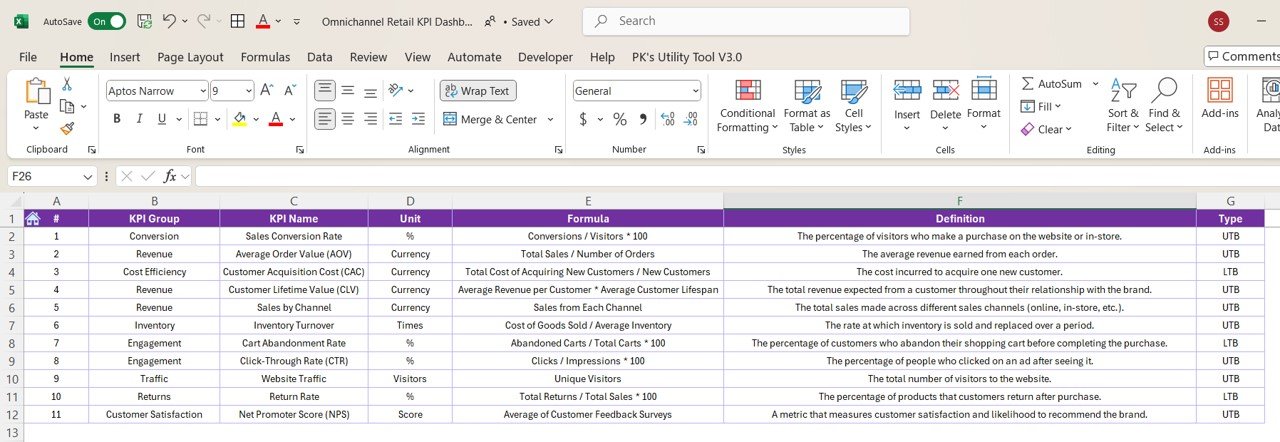
Customize the dashboard to fit your retail business needs. You can add or remove KPIs, such as conversion rates, cart abandonment rates, and average customer spend, to track what’s most important to your business.
📅 Time-Based Analysis
Analyze your KPIs over various time periods (daily, weekly, monthly) to spot trends and adjust your business strategies accordingly. Time-based analysis helps you track seasonal trends, marketing effectiveness, and overall performance growth.
Why You’ll Love the Omnichannel Retail KPI Dashboard in Excel
✅ Track Sales Across Channels
Monitor how different sales channels contribute to your business and optimize each channel’s performance for maximum impact.
✅ Improve Inventory Management
Track real-time inventory data, identify stockouts or overstock situations, and make informed decisions to improve inventory management.
✅ Enhance Customer Experience
Analyze customer behavior to create personalized marketing campaigns and improve engagement across all touchpoints.
✅ Make Data-Driven Decisions
Leverage real-time insights to make informed decisions that can improve your omnichannel retail strategy and drive sales growth.
✅ Customizable & Scalable
The dashboard is fully customizable, allowing you to adjust it according to your business’s specific needs. It can also scale as your business grows, making it suitable for both small and large retail operations.
What’s Inside the Omnichannel Retail KPI Dashboard in Excel?
Sales Performance Monitoring: Track sales across all channels and identify top-performing ones.
Inventory Management Tracking: Monitor stock levels, turnover rates, and manage stockouts.
Customer Behavior Analysis: Analyze customer acquisition, retention, and lifetime value.
Omnichannel Sales Attribution: Measure how various channels contribute to sales.
Customizable KPIs: Tailor the dashboard to focus on the most relevant metrics for your business.
Time-Based KPI Analysis: Monitor and track performance over different periods to spot trends.
How to Use the Omnichannel Retail KPI Dashboard in Excel
1️⃣ Download the Template: Access the Omnichannel Retail KPI Dashboard in Excel instantly.
2️⃣ Input Your Sales Data: Enter your sales and inventory data for all channels (online, in-store, etc.).
3️⃣ Track KPIs & Performance: Monitor key metrics such as sales, stock levels, and customer interactions.
4️⃣ Analyze Trends: Use time-based analysis to identify trends and make data-driven decisions.
5️⃣ Optimize Your Strategy: Use the insights to improve customer engagement, optimize sales channels, and boost performance.
Who Can Benefit from the Omnichannel Retail KPI Dashboard in Excel?
🔹 Retail Managers & Operations Teams
🔹 E-commerce & Online Retailers
🔹 Brick-and-Mortar Store Owners
🔹 Marketing & Customer Engagement Teams
🔹 Inventory & Supply Chain Managers
🔹 Small & Medium Retail Businesses
🔹 Large Retail Chains & Enterprises
Ensure that your omnichannel retail business operates smoothly and efficiently with the Omnichannel Retail KPI Dashboard in Excel. Track sales performance, optimize inventory, and enhance customer experience, all from one centralized platform.
Click here to read the Detailed blog post
Visit our YouTube channel to learn step-by-step video tutorials
Youtube.com/@PKAnExcelExpert
Compatibility and Requirements
- Works in Microsoft Excel desktop (Excel 2016 or later, or Microsoft 365).
- The KPIs are shown in interactive charts. Microsoft explains Excel charts in Create a chart from start to finish.
Frequently Asked Questions
What does the Omnichannel Retail KPI Dashboard track?
It tracks sales by channel, stock levels, turnover and stockouts, customer acquisition, retention and lifetime value, and how each channel contributes to sales.
How do I add my own data?
Enter your sales and inventory data for every channel, such as online and in-store. Then use the dashboard to monitor the KPIs.
Can I compare different time periods?
Yes. Time-based analysis tracks performance over different periods so you can spot trends.
Can I choose which KPIs to show?
Yes. You can tailor the dashboard to the metrics that matter most to your business.
Is there a Google Sheets or Power BI version?
Yes. The Omnichannel Retail KPI Dashboard in Google Sheets and the Omnichannel Retail KPI Dashboard in Power BI cover the same KPIs on those platforms.
Related Retail Templates
- Omnichannel Retail KPI Dashboard in Google Sheets: the same dashboard in Google Sheets
- Omnichannel Retail KPI Dashboard in Power BI: the same KPIs in Power BI
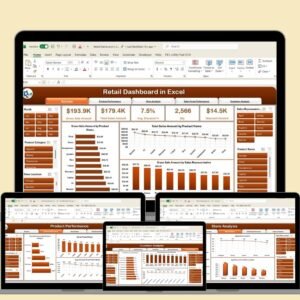
- Retail KPI Dashboard In Excel: general retail KPIs
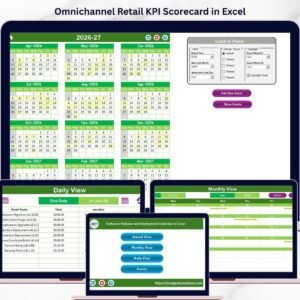
- Omnichannel Retail KPI Scorecard in Excel: score channel KPIs against targets
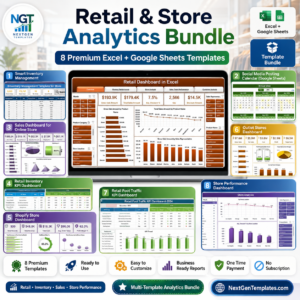
- Retail & Store Analytics Bundle: 8 retail templates for Excel and Google Sheets
Browse all Excel KPI dashboards or the Excel dashboards.






























Reviews
There are no reviews yet.