

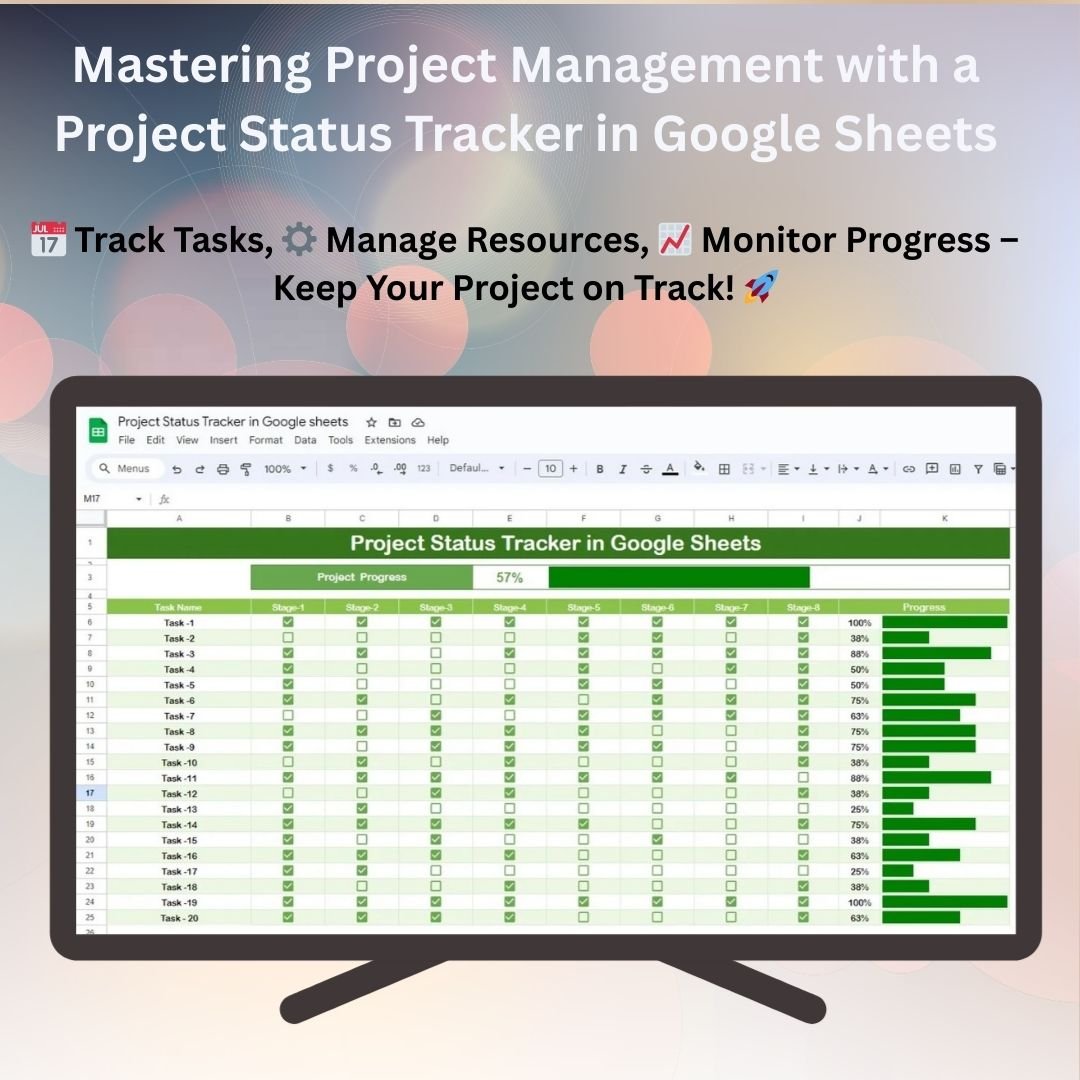

The Project Status Tracker in Google Sheets is a powerful tool designed to help project managers and teams track the progress of their projects efficiently. This template allows you to monitor key project metrics, such as task completion, deadlines, and resource allocation, all in one place. Whether you’re managing a single project or multiple projects, this tracker keeps your team organized and focused on achieving project milestones and deadlines.
With easy-to-use features, real-time updates, and customizable sections, this project status tracker enables teams to stay on track and ensure that every aspect of the project is executed on time and within scope. From tracking individual tasks to managing resources, this tool helps streamline communication, improve accountability, and ensure successful project delivery.

Key Features of the Project Status Tracker in Google Sheets
📅 Task Management: Track all project tasks, deadlines, and completion statuses in one organized sheet.
⚙️ Progress Tracking: Monitor the progress of each task with status indicators like Not Started, In Progress, and Completed.
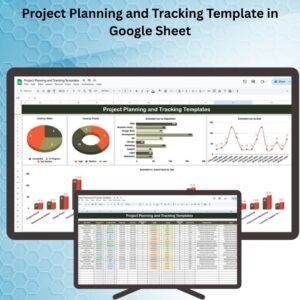
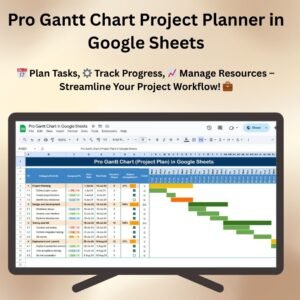
📊 Visual Progress: Use color-coded progress bars and charts to visualize project performance and task completion.
💼 Resource Allocation: Allocate resources to tasks and ensure that they are available for timely project delivery.
📈 Milestone Tracking: Set key milestones for the project and track their completion to ensure deadlines are met.
🔄 Real-Time Collaboration: Share the tracker with your team for real-time updates and project tracking.
Why You’ll Love the Project Status Tracker in Google Sheets
✅ Real-Time Updates: Stay up-to-date with live data entry and real-time collaboration with team members.
✅ Visual Insights: Track project status visually with progress bars and color-coded indicators for easy understanding.
✅ Customizable: Modify the tracker to suit your specific project needs, including adding tasks, deadlines, and resource fields.
✅ Team Collaboration: Share the tracker with team members and assign tasks to individuals for clear accountability.
✅ Improves Efficiency: Streamline project management and improve communication by tracking all project elements in one place.
What’s Inside the Project Status Tracker in Google Sheets?
📅 Task List: A well-organized task list to monitor project progress, deadlines, and completion status.
⚙️ Task Progress Tracker: Use progress bars to monitor the completion of each task in real time.
📈 Resource Management: Assign and track resources for each task to ensure project deadlines are met.
📊 Milestone Tracker: Track key project milestones to make sure the project stays on schedule.
💼 Customizable Fields: Add or modify tasks, deadlines, and resources to fit your project’s specific needs.
How to Use the Project Status Tracker in Google Sheets
1️⃣ Download the Template – Get instant access to the pre-configured project status tracker in Google Sheets.
2️⃣ Enter Task Details: Add tasks, deadlines, and resources to the template.
3️⃣ Track Progress: Update the task status regularly to track progress against deadlines.
4️⃣ Allocate Resources: Assign resources to tasks and ensure they are available for each project phase.
5️⃣ Collaborate: Share the tracker with your team to track the project’s progress collaboratively in real-time.
Who Can Benefit from the Project Status Tracker in Google Sheets?
🔹 Project Managers
🔹 Team Leaders
🔹 Operations Managers
🔹 Business Owners
🔹 Freelancers and Consultants
🔹 Marketing Managers
🔹 Small Business Owners
Streamline project tracking and management with the Project Status Tracker in Google Sheets. Track tasks, resources, milestones, and deadlines with ease for more effective project execution.
Click here to read the detailed blog post
Visit our YouTube channel to learn step-by-step video tutorials
Watch the step-by-step video tutorial:
Compatibility and Requirements
- Works in Google Sheets with a free Google account and a web browser.
- Share the file with your team from Google Sheets to update tasks together.
- New to Google Sheets? Google covers the basics in How to use Google Sheets.
Frequently Asked Questions
What does the Project Status Tracker track?
It tracks tasks, deadlines, completion status, resources and milestones for your projects in one Google Sheets file.
Which status options does it use?
Each task can be marked Not Started, In Progress or Completed, and progress bars show how far each task has moved.
Can my team update it at the same time?
Yes. Because it runs in Google Sheets, you can share it and team members can update it together in real time.
Can I add my own tasks and fields?
Yes. You can add or change tasks, deadlines and resource fields to fit your project.
Related Project Management Templates
- Project Status Update Tracker in Google Sheets: log status updates for each project
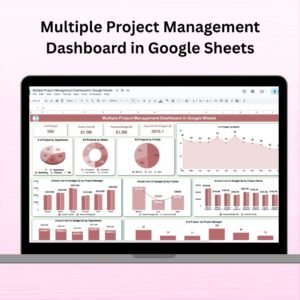
- Multiple Project Management Dashboard in Google Sheets: see several projects on one dashboard
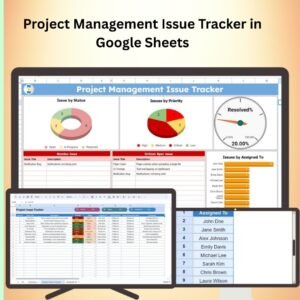
- Project Management Issue Tracker in Google Sheets: record and follow up project issues
- Project Status Update Tracker in Excel: the same idea for Excel users
- Project Management Pro Bundle: 9 project templates in one download
Browse all Google Sheets project management templates or the Google Sheets trackers.
















Reviews
There are no reviews yet.