

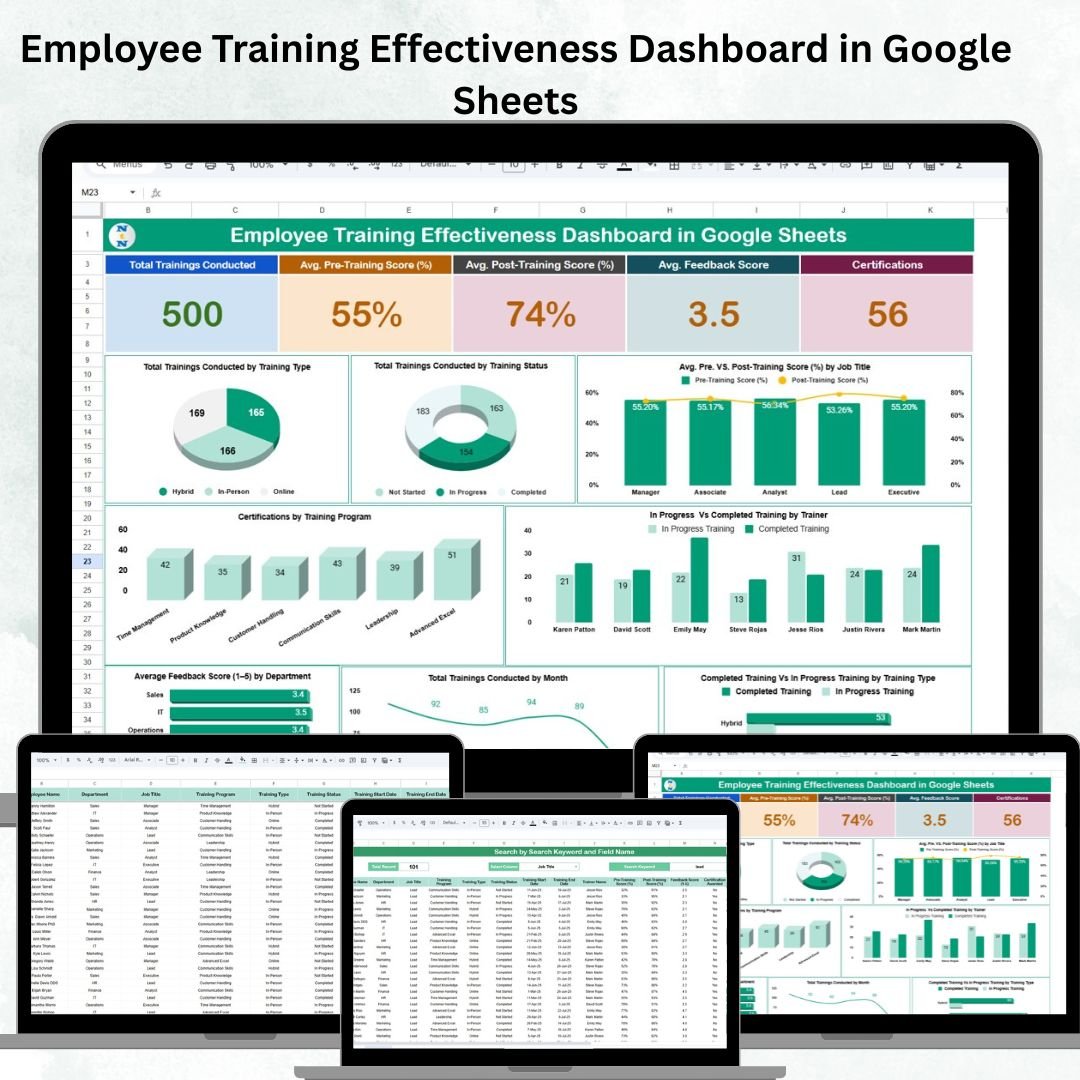

Employee training is no longer just an HR function — it’s a core business strategy. Yet, many organizations struggle to measure whether training programs truly improve employee skills, performance, and satisfaction. That’s where the Employee Training Effectiveness Dashboard in Google Sheets comes in. 🎯Employee Training Effectiveness Dashboard in Google Sheets
This ready-to-use dashboard consolidates all training-related data into one interactive platform, making it easy to evaluate pre- and post-training results, feedback, certifications, and completion rates. With real-time updates and visual insights, HR teams and managers can finally measure the true impact of training initiatives and continuously optimize them for better outcomes.
🔑 Key Features of the Employee Training Effectiveness Dashboard
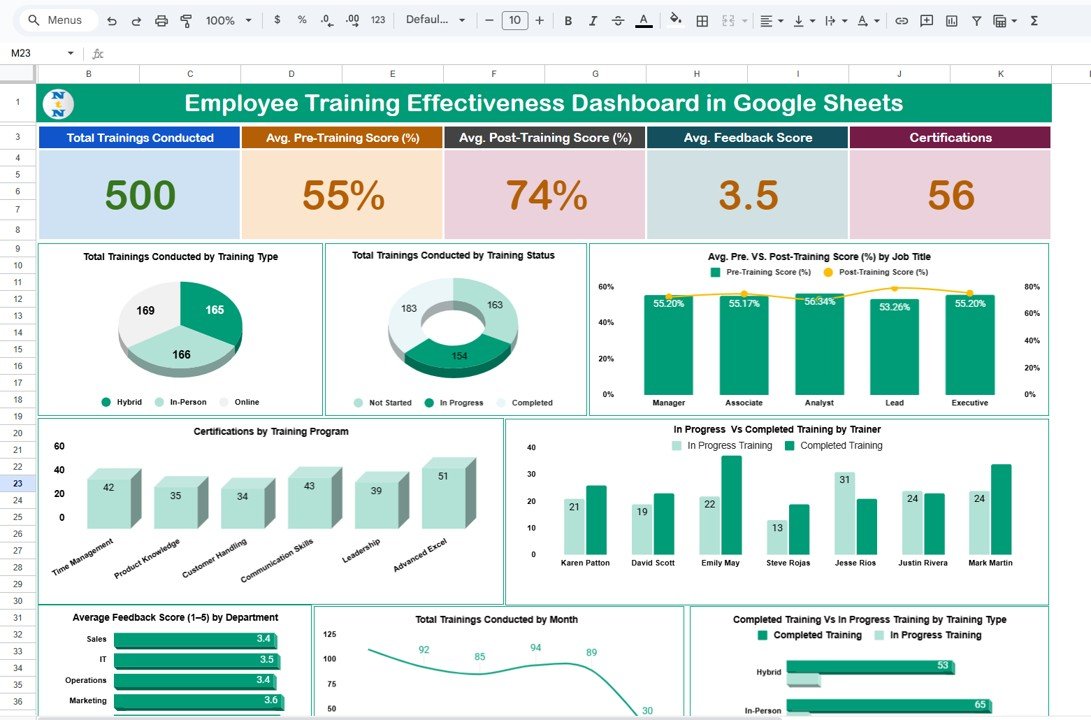
📊 Dashboard Overview
Cards: Instantly track total trainings conducted, average pre-training and post-training scores, feedback ratings, and certifications.
Charts: Analyze data visually with multiple charts:
Trainings by type and status (completed, in-progress, pending)
Pre vs Post scores by job title (learning improvement)
Completed vs In-progress trainings by trainer
Certifications by program
Trainings conducted by month (trend analysis)
Average feedback score by department
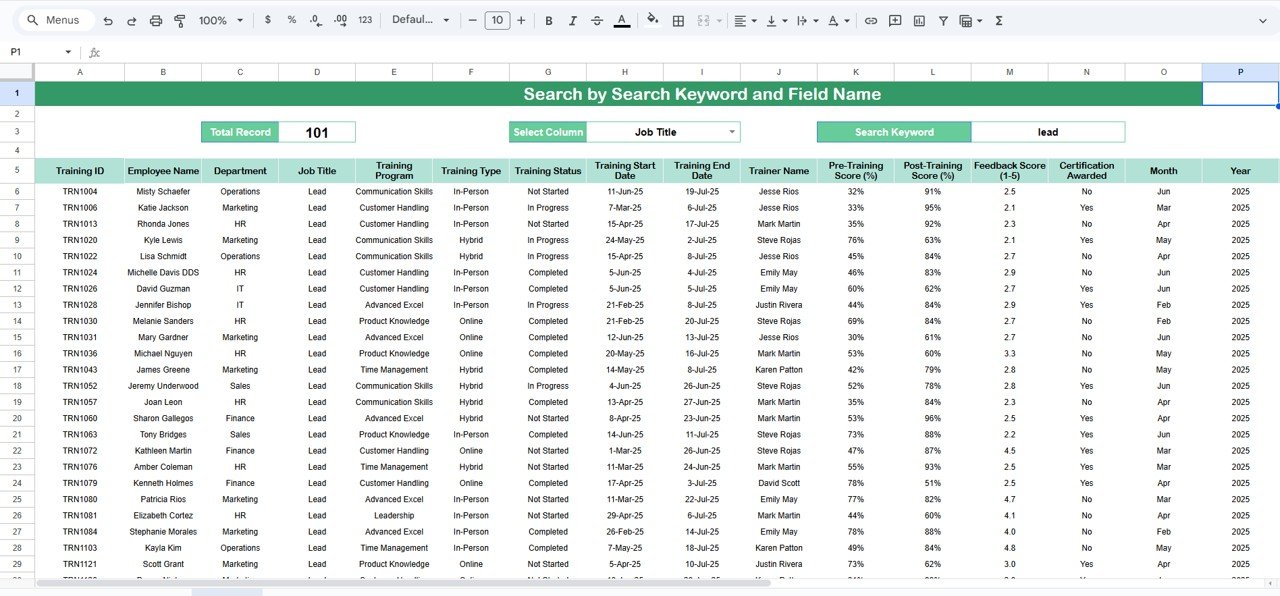
🔍 Search Sheet
Quickly locate records by keyword and field (employee name, training type, trainer, etc.)
Perfect for HR queries or compliance audits
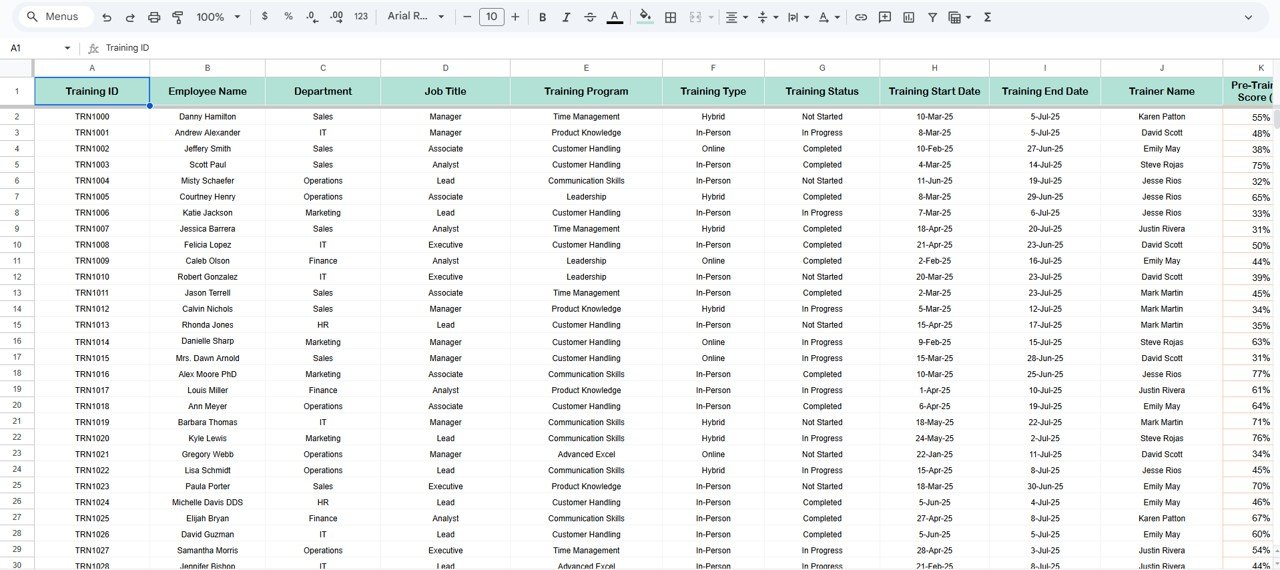
📝 Data Sheet
Input training details: employee info, training program, pre/post scores, feedback, certifications, and status
Automatic updates to charts and dashboard visuals
📦 What’s Inside the Dashboard
✅ Dashboard Sheet Tab – Cards and charts for high-level performance tracking
✅ Search Sheet – Smart filtering to find specific training records
✅ Data Sheet – Centralized input sheet for structured data
✅ Pre-built Charts – Instant insights into completion rates, scores, and certifications
✅ Real-Time Updates – All visuals refresh automatically with new data
✅ Customizable Fields – Add/remove metrics to fit your company’s training needs
👥 Who Can Benefit from This Dashboard?
🎯 HR Managers – Track training effectiveness, feedback, and certifications
🎯 Team Leaders – Identify skill gaps and evaluate team development
🎯 Trainers – Measure improvement in learner performance
🎯 Executives – Align training outcomes with organizational goals
🎯 Small & Large Organizations – Scalable for teams of any size
🌟 Advantages of Using the Employee Training Effectiveness Dashboard
✅ Centralized Training Tracking – All metrics in one Google Sheet
✅ Measure Learning Improvement – Pre vs post score comparisons
✅ Track Certifications – Ensure compliance and professional growth
✅ Trainer Performance Insights – Evaluate training delivery effectiveness
✅ Real-Time Reporting – Automatic updates for accurate results
✅ Visual Analytics – Simplify decision-making with charts & KPIs
✅ Customizable & Collaborative – Google Sheets supports multiple users
🧪 Best Practices for Using the Dashboard
Update Data Promptly – Enter details right after each training session
Segment Data – Analyze results by department, job title, or trainer
Monitor Trends – Use monthly training charts to track progress over time
Compare Scores – Identify real learning improvement with pre vs post analysis
Use Feedback Wisely – Leverage employee feedback to enhance future sessions
Track Certifications – Ensure all mandatory trainings are completed
🎯 How This Dashboard Helps Organizations
Improve employee development with measurable insights
Optimize training programs based on actual outcomes
Enhance employee engagement through progress tracking
Support compliance and certifications for audits
Make data-driven HR decisions with real-time analytics
🔗 Click here to read the Detailed blog post
Watch the step-by-step video Demo:
🔗 Visit our YouTube channel for step-by-step video tutorials
Compatibility and Requirements
- Works in Google Sheets. You need a free Google account and a web browser.
- The dashboard shows its data as charts. Google explains how charts work in Add and edit a chart or graph.
Frequently Asked Questions
Which sheets are included?
Three sheets: Dashboard, Search and Data. The Dashboard sheet has the cards and charts, the Search sheet finds records, and the Data sheet is where you enter training details.
What do I enter in the Data sheet?
Employee information, the training program, pre-training and post-training scores, feedback, certifications and training status. The charts and cards update from these entries.
Can I compare scores before and after training?
Yes. One chart shows pre-training and post-training scores by job title, so you can see where learning improved.
How do I find one employee’s training record?
Open the Search sheet, pick a field such as employee name, training type or trainer, and enter a keyword.
Is there an Excel or Power BI version?
Yes. See the Employee Training Effectiveness Dashboard in Excel and the Employee Training Effectiveness Dashboard in Power BI.
Related Training and HR Templates
- Employee Training Effectiveness Dashboard in Excel: the same dashboard for Excel
- Employee Training Effectiveness Dashboard in Power BI: the Power BI edition
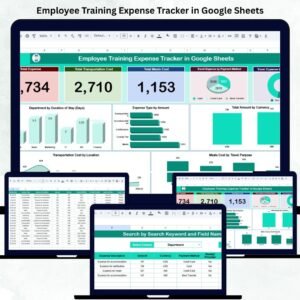
- Employee Training Expense Tracker in Google Sheets: track what training costs
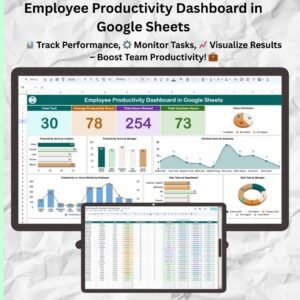
- Employee Productivity Dashboard in Google Sheets: another HR view in Google Sheets
- HR Google Sheets Pack: 10 HR templates for Google Sheets in one download
Browse all Google Sheets dashboards.


























Reviews
There are no reviews yet.