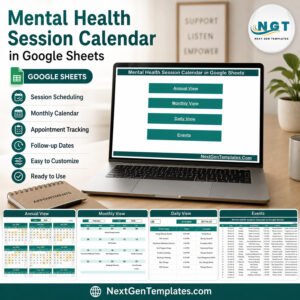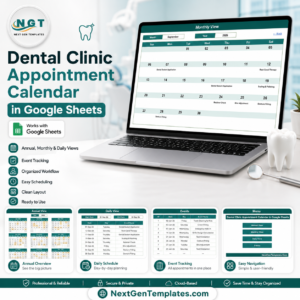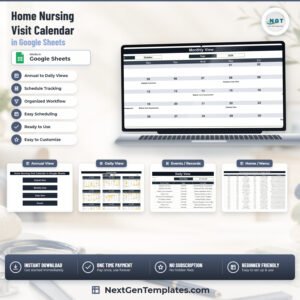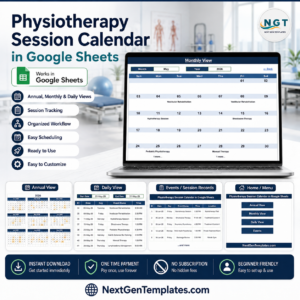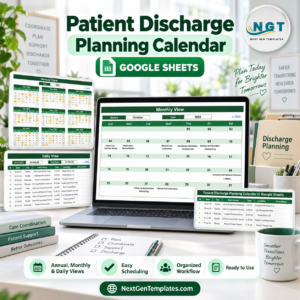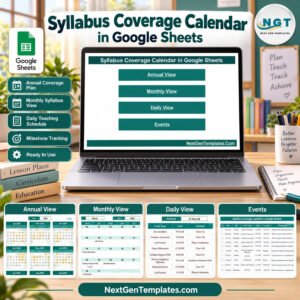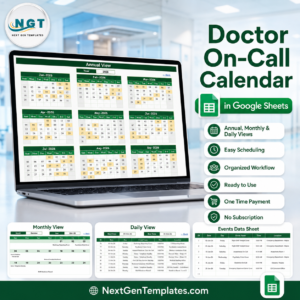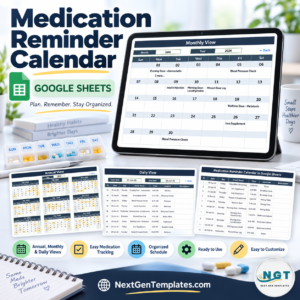
Annual Strategic Planning Calendar in Google Sheets .
Plan smarter, stay organized, and achieve your yearly goals with ease! This ready-to-use Google Sheets template is your all-in-one solution for strategic planning, event management, and performance tracking — all in one interactive dashboard. Whether you manage a business, nonprofit, or educational institution, this tool helps you visualize and execute your strategy seamlessly throughout the year.
✨ Key Features of the Annual Strategic Planning Calendar in Google Sheets
✅ Dynamic Annual, Monthly & Daily Views – Switch between high-level overviews and daily execution details with just a click.
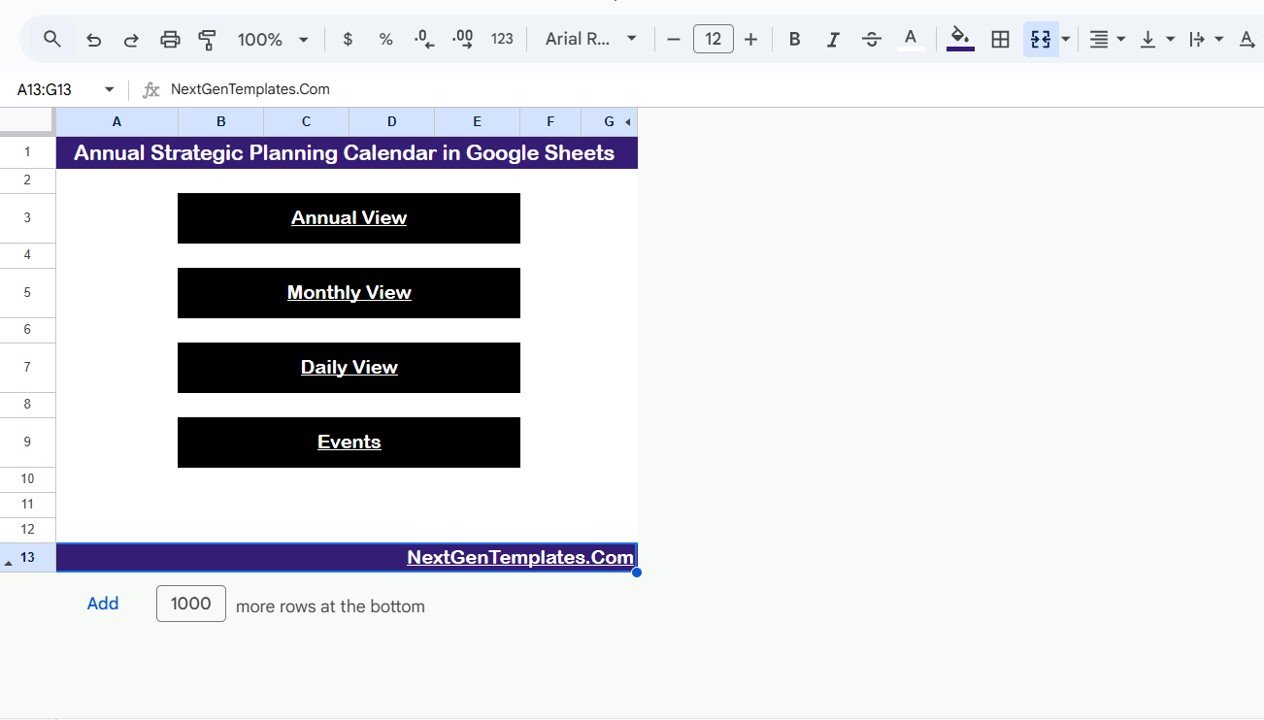
✅ Smart Navigation Buttons – Instantly jump to Annual View, Monthly View, Daily View, or Events Sheet directly from the Home Page.
✅ Customizable Year & Start Month – Perfect for both calendar and fiscal years.
✅ Cloud Collaboration – Multiple users can plan and update simultaneously.
✅ Centralized Database – All your events, meetings, and milestones in one structured table.
✅ Automatic Day Calculation – No need to manually type weekdays — it’s all automated!
✅ Theme and Control Panel Options – Adjust colors, layouts, and starting day of the week.
✅ No Add-Ons or Coding Required – 100% formula-driven, user-friendly interface.
✅ Compatible on Any Device – Access your plan anytime, anywhere — desktop, tablet, or mobile.
✅ Scalable for Teams of Any Size – Works seamlessly for startups or large organizations.Annual Strategic Planning Calendar in Google Sheets
📦 What’s Inside the Annual Strategic Planning Calendar
📁 1. Home Sheet Tab:
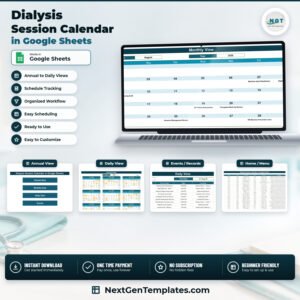
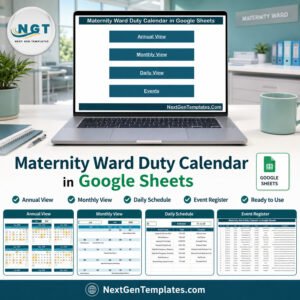
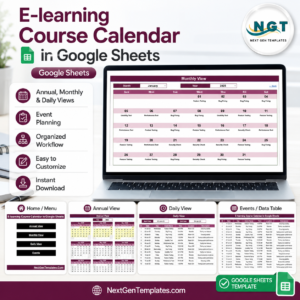
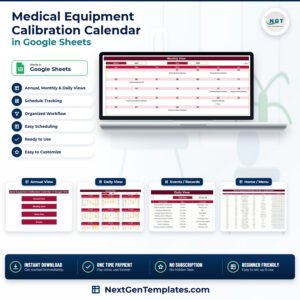
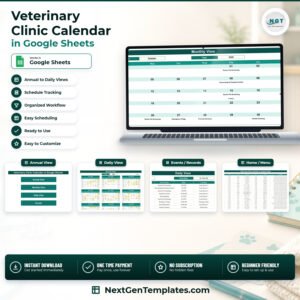
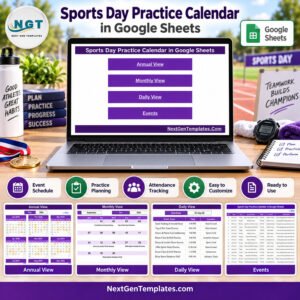
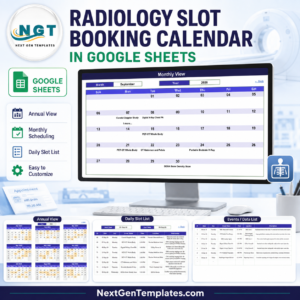
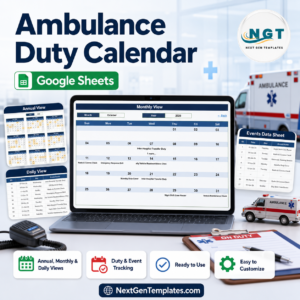
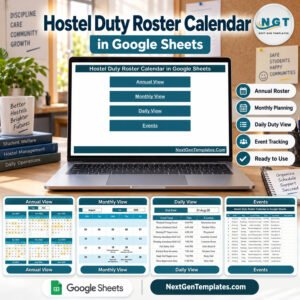
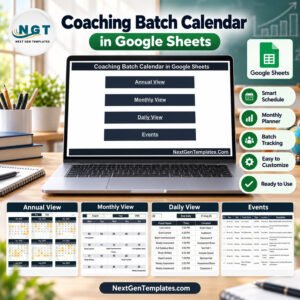
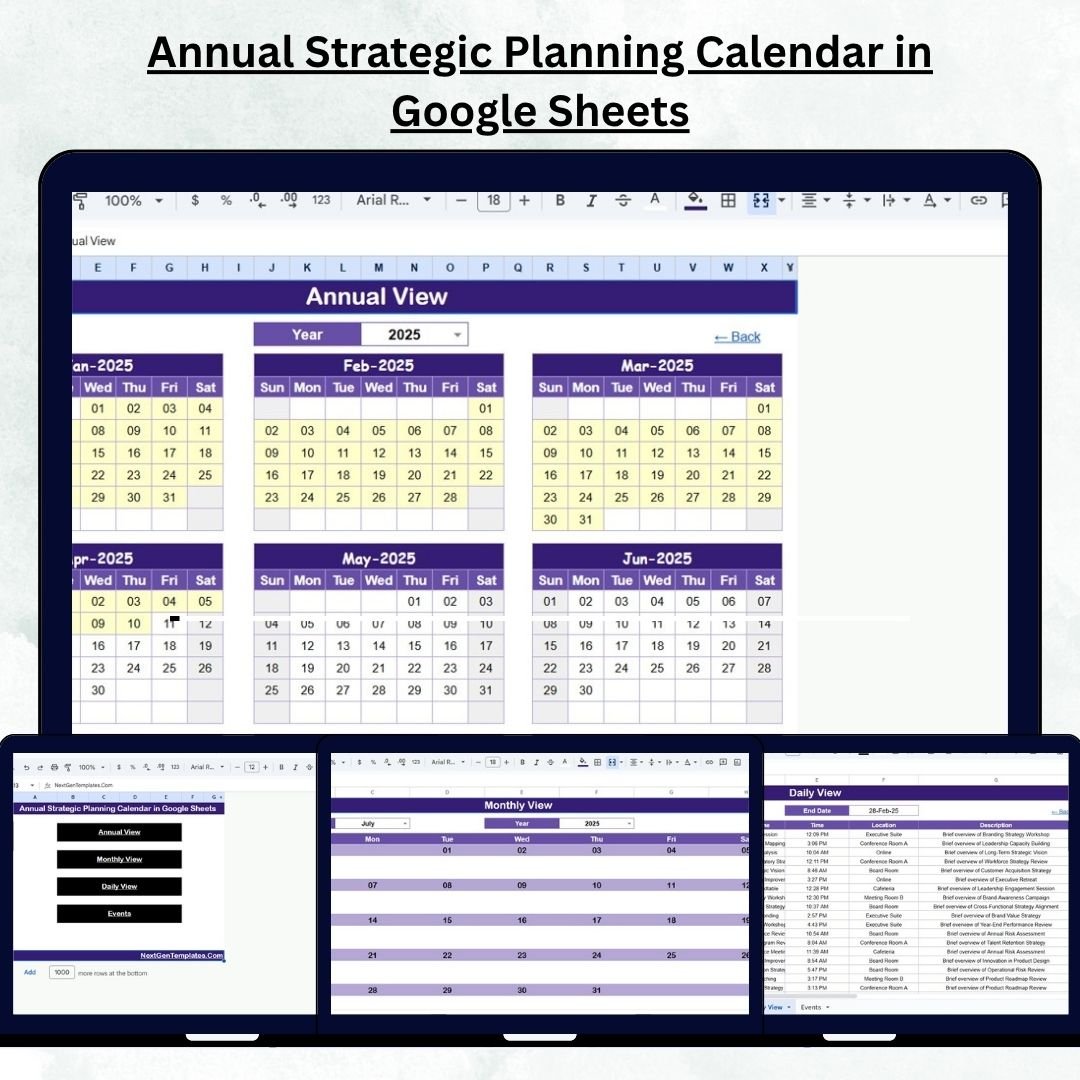
Your control center! Navigate across views with buttons for Annual, Monthly, Daily, and Events pages — no scrolling needed.
📁 2. Annual View Tab:
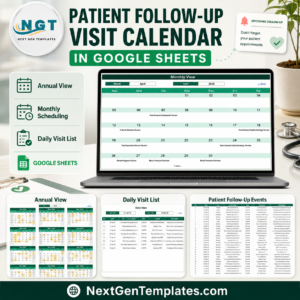
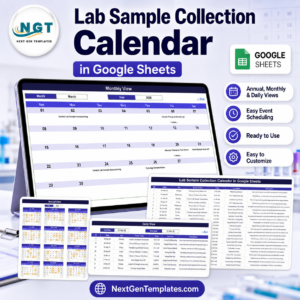
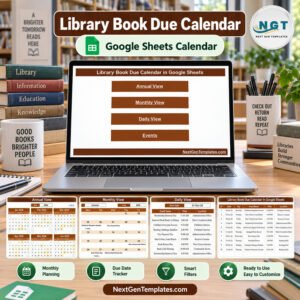
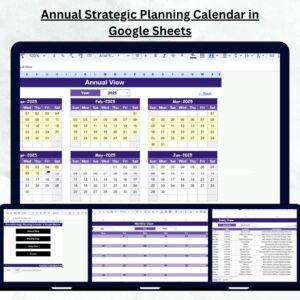
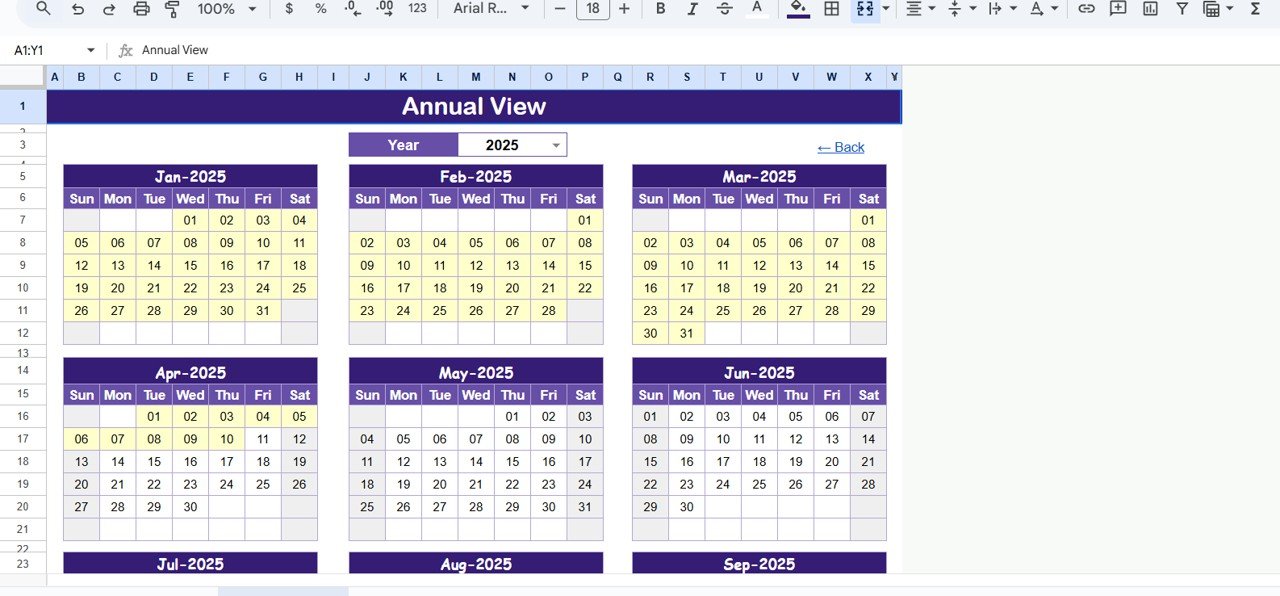
See your full-year plan in one glance. Select your desired year, fiscal start month, and starting weekday. Ideal for management reviews and strategic summaries.
📁 3. Monthly View Tab:
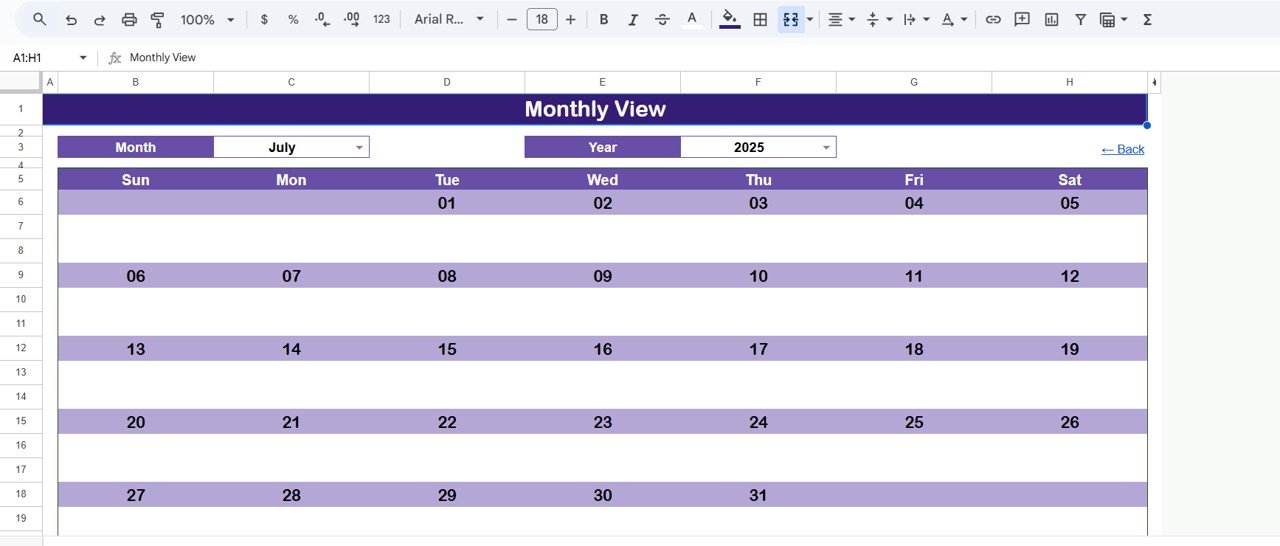
Zoom into any month! Displays one event per day, with a “more than 1…” indicator for busy days. Helps you spot high-activity periods instantly.
📁 4. Daily View Tab:
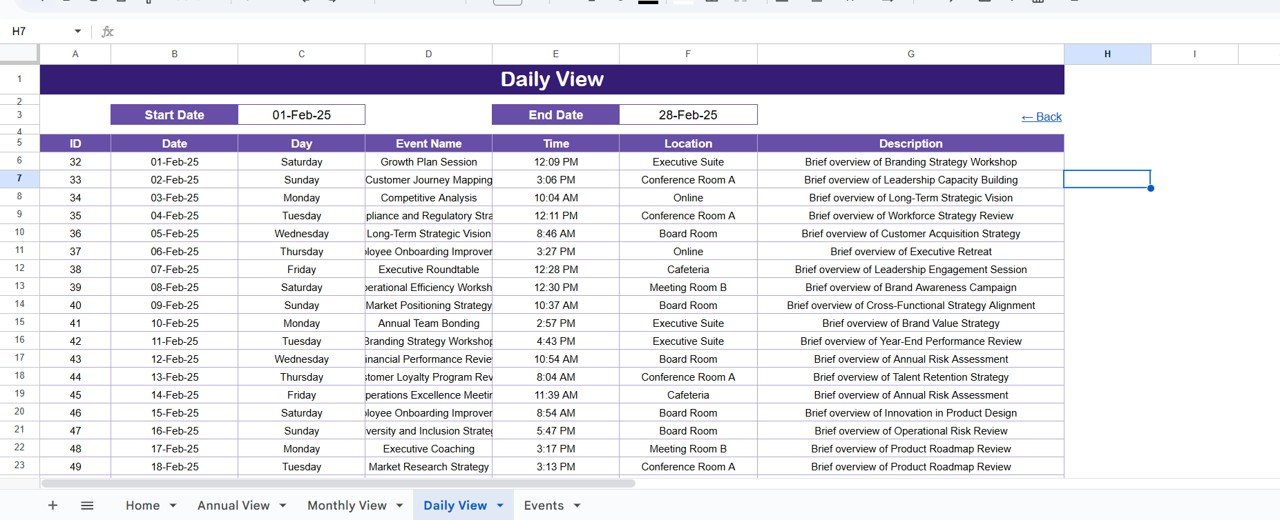
Focus on daily execution.Annual Strategic Planning Calendar in Google Sheets Choose a start and end date to review all events in that window — perfect for short-term scheduling and team tracking.
📁 5. Events Sheet Tab (Database):
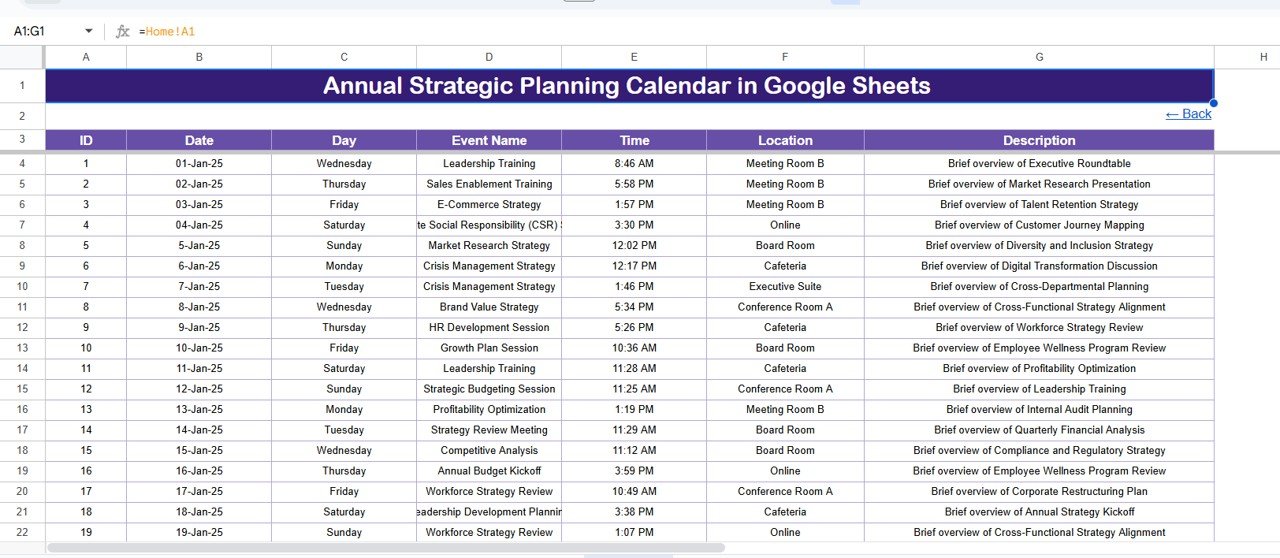
The heart of your planner — record all events, meetings, and milestones. Columns include ID, Annual Strategic Planning Calendar in Google Sheets Date, Day, Event Name, Time, Location, and Description. Everything automatically syncs with other views!
⚙️ How to Use the Annual Strategic Planning Calendar
1️⃣ Open the Template – Copy the Google Sheet to your Drive.
2️⃣ Customize Settings – Select the year, start month, and first weekday in the control panel.
3️⃣ Add Events – Input your meetings, reviews, and deadlines in the Events Sheet.
4️⃣ Analyze Your Plan – Use Annual, Monthly, and Daily views to monitor initiatives.
5️⃣ Collaborate in Real Time – Share with your team for live editing and tracking.
6️⃣ Review Quarterly – Use the Annual View to compare achievements with strategic objectives.
👥 Who Can Benefit from This Calendar
👨💼 Business Leaders & CEOs: Align company objectives with department goals effortlessly.
📈 Project Managers: Monitor deadlines, milestones, and progress all in one view.
🏢 Department Heads: Coordinate activities across teams with visibility and accountability.
🎓 Educators & Administrators: Plan academic or institutional events strategically.
💡 Nonprofit Managers: Track campaigns, fundraising events, and annual targets.
🧑💻 Startup Founders: Manage launches, marketing efforts, and investor meetings efficiently.
🌍 Remote Teams: Keep everyone on the same page through real-time collaboration.
Click here to read the Detailed Blog Post
Watch the step-by-step video tutorial:
Visit our YouTube channel to learn step-by-step video tutorials