


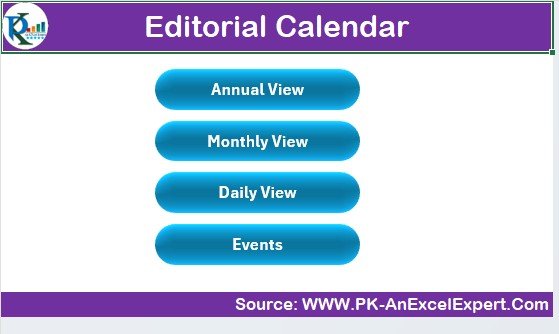



Compatibility and Requirements
- Works in Microsoft Excel desktop (Excel 2016 or later, or Microsoft 365).
- New to Excel? Start with Microsoft’s Excel for Windows training.
Frequently Asked Questions
What content can I plan?
Blog posts, social media updates, articles, videos and other editorial content, each with a publication date.
Can I track the status of each piece?
Yes. Track every piece from draft to final approval and publication.
Can I assign work to my team?
Yes. Assign tasks and responsibilities so everyone knows who owns each piece.
Can I record how content performed?
Yes. Log views, shares, comments or engagement for published content.
Is there a Google Sheets version?
Yes. See the Editorial Calendar in Google Sheets.
Related Content Planning Templates
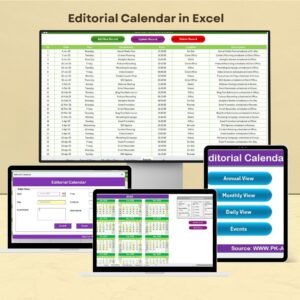
- Editorial Calendar in Google Sheets: the Google Sheets edition
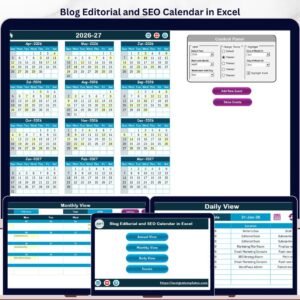
- Blog Editorial and SEO Calendar in Excel: plan blog posts with SEO in mind
- Social Media Posting Calendar in Excel: schedule social posts by platform
- Content Calendar Checklist Template in Excel: a checklist for content tasks
- Calendar & Planner Pack: 12 calendar and planner templates
Browse all Excel calendars.































Reviews
There are no reviews yet.