

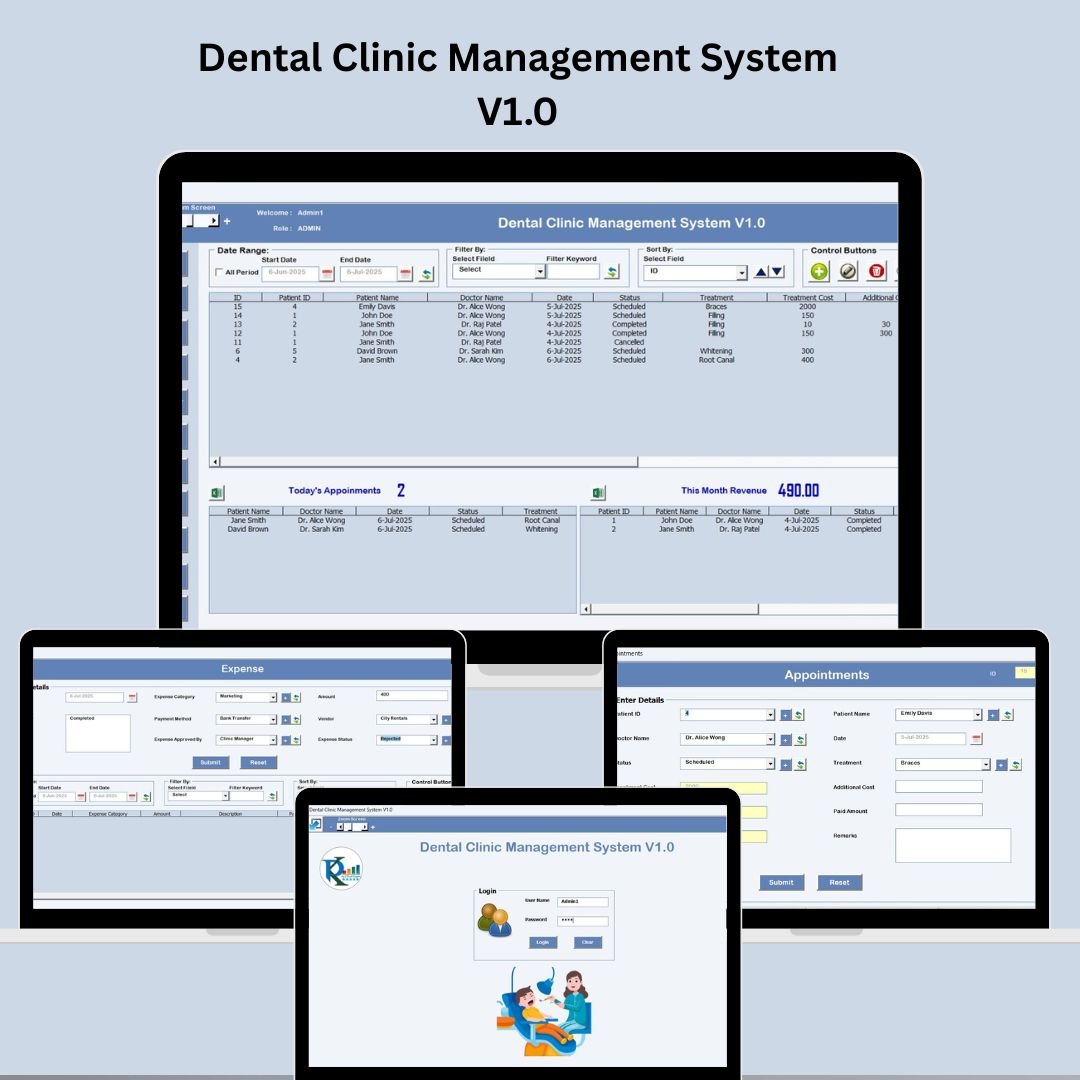

Running a dental clinic doesn’t have to be chaotic or paper-heavy anymore 🦷💻. With the Dental Clinic Management System V1.0, built using Excel and VBA, you can effortlessly automate clinic operations—from appointment scheduling to treatment tracking—without investing in expensive software.
This easy-to-use, ready-made system gives you centralized control over patient records, doctor management, financials, and more—all within a single Excel interface. Whether you manage a single dental clinic or operate across multiple locations, this tool ensures your entire workflow is streamlined, secure, and scalable.
✅ Key Features of Dental Clinic Management System V1.0
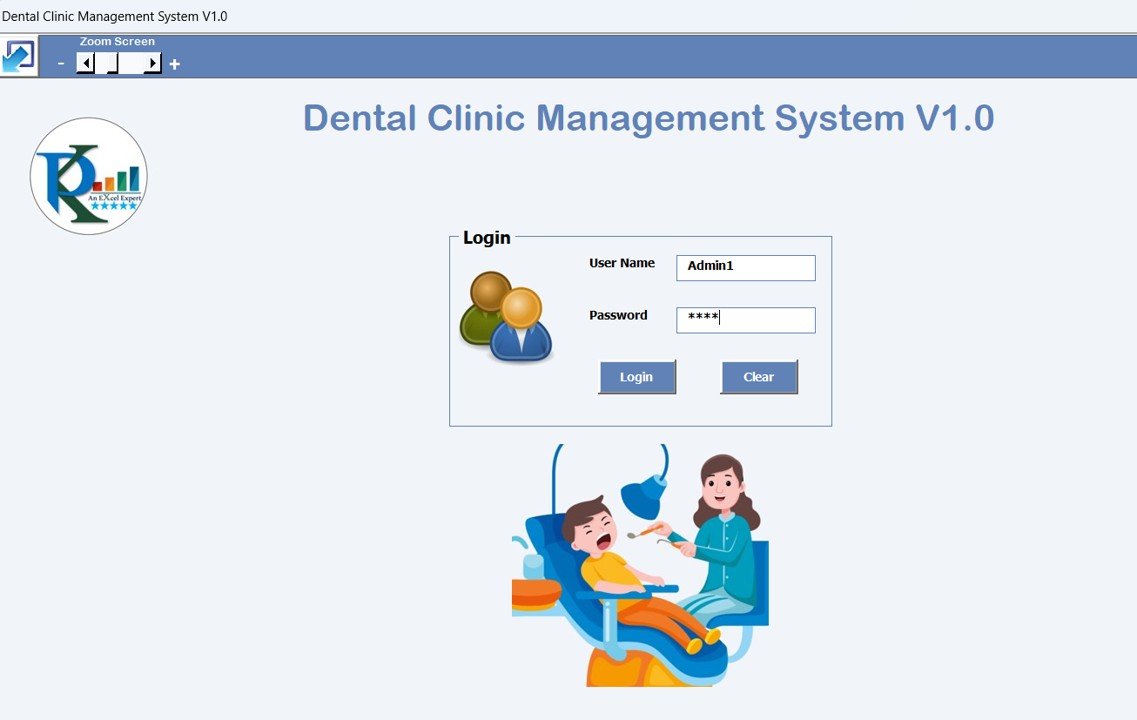
🔐 Secure Login System
Access the system with a user ID and password (e.g., Admin1/abcd)
Protect sensitive data with controlled access for staff members
🏠 Main Dashboard for Record Management

View all records via list box
Use filters and sort options to quickly find patient or treatment details
Perform actions like:
➕ Add New Records
🖊️ Update Existing Records
🗑️ Delete Records
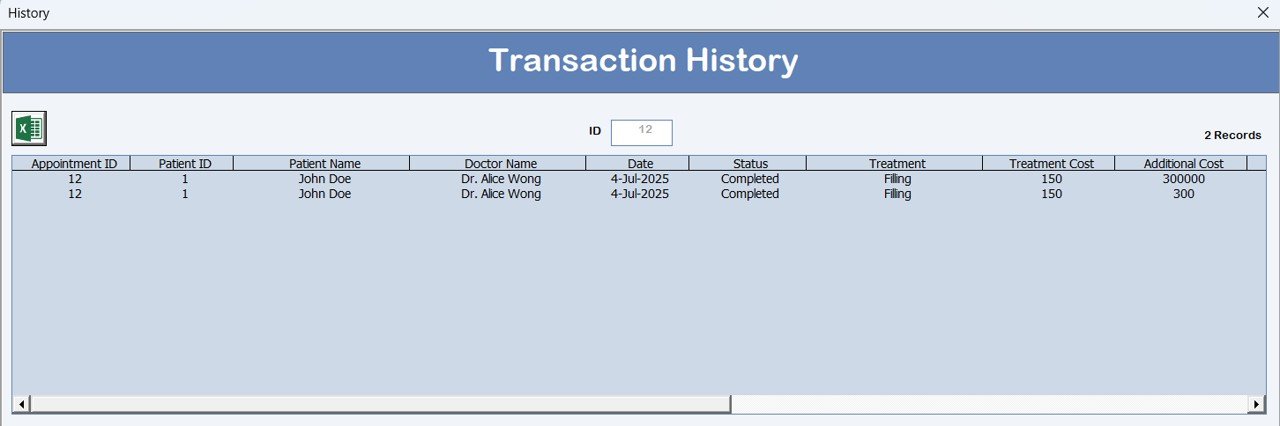
📄 View Change History
📤 Export Records to Excel
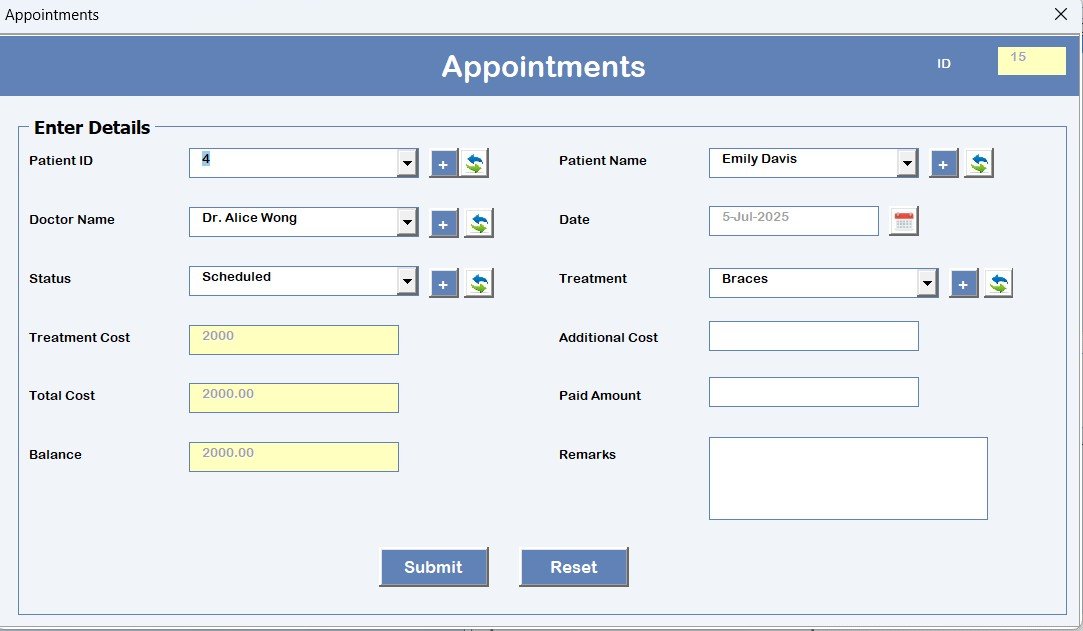
📅 Appointments Form
Easily schedule patient appointments by capturing:
Patient Name
Doctor
Date & Time
Treatment Type
Never miss an appointment again!
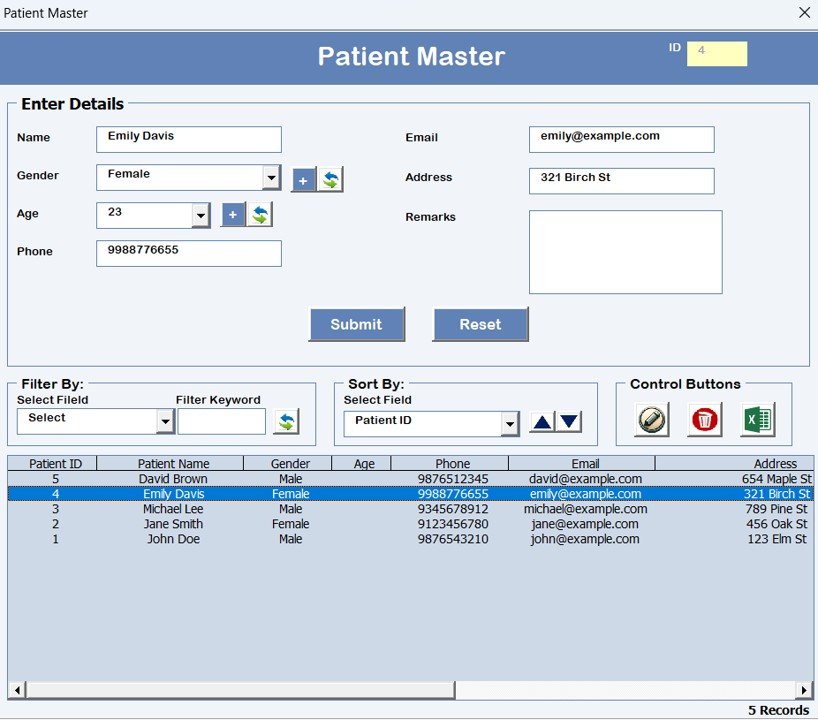
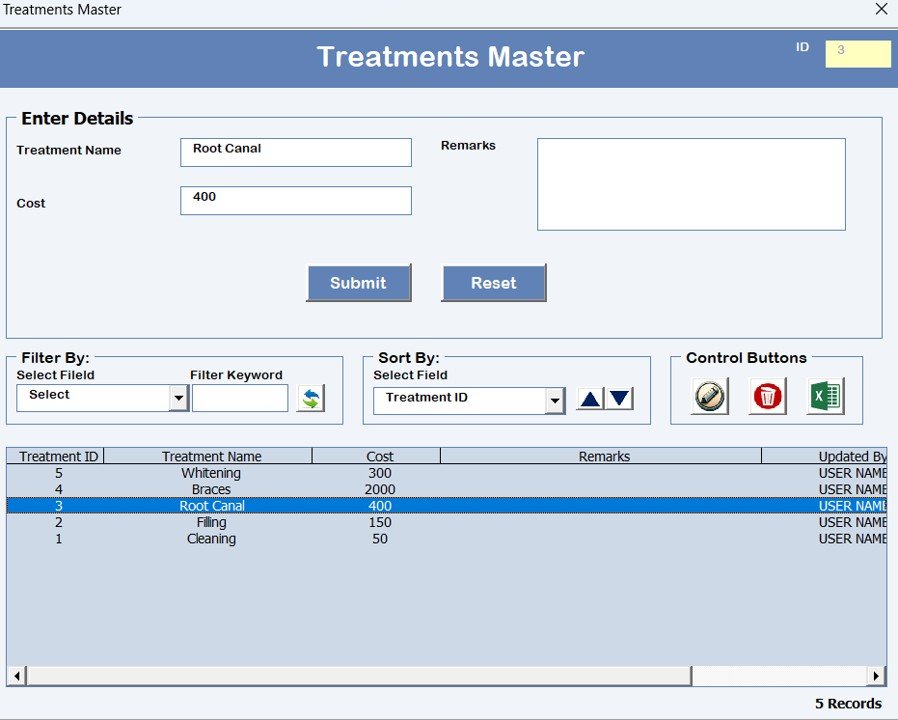
🧑⚕️ Patient & Treatment Master Forms
Store medical histories, contact details, and treatment progress
Add new treatments or update existing ones in just a few clicks
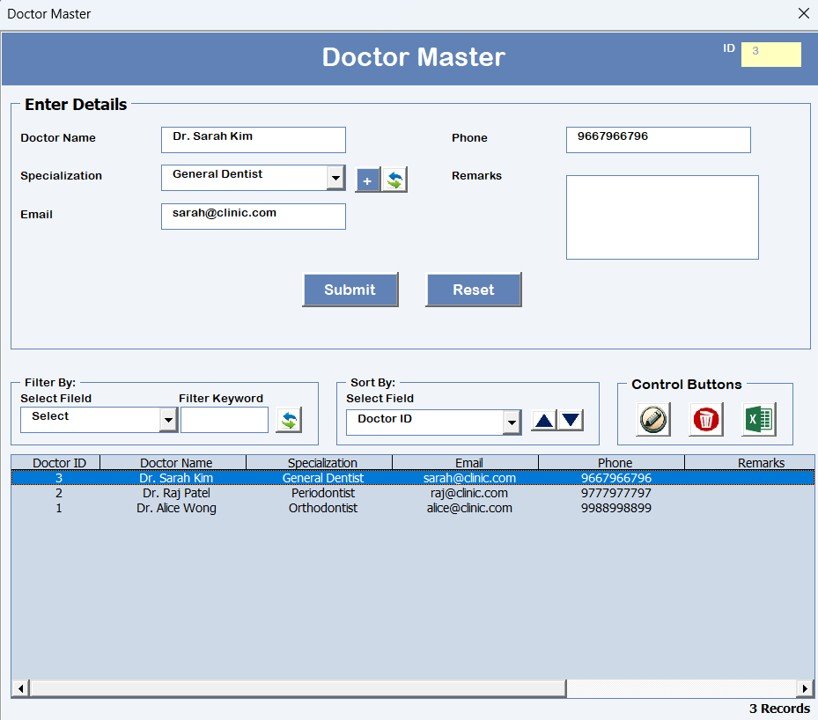
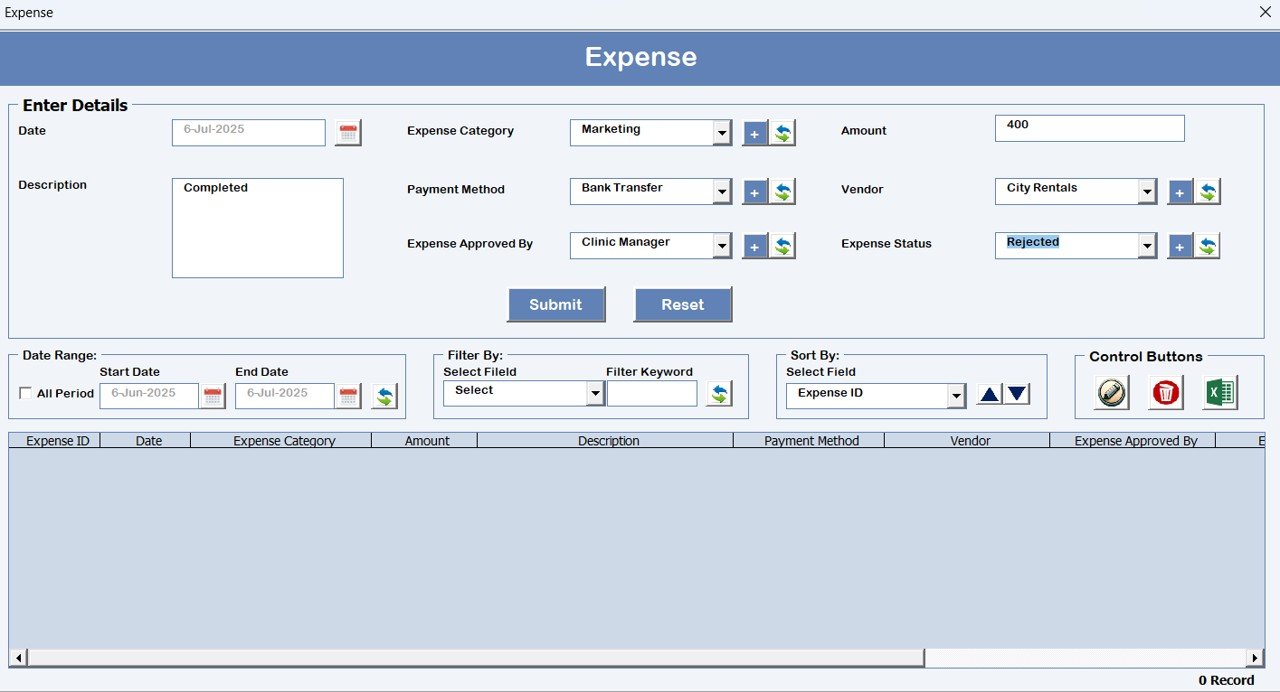
💰 Expense and Doctor Master Forms
Track and manage:
Daily clinic expenses
Doctor-specific fees and service-related expenses
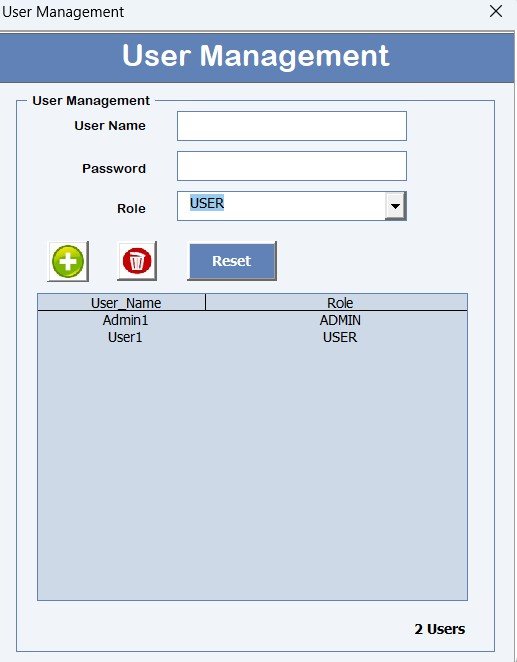
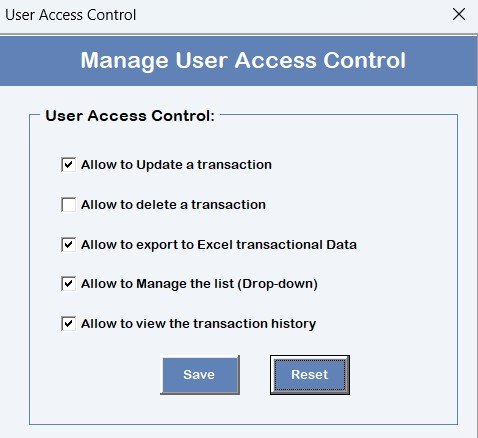
👥 User Management & Access Control
Add/edit/delete users
Assign specific access levels for security and accountability
Reset passwords when required
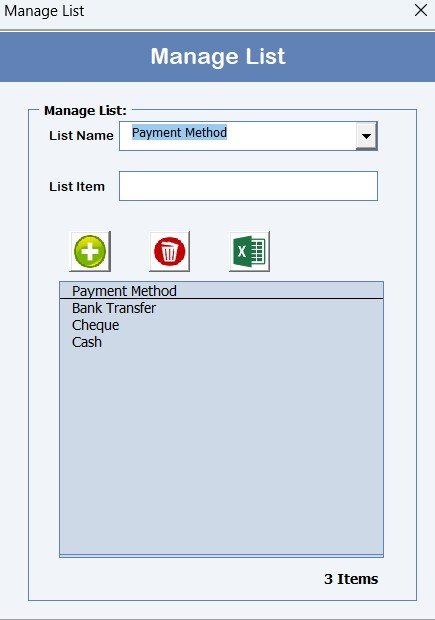
📦 Manage List Form
Keep track of Expense Category, Vendors, and Status etc.
Includes options to add, remove, and export inventory lists
📜 Log Form History
Maintain a full audit trail of every change made in the system for transparency and accountability
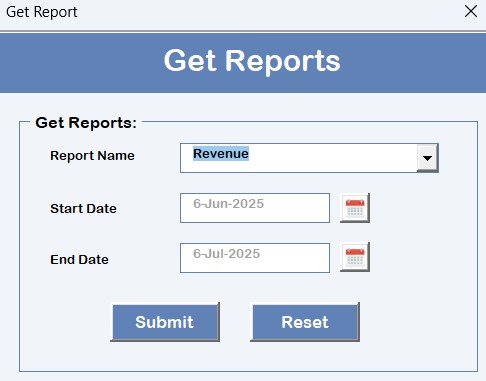
📈 Reports Module
Generate financial summaries, operational insights, and performance reports to help your clinic grow smarter
📁 What’s Inside the Dental Clinic Management System V1.0
This Excel + VBA-based solution includes:
💻 Login Interface
🏠 Main Form (with record management buttons)
📅 Appointments Form
👤 Patient Master & Treatment Master
💸 Expense & Doctor Master
🔒 User Management + Access Control Panel
📜 Log Form History
📦 Manage List Form
📊 Reports Dashboard
📤 Export to Excel & Logout Options
📧 Email Us for Support Button
🛠️ How to Use the Dental Clinic Management System V1.0
🔐 Log in using credentials (e.g., Admin1 / abcd)
🖥️ Use the Main Form to add/update/delete records
📅 Schedule Appointments via the dedicated form
👤 Manage Patients & Treatments with master forms
💰 Track Expenses & Doctor Payouts
🧑💼 Assign Users & Control Access Levels
📄 Generate Reports to review performance
📤 Export Data when needed
📧 Reach out to Support using the “Email Us” feature
No additional software or internet connection is needed—it all runs on Excel with built-in automation!
👥 Who Can Benefit from This Dental Clinic System?
🧑⚕️ Dental Practitioners – Simplify patient management and reduce admin time
📋 Clinic Receptionists – Manage appointments, patient records, and billing with ease
🏥 Clinic Owners – Gain full visibility over operations, expenses, and performance
🧑💼 Clinic Managers – Allocate tasks, control user access, and run detailed reports
📈 Multi-location Clinics – Customize and scale the system for different branches
💰 Cost-Conscious Clinics – Avoid the need for costly software subscriptions
🔗 Click here to read the Detailed blog post
📺 Visit our YouTube channel to learn step-by-step video tutorials
Watch the step-by-step video tutorial:
Compatibility and Requirements
- Made for Microsoft Excel desktop on Windows.
- Macros must be enabled, because the login, forms and buttons run on VBA. Microsoft explains how in Enable or disable macros in Microsoft 365 files.
- Excel for the web, Google Sheets and the Excel mobile apps can’t run VBA. For a browser-based option, see the Dental Clinic Management System Web App.
Frequently Asked Questions
What is the default login?
The file comes with sample credentials (for example Admin1 / abcd). Use the User Management panel to add your own users, set their access levels and reset passwords before you enter real patient data.
Which forms are included?
The Main Form for record management, an Appointments form, Patient Master and Treatment Master, Expense Master and Doctor Master, User Management, a Manage List form, Log Form History and a Reports dashboard.
What does an appointment record hold?
The patient name, doctor, date and time, and treatment type.
Can I see who changed a record?
Yes. Log Form History keeps an audit trail of every change made in the system, and the Main Form has a View Change History option.
Can I export my data?
Yes. The Main Form and the Manage List form both have export options, so you can send records to a normal Excel sheet.
Related Clinic Templates
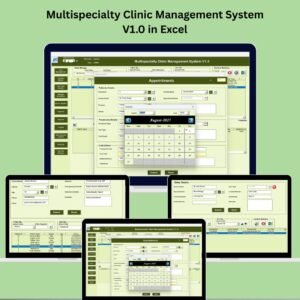
- Multispecialty Clinic Management System V1.0 in Excel: for clinics with several departments.
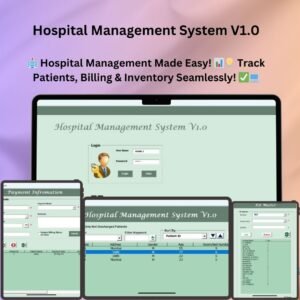
- Hospital Management System V1.0: a larger VBA system for hospitals.
- Dental Practice Dashboard in Excel: report on practice performance.
- Dental Clinic Management System Web App: the same idea as a browser-based app.
- Healthcare & Hospital Management Bundle: 8 healthcare templates in one pack.
Browse all VBA tools and management systems or the health and safety templates.


























Reviews
There are no reviews yet.