



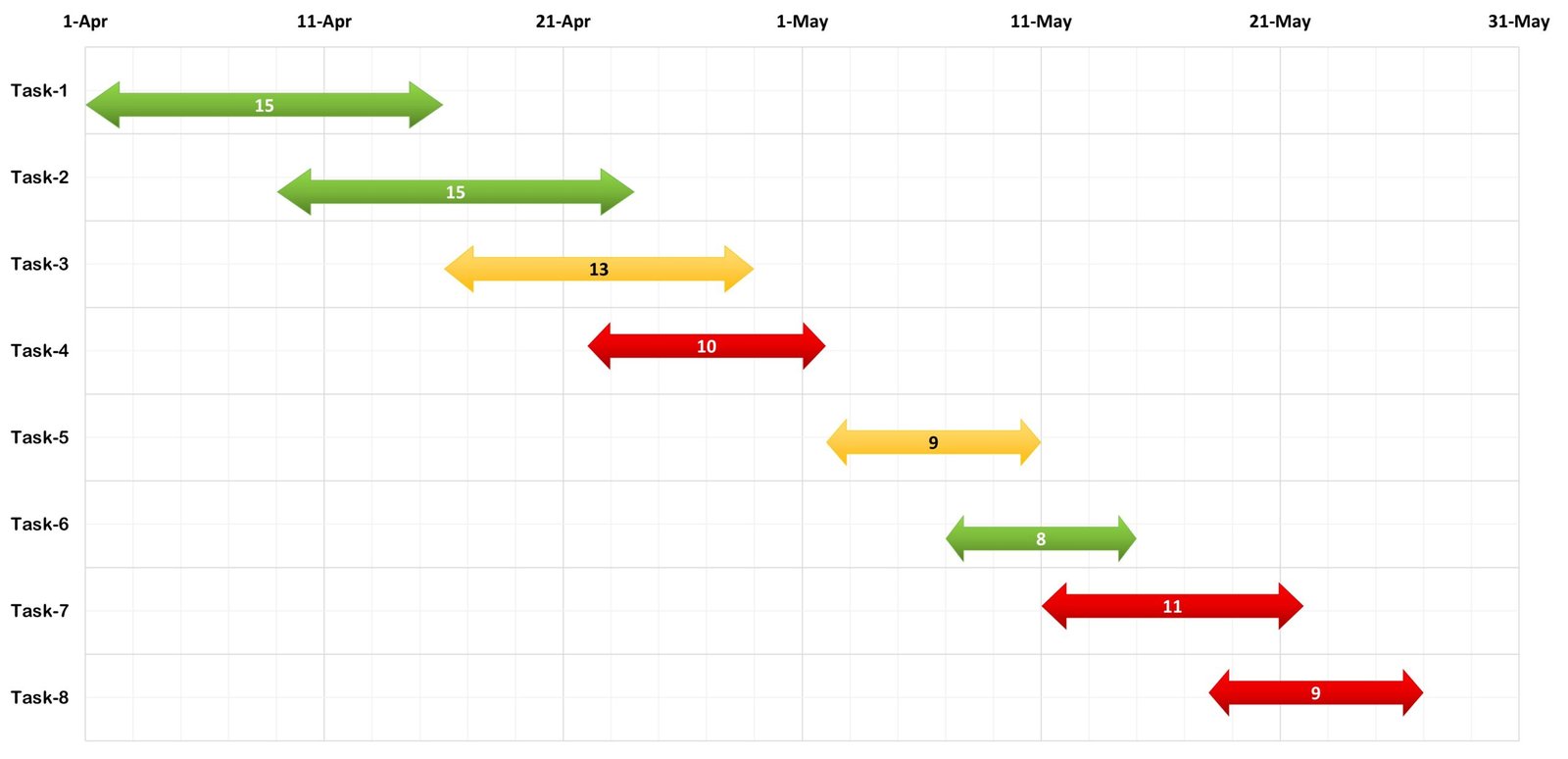
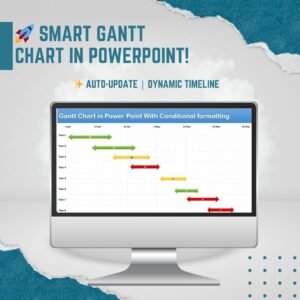
The Data-Driven Gantt Chart in Power Point is a ready-made project timeline template that links your Excel project data to a professional Gantt chart in PowerPoint. It is built for project managers, consultants, executives, teams, students and educators who want to stop redrawing timelines by hand. Update task details in Excel and the chart updates automatically, ready for your next meeting.
Why Choose This Data-Driven Gantt Chart in PowerPoint?
Manually updating project timelines in PowerPoint takes time and leads to mistakes. This PowerPoint-based Gantt chart uses interactive data linking. You can change task durations, start and end dates, and progress without redesigning your slides. The result is a dynamic, easy-to-update and visually engaging project management chart. It works well for presentations, stakeholder meetings and progress updates.
Because the chart is driven by real project data, it removes the hassle of manual adjustments. Your audience always sees a clear, current view of the project, which supports better decisions.
Key Features
- Data-driven updates: Change the project timeline directly in Excel and PowerPoint updates automatically. It is a true Excel to PowerPoint chart workflow.
- Customizable design: Adjust colors, labels and formats to suit your project.
- Conditional formatting: Delays, completed tasks and upcoming deadlines are highlighted automatically.
- Animated transitions: Smooth visual effects keep your presentation engaging.
- Professional look: A sleek, modern design suited to corporate reports and executive summaries.
- Milestone and progress tracking: Show key milestones, deadlines and task progress clearly on one timeline.
What’s Inside
The template has two connected parts that work together:
| Component | What it does |
|---|---|
| Linked Excel sheet | Where you enter your project data, including task name, start date and duration. |
| PowerPoint Gantt chart | A professional timeline that updates automatically from the Excel data. It includes conditional formatting and animation-ready visuals. |
You keep your data in a familiar spreadsheet and present it in PowerPoint without copying, pasting or redrawing bars. This makes it a practical project timeline template for anyone who reports on schedules regularly.
Who It’s For
- Project managers: Track tasks, milestones and deadlines easily.
- Consultants and analysts: Build polished client and internal reports in minutes.
- Executives and teams: Improve decisions with clear project visuals.
- Students and educators: Use it for project planning, research and academic presentations.
How to Use It
- Enter your project data in the linked Excel sheet: task name, start date and duration.
- Let PowerPoint update automatically. It generates a professional Gantt chart from your data.
- Customize as needed. Adjust colors, animations and styles to match your project or brand.
- Present with confidence in meetings, reports or stakeholder updates.
Click here to read the detailed blog post:
Watch the step-by-step video tutorial:
Frequently Asked Questions
What is a data-driven Gantt chart in PowerPoint?
It is a Gantt chart in PowerPoint that draws its timeline from data in a linked Excel sheet. When you change the task data in Excel, the chart updates automatically, so you don’t need to edit the slide by hand.
What data do I need to enter?
You enter your project details in the linked Excel sheet. These include the task name, start date and duration. You can also update progress and end dates without redesigning your slides.
Does it highlight delays or completed tasks?
Yes. Built-in conditional formatting automatically highlights delays, completed tasks and upcoming deadlines. Status is easy to read at a glance.
Can I change the look of the chart?
Yes. You can adjust colors, labels, formats, animations and styles to suit your project, presentation or corporate reports.
Who is this project management chart best suited for?
It suits project managers, consultants, analysts, executives, teams, students and educators. Anyone who presents project timelines in PowerPoint and wants to save time on updates will benefit.
Is there a tutorial to help me get started?
Yes. A detailed blog post and a step-by-step video tutorial are linked above. They walk you through how the template works.
Take Control of Your Projects Today
Upgrade your presentations with a professional, automated Gantt chart that saves time and improves clarity. Download the Data-Driven Gantt Chart in Power Point and streamline your project tracking.
Also check our Quality checklist template in Excel
Last updated: October 2026
Compatibility and Requirements
- Needs Microsoft PowerPoint and Microsoft Excel. The Gantt chart reads its data from a linked Excel sheet.
- The chart uses standard Office chart features. Microsoft explains them in Create a chart from start to finish.
Related Gantt Chart Templates
- Data Driven 3D Container Chart in PowerPoint: another chart that reads its data from Excel
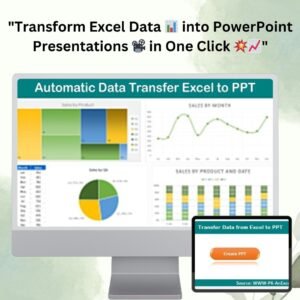
- Automatic Data Transfer Excel to PowerPoint: moves Excel data into your slides
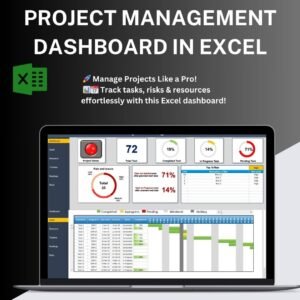
- Pro Gantt Chart in Excel with data entry form: a Gantt chart built fully in Excel
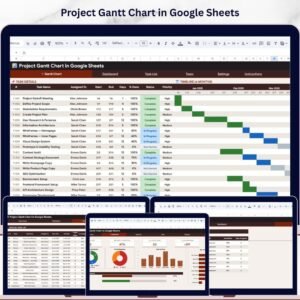
- Project Plan Gantt Chart in Google Sheet: a Gantt chart in Google Sheets
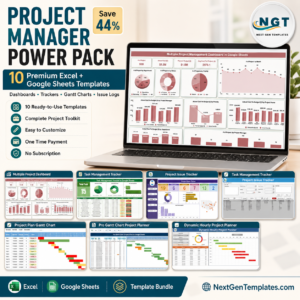
- Project Management Pro Bundle: 9 premium project templates in one bundle
Browse all PowerPoint charts or the Excel project management templates.















Reviews
There are no reviews yet.