

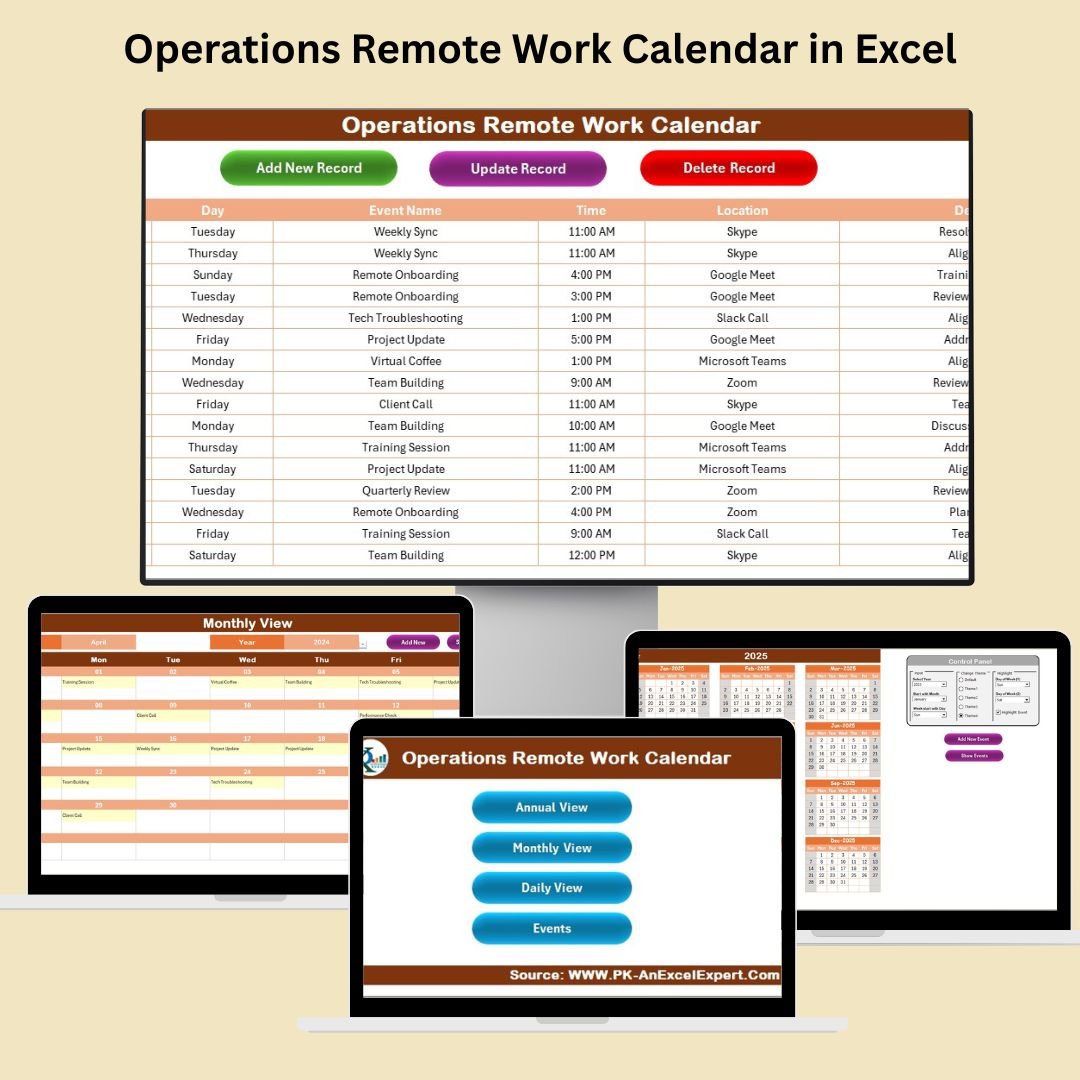
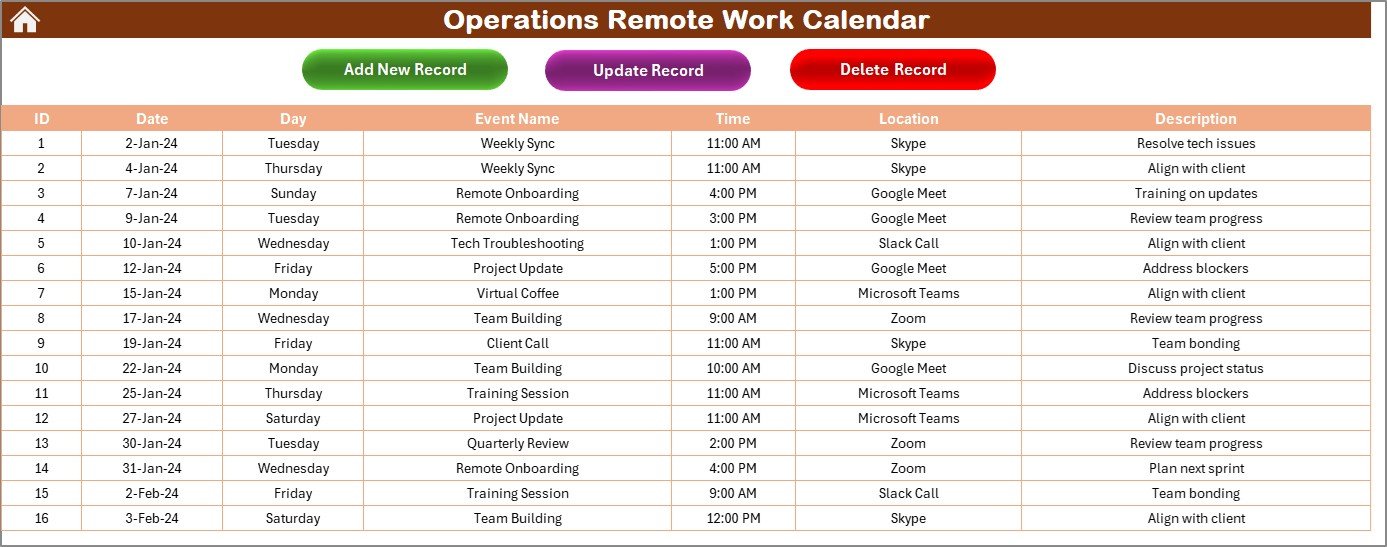

This Operations Remote Work Calendar simplifies remote work scheduling by providing an easy-to-use interface for managing work hours, tracking deliverables, and coordinating team activities across different time zones. Whether you are managing a small team or overseeing large-scale remote operations, this calendar helps streamline the process and maintain productivity.
Key Features of the Operations Remote Work Calendar in Excel
📅 Customizable Calendar Views
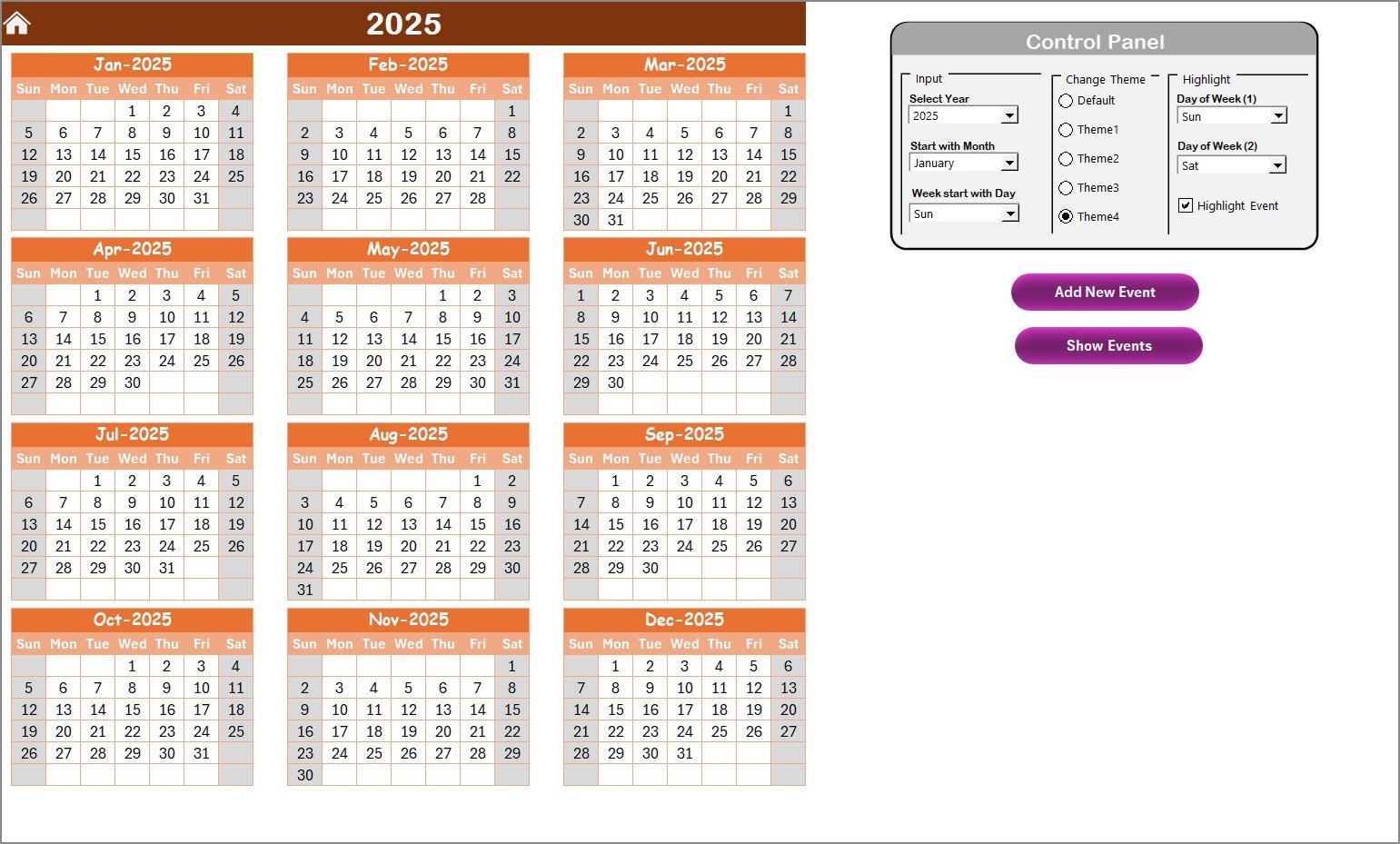
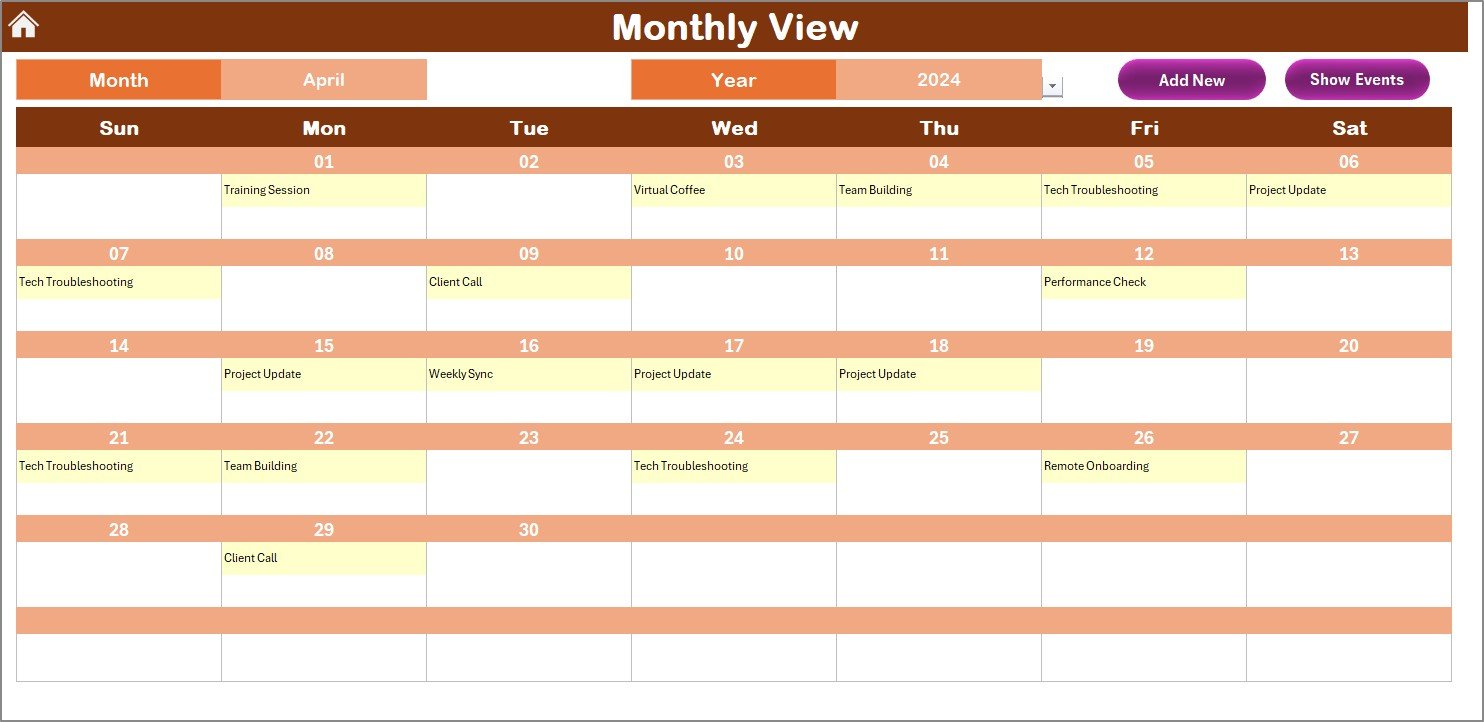
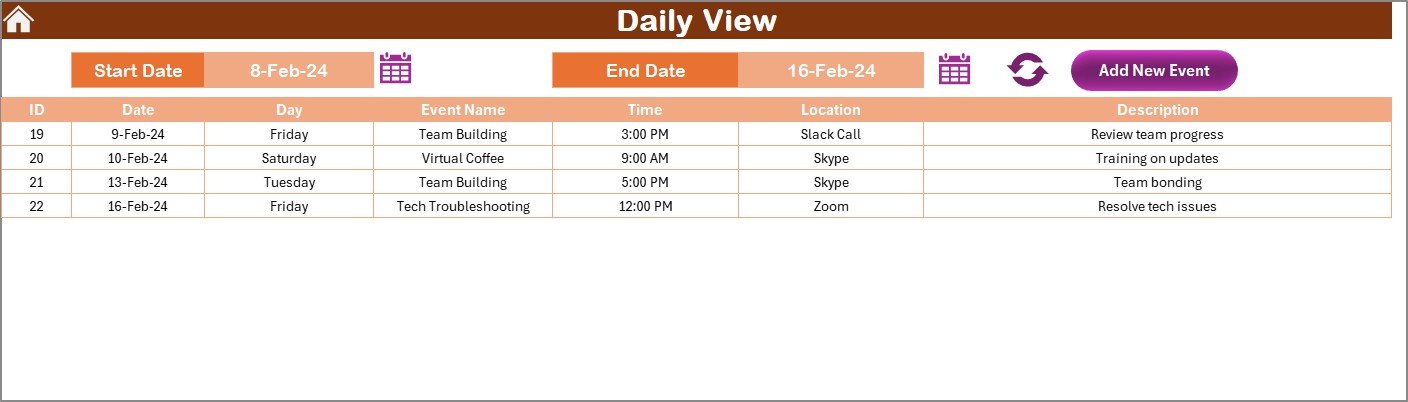
Switch between daily, weekly, and monthly views to get a clear picture of your team’s schedule. Customize the calendar to suit your operations and manage both short-term tasks and long-term projects efficiently.
⏱ Task & Deadline Tracking
Track important tasks and deadlines for every project. Use the calendar to manage time-sensitive assignments and ensure that all deliverables are completed on time.
📝 Team Member Scheduling
Easily schedule team activities, meetings, and individual work tasks. Assign tasks to specific team members and track their progress to ensure everyone stays on track.
🌐 Multi-Time Zone Support
Coordinate remote teams across different time zones with ease. The calendar allows you to manage time zone differences and avoid scheduling conflicts.
📊 Task Completion Monitoring
Track the completion status of tasks, whether they’re in progress, completed, or overdue. This feature helps you stay on top of deliverables and provides a quick overview of your team’s workload.
⚙️ Customizable for Your Team
Adapt the calendar to fit your organization’s needs. Customize it with specific categories, deadlines, and priorities to match your team’s remote work setup.
Why You’ll Love the Operations Remote Work Calendar in Excel
✅ Streamline Remote Team Scheduling
Manage schedules efficiently, assign tasks, and track deadlines to ensure remote teams remain organized and productive.
✅ Simplify Time Zone Management
Coordinate activities across different time zones with ease, reducing scheduling errors and improving team collaboration.
✅ Improve Task and Deadline Tracking
Track progress on tasks and deadlines to ensure all assignments are completed on time. This feature helps improve accountability and productivity.
✅ Flexible & Customizable
Easily adjust the calendar to suit the specific needs of your business. Whether you’re a small team or a large organization, the calendar is fully adaptable.
✅ Enhanced Remote Work Coordination
Keep track of meetings, projects, and task assignments in a central location, making it easier for your remote team to collaborate and stay on track.
What’s Inside the Operations Remote Work Calendar in Excel?
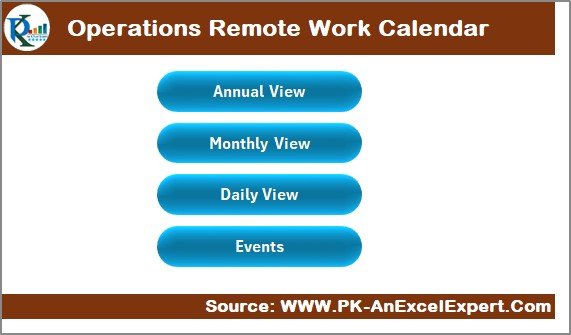
Customizable Calendar Views: Switch between daily, weekly, and monthly views.
Task & Deadline Management: Track tasks and deadlines for multiple projects.
Team Member Scheduling: Assign tasks to team members and monitor their progress.
Multi-Time Zone Coordination: Manage scheduling across various time zones.
Task Completion Tracking: Monitor task status and ensure timely completion.
Customizable Fields: Adjust the calendar to suit your team’s unique needs.
How to Use the Operations Remote Work Calendar in Excel
1️⃣ Download the Template: Access the Operations Remote Work Calendar in Excel instantly.
2️⃣ Set Up Your Calendar: Customize the calendar to include your team’s key tasks, deadlines, and meetings.
3️⃣ Assign Tasks & Monitor Progress: Allocate tasks to team members and monitor their progress.
4️⃣ Track Deadlines & Timelines: Use the calendar to stay on top of upcoming deadlines and ensure everything stays on track.
5️⃣ Collaborate with Your Team: Share the calendar with your team to ensure everyone is aligned on deliverables and timelines.
Who Can Benefit from the Operations Remote Work Calendar in Excel?
🔹 Remote Team Managers
🔹 Project Managers
🔹 Operations Coordinators
🔹 HR & People Operations Teams
🔹 Small & Medium Enterprises (SMBs)
🔹 Large Enterprises with Remote Teams
🔹 Consultants & Freelancers Managing Remote Teams
Ensure your remote team is always on track with the Operations Remote Work Calendar in Excel. Streamline task management, track deadlines, and enhance collaboration across time zones.
Click here to read the Detailed blog post
Visit our YouTube channel to learn step-by-step video tutorials
Youtube.com/@PKAnExcelExpert
Watch the step-by-step video Demo:
Compatibility and Requirements
- Works in Microsoft Excel desktop (Excel 2016 or later, or Microsoft 365).
- Prints from Excel if you want a paper copy of the team schedule.
Frequently Asked Questions
What can I plan with the Operations Team Remote Work Calendar?
Work hours, tasks, deadlines, meetings and team activities for a remote operations team, with daily, weekly and monthly views.
Does it help with teams in different time zones?
Yes. The calendar includes multi-time zone coordination, so you can plan around time zone differences and avoid scheduling conflicts.
Can I see which tasks are overdue?
Yes. Task completion tracking shows whether each task is in progress, completed or overdue.
Can I change the categories and priorities?
Yes. The fields are customizable, so you can add your own categories, deadlines and priorities.
Related Remote Work Templates
- Operations Remote Work Calendar in Excel: another remote work calendar for operations teams.
- HR Remote Work Calendar in Excel: plan remote schedules for HR teams.
- Remote Work KPI Dashboard in Excel: measure remote team performance with KPIs.
- Remote Work Request Form Template in MS Word and Google Docs: a free form for remote work requests.
- Calendar & Planner Pack: 12 Excel and Google Sheets calendars in one bundle.
Browse all Excel calendar templates or the Excel operations templates.



































Reviews
There are no reviews yet.