

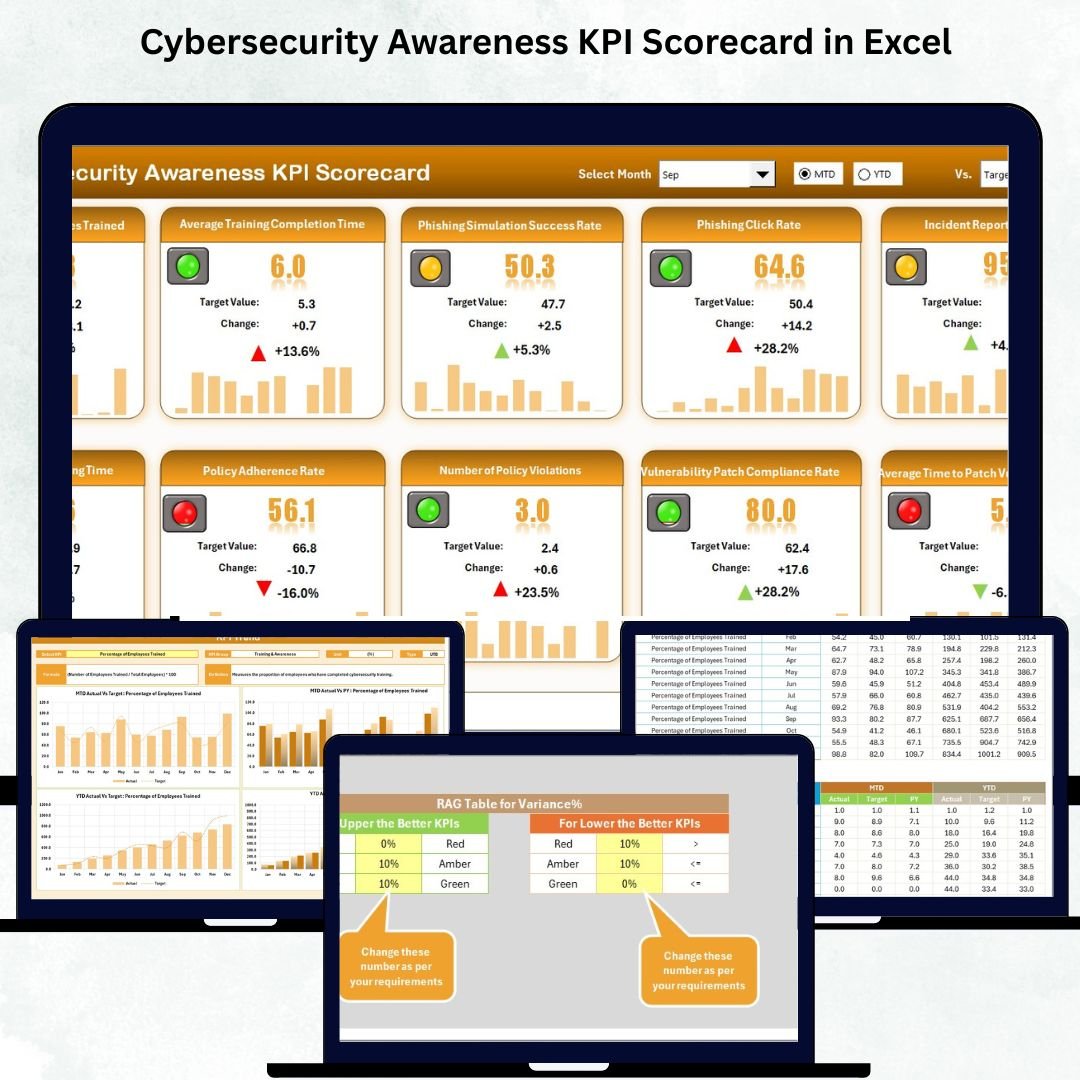


Cybersecurity Awareness KPI Scorecard in Excel in today’s digital world, cybersecurity is everyone’s responsibility — not just the IT departments. Cybersecurity Awareness KPI Scorecard in Excel The Cybersecurity Awareness KPI Scorecard in Excel is a powerful, ready-to-use performance management tool that helps organizations measure, monitor, and improve employee cybersecurity awareness through actionable insights.
Built entirely in Microsoft Excel, this scorecard turns raw awareness data into meaningful performance indicators. Cybersecurity Awareness KPI Scorecard in Excel from tracking training completion rates to analyzing phishing test results, it provides a data-driven approach to improving your organization’s cyber resilience.
Whether you’re an IT leader, HR manager, or compliance officer, this tool helps you evaluate how well your teams understand and follow cybersecurity practices — all within a single, easy-to-use Excel file.
⚙️ Key Features of the Cybersecurity Awareness KPI Scorecard in Excel
🧮 4 Key Worksheets: Scorecard | KPI Trend | Input Data | KPI Definition
📅 MTD & YTD Performance: Track progress month-to-date and year-to-date.
🎯 Actual vs Target Analysis: Measure achievement against defined benchmarks.
📊 Dynamic Charts & Indicators: Color-coded visuals highlight strengths and gaps.
📈 Trend Visualization: View monthly progress for each KPI.
📘 Standardized KPI Definitions: Maintain clarity across departments.
💻 Fully Editable: Add new KPIs, formulas, or visuals easily.
🔐 Data-Secure: Protect sensitive information with Excel’s security tools.
📊 What’s Inside the Cybersecurity Awareness KPI Scorecard
🏠 1️⃣ Scorecard Sheet – Central Performance Dashboard
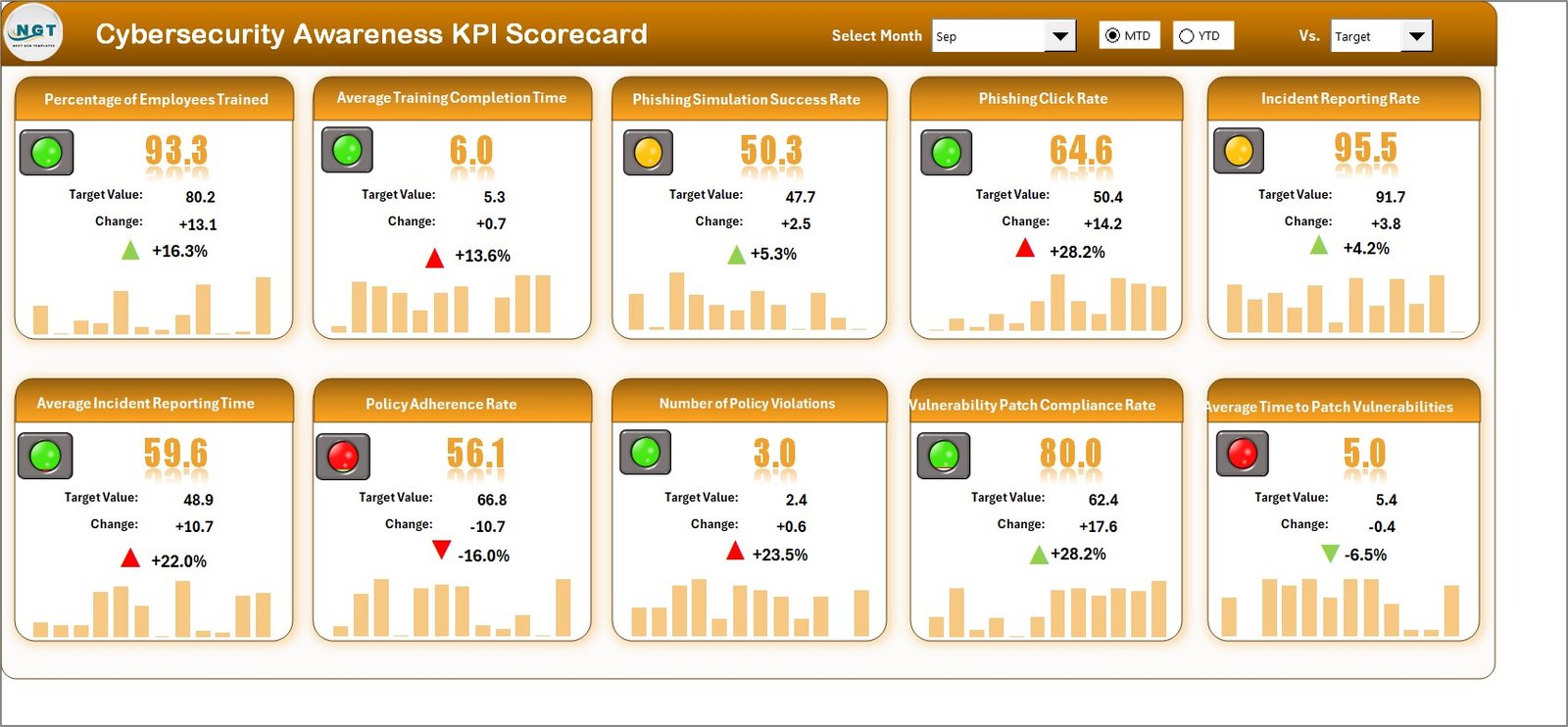
This is the heart of the scorecard, giving you a real-time view of cybersecurity awareness.
Dropdowns for MTD or YTD views.
Color-coded indicators for quick assessment.
Actual vs Target performance comparison.
KPIs like Training Completion %, Phishing Success Rate, and Password Compliance.
💡 Purpose: Quickly identify strong and weak areas in cybersecurity awareness.
📈 2️⃣ KPI Trend Sheet – Track Awareness Progress Over Time
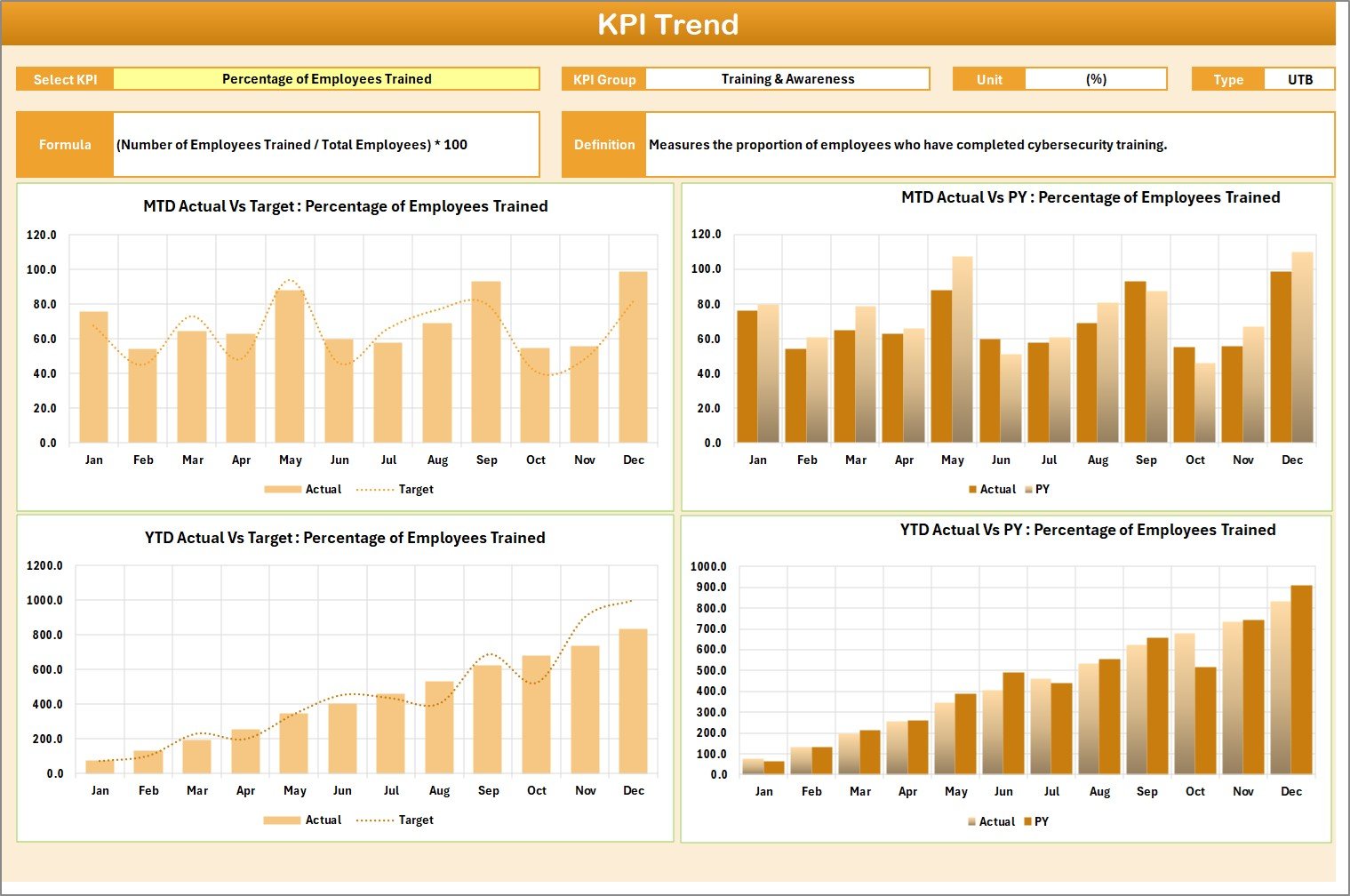
Analyze performance trends and improvement patterns.
Select any KPI via dropdown (cell C3).
Charts show Actual, Target, and Previous Year trends.
Includes KPI details — Group, Unit, Type (UTB/LTB), Formula, and Definition.
💡 Purpose: Reveal long-term improvement or decline in awareness initiatives.
🧾 3️⃣ Input Data Sheet – Foundation of the Scorecard
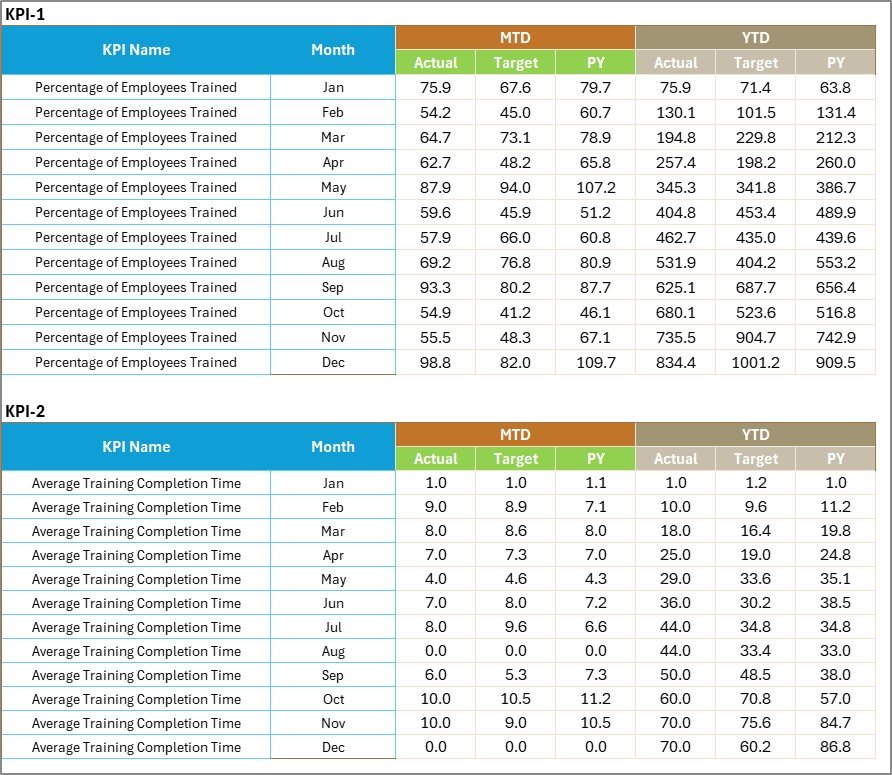
The data backbone of the dashboard.
Enter monthly actual and target values.
Supports department, region, or program-level segmentation.
Updates visuals instantly across all sheets.
💡 Purpose: Maintain structured and accurate cybersecurity performance records.
📘 4️⃣ KPI Definition Sheet – Clarity for Every Metric
Standardizes every KPI across teams.
KPI Name, Group, Unit, Formula, and Definition columns.
💡 Purpose: Ensure everyone understands what’s being measured and why.
🌟 Advantages of the Cybersecurity Awareness KPI Scorecard
✅ Centralized Cyber Awareness Monitoring: Track all KPIs in one place.
✅ Actionable Insights: Identify departments needing additional training.
✅ Data-Driven Culture: Encourage responsibility and compliance through visibility.
✅ Cost-Effective: No software or add-ons required — 100% Excel-based.
✅ Customizable: Add new KPIs as your awareness strategy evolves.
✅ Real-Time Updates: Instantly reflect data changes in dashboards.
✅ Engagement Booster: Visual performance indicators drive healthy competition.
💡 How to Use the Cybersecurity Awareness KPI Scorecard in Excel
1️⃣ Set Up KPI Definitions: Define each KPI in the KPI Definition sheet.
2️⃣ Input Monthly Data: Enter actuals and targets in the Input Data sheet.
3️⃣ View the Scorecard: Analyze actual vs target performance in real time.
4️⃣ Review Trends: Track monthly or yearly progress in the KPI Trend sheet.
5️⃣ Update Regularly: Keep data current to ensure accurate insights.
💡 Pro Tip: Present the scorecard during monthly security reviews to encourage ownership and accountability.
👥 Who Can Benefit from This Scorecard
💻 IT Security Managers
🧠 Learning & Development Teams
🏢 HR & Compliance Departments
📊 Risk Management Analysts
🏛️ Corporate Leadership & Policy Makers
🧩 Why Cybersecurity Awareness Scorecard Matters
Human error is responsible for over 80% of cyber incidents.
This scorecard helps you:
🔹 Measure awareness training participation
🔹 Track phishing test results
🔹 Identify high-risk departments
🔹 Justify training budgets with data-backed results
It transforms abstract awareness initiatives into measurable outcomes that drive safer behavior.
🧠 Best Practices for Effective Use
📌 Update Data Monthly to maintain accuracy.
📌 Focus on KPIs that measure behavior, not activity.
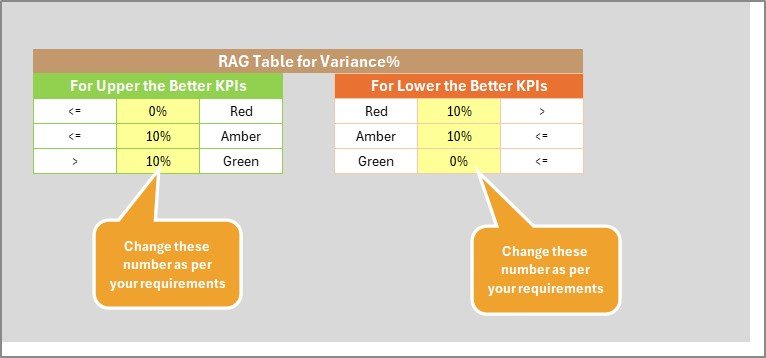
📌 Use conditional formatting to highlight risks visually.
📌 Protect confidential employee data.
📌 Share results across teams to build awareness culture.
🎯 Conclusion
The Cybersecurity Awareness KPI Scorecard in Excel empowers organizations to move from reactive protection to proactive awareness. It transforms cybersecurity education into measurable results, helping you monitor training progress, track compliance, and reduce human-related security risks.
With easy customization, real-time visualization, and standardized KPI definitions, this Excel template is a must-have tool for building a culture of cybersecurity accountability.
🔐 Measure awareness. Drive engagement. Strengthen resilience — with NextGen Templates’ Cybersecurity Awareness KPI Scorecard in Excel.

























Reviews
There are no reviews yet.