

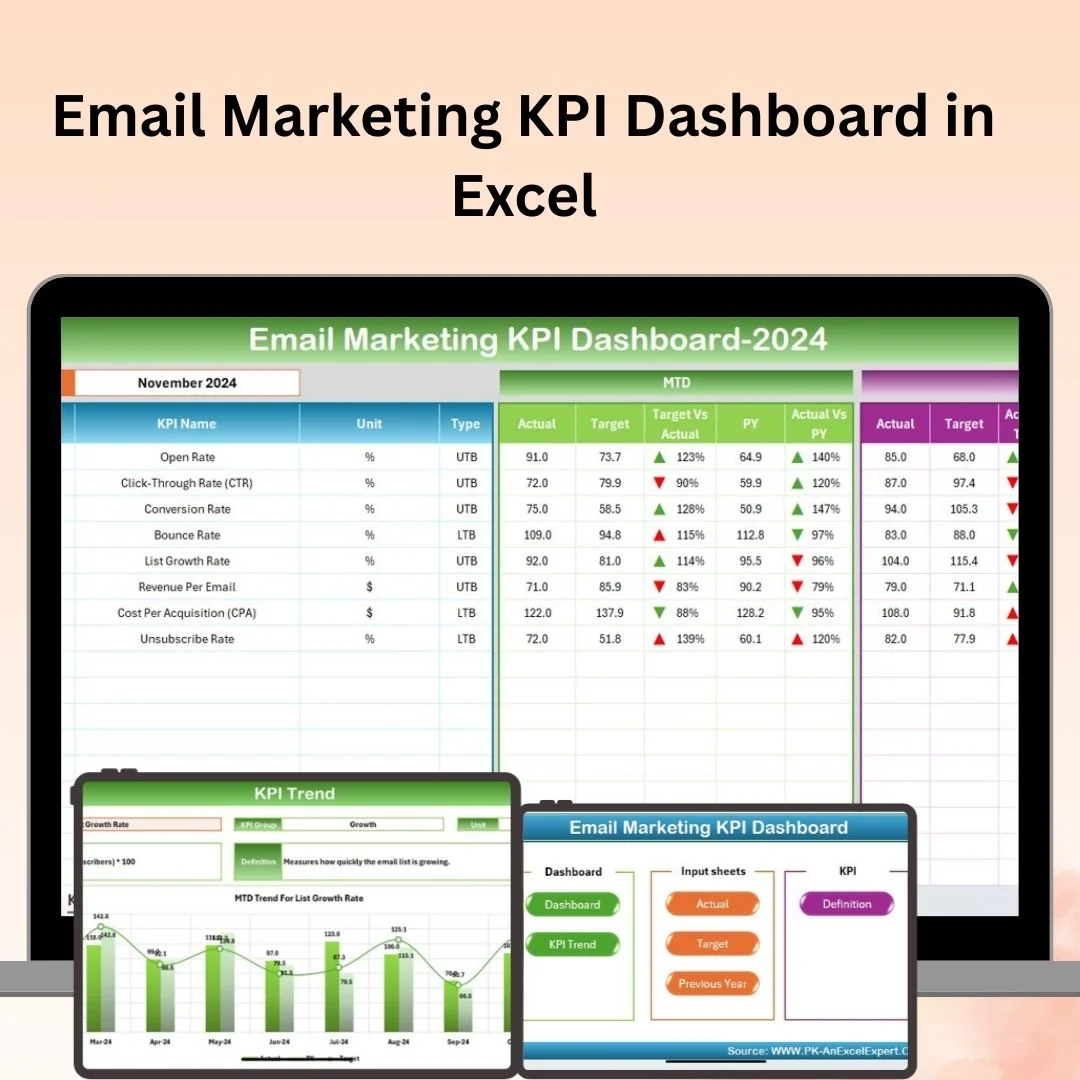
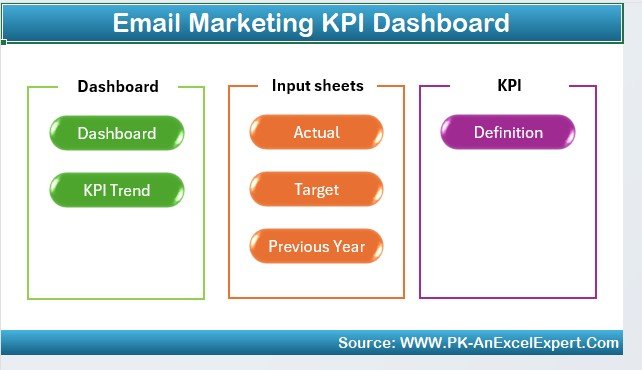
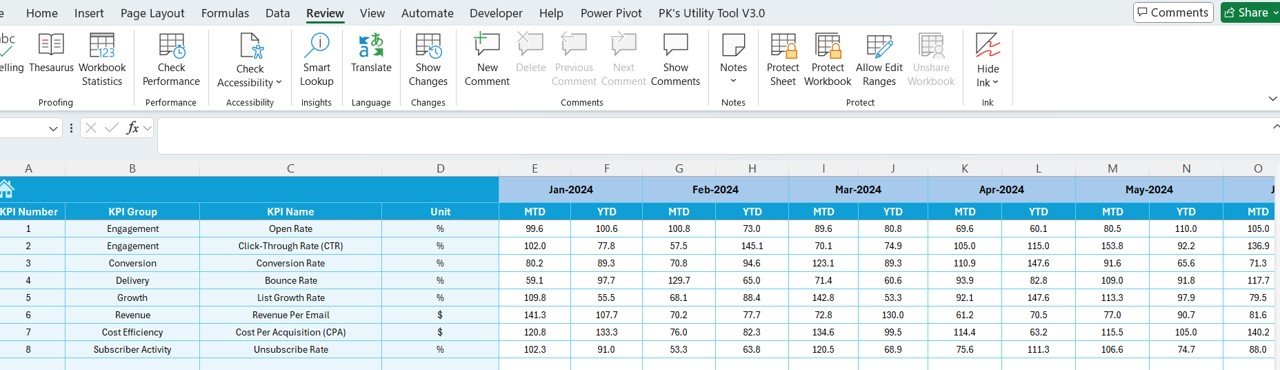
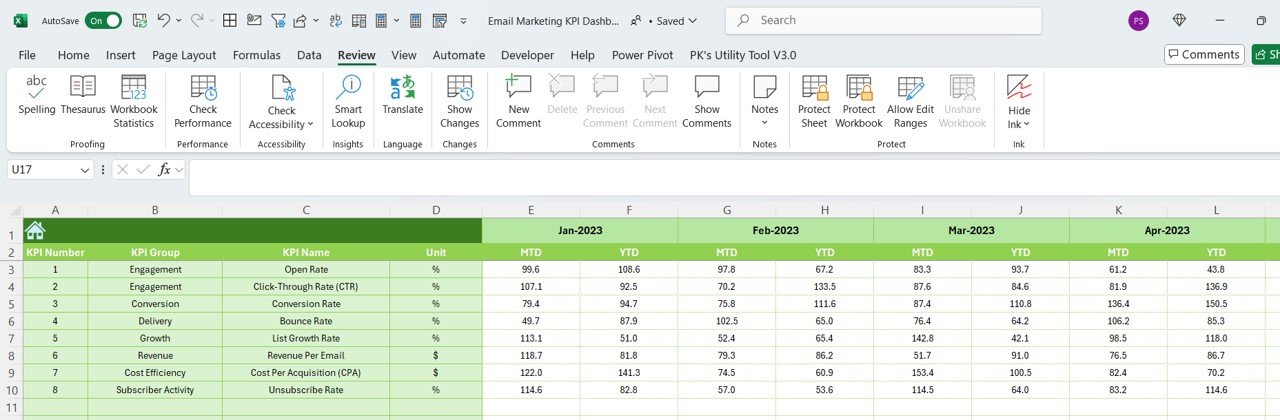
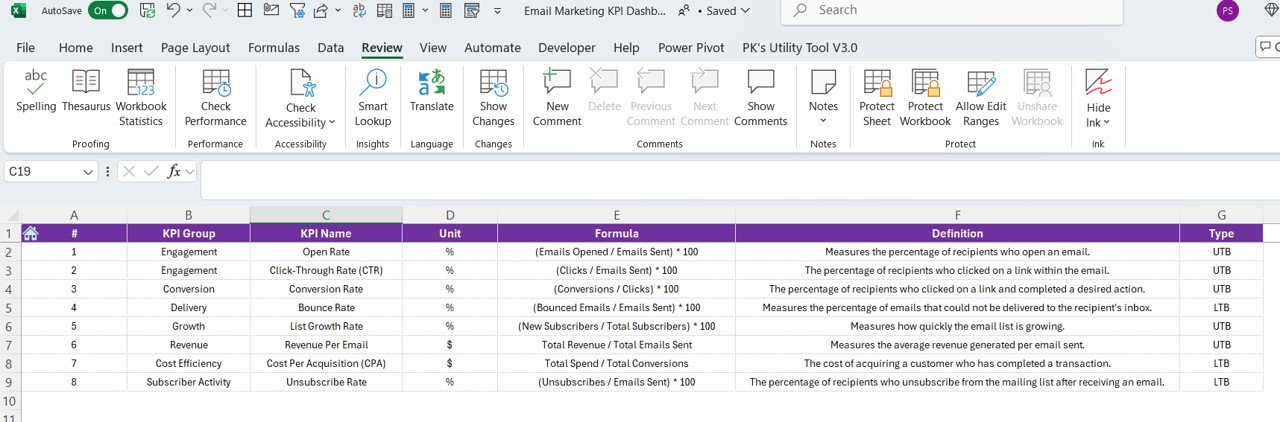

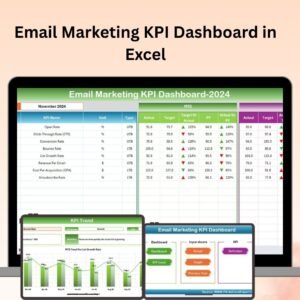
The Email Marketing KPI Dashboard in Excel is an essential tool for businesses and digital marketers looking to optimize their email campaigns. This easy-to-use and customizable Excel dashboard allows you to track key performance indicators (KPIs) such as open rates, click-through rates (CTR), conversion rates, bounce rates, and unsubscribes, helping you evaluate and improve the effectiveness of your email marketing strategies.
With real-time data tracking and a user-friendly interface, this dashboard provides in-depth insights into your email campaigns’ performance. Whether you’re tracking a single campaign or monitoring the performance of multiple campaigns over time, this tool allows you to measure results, optimize your strategy, and increase the ROI of your email marketing efforts.
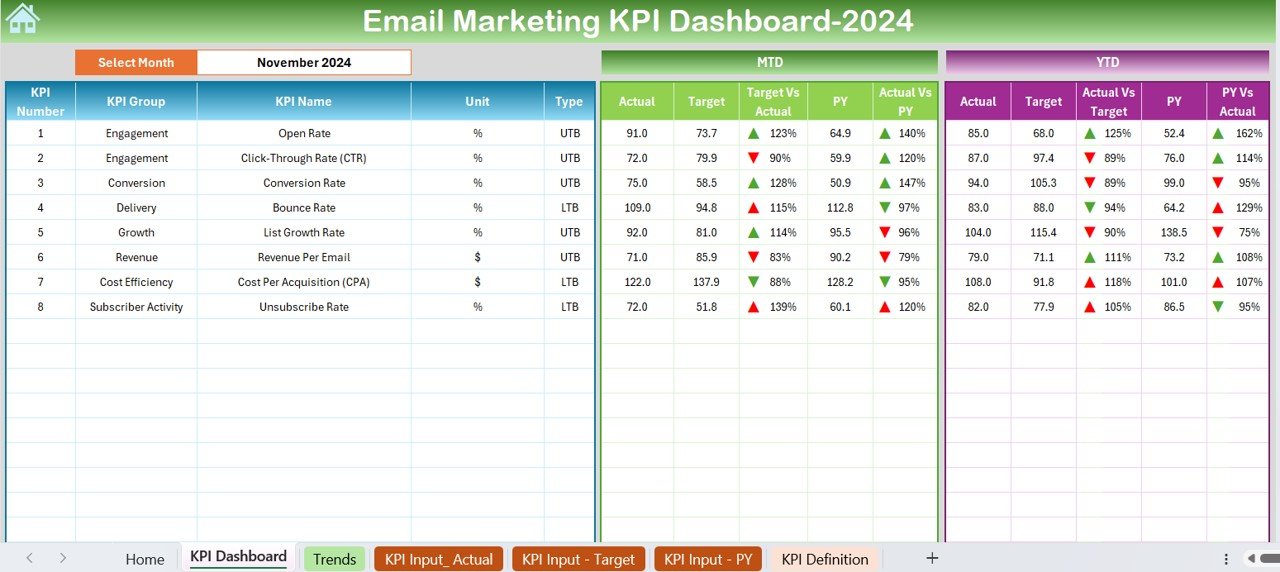
Key Features of the Email Marketing KPI Dashboard in Excel:
📧 Comprehensive Email Campaign Tracking
Track all key metrics of your email campaigns, including open rates, click-through rates, bounce rates, unsubscribe rates, and conversion rates, to gauge overall campaign success.
📈 Real-Time Performance Monitoring
Monitor the real-time performance of your email campaigns, tracking how each email is performing as soon as it’s sent, and get immediate insights into engagement and responses.
💡 Segmentation and Targeting Metrics
Evaluate how well your emails are reaching your target audience by analyzing the performance of segmented campaigns, ensuring you’re sending the right content to the right people.
💰 Revenue and ROI Tracking
Track how email marketing campaigns drive revenue by calculating the ROI and understanding how each campaign impacts your bottom line.
📊 Customizable Visual Analytics
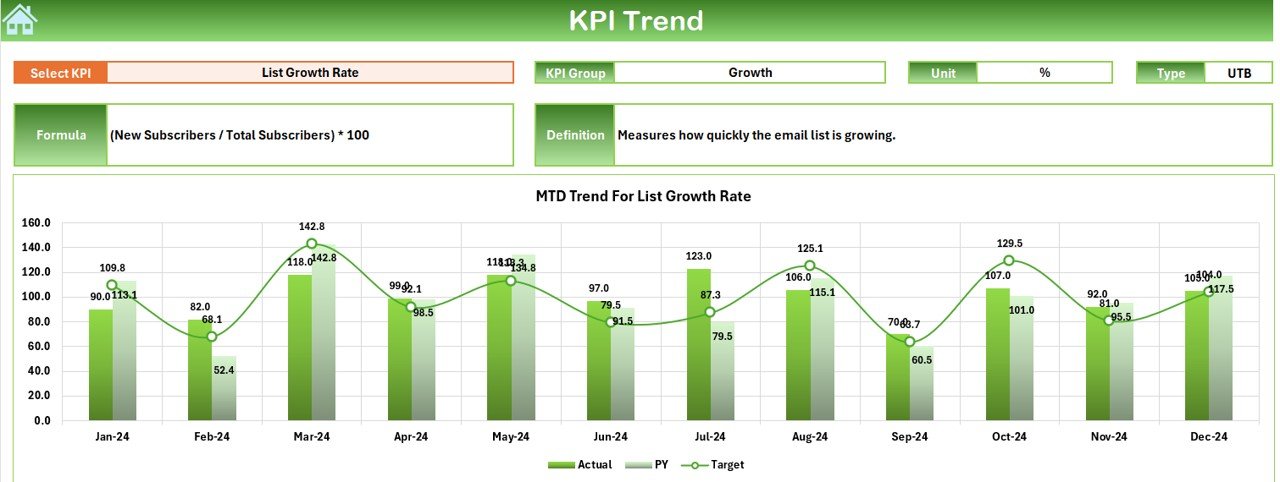
The dashboard includes customizable graphs and charts to help visualize your email campaign performance, making it easier to track trends, set benchmarks, and identify areas for improvement.
🚀 Why You’ll Love the Email Marketing KPI Dashboard in Excel:
✅ Optimize Campaign Performance – Easily track key metrics like open rates, click rates, and conversions to optimize future email campaigns.
✅ Monitor Engagement – Track user engagement in real-time to evaluate how well your email content resonates with your audience.
✅ Maximize ROI – Measure your email campaigns’ return on investment and adjust strategies accordingly to maximize marketing efficiency.
✅ Understand Subscriber Behavior – Analyze bounce rates and unsubscribe data to understand audience behavior and improve targeting strategies.
✅ Generate Custom Reports – Quickly generate detailed reports that summarize campaign performance, perfect for stakeholders or marketing teams.
✅ User-Friendly Interface – With Excel’s familiar interface, the dashboard is easy to use and can be quickly adapted to your email marketing needs.
What’s Inside the Email Marketing KPI Dashboard in Excel:
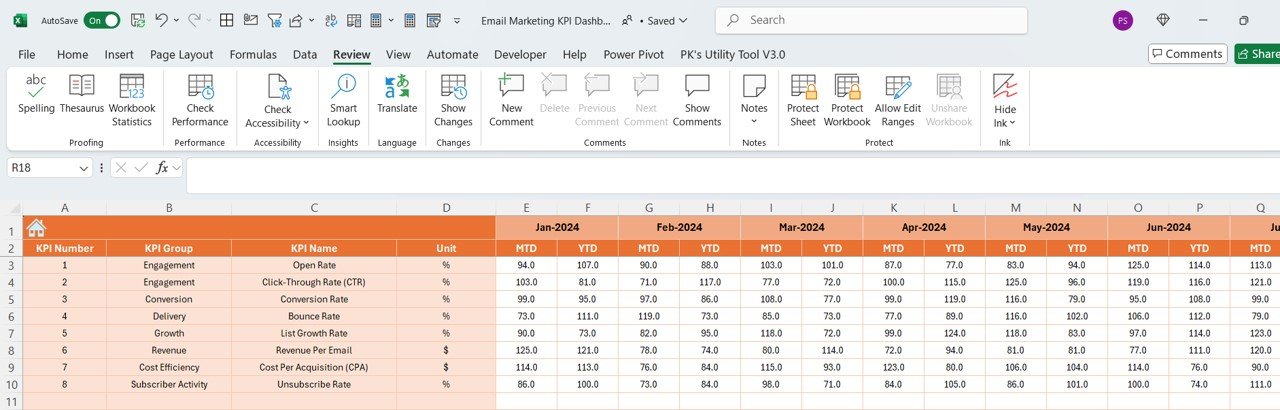
- Email Campaign Performance Tracker: Monitor metrics like open rates, click-through rates, and conversions for each email campaign.
- Engagement and Conversion Data: Track how well your emails are driving engagement, leading to higher conversions and sales.
- Unsubscribe and Bounce Rate Tracking: Keep track of unsubscribes and bounce rates to measure email list quality and refine targeting strategies.
- Revenue and ROI Tracking: Monitor the revenue generated by your email campaigns and calculate the overall ROI to measure campaign effectiveness.
- Visual Analytics: Visualize email campaign performance with charts and graphs for a more accessible overview of campaign data.
- Target Audience Segmentation Metrics: Analyze how your campaigns are performing across different audience segments to improve your targeting efforts.
How to Use the Email Marketing KPI Dashboard in Excel:
1️⃣ Download the Template – Access your Excel file instantly upon purchase.
2️⃣ Input Email Campaign Data – Enter metrics like open rates, click-through rates, bounce rates, conversion rates, and revenue into the dashboard.
3️⃣ Track Campaign Performance – Monitor real-time performance to evaluate how each email campaign is engaging your audience.
4️⃣ Analyze Trends and Insights – Use the dashboard’s visual features to track trends over time and make data-driven decisions for your future campaigns.
5️⃣ Generate Reports – Easily create reports summarizing key campaign metrics, ideal for stakeholders, teams, or clients.
Who Can Benefit from the Email Marketing KPI Dashboard in Excel:
- Digital Marketers
- Email Marketing Managers
- E-commerce Businesses
- Marketing Teams
- Business Owners
- Affiliate Marketers
- Content Creators
- Marketing Agencies
The Email Marketing KPI Dashboard in Excel is an essential tool for businesses and marketers who want to measure, optimize, and grow their email marketing efforts. This comprehensive dashboard makes it easy to track campaign performance and maximize the impact of your email marketing strategies.
Click here to read the Detailed blog post
https://www.pk-anexcelexpert.com/email-marketing-kpi-dashboard-in-excel/
Visit our YouTube channel to learn step-by-step video tutorials
Youtube.com/@PKAnExcelExpert
Compatibility and Requirements
- Works in Microsoft Excel desktop (Excel 2016 or later, or Microsoft 365).
- Results are shown in charts. Microsoft explains Excel charts in Create a chart from start to finish.
Frequently Asked Questions
Which KPIs does the Email Marketing KPI Dashboard track?
It tracks open rates, click-through rates (CTR), conversion rates, bounce rates, unsubscribe rates and revenue and ROI per campaign.
Can I track several campaigns?
Yes. You can track a single campaign or follow many campaigns over time.
Can I compare audience segments?
Yes. You can analyze how segmented campaigns perform to see which audiences respond best.
Is there a Power BI or Google Sheets version?
Yes. The Email Marketing KPI Dashboard in Power BI and the Google Sheets edition cover the same topic.
Related Email and Digital Marketing Templates
- Email Marketing KPI Dashboard in Power BI: the same topic in Power BI
- Email Marketing KPI Dashboard in Google Sheets: the same topic in Google Sheets
- Email Marketing Campaign Calendar in Excel: plan email campaigns in an Excel calendar
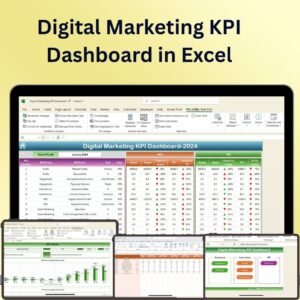
- Digital Marketing KPI Dashboard in Excel: track digital marketing KPIs in Excel
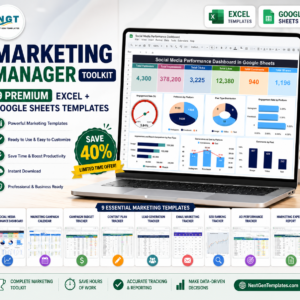
- Marketing Manager Toolkit: 9 marketing templates in one download
Browse all Excel KPI dashboards or the Excel sales and marketing templates.






























Reviews
There are no reviews yet.