

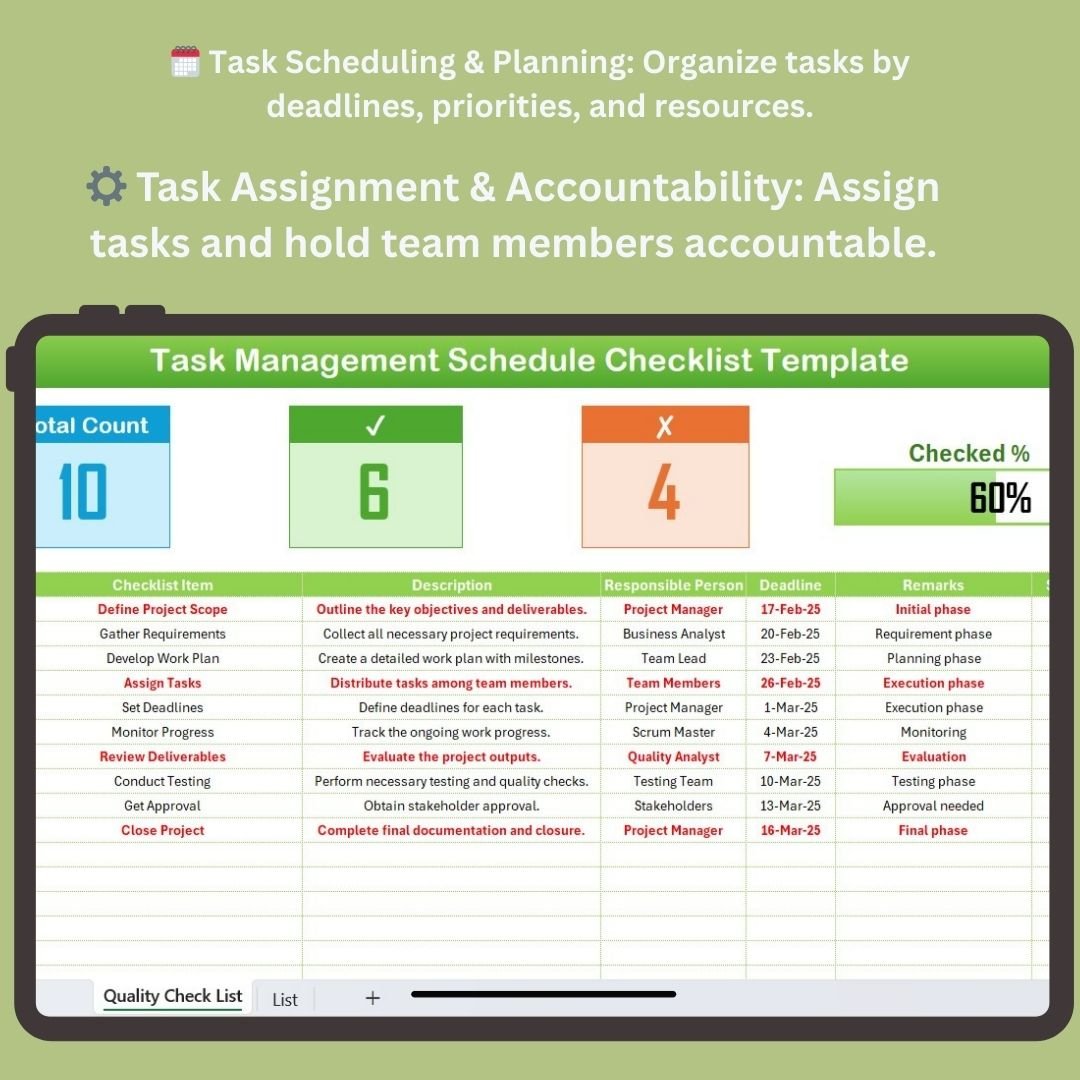
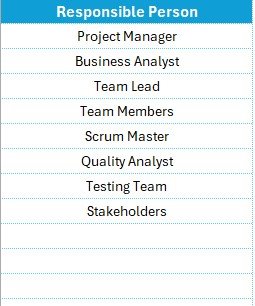

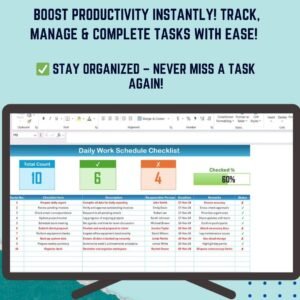
The Task Management Schedule Checklist in Excel is a powerful tool designed to help businesses and teams stay organized, efficient, and on schedule. Whether you’re managing multiple tasks within a project or overseeing daily operations, this Excel-based checklist ensures that every task is planned, assigned, tracked, and completed within the designated time frame.
This checklist is perfect for project managers, team leaders, and business owners looking to streamline task management processes, avoid bottlenecks, and ensure all deadlines are met. With real-time tracking, deadline management, and task allocation features, this tool provides a seamless way to manage and track your team’s tasks.
Key Features of the Task Management Schedule Checklist in Excel
🗓️ Task Scheduling & Planning
Organize and schedule tasks by deadlines, priorities, and team members. Allocate specific timeframes for each task and keep track of every step in the project management process.
📅 Deadline & Milestone Tracking
Set clear deadlines for each task and monitor milestone achievements. Track progress to ensure tasks are completed within their allocated timeframes and that project milestones are being met.
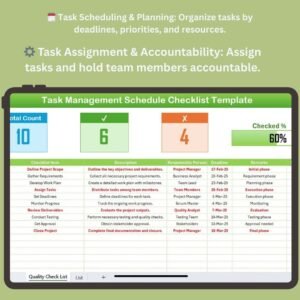
🔄 Task Assignment & Accountability
Assign tasks to specific team members and hold them accountable. Clearly define responsibilities and ensure that all tasks are completed as planned.
📊 Progress Tracking & Reporting
Track task progress in real-time. Use visual reports and data to analyze whether tasks are on schedule, behind, or ahead. Identify areas that need improvement and address them before delays occur.
⚙️ Customizable Categories & Metrics
Customize the checklist with categories and metrics that suit your specific task management needs. Add or adjust fields to track unique aspects of your project or operational process.
📉 Efficiency & Productivity Metrics
Monitor the efficiency of task completion and team productivity. Use data insights to optimize workflows and improve overall performance.
Why You’ll Love the Task Management Schedule Checklist in Excel
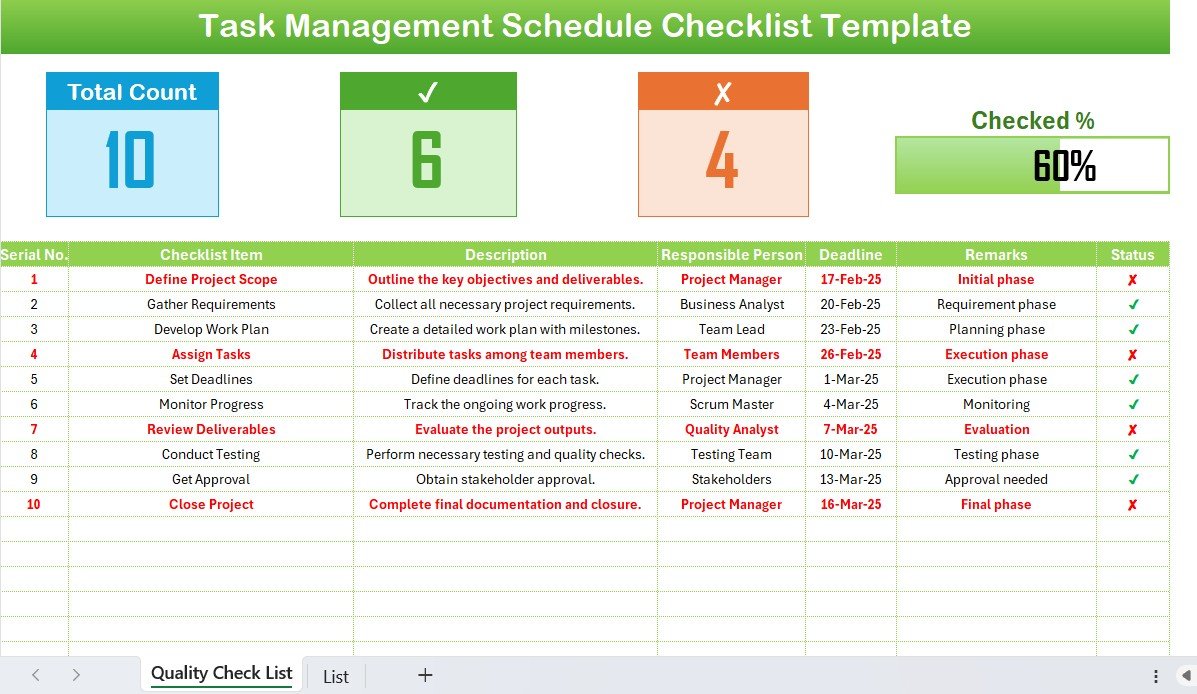
✅ Efficient Task Scheduling & Planning
Stay organized with a clear and structured schedule that outlines every task, its deadlines, and responsible team members. Ensure that all tasks are planned effectively.
✅ On-Time Task Completion
Track deadlines and milestones to ensure that all tasks are completed on time. Prevent delays by staying on top of progress and addressing bottlenecks early.
✅ Task Assignment & Accountability
Assign tasks to specific team members and ensure accountability. Keep everyone on the same page and improve team collaboration.
✅ Data-Driven Insights
Track progress and productivity with real-time reports and visual data. Make informed decisions and optimize task management processes for better efficiency.
✅ Fully Customizable for Your Needs
Tailor the checklist to fit your business or project requirements. Modify categories, fields, and metrics to match your unique task management process.
What’s Inside the Task Management Schedule Checklist in Excel?
- Task Scheduling & Planning: Organize tasks by deadlines, priorities, and responsible personnel.
- Deadline & Milestone Tracking: Monitor progress and ensure timely task completion.
- Task Assignment & Accountability: Assign specific tasks to team members and track their progress.
- Progress Tracking: Analyze task completion progress using real-time tracking and reports.
- Customizable Categories & Metrics: Adapt the checklist to your project’s unique needs.
- Efficiency Metrics: Track productivity levels and improve task completion efficiency.
How to Use the Task Management Schedule Checklist in Excel
1️⃣ Download the Template: Access the Task Management Schedule Checklist in Excel immediately.
2️⃣ Set Up Task Categories & Deadlines: Add your tasks, deadlines, and priorities to the checklist.
3️⃣ Assign Tasks & Responsibilities: Assign specific tasks to team members and set expectations for completion.
4️⃣ Track Progress: Use the real-time tracking feature to monitor task progress and milestone achievements.
5️⃣ Optimize Task Completion: Use visual reports to assess task efficiency and adjust your approach as needed.
Who Can Benefit from the Task Management Schedule Checklist in Excel?
🔹 Project Managers & Team Leaders
🔹 Operations Managers & Coordinators
🔹 Small & Medium Enterprises (SMEs)
🔹 Large Corporations & Teams
🔹 HR Managers & Task Coordinators
🔹 Freelancers & Consultants Managing Multiple Clients or Projects
Ensure your tasks are planned, tracked, and completed on time with the Task Management Schedule Checklist in Excel. Organize deadlines, track progress, and ensure efficient resource allocation to keep projects on schedule.
Click here to read the Detailed blog post
Visit our YouTube channel to learn step-by-step video tutorials
Youtube.com/@PKAnExcelExpert
































Reviews
There are no reviews yet.