

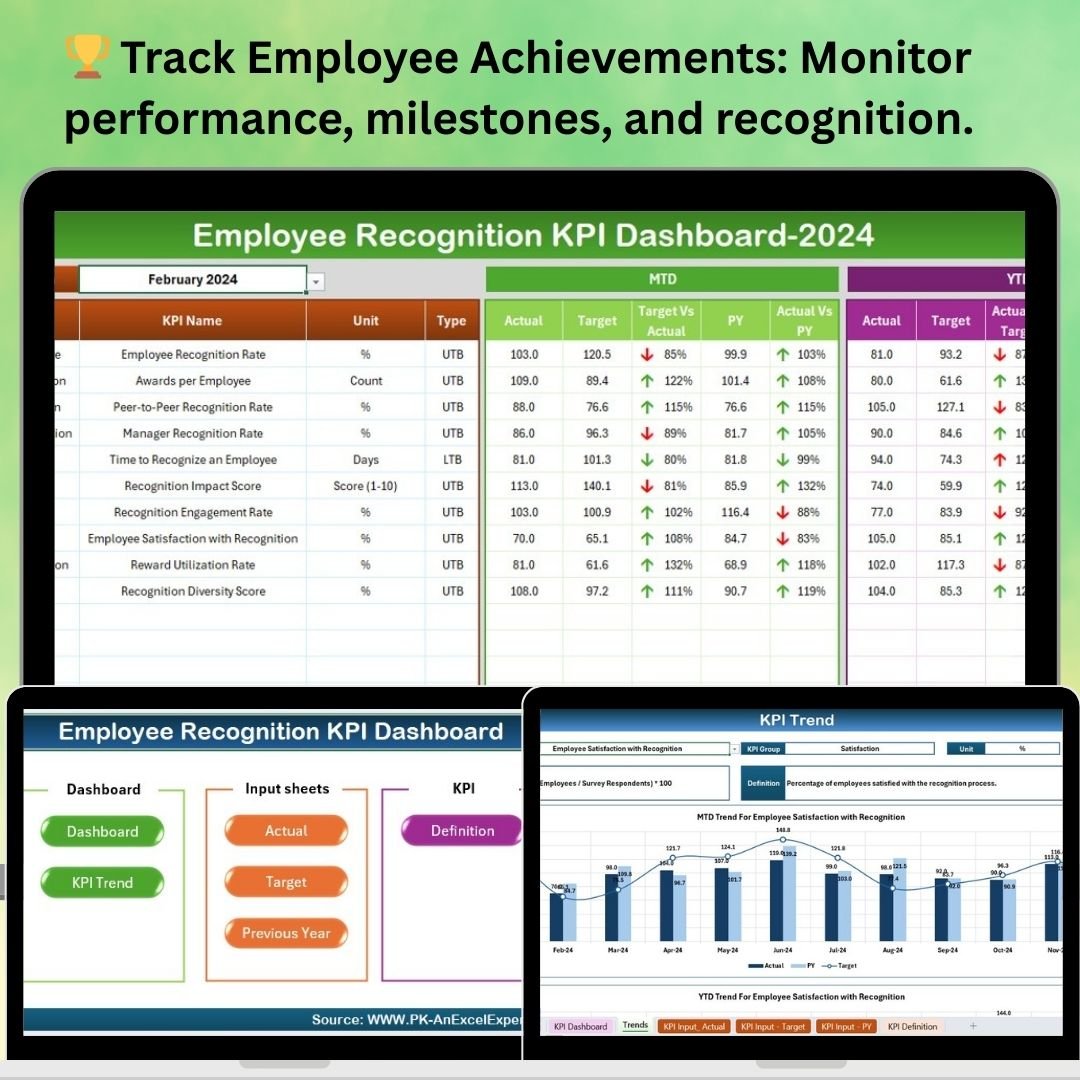
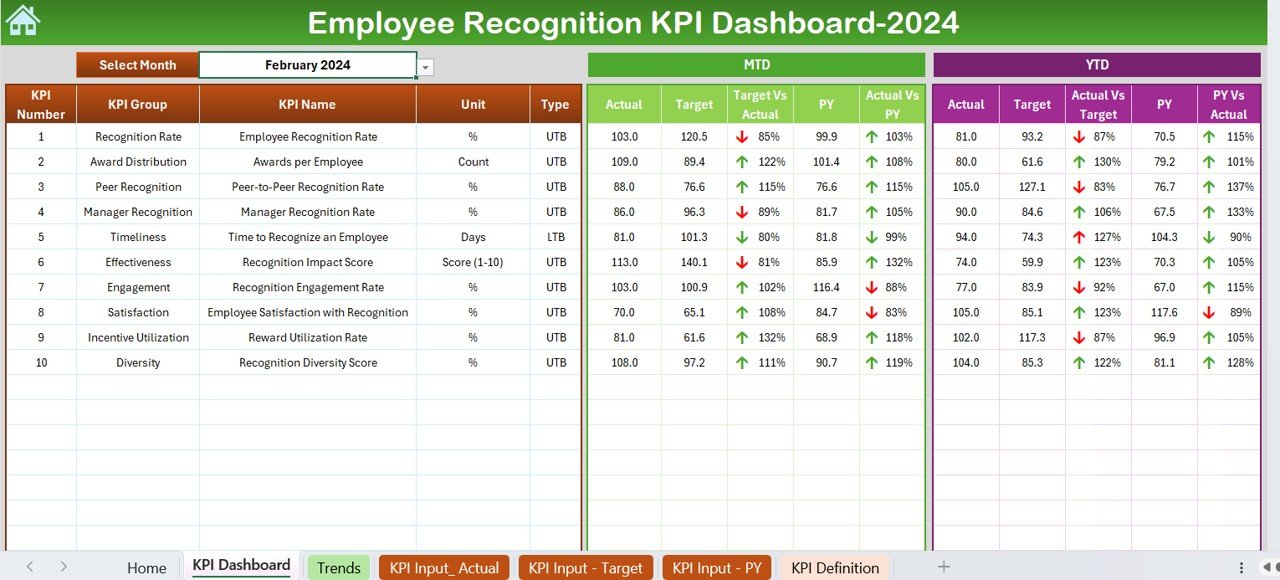
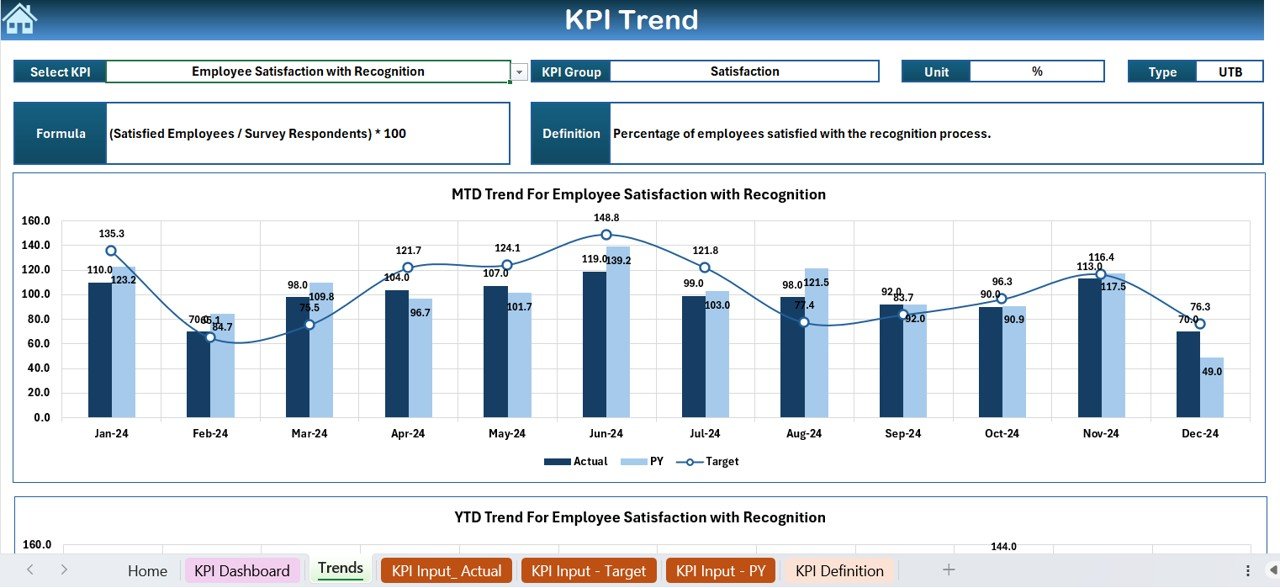
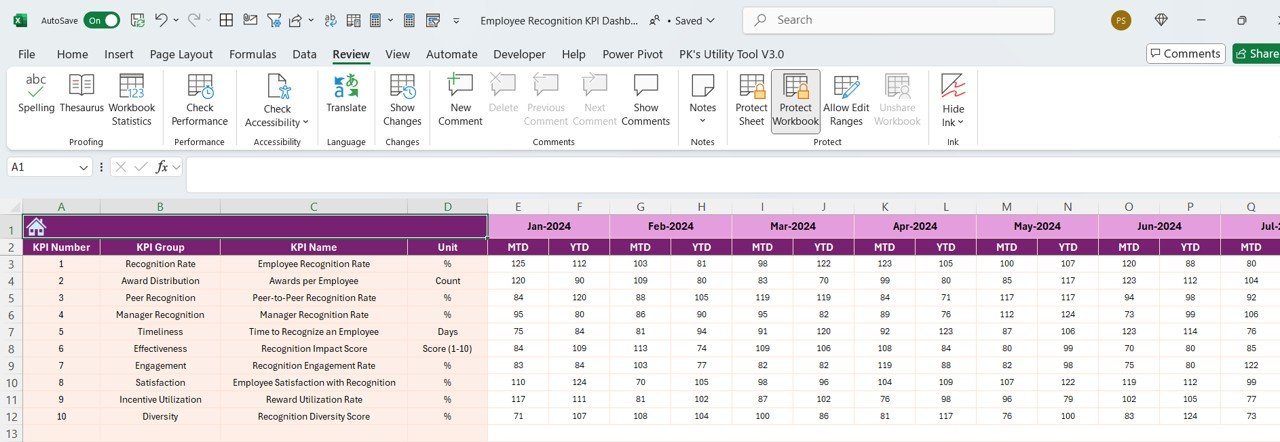
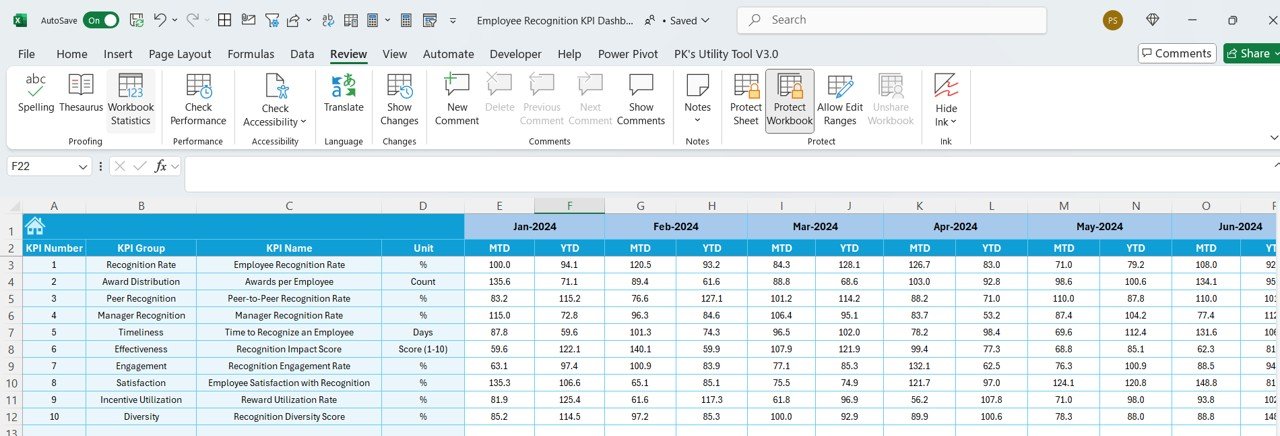
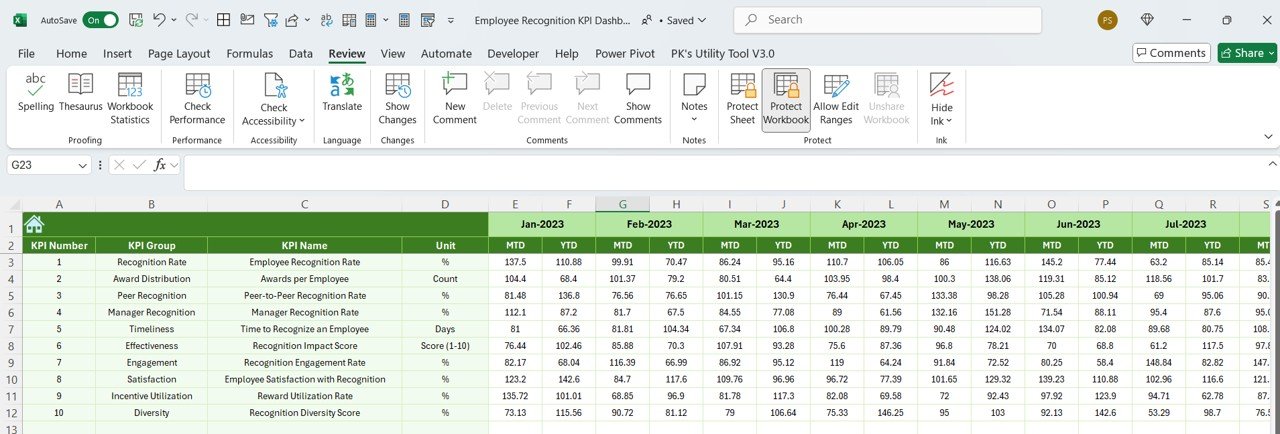
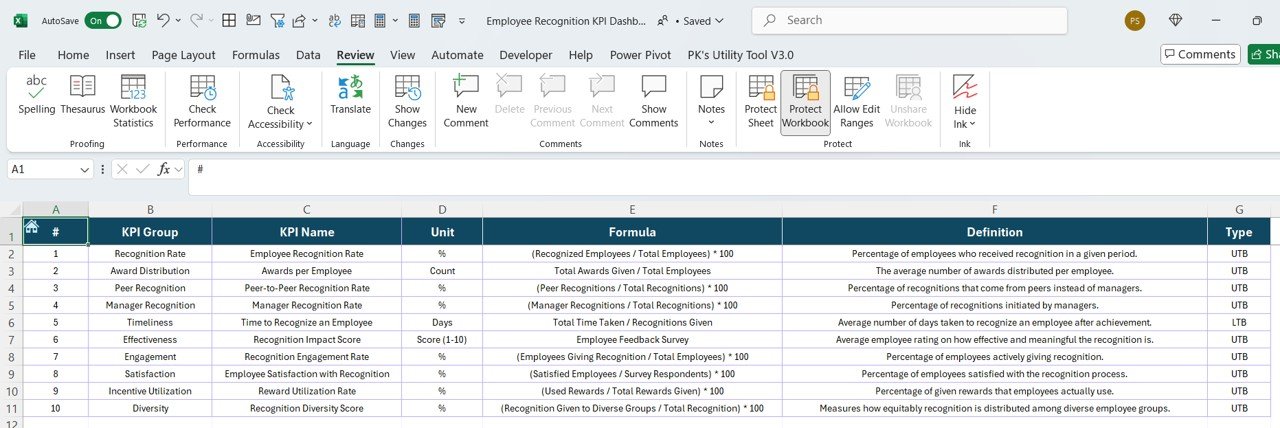

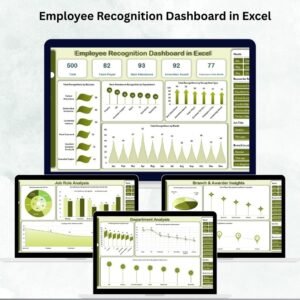
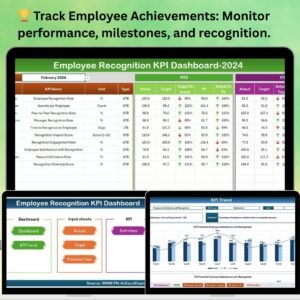
The Employee Recognition KPI Dashboard in Excel is a powerful tool designed to help HR departments, team managers, and organizations track and evaluate employee performance and recognition programs. This Excel-based dashboard helps you monitor key metrics such as employee contributions, engagement, awards, and recognition levels, ensuring that your recognition efforts are aligned with organizational goals.
With this dashboard, you can assess how well employees are performing, identify high performers, and ensure that your recognition programs are fostering a positive and motivating work environment. It also enables you to measure the effectiveness of recognition initiatives and track employee satisfaction and engagement over time.
Key Features of the Employee Recognition KPI Dashboard in Excel
🏆 Track Employee Contributions & Achievements
Monitor employee performance by tracking key achievements, milestones, and contributions. Recognize high performers and identify areas where employees can improve their skills and impact.
📈 Recognition Program Effectiveness
Evaluate the effectiveness of your employee recognition programs by tracking KPIs such as the frequency of recognition, types of awards, and employee satisfaction levels. Identify which recognition methods work best for your team.
📊 Employee Engagement Metrics
Track key engagement metrics, such as participation in recognition programs, employee satisfaction scores, and involvement in organizational activities. Assess how recognition programs influence employee engagement and morale.
📝 Awards & Milestone Tracking
Monitor employee awards, promotions, and milestone achievements. Keep a record of the recognition provided and assess how it contributes to employee retention and motivation.
📅 Real-Time Performance & Recognition Insights
Stay on top of employee performance and recognition efforts with real-time tracking. Visualize trends in employee contributions, recognition, and engagement with dynamic charts and graphs.
⚙️ Customizable & Scalable Dashboard
Tailor the dashboard to suit your specific recognition criteria, company culture, and organizational needs. Customize KPIs and tracking methods to reflect your unique employee recognition programs.
Why You’ll Love the Employee Recognition KPI Dashboard in Excel
✅ Streamline Employee Recognition
Track and evaluate employee recognition efforts in one centralized location. Ensure that your recognition programs are well-managed and aligned with organizational objectives.
✅ Measure Engagement & Satisfaction
Understand the impact of your recognition programs by tracking engagement and satisfaction metrics. Use this data to improve your recognition strategies and foster a positive workplace culture.
✅ Identify High Performers
Track achievements and contributions to recognize top performers, which can improve morale and motivate others. Use the dashboard to ensure that all employees receive the recognition they deserve.
✅ Improve Employee Retention
By tracking recognition data and employee satisfaction, you can identify trends and make adjustments to improve employee retention and engagement in the long term.
✅ Customizable for Your Organization
This dashboard is fully customizable to match your organization’s specific employee recognition goals. Adapt the KPIs, awards, and layout to fit your company culture.
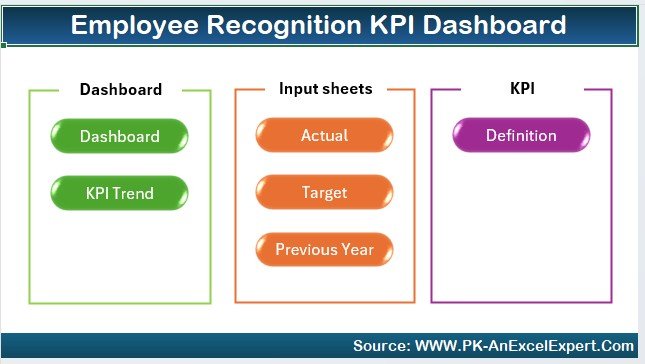
What’s Inside the Employee Recognition KPI Dashboard in Excel?
- Employee Performance Tracker: Monitor employee achievements, contributions, and performance metrics.
- Recognition Program Effectiveness: Track KPIs related to recognition frequency, awards, and employee engagement.
- Awards & Milestone Tracker: Record and monitor employee milestones, promotions, and awards.
- Employee Engagement & Satisfaction Metrics: Measure the impact of recognition programs on employee engagement and satisfaction.
- Customizable KPIs & Metrics: Tailor the dashboard to reflect your organization’s unique recognition goals and criteria.
- Real-Time Data & Visual Reports: Use dynamic charts and graphs to visualize recognition trends and performance.
How to Use the Employee Recognition KPI Dashboard in Excel
1️⃣ Download the Template: Access the Employee Recognition KPI Dashboard in Excel instantly.
2️⃣ Customize KPIs & Recognition Metrics: Tailor the dashboard to match your employee recognition program’s goals and criteria.
3️⃣ Track Employee Performance: Monitor employee contributions, achievements, and recognition efforts in real-time.
4️⃣ Evaluate Program Effectiveness: Track KPIs such as recognition frequency, employee satisfaction, and awards effectiveness.
5️⃣ Generate Reports & Analyze Data: Use visual insights and reports to measure the impact of recognition programs and make improvements.
Who Can Benefit from the Employee Recognition KPI Dashboard in Excel?
🔹 HR Departments & Talent Managers
🔹 Team Leaders & Managers
🔹 Employee Engagement & Experience Teams
🔹 Operations Managers & Executives
🔹 Corporate Leaders & Decision-Makers
🔹 Small & Large Enterprises focusing on employee satisfaction
Improve employee engagement, track recognition efforts, and optimize your workplace culture with the Employee Recognition KPI Dashboard in Excel. Monitor key metrics and foster a culture of appreciation and motivation across your organization.
Click here to read the Detailed blog post
Visit our YouTube channel to learn step-by-step video tutorials
Youtube.com/@PKAnExcelExpert
Compatibility and Requirements
- Works in Microsoft Excel desktop (Excel 2016 or later, or Microsoft 365).
- The dashboard uses charts to show recognition trends. Microsoft explains how to build them in Create a chart from start to finish.
Frequently Asked Questions
What does the dashboard track?
It tracks employee performance and achievements, recognition frequency and award types, milestones and promotions, and engagement and satisfaction metrics.
Can I change the KPIs?
Yes. The KPIs, awards and layout can be customized to match your recognition criteria and company culture.
How do I see recognition trends?
The dashboard shows employee contributions, recognition and engagement in charts and graphs, so you can follow how they change over time.
Is there a Google Sheets version?
There is an Employee Recognition Dashboard in Google Sheets. It is a separate dashboard for the same topic.
Related Employee Recognition Templates
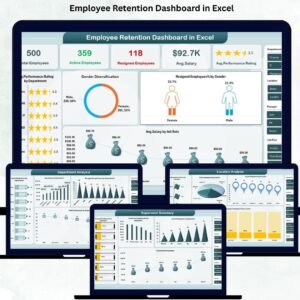
- Employee Recognition Dashboard in Excel: another Excel dashboard for recognition programs
- Employee Recognition Nomination Tracker in Excel: log and follow nominations
- Employee Recognition Calendar in Excel: plan recognition events through the year
- Employee Recognition Dashboard in Google Sheets: the Google Sheets edition
- Employee Performance Rating Card and Dashboard in Excel: rate and review employee performance
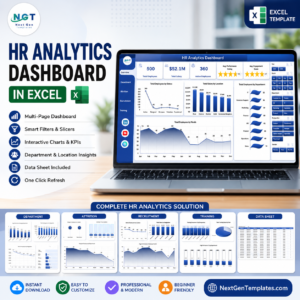
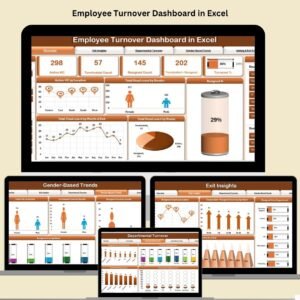
Browse all HR and Payroll templates and Excel KPI dashboards.














Reviews
There are no reviews yet.