

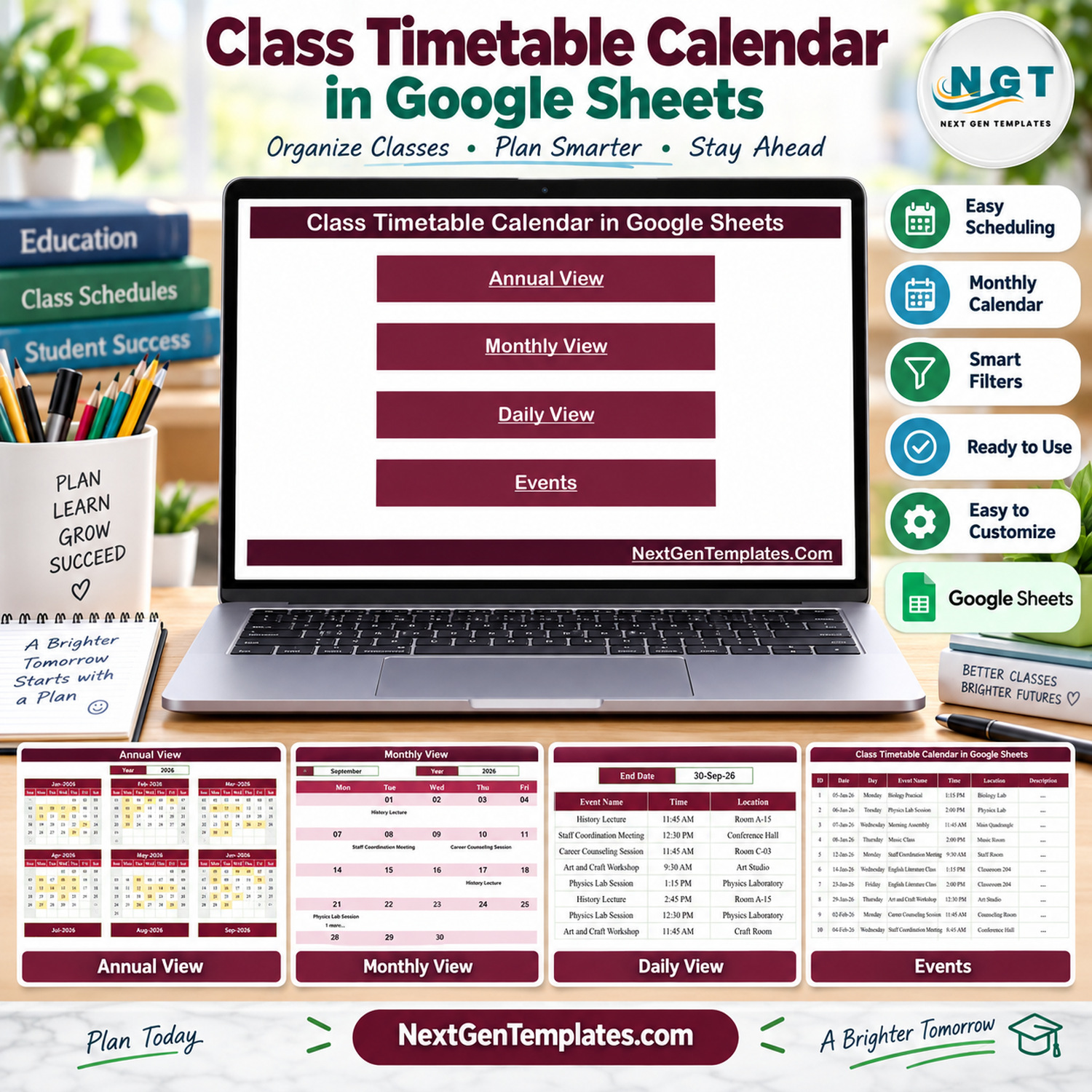

Class Timetable Calendar in Google Sheets is an editable planning template for arranging lessons, school activities, academic events, and other time-based commitments in one shared spreadsheet. It combines a simple Events register with annual, monthly, and daily views, helping teachers and administrators move from a detailed event list to a clear calendar without macros or specialist scheduling software.

Class Timetable Calendar in Google Sheets: 5 Useful Pages
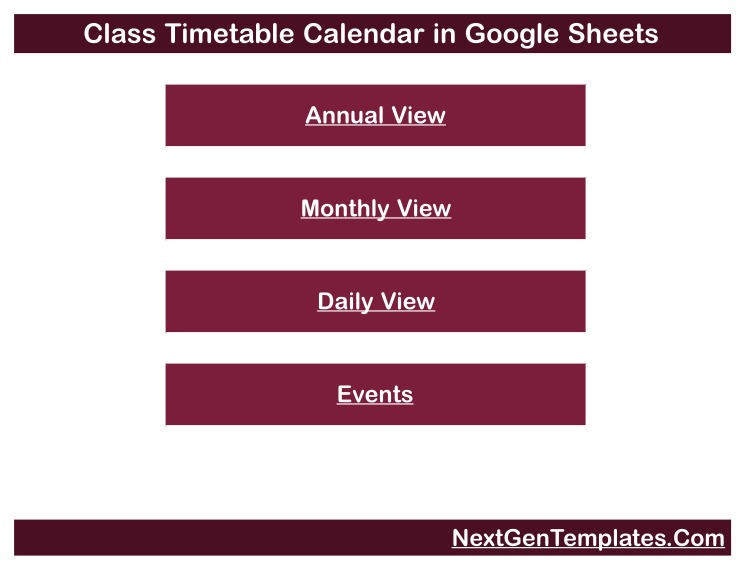
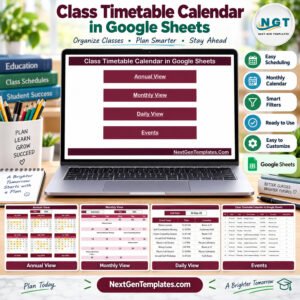
The template contains five focused pages: Home, Annual View, Monthly View, Daily View, and Events. The Home page provides navigation, while the calendar pages present the source entries at different levels of detail. If you need a practical class schedule calendar template, this layout keeps the source data and visual schedule connected.
Key Features
- Home navigation: open each working page from a clean landing screen.
- Annual View: review all twelve months together and see dates that contain scheduled entries.
- Monthly View: select a month and year and review events in a familiar Sunday-to-Saturday calendar.
- Daily View: choose a start and end date to display the matching schedule details.
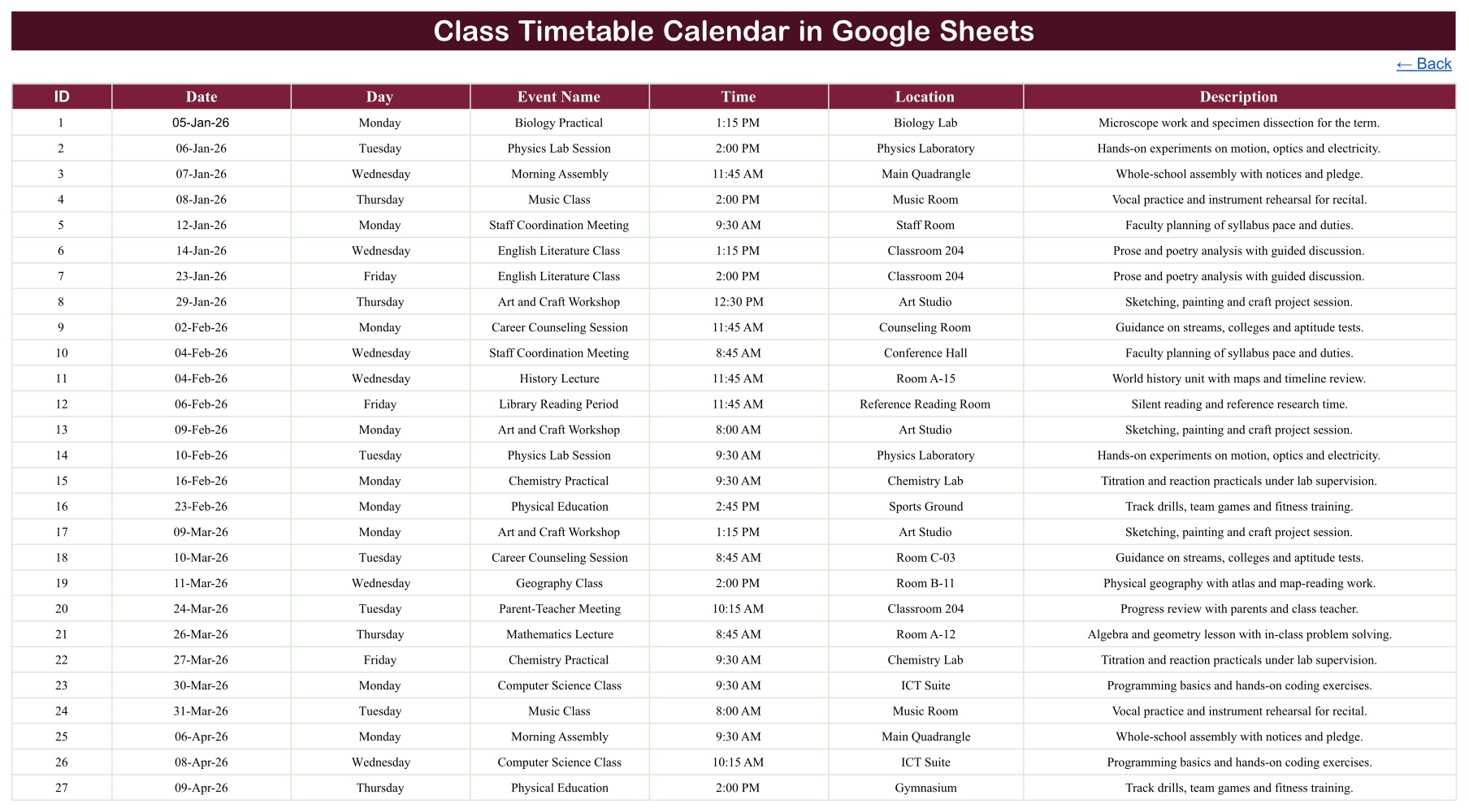
- Events register: maintain the source records in a structured table with ID, Date, Day, Event Name, Time, Location, and Description.
- Google Sheets format: work in a browser, share access under your own Google account, and adapt the supplied sample entries.
- No macros: the supplied template uses the structure and formulas already built into Google Sheets.

What the Calendar Tracks
| Field | Purpose |
|---|---|
| ID | Provides a simple reference for each entry. |
| Date | Places the item on the annual and monthly calendar views. |
| Day | Displays the written weekday beside the record. |
| Event Name | Identifies the lesson, class, examination, meeting, activity, or other timetable item. |
| Time | Records the planned time for the entry. |
| Location | Records a room, laboratory, hall, online space, or other venue. |
| Description | Adds a short note for context. |
How to Use the Academic Timetable Planner
- Download the supplied PDF and open its verified link to the live Google Sheets template.
- Make your own copy in Google Drive before changing the sample information.
- Replace the Events rows with your dates, weekdays, names, times, locations, and descriptions.
- Use Annual View for a high-level overview and Monthly View to concentrate on one month.
- Use the start and end date controls in Daily View when you need a detailed list for a specific period.
- Check the visible results after major edits and keep an untouched backup of the original template.
The date controls are the template’s “smart filters”: they let you switch the displayed year, month, or date range. They do not automatically allocate teachers, rooms, subjects, or lesson periods.
Who Can Use This Google Sheets School Calendar?
This Google Sheets school calendar can support teachers, tutors, school offices, training coordinators, department administrators, coaching centres, and small education teams. It is useful when the priority is a readable shared calendar rather than a full student-information or institutional timetabling platform.
The same structure can also serve as an academic timetable planner for workshops, revision sessions, examinations, club meetings, parent events, laboratory bookings, and training activities. Categories and wording can be adapted to the organisation’s approved process.
Calendar Views at a Glance
| Page | Best used for |
|---|---|
| Home | Quick navigation to the four working views. |
| Annual View | Scanning scheduled dates across twelve months. |
| Monthly View | Reviewing one selected month in calendar format. |
| Daily View | Listing all matching entries within a chosen date range. |
| Events | Adding and maintaining the underlying timetable records. |

Important Limitations
- This is a calendar and event register, not an automatic timetable generator.
- It does not check teacher availability, student groups, room capacity, travel time, lesson-period conflicts, or regulatory requirements.
- It does not include attendance, grading, enrolment, messaging, notifications, approvals, or LMS/SIS integrations.
- On a date with more than one entry, Monthly View may show the first item with an additional-item counter; use Daily View or Events for complete detail.
- Sample data is illustrative. Replace it and validate every operational date, weekday, time, and location before use.
- Sharing permissions, personal-data handling, backups, and Google service access remain the user’s responsibility.
Frequently Asked Questions
Does the template create a conflict-free school timetable?
No. It displays the events you enter, but it does not optimise schedules or detect clashes between people, rooms, or class groups.
Can I change the year and month?
Yes. Annual and Monthly views include date controls. Review the displayed dates and source entries whenever you reuse the file for another period.
Can several items be entered on the same date?
Yes. The Events and Daily pages retain the detailed rows. Monthly View can show the first entry plus an indicator that more items exist.
What do I receive?
You receive a downloadable PDF containing the verified link to the editable template. Follow the link and make a copy in your own Google Drive.
Where can I learn more about using Sheets?
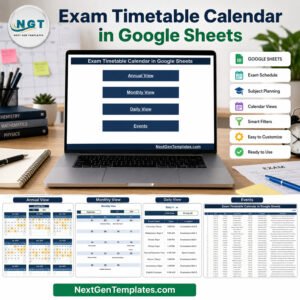
Google’s official Google Sheets help explains sharing, editing, and spreadsheet basics. You can also browse our Google Sheets templates, Exam Timetable Calendar, School Bus Route Calendar, and Mental Health Session Calendar.
A Flexible Class Event Calendar Spreadsheet
Use this class event calendar spreadsheet as a clear central reference for lessons and academic activities. The Class Timetable Calendar in Google Sheets provides five connected pages, simple date controls, and an editable event
Watch the step-by-step video Demo:
while keeping its scope transparent and easy to understand.
Compatibility and Requirements
- Works in Google Sheets. You need a free Google account and a web browser.
- The Annual and Monthly views use date controls. Google explains how to get started in Get started with Google Sheets.
Related Calendar Templates
- Class Timetable Calendar in Excel: the same class timetable layout for Excel
- Dynamic Holiday and Event Calendar in Google Sheets: a Google Sheets calendar for holidays and events
- School Events Calendar in Excel: school events in an Excel calendar
- Calendar & Planner Pack: 12 calendar and planner templates in one download
Browse all Google Sheets calendar templates.




























Reviews
There are no reviews yet.